Game Tools
1
Upload reference images
Reference 1
Preset characters
Click preset characters to fill reference slots in order.
Target: Reference 1
2
Choose preset
3
Add extra details
4
Set output and generate
Aspect ratio
Model
300 credits will be charged
Tutorial
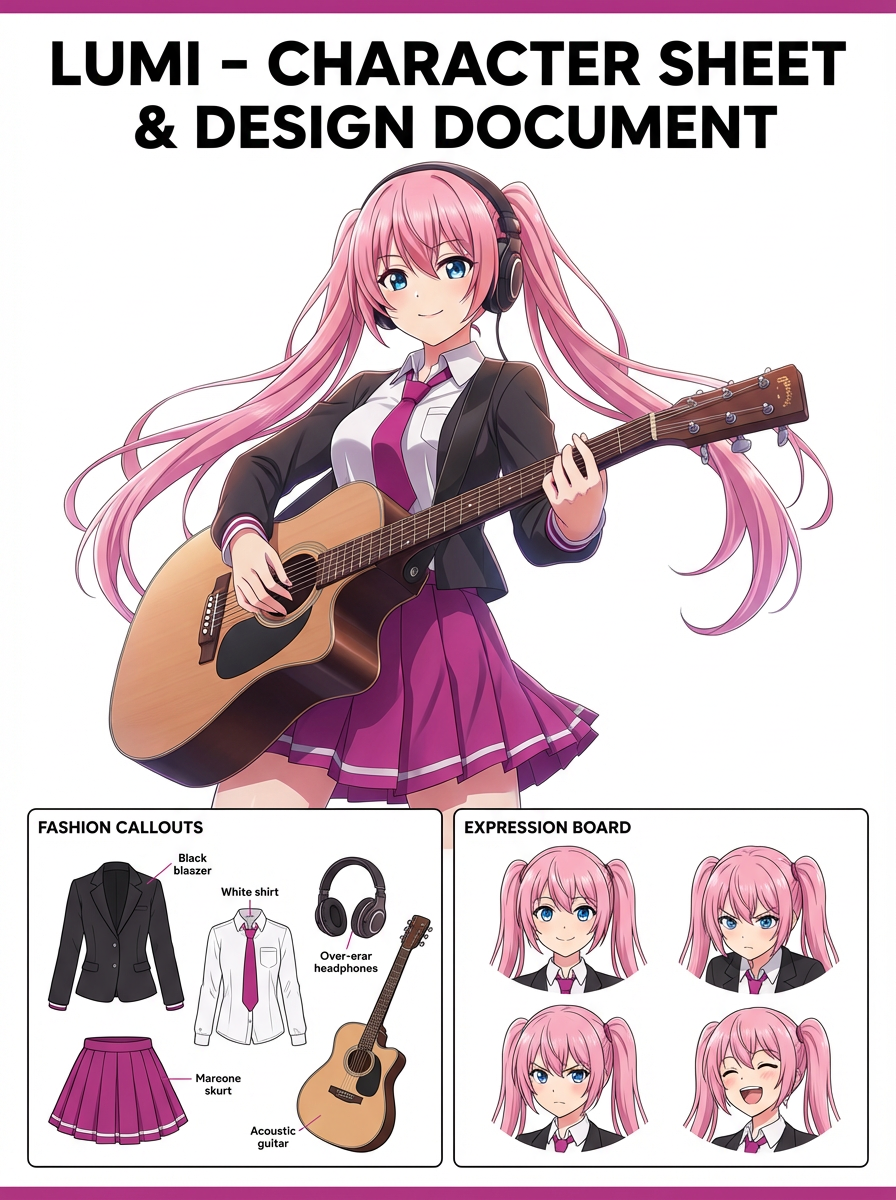
Follow the suggested workflow, then use the example outputs as visual references.
1
Upload a clear character image
Use a front-facing or readable three-quarter reference with enough detail to preserve costume information.
2
Pick a sheet direction
Choose whether the output should emphasize outfit layers, face expressions, or presentation-style breakdowns.
3
Generate a sheet worth reusing
Keep the version that is easiest to hand off to artists, collaborators, or future prompt iterations.
AI Character Sheet Generator results will appear here
Upload your references, set the look, and generate.