Game Tools
1
Upload reference images
Reference 1
Preset characters
Click preset characters to fill reference slots in order.
Target: Reference 1
2
Choose preset
3
Add extra details
4
Set output and generate
Aspect ratio
Model
300 credits will be charged
Tutorial
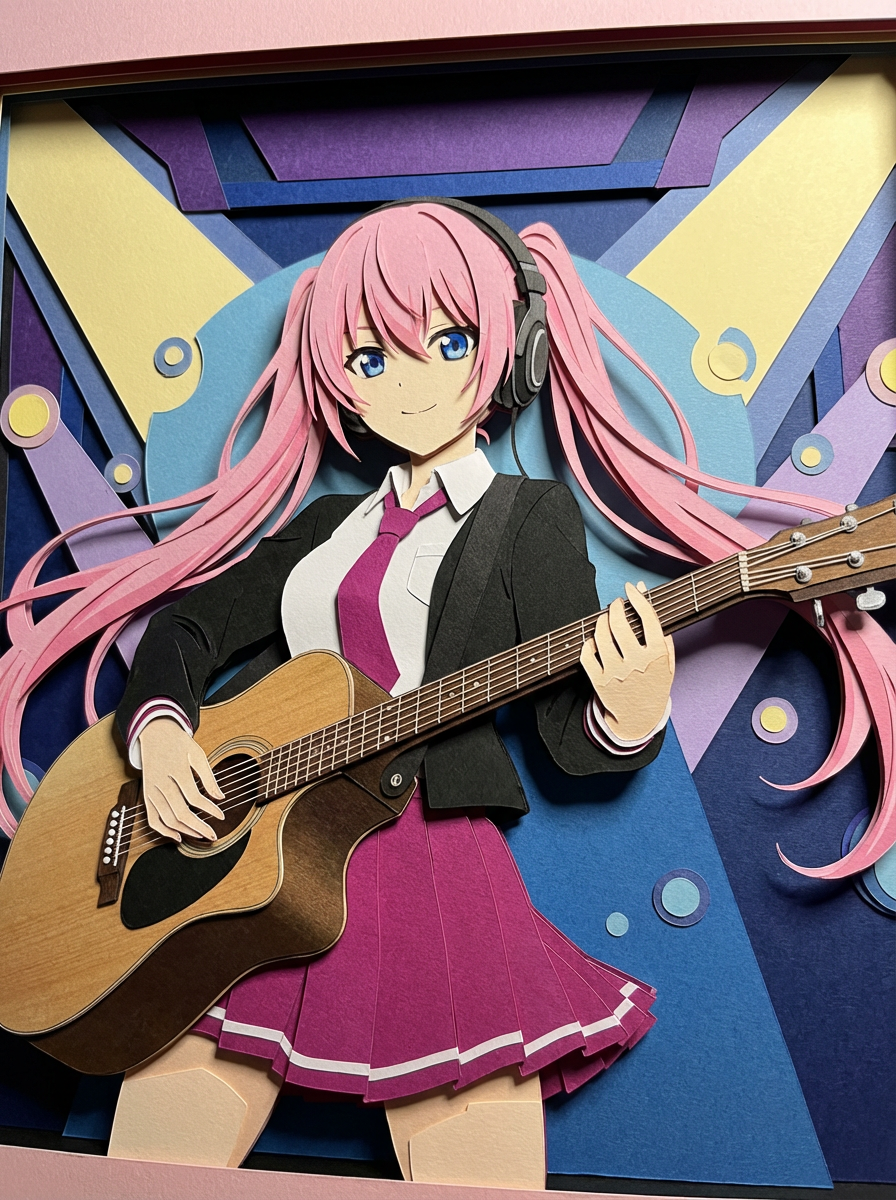
Follow the suggested workflow, then use the example outputs as visual references.
1
Upload the reference
Use a source image with clear contours and a simple enough silhouette to translate into paper layers.
2
Pick the craft depth
Set whether the output should feel like a flat cutout or a richer stacked paper composition.
3
Generate a tactile-looking result
Keep the version where the paper layering feels intentional and the subject stays readable.
AI Paper Cutout Generator results will appear here
Upload your references, set the look, and generate.