Game Tools
1
Upload reference images
Reference 1
Preset characters
Click preset characters to fill reference slots in order.
Target: Reference 1
2
Choose preset
3
Add extra details
4
Set output and generate
Aspect ratio
Model
300 credits will be charged
Tutorial
Follow the suggested workflow, then use the example outputs as visual references.
1
Upload the portrait
Use a clear character or OC image that can still read well inside a smaller snapshot frame.
2
Set the photo mood
Choose whether the output should feel warmer, more collectible, or more casual and candid.
3
Keep the best instant-photo variant
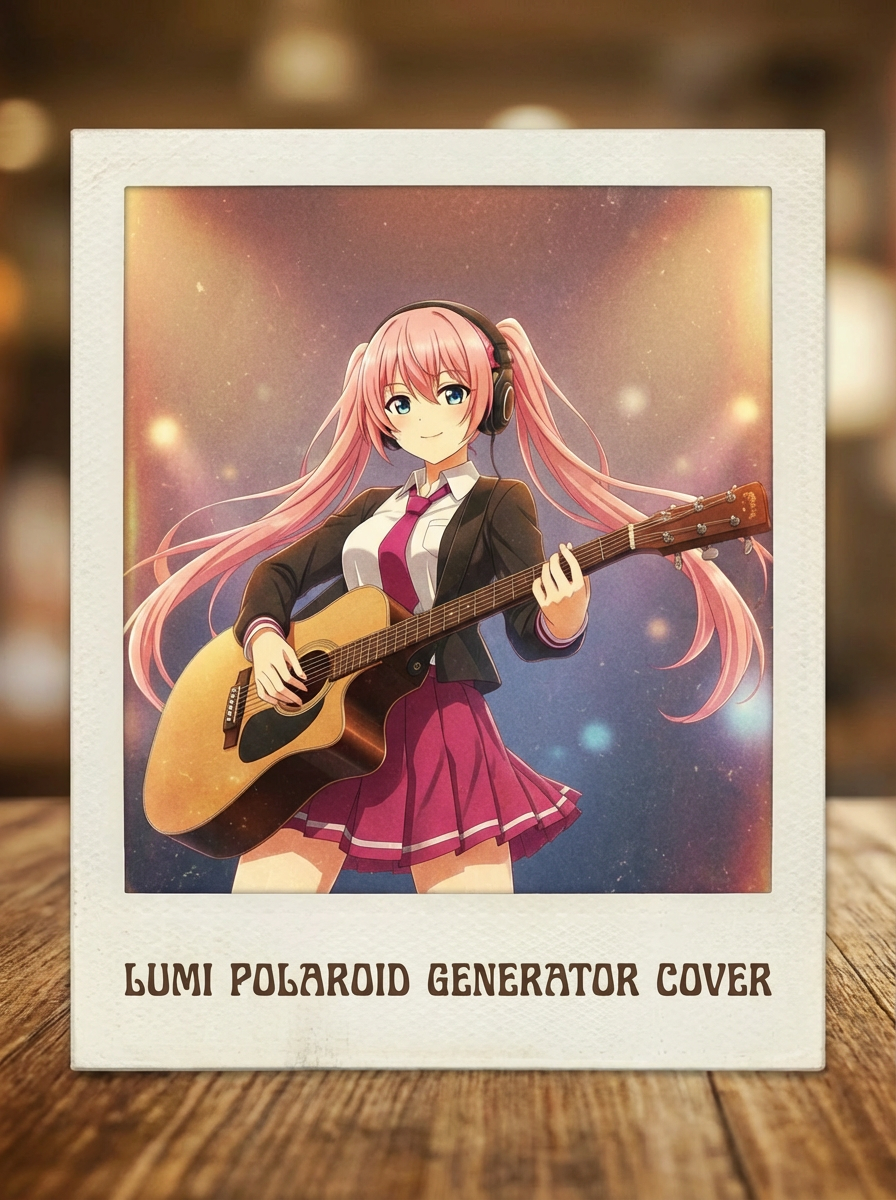
The strongest output should sell the polaroid effect while keeping the subject recognizable.
AI Polaroid Generator results will appear here
Upload your references, set the look, and generate.