AI Image Style Transfer Studio
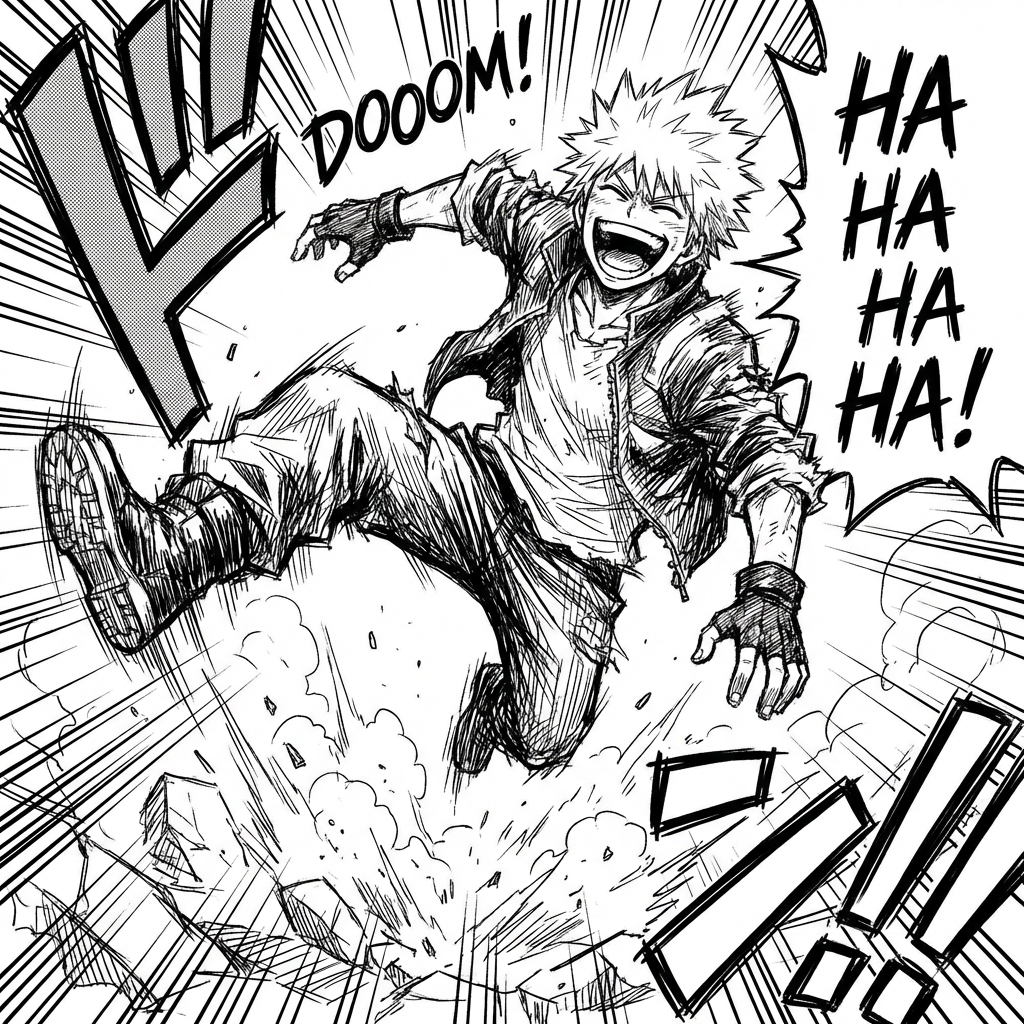
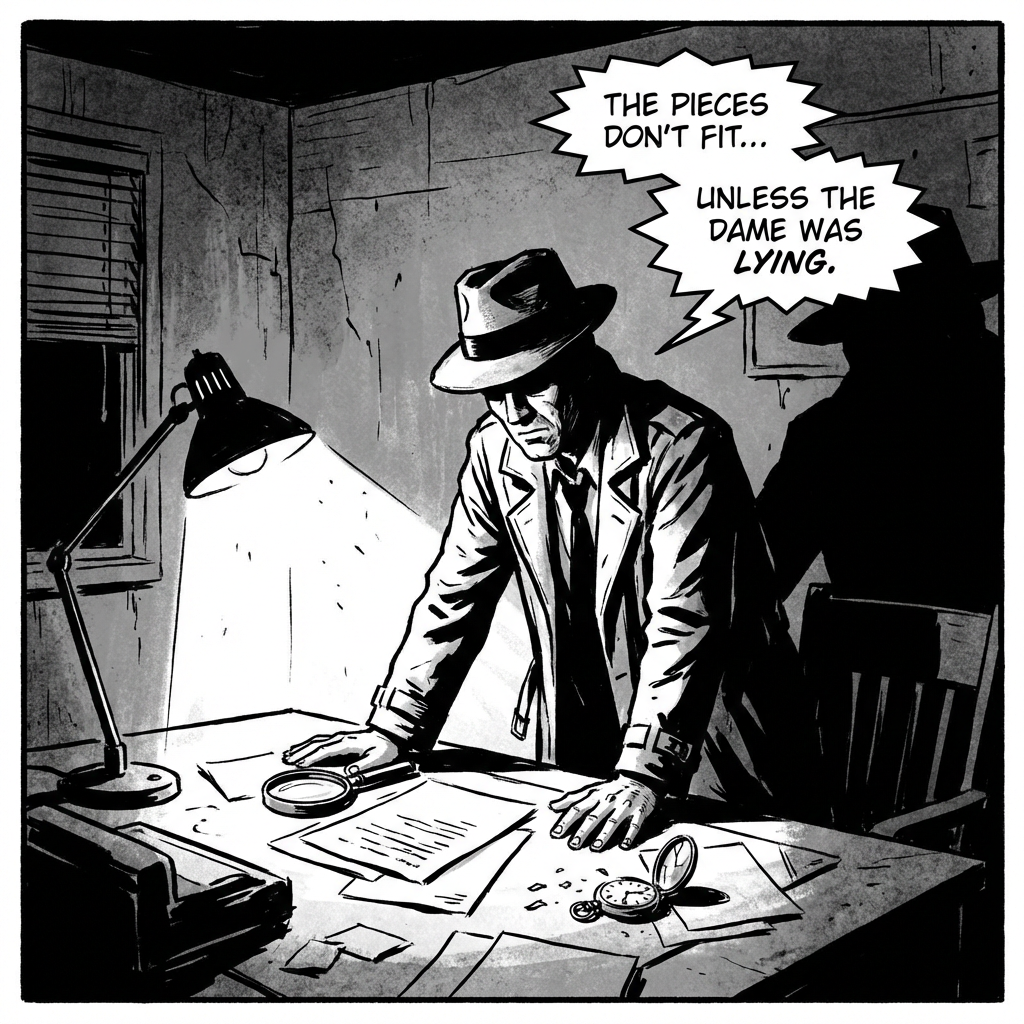
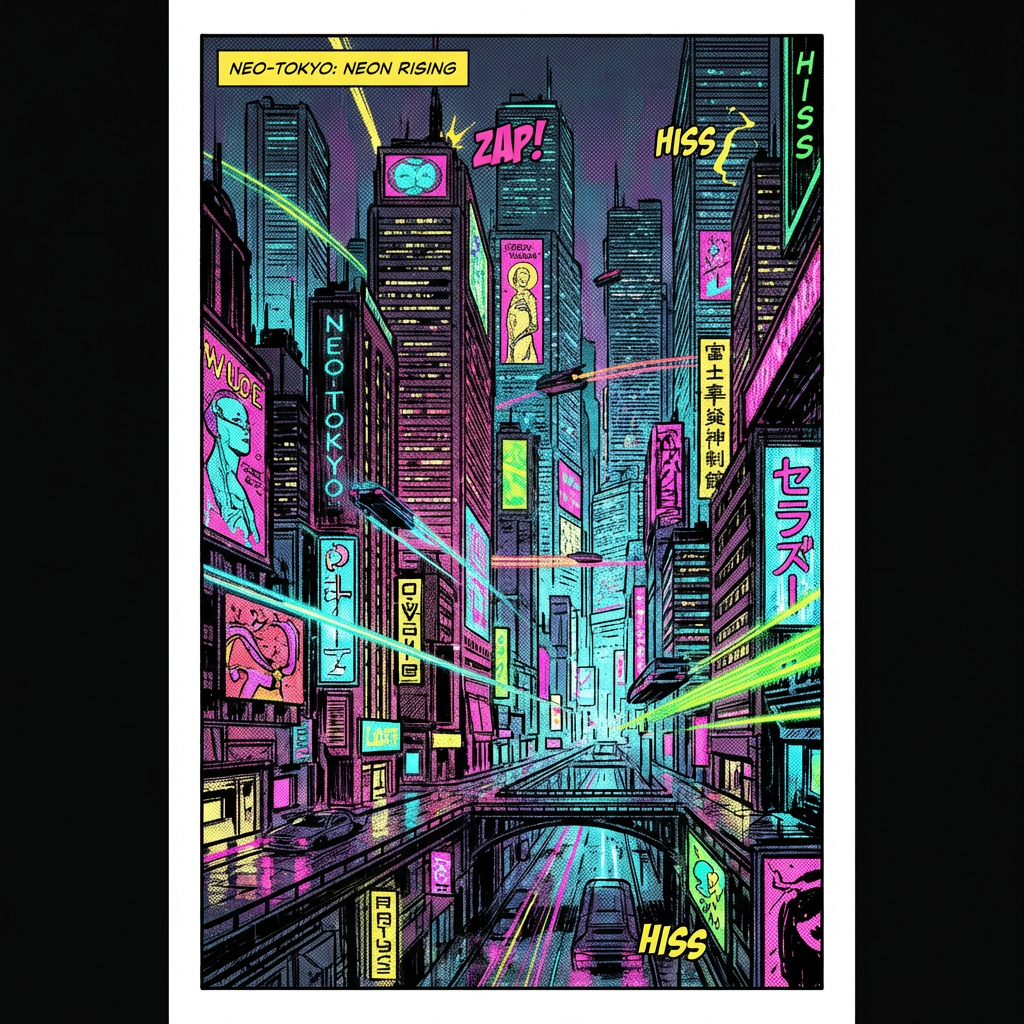
Use AI image style transfer to stylize uploaded images with preset styles or reference style images, then generate high-quality results in batch.
Image Upload
Upload images to transform with AI style transfer.
Drag and drop images here
or click to select files
Up to 20 images supported. Current plan limit: 1 (0/1)
Tutorial
How to use AI Image Style Transfer
- Upload one or more source images.
- Choose a style source from upload, presets, or history.
- You can also write style instructions in the variation input box. Then choose model, resolution, and generate count. Click Generate and review results in the preview area.
If style prompt is clear, generation can run without a style reference image. When style references are provided, source is treated as image 1 and references are treated as image 2 and later. The system keeps source composition and transfers style attributes.
For stable quality, keep style instructions specific in medium, palette, texture, and lighting. Use Match input image when you want framing consistency. Start with generate count 1 and increase after quality is confirmed.