Photo to Sketch
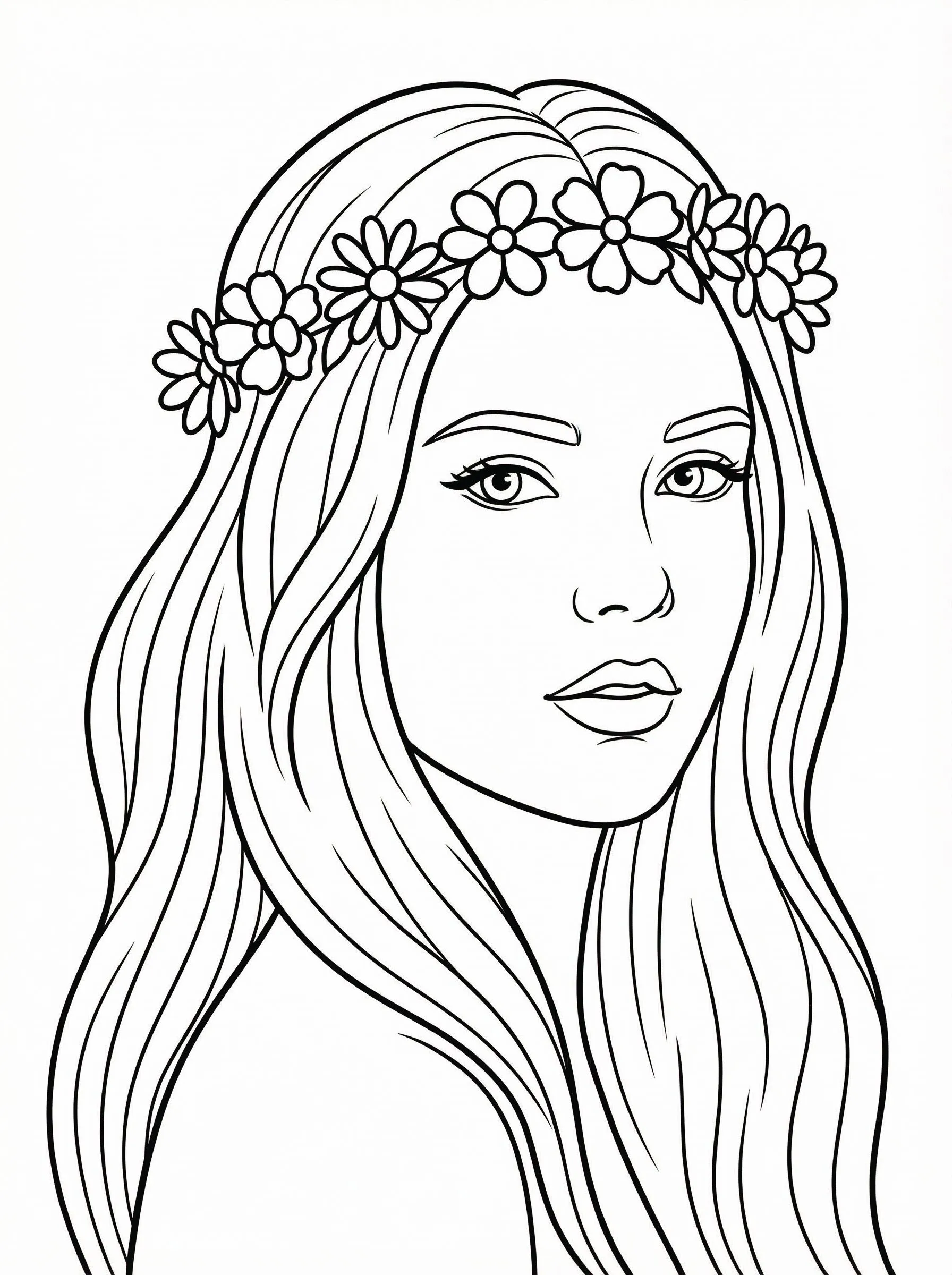
Turn photo into coloring page
1
Choose type of coloring page

2
Upload Your Image
Click to upload or drag image hereJPG, PNG, WEBP | Max 10MB
3
Select a Model
300 credits will be charged
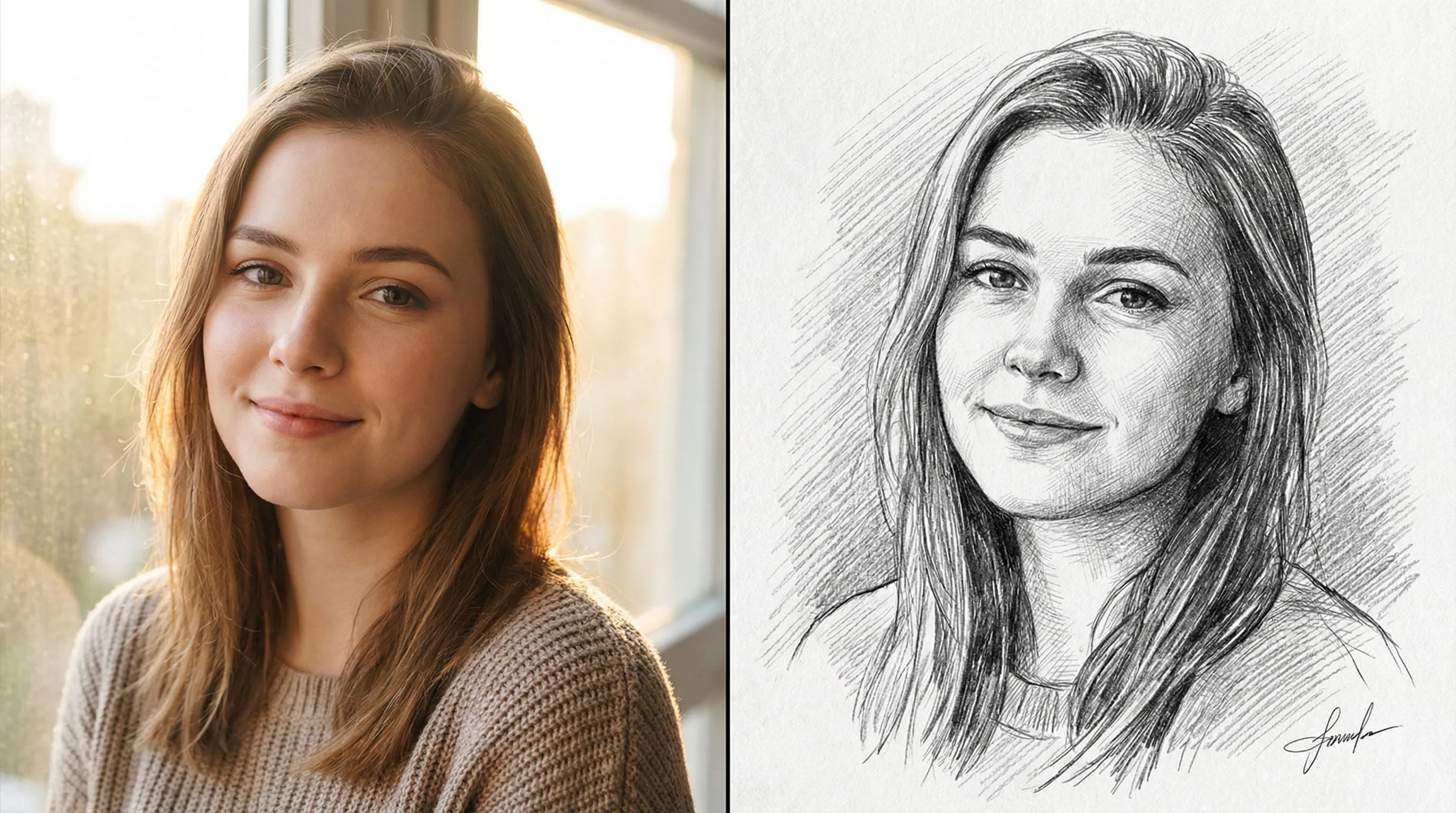
No ideas? Try our Preset Templates to Get Started






Tutorial
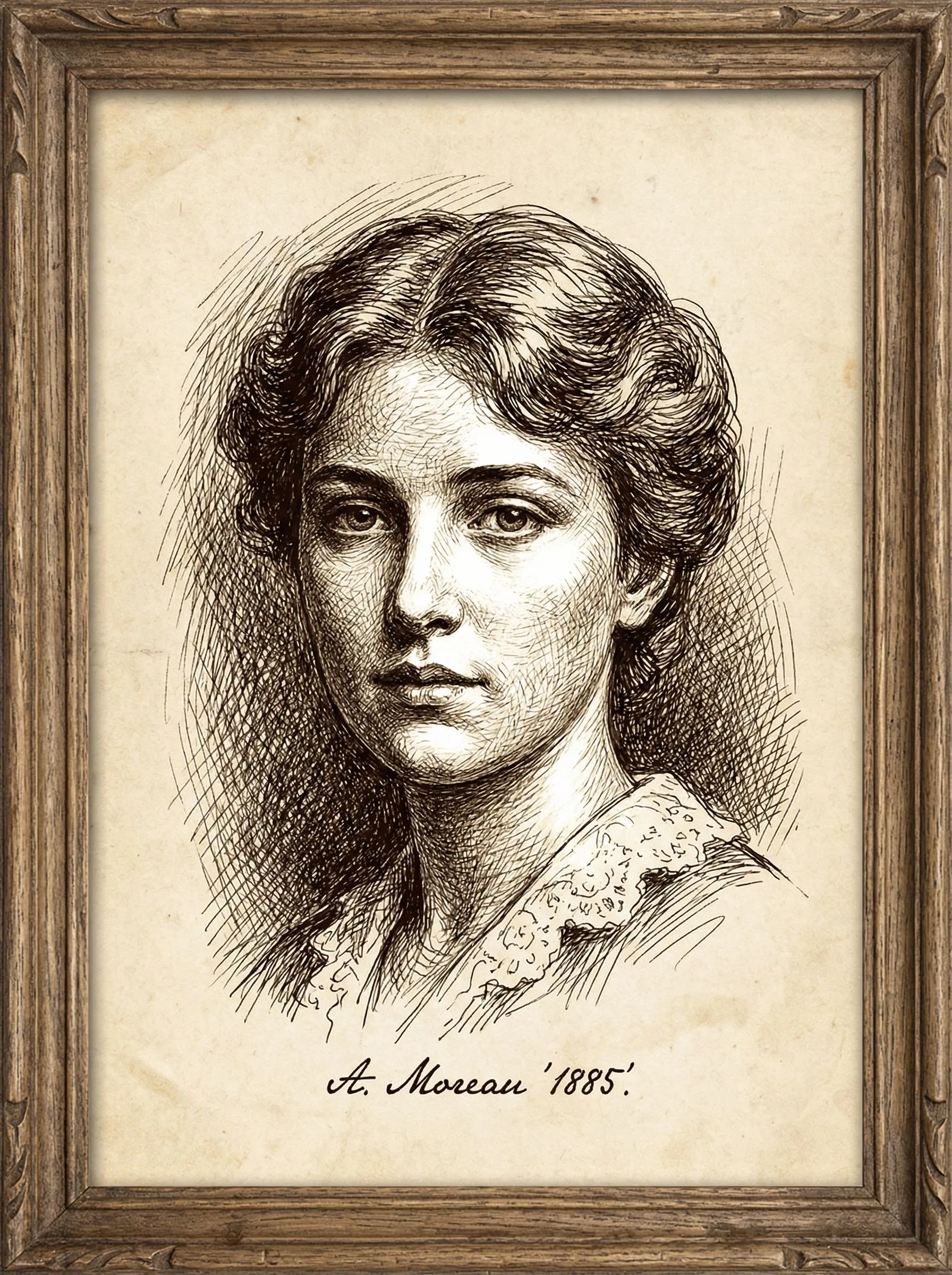
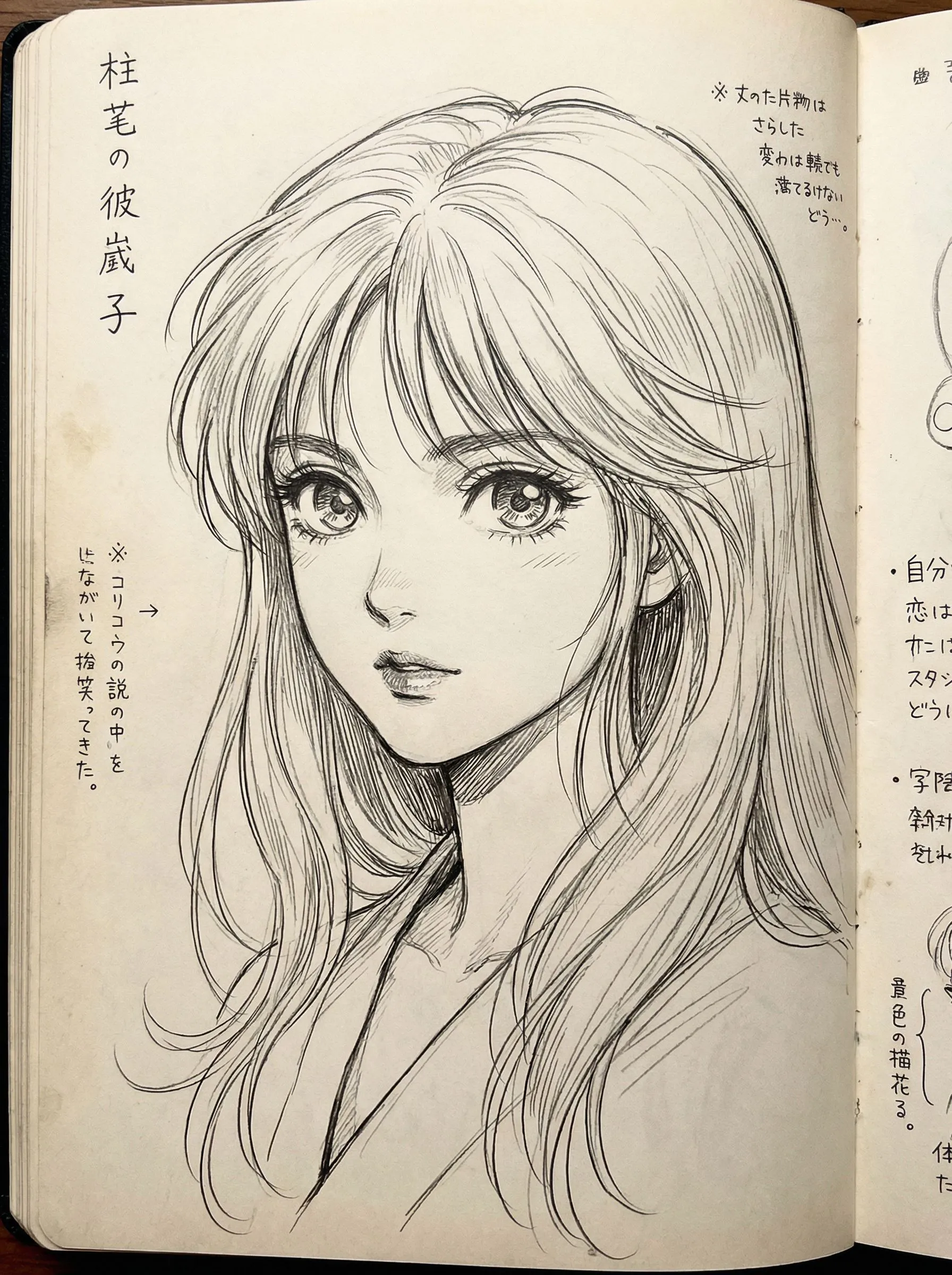
Photo to Sketch is best when you use it to turn portraits or reference images into clean sketch, line-art, or coloring-page outputs.
Step 1: Prepare the right input
Use a sharp reference photo with clear edges around the main subject.
Step 2: Set the generation direction
Choose the sketch style and model that fit whether you want soft pencil, hard ink, or coloring-page lines.
Step 3: Generate, review, and keep the strongest result
Compare line density and facial clarity, then keep the result that is easiest to edit or print.
Best results
- Remove cluttered backgrounds before generating a coloring page.
- Use softer styles when you still want shading information.
- Check line thickness around eyes and mouth before exporting.