Black and White Image Filter
Transform photos into crisp monochrome or sketch-like outputs.
1
Upload Your Image
Click to upload or drag image hereJPG, PNG, WEBP | Max 10MB
2
Select a Model
300 credits will be charged
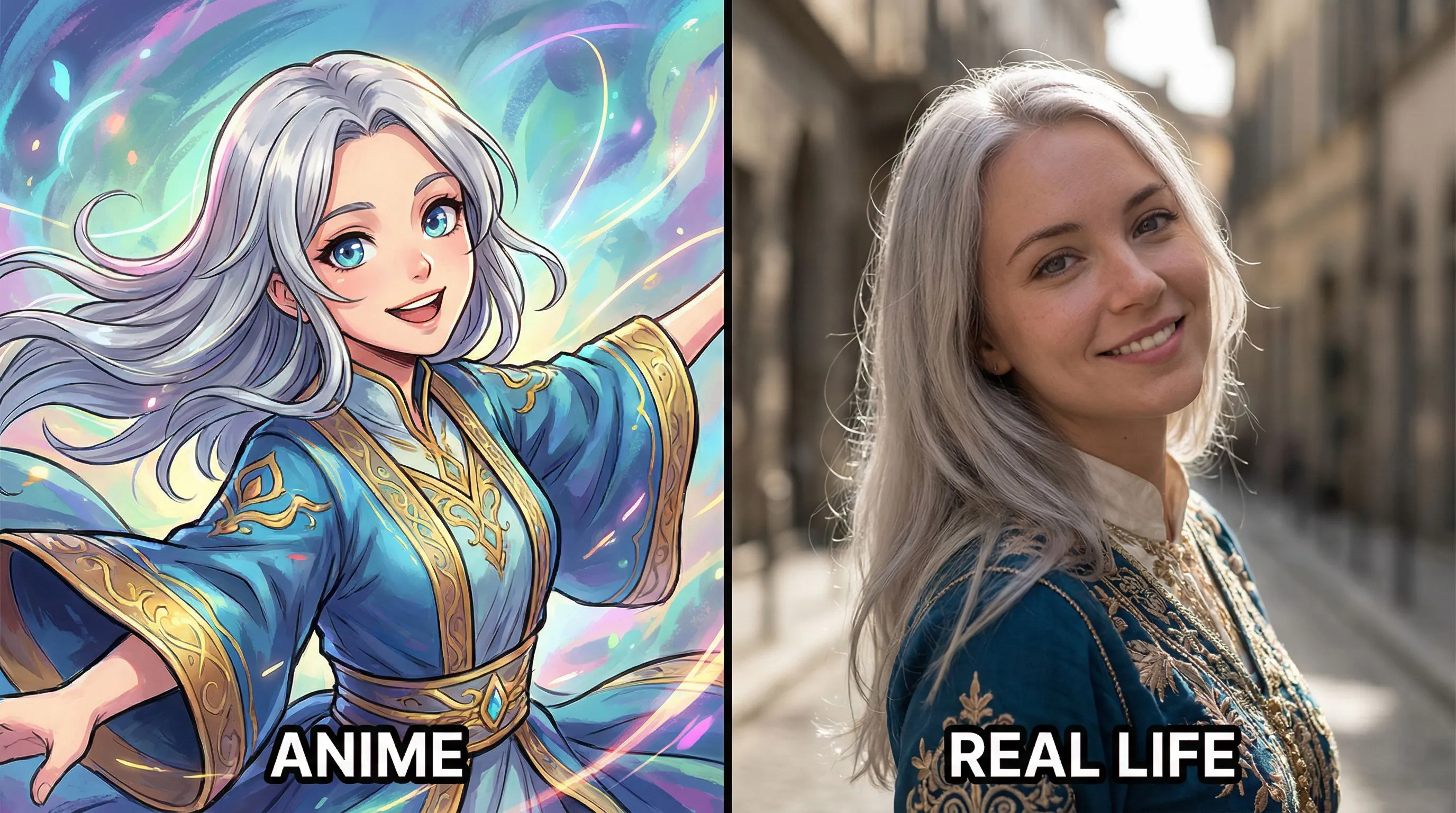
No ideas? Try our Preset Templates to Get Started
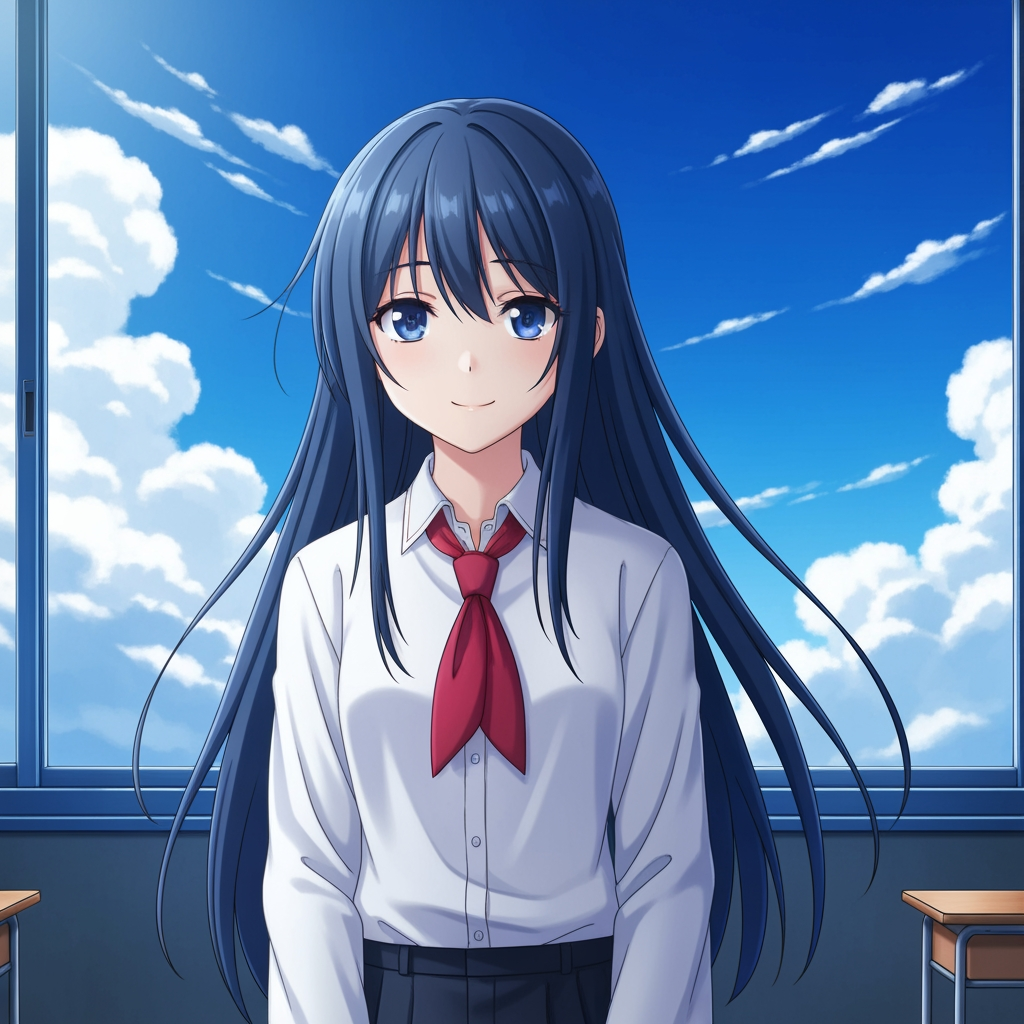
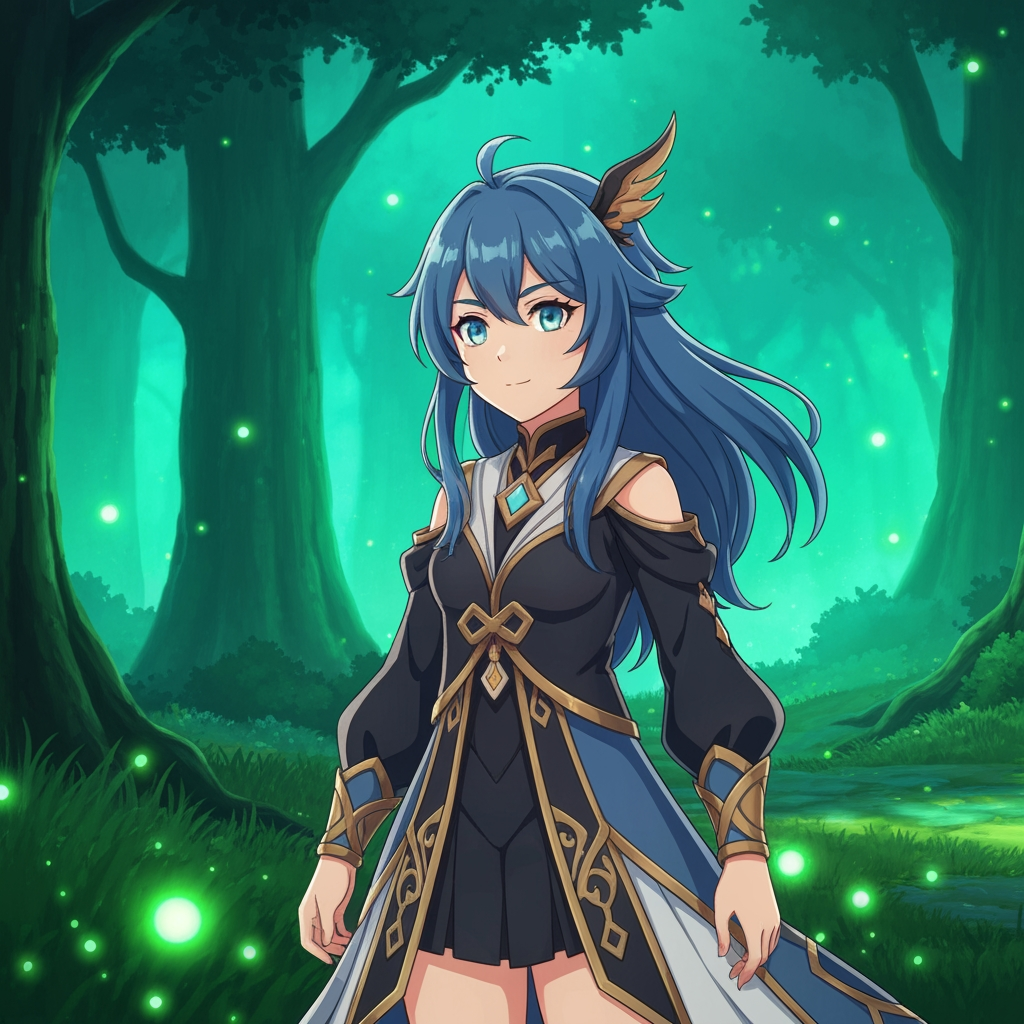
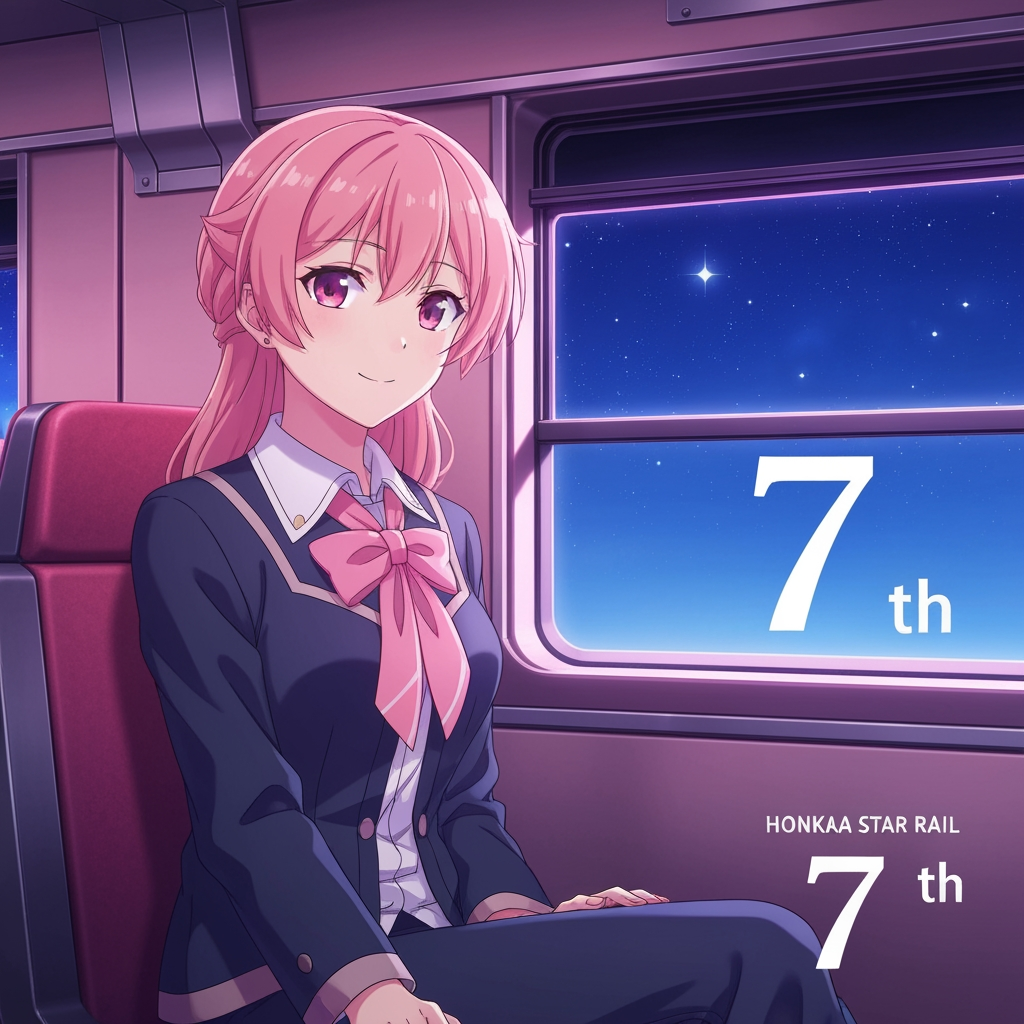
Tutorial
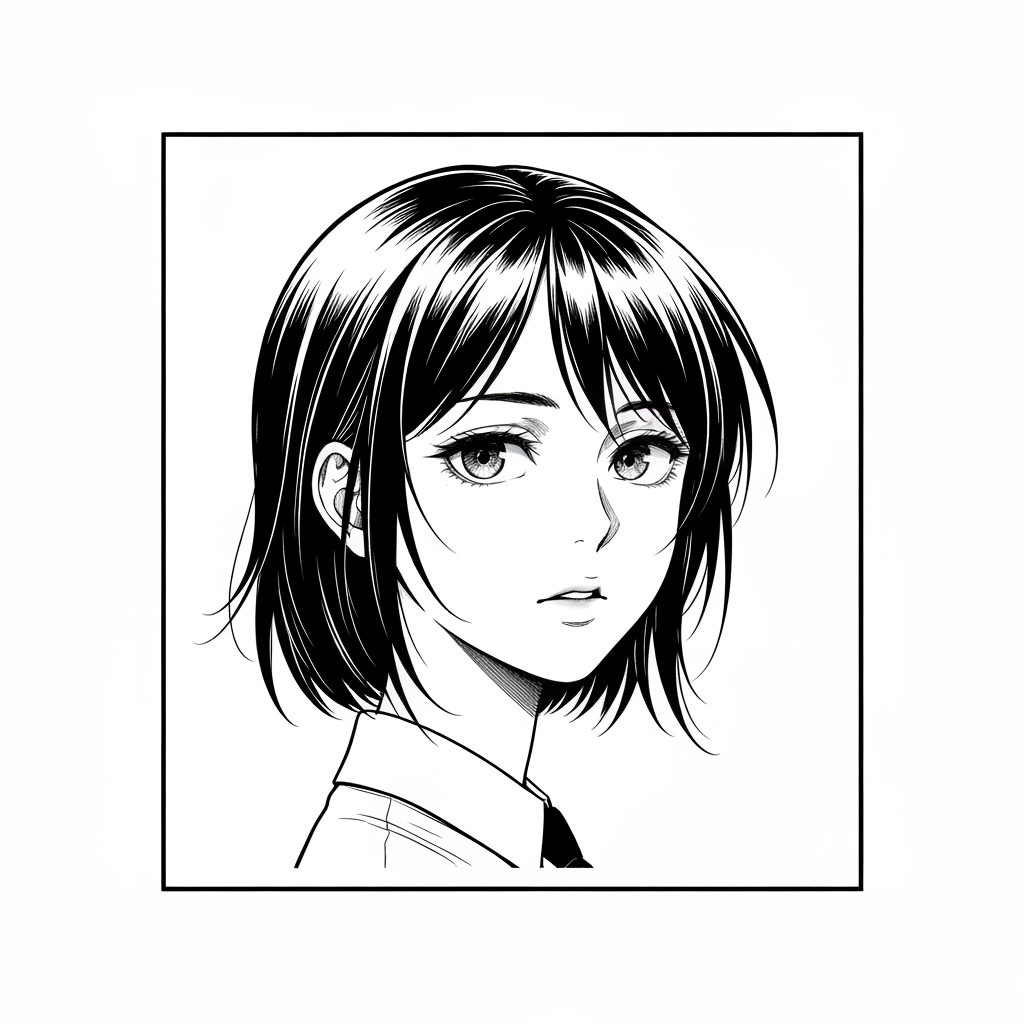
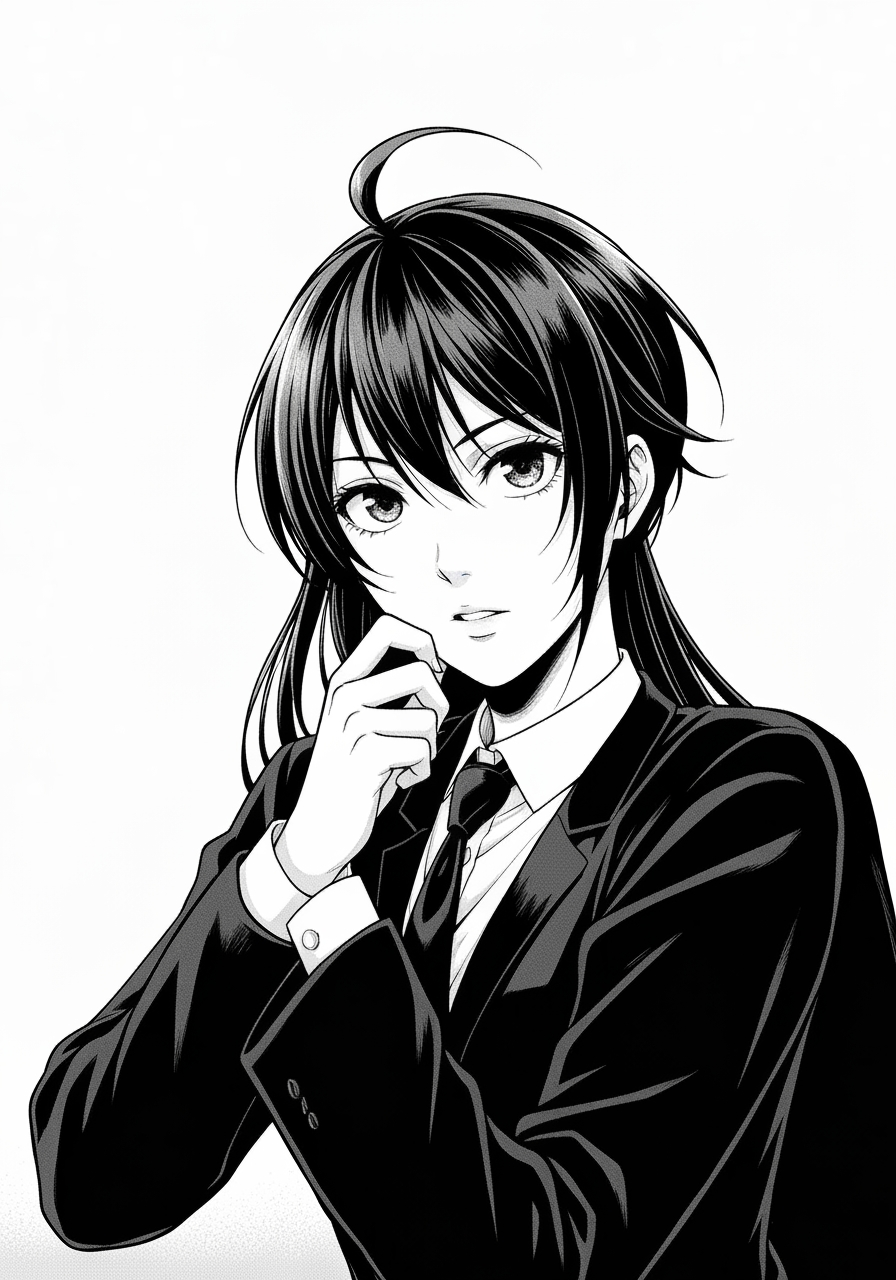
Black and White Image Filter is best when you use it to reduce an image into a dramatic black-and-white rendering or stylized monochrome sketch.
Step 1: Prepare the right input
Upload an image with a strong subject and enough lighting contrast to survive monochrome conversion.
Step 2: Set the generation direction
Select the filter model that best matches the amount of detail and drama you want.
Step 3: Generate, review, and keep the strongest result
Review edge detail and tonal separation, then export the version that still reads clearly from a distance.
Best results
- Portraits with side lighting produce stronger black-and-white depth.
- Busy backgrounds flatten quickly in monochrome; crop them first if needed.
- Check hair, eyes, and hands before accepting the result.