AI Manga Filter
Apply artistic filters to your images
1
Téléchargez votre image
Cliquez pour télécharger ou faites glisser l'image iciJPG, PNG, WEBP | Max 10Mo
2
Choisissez un filtre d'image que vous aimez
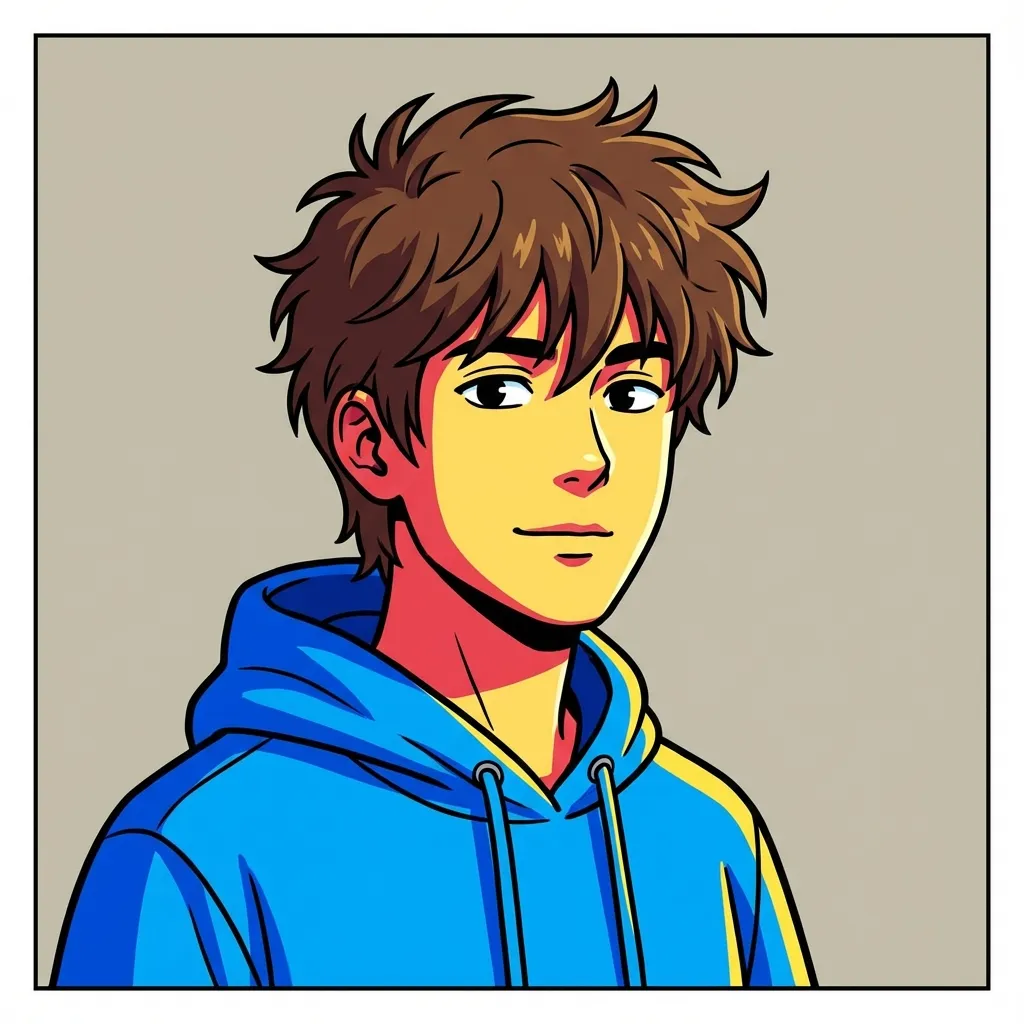
Webtoon
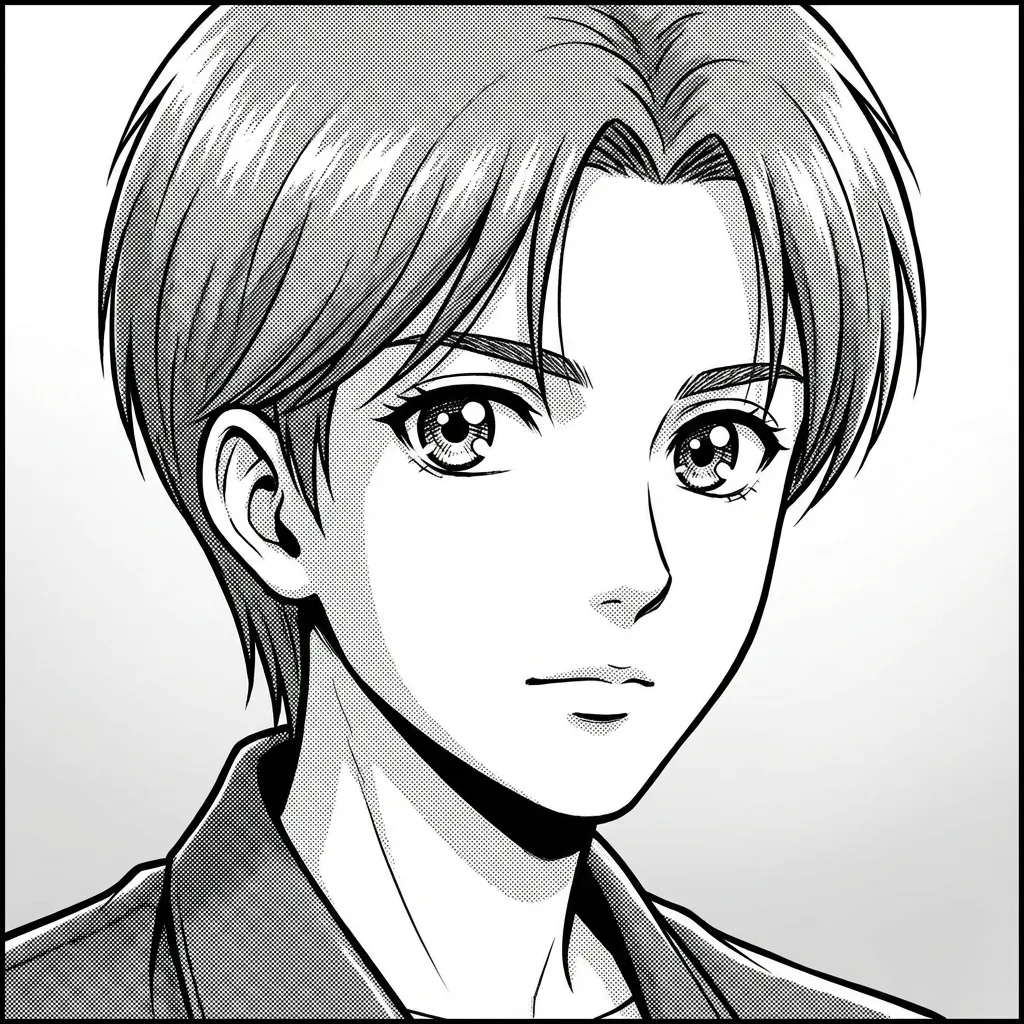
Manga
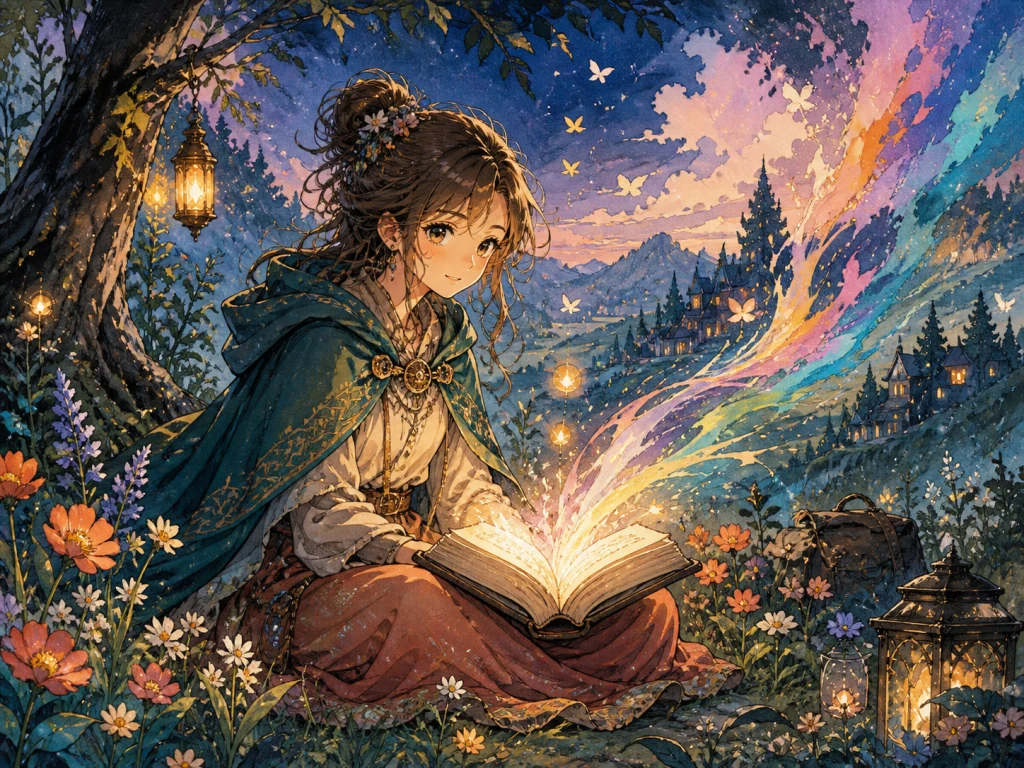
Hand-painted Storybook
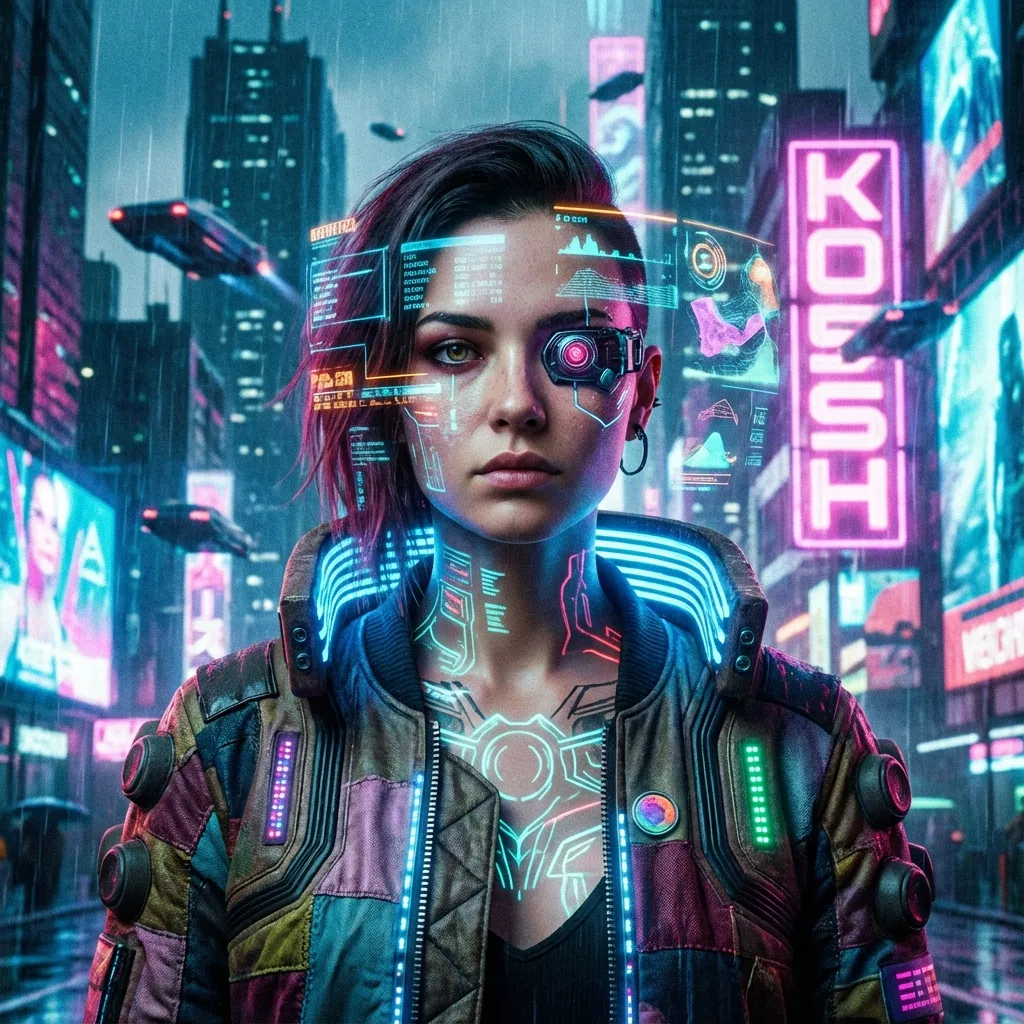
Cyberpunk
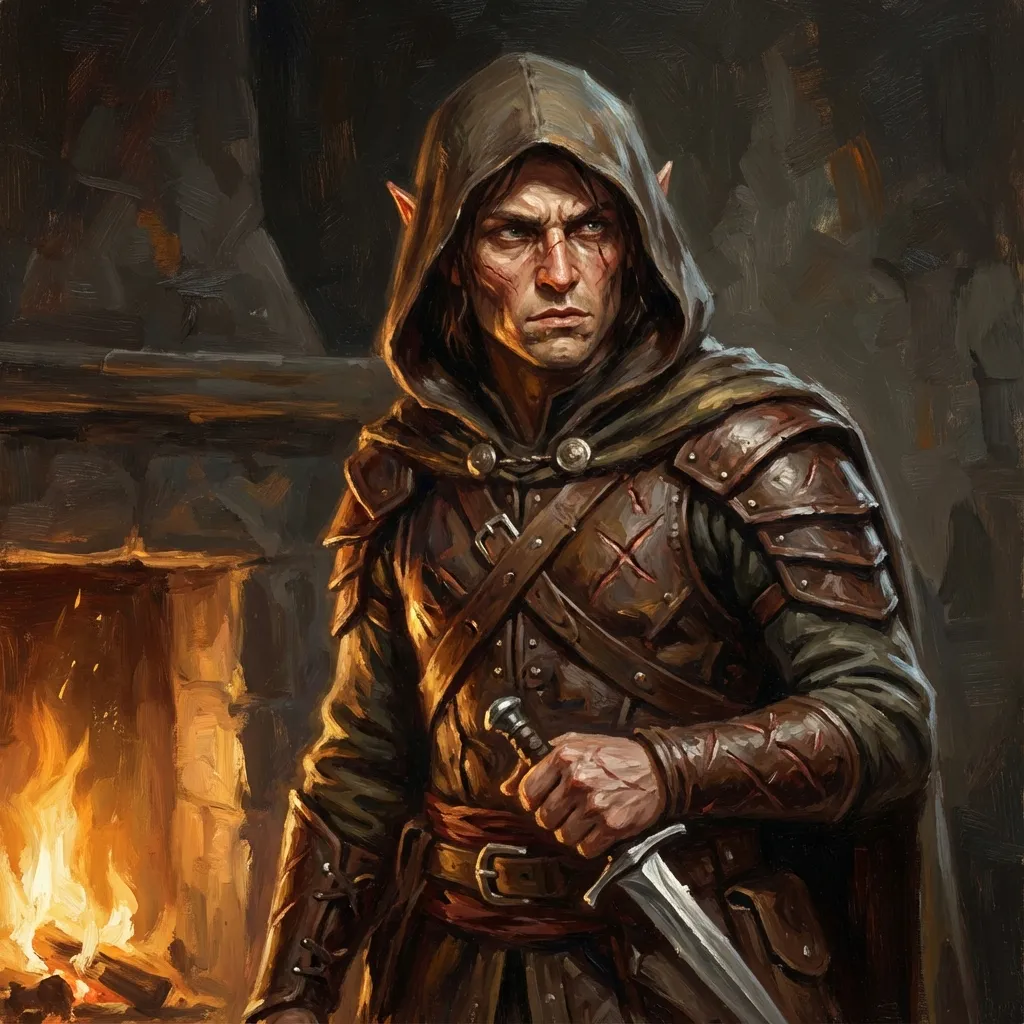
Tabletop Fantasy
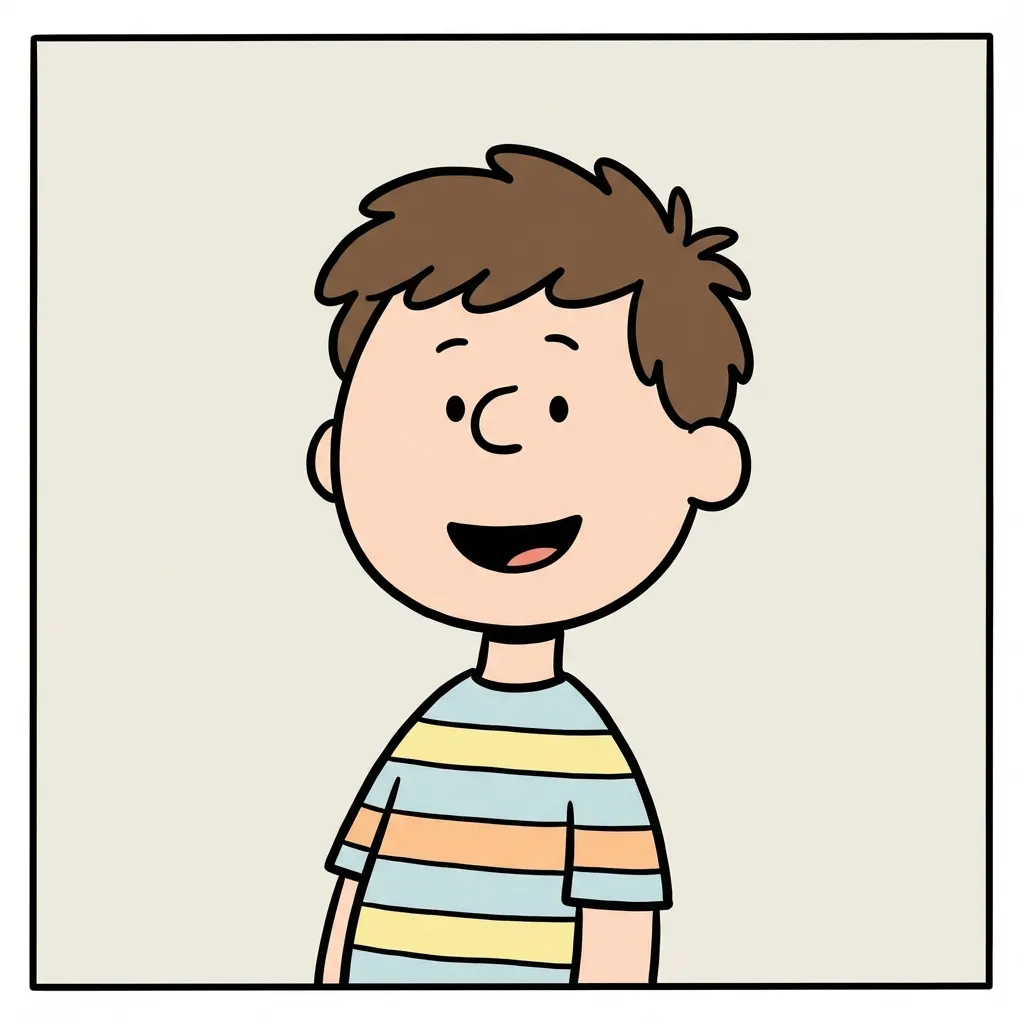
Minimal Comic

Chibi
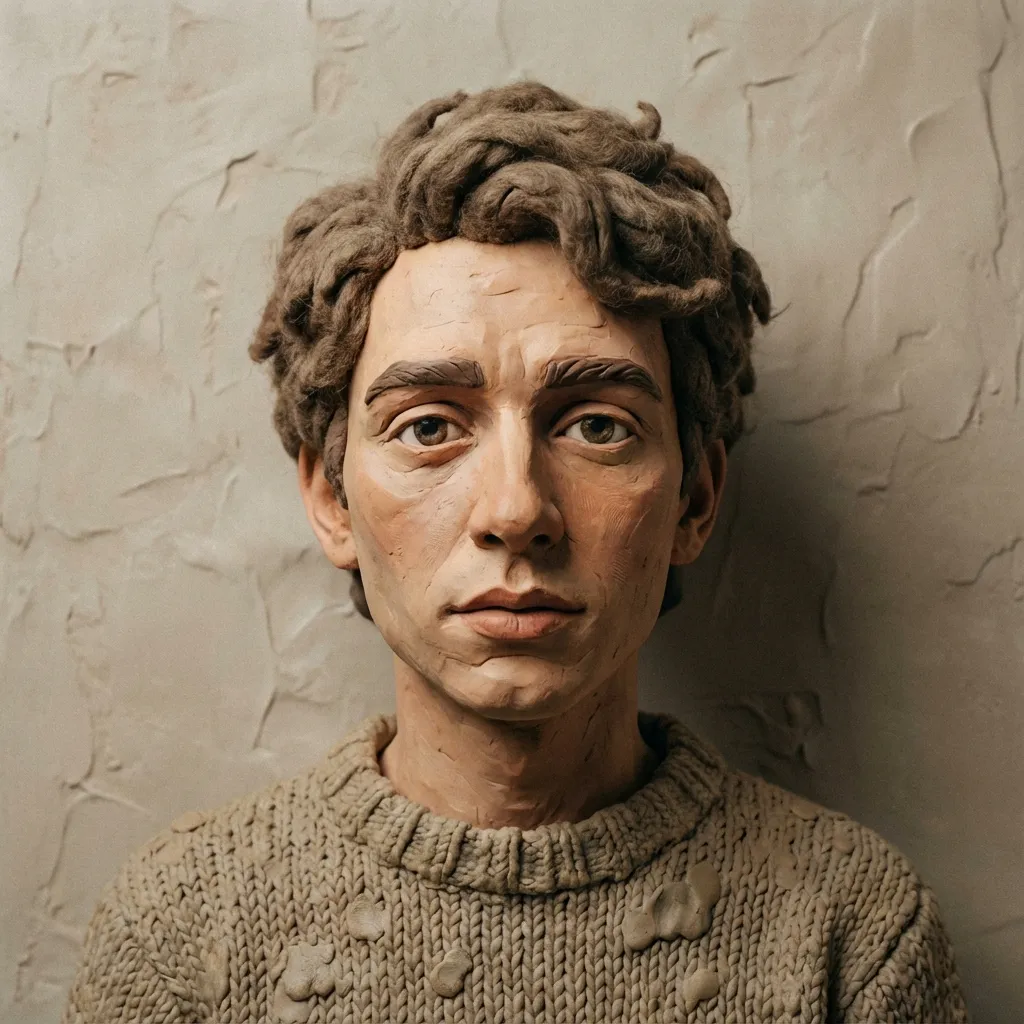
Clay
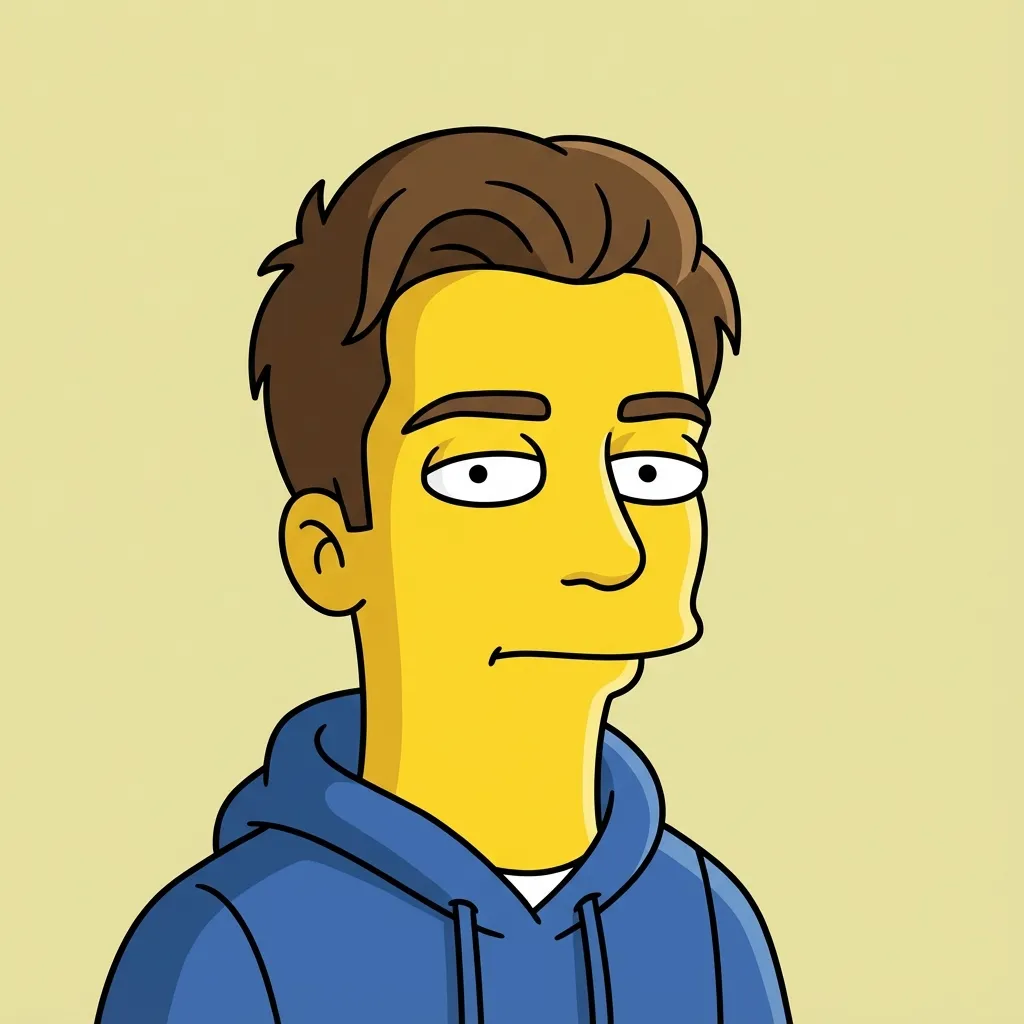
Flat Sitcom Cartoon

Paper Cutout
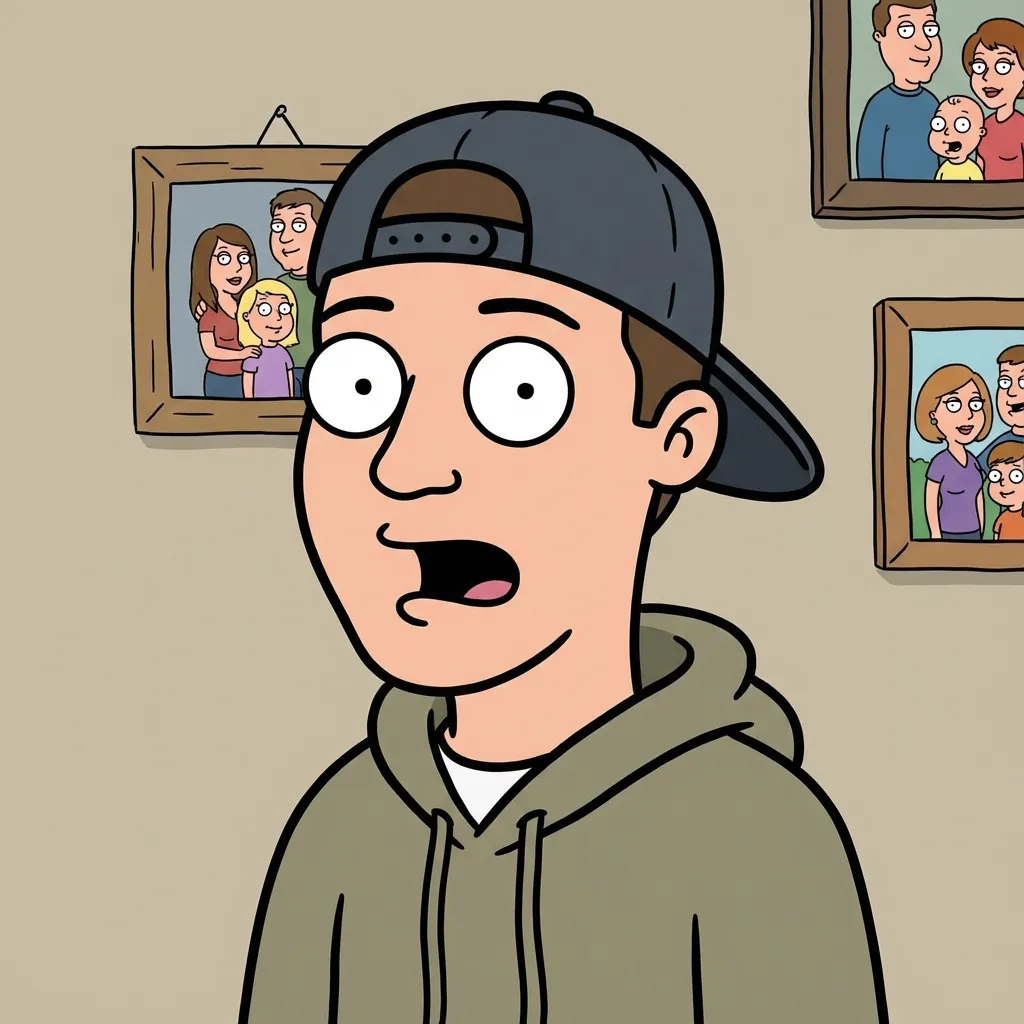
Family Sitcom Cartoon
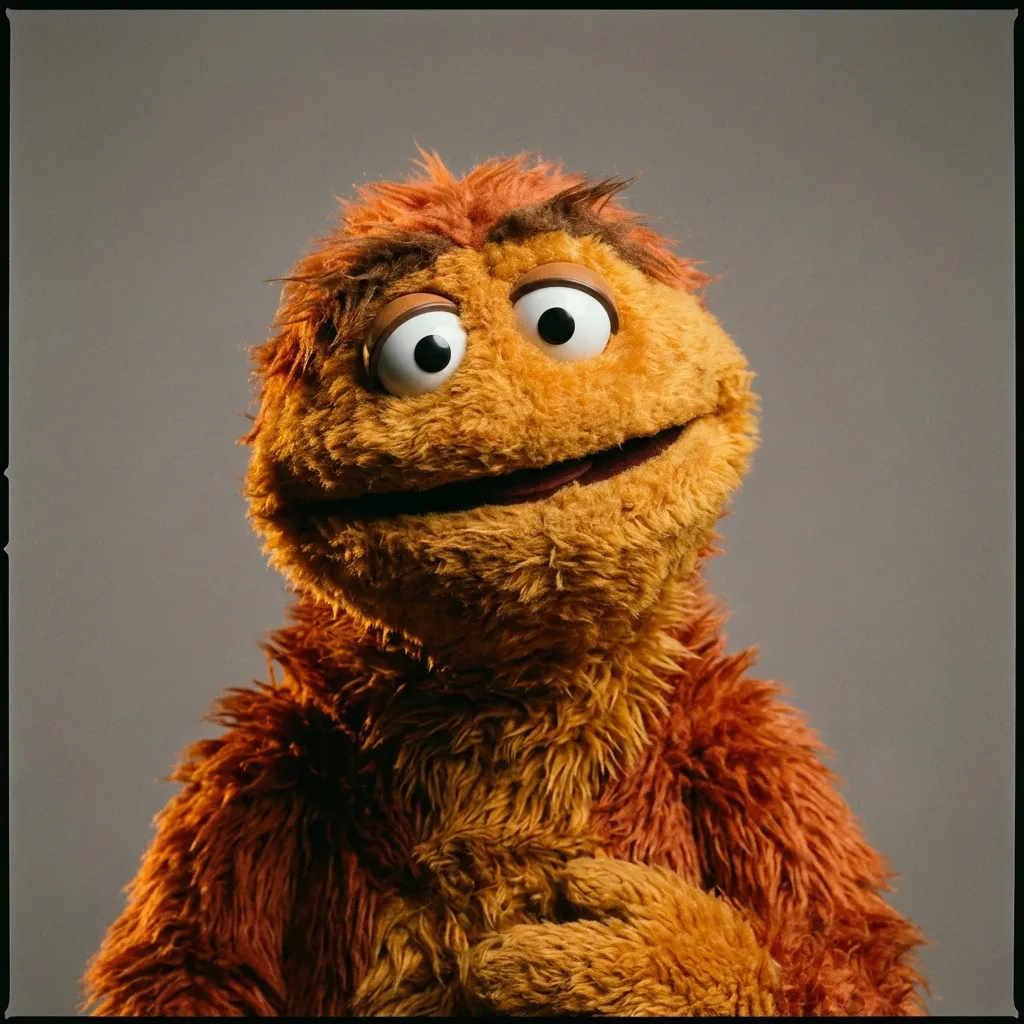
Fabric Puppet
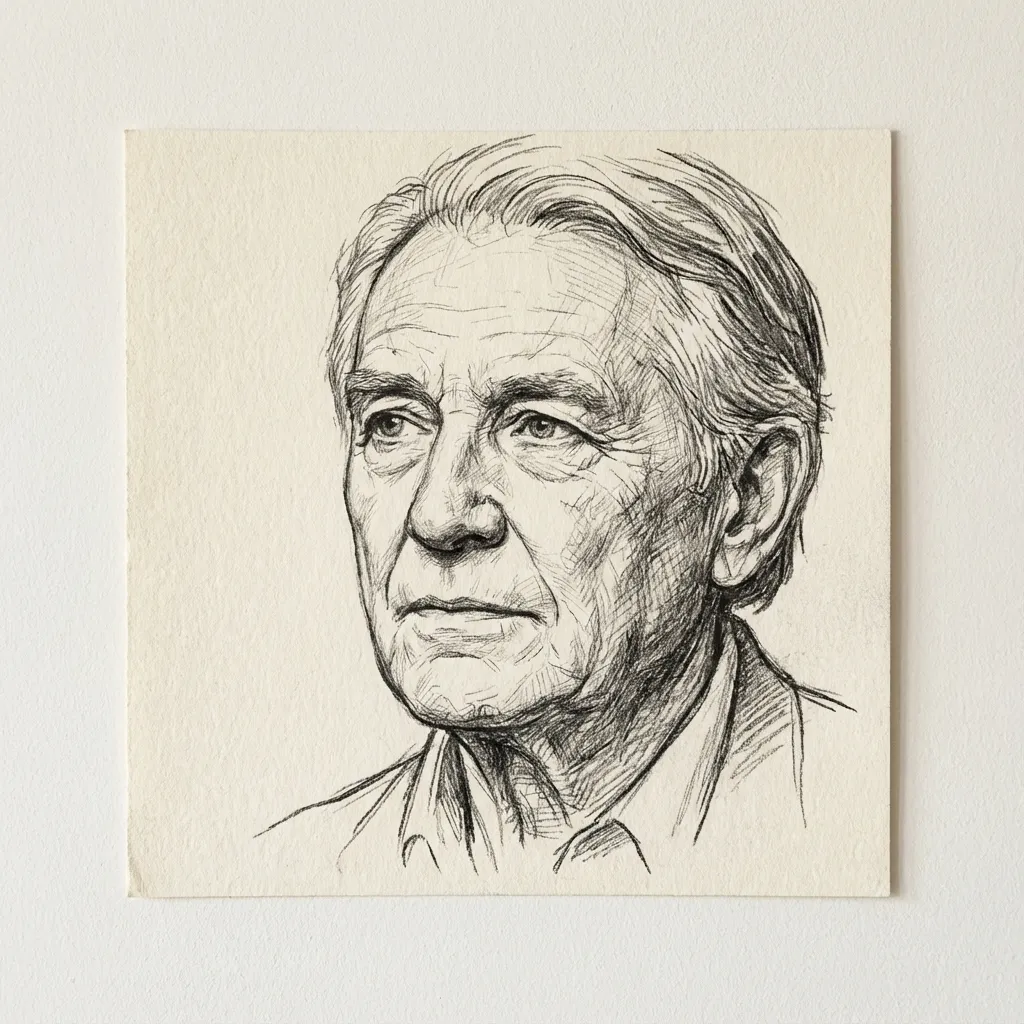
Dessin au trait
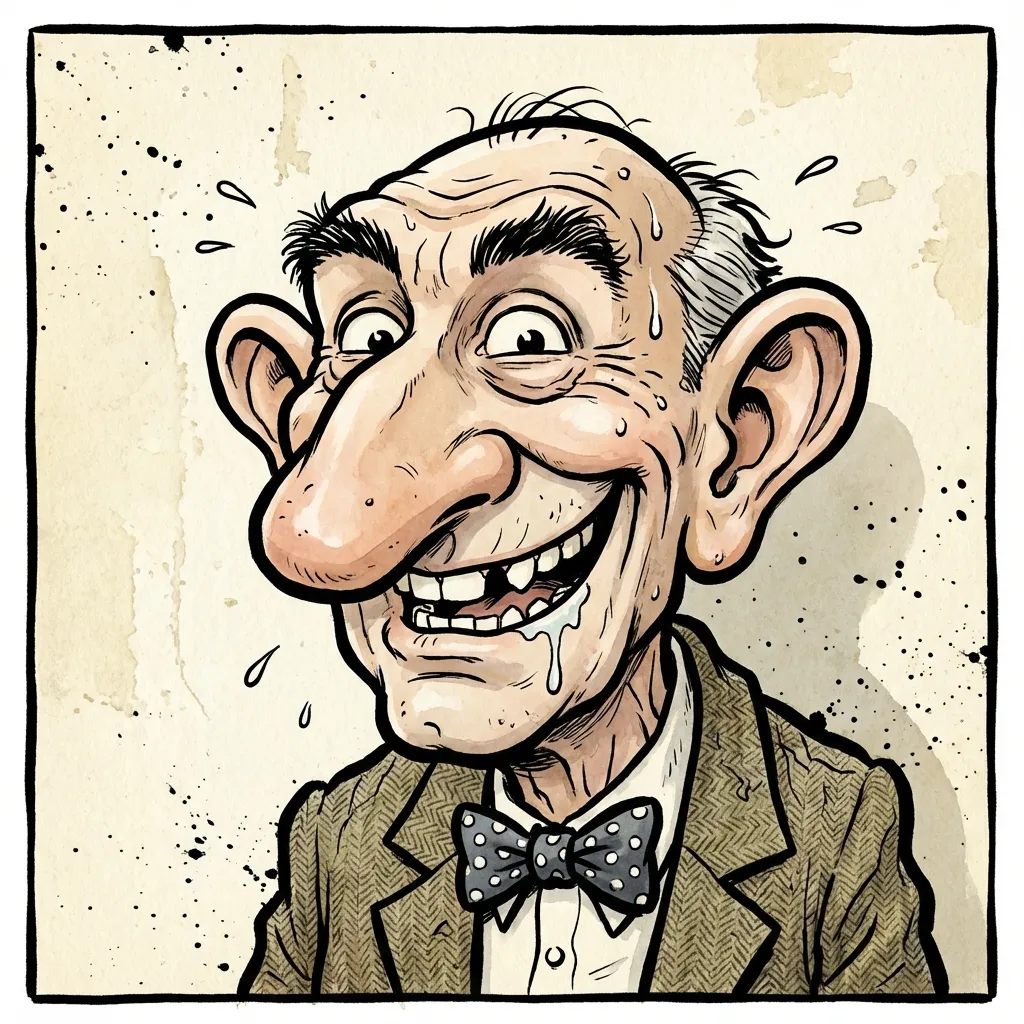
Caricature
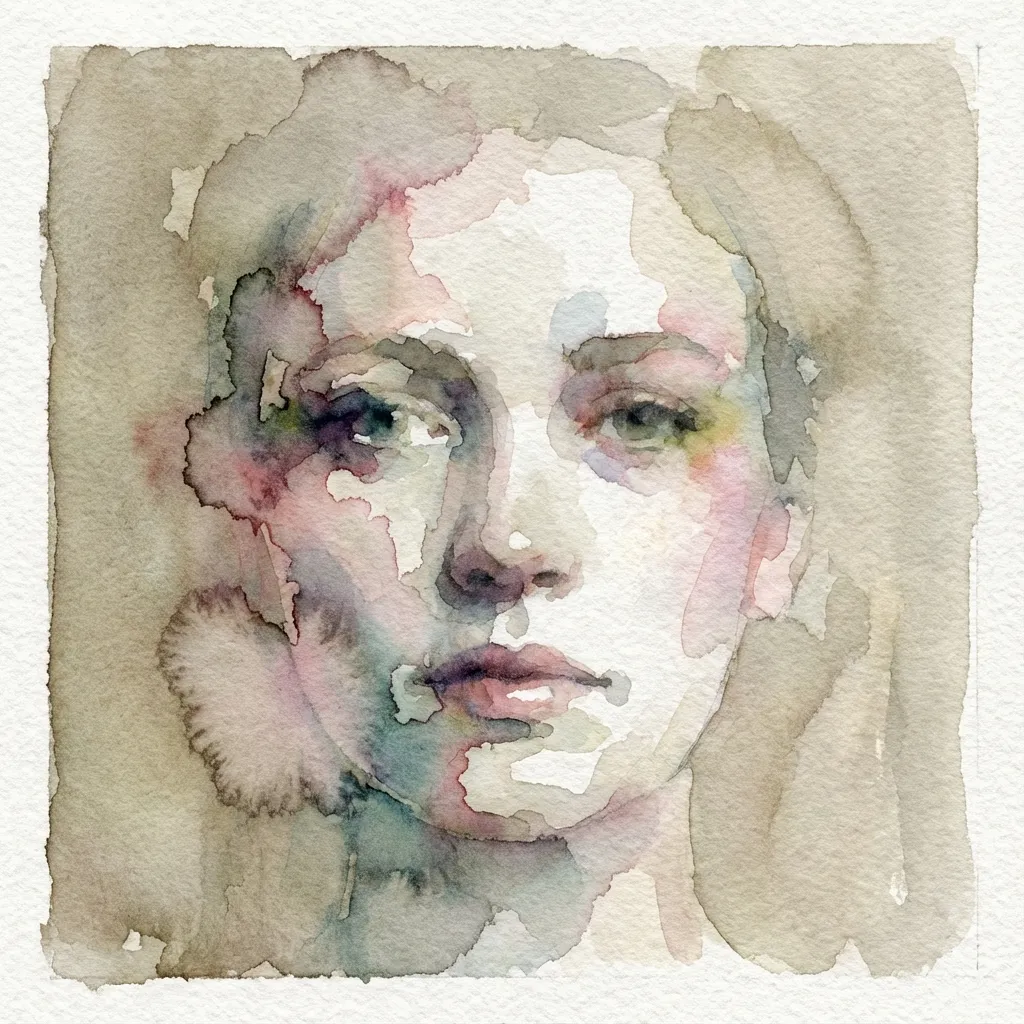
Aquarelle
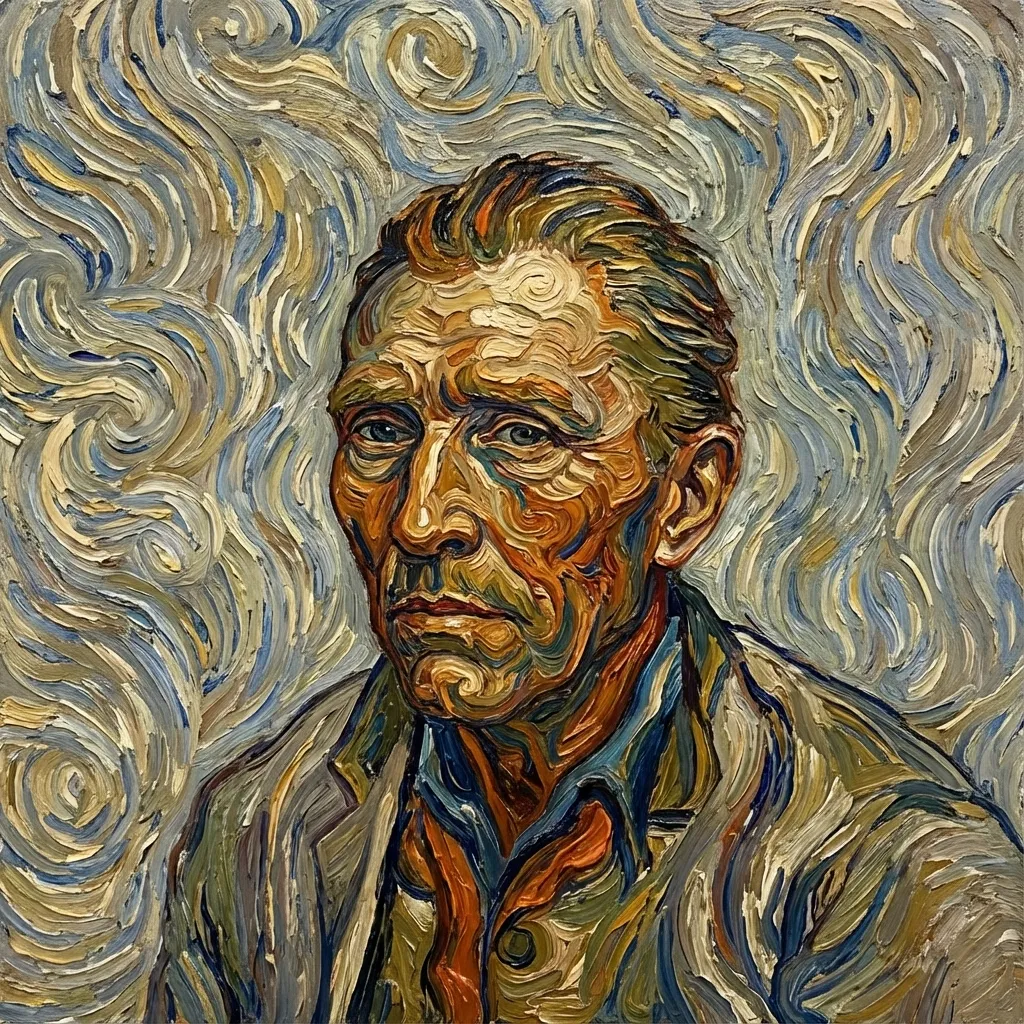
Post-impressionist
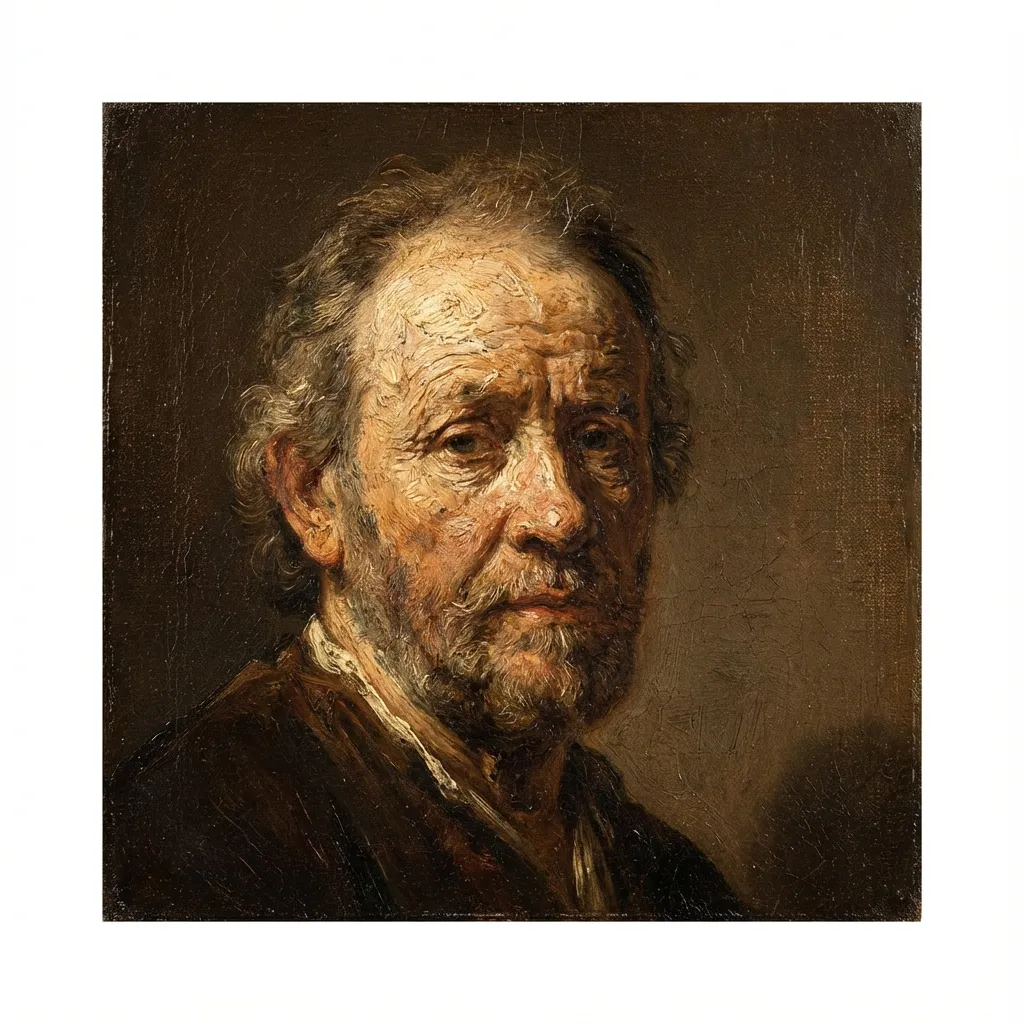
Peinture à l'Huile
Voxel
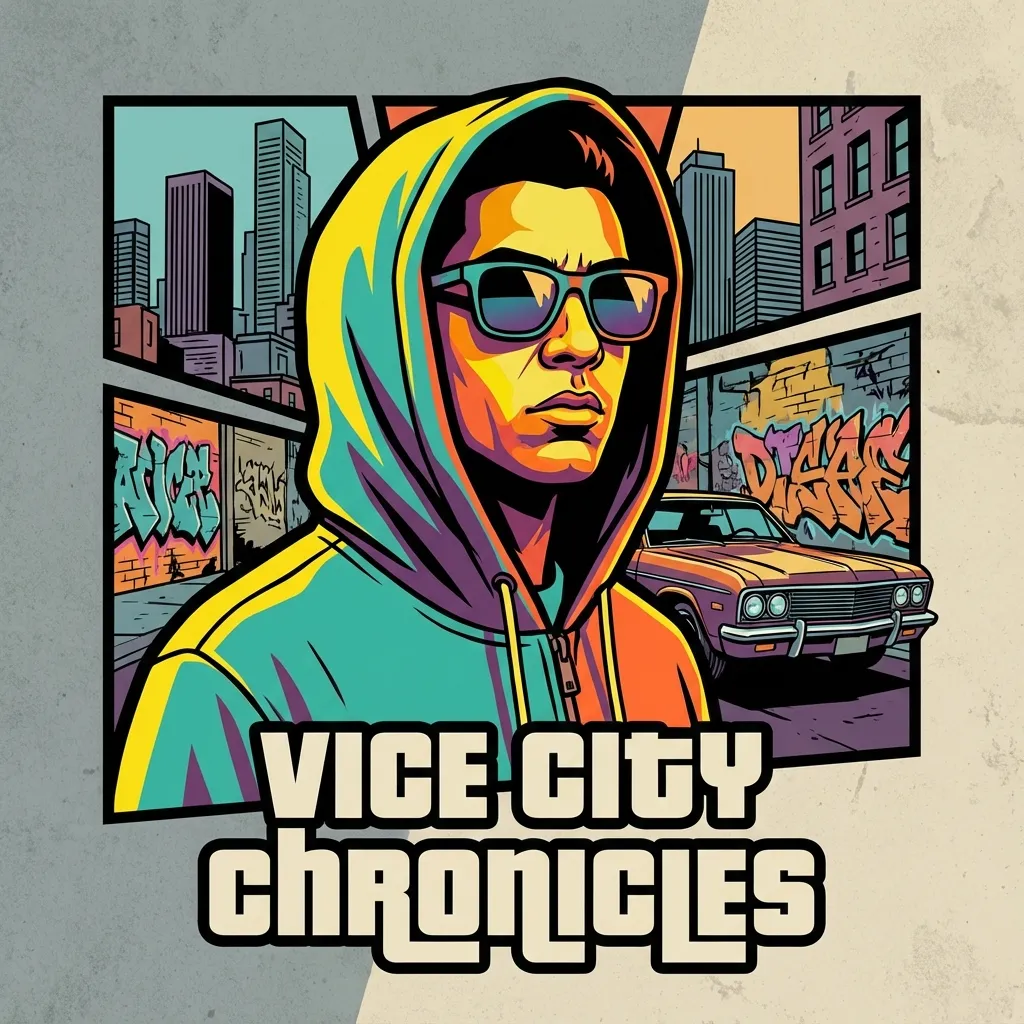
Crime Game Poster
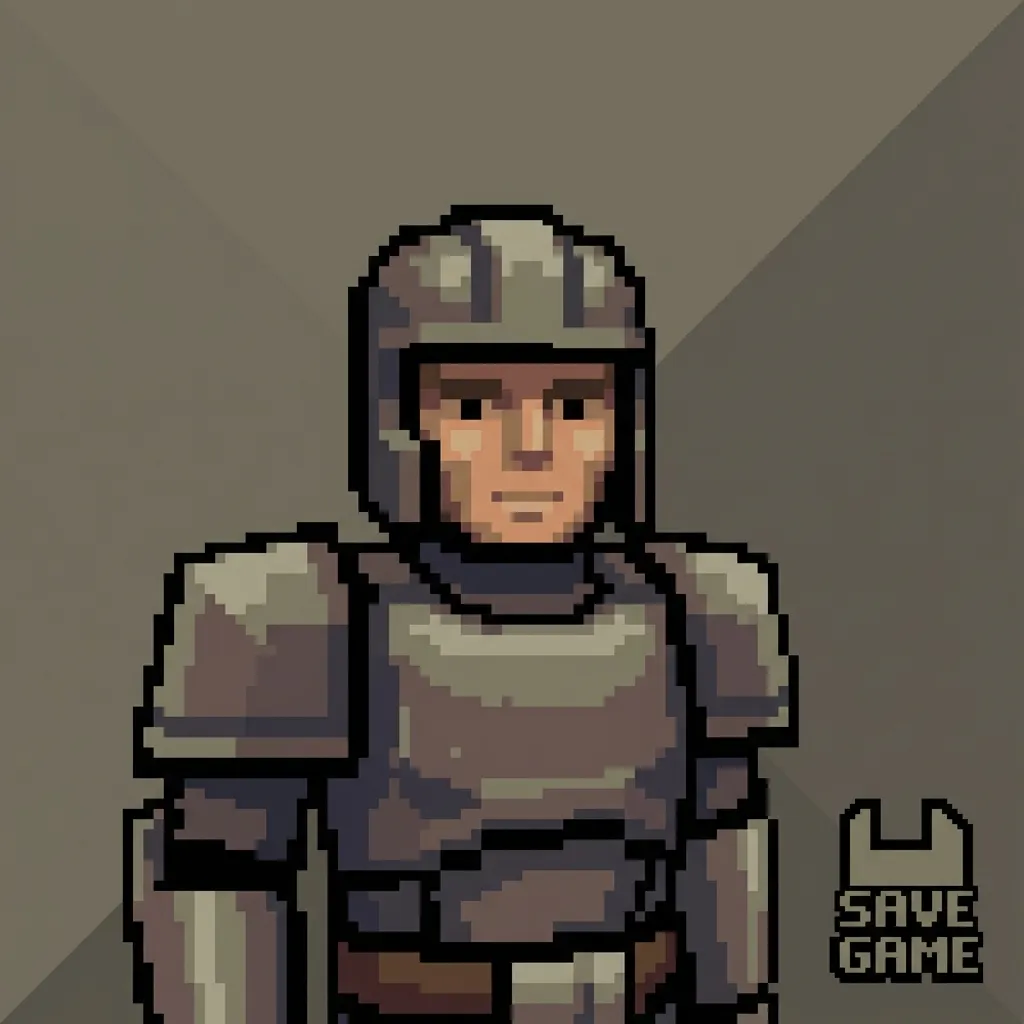
PS2
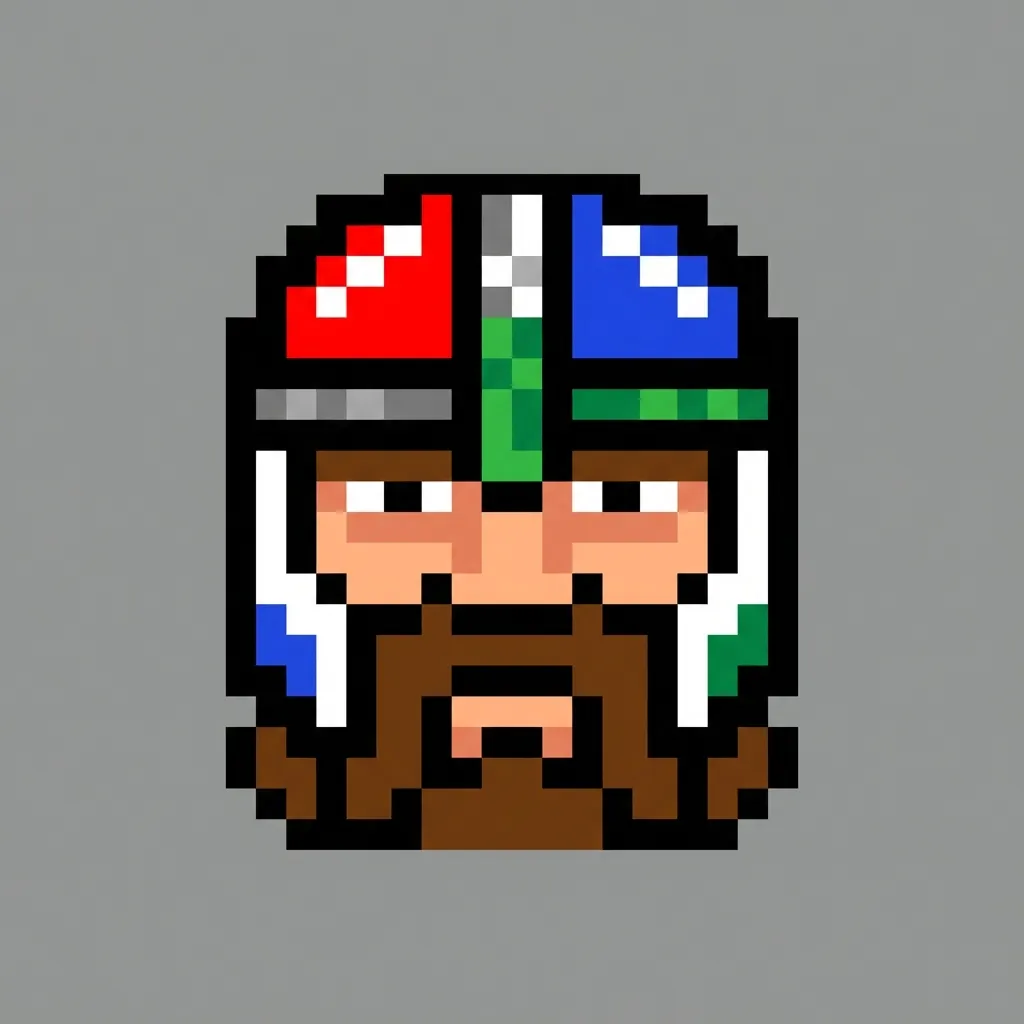
Pixel
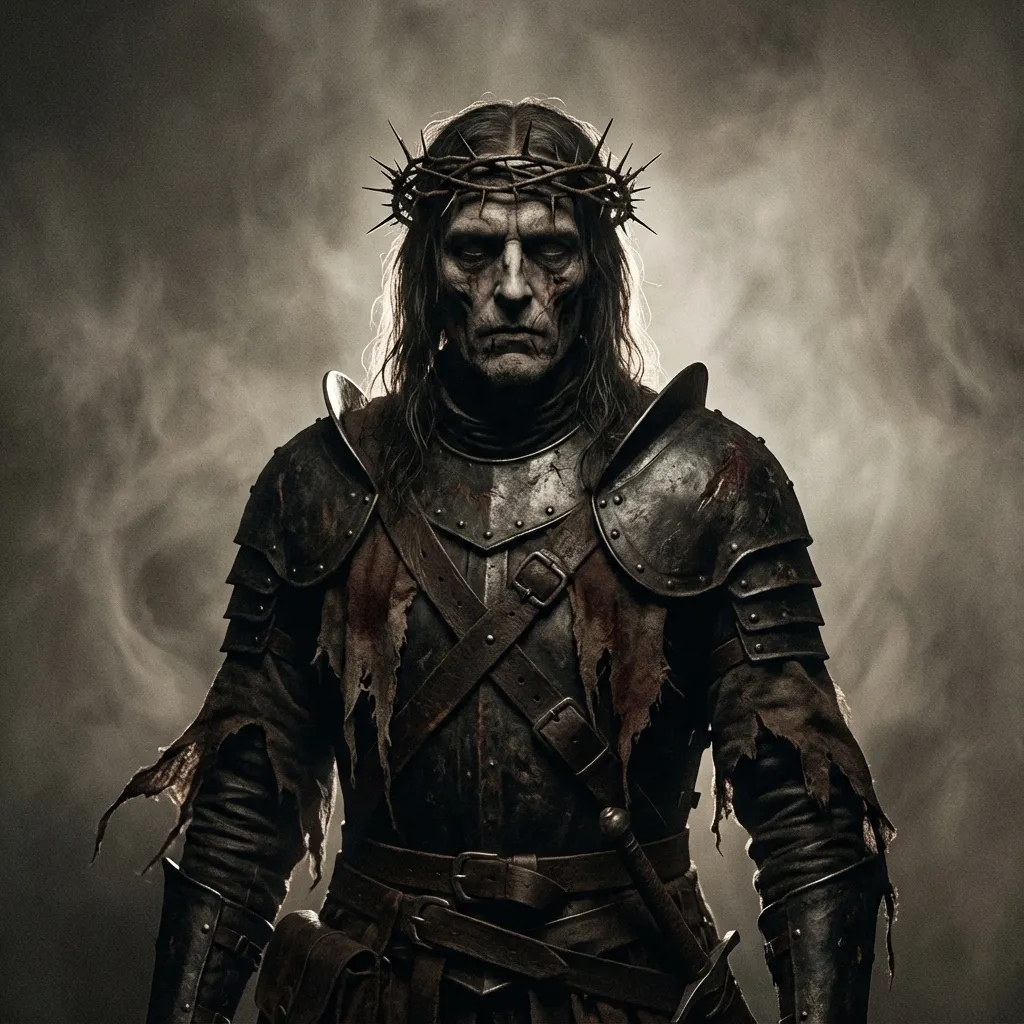
Dark Fantasy
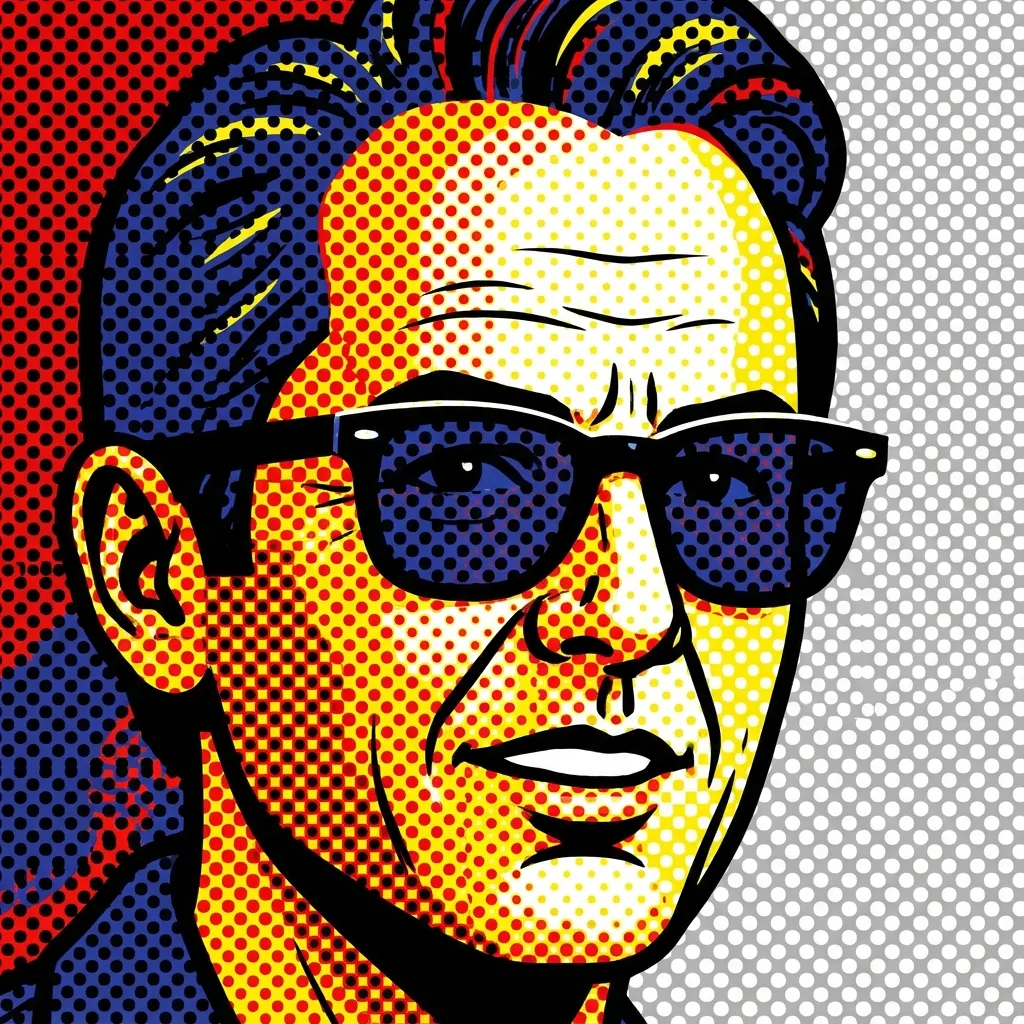
Pop Art
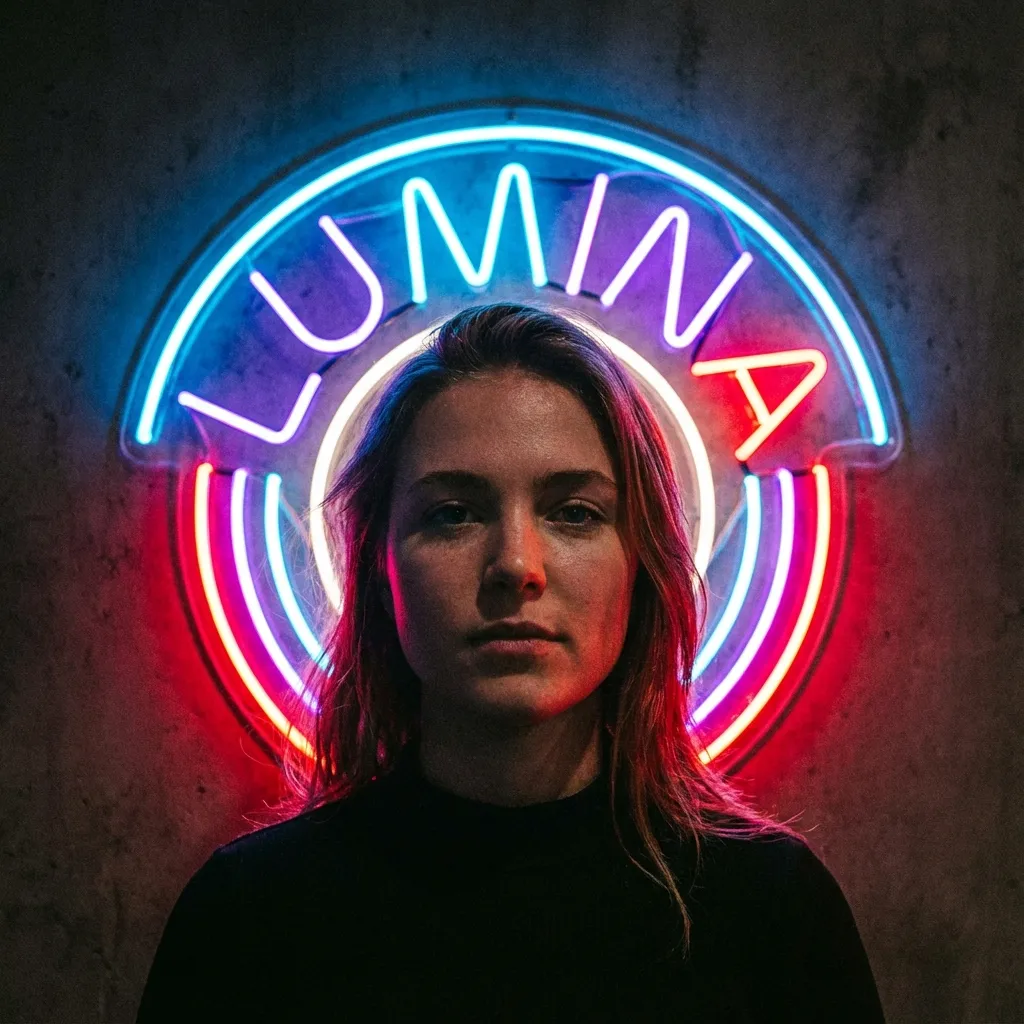
Néon lumineux
3
Sélectionnez un modèle
300 crédits seront débités
Téléchargez une image pour voir l'aperçu
Your filtered image will appear here
Pas d'idées ? Essayez nos modèles prédéfinis pour commencer
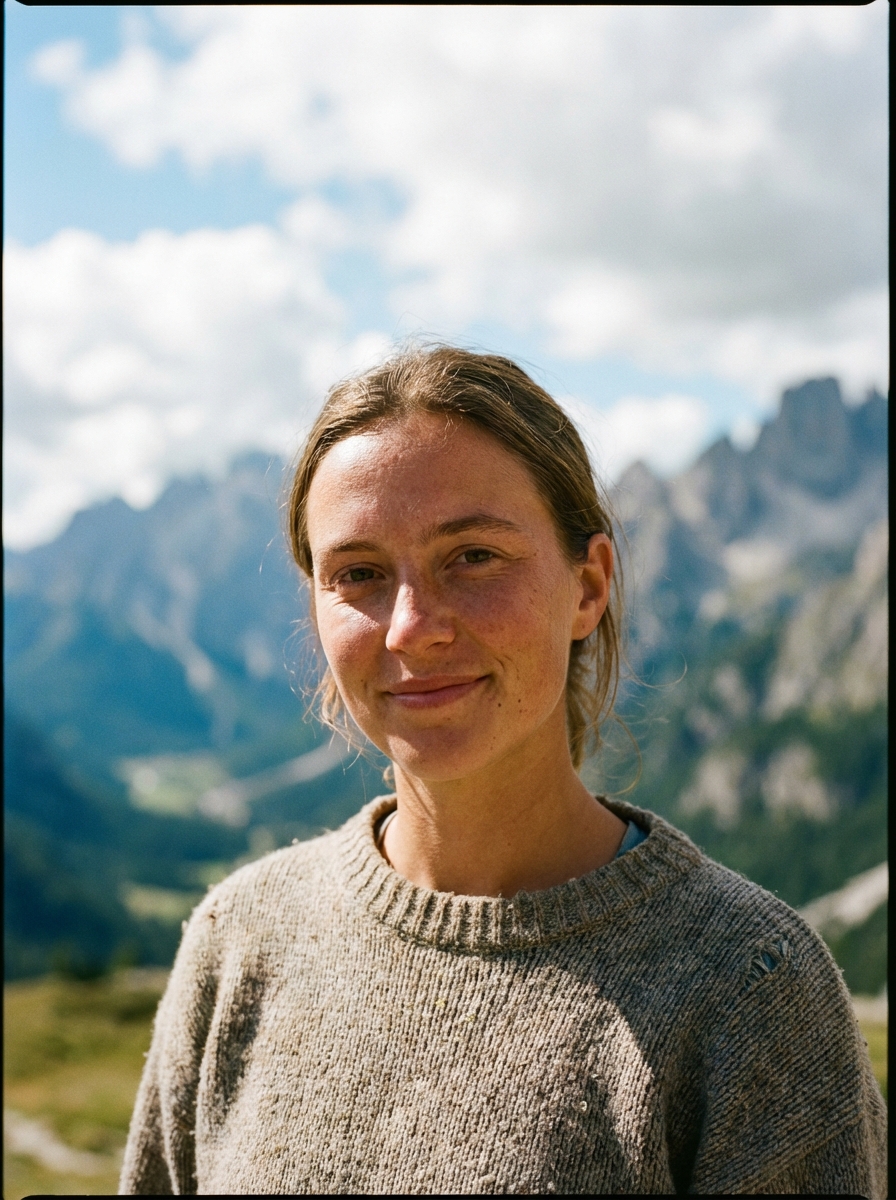
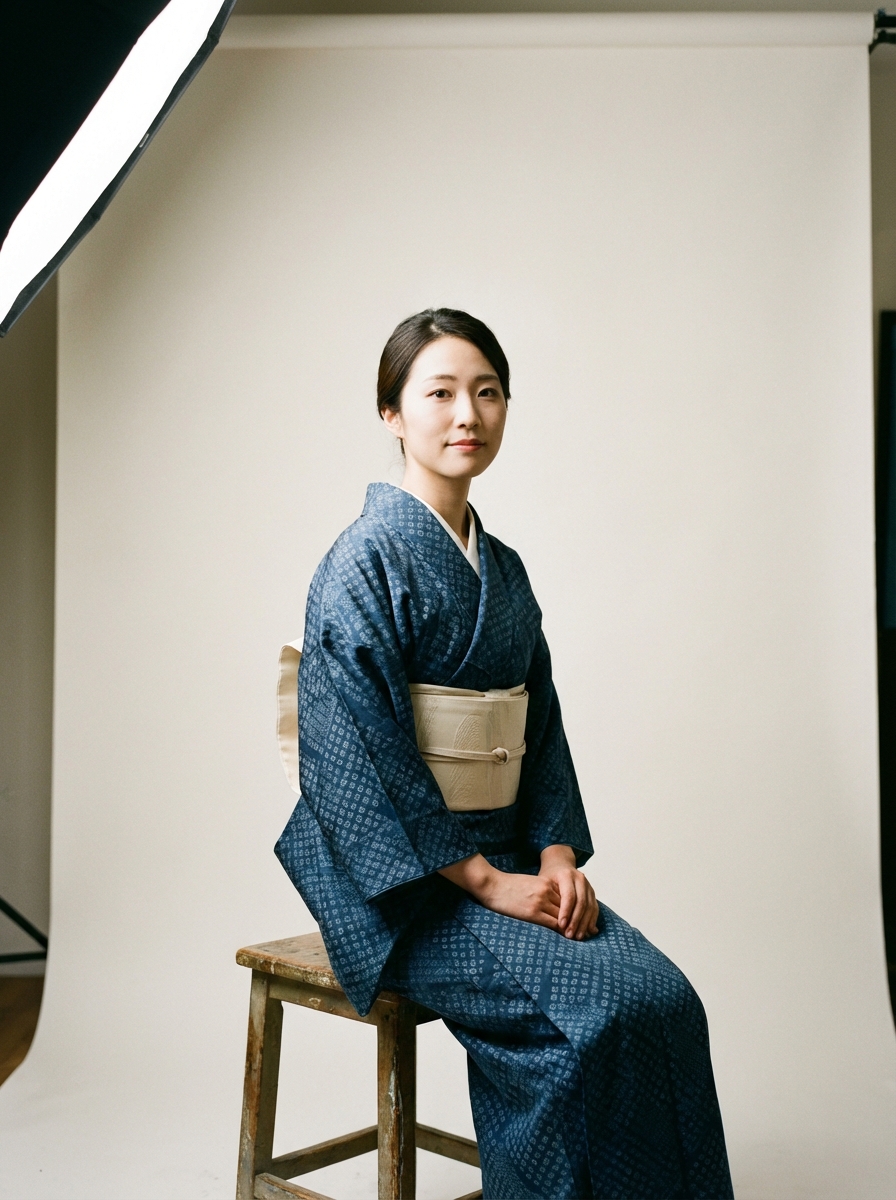
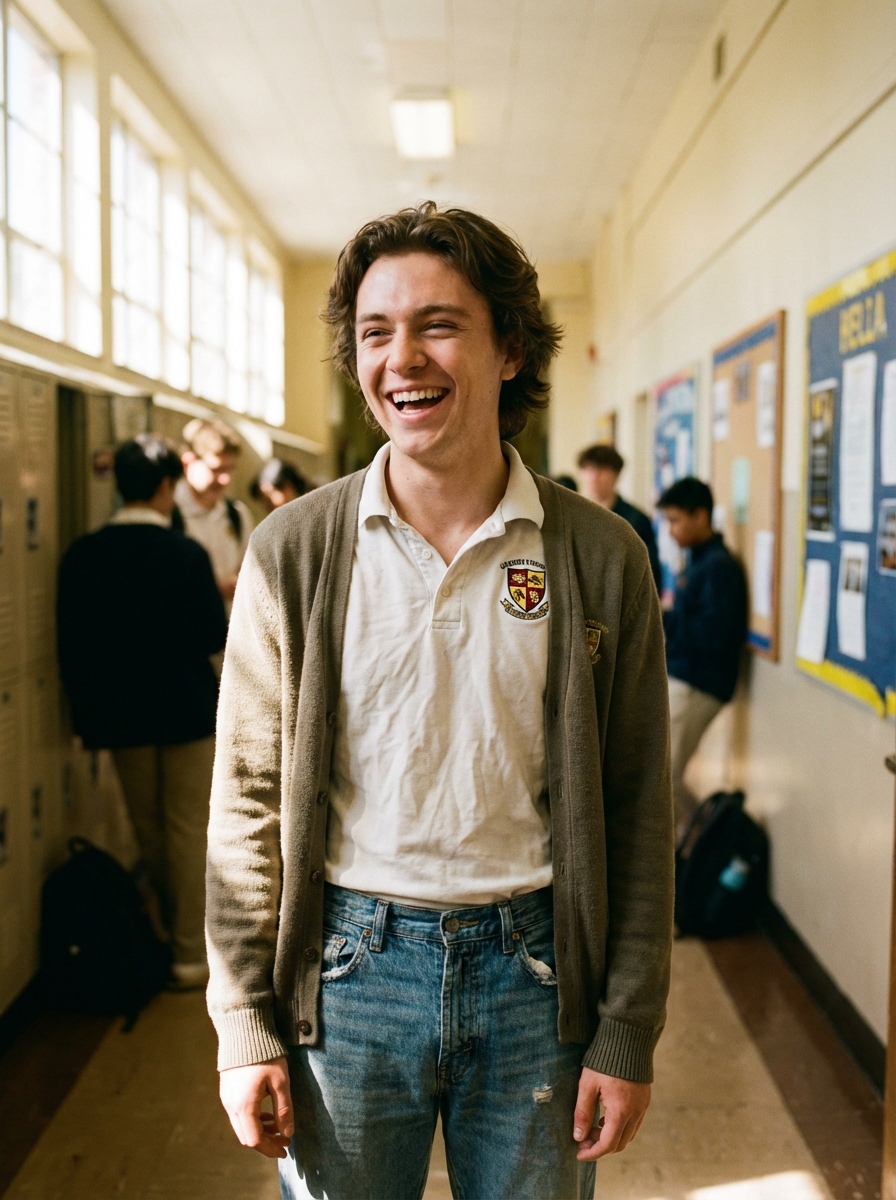
Tutoriel
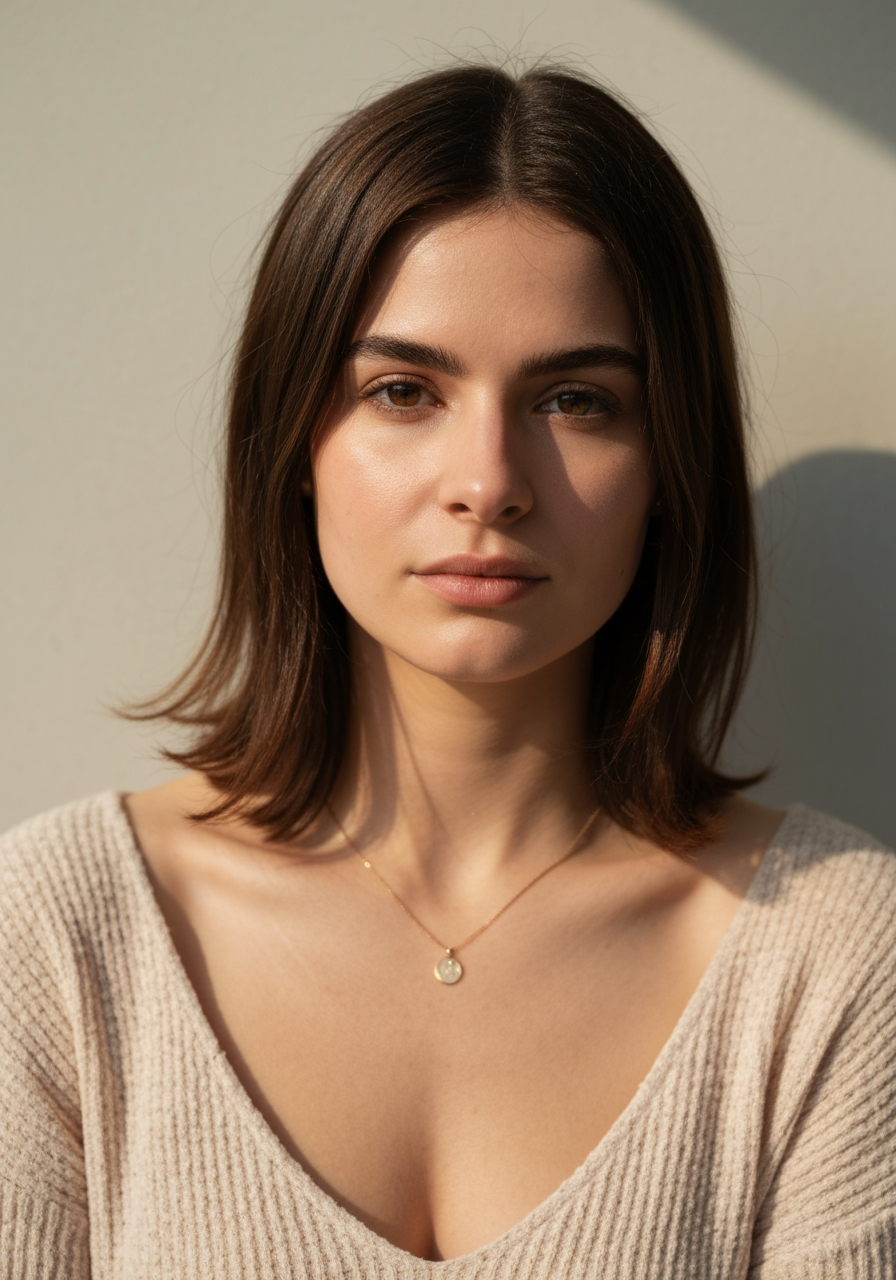
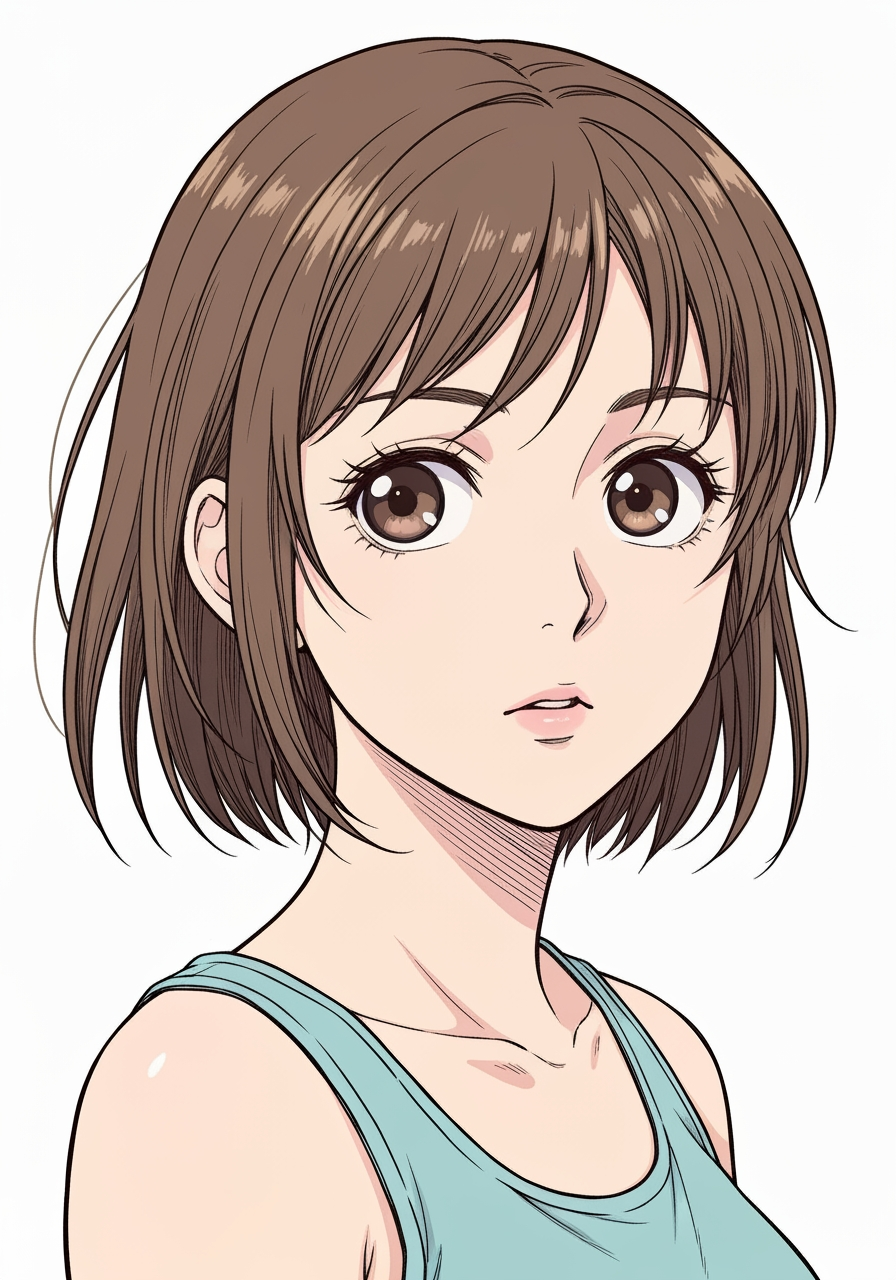
AI Manga Filter is best when you use it to re-render portraits and photos into manga or anime-inspired styles.
Step 1: Prepare the right input
Start with a clean image where the subject, pose, and lighting are easy to interpret.
Step 2: Set the generation direction
Choose the filter style and model that best match the look you want to emulate.
Step 3: Generate, review, and keep the strongest result
Generate several passes, compare face fidelity and line treatment, then keep the most readable variant.
Best results
- The simpler the background, the stronger the face conversion usually feels.
- Pick one target style per iteration.
- Use manual filter mode only when you need tighter style control.