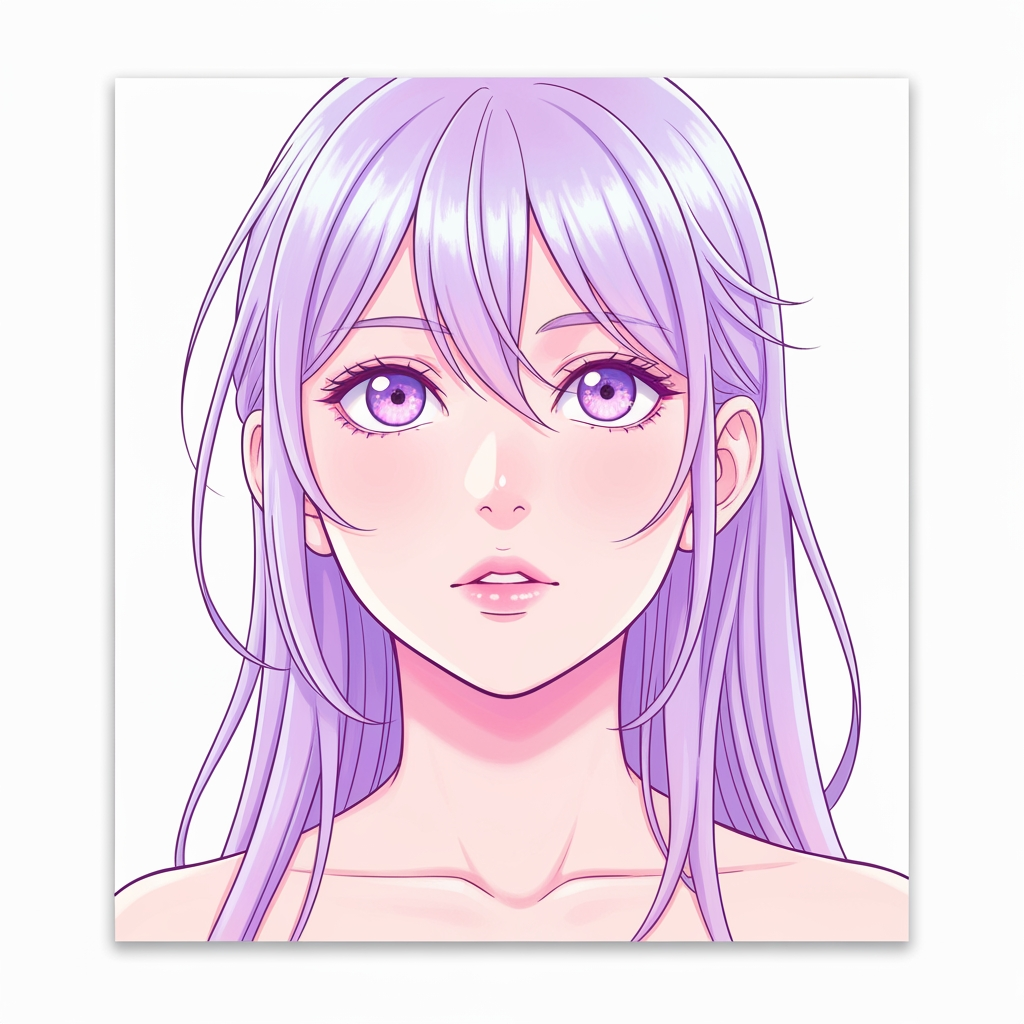
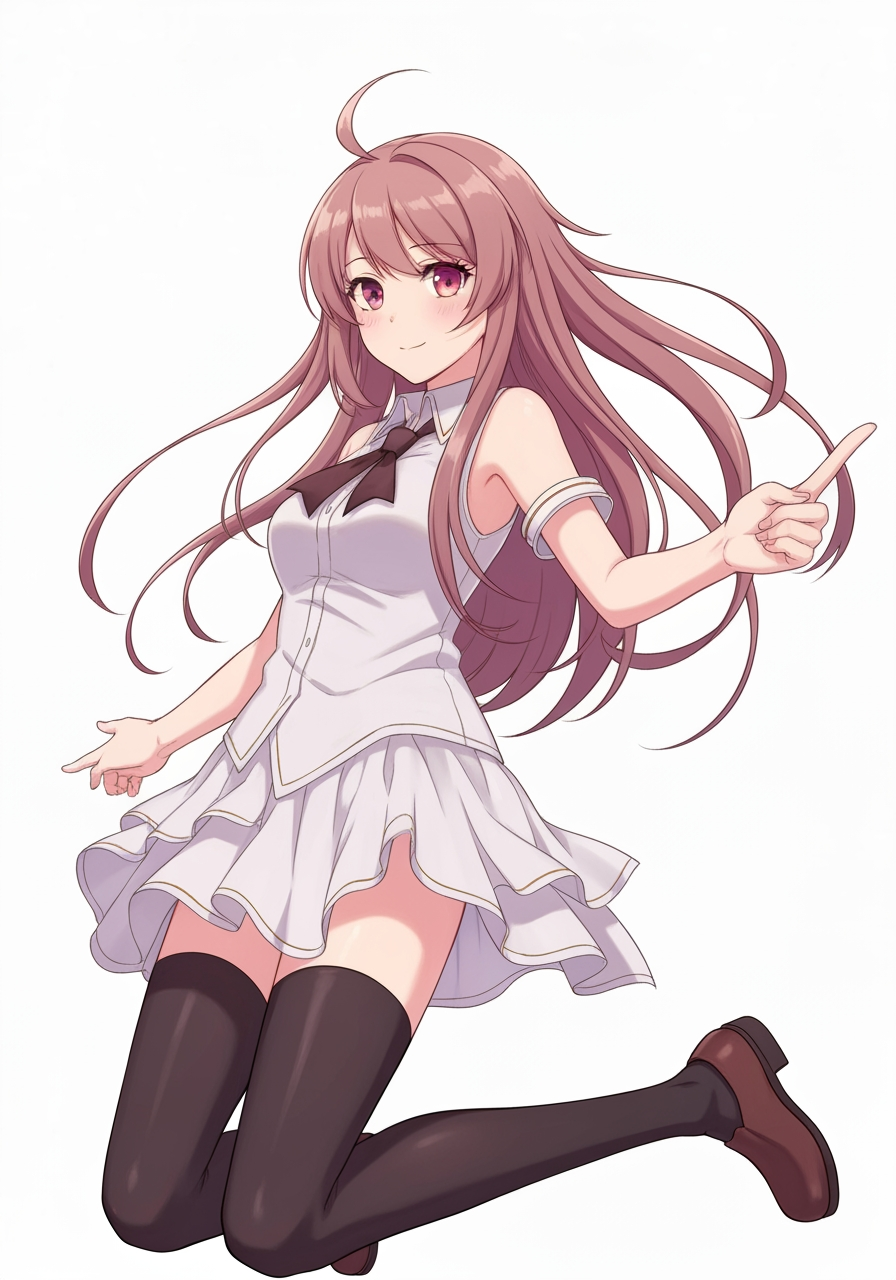
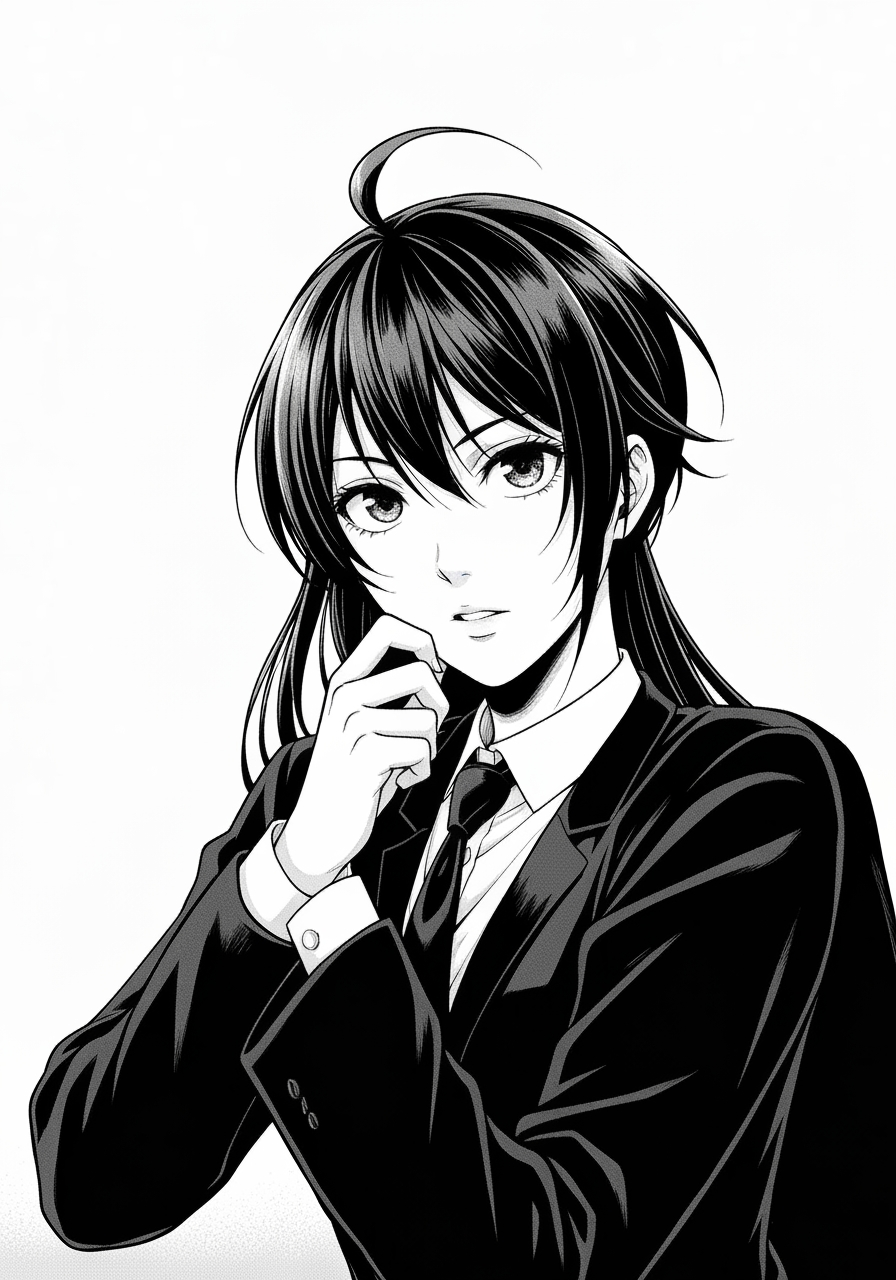
Black and White Image Filter
Transform photos into crisp monochrome or sketch-like outputs.
1
Téléchargez votre image
Cliquez pour télécharger ou faites glisser l'image iciJPG, PNG, WEBP | Max 10MB
2
Sélectionnez un modèle
300 crédits seront débités
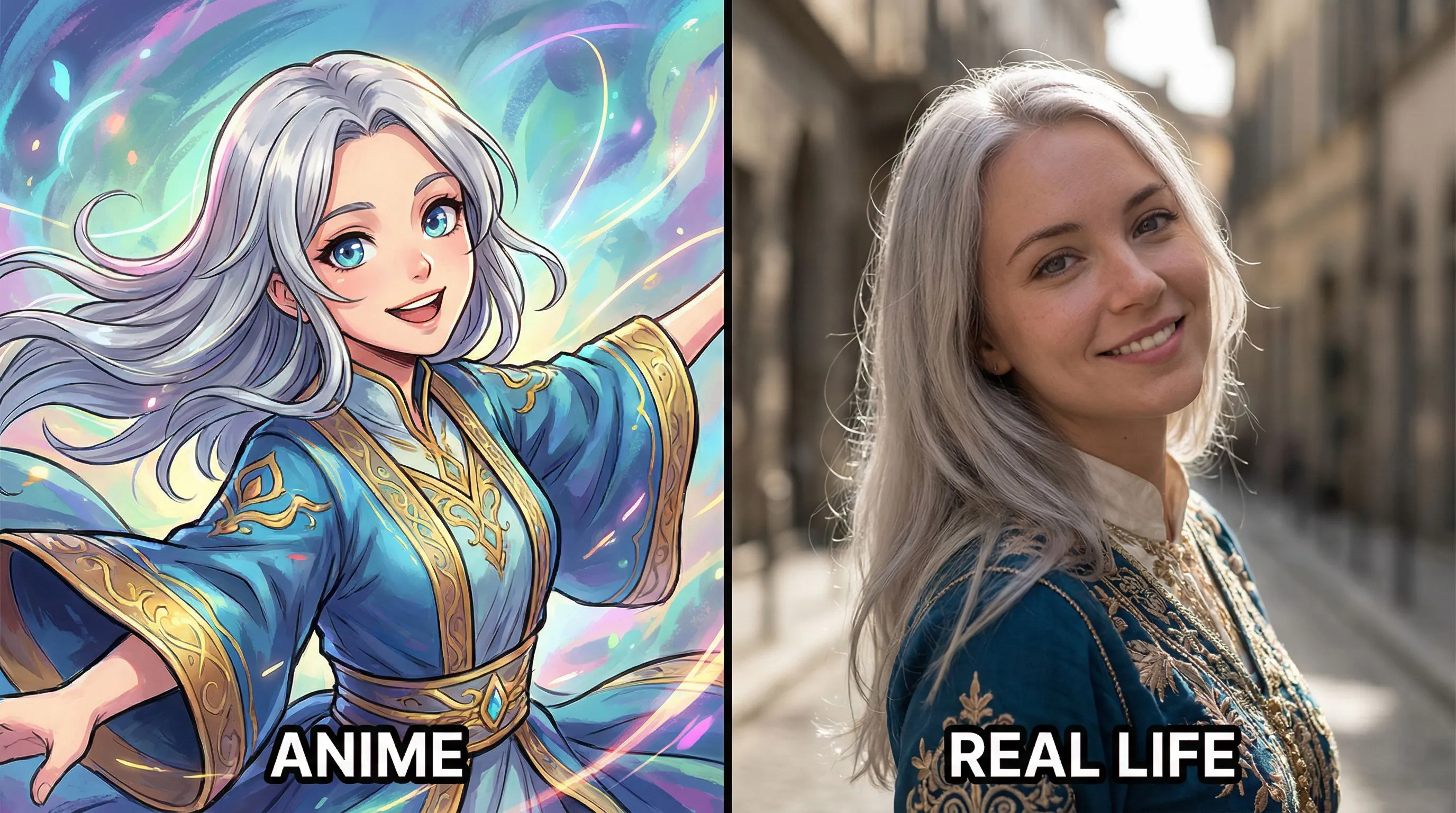
Pas d'idées ? Essayez nos modèles prédéfinis pour commencer
Tutoriel
Black and White Image Filter is best when you use it to reduce an image into a dramatic black-and-white rendering or stylized monochrome sketch.
Step 1: Prepare the right input
Upload an image with a strong subject and enough lighting contrast to survive monochrome conversion.
Step 2: Set the generation direction
Select the filter model that best matches the amount of detail and drama you want.
Step 3: Generate, review, and keep the strongest result
Review edge detail and tonal separation, then export the version that still reads clearly from a distance.
Best results
- Portraits with side lighting produce stronger black-and-white depth.
- Busy backgrounds flatten quickly in monochrome; crop them first if needed.
- Check hair, eyes, and hands before accepting the result.