Manga Translator
Translate manga pages while preserving layout and reading flow.
Upload. Translate. Compare.
Check the page, target language and total credits before generating. Review small lettering and names in the result before you share it.
Translate a manga page
Choose an image and a target language, then compare the generated translation with your original.
A lower-cost option for a first translated draft.
Each page is a separate generation request. Credits, model access and plan limits apply.
Free-plan output includes a watermark. Paid-plan output does not.
or choose images from your device
JPG, PNG and WebP · up to 8 MiB per page
Free accounts can queue one page. Generation requires enough eligible available credits.
Images are uploaded to your account for processing. Use pages you own or have permission to translate.
Your pages
0 of 1 pagesAdd a page to start. Your original stays available for comparison.
Try an original sample
Original AI-generated practice material. Selecting a sample adds its source page; translation uses the displayed credits.
Compare your page
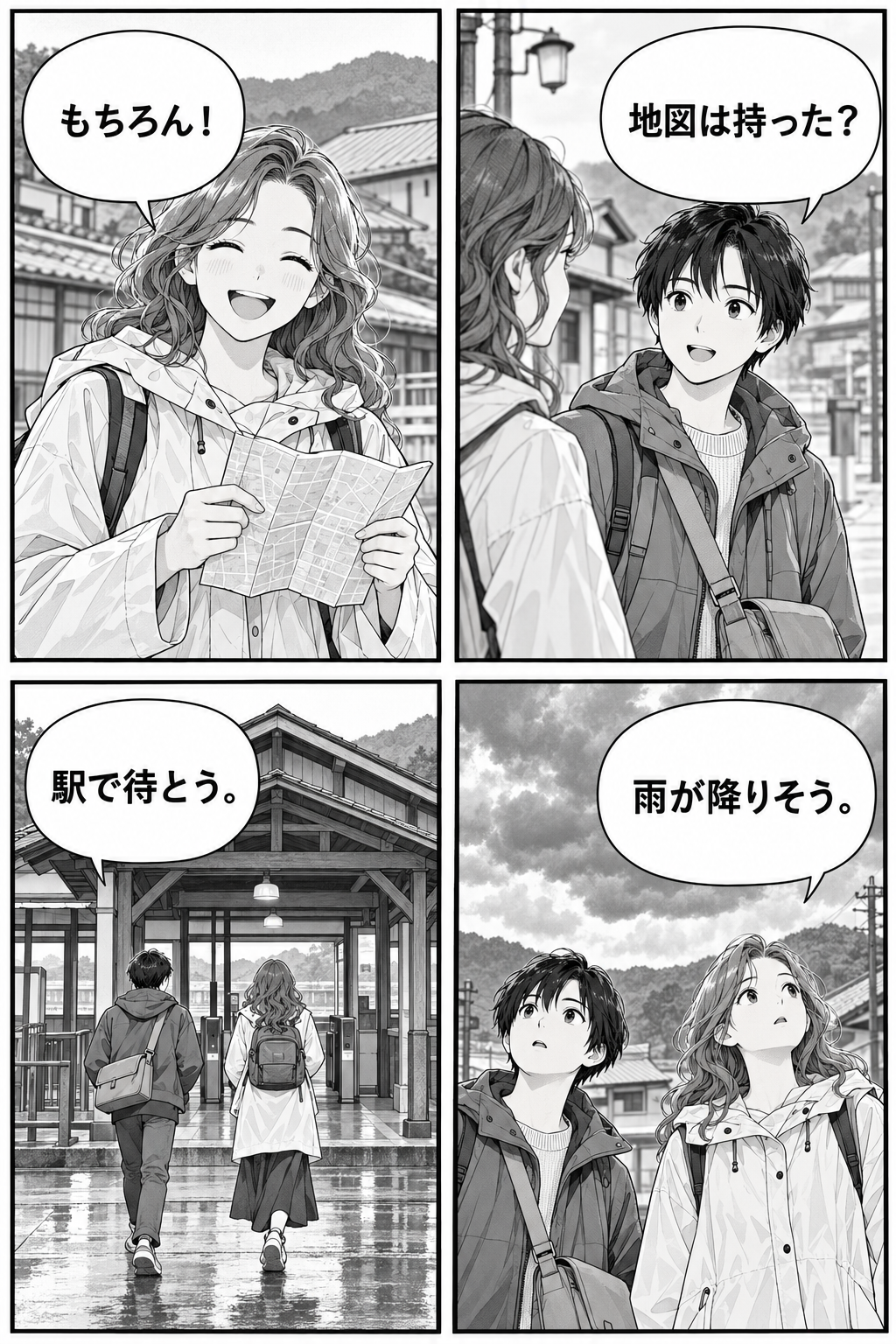
Image editing can change artwork or lettering. Compare names, speech balloons and fine details.
Tutorial
Manga Translator is best when you use it to translate speech balloons while keeping artwork, panel flow, and readability intact.
Step 1: Prepare the right input
Upload the cleanest page you have so the OCR can separate balloons, text, and art correctly.
Step 2: Set the generation direction
Choose the target language and check whether vertical or dense bubble text needs extra spacing.
Step 3: Generate, review, and keep the strongest result
Preview the translated page, verify lettering density, then save the version with the cleanest re-typesetting.
Best results
- Higher-contrast scans produce more accurate bubble detection.
- Check proper nouns and character names before exporting a batch.
- Review crowded balloons first; they are where translation usually breaks.


