AI Manga Filter

Apply artistic filters to your images

1

העלו את התמונה שלכם

Click to upload or drag image hereJPG, PNG, WEBP | Max 10MB
2

Choose an image filter you like

Webtoon
Webtoon
Manga
Manga
Ghibli
Ghibli
Cyberpunk
Cyberpunk
DnD
DnD
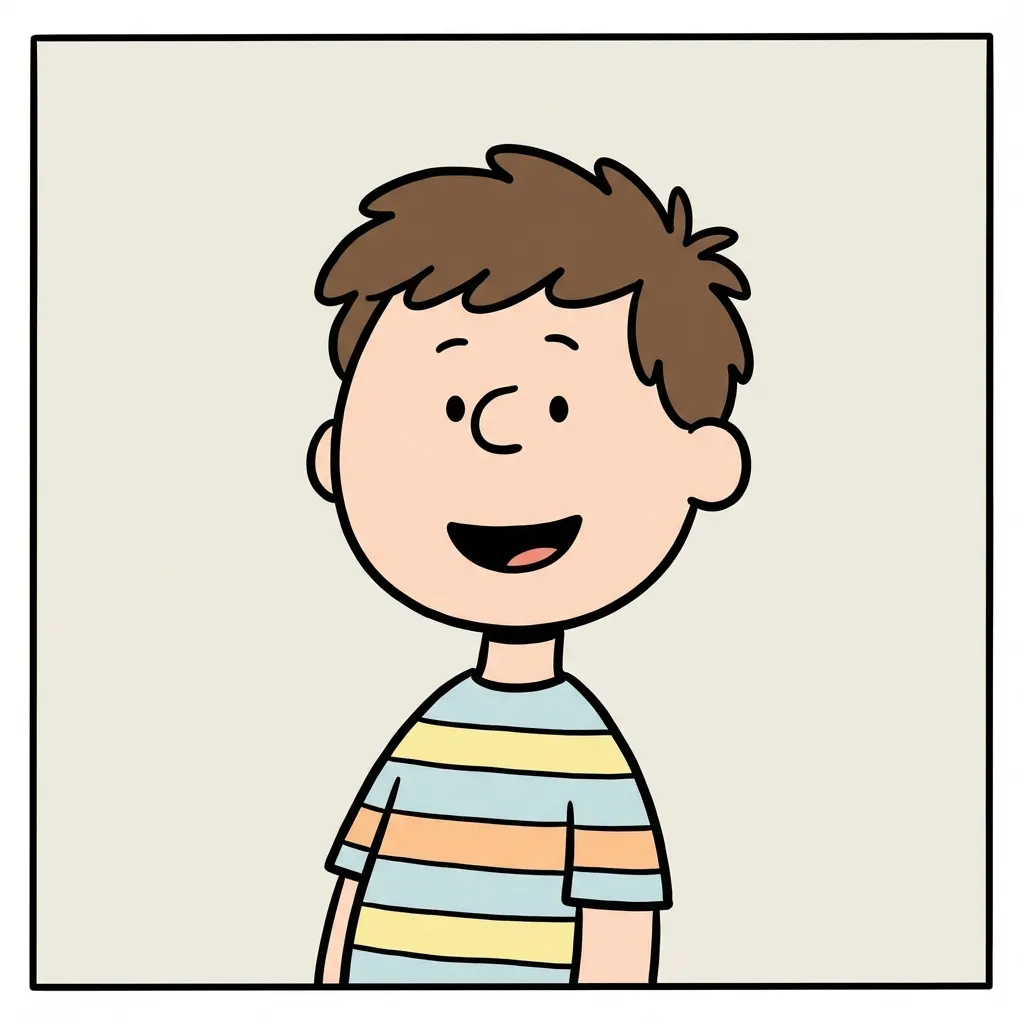
Snoopy
Snoopy
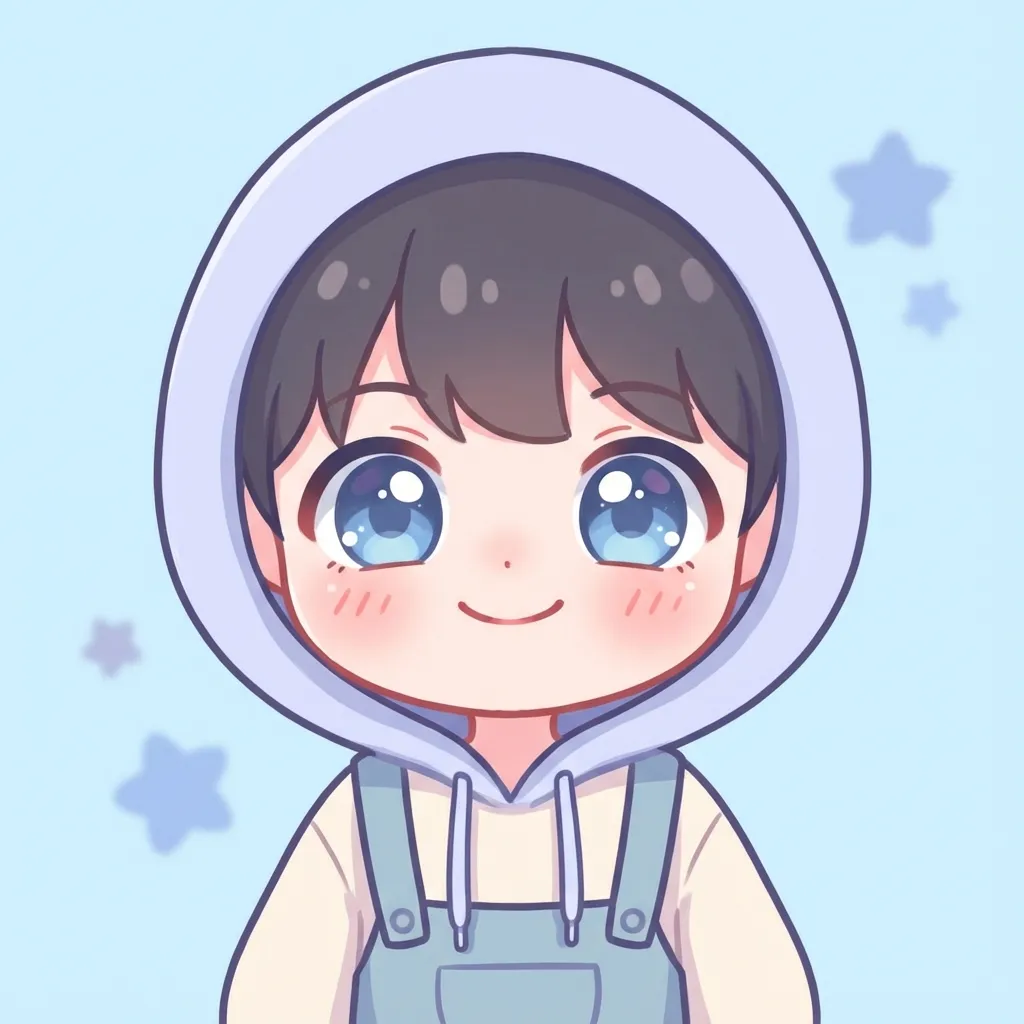
Chibi
Chibi
Disney
Disney
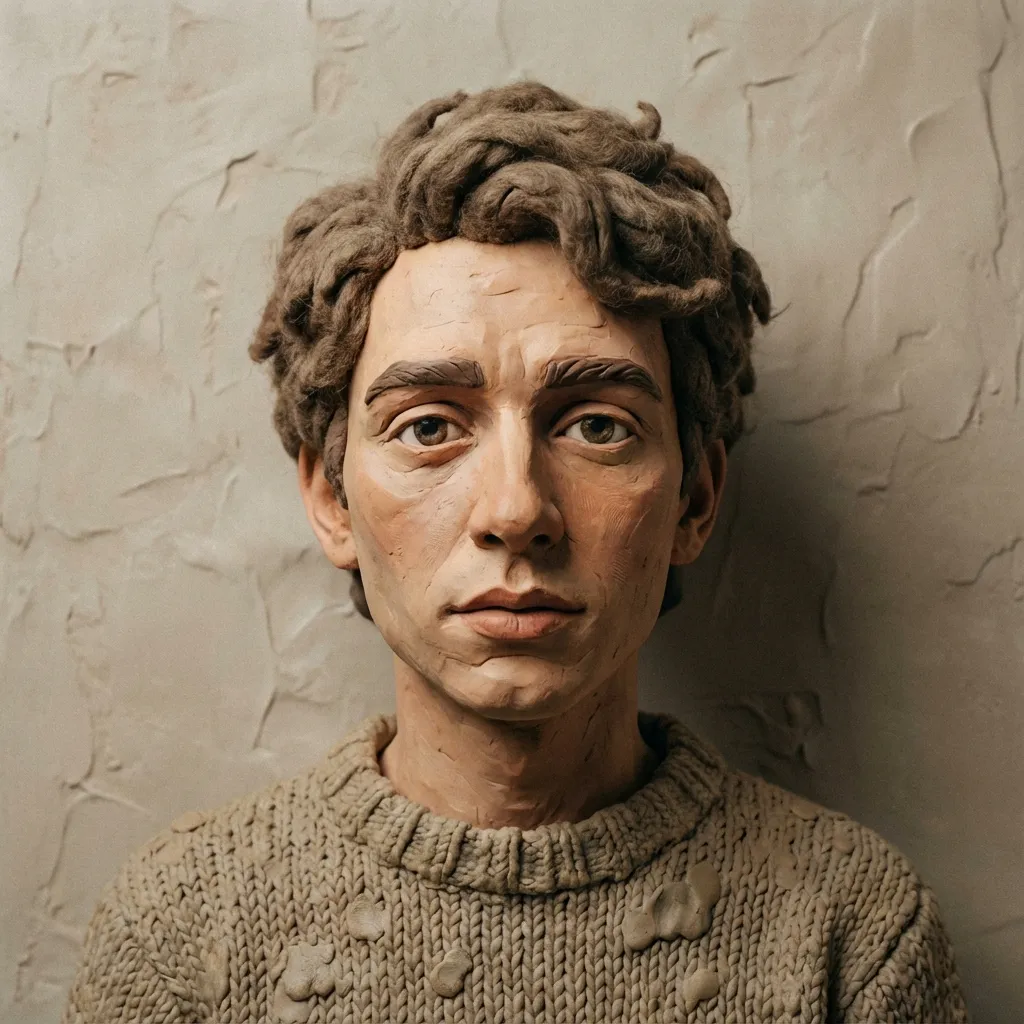
Clay
Clay
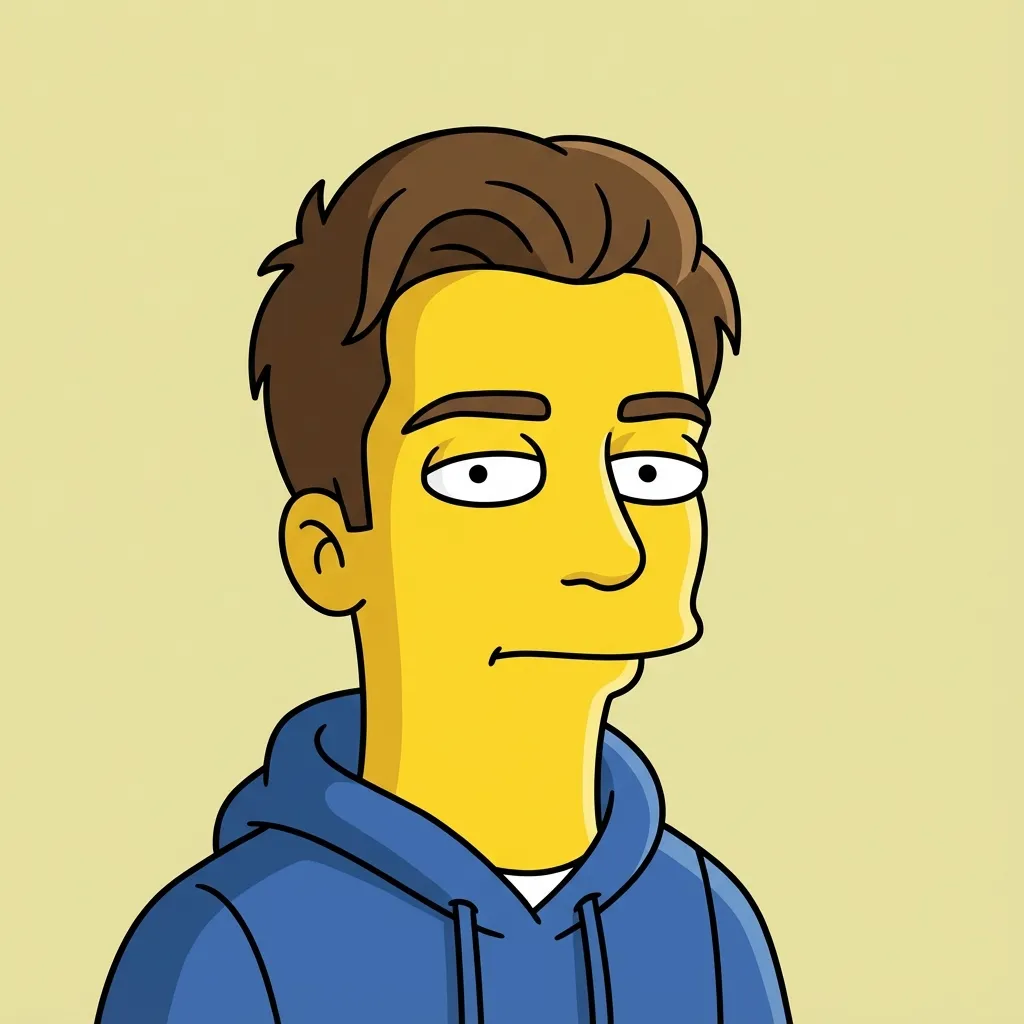
Simpson
Simpson
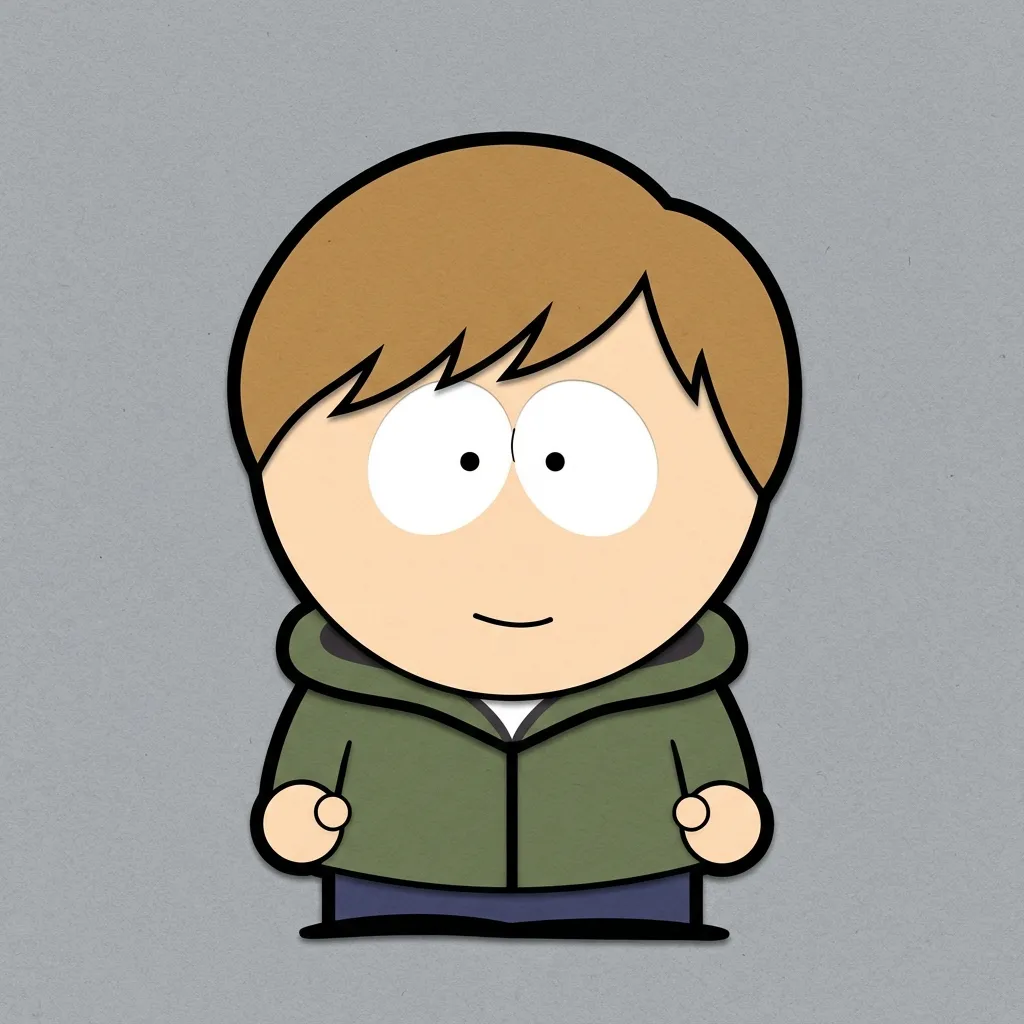
South Park
South Park
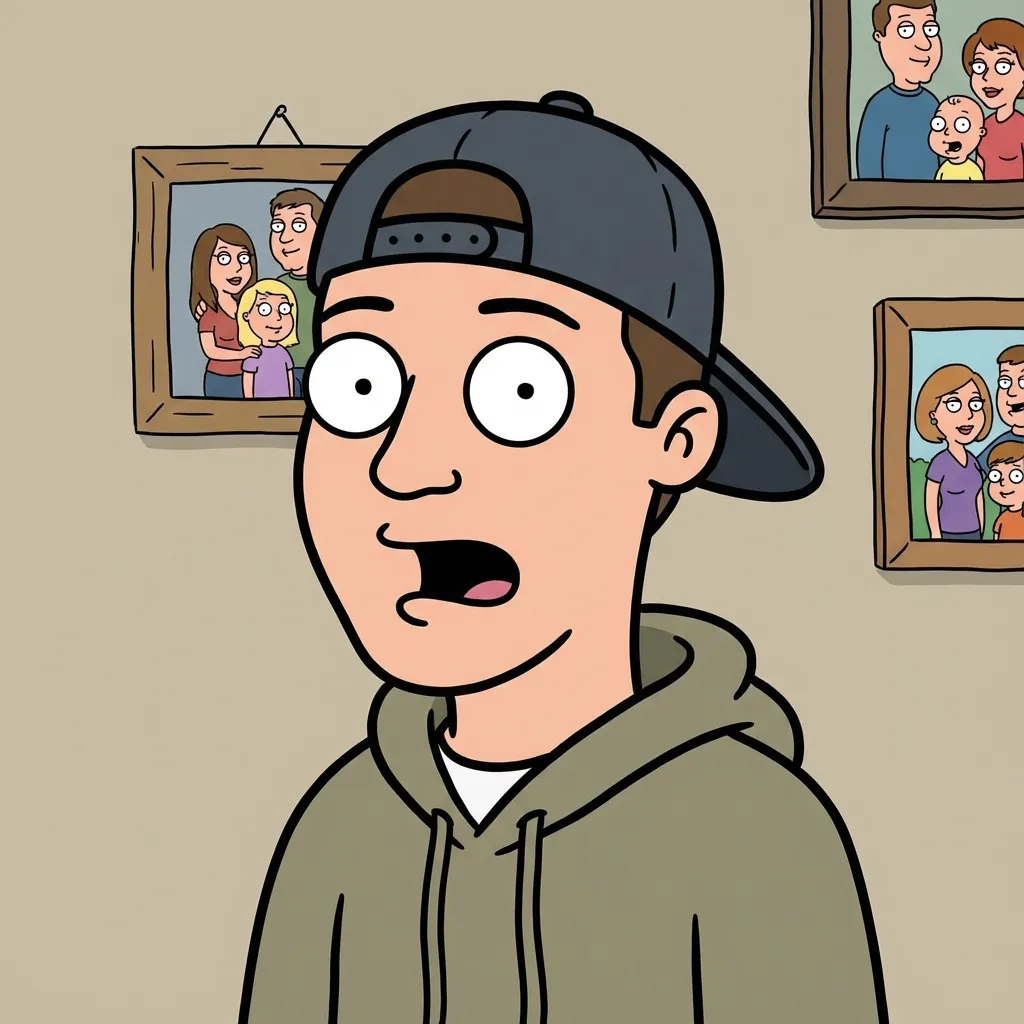
Family Guy
Family Guy
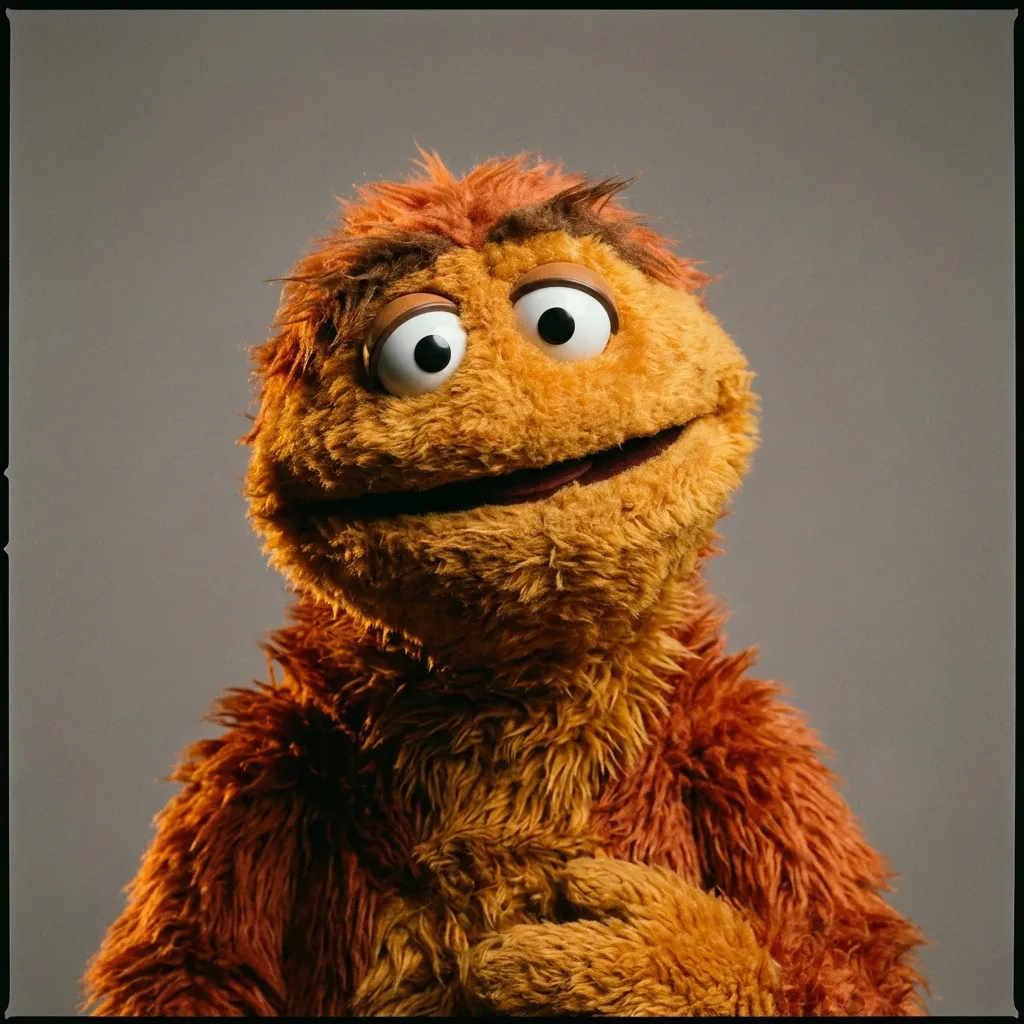
Muppet
Muppet
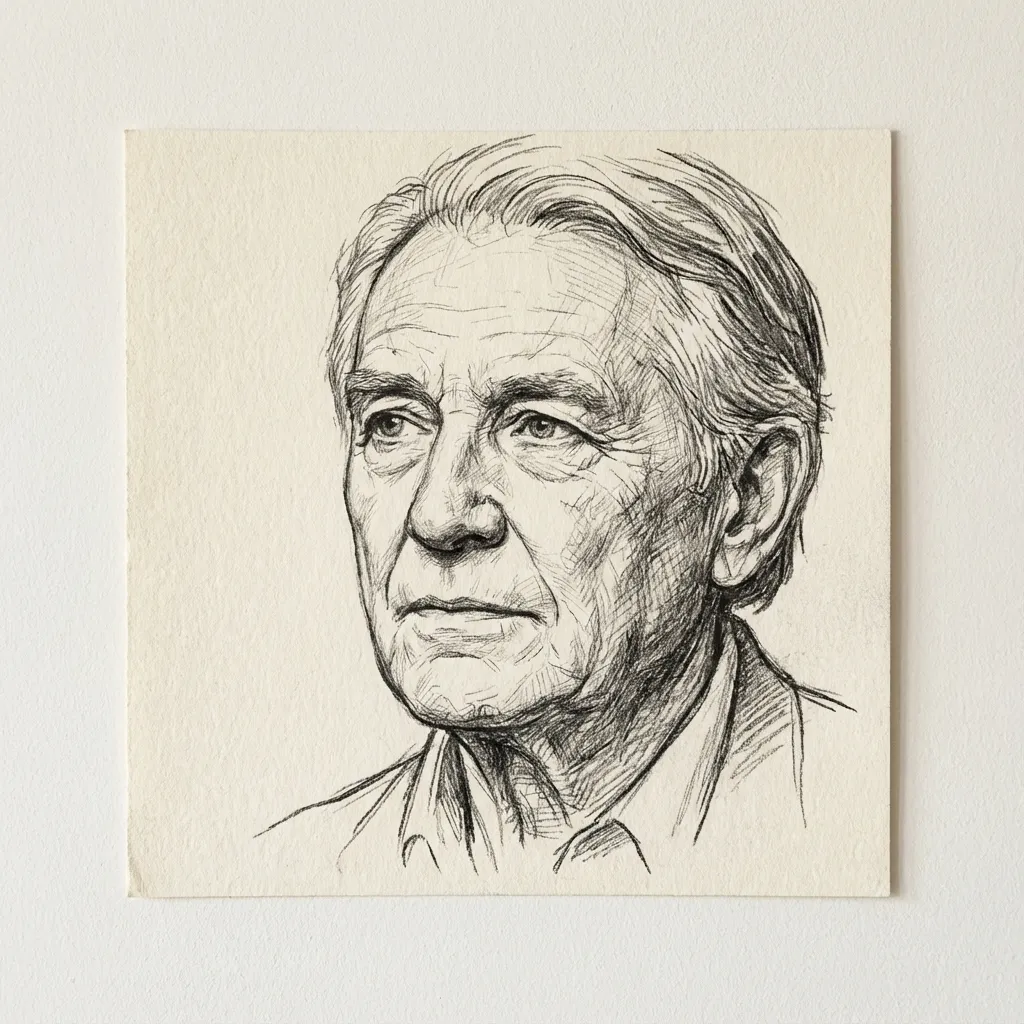
Line art
Line art
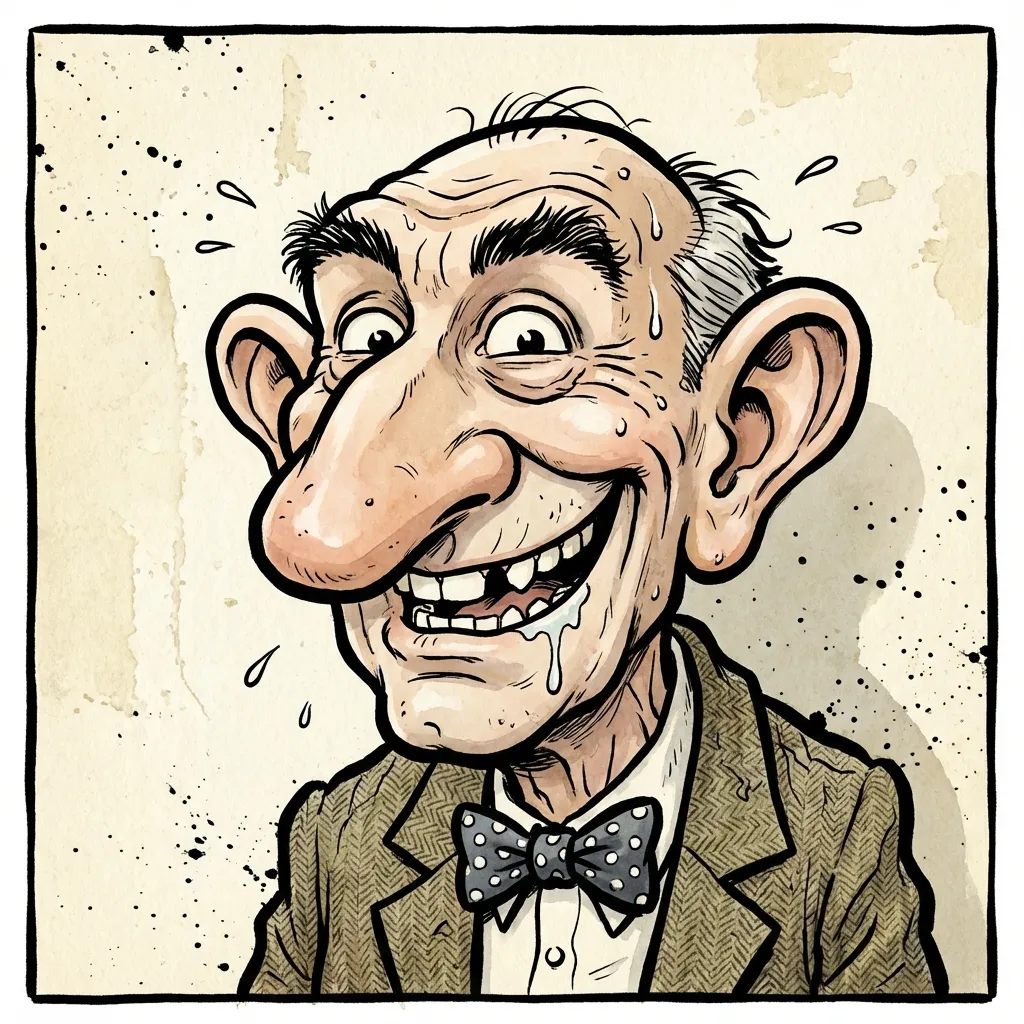
Caricature
Caricature
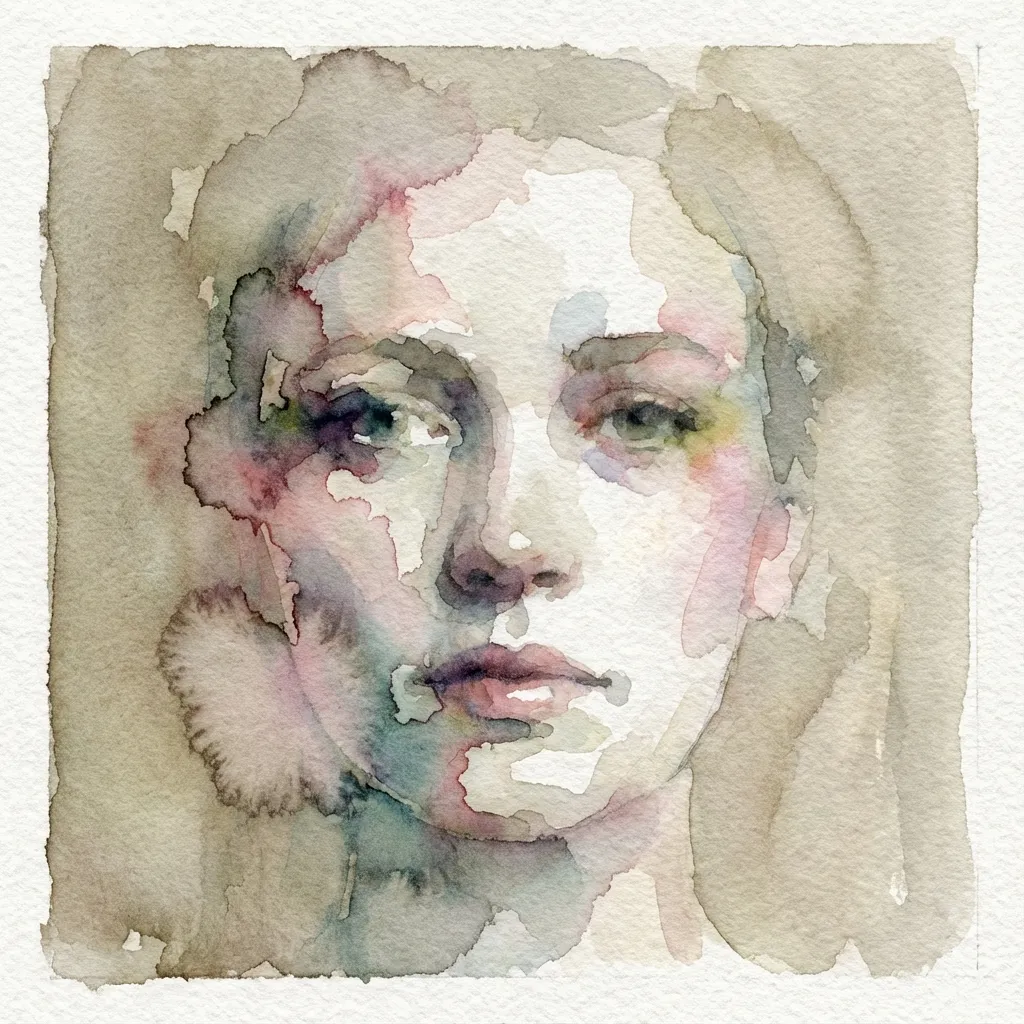
Watercolor
Watercolor
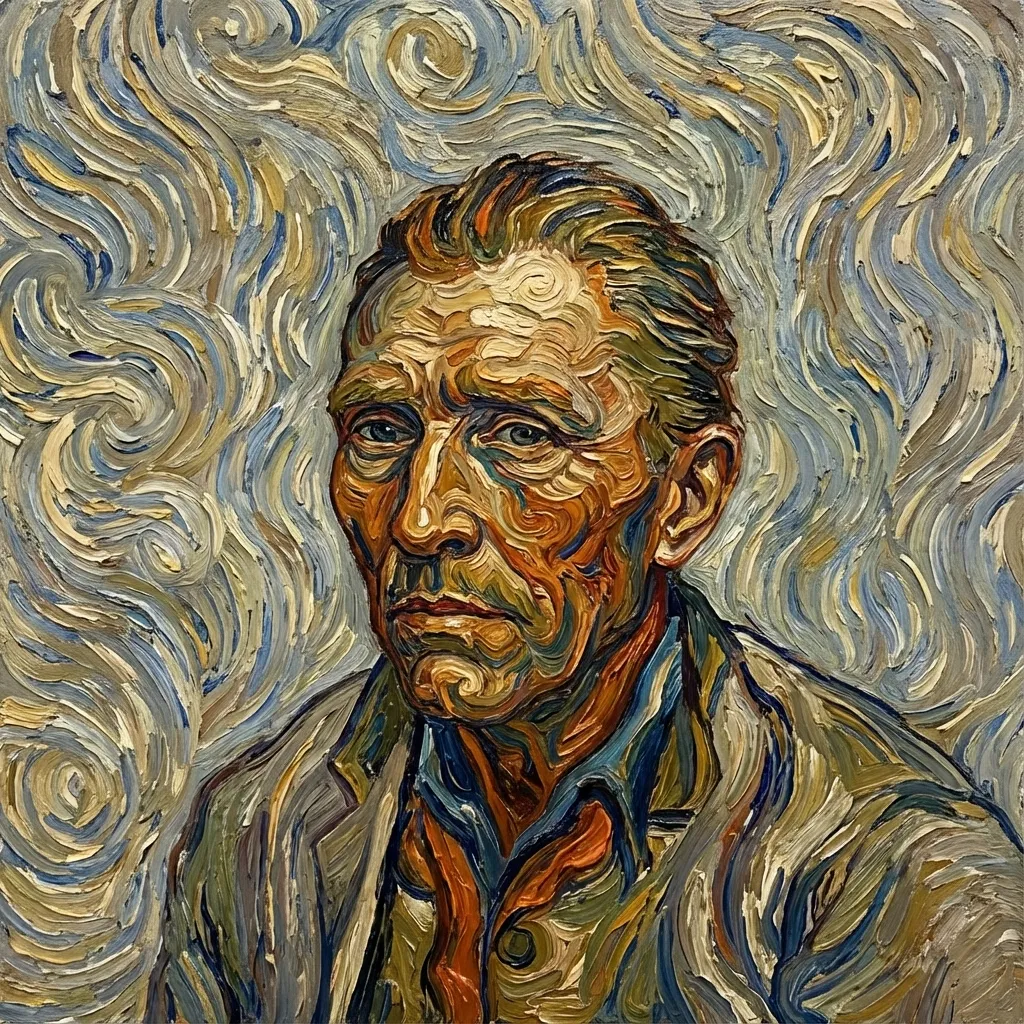
Van Gogh
Van Gogh
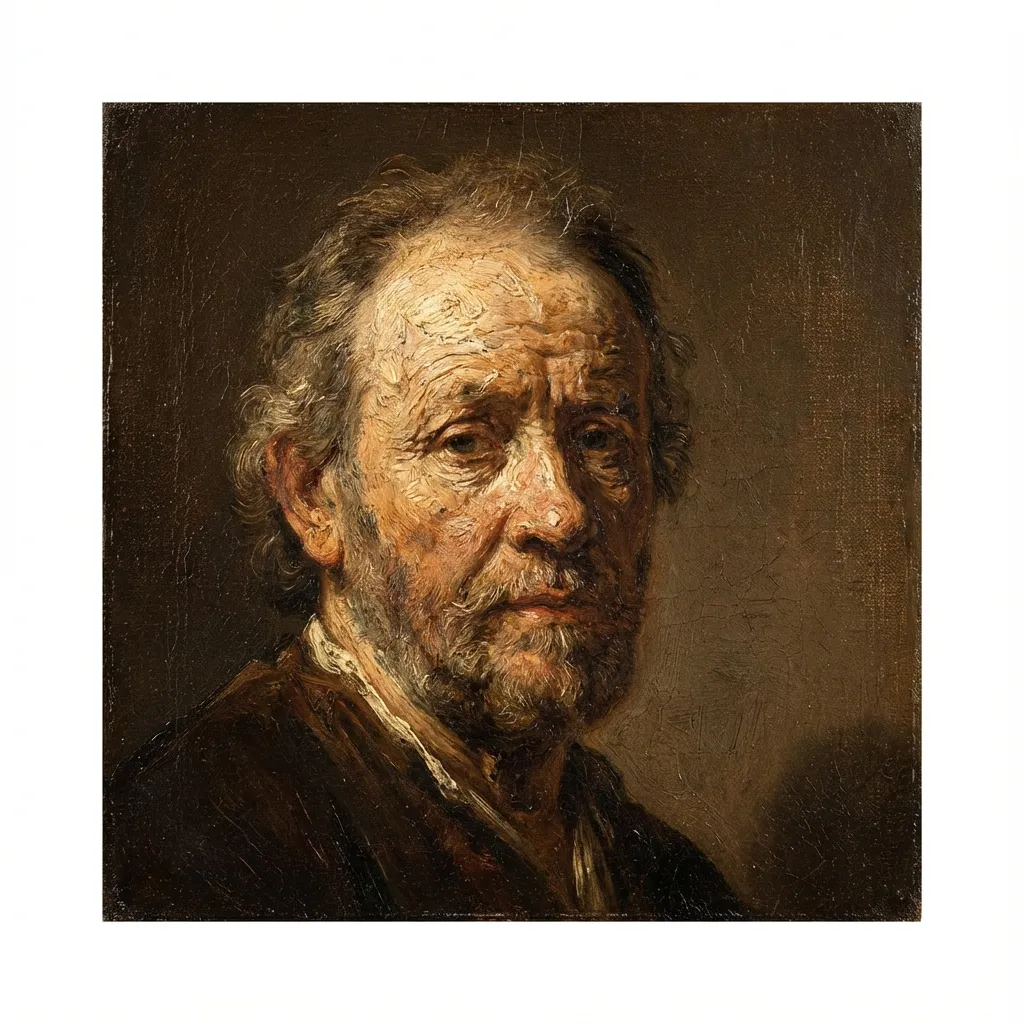
Oil Painting
Oil Painting
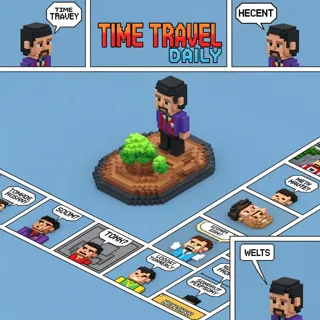
Minecraft
Minecraft
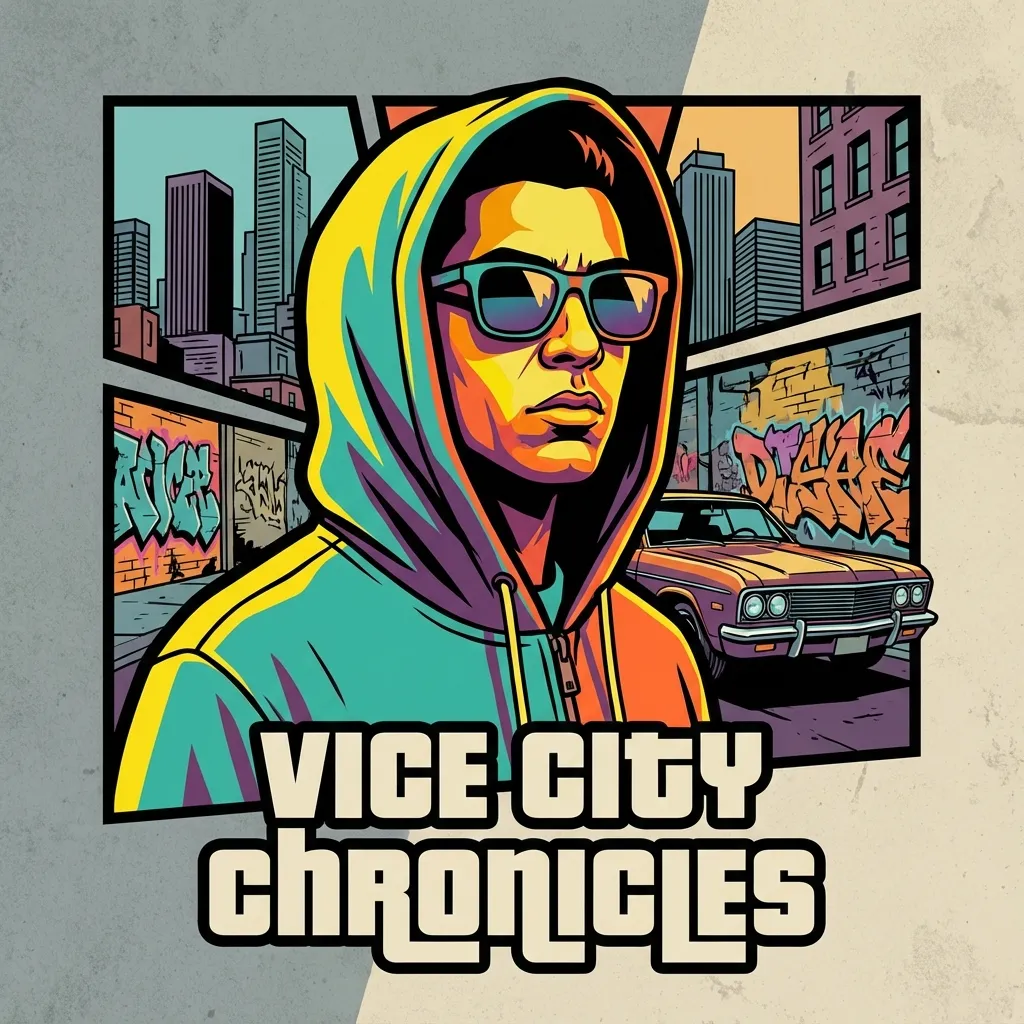
GTA
GTA
PS2
PS2
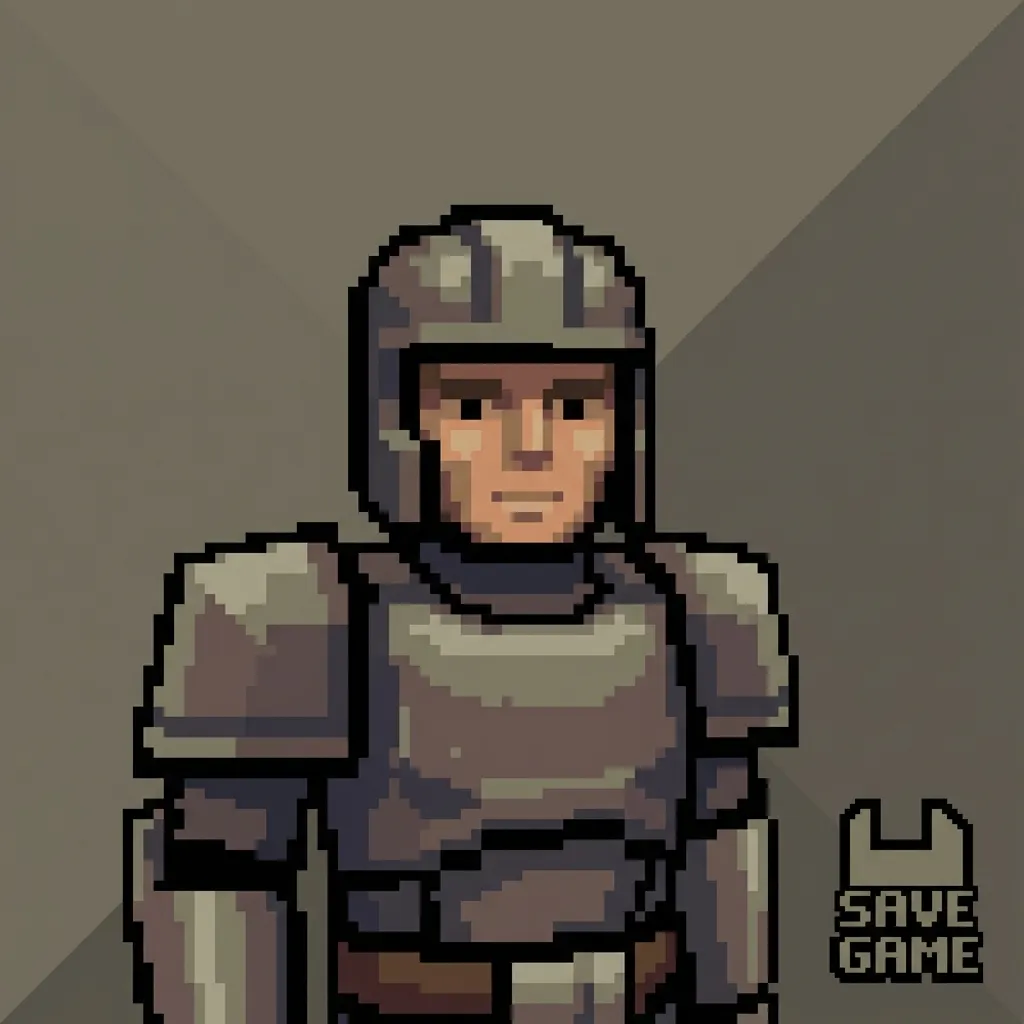
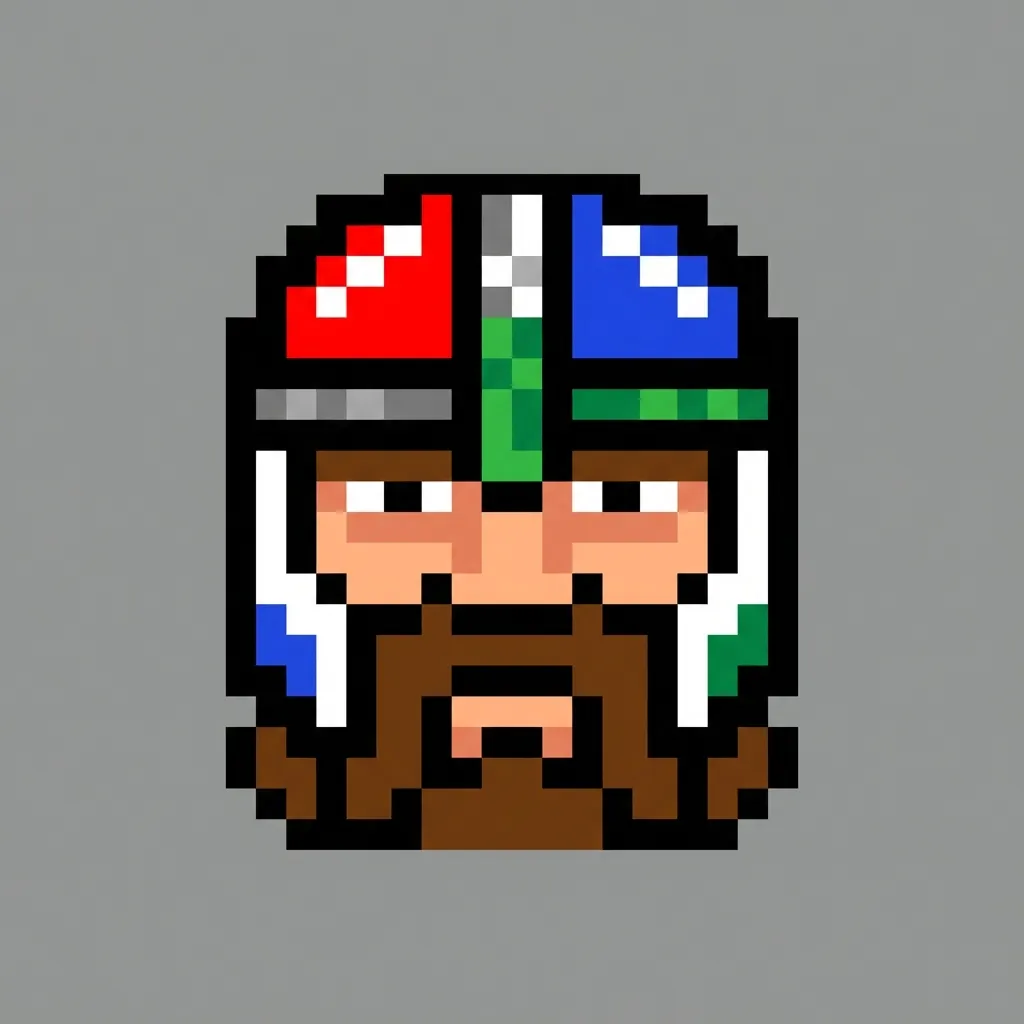
Pixel
Pixel
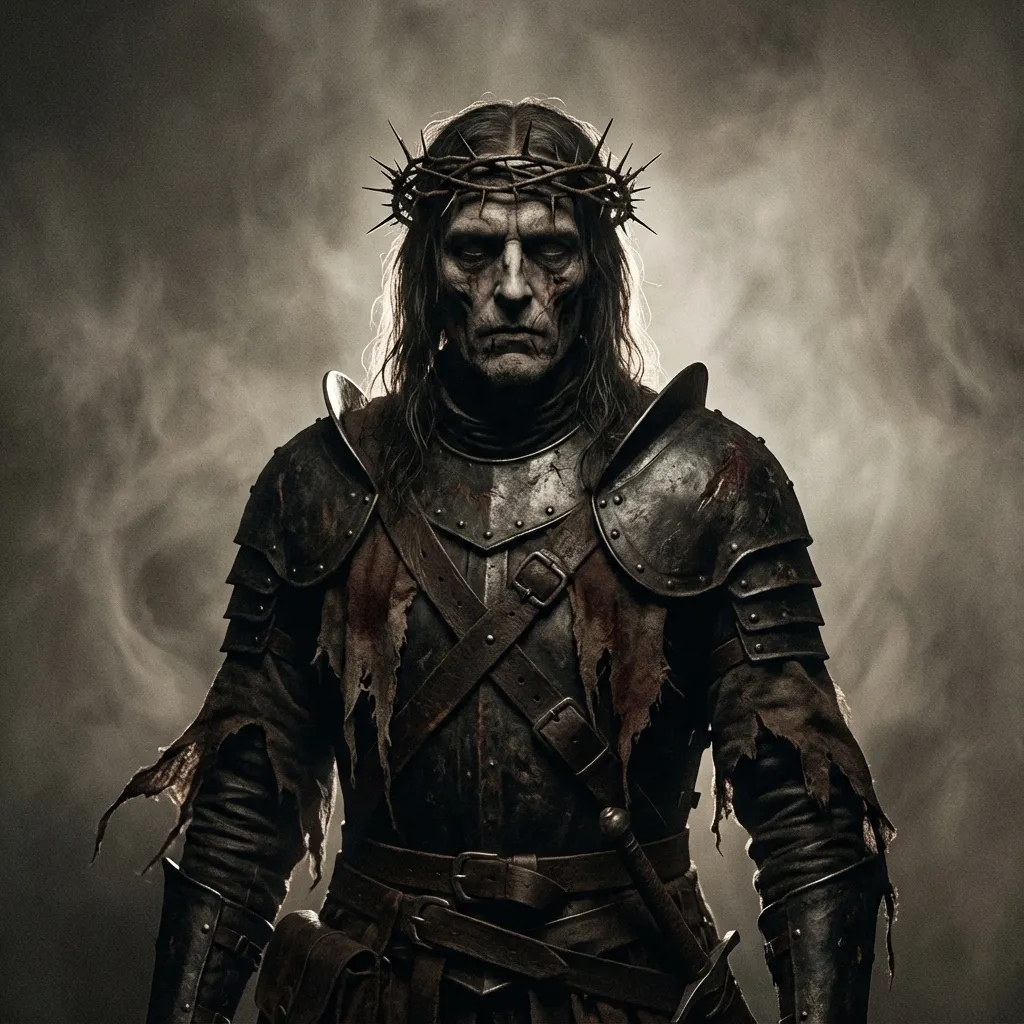
Dark Fantasy
Dark Fantasy
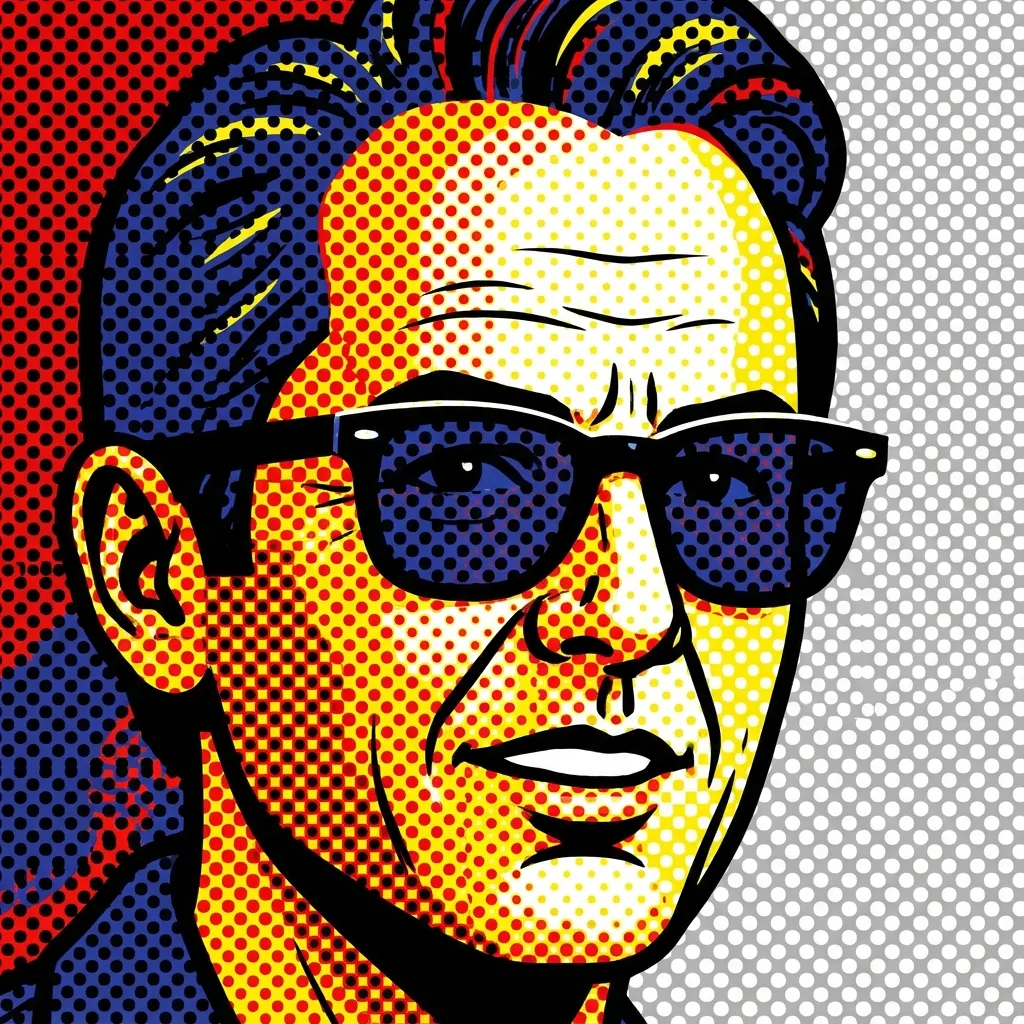
Pop Art
Pop Art
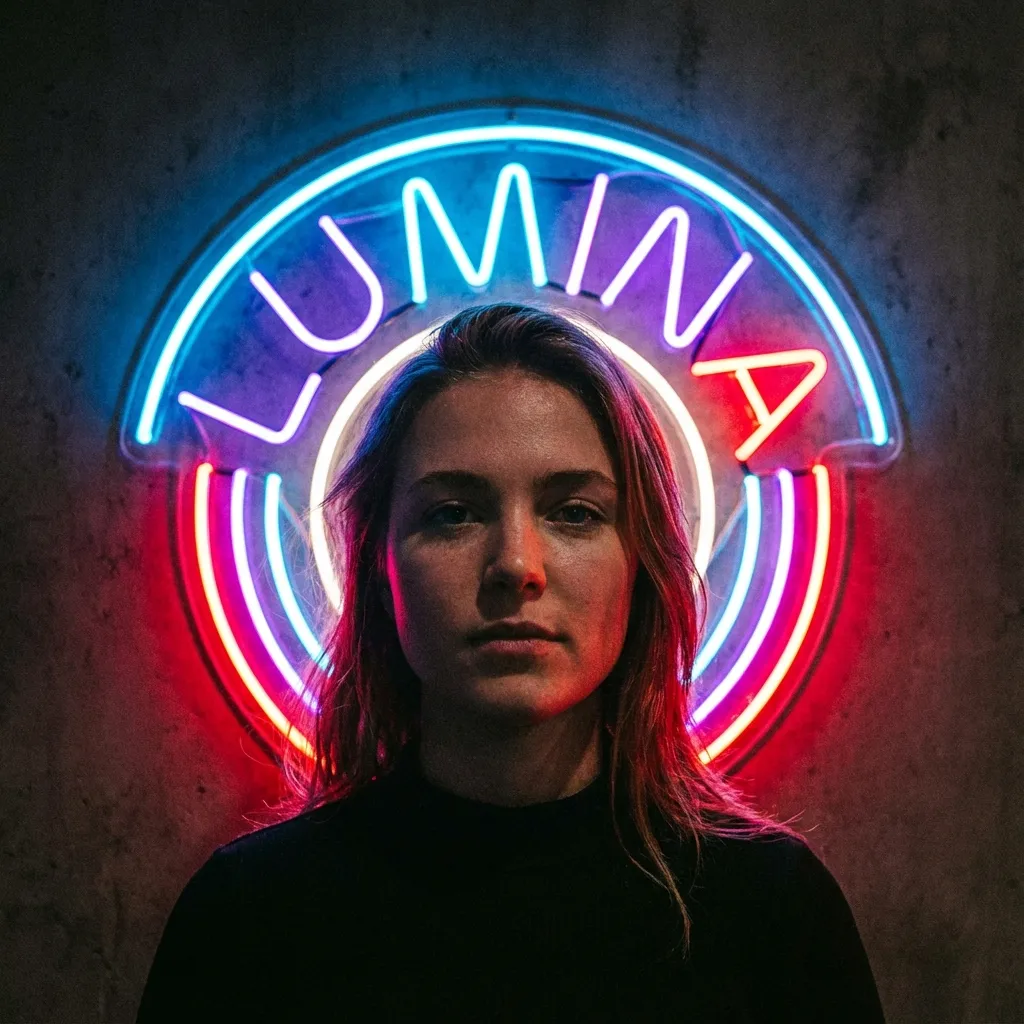
Neon sign
Neon sign
Lego
Lego
3

בחר מודל

300 credits will be charged

העלה תמונה לצפייה בתצוגה מקדימה

Your filtered image will appear here

אין רעיונות? נסה את התבניות המוכנות שלנו כדי להתחיל

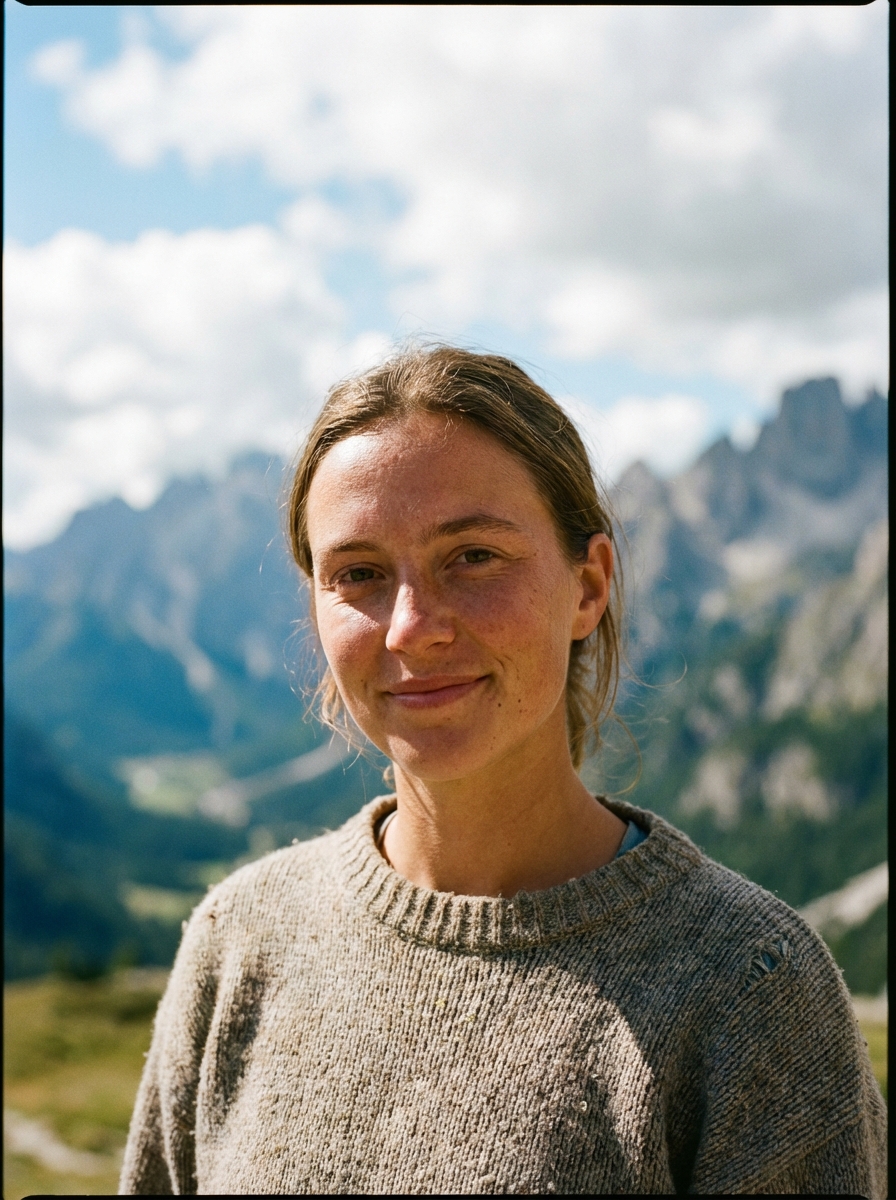
Mountain Portrait
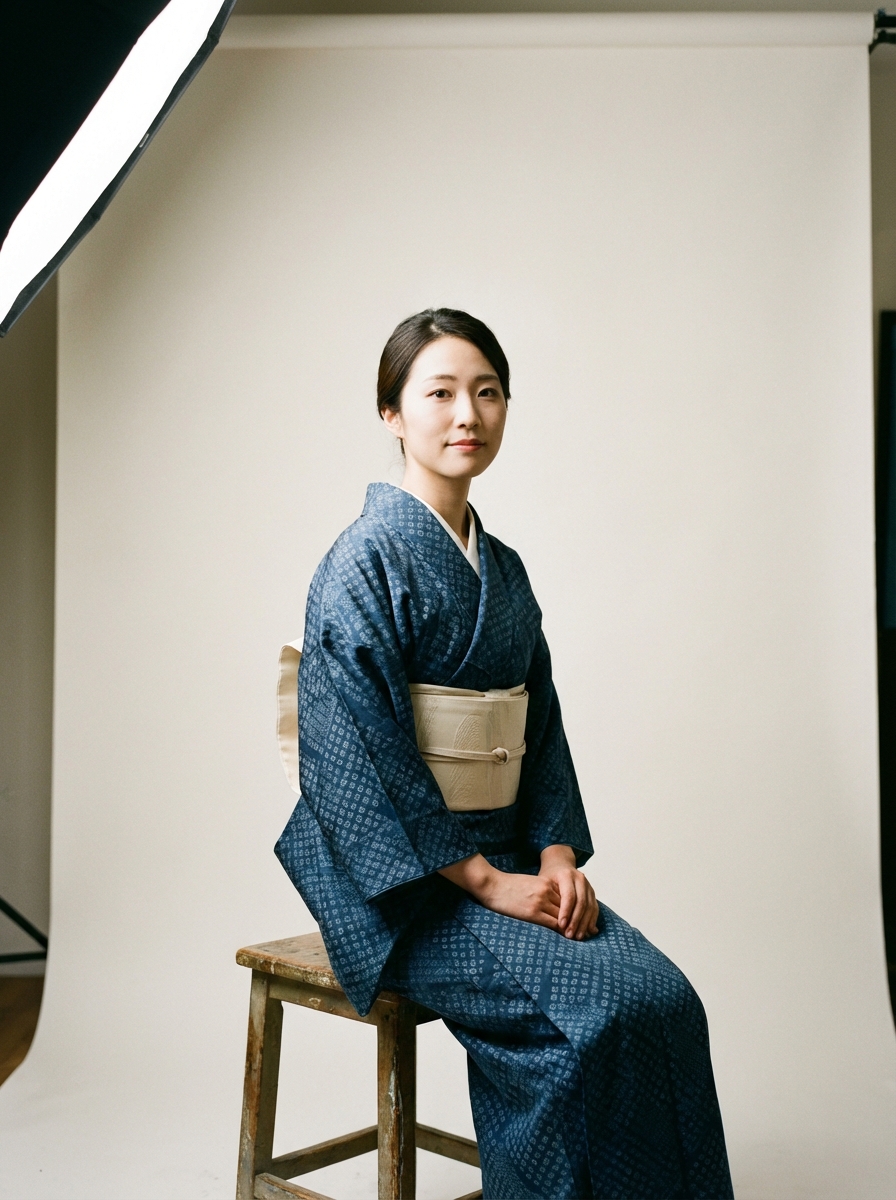
Traditional Kimono
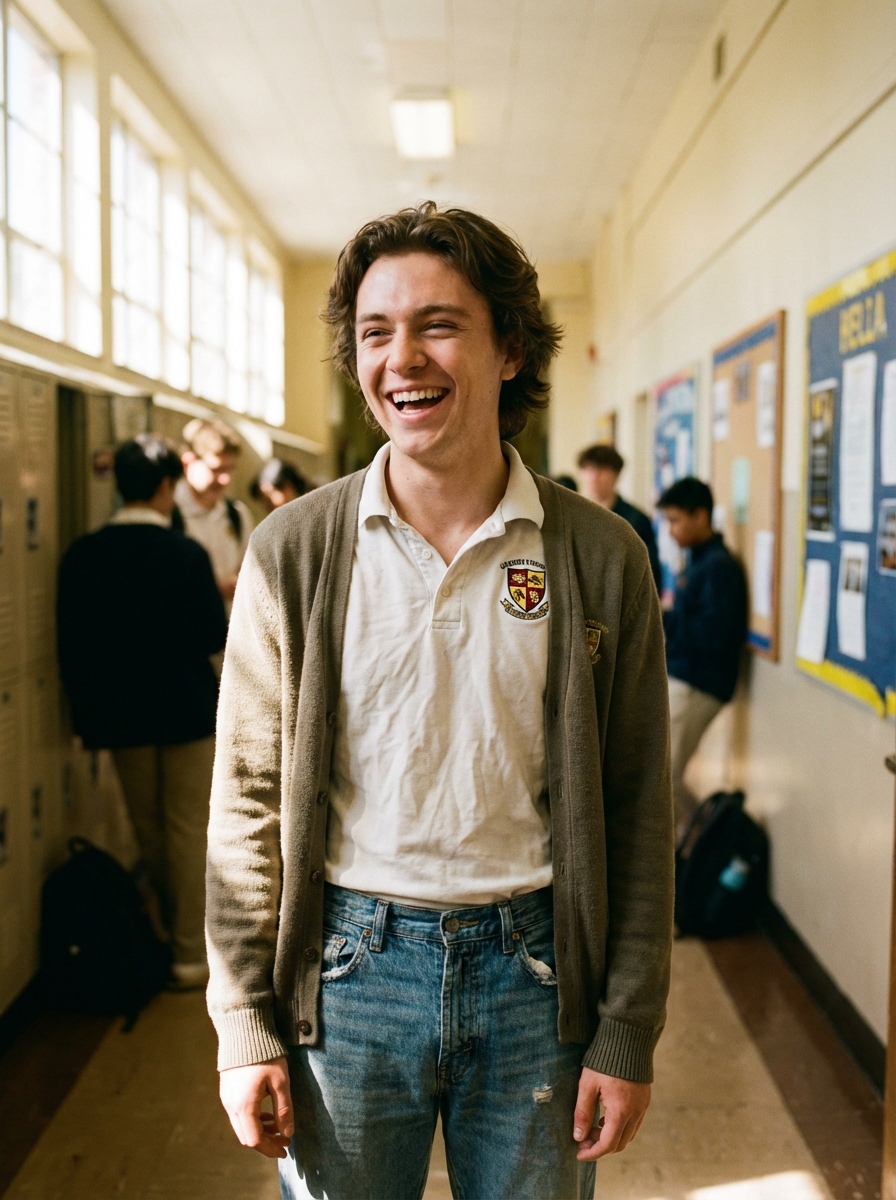
Anime School

מדריך

AI Manga Filter is best when you use it to re-render portraits and photos into manga or anime-inspired styles.

Step 1: Prepare the right input

Start with a clean image where the subject, pose, and lighting are easy to interpret.

Step 2: Set the generation direction

Choose the filter style and model that best match the look you want to emulate.

Step 3: Generate, review, and keep the strongest result

Generate several passes, compare face fidelity and line treatment, then keep the most readable variant.

Best results

  • The simpler the background, the stronger the face conversion usually feels.
  • Pick one target style per iteration.
  • Use manual filter mode only when you need tighter style control.
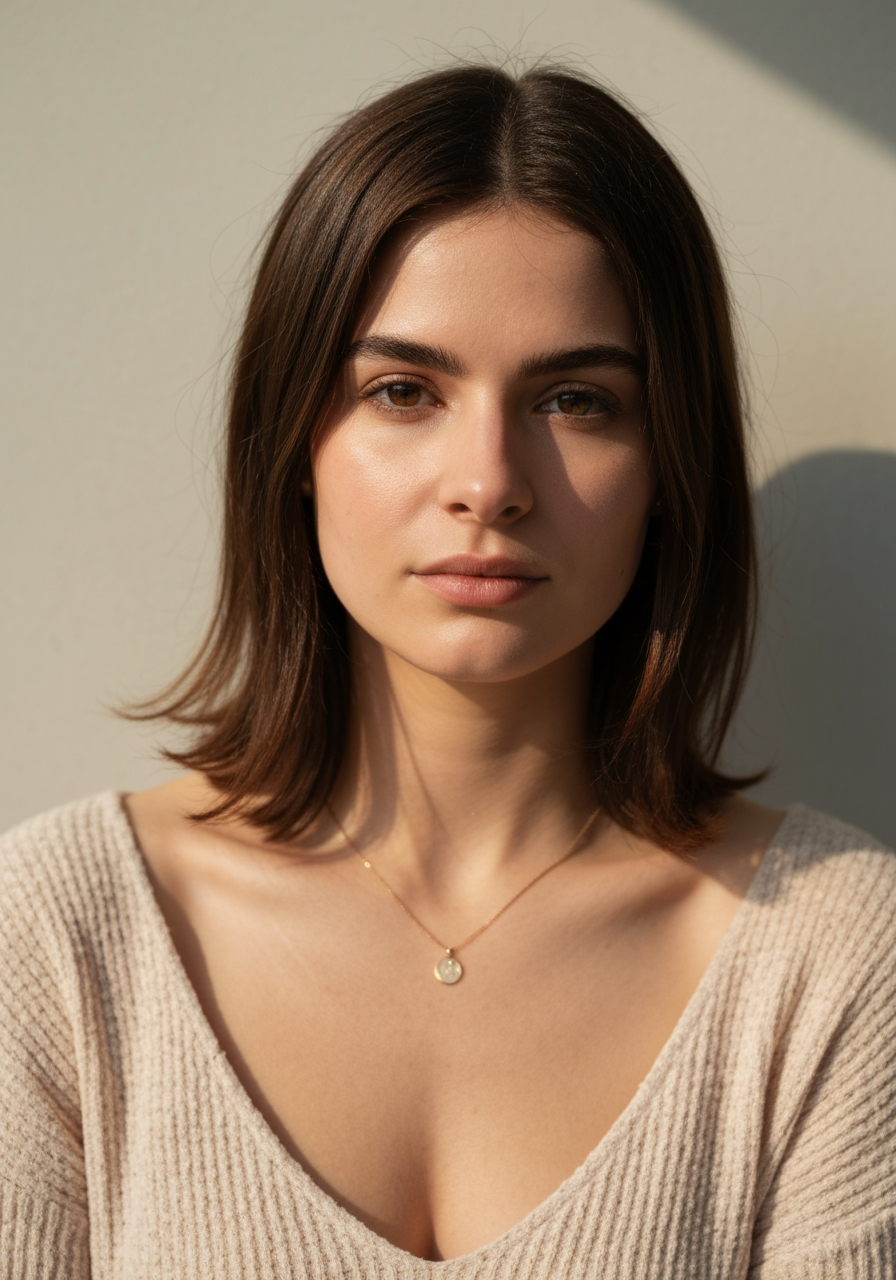
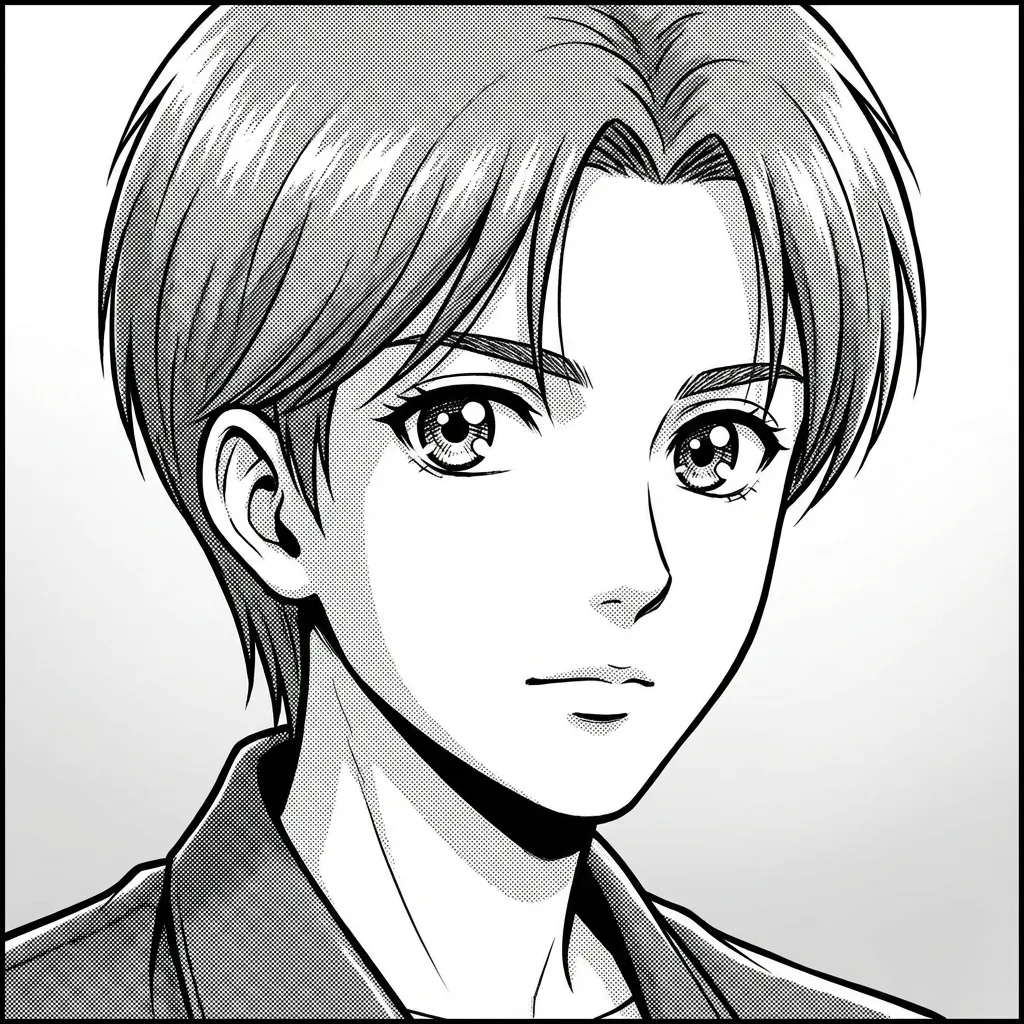
AI Manga Filter demo 1
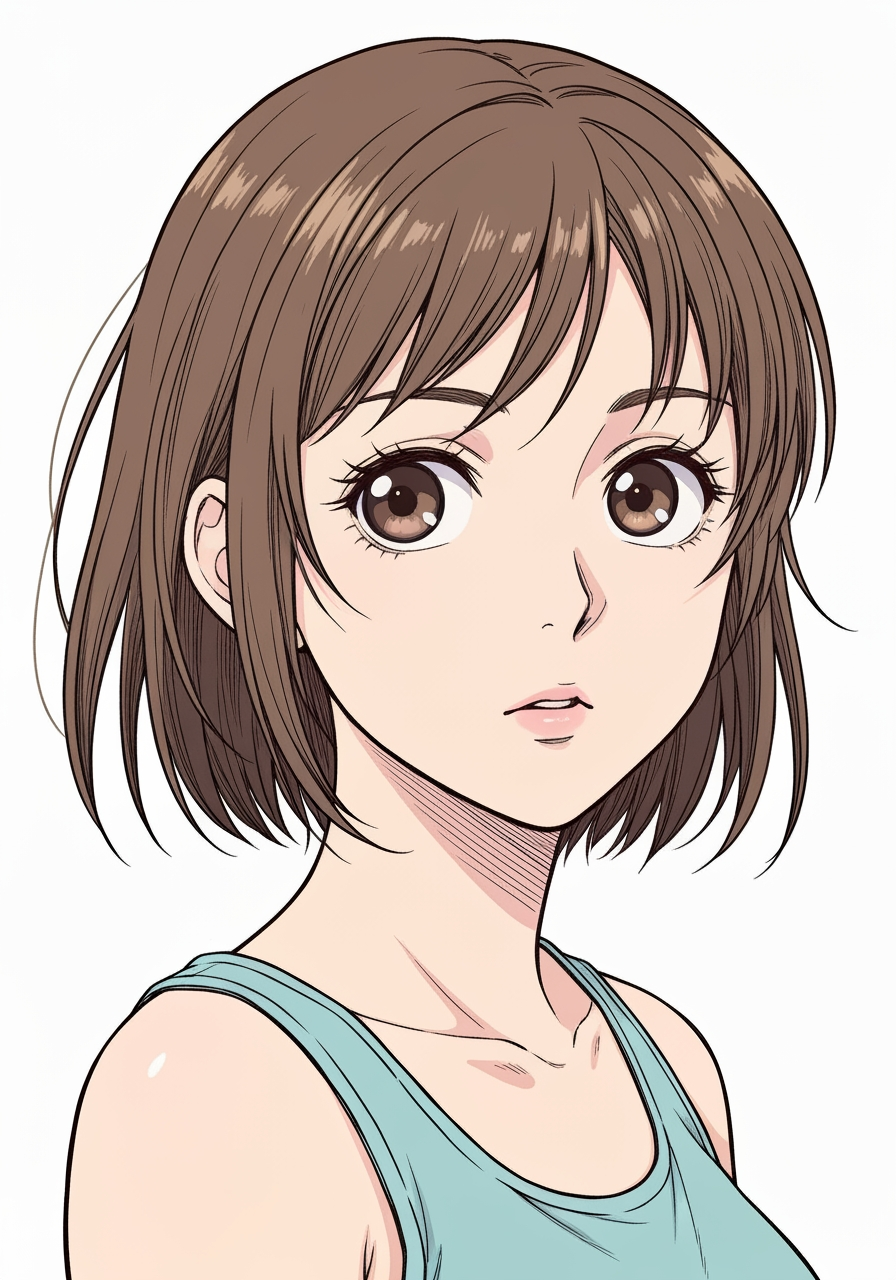
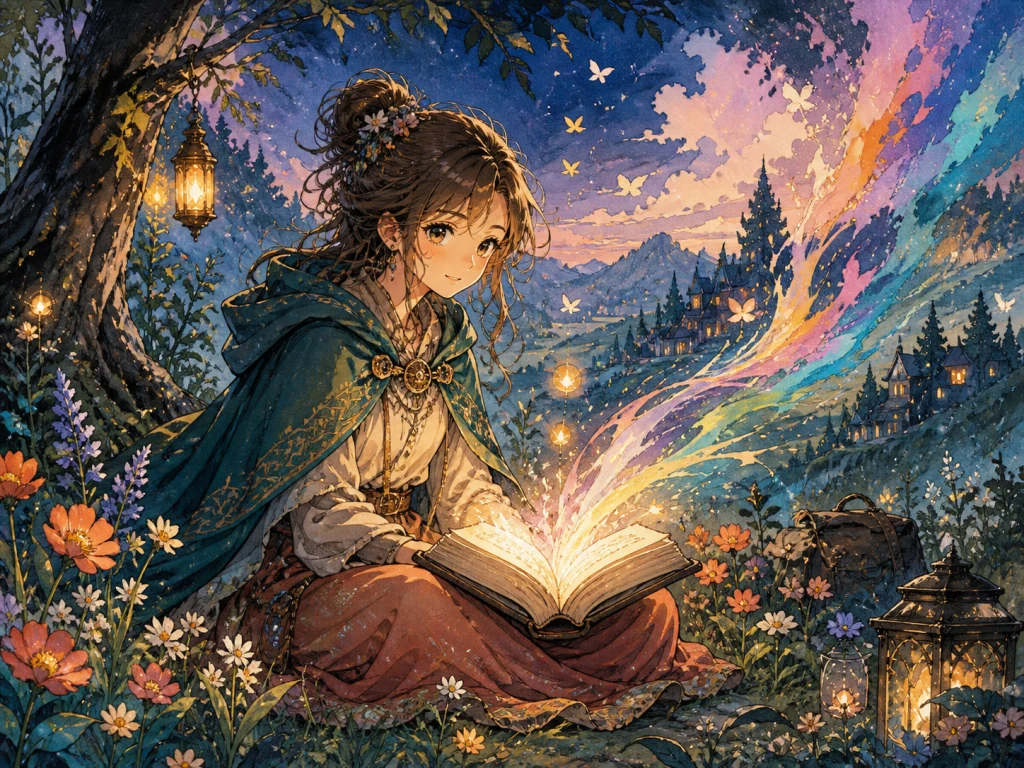
AI Manga Filter demo 2
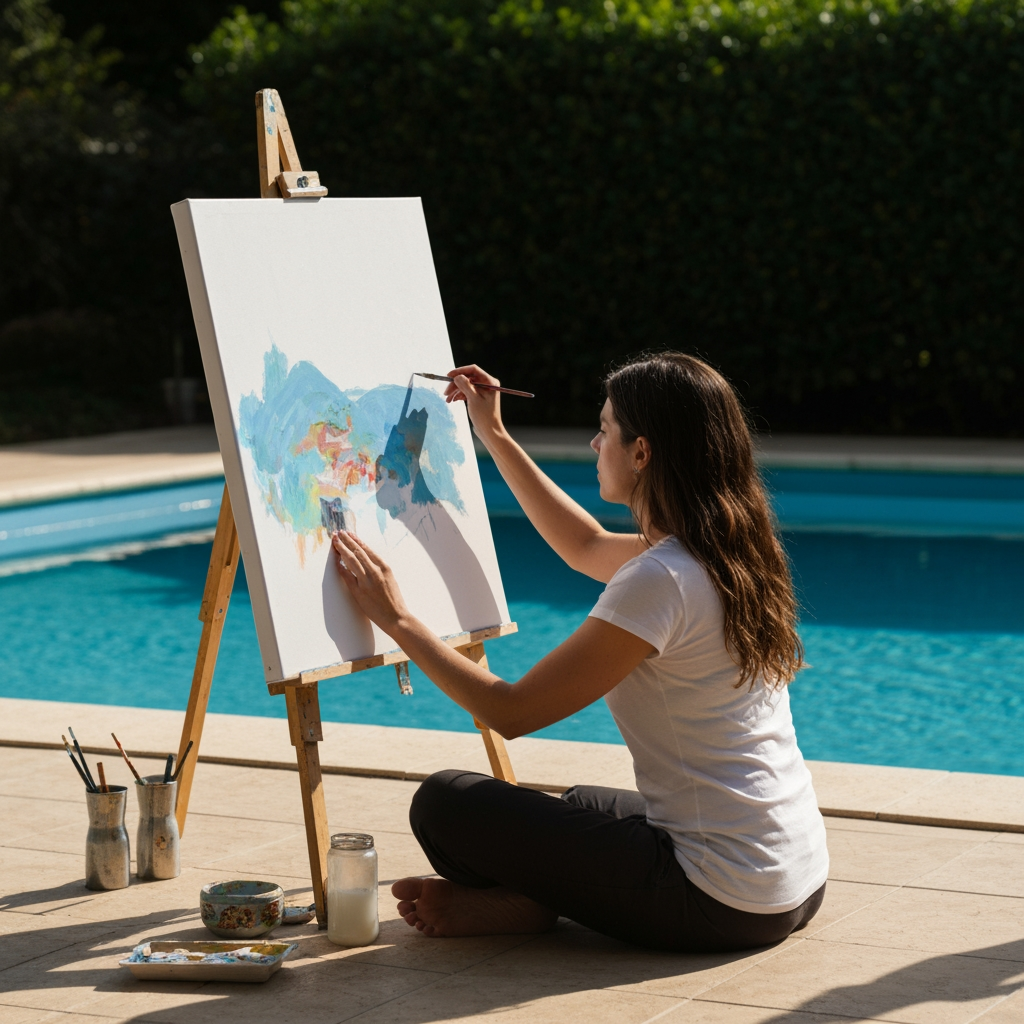
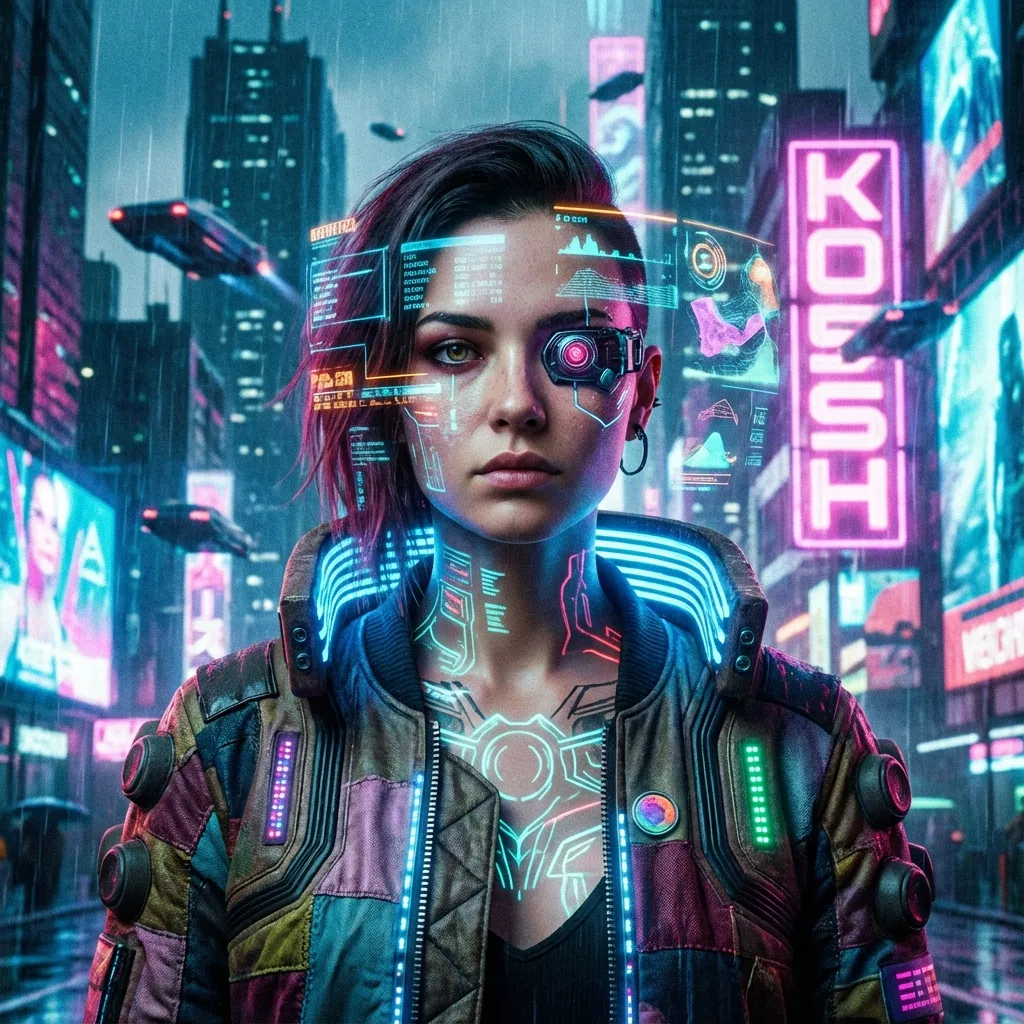
AI Manga Filter demo 3
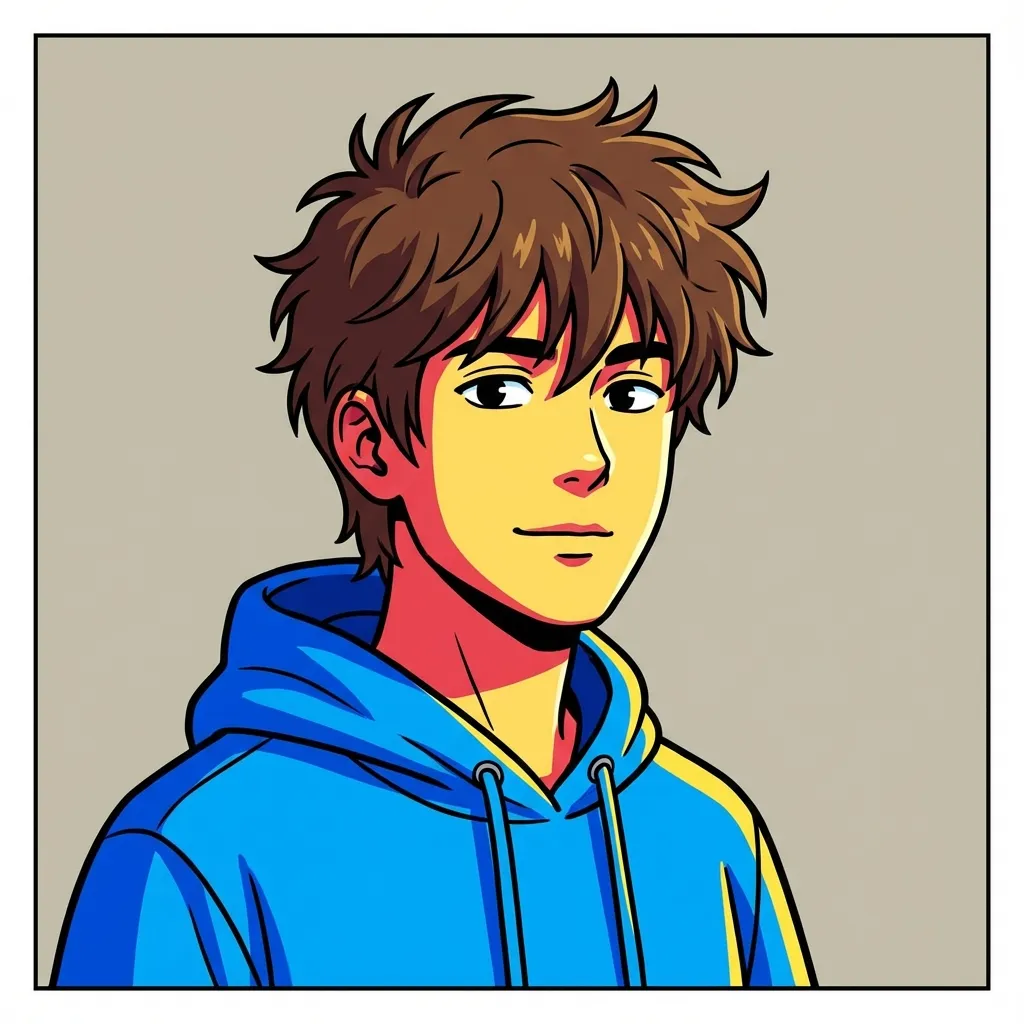
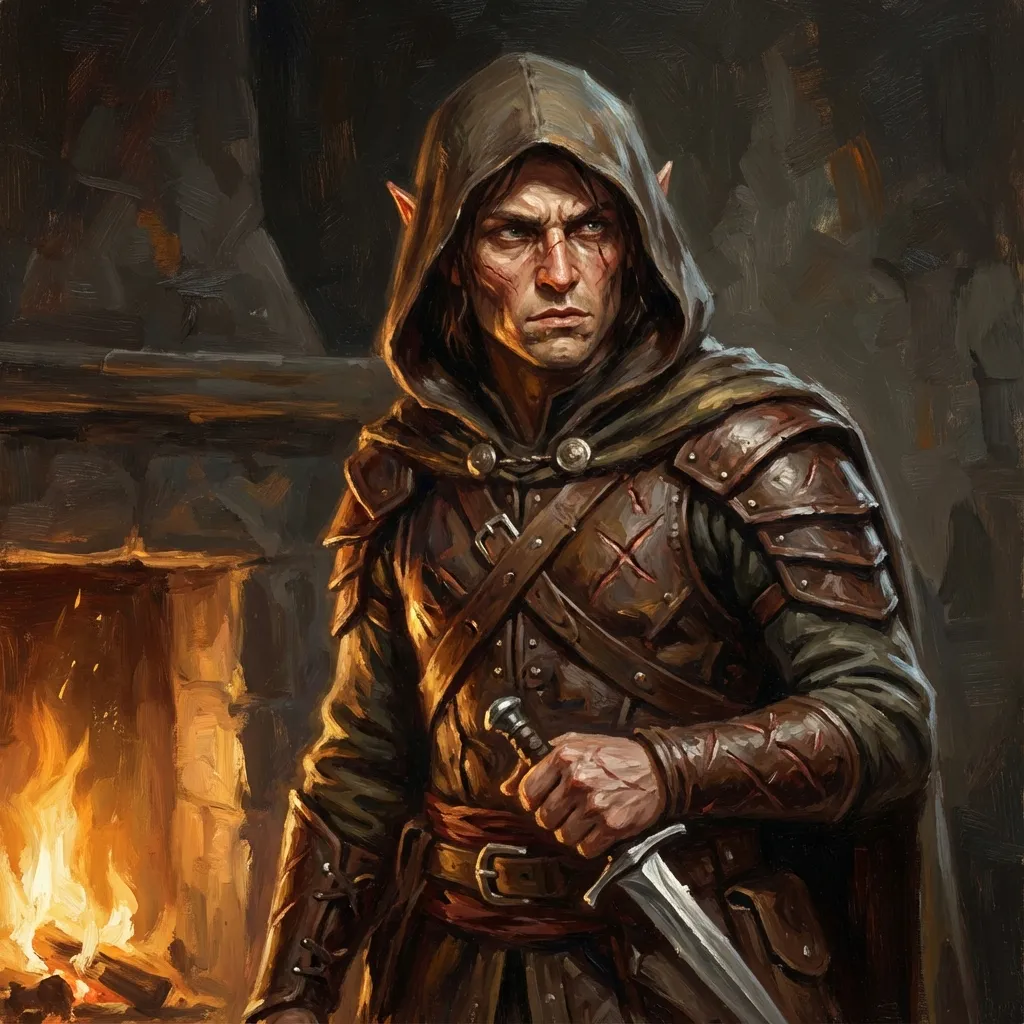
AI Manga Filter demo 4