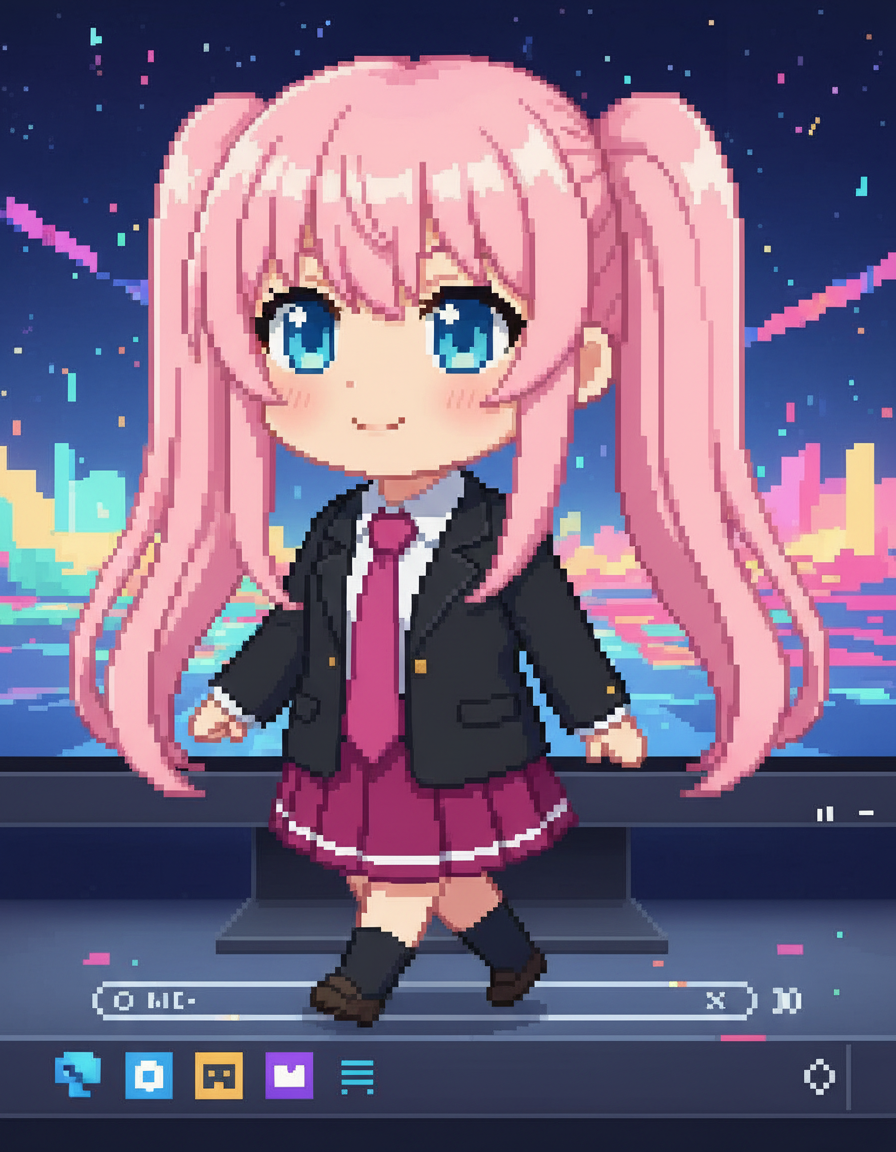
AI Desktop Pet Generator
Turn a character reference into a desktop-pet style visual.
Upload reference images
Reference 1
Preset characters
Click preset characters to fill reference slots in order.
Target: Reference 1
Choose preset
Add extra details
Set output and generate
Aspect ratio
Model
Tutorial
Follow the suggested workflow, then use the example outputs as visual references.
Start with a clean character
Use one readable character image with a silhouette that can survive a smaller desktop-pet presentation.
Set the layout
Choose the ratio and desktop behavior style that best matches how you want the pet to sit on-screen.
Generate the companion view
Keep the output that feels naturally attached to the desktop instead of just a cropped illustration.
AI Desktop Pet Generator results will appear here
Upload your references, set the look, and generate.
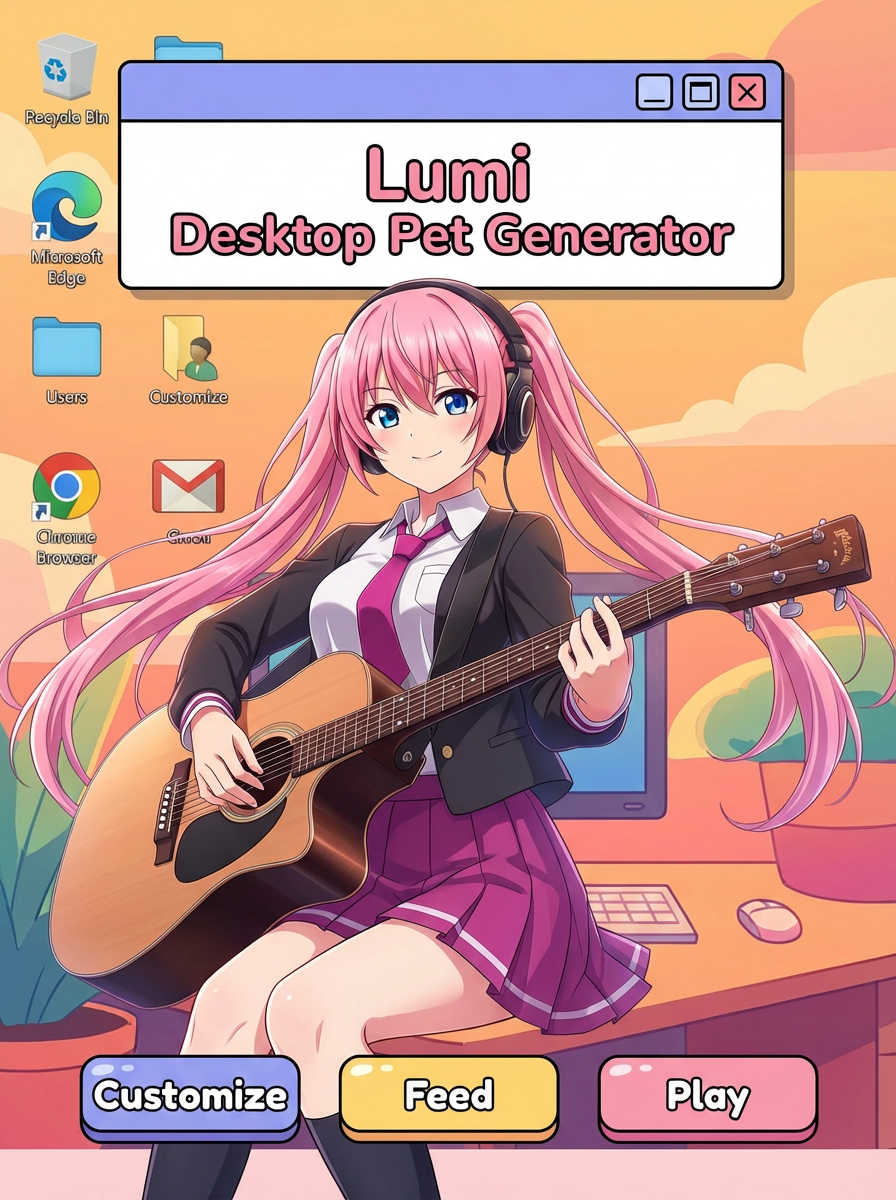
Tutorial
AI Desktop Pet Generator is best when you want a character to feel like a screen companion.
Step 1: Prepare the right input
Upload one character image with a strong silhouette.
Step 2: Set the generation direction
Describe the desktop-pet pose and choose the target ratio.
Step 3: Generate, review, and keep the strongest result
Keep the version that feels naturally placed on screen.