AI Acrylic Standee Generator
Turn uploaded artwork into acrylic standee style mockups.
Upload reference images
Reference 1
Preset characters
Click preset characters to fill reference slots in order.
Target: Reference 1
Choose preset
Add extra details
Set output and generate
Aspect ratio
Model
Tutorial
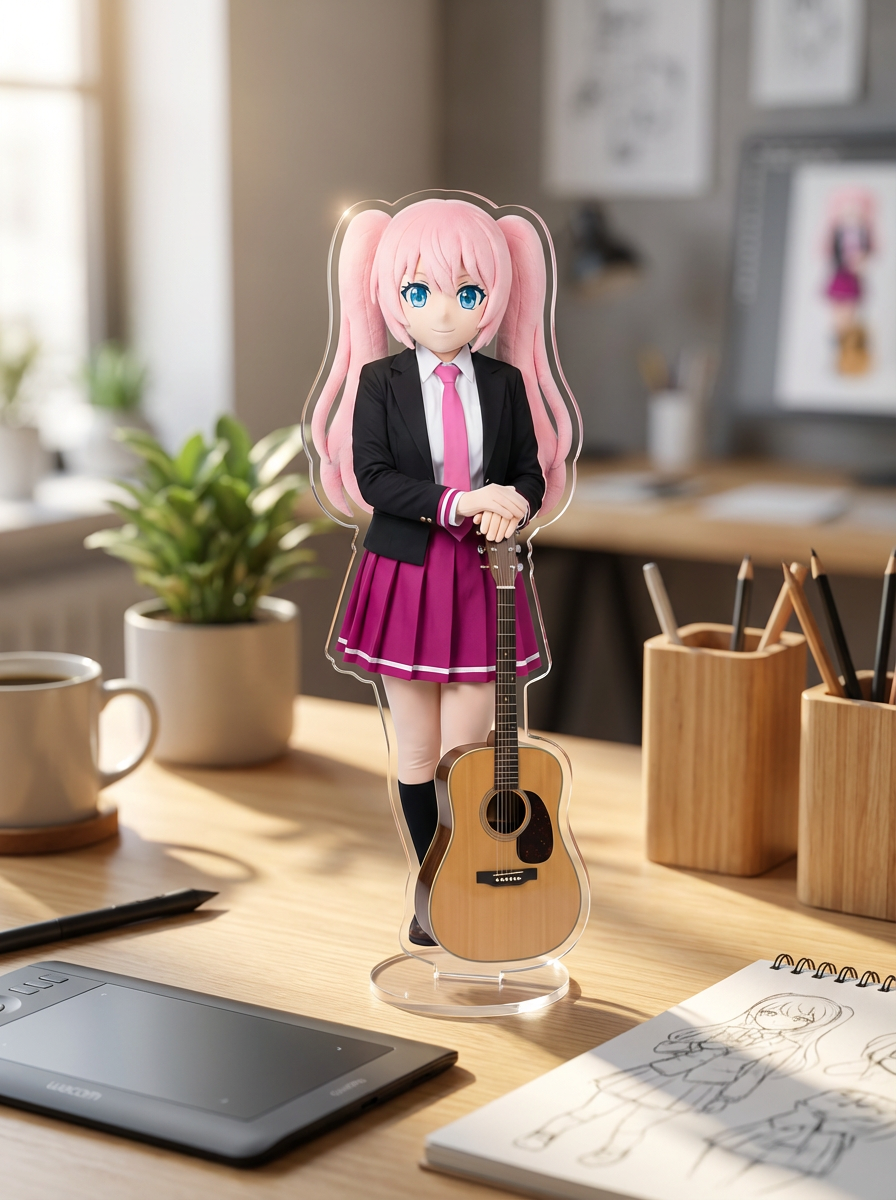
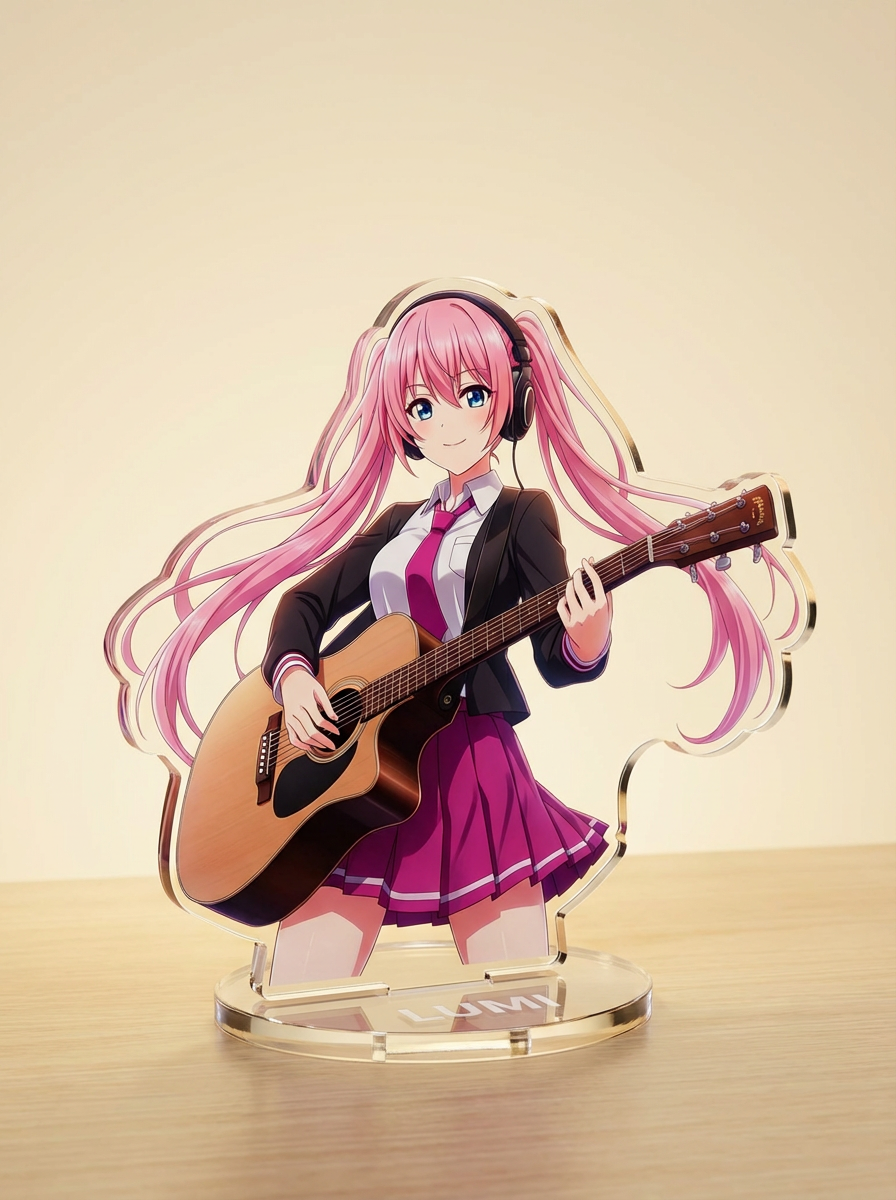
Follow the suggested workflow, then use the example outputs as visual references.
元アートをアップロード
読みやすい縁とクリアなシルエットを持つ、キャラクター、ペット、またはマスコット画像を1つ選ぶところから始めましょう。
商品イメージを選択
プリセットを使って、デスクディスプレイ、グッズカード、ECモックアップなど、どんな仕上がりにしたいかを定義します。
生成してベストモックアップを保存
縁の鮮明さ、台座の見やすさ、グッズ的なフレーミングを確認し、最もよいバージョンをエクスポートします。
AIアクリルスタンド生成器 results will appear here
Upload your references, set the look, and generate.
チュートリアル
AI Acrylic Standee Generator is best when you use it to turn one character image into a merch-style acrylic standee mockup.
Step 1: Prepare the right input
Upload a clean character image with a readable silhouette.
Step 2: Set the generation direction
Describe the acrylic finish, base style, and product presentation you want.
Step 3: Generate, review, and keep the strongest result
Keep the version where the cutout edge and merch framing feel the cleanest.