AI Manga Filter
Apply artistic filters to your images
1
이미지를 업로드하세요
클릭하여 업로드하거나 이미지를 여기로 드래그JPG, PNG, WEBP | Max 10MB
2
원하는 이미지 필터를 선택하세요
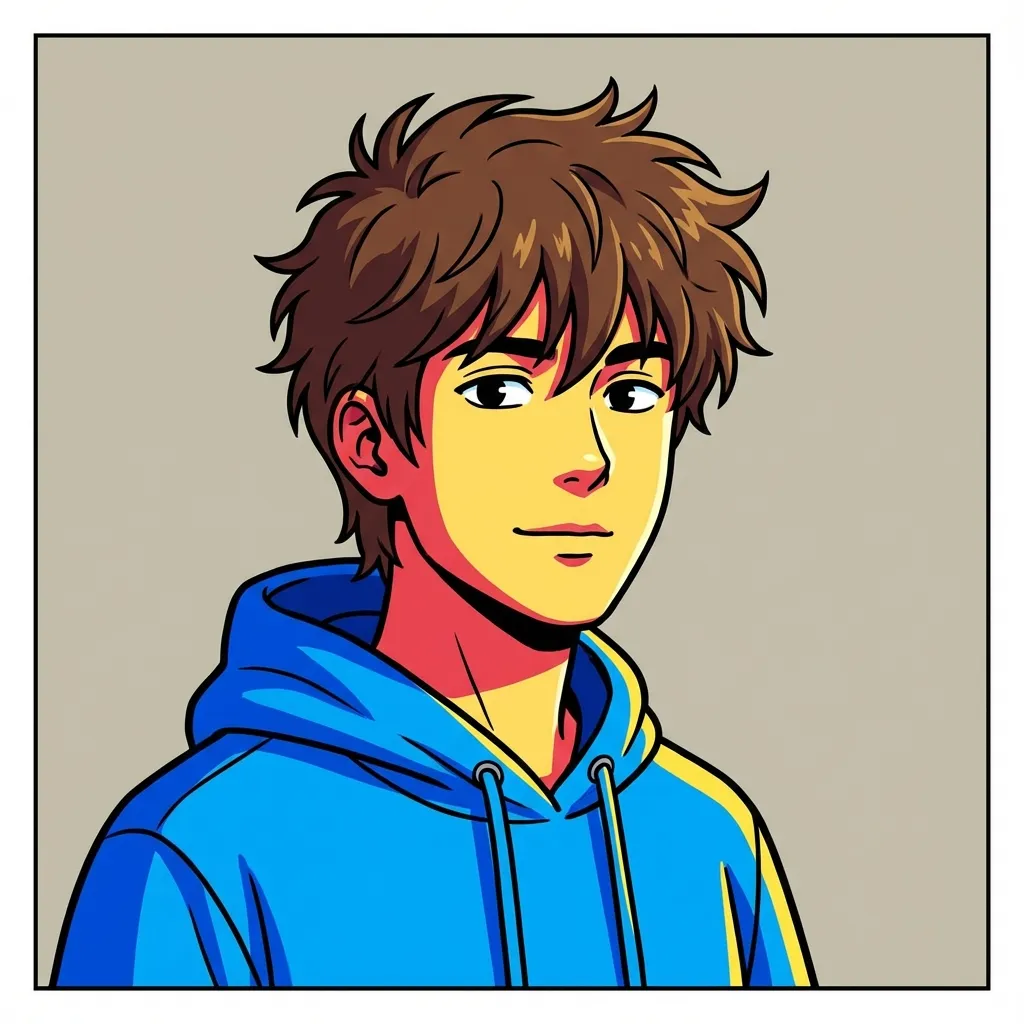
웹툰
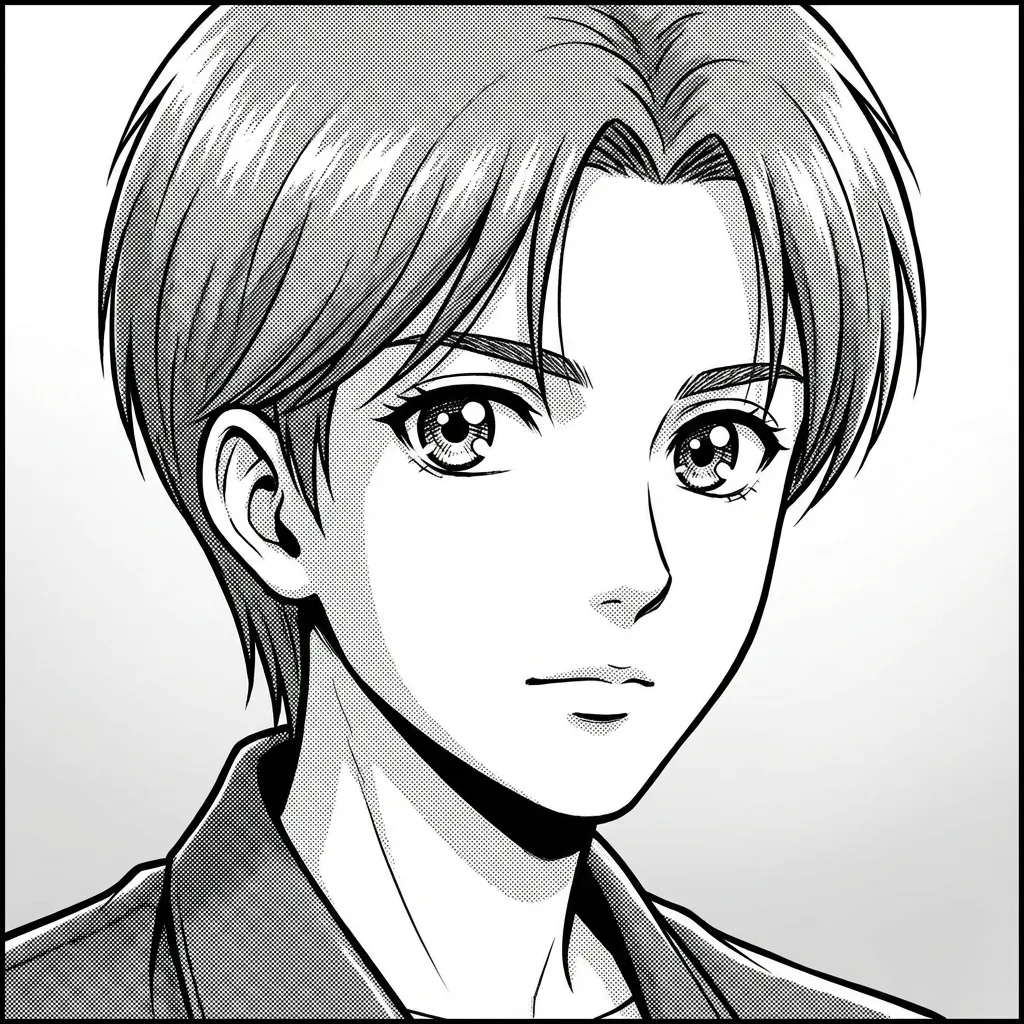
망가
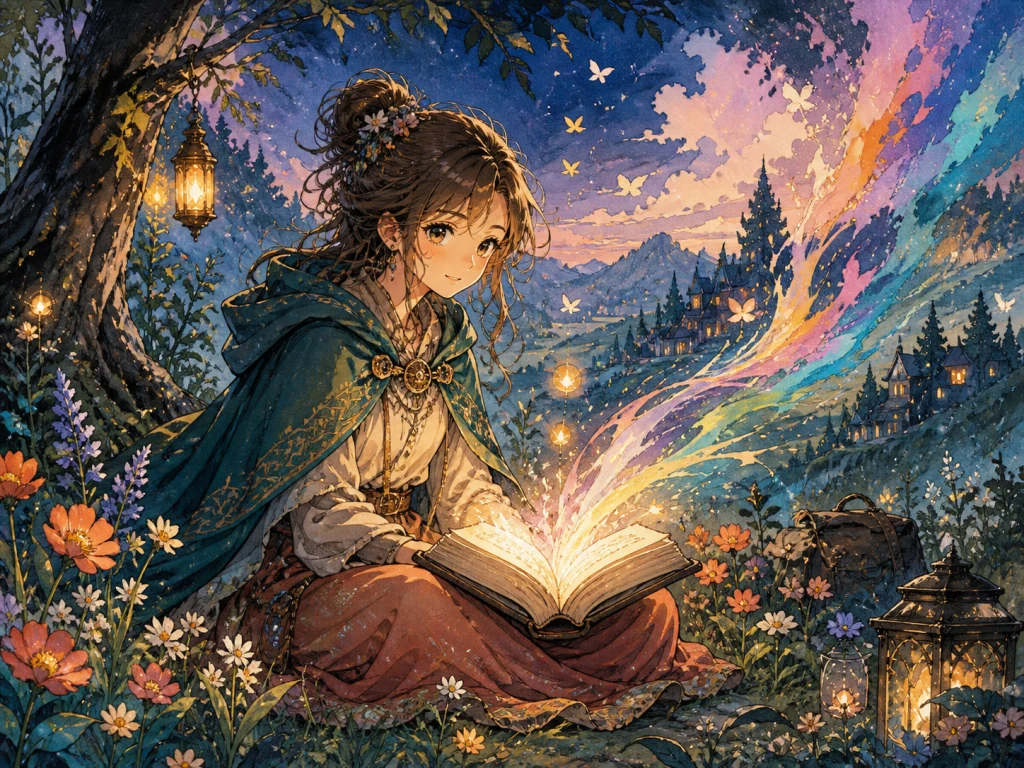
Hand-painted Storybook
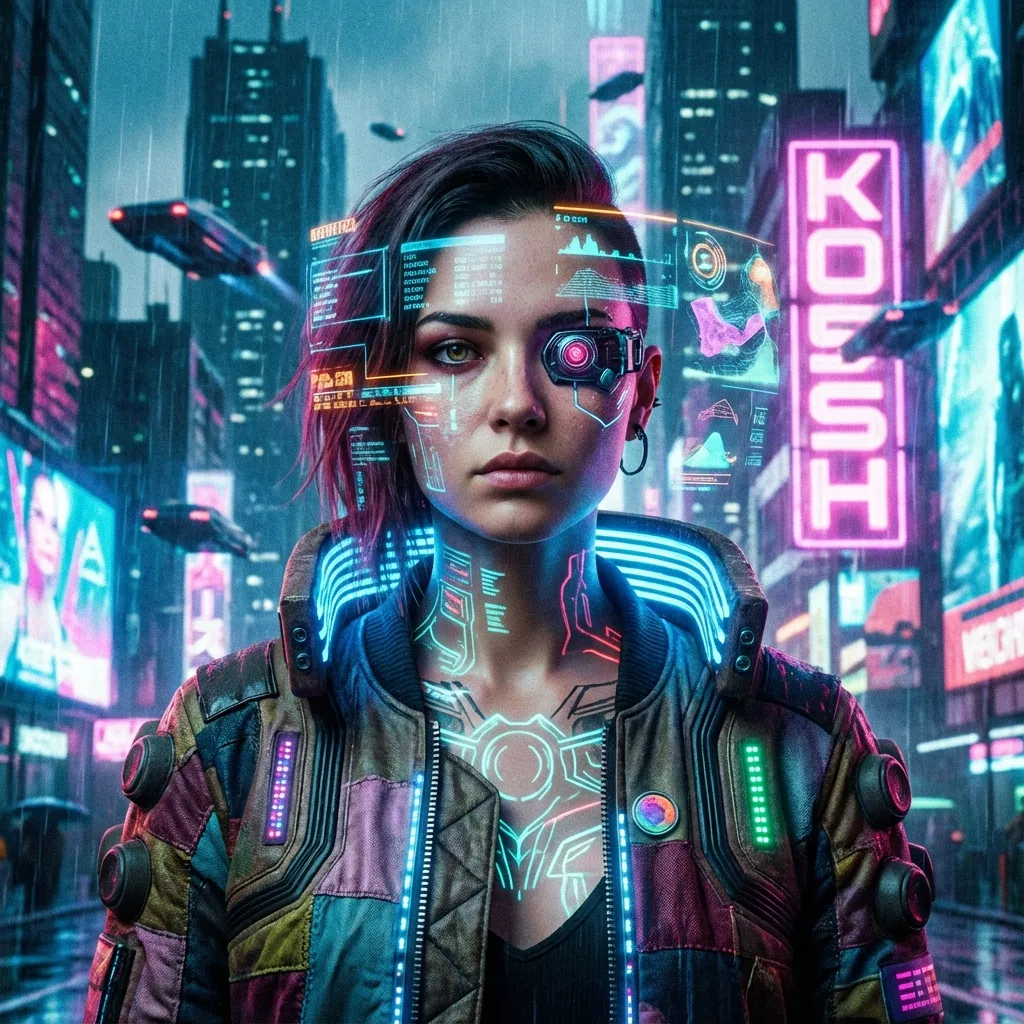
Cyberpunk
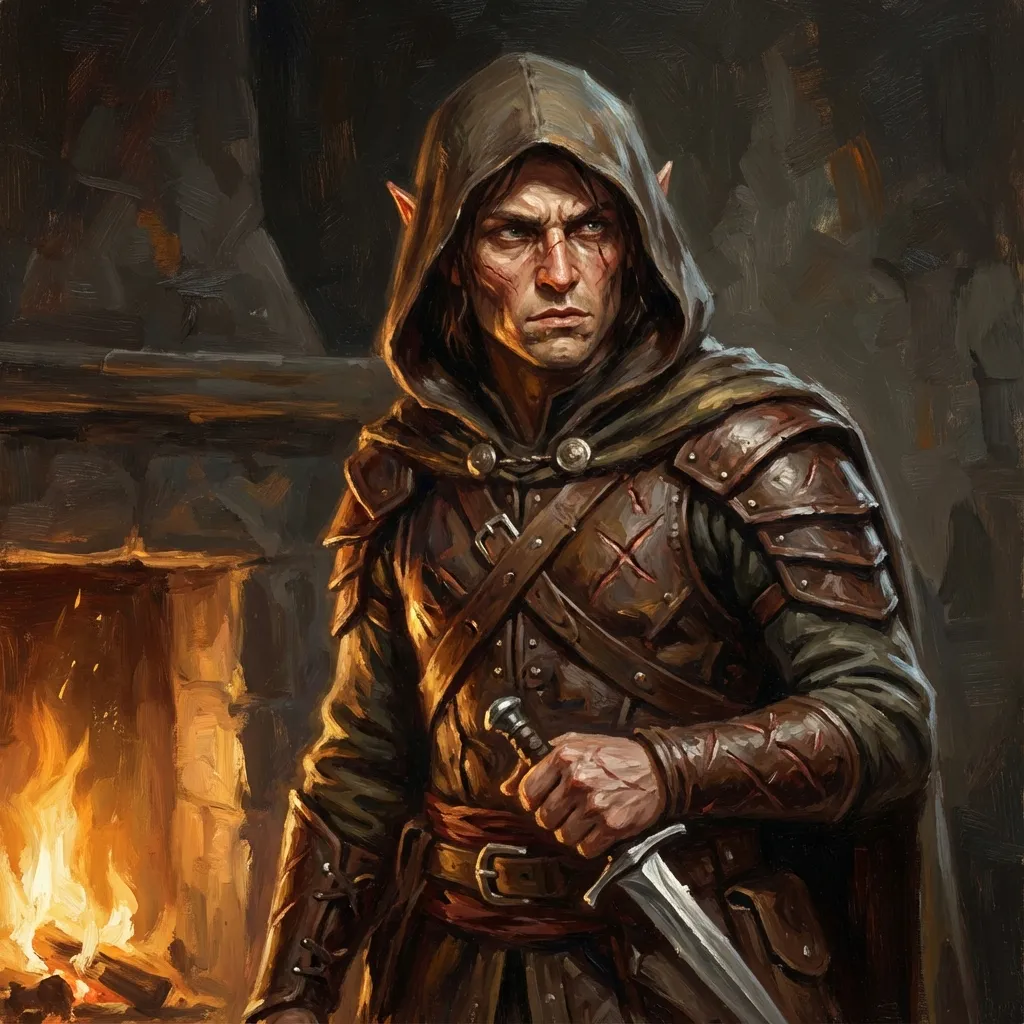
Tabletop Fantasy
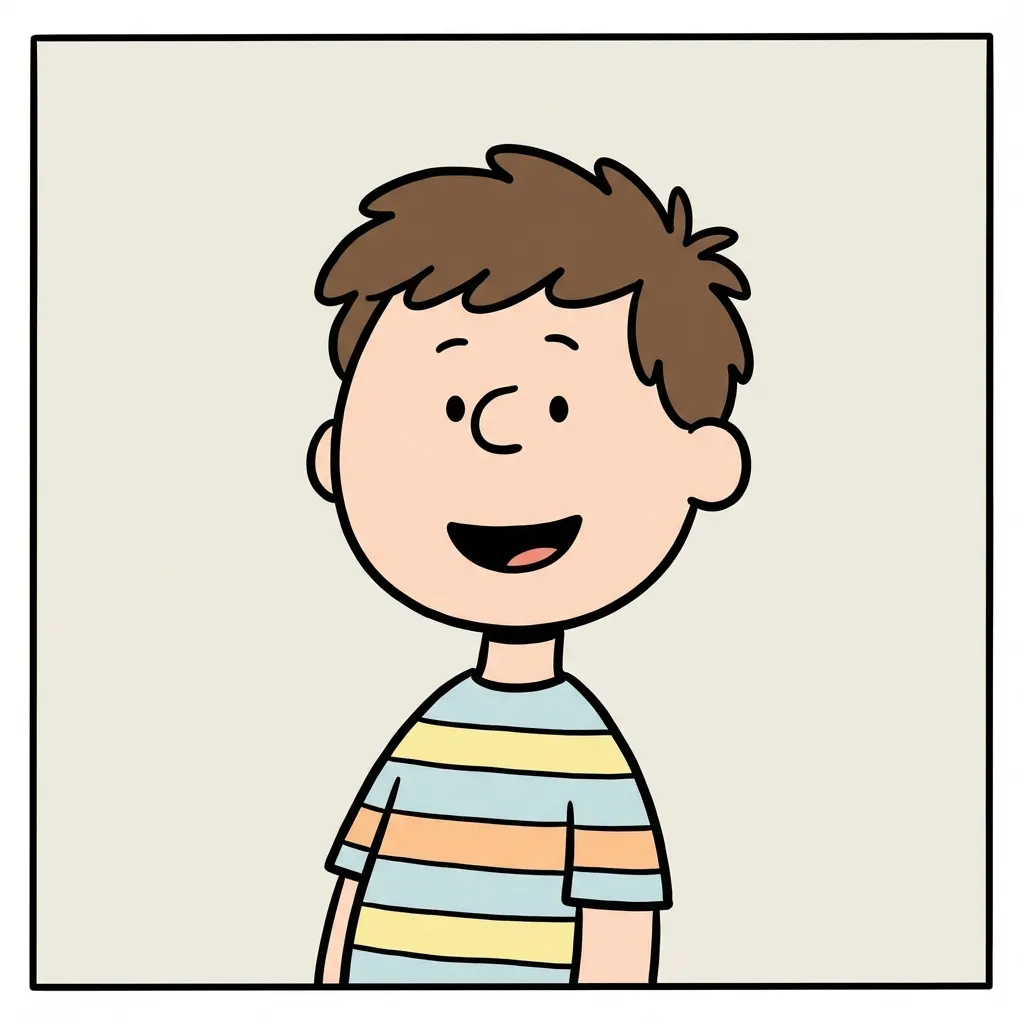
Minimal Comic

Chibi
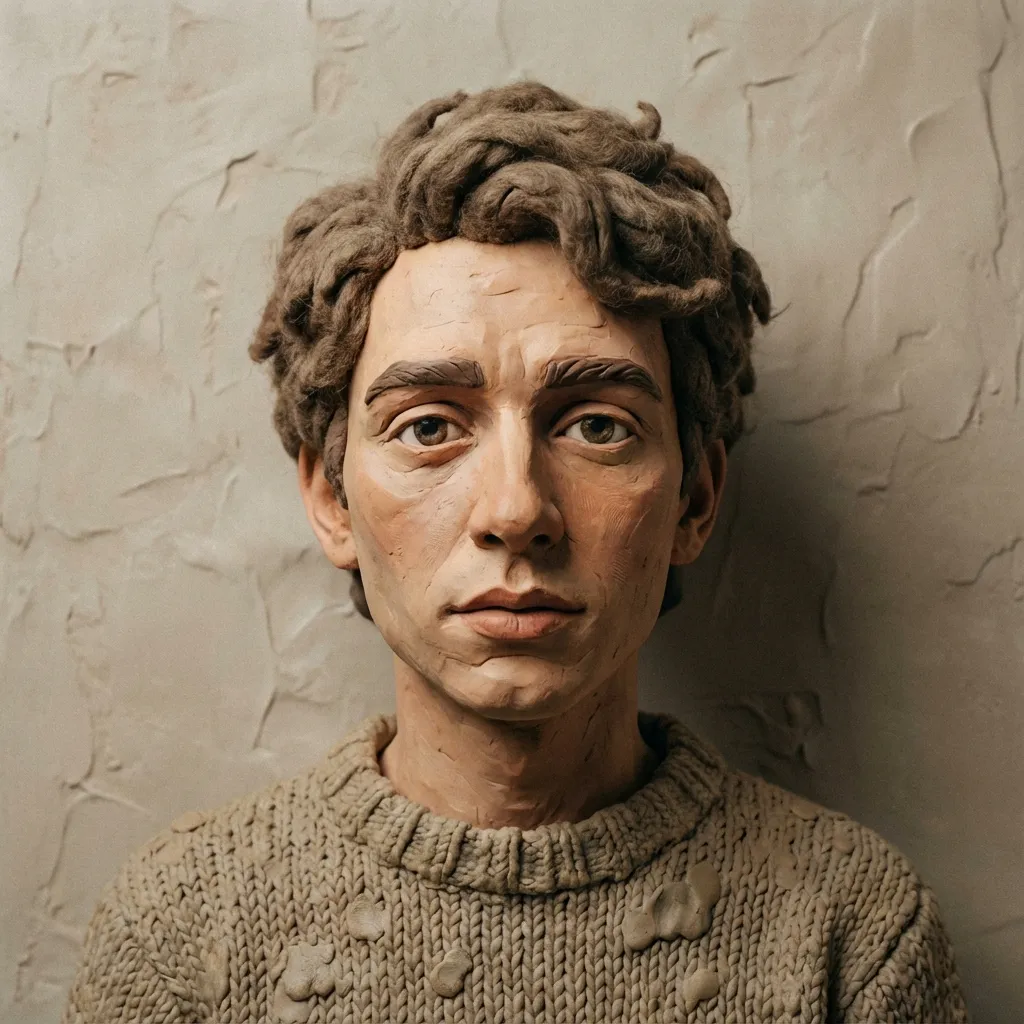
Clay
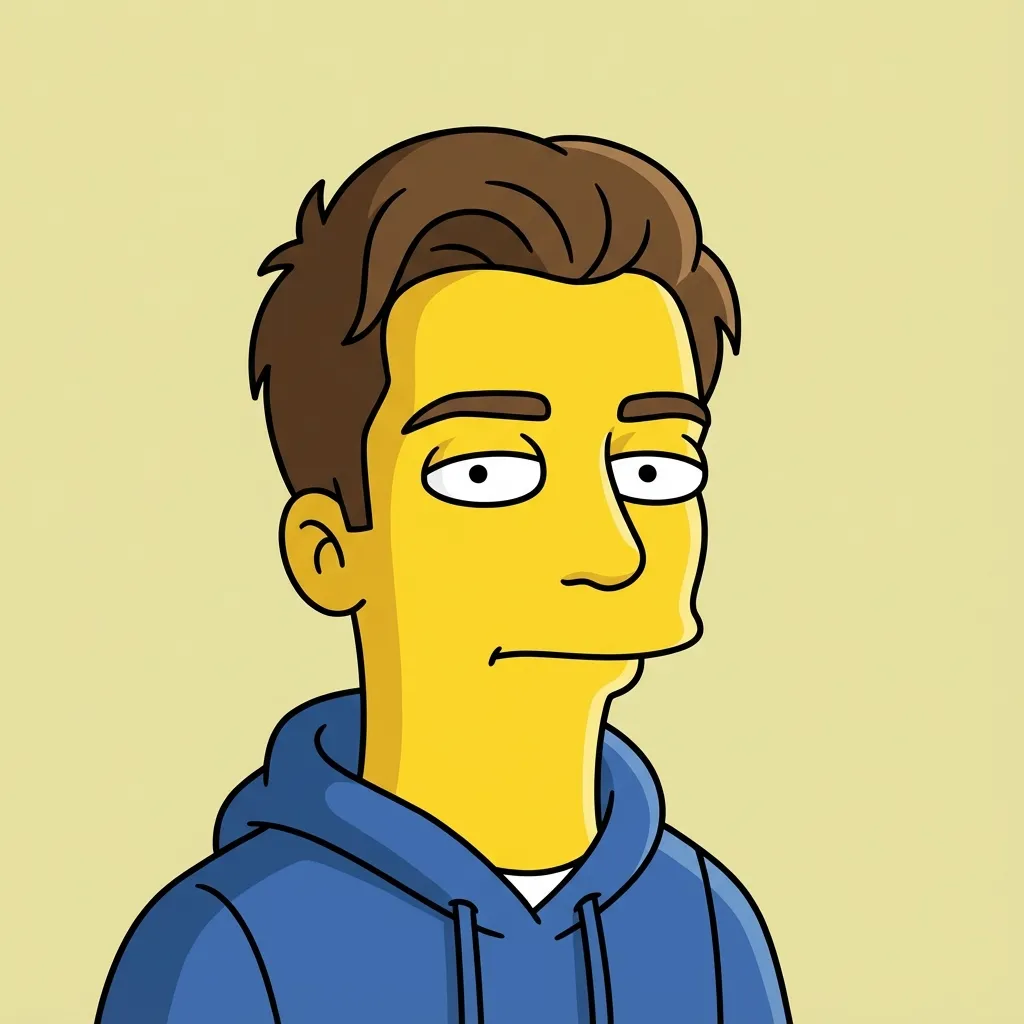
Flat Sitcom Cartoon

Paper Cutout
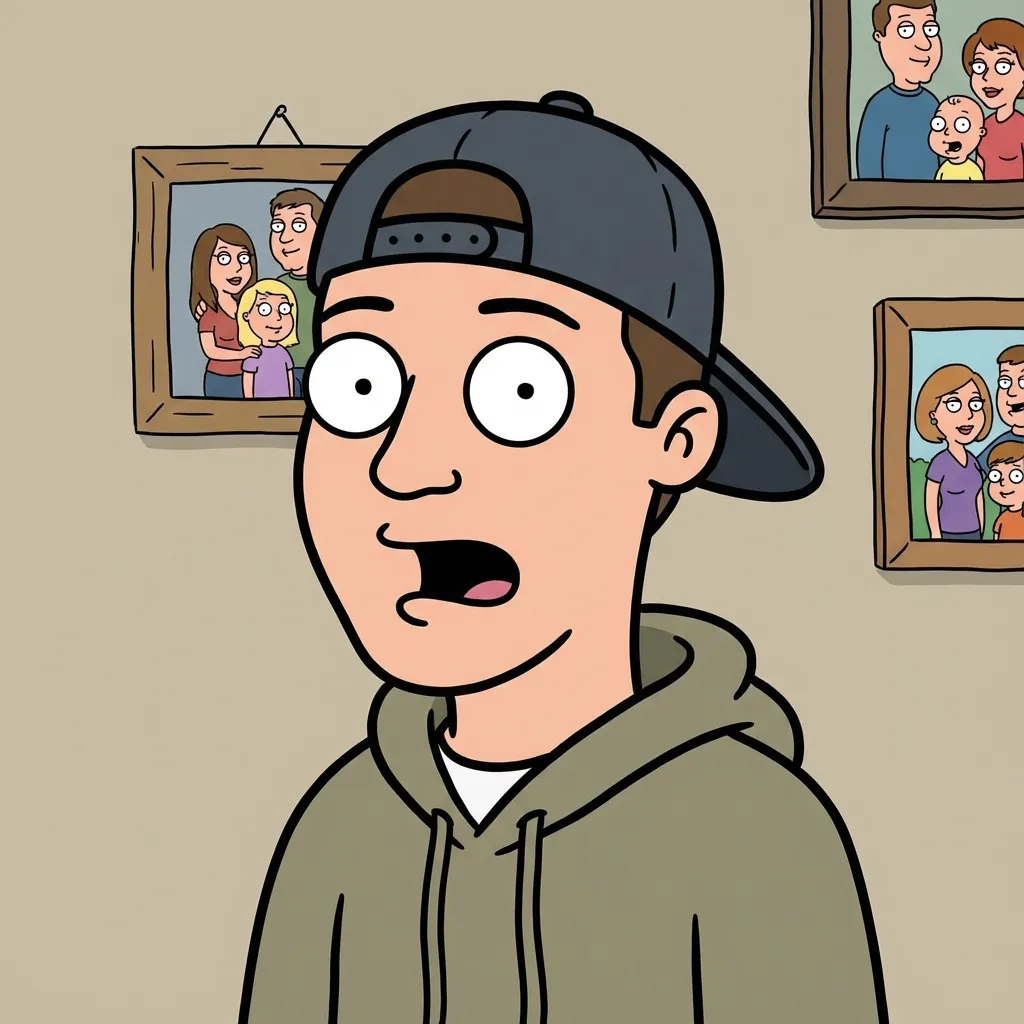
Family Sitcom Cartoon
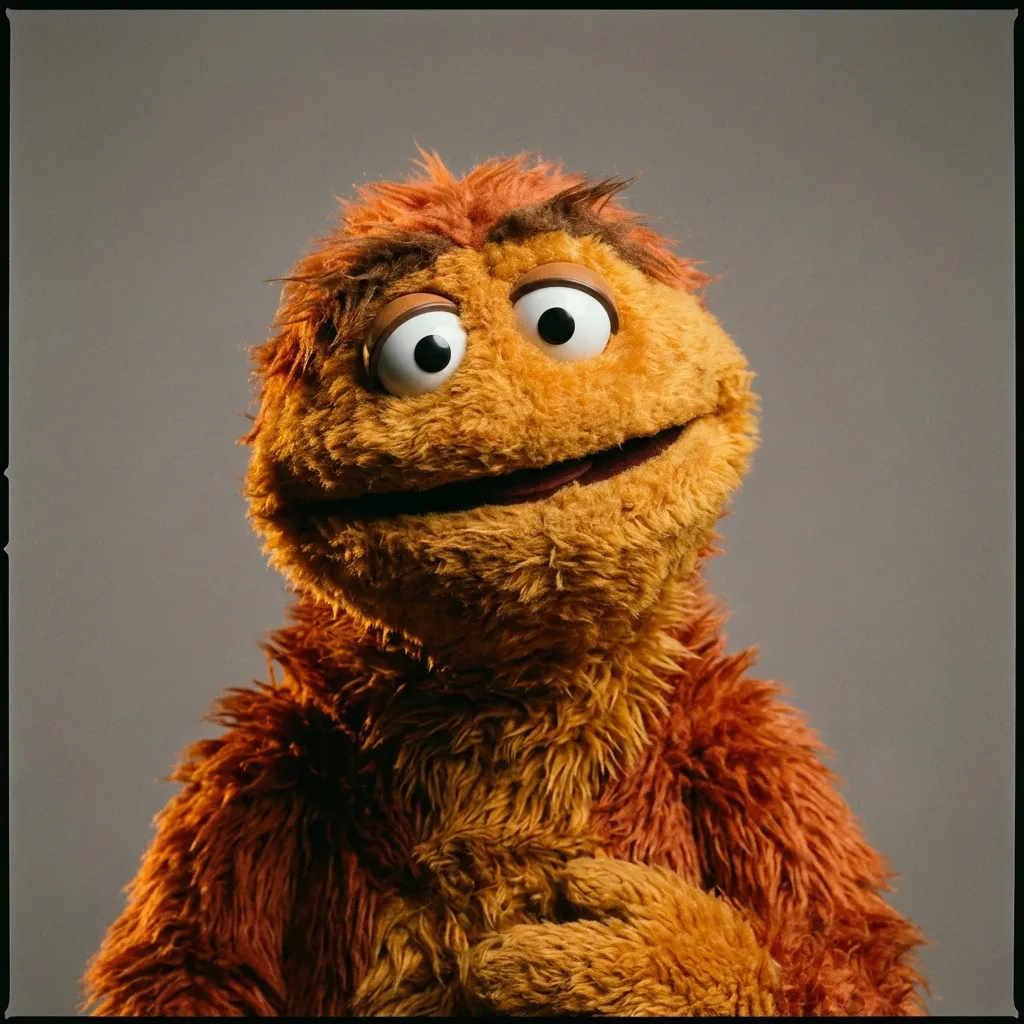
Fabric Puppet
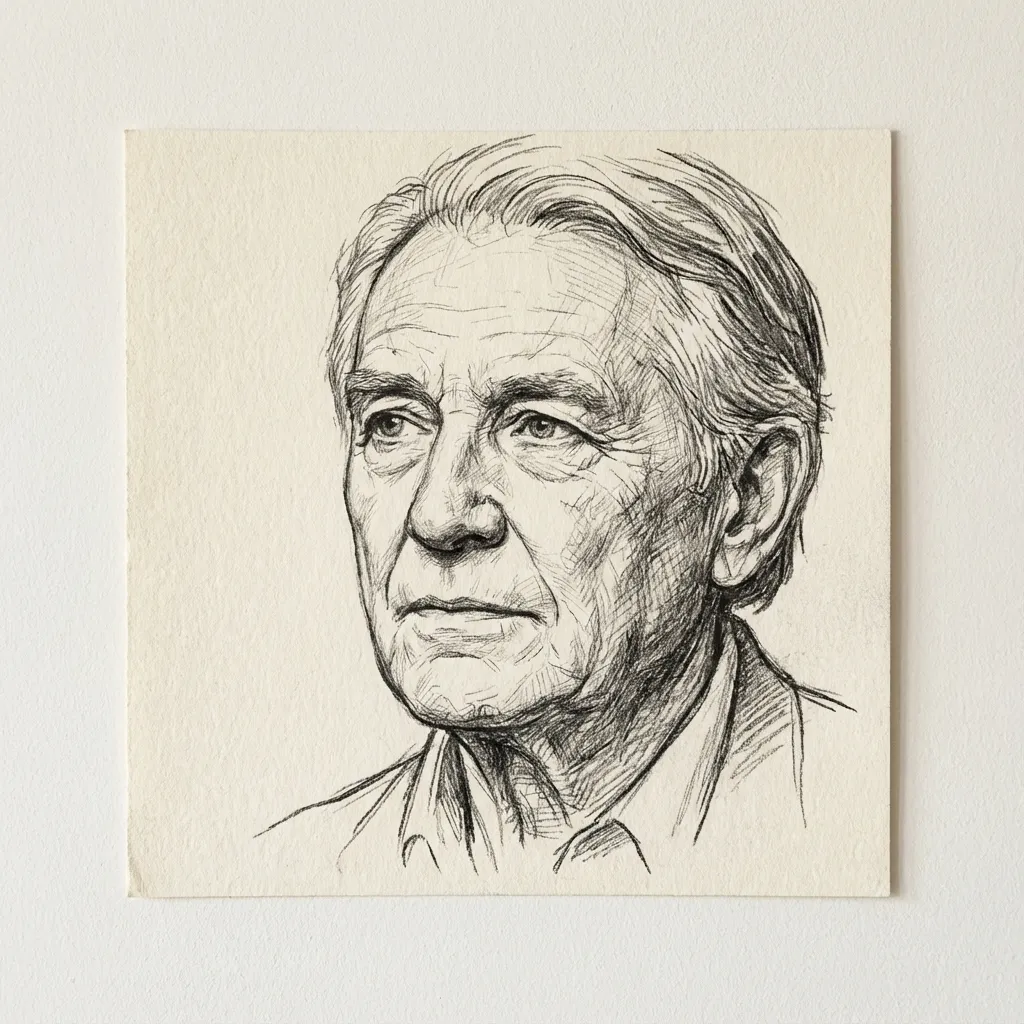
라인 아트
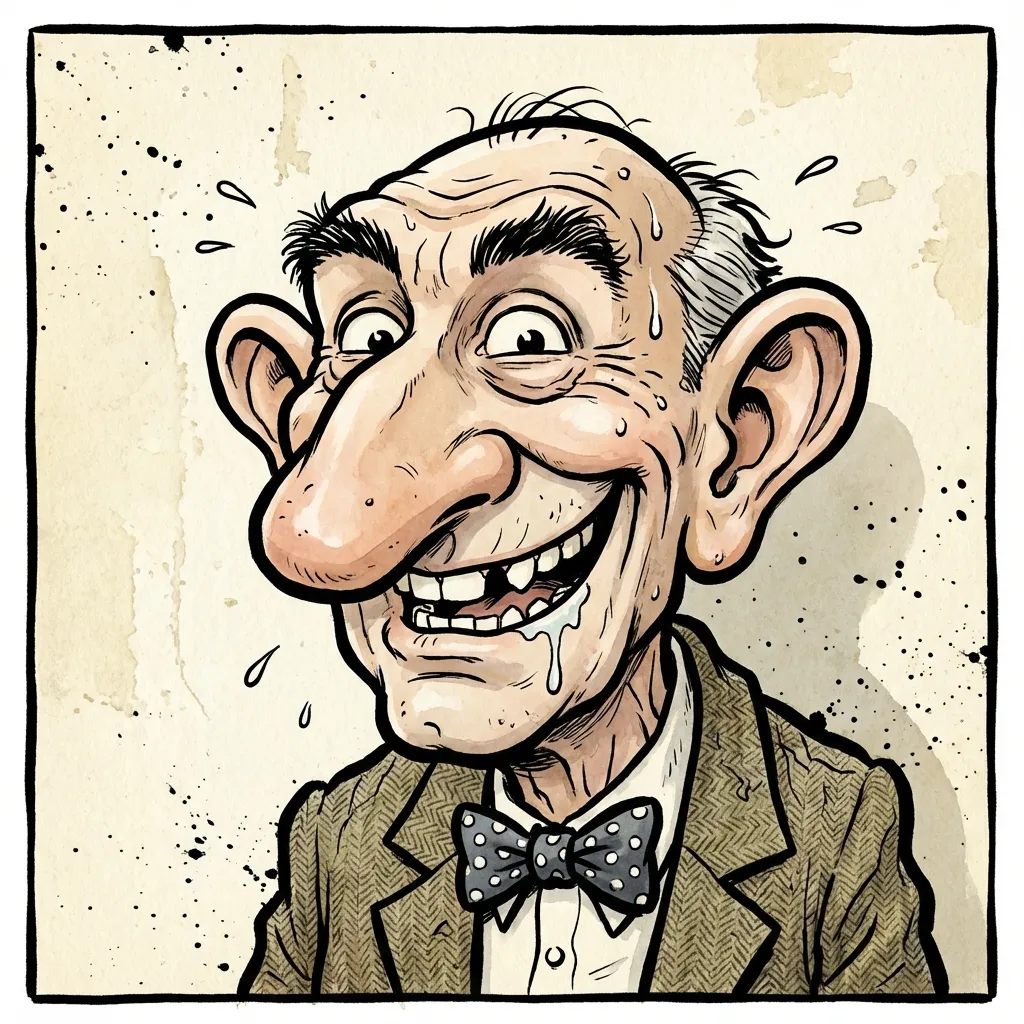
Caricature
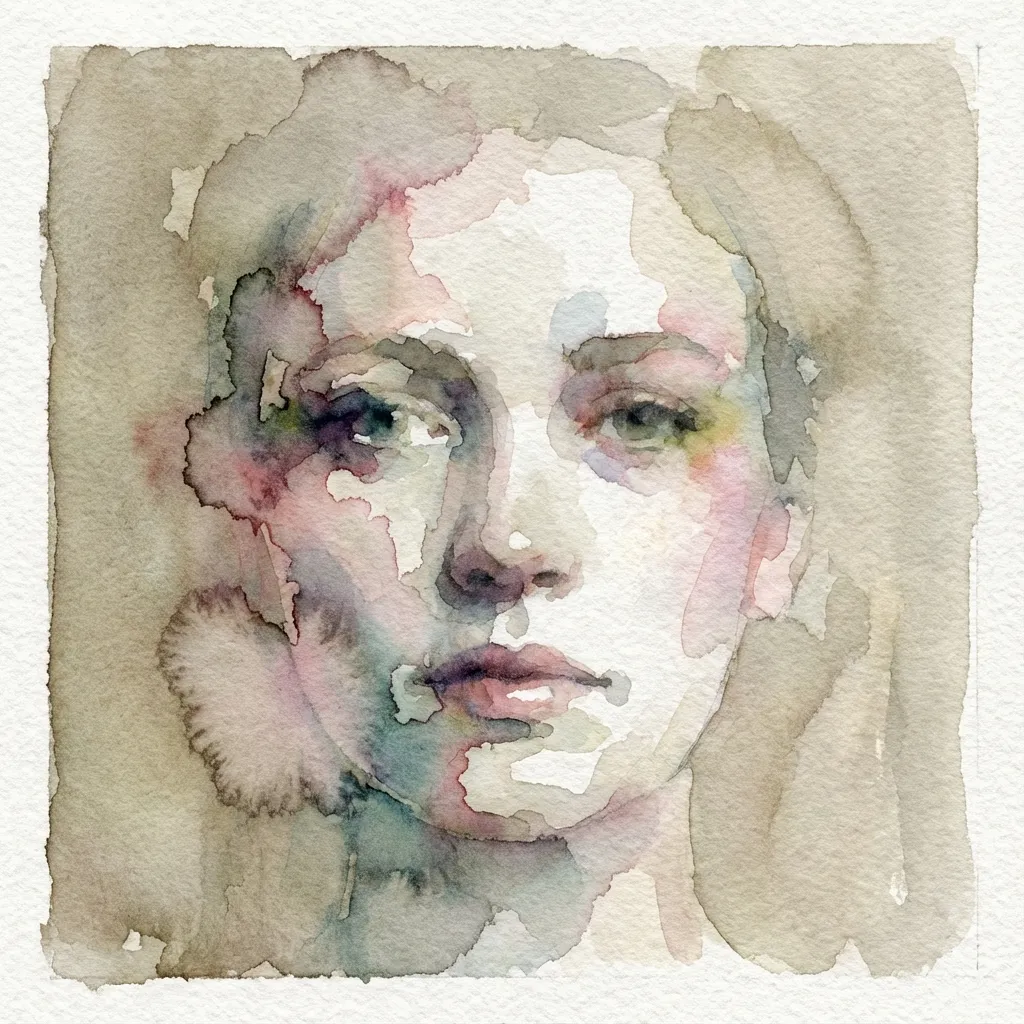
수채화
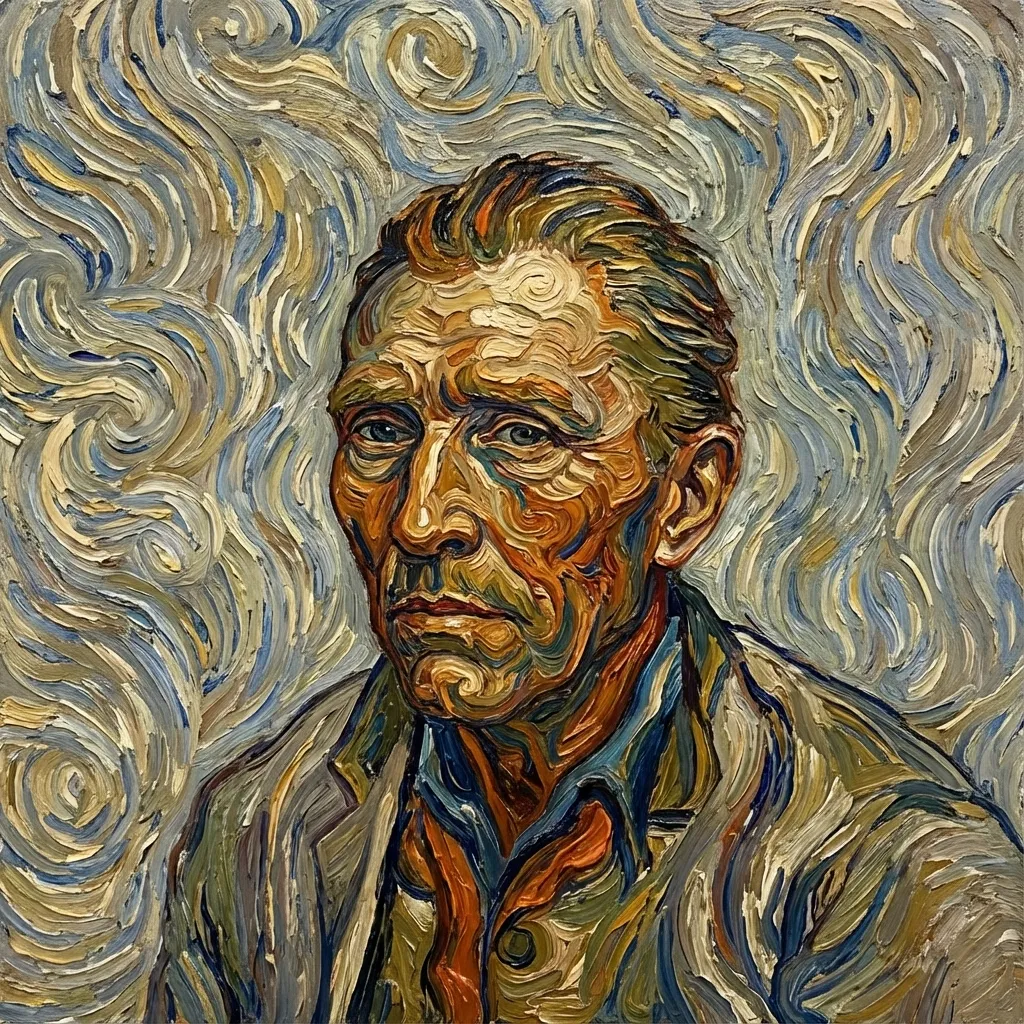
Post-impressionist
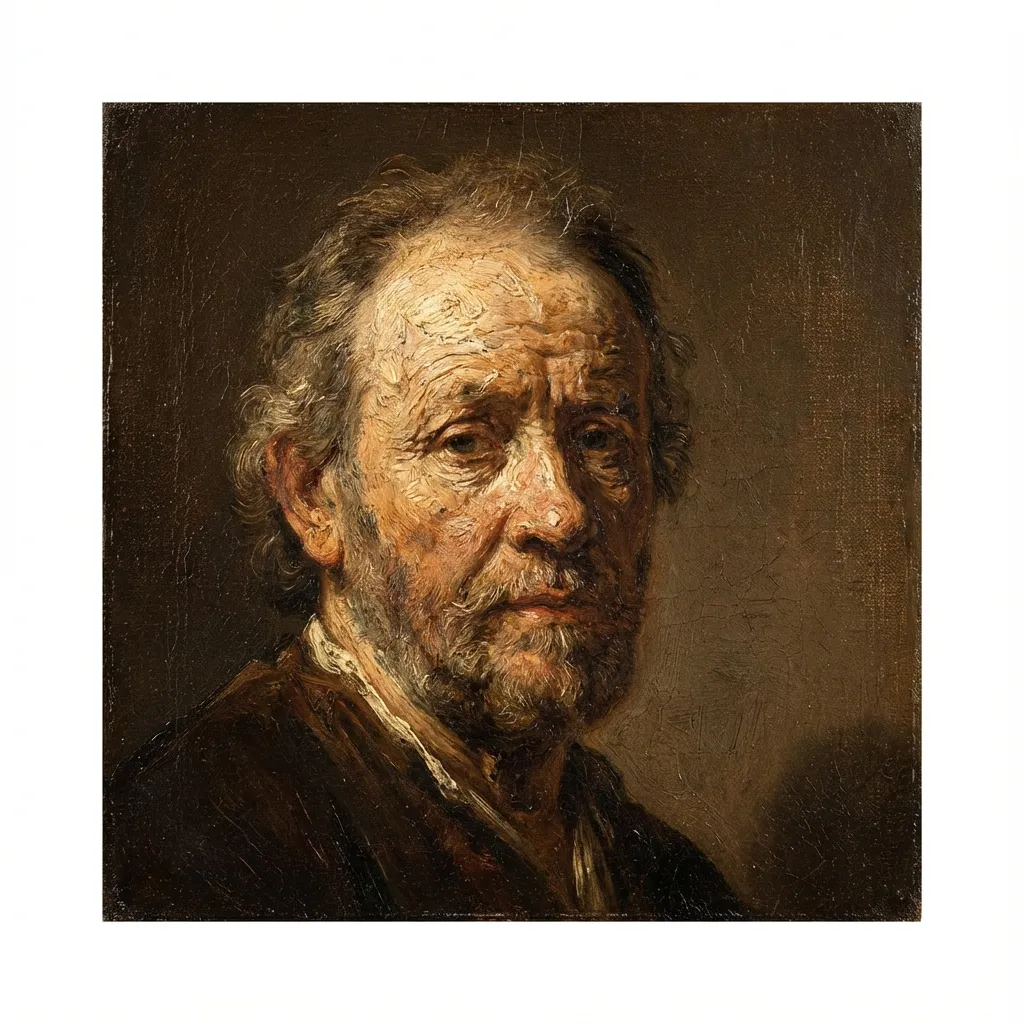
유화
Voxel
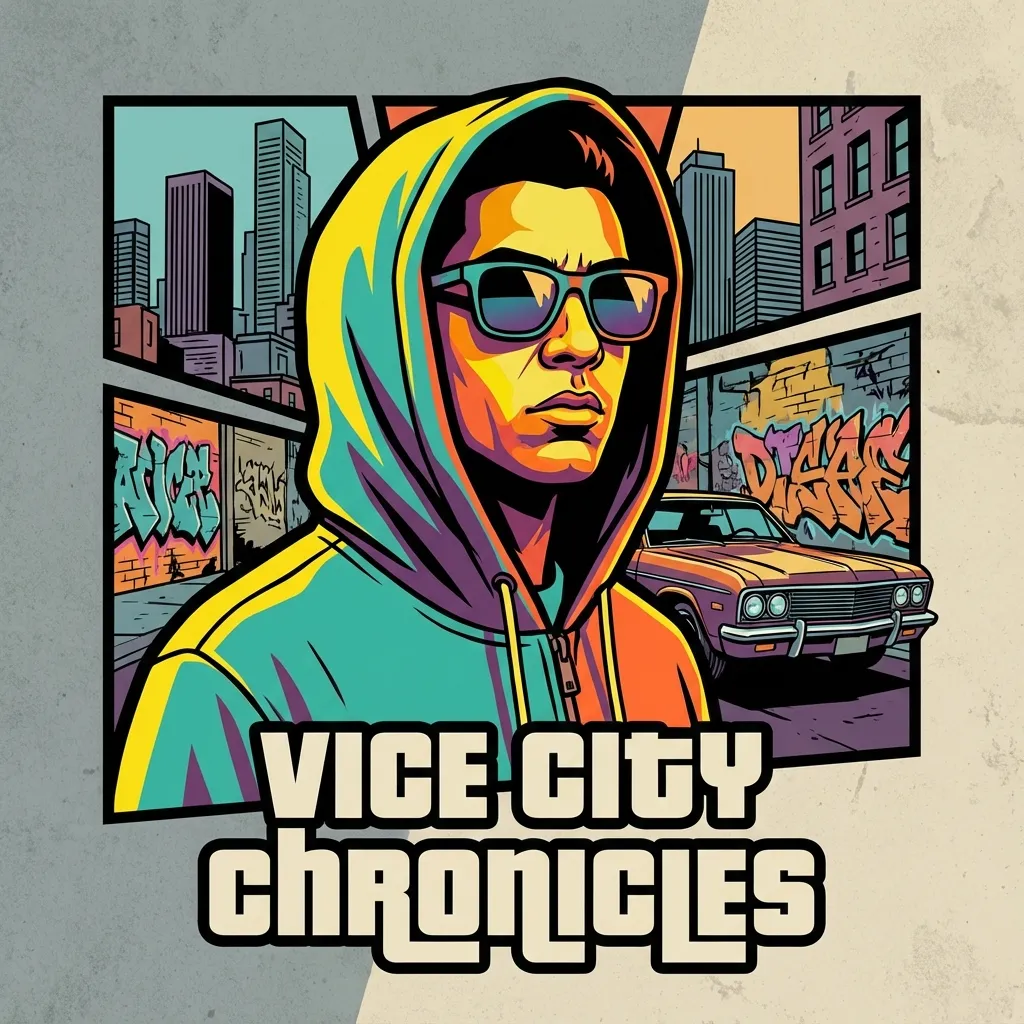
Crime Game Poster
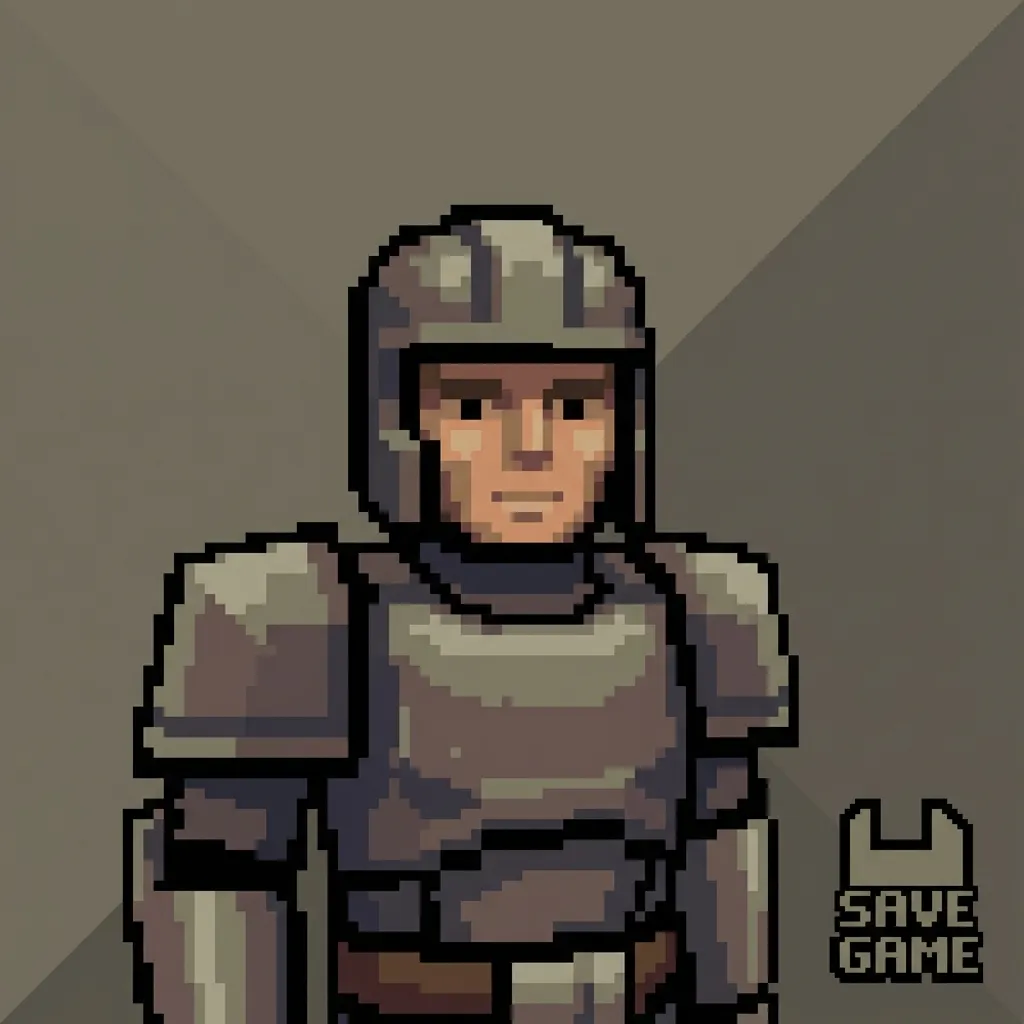
PS2
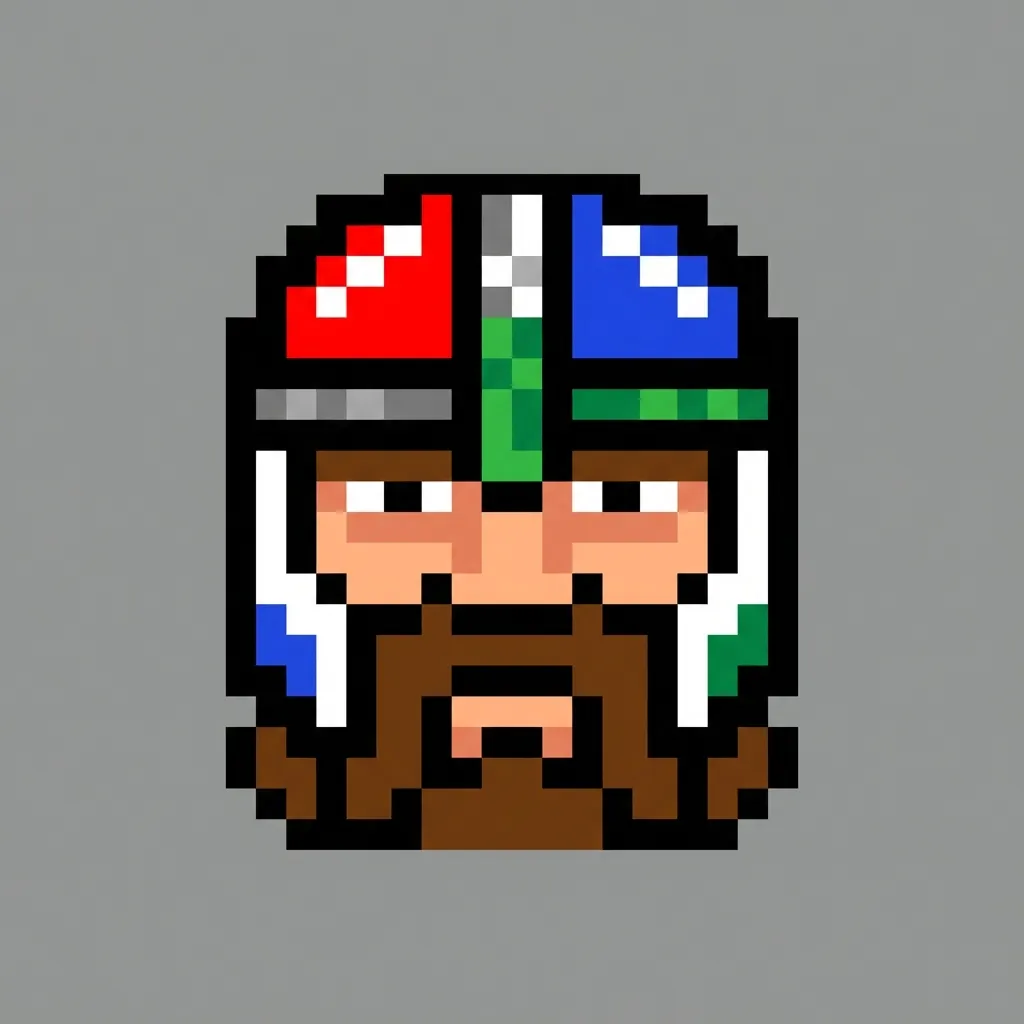
Pixel
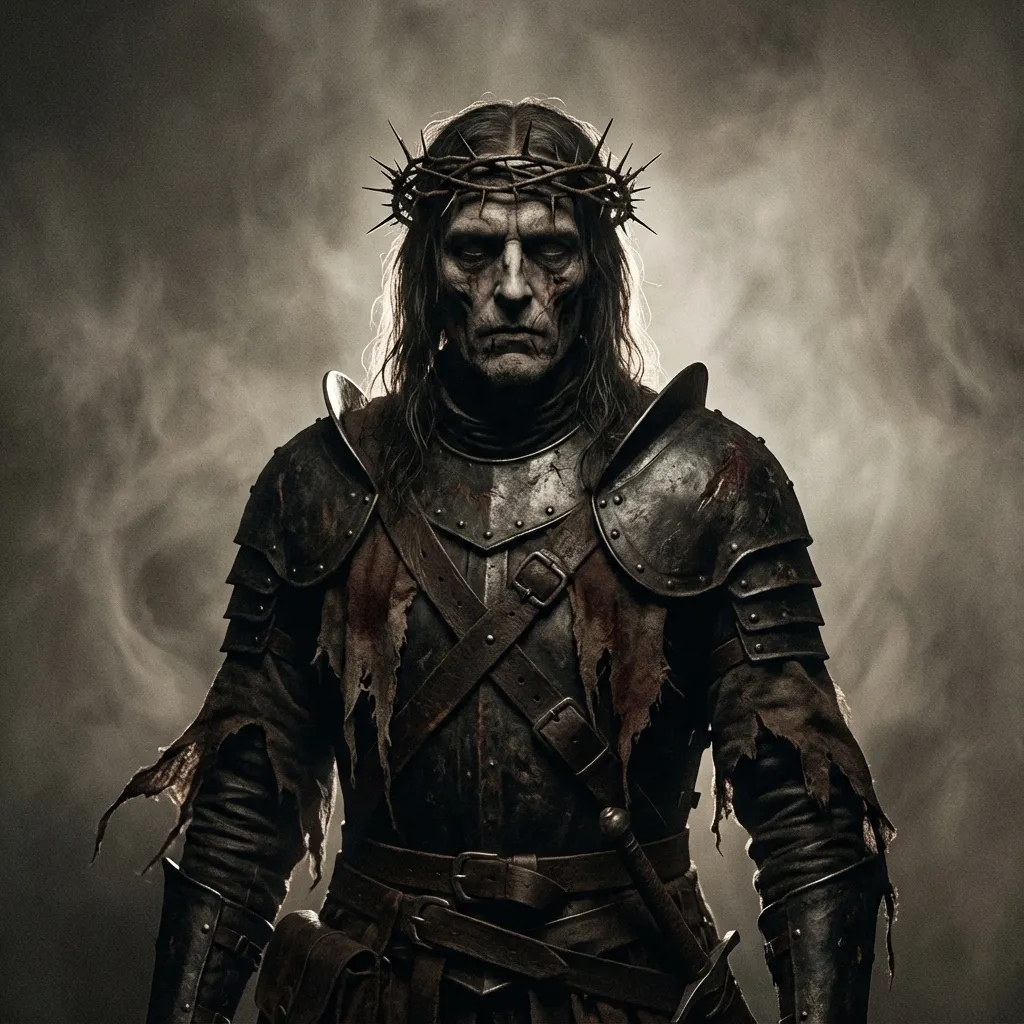
Dark Fantasy
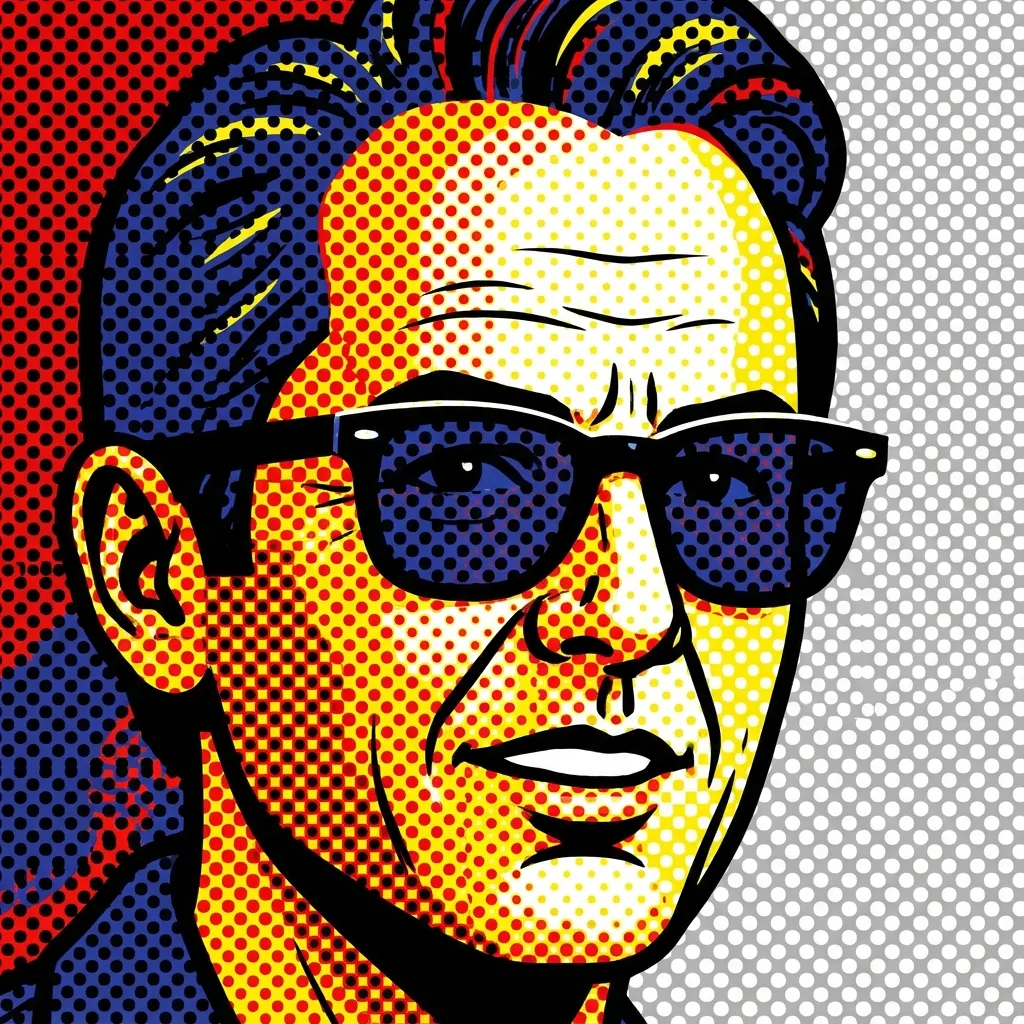
Pop Art
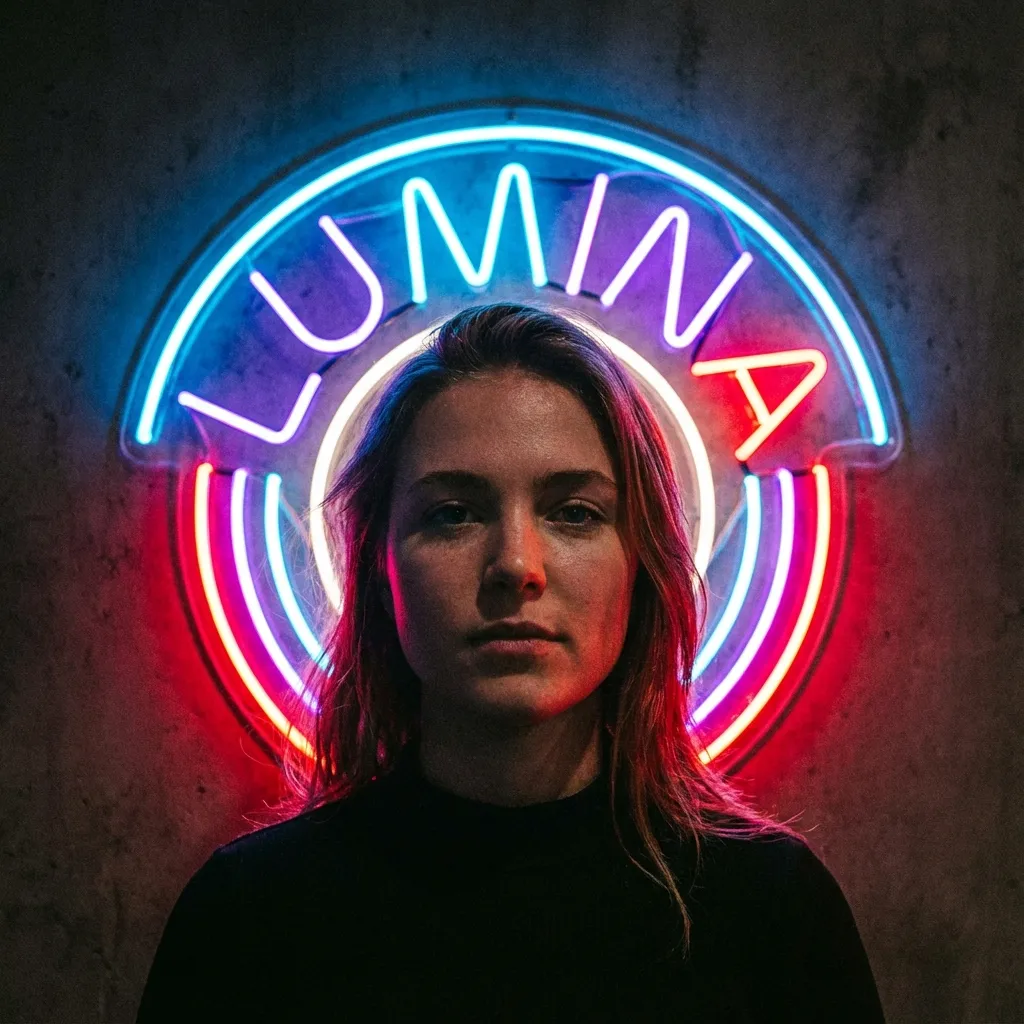
네온사인
3
모델 선택
300 크레딧이 차감됩니다
미리보기를 확인하려면 이미지를 업로드하세요
Your filtered image will appear here
아이디어가 부족하다면, 미리 준비된 템플릿을 활용해 시작해보세요
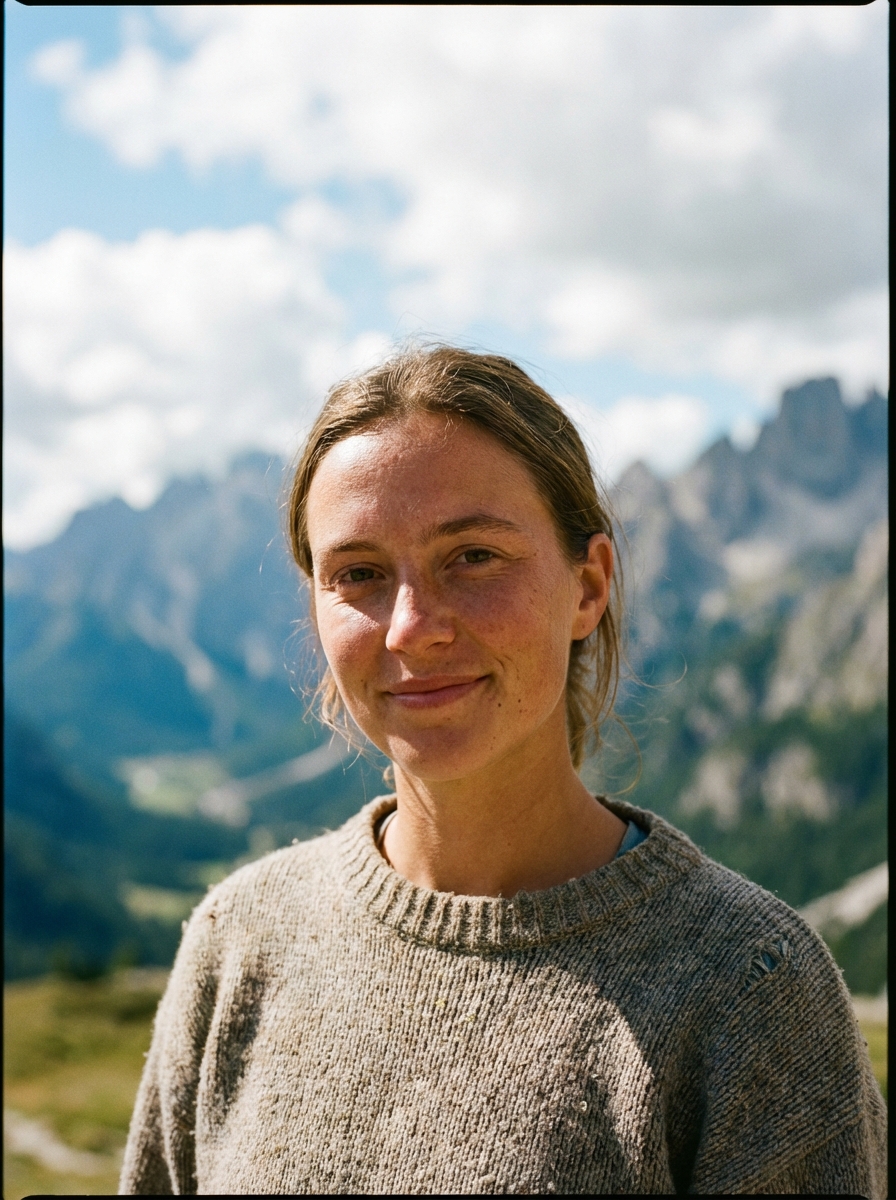
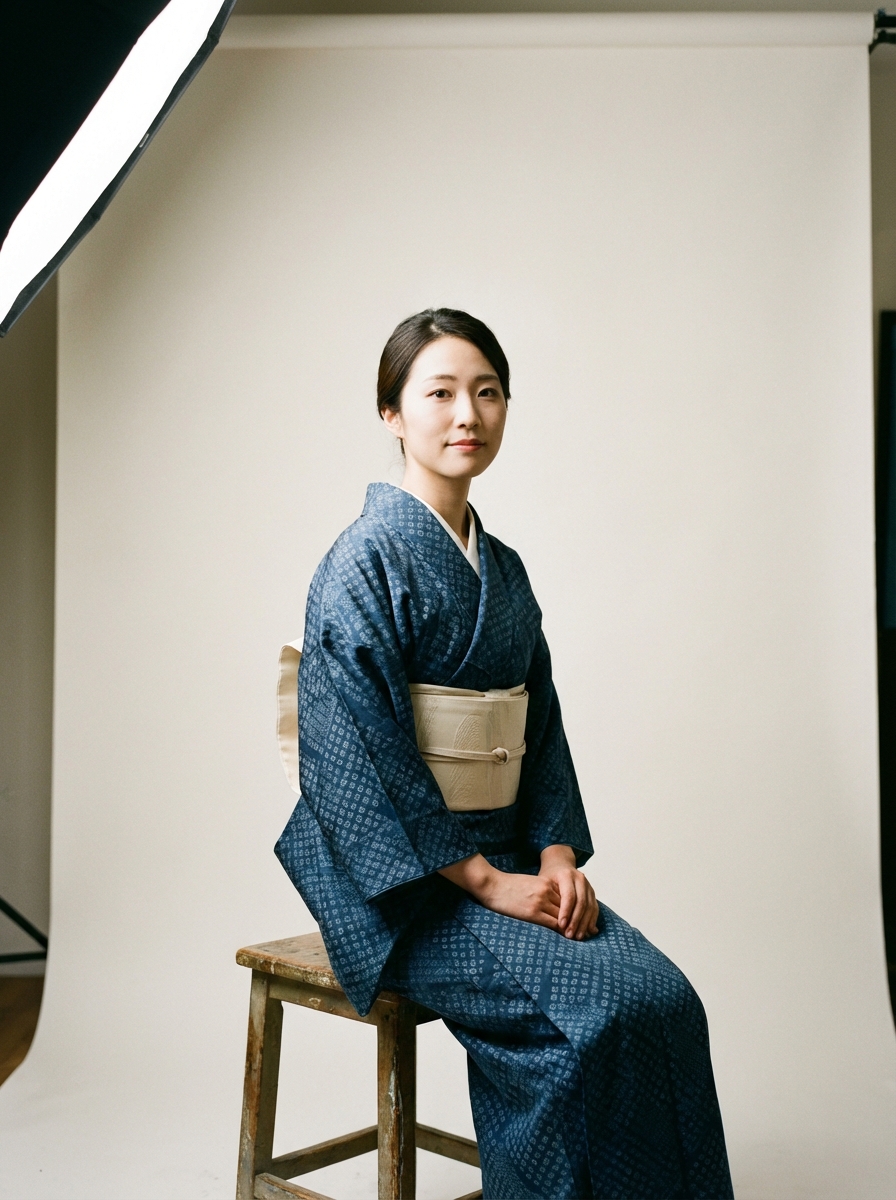
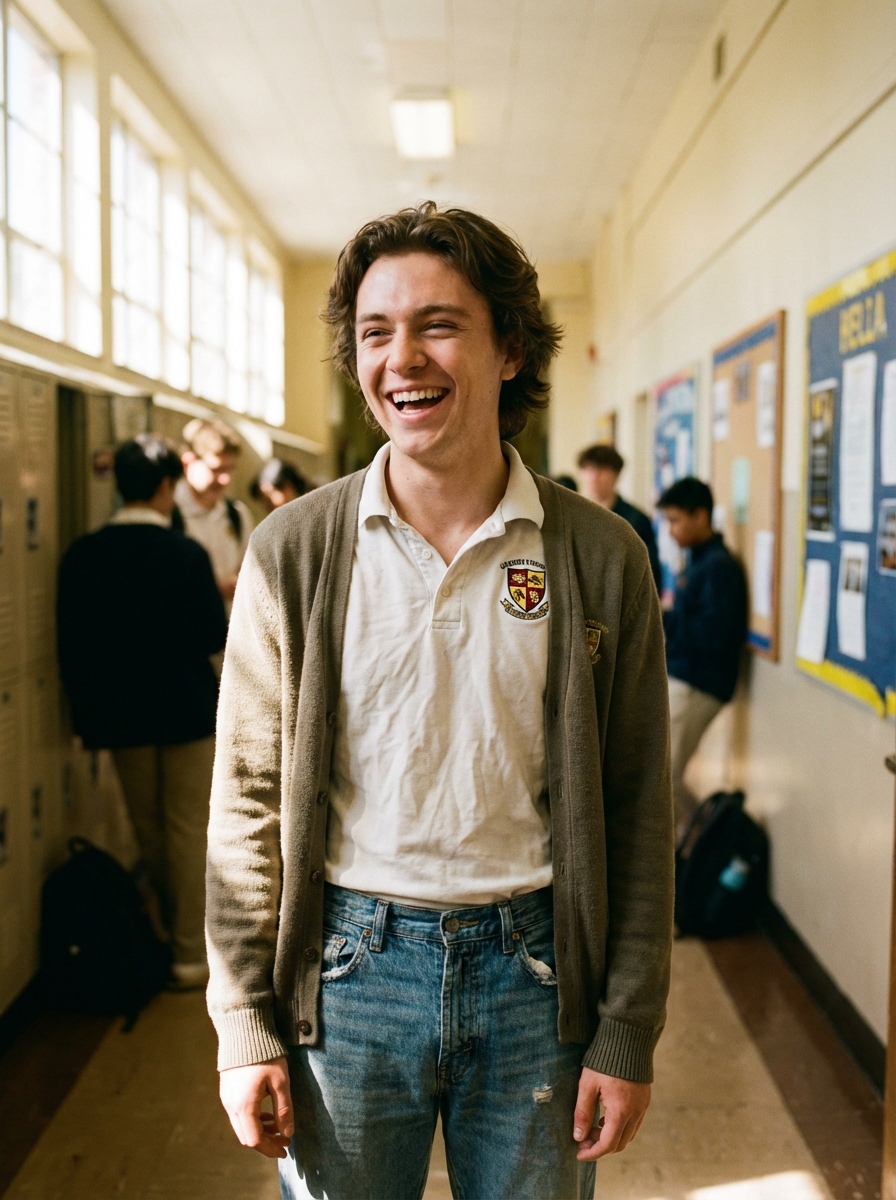
튜토리얼
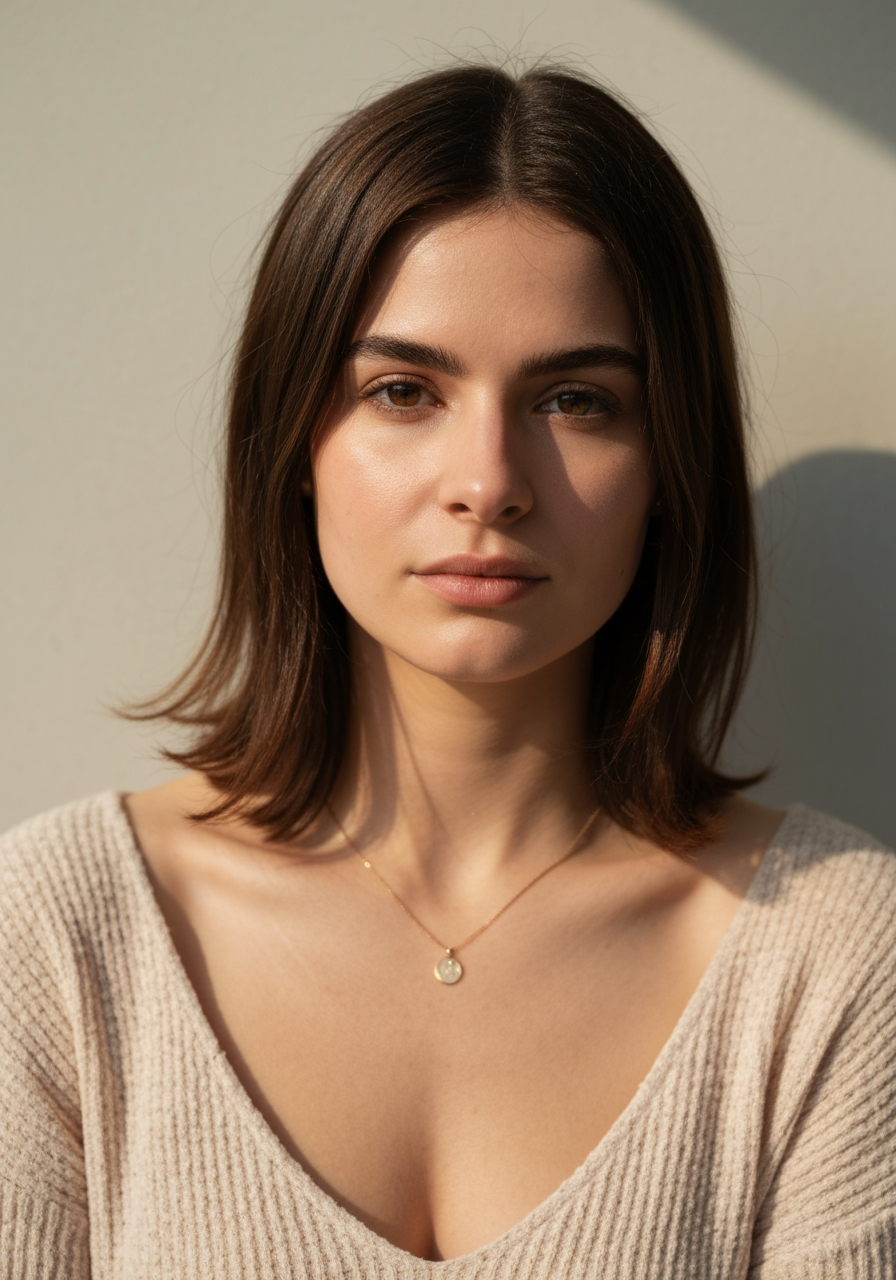
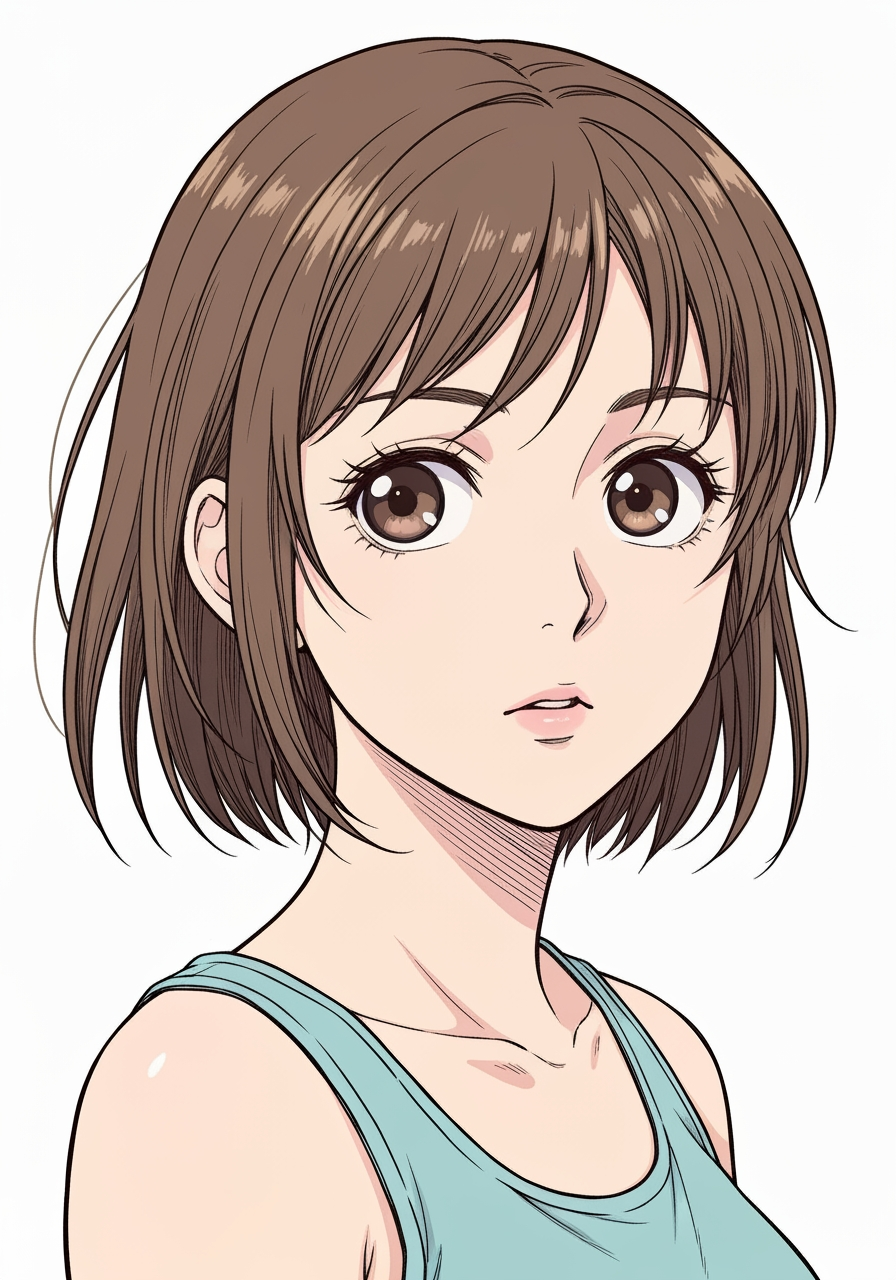
AI Manga Filter is best when you use it to re-render portraits and photos into manga or anime-inspired styles.
Step 1: Prepare the right input
Start with a clean image where the subject, pose, and lighting are easy to interpret.
Step 2: Set the generation direction
Choose the filter style and model that best match the look you want to emulate.
Step 3: Generate, review, and keep the strongest result
Generate several passes, compare face fidelity and line treatment, then keep the most readable variant.
Best results
- The simpler the background, the stronger the face conversion usually feels.
- Pick one target style per iteration.
- Use manual filter mode only when you need tighter style control.