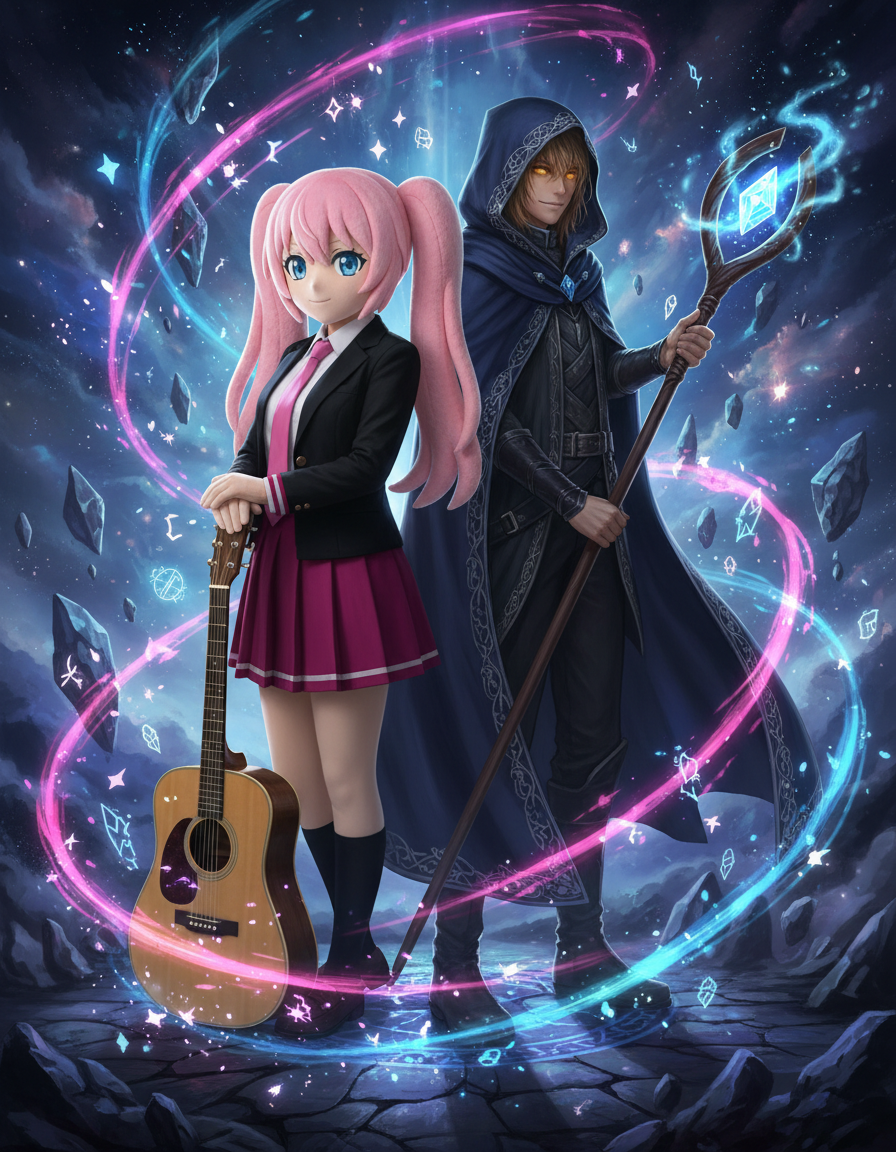
AI Duo Character Generator
Upload two character images and generate an interaction scene.
Upload reference images
캐릭터 1
캐릭터 2
Preset characters
Click preset characters to fill reference slots in order.
Target: Reference 1
Choose preset
Add extra details
Set output and generate
화면 비율
Model
Tutorial
Follow the suggested workflow, then use the example outputs as visual references.
두 캐릭터 모두 업로드하기
각 캐릭터를 잘 알아볼 수 있는 레퍼런스를 두 장 넣어야 모델이 둘의 개성을 충분히 반영할 수 있습니다.
관계의 느낌 정하기
결과 장면이 로맨틱한지, 협력적인지, 긴장감 있는지, 혹은 장난스러운지 설명해 주세요.
두 인물이 균형 잡힌 구도 유지하기
가장 좋은 결과는 두 캐릭터의 정체성을 모두 살리면서, 한쪽이 화면을 과하게 차지하지 않는 구도입니다.
AI 듀오 캐릭터 생성기 results will appear here
Upload your references, set the look, and generate.
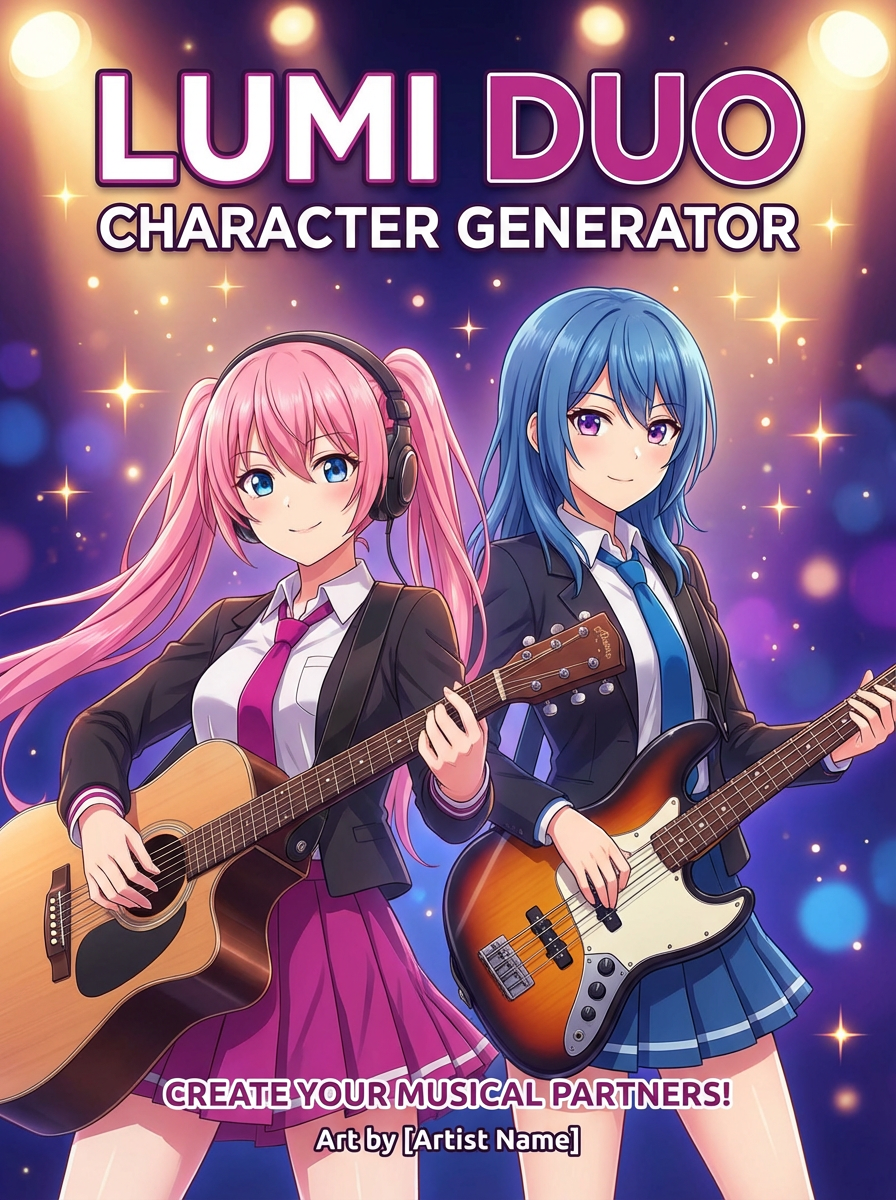
튜토리얼
AI Duo Character Generator is best when you want two references combined into one interaction shot.
Step 1: Prepare the right input
Upload both character images.
Step 2: Set the generation direction
Describe the pose, chemistry, and camera framing.
Step 3: Generate, review, and keep the strongest result
Keep the version that balances both identities clearly.