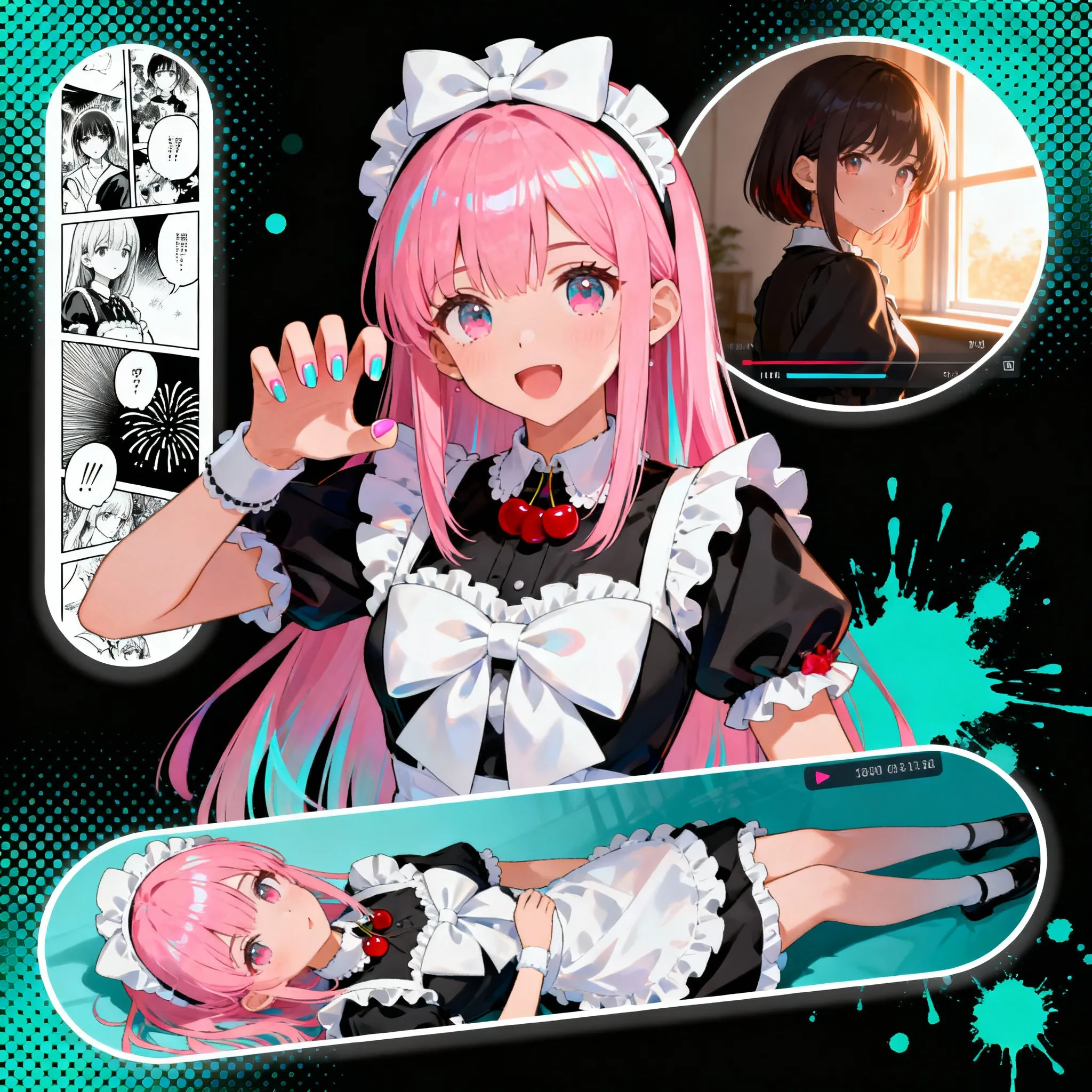
Image to Image
Guide image transformations with prompt-based image editing.
일러스트 제작을 위한 AI 지원
이미지를 업로드하고 창의적인 효과를 적용하세요. 왼쪽 패널을 사용하여 프리셋을 탐색하세요.
Customized
Customized
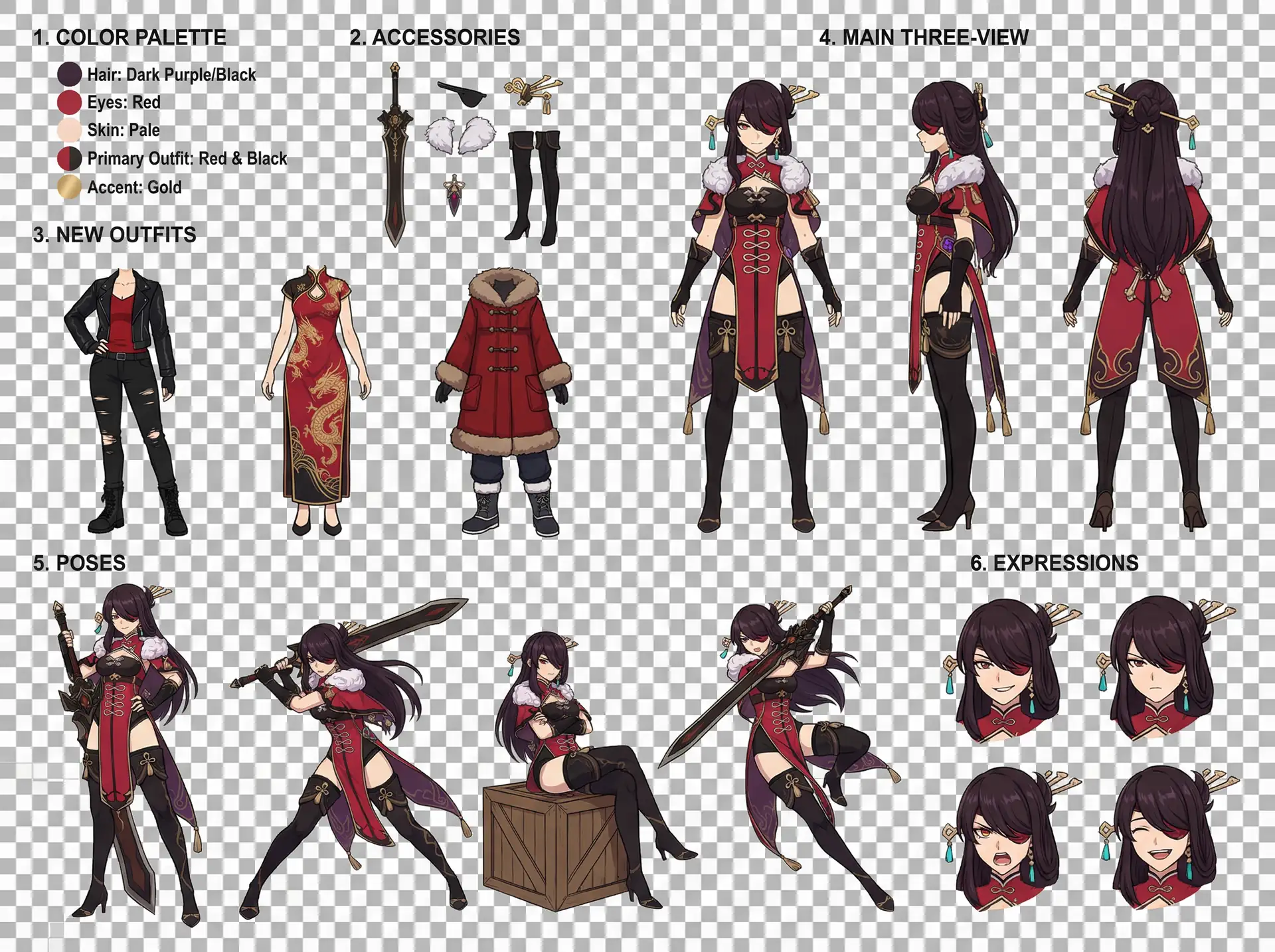
Character Design Reference Sheet
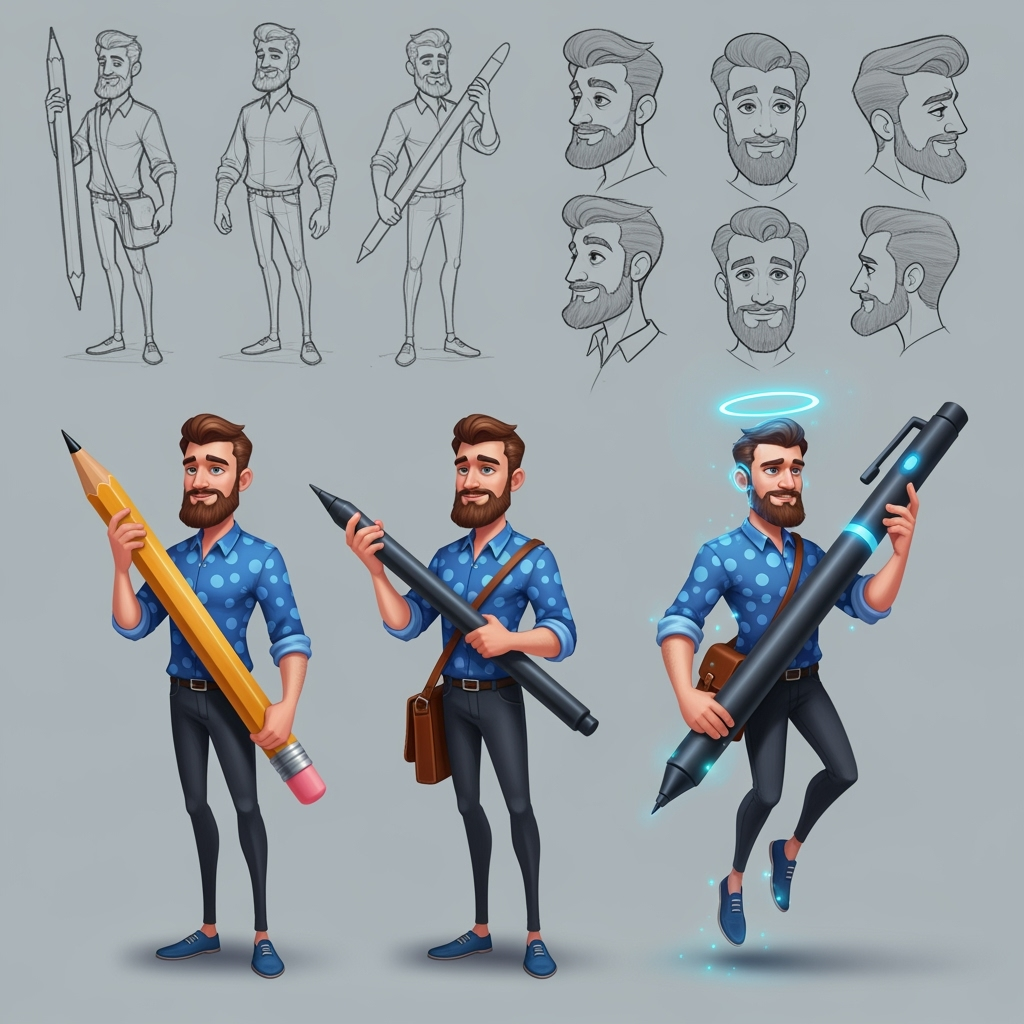
캐릭터 시트
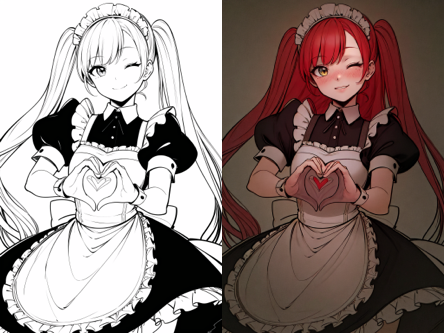
선화 색채화
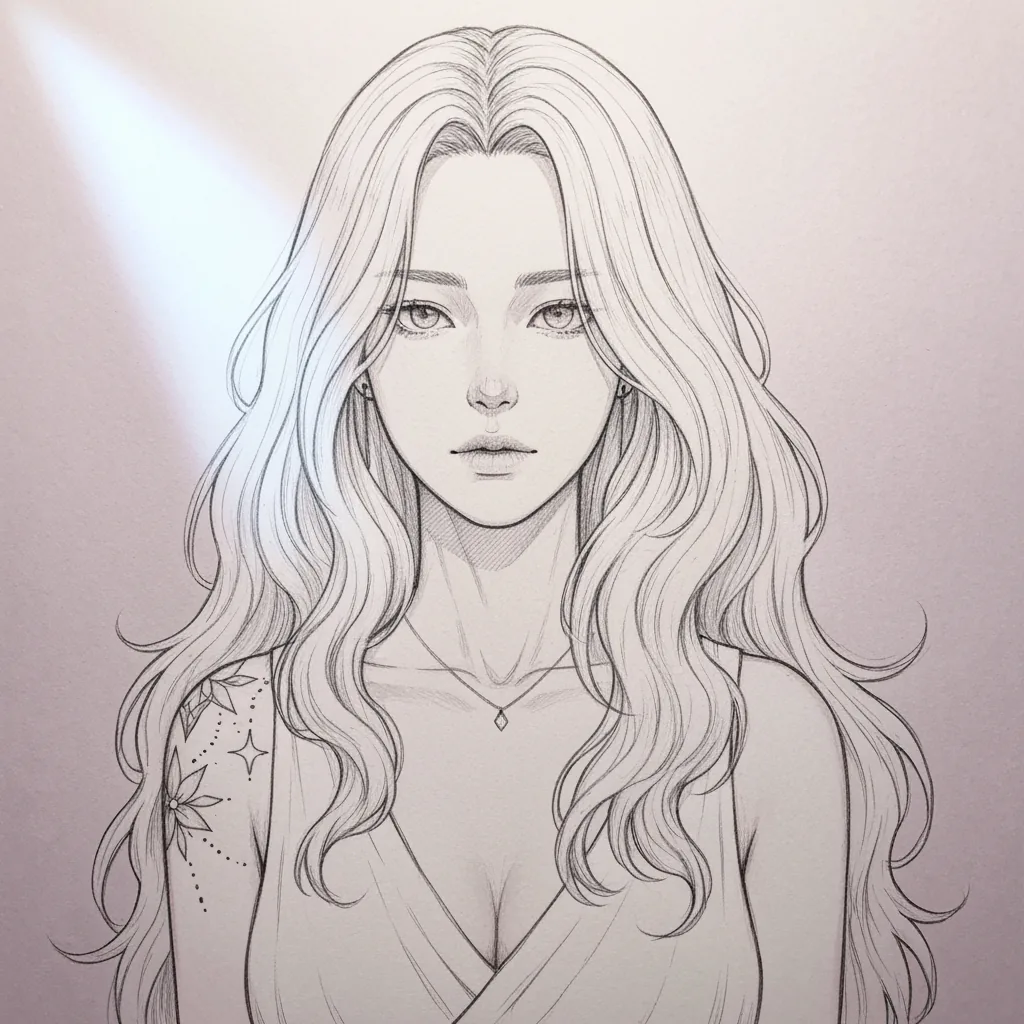
스케치 단순화
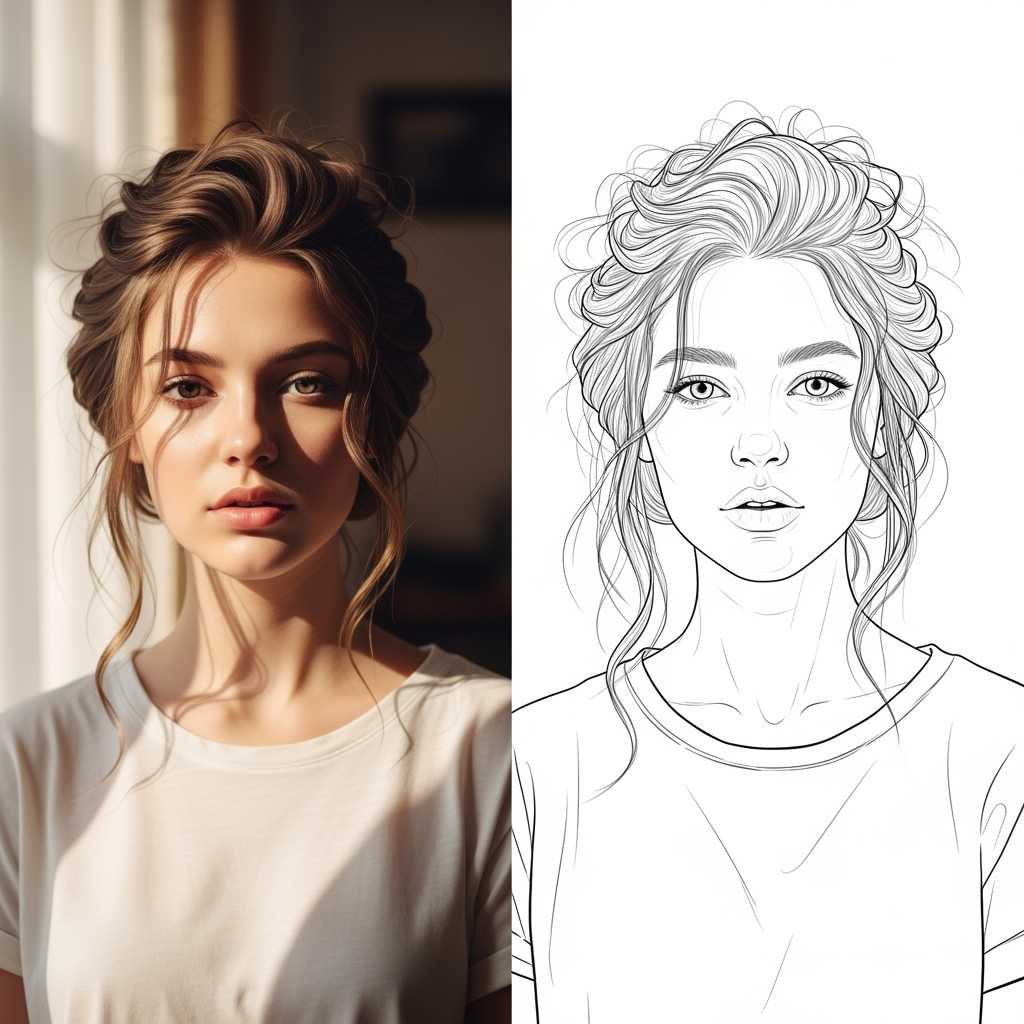
AI 선화
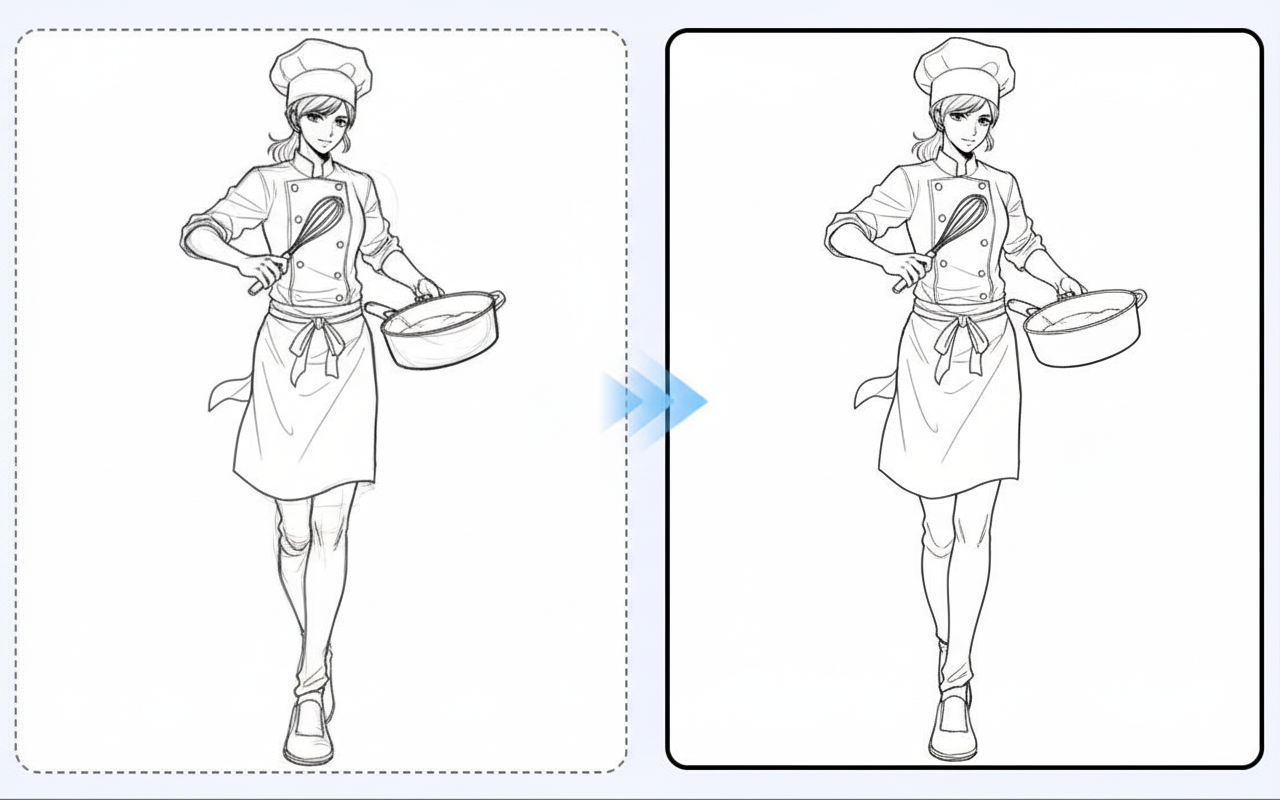
선화 보정
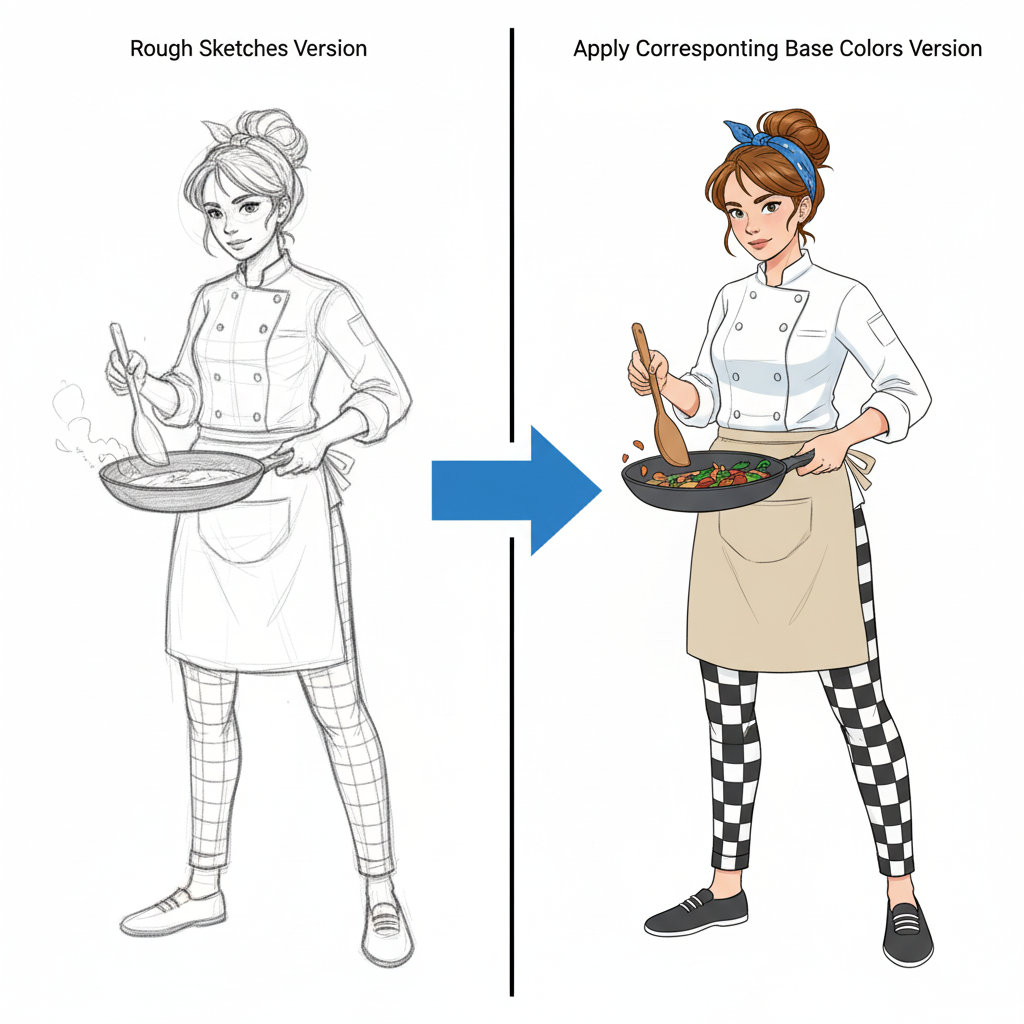
캐릭터 채색
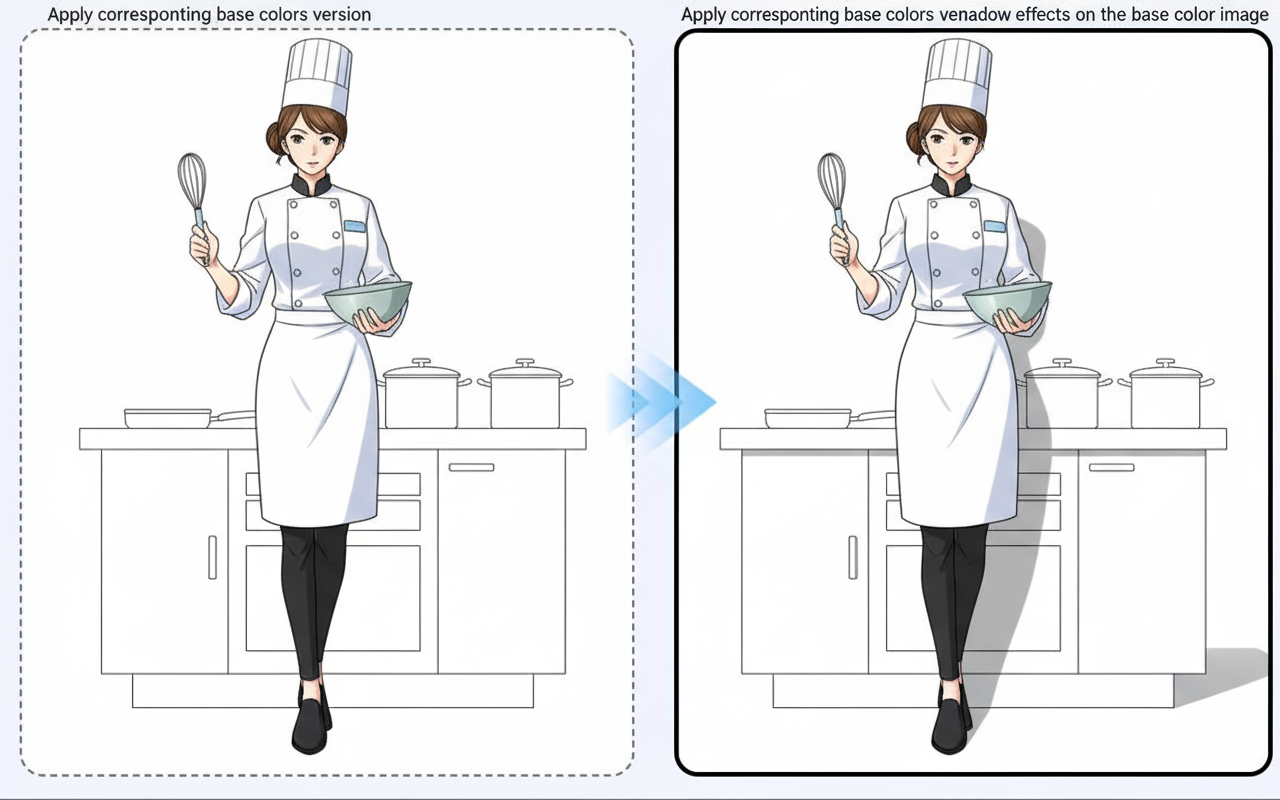
그림자 생성
튜토리얼
Image to Image is best when you use it to guide an uploaded image toward a new result while preserving the structure you still care about.
Step 1: Prepare the right input
Upload a strong reference image and decide which parts must stay stable in the next generation.
Step 2: Set the generation direction
Write a focused edit prompt and tune the transformation strength before rendering variations.
Step 3: Generate, review, and keep the strongest result
Compare outputs against the source and keep the one that changes the right details without losing composition.
Best results
- Describe the change, not the whole image from scratch.
- Lower transformation strength when likeness matters.
- Keep the output ratio aligned with the original image whenever possible.