AI Manga Colorizer
Colorize black-and-white manga while keeping line clarity intact.
1
Įkelkite savo paveikslėlį
Click to upload or drag image hereJPG, PNG, WEBP | Max 10MB
2
Pasirinkite Modelį
3
Select image style
4
Enter prompt to describe the photo
300 kreditų bus nuskaičiuota
Upload a manga page to colorize
Your colorized manga will appear here
Trūksta idėjų? Išbandykite mūsų iš anksto paruoštus šablonus ir pradėkite!


Pamoka
AI Manga Colorizer is best when you use it to color black-and-white manga art without losing line weight or tonal separation.
Step 1: Prepare the right input
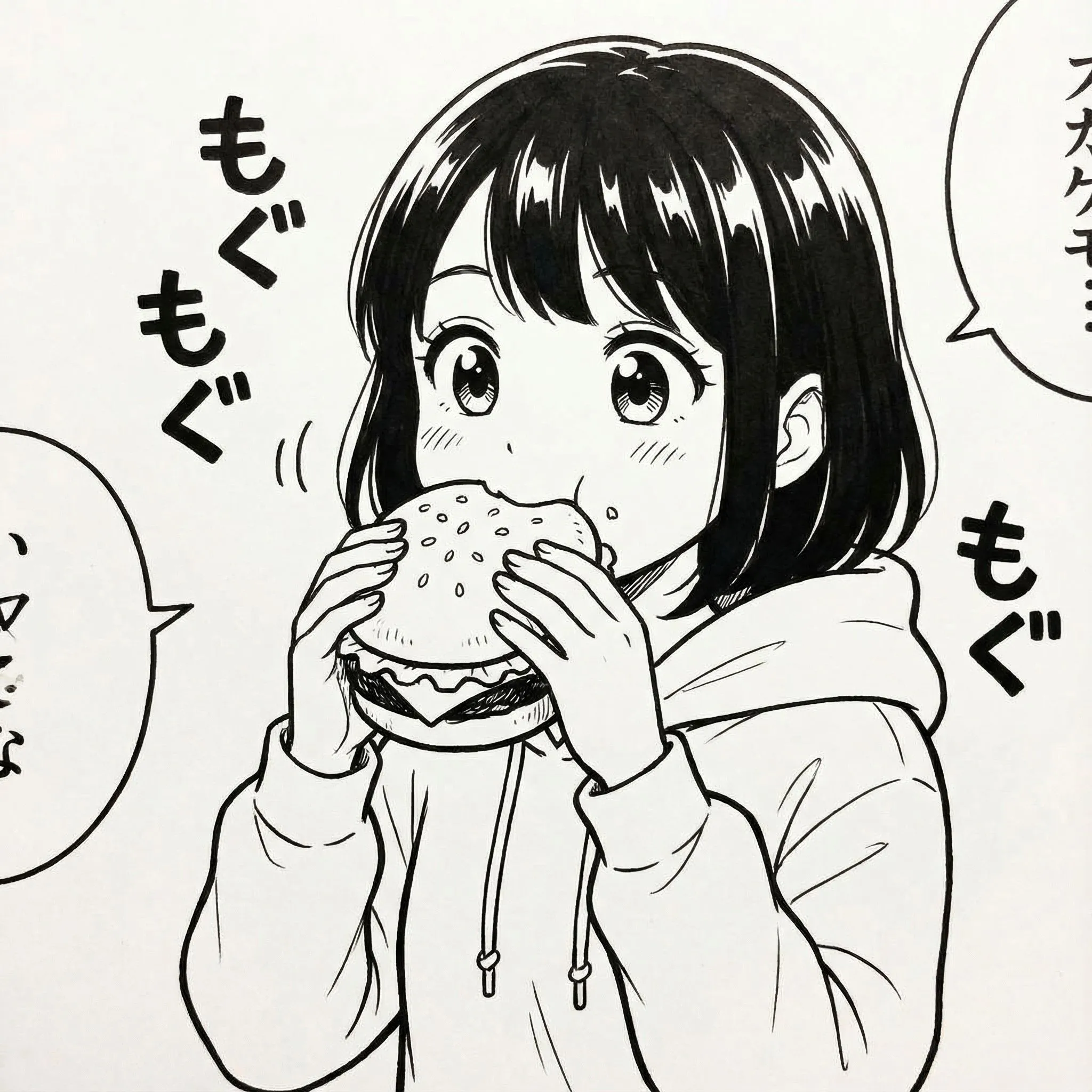
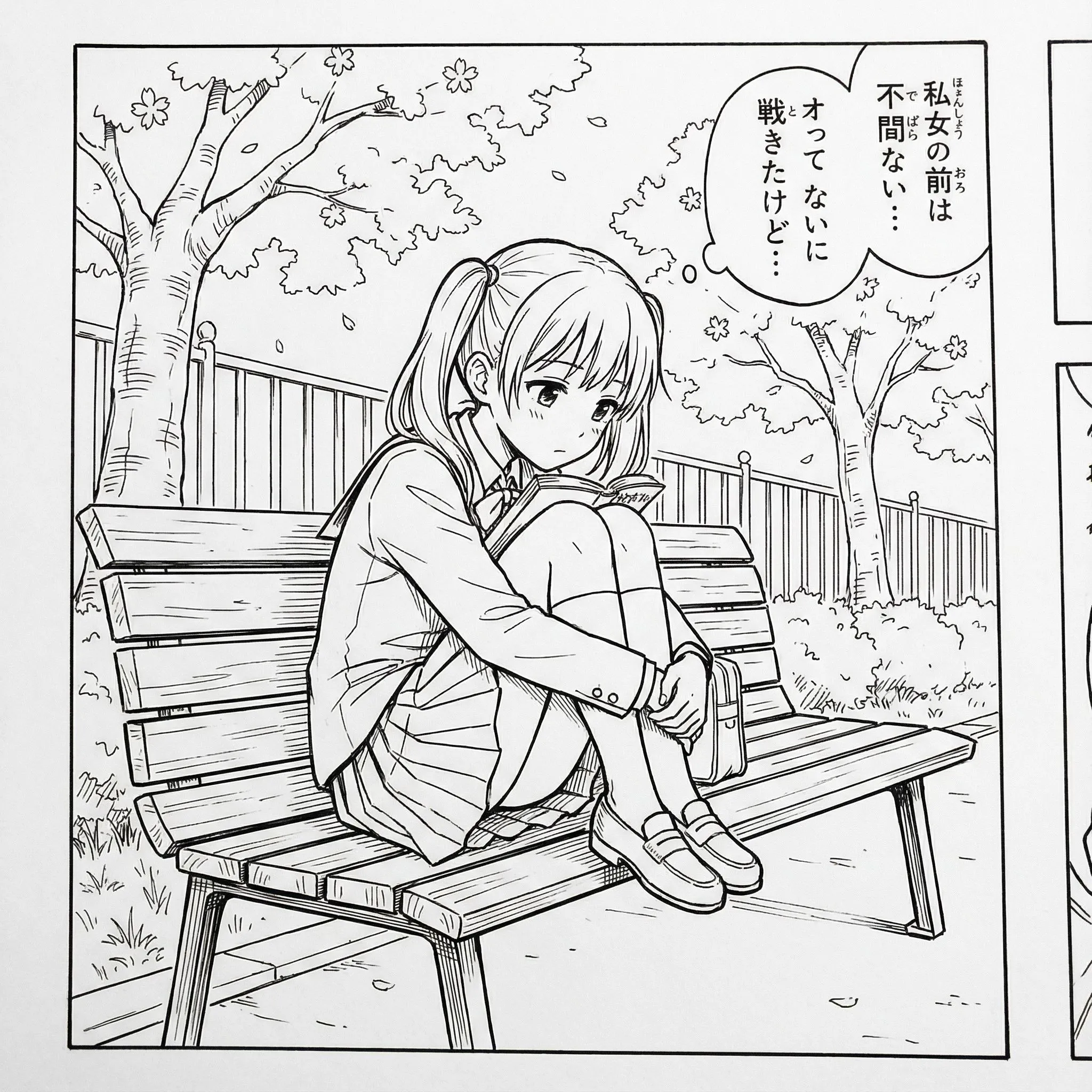
Upload line art with crisp outlines and minimal compression artifacts.
Step 2: Set the generation direction
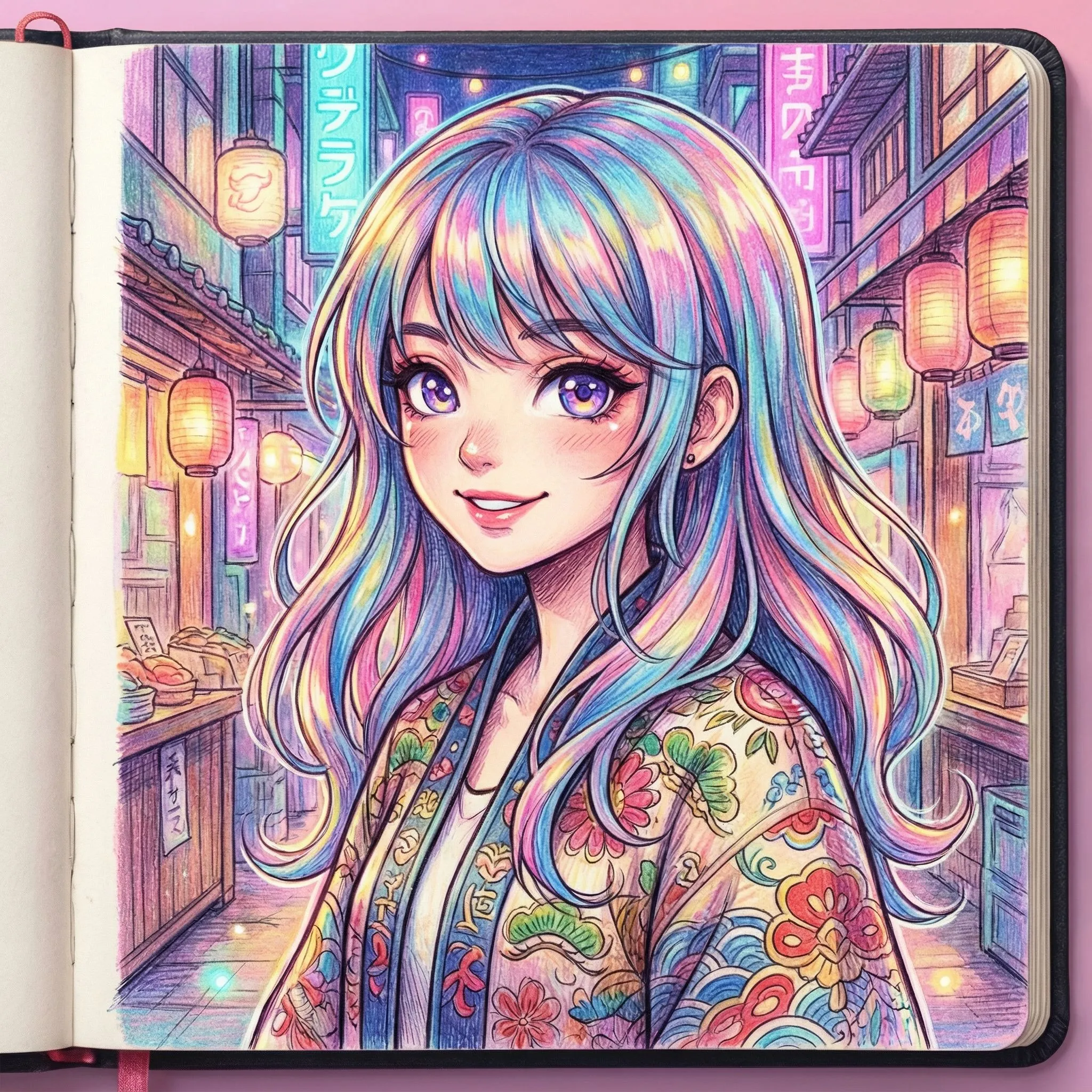
Choose the target style or palette direction before generating the color pass.
Step 3: Generate, review, and keep the strongest result
Review skin tones, clothing accents, and background balance, then rerun only if the color hierarchy feels muddy.
Best results
- High-contrast scans colorize more cleanly than soft grayscale images.
- Keep the palette limited when the page already has heavy line detail.
- Use a reference prompt if one character color scheme matters.