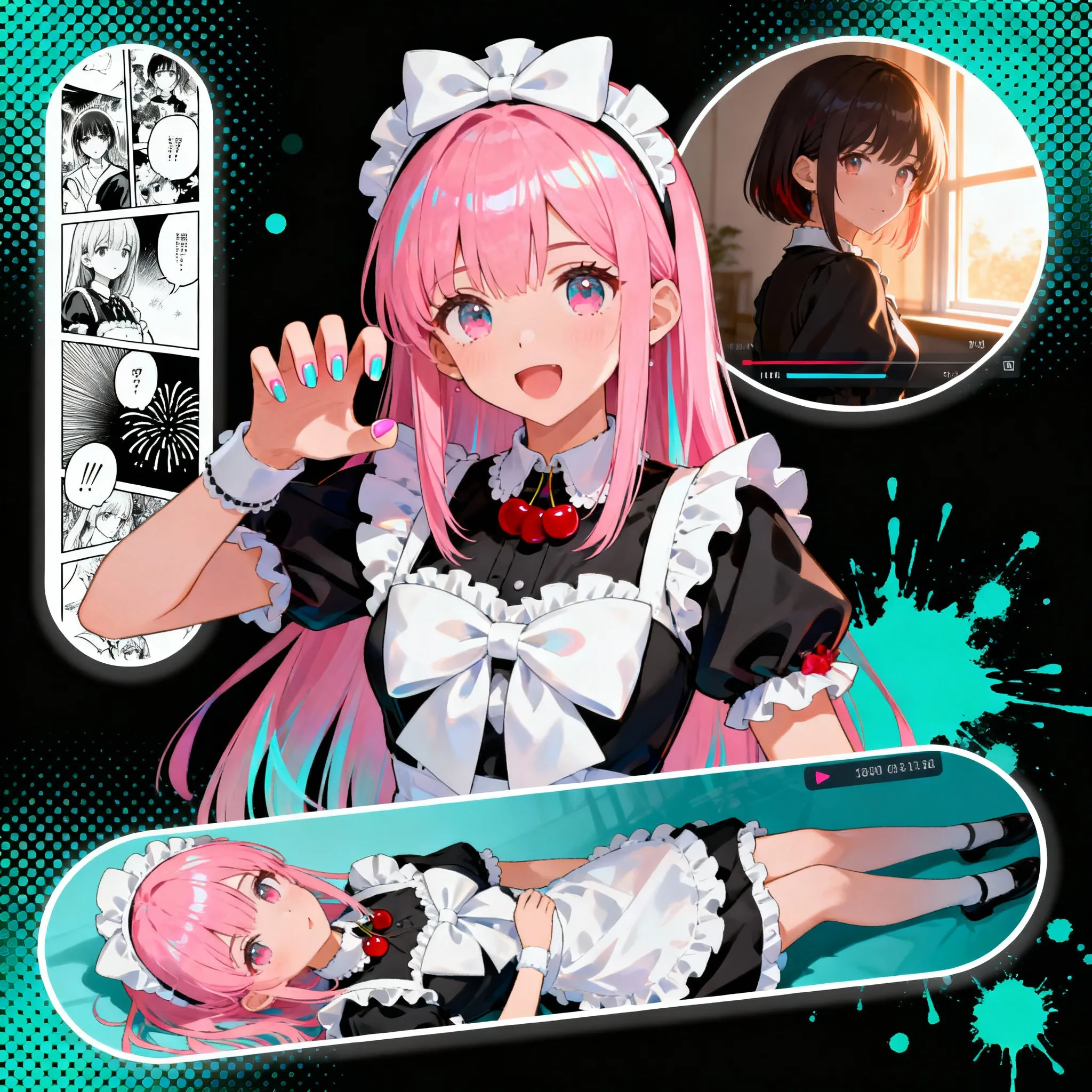
Image to Image
Guide image transformations with prompt-based image editing.
Sokongan AI untuk Penciptaan Ilustrasi
Muat naik imej dan gunakan efek kreatif. Gunakan panel kiri untuk mencari tetapan pratetap.
Customized
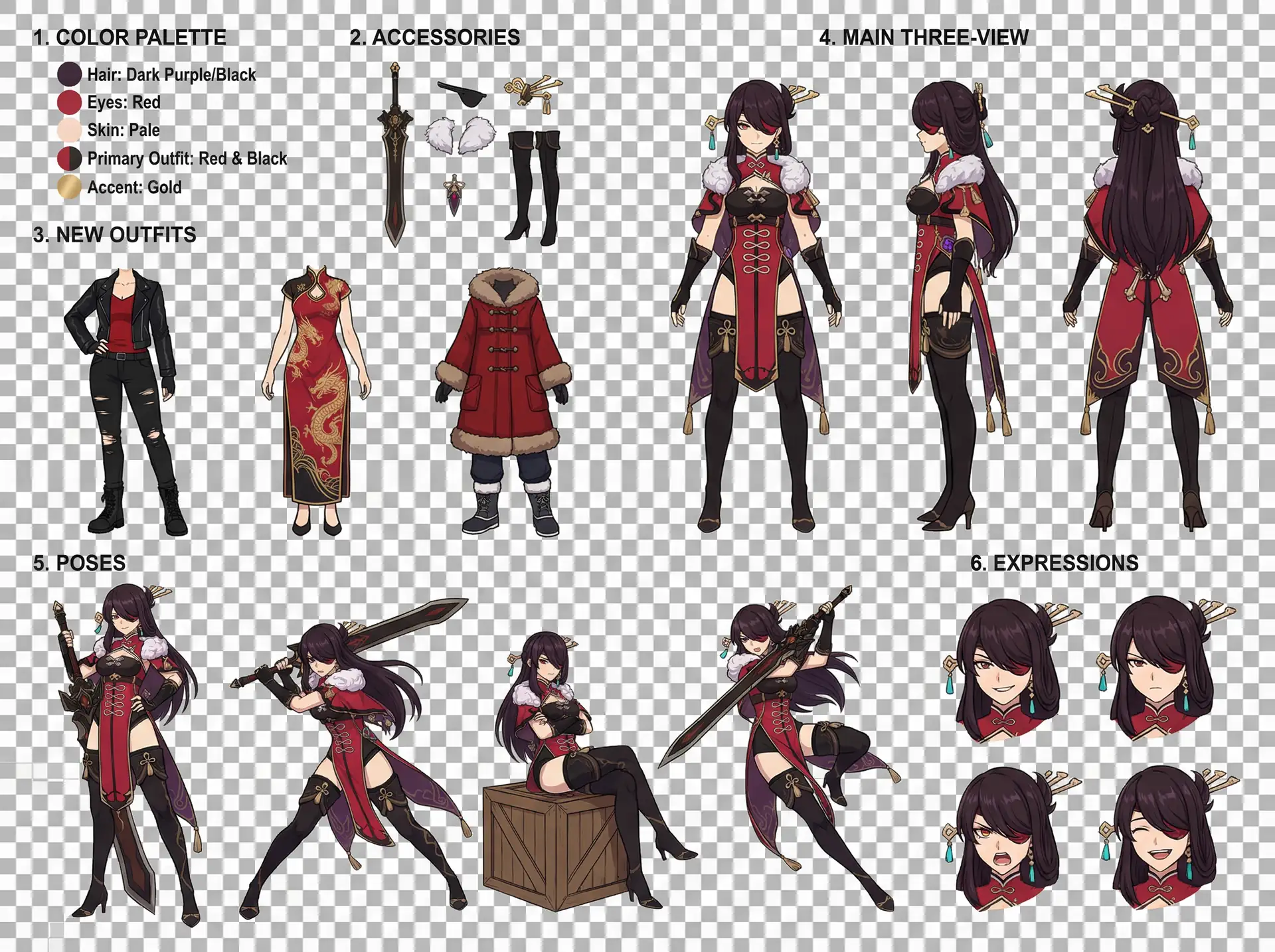
Character Design Reference Sheet
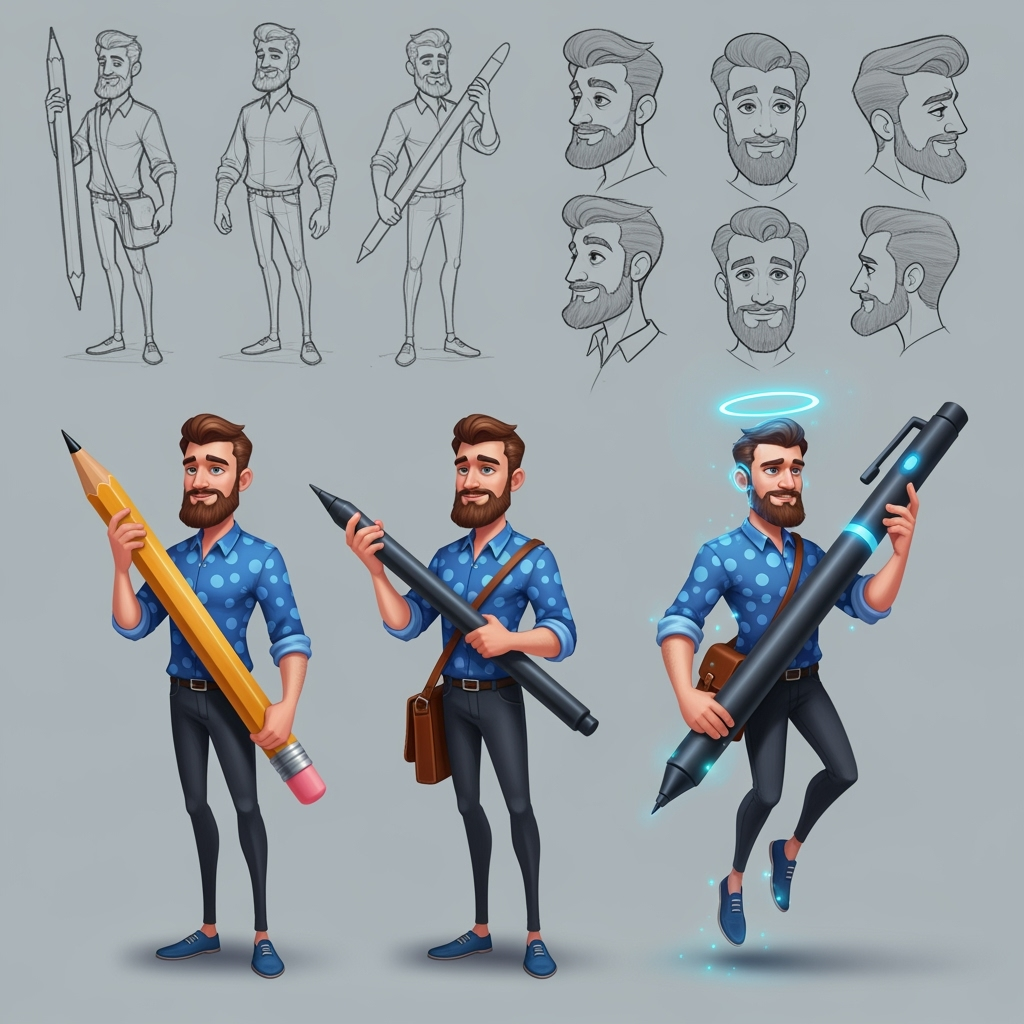
Character Sheet
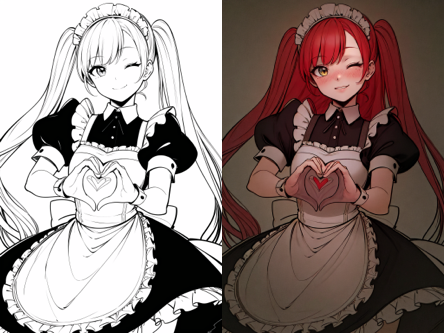
Pewarnaan Seni Garis
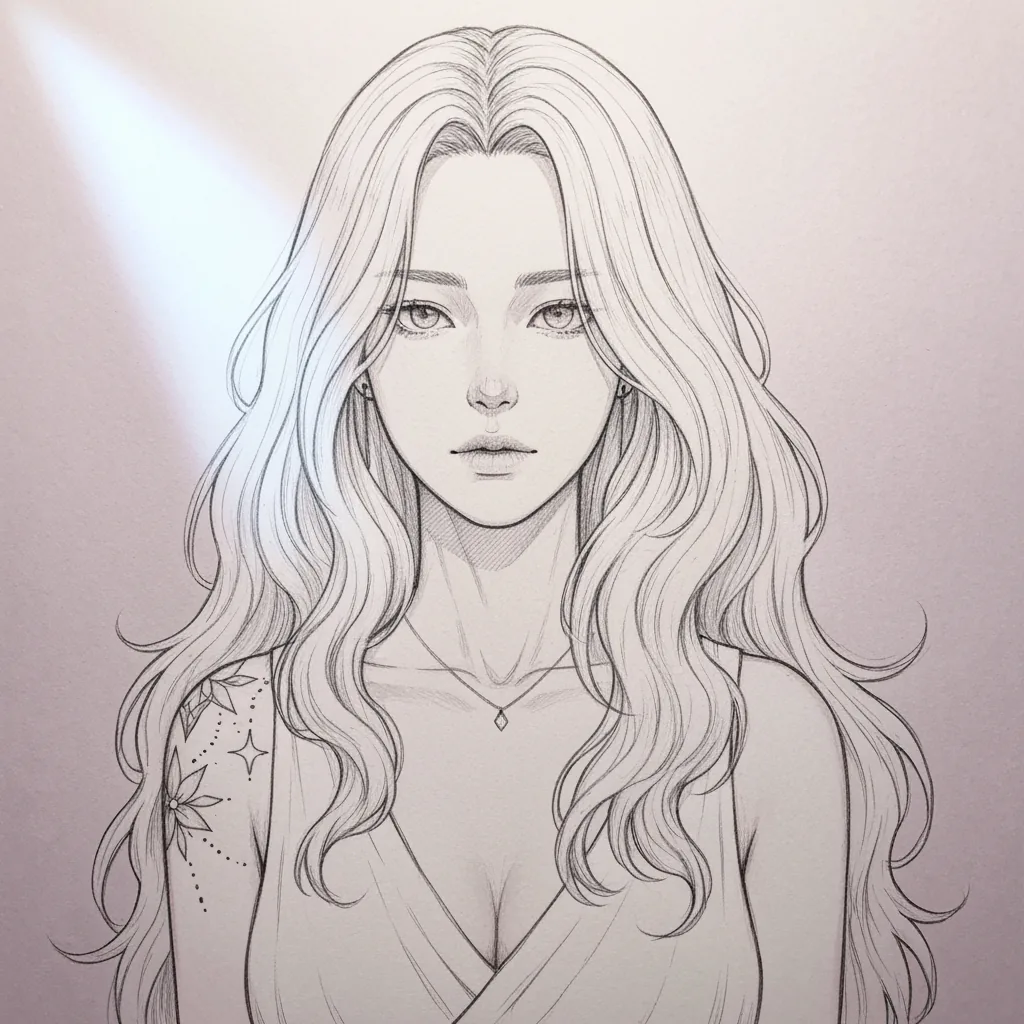
Penyederhanaan Lakaran
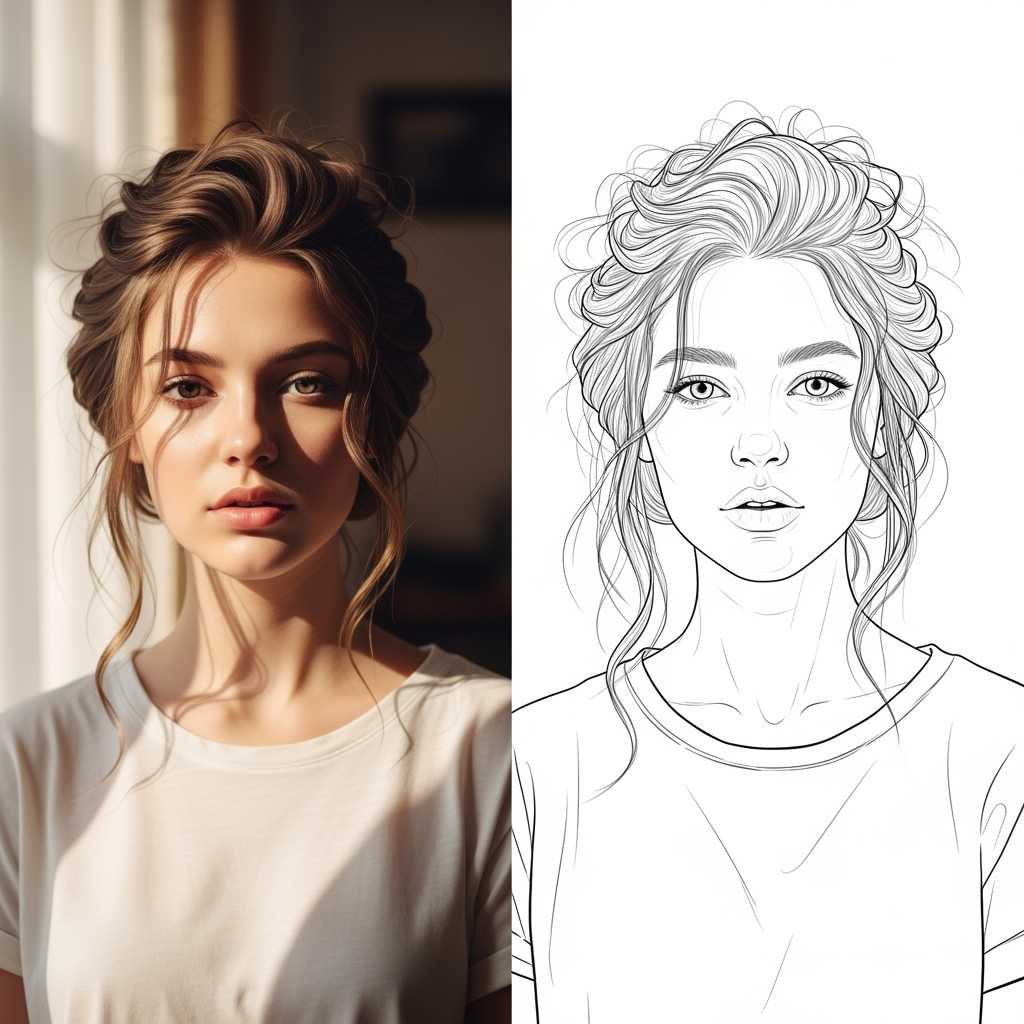
AI Line Art
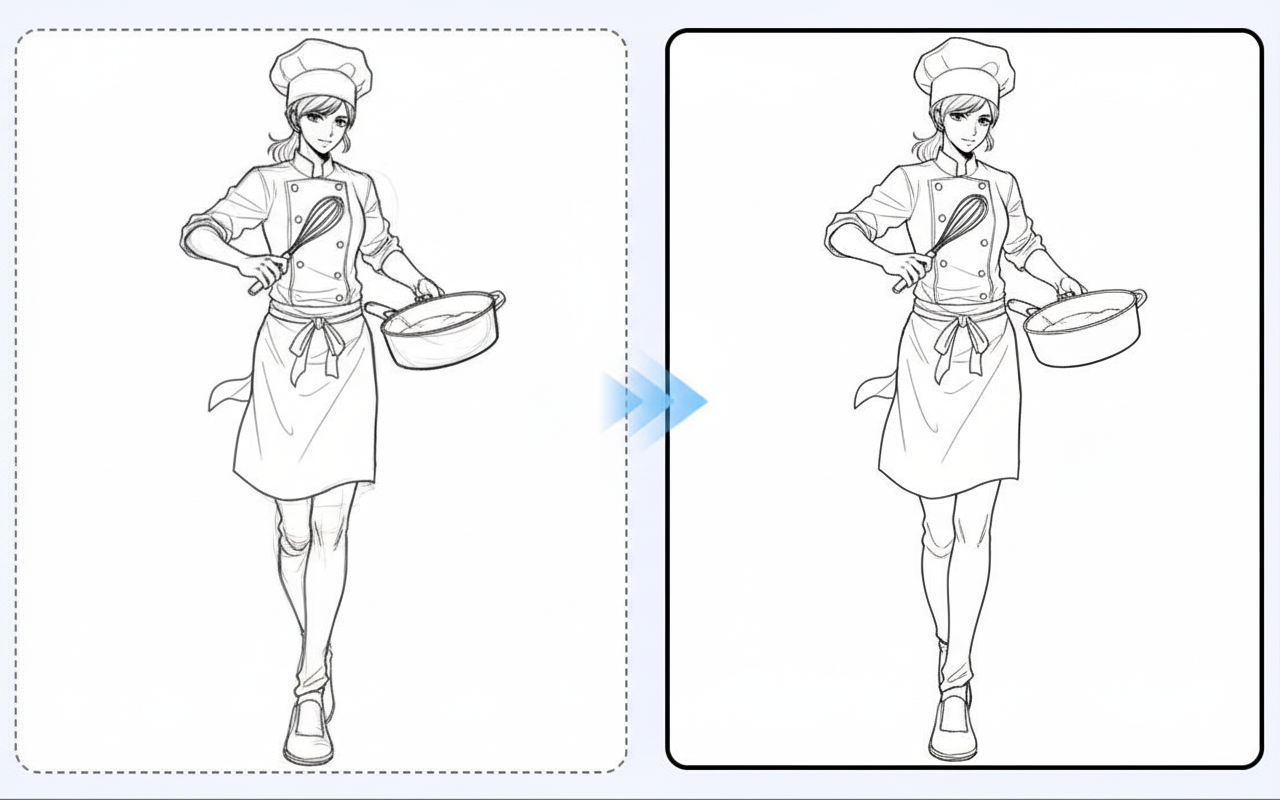
Line Art Beautification
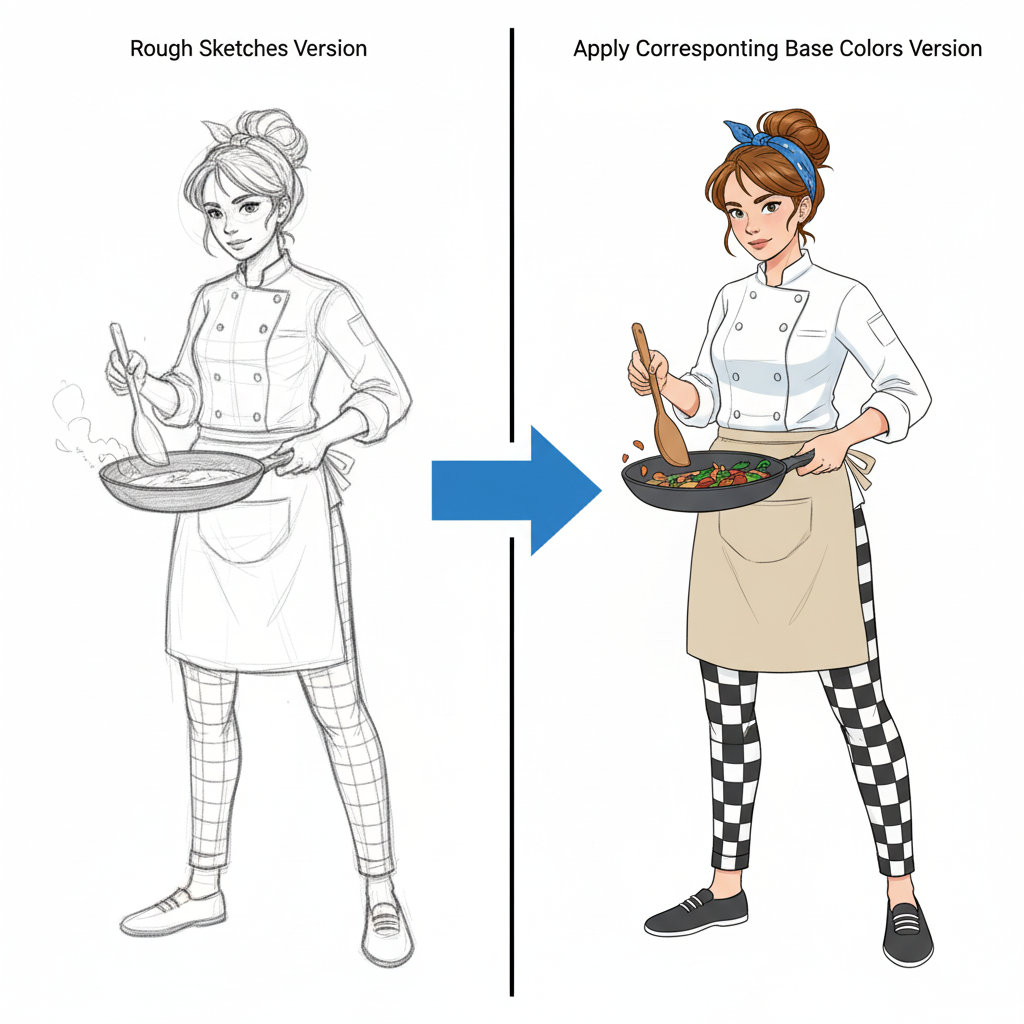
Character Coloring
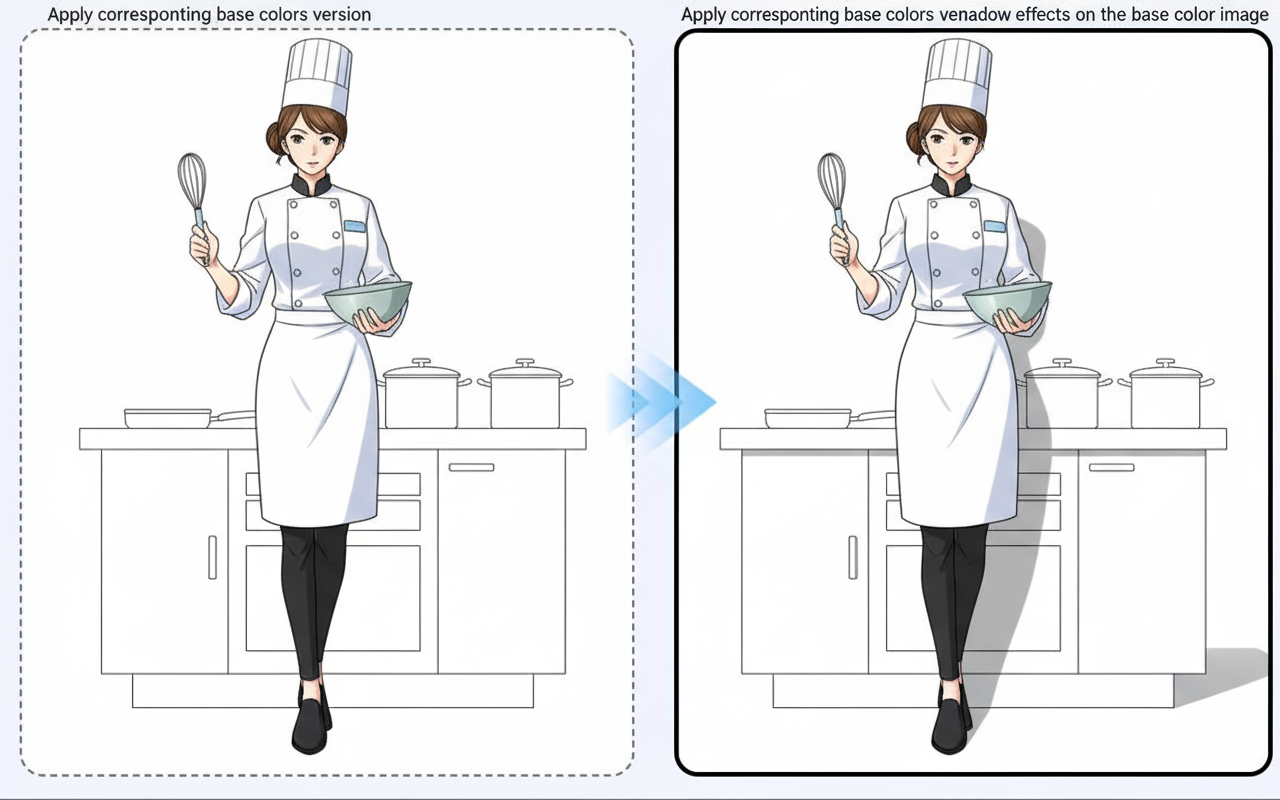
Shadow Generation
Tutorial
Image to Image is best when you use it to guide an uploaded image toward a new result while preserving the structure you still care about.
Step 1: Prepare the right input
Upload a strong reference image and decide which parts must stay stable in the next generation.
Step 2: Set the generation direction
Write a focused edit prompt and tune the transformation strength before rendering variations.
Step 3: Generate, review, and keep the strongest result
Compare outputs against the source and keep the one that changes the right details without losing composition.
Best results
- Describe the change, not the whole image from scratch.
- Lower transformation strength when likeness matters.
- Keep the output ratio aligned with the original image whenever possible.