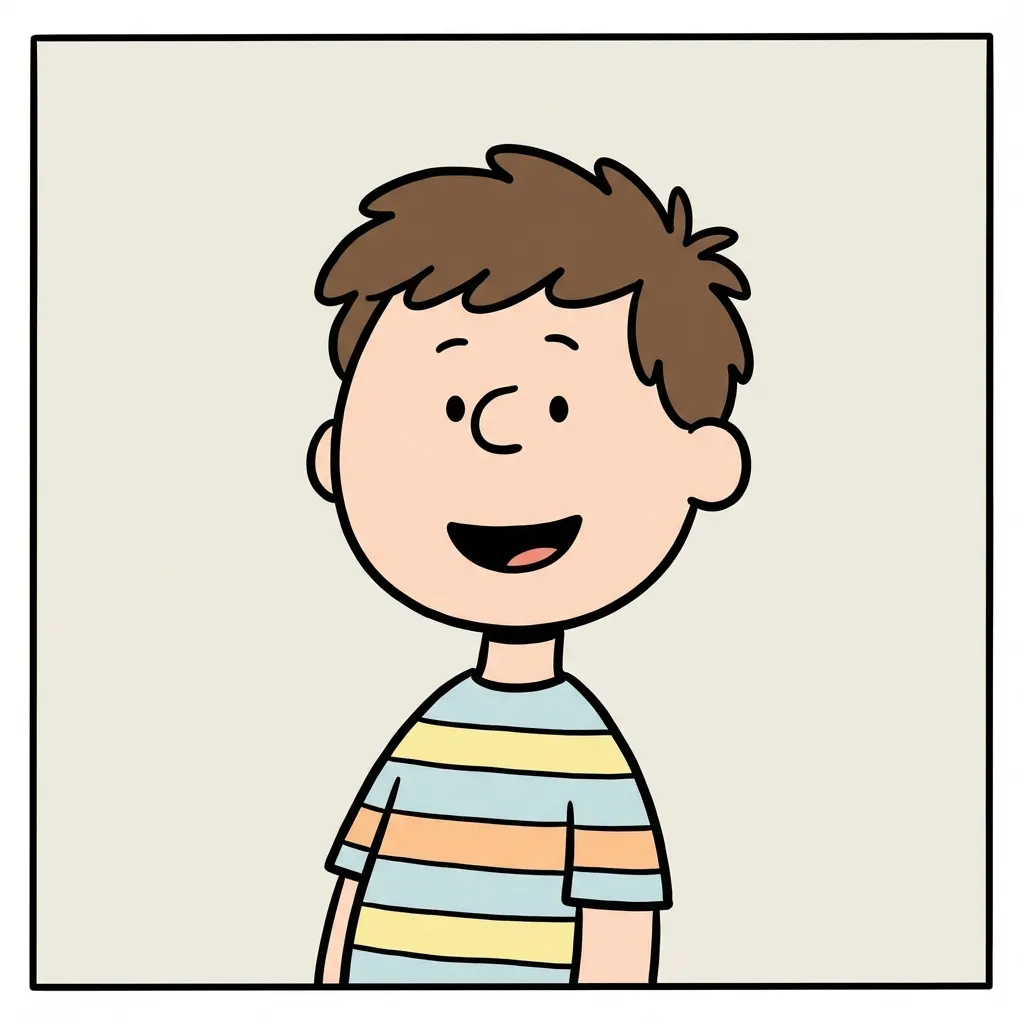
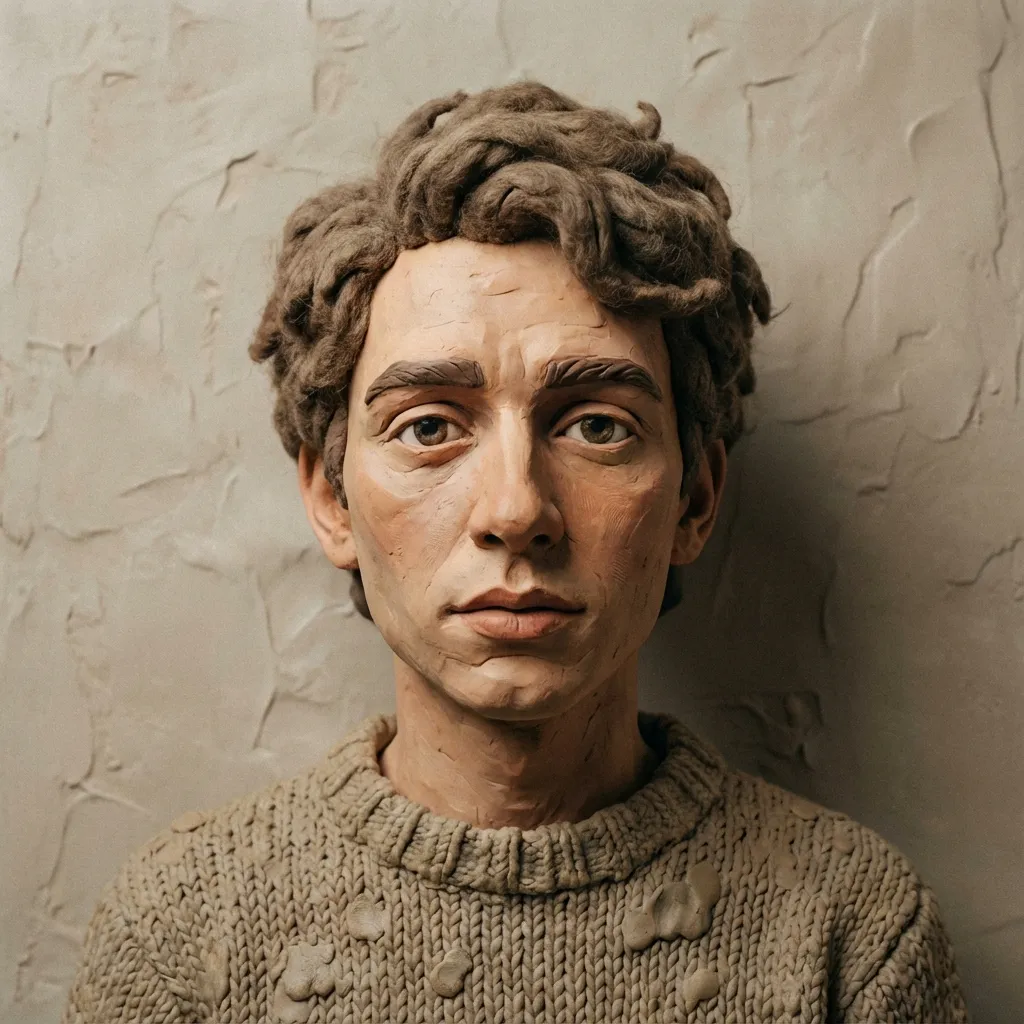
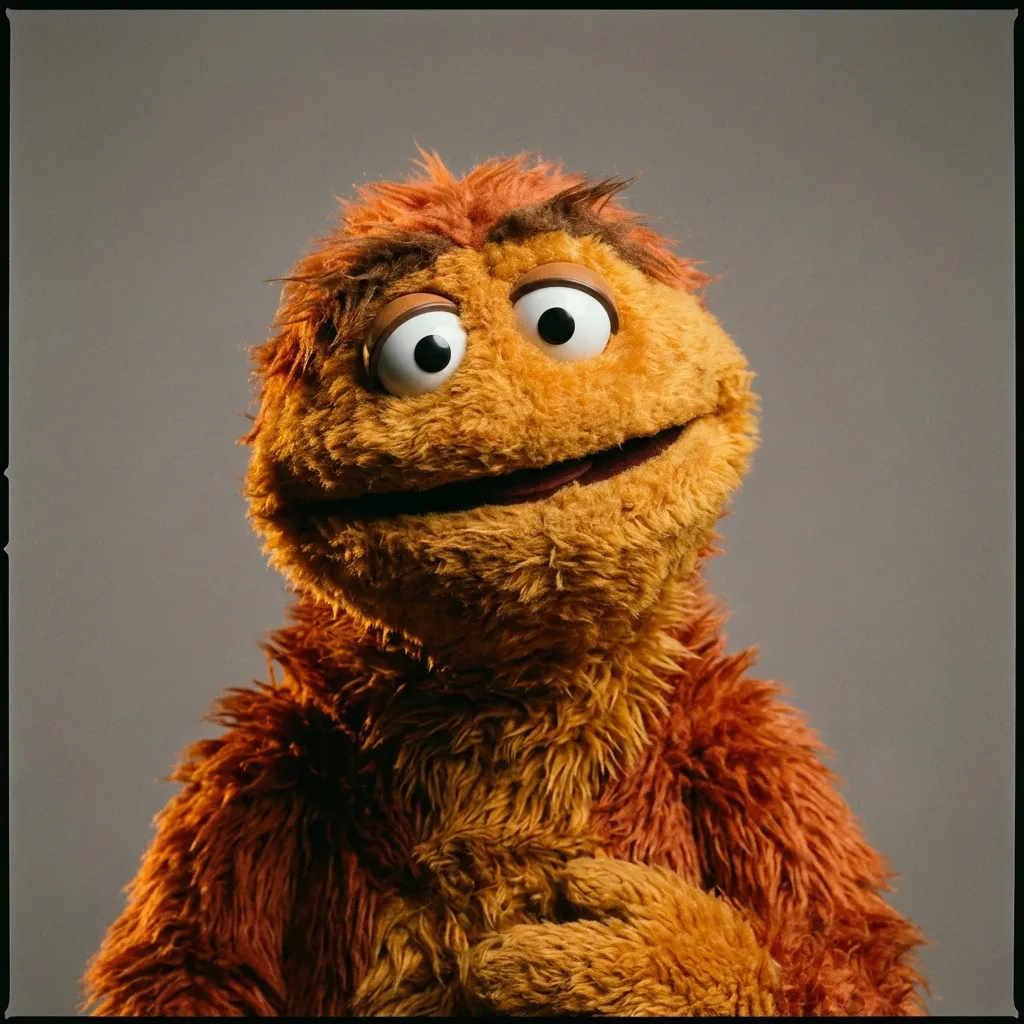
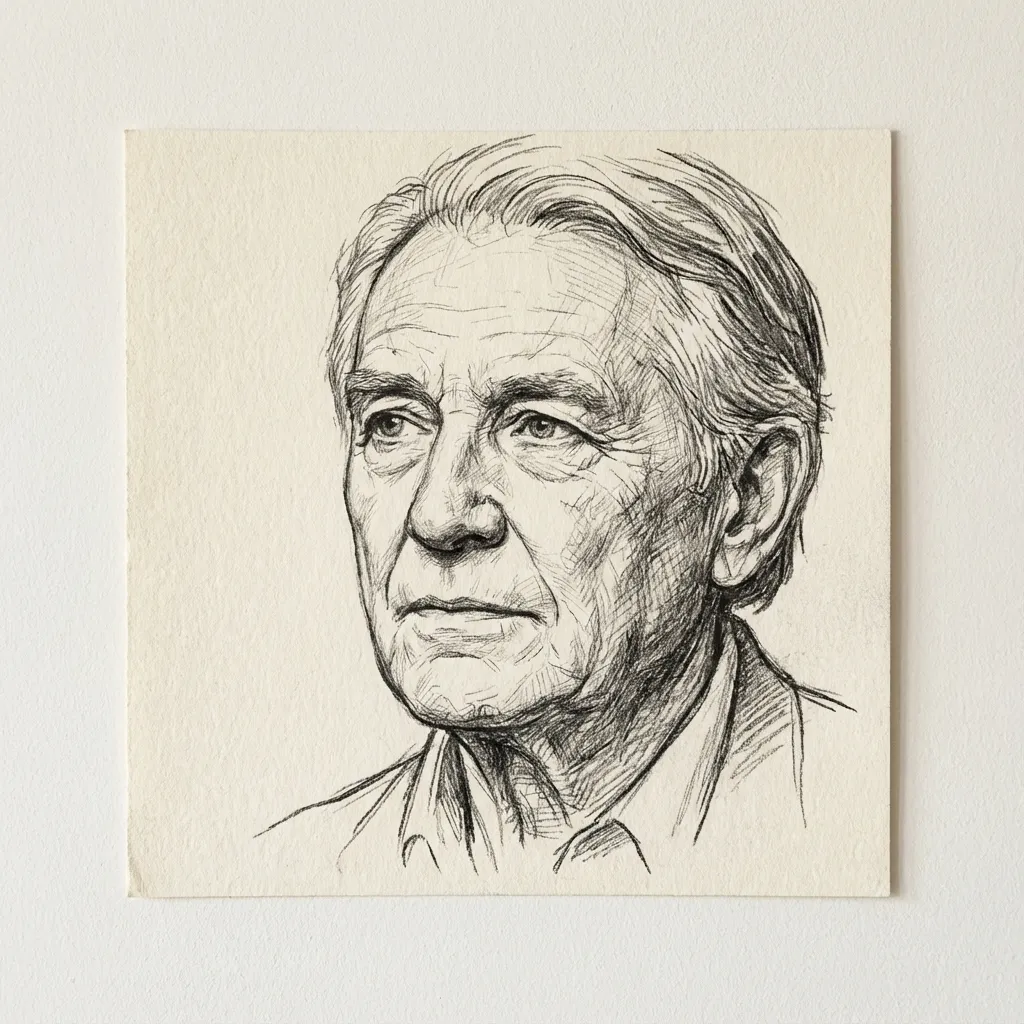
AI Manga Filter
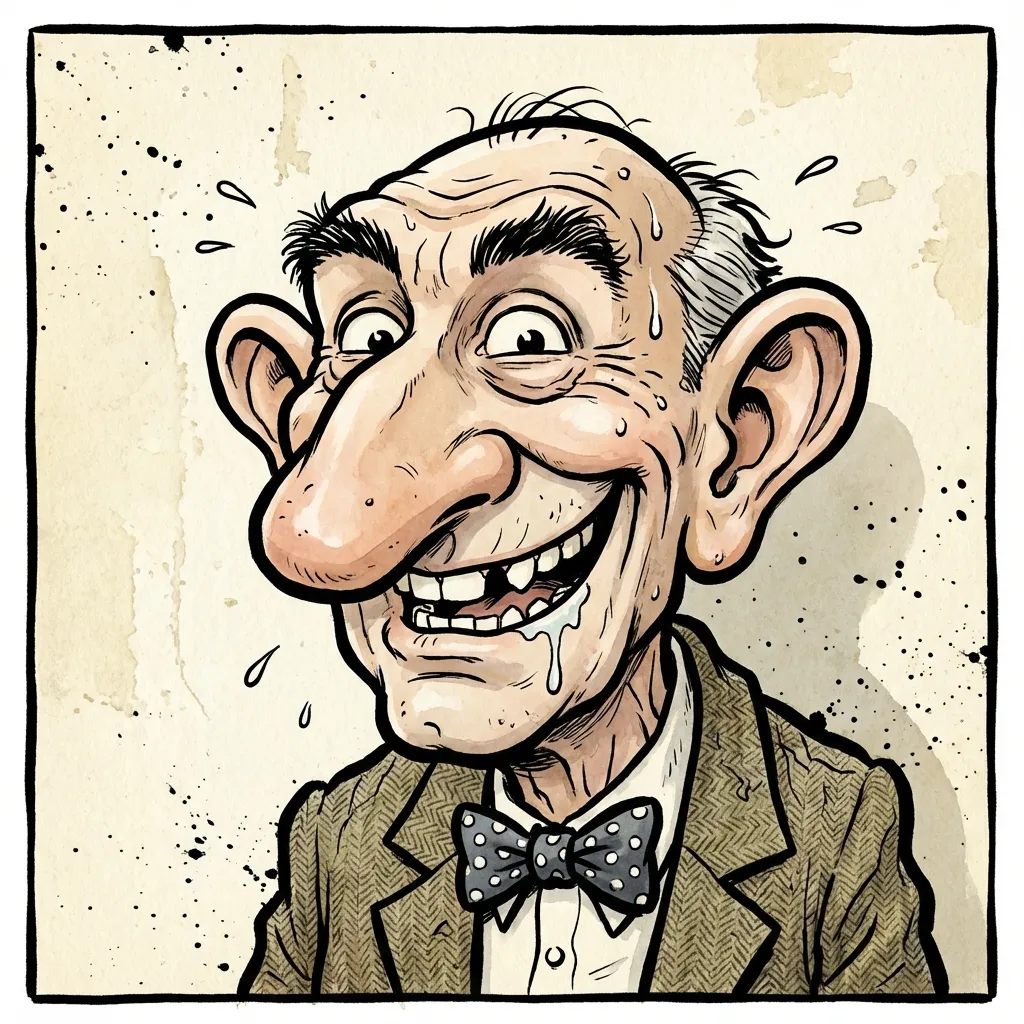
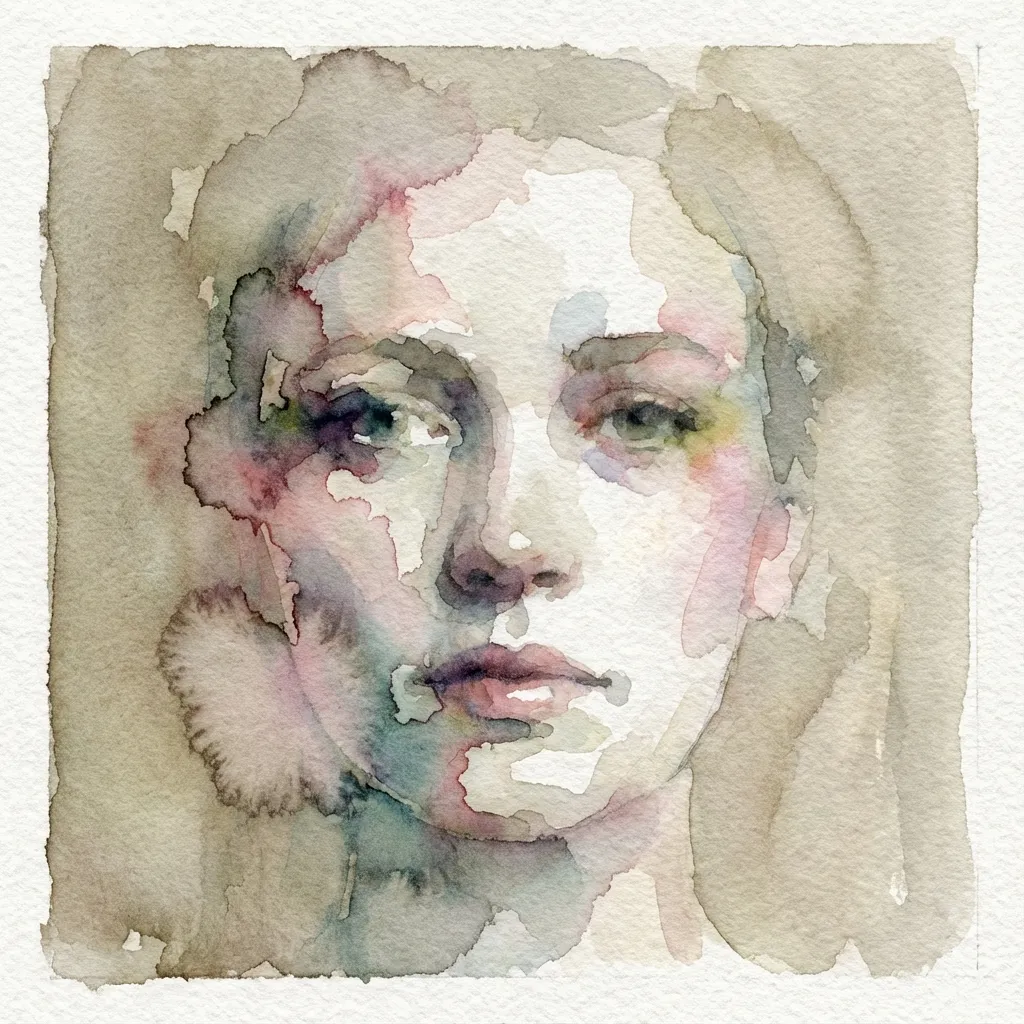
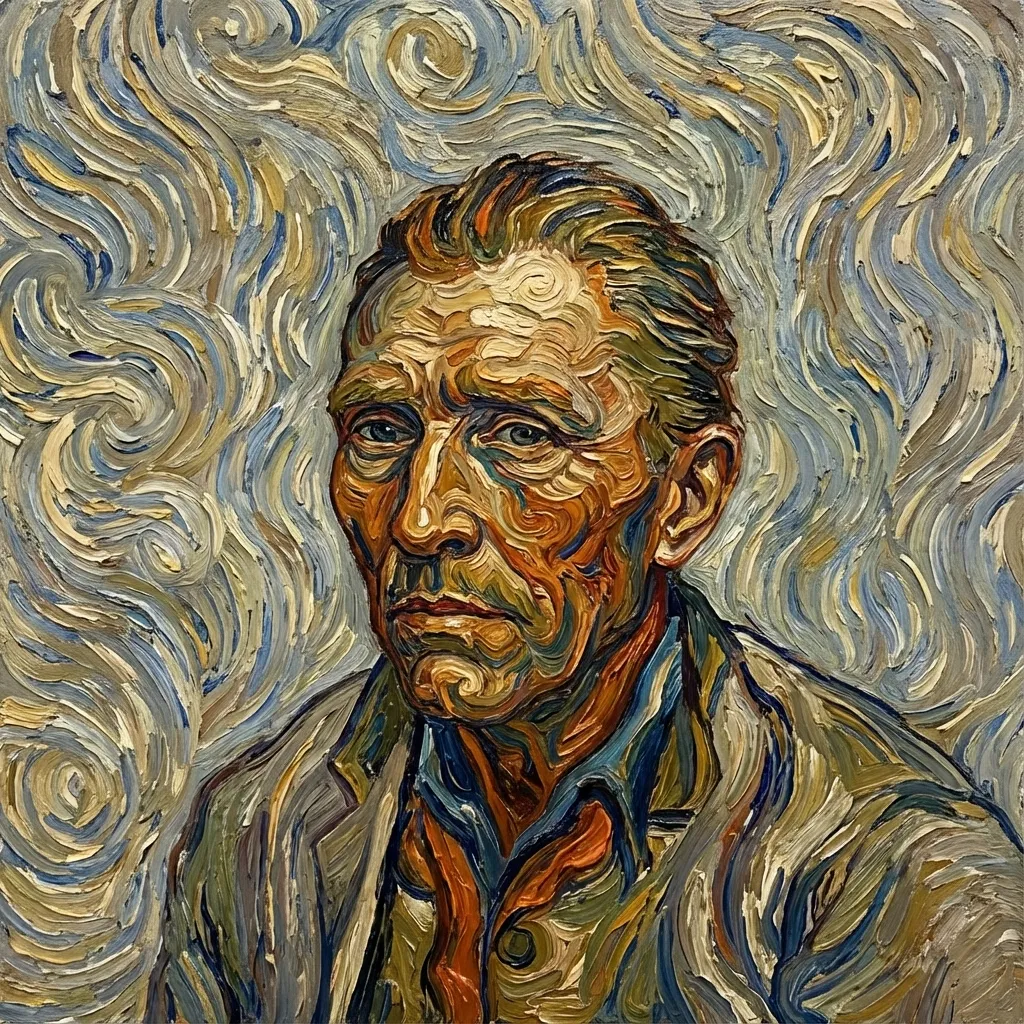
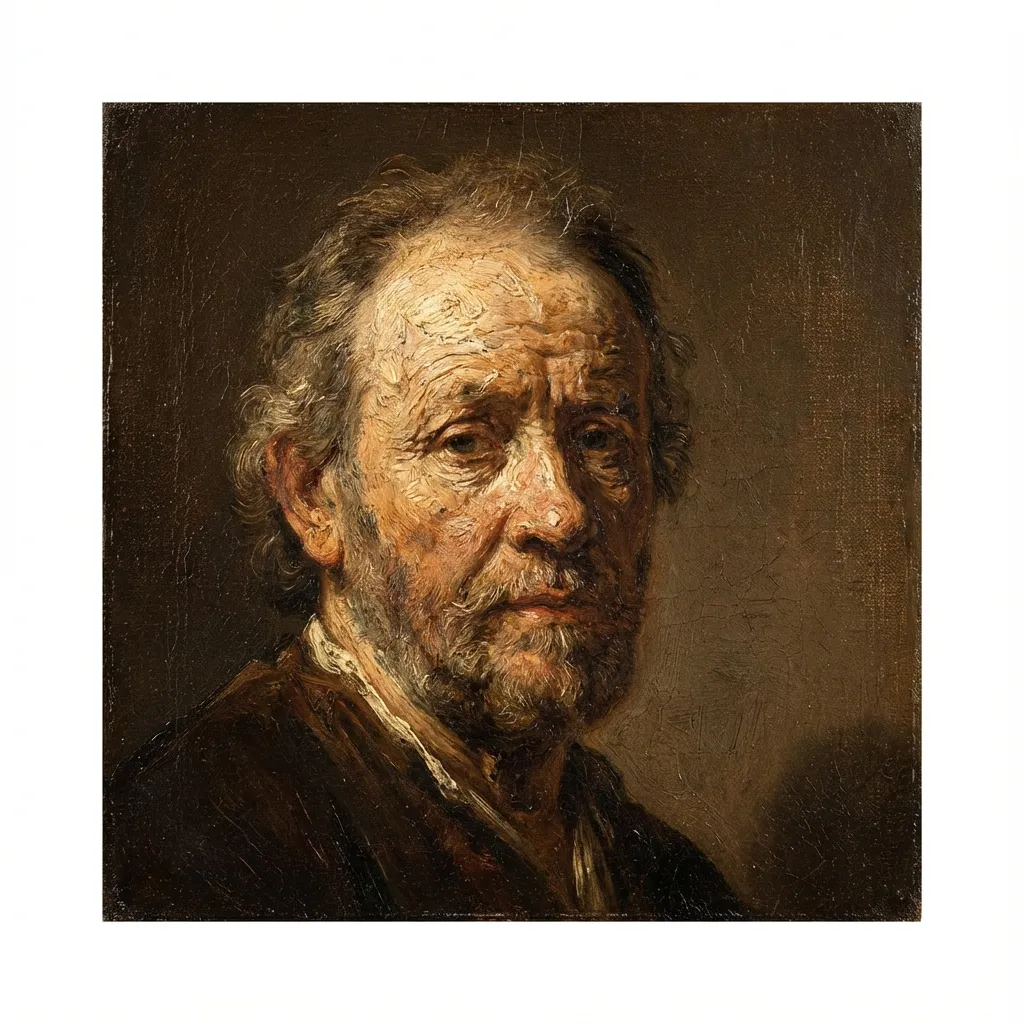
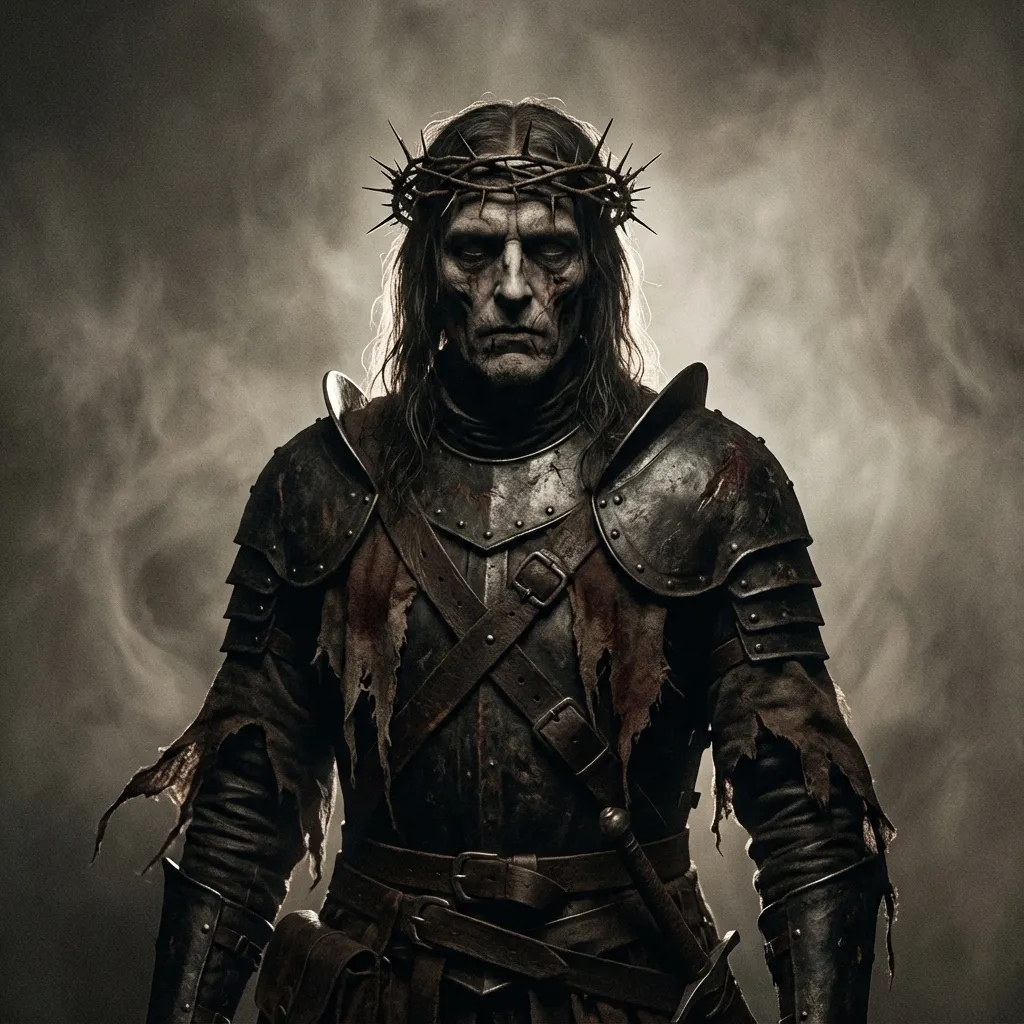
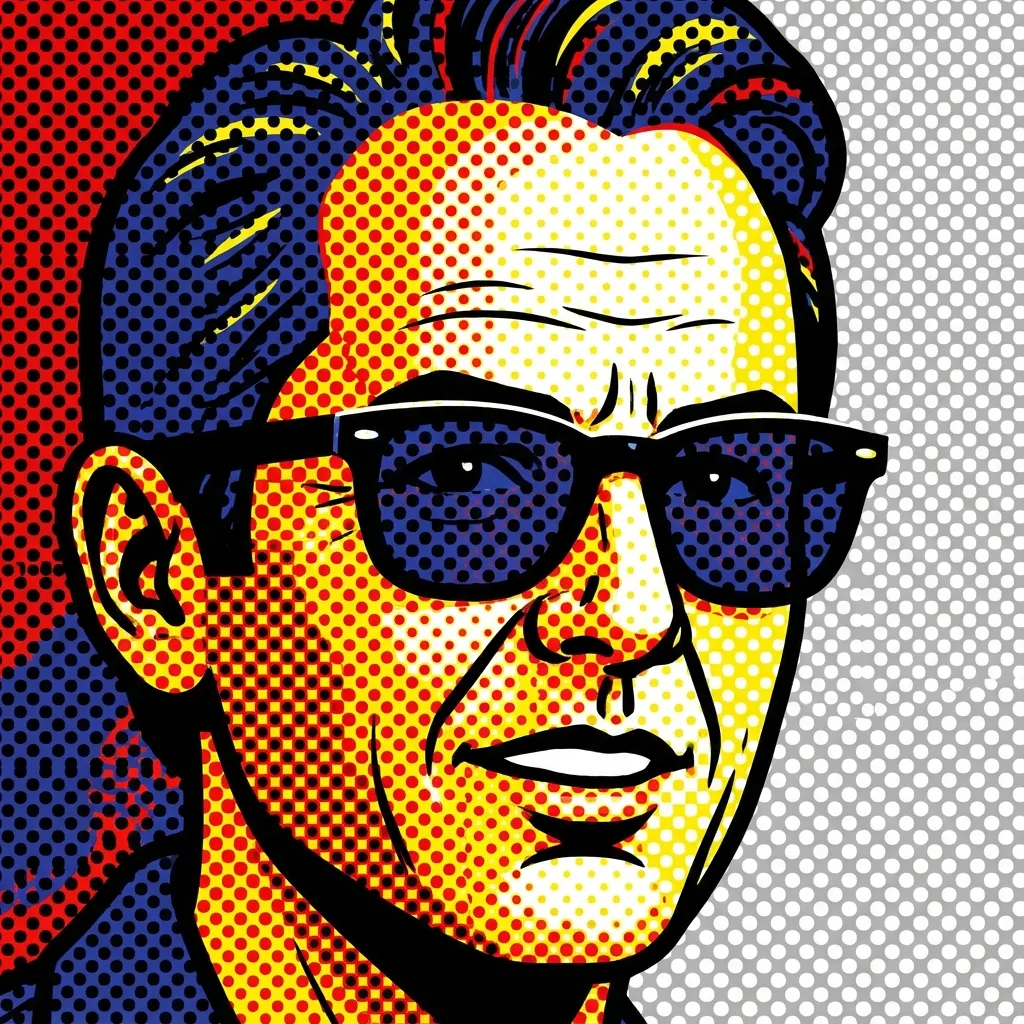
Apply artistic filters to your images
Tutorja
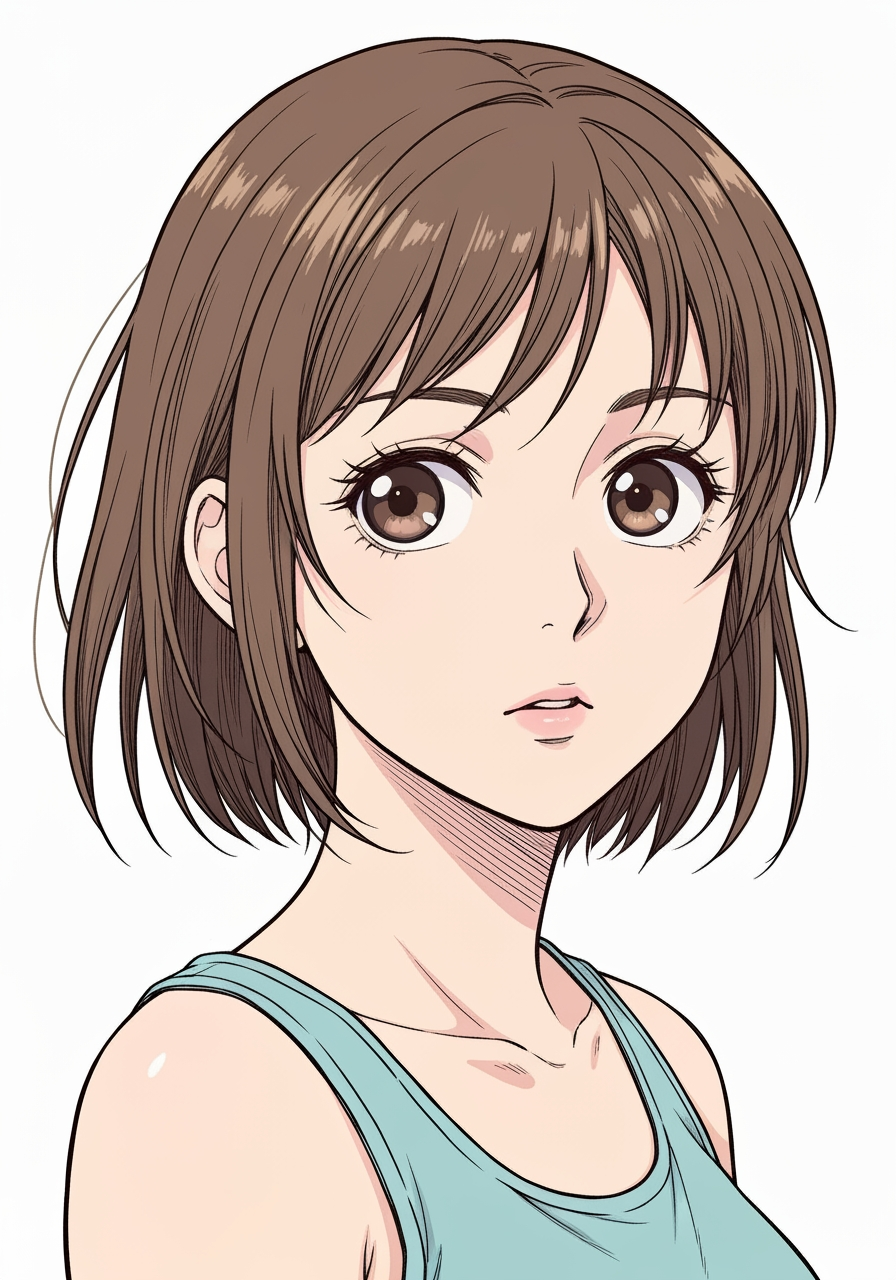
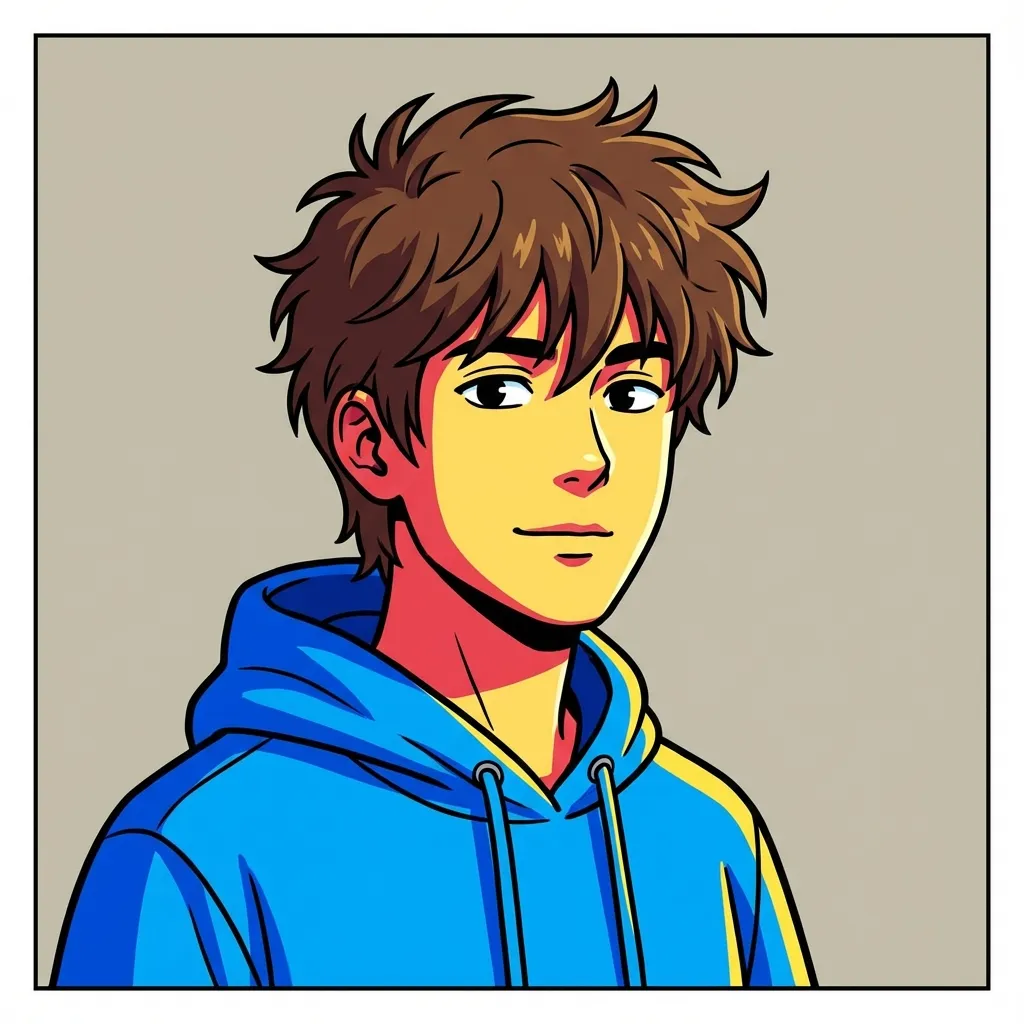
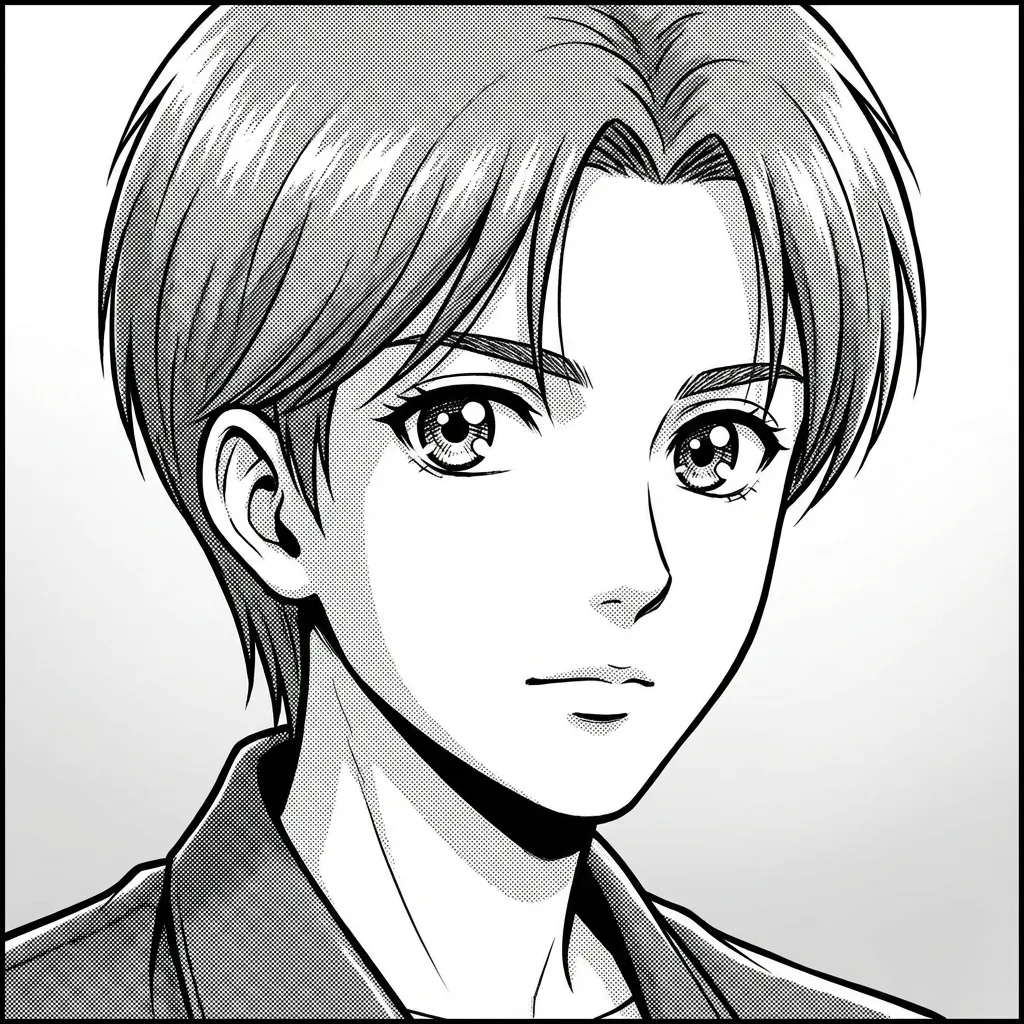
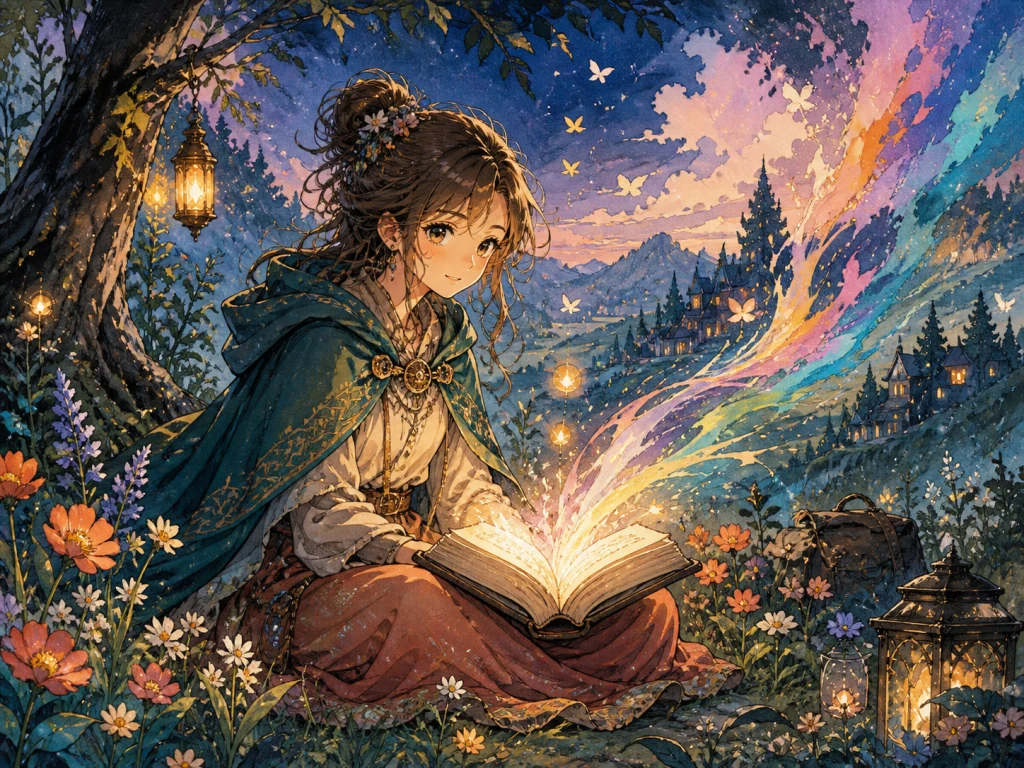
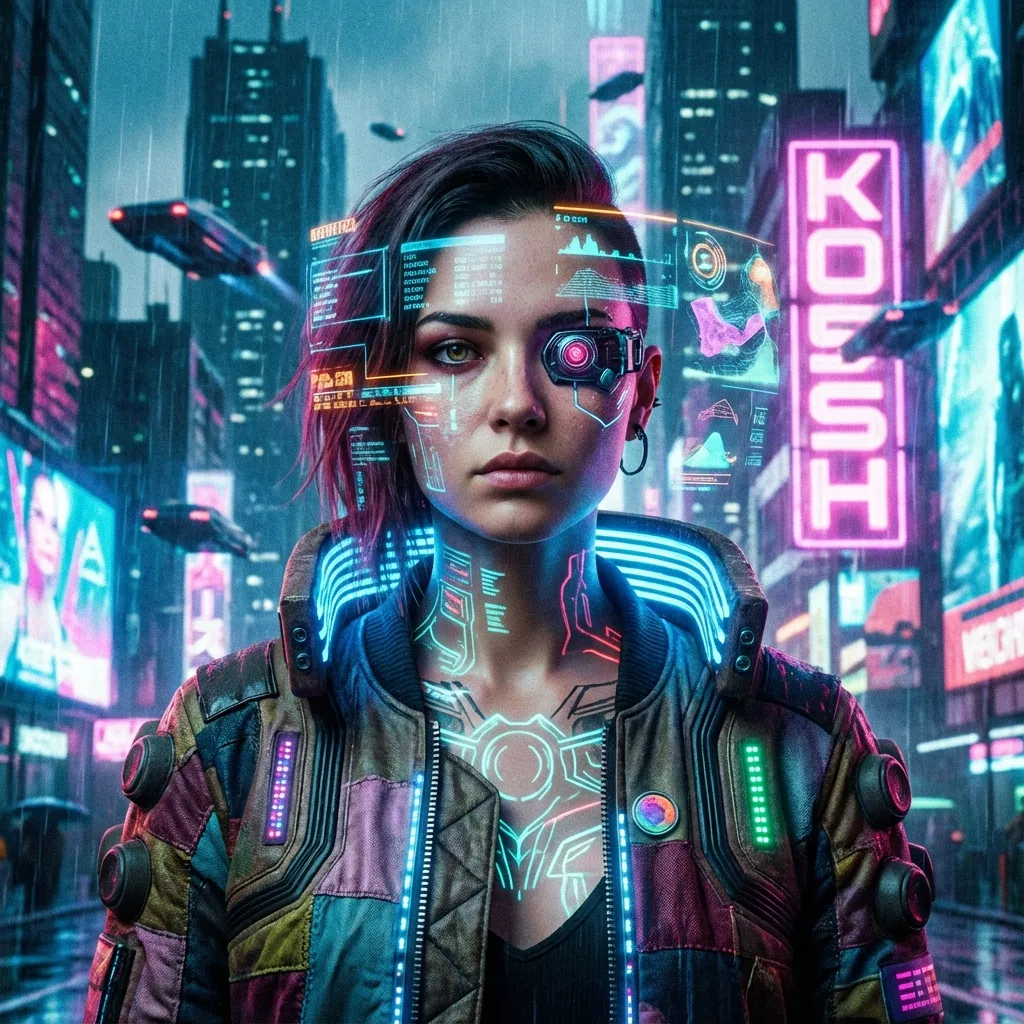
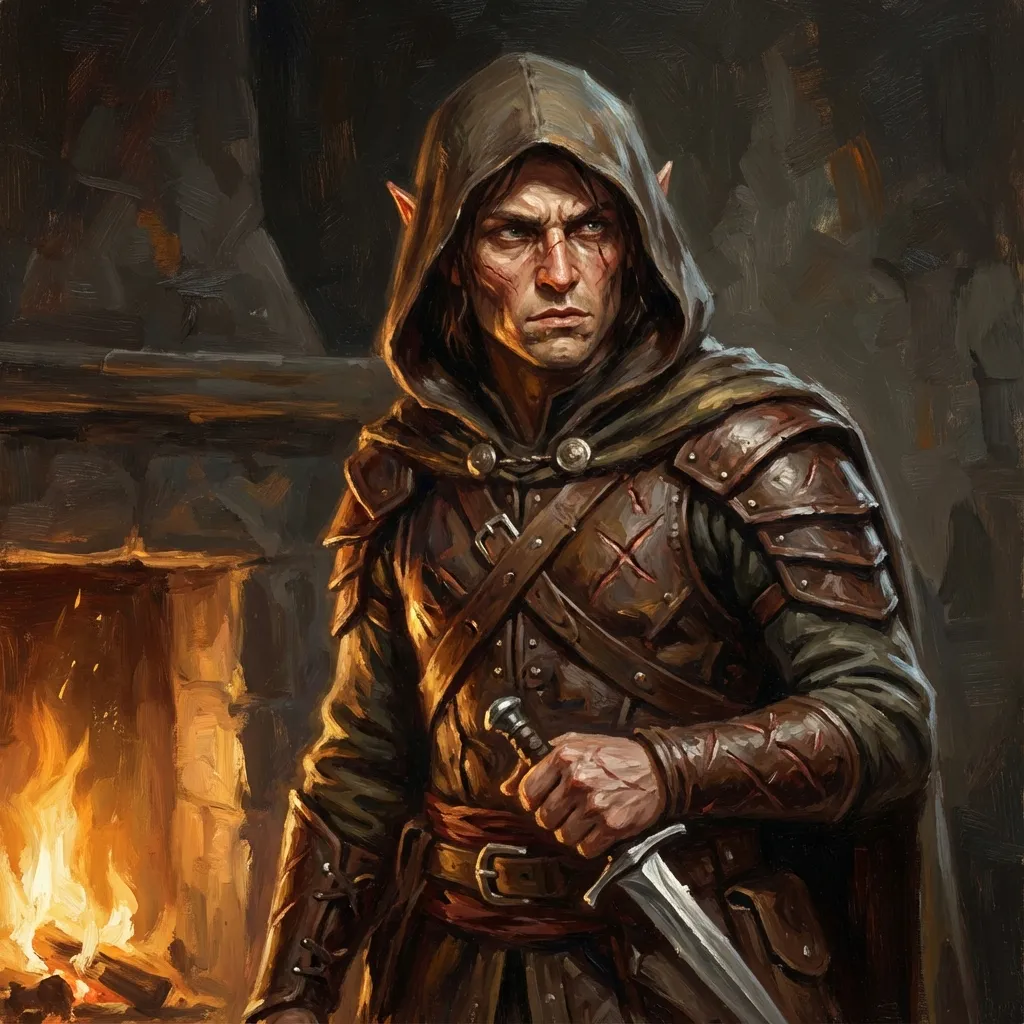
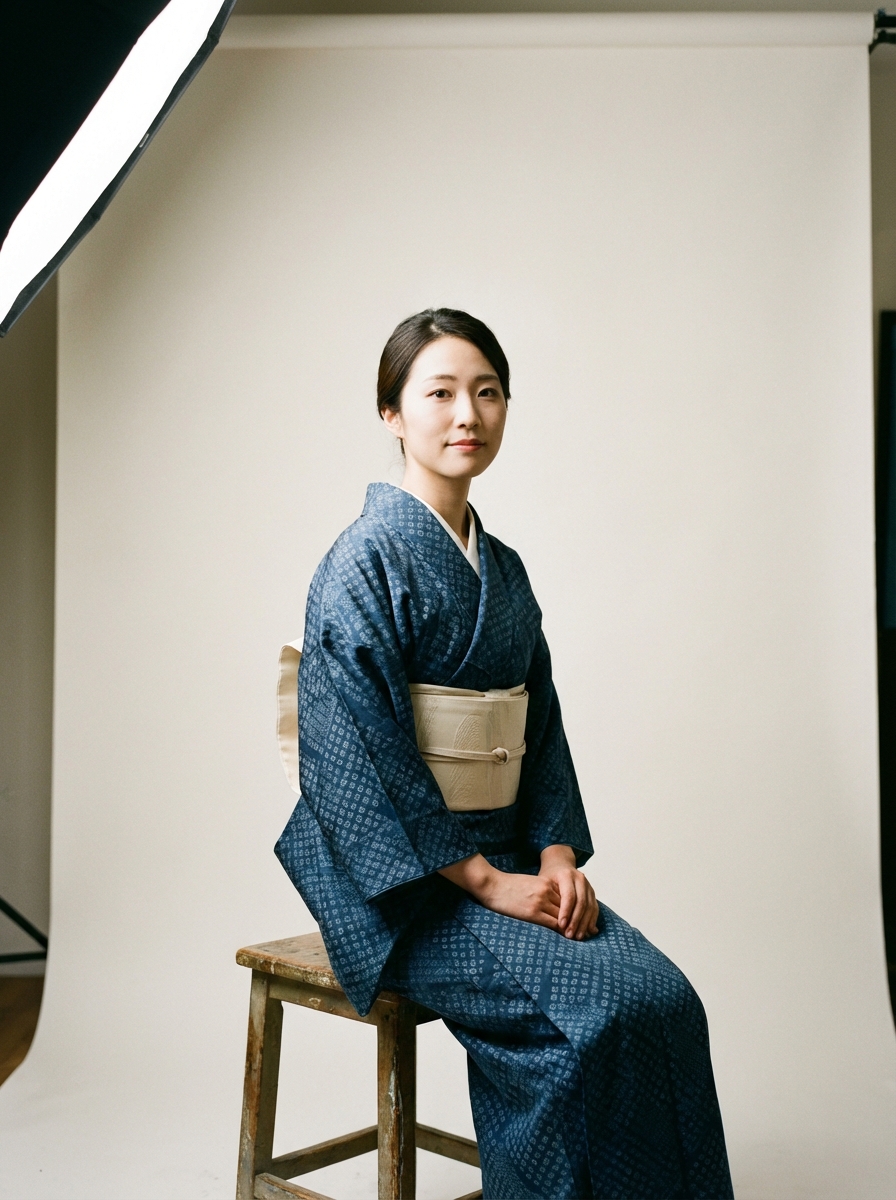
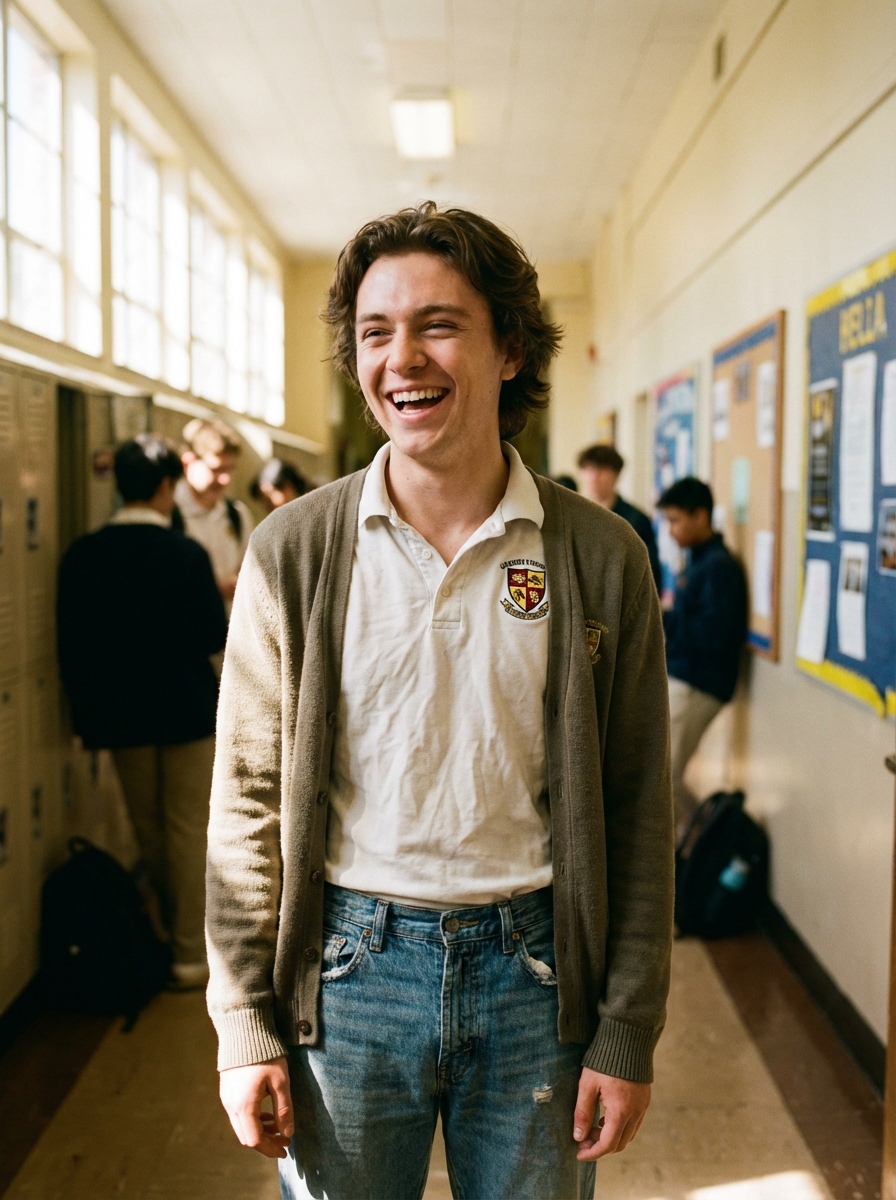
AI Manga Filter is best when you use it to re-render portraits and photos into manga or anime-inspired styles.
Step 1: Prepare the right input
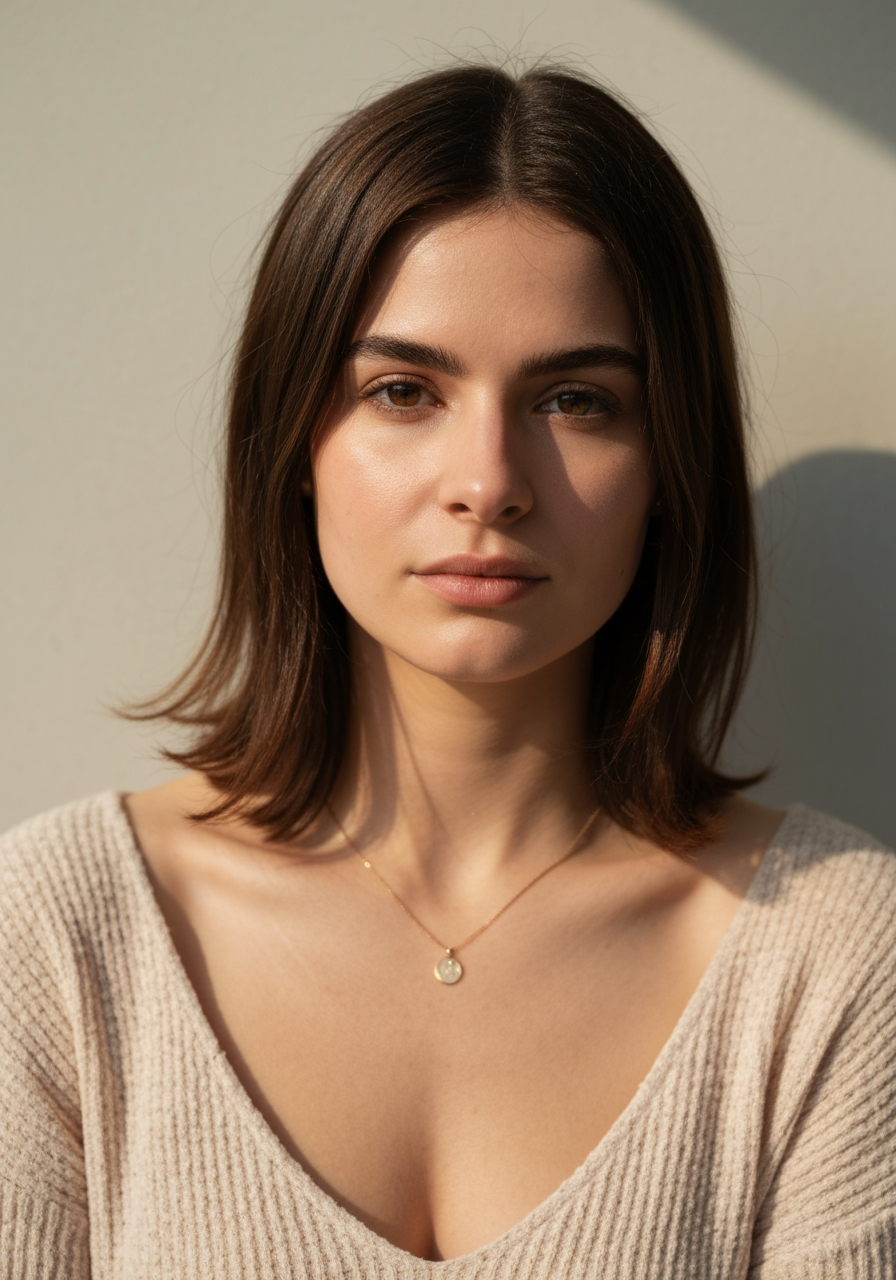
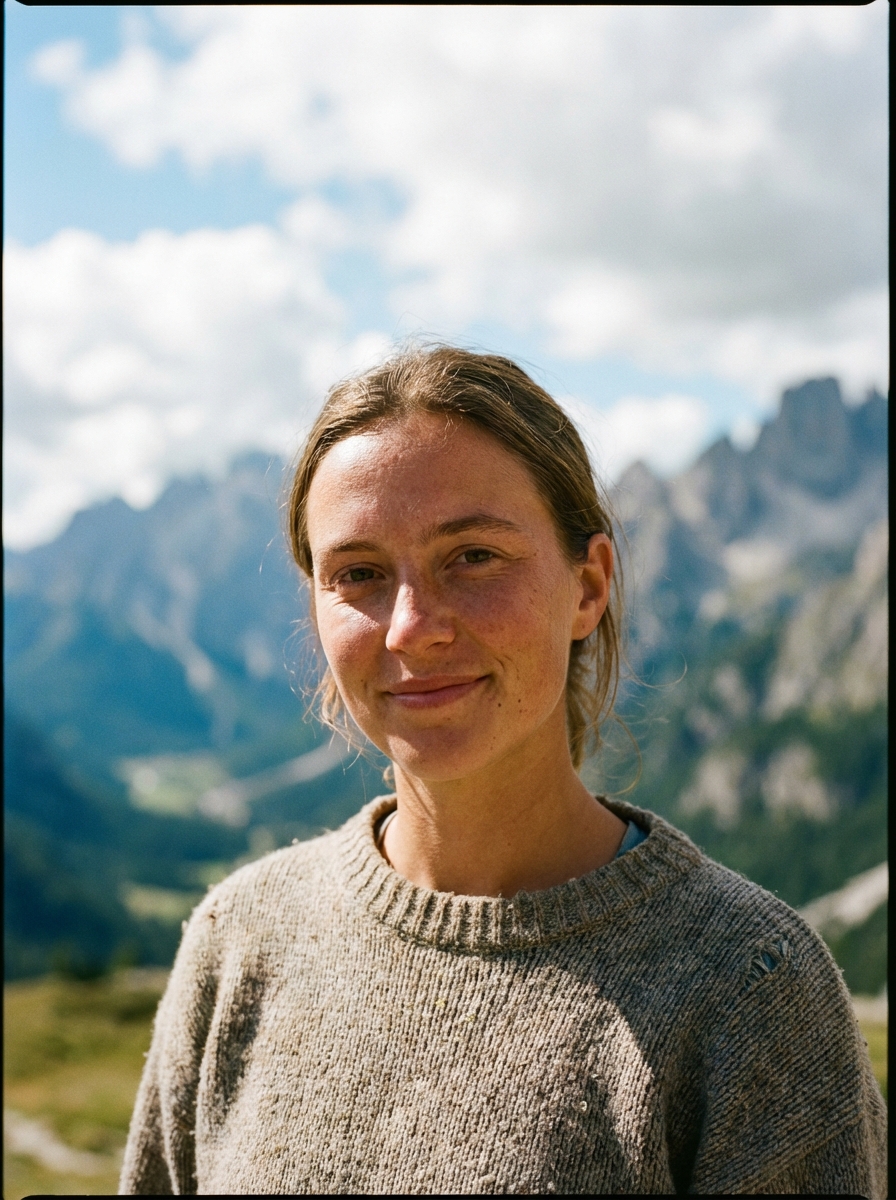
Start with a clean image where the subject, pose, and lighting are easy to interpret.
Step 2: Set the generation direction
Choose the filter style and model that best match the look you want to emulate.
Step 3: Generate, review, and keep the strongest result
Generate several passes, compare face fidelity and line treatment, then keep the most readable variant.
Best results
- The simpler the background, the stronger the face conversion usually feels.
- Pick one target style per iteration.
- Use manual filter mode only when you need tighter style control.