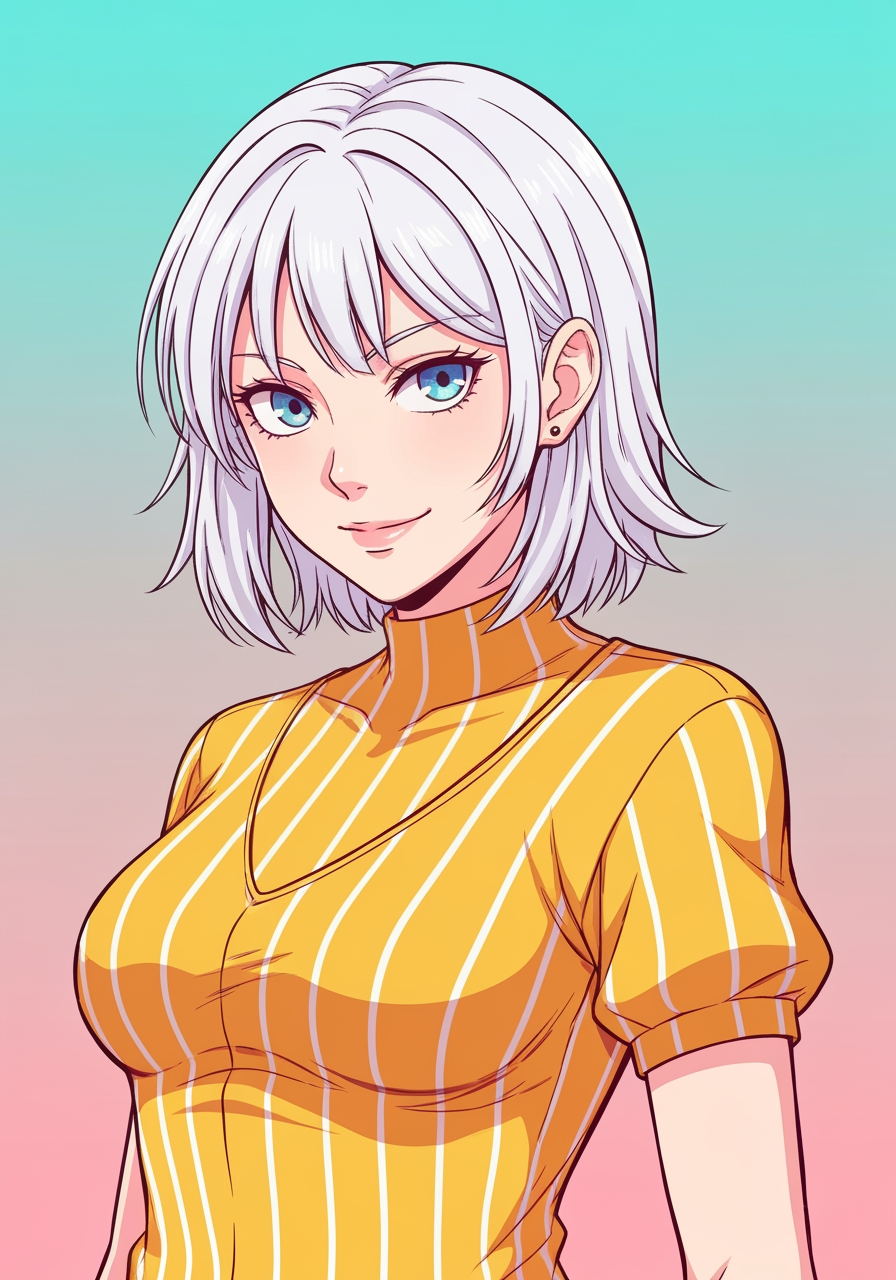
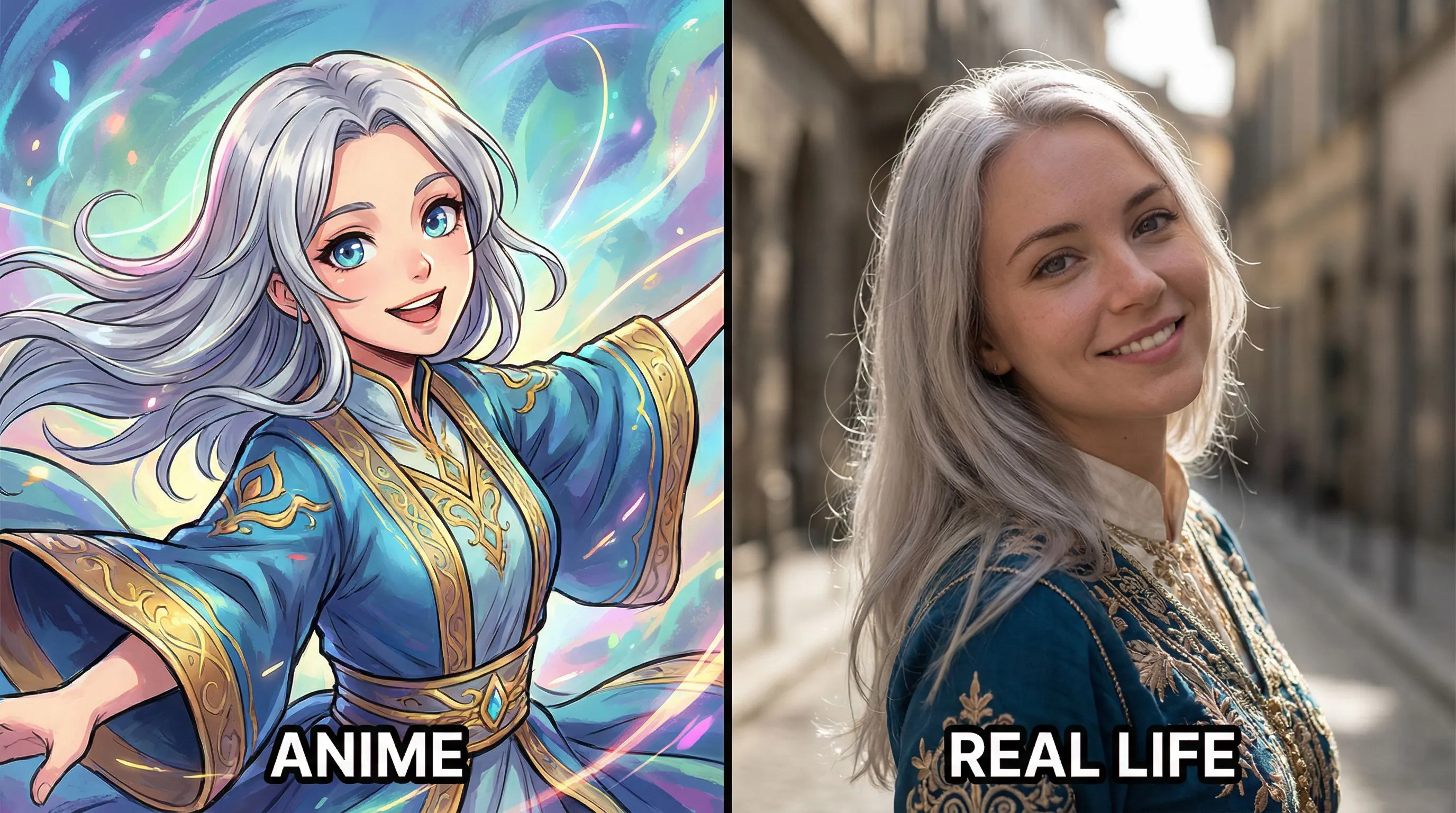
Anime to Real Life
Turn anime image into photorealistic
1
Upload Your Image
Klikk eller dra inn bilde hit for å laste oppJPG, PNG, WEBP | Max 10MB
2
Velg en modell
150 kreditter vil bli trukket
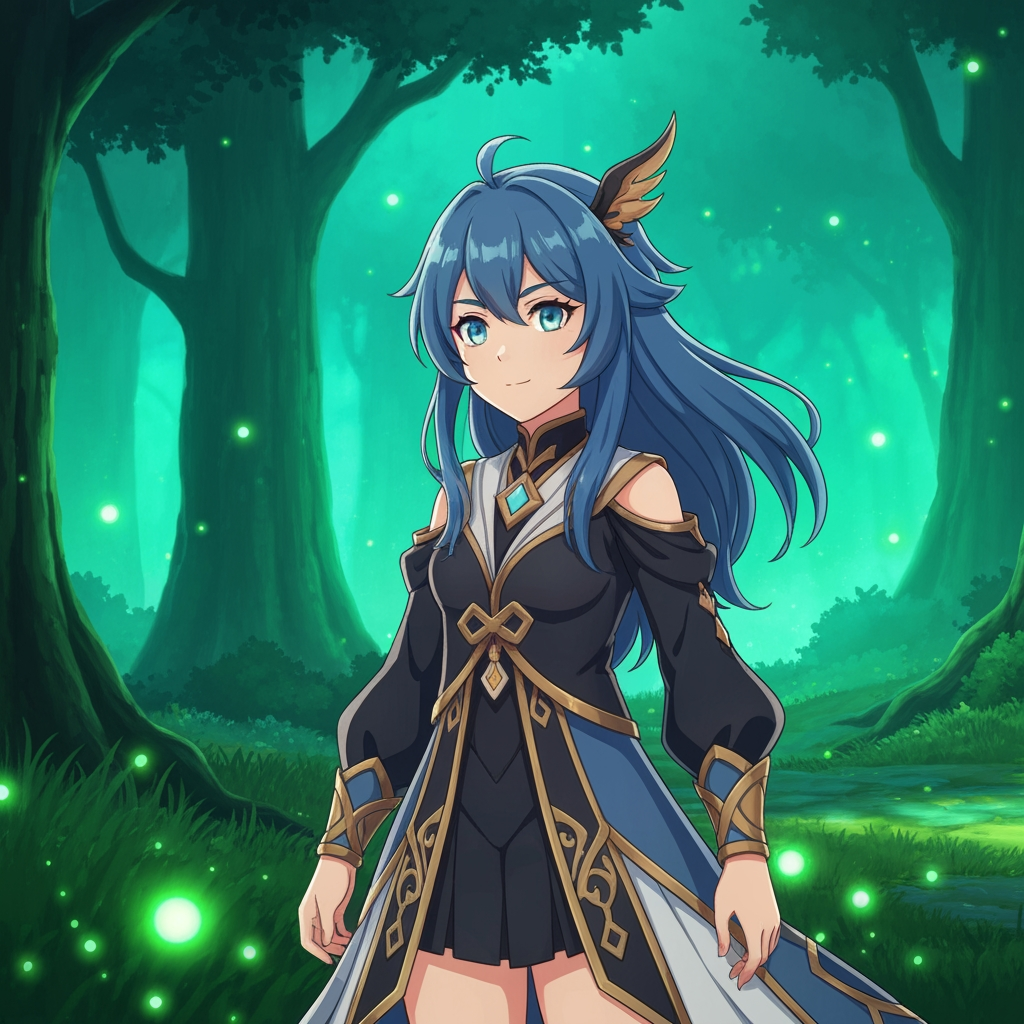
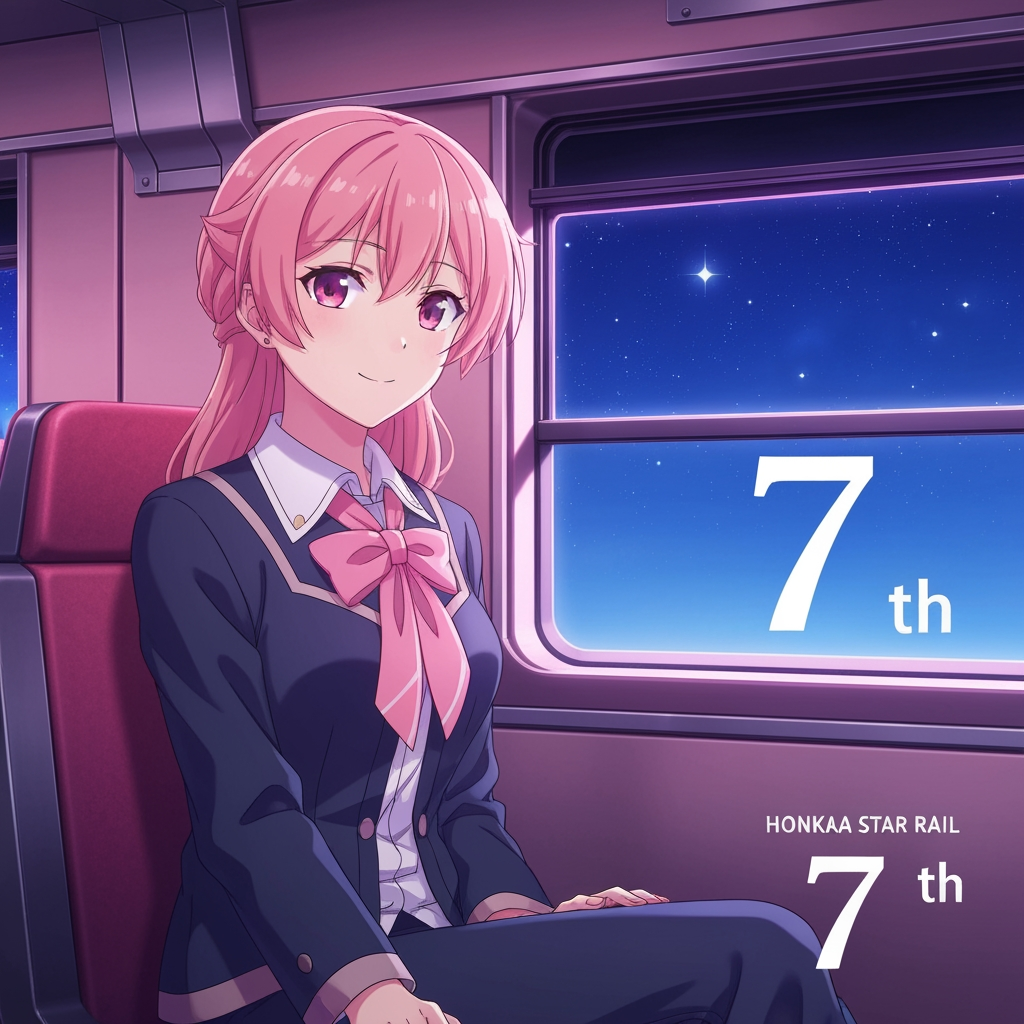
Tom for ideer? Prøv våre ferdiglagde maler for å komme i gang


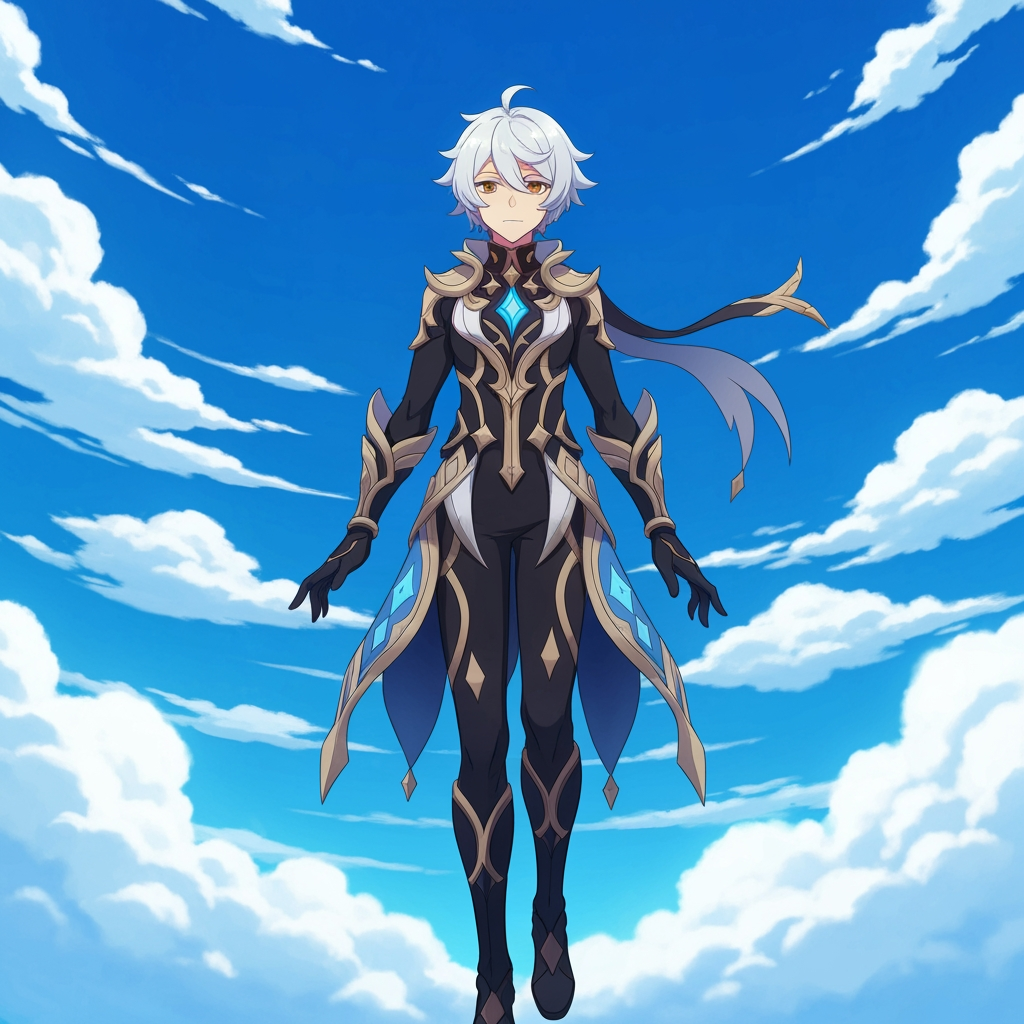
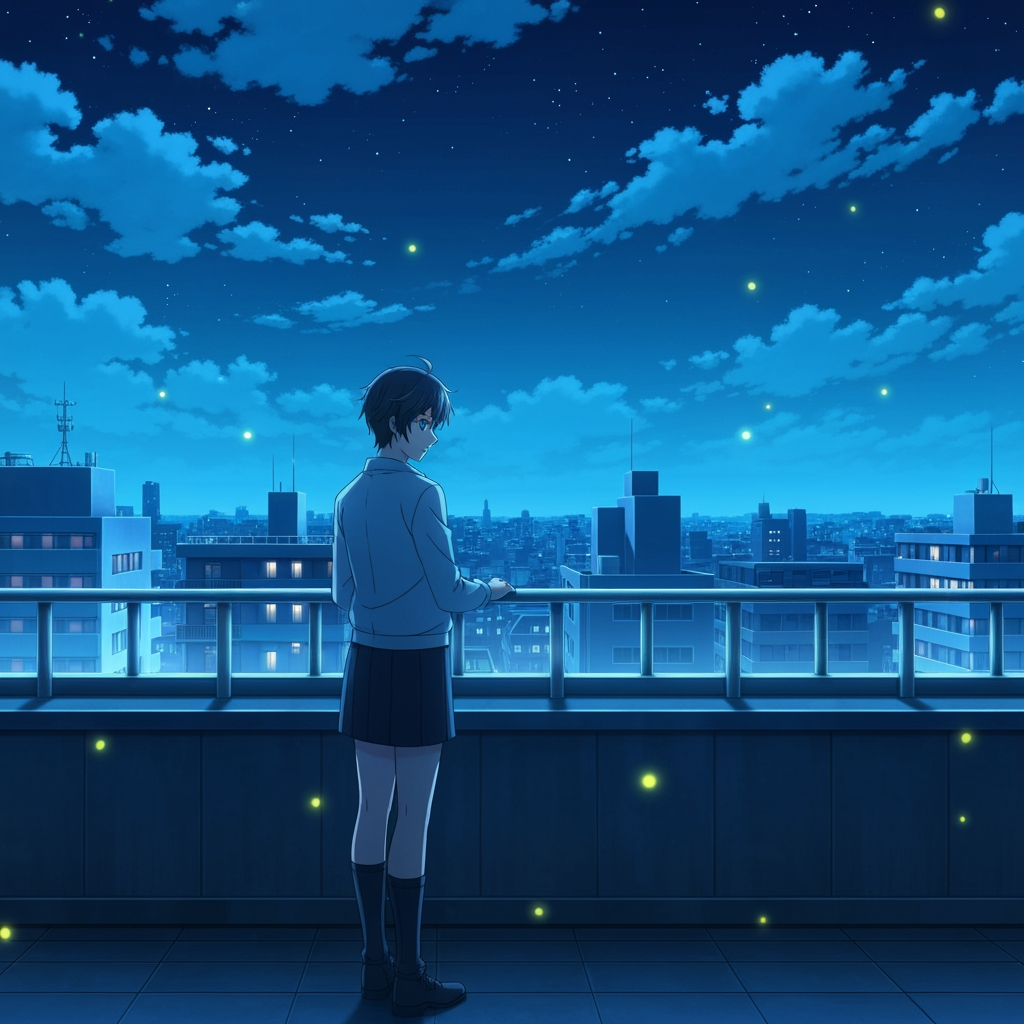
Tutorial
Anime to Real Life is best when you use it to convert stylized anime art into a more photoreal portrait while keeping character identity.
Step 1: Prepare the right input
Upload a clean anime reference where the face, hair, and costume are easy to read.
Step 2: Set the generation direction
Choose the model and realism direction that best preserve the original silhouette and accessories.
Step 3: Generate, review, and keep the strongest result
Generate a few passes, compare likeness retention, and keep the version that feels realistic without losing the character.
Best results
- Front-facing references usually preserve facial structure better.
- Keep the background simple when identity matters most.
- Mention signature accessories if they should survive the conversion.