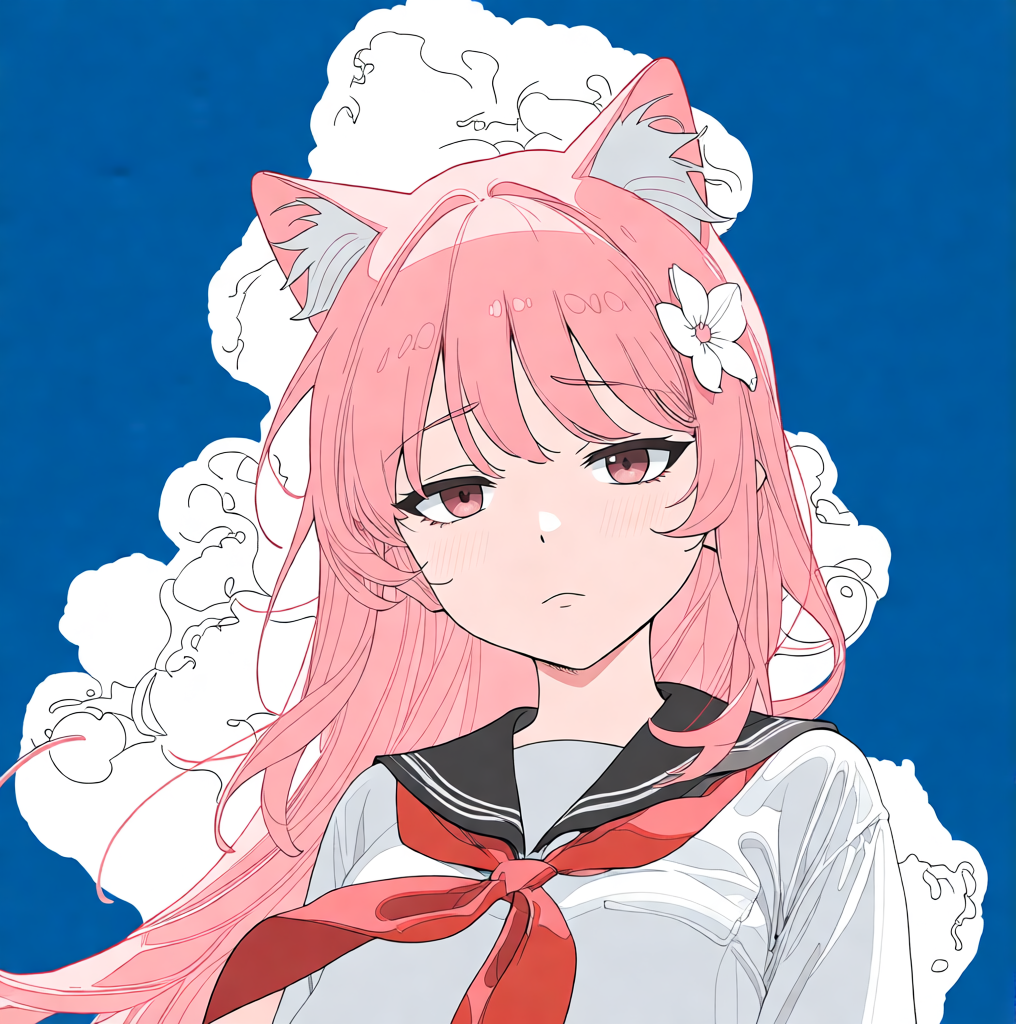
AI Expression Changer
Change facial expressions in your images
Tutorial
AI Expression Changer is best when you use it to change facial emotion without rebuilding the whole portrait from scratch.
Step 1: Prepare the right input
Upload a face image with eyes, eyebrows, and mouth fully visible.
Step 2: Set the generation direction
Choose the target expression or mood family before you start generating.
Step 3: Generate, review, and keep the strongest result
Compare the new expression against the original pose and keep the one that changes emotion without breaking facial structure.
Best results
- Neutral starting expressions adapt more cleanly to strong emotions.
- Check eye direction and mouth corners first.
- Use subtle expressions when likeness matters more than drama.