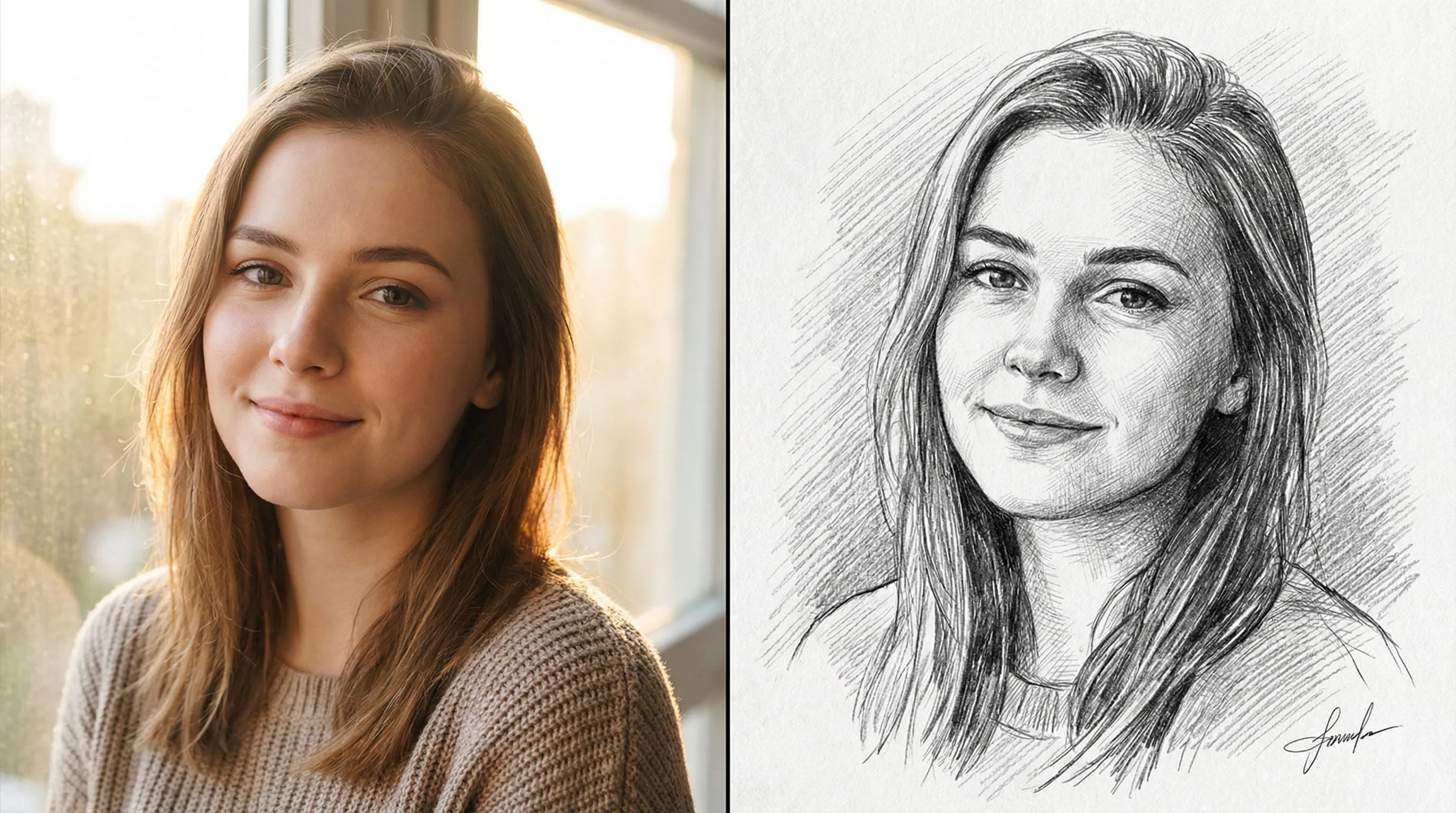
Photo to Sketch
Turn photo into coloring page
1
Choose type of coloring page
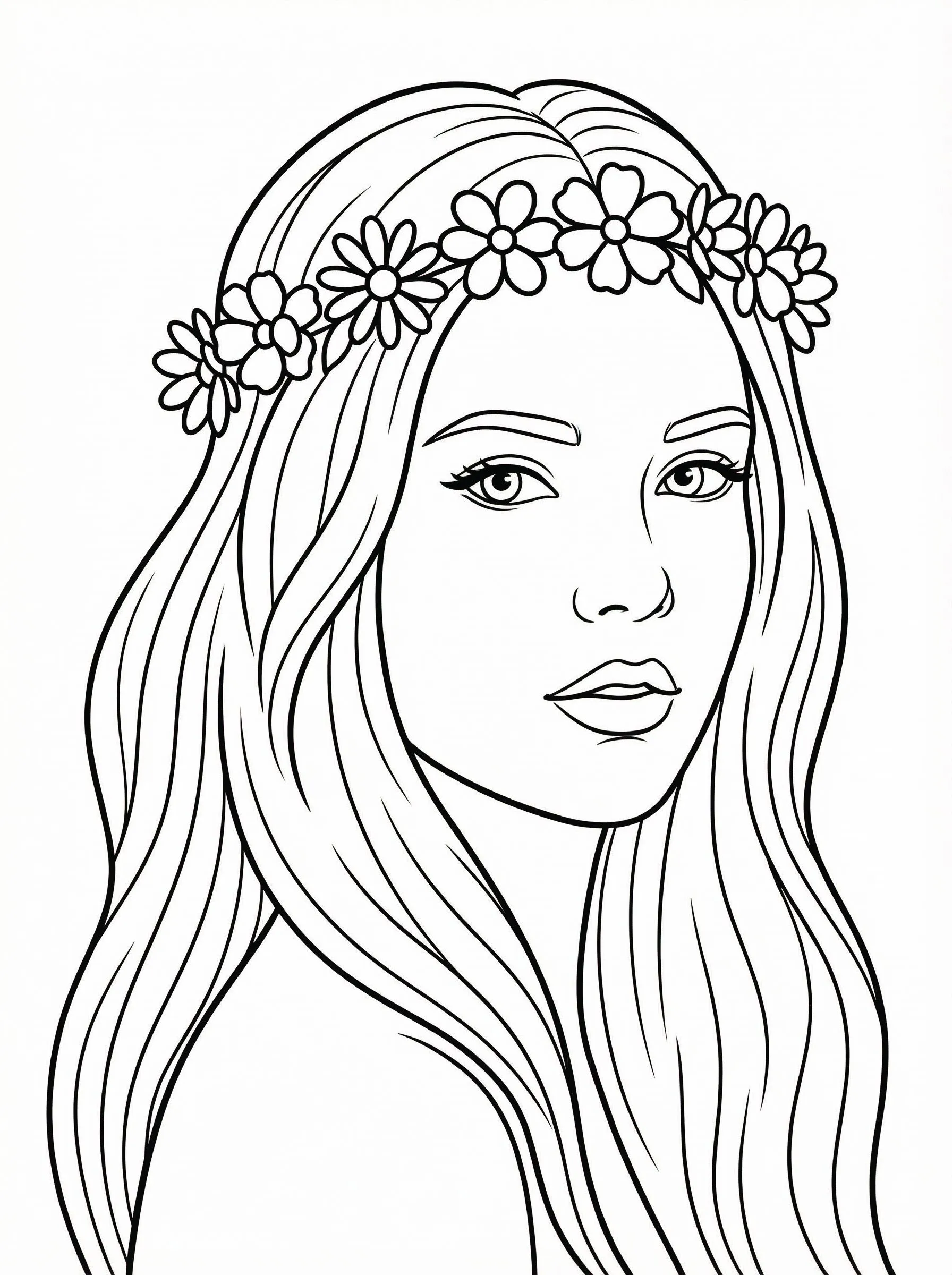
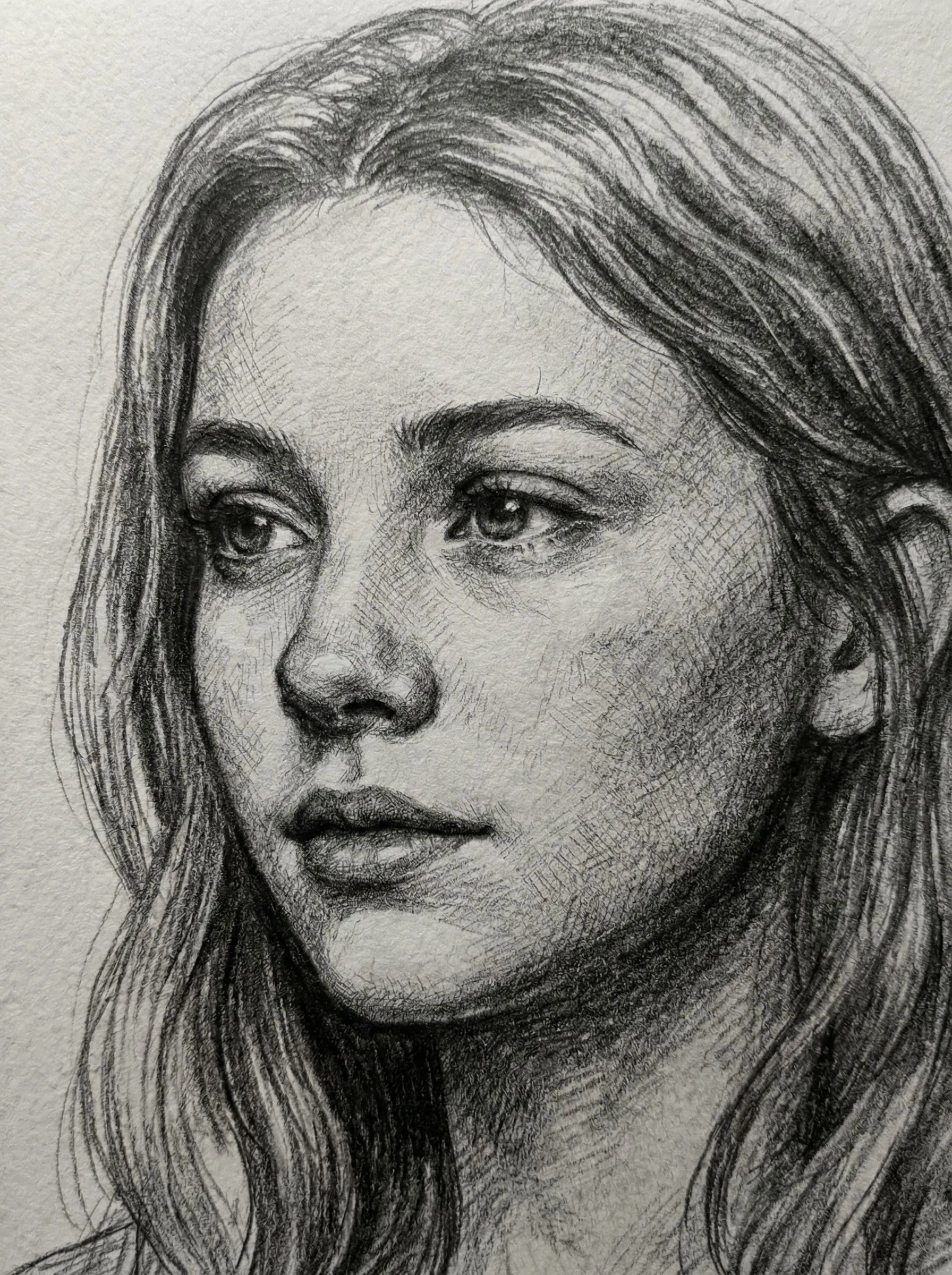
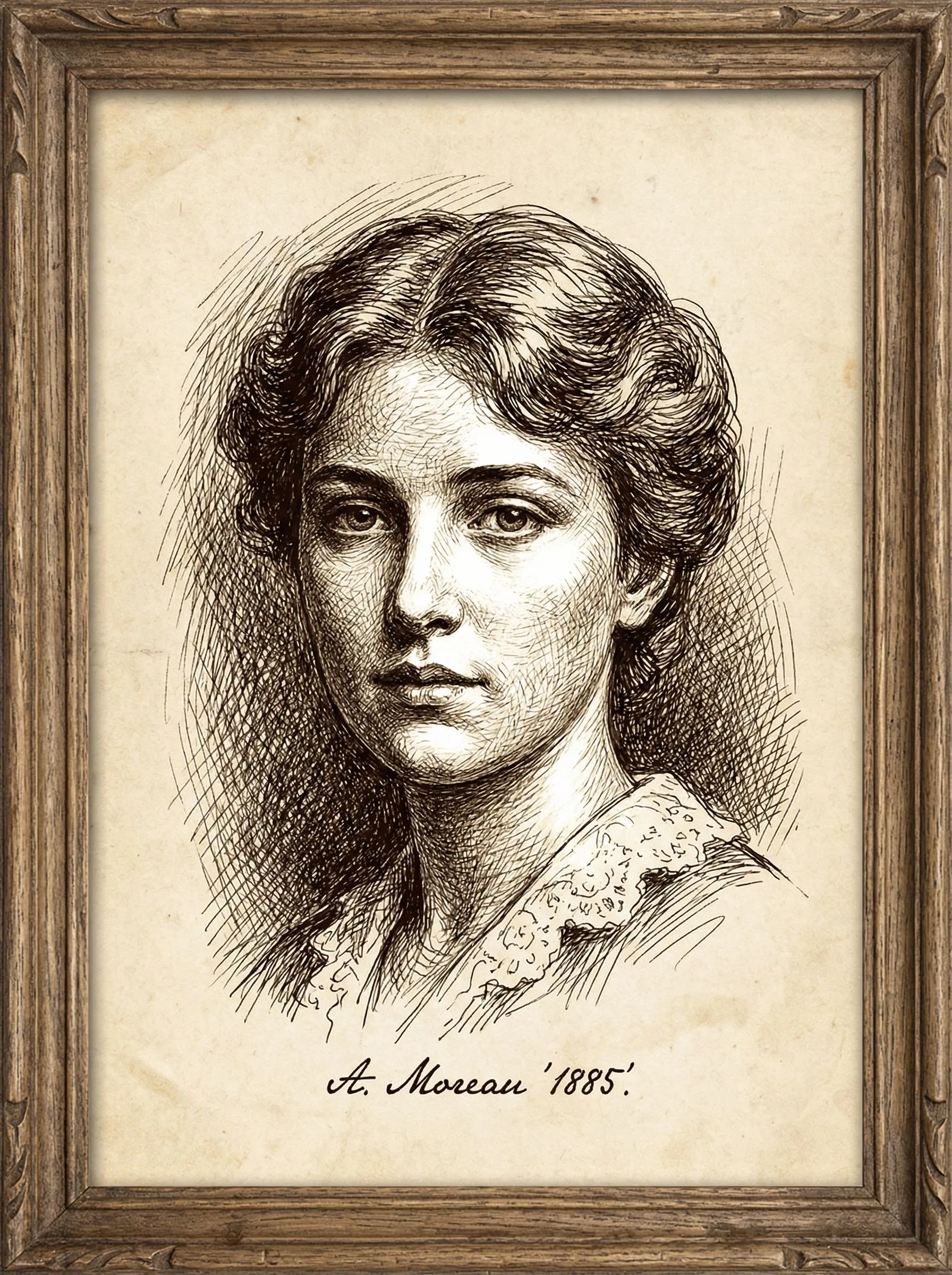
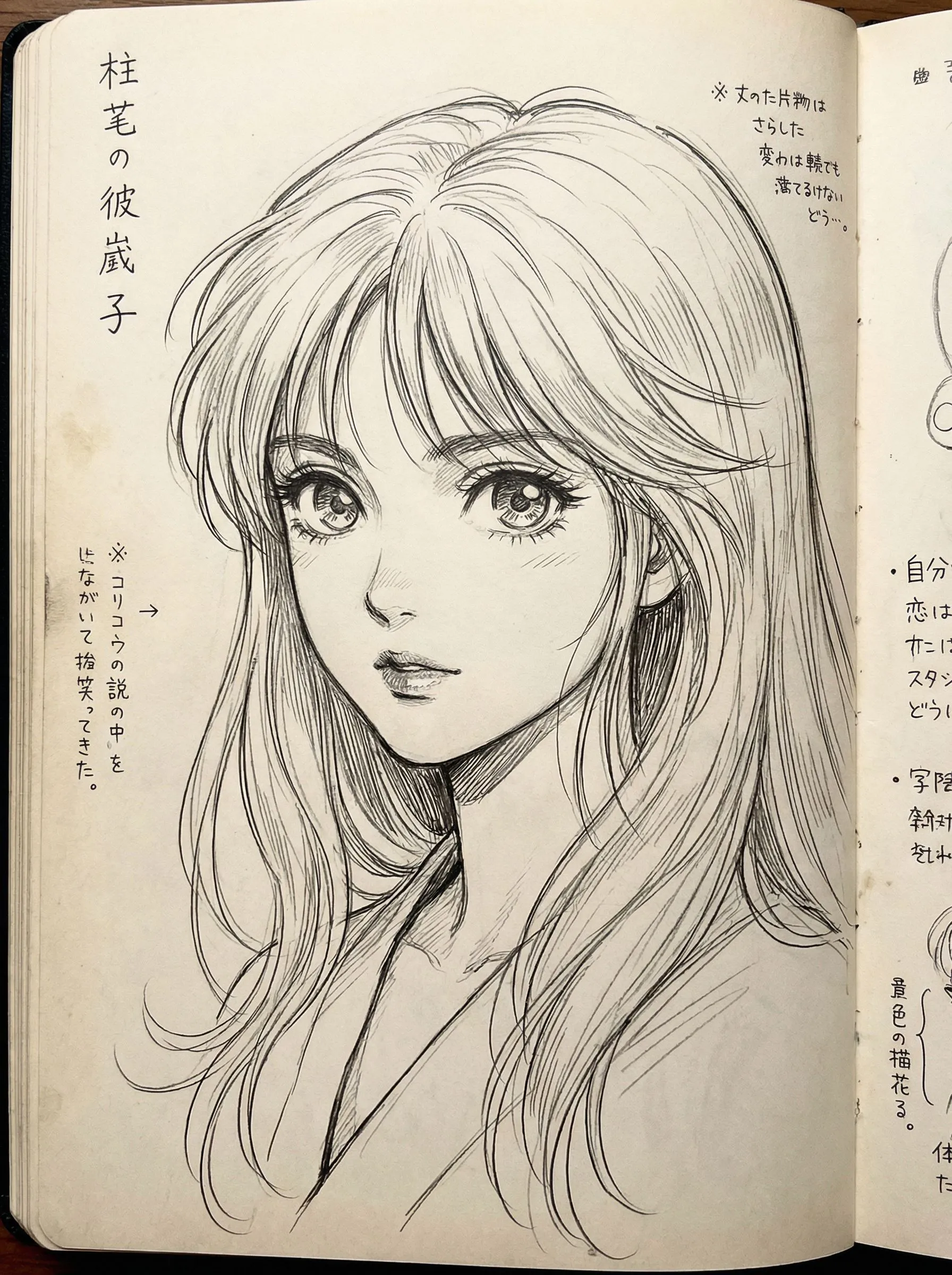
2
Upload je afbeelding
Klik om te uploaden of sleep afbeelding hierheenJPG, PNG, WEBP | Max 10MB
3
Selecteer een model
Er worden 300 credits in rekening gebracht
Geen inspiratie? Probeer onze vooraf ingestelde sjablonen om te beginnen






Handleiding
Photo to Sketch is best when you use it to turn portraits or reference images into clean sketch, line-art, or coloring-page outputs.
Step 1: Prepare the right input
Use a sharp reference photo with clear edges around the main subject.
Step 2: Set the generation direction
Choose the sketch style and model that fit whether you want soft pencil, hard ink, or coloring-page lines.
Step 3: Generate, review, and keep the strongest result
Compare line density and facial clarity, then keep the result that is easiest to edit or print.
Best results
- Remove cluttered backgrounds before generating a coloring page.
- Use softer styles when you still want shading information.
- Check line thickness around eyes and mouth before exporting.