Pixel Box
Convert characters into pixel-art sprites and animation sheets.
Upload
Actie
Genereren
Resultaat
Upload Karakterafbeelding
Klik om te uploaden of sleep & zet neer
PNG, JPG of WEBP tot 20MB
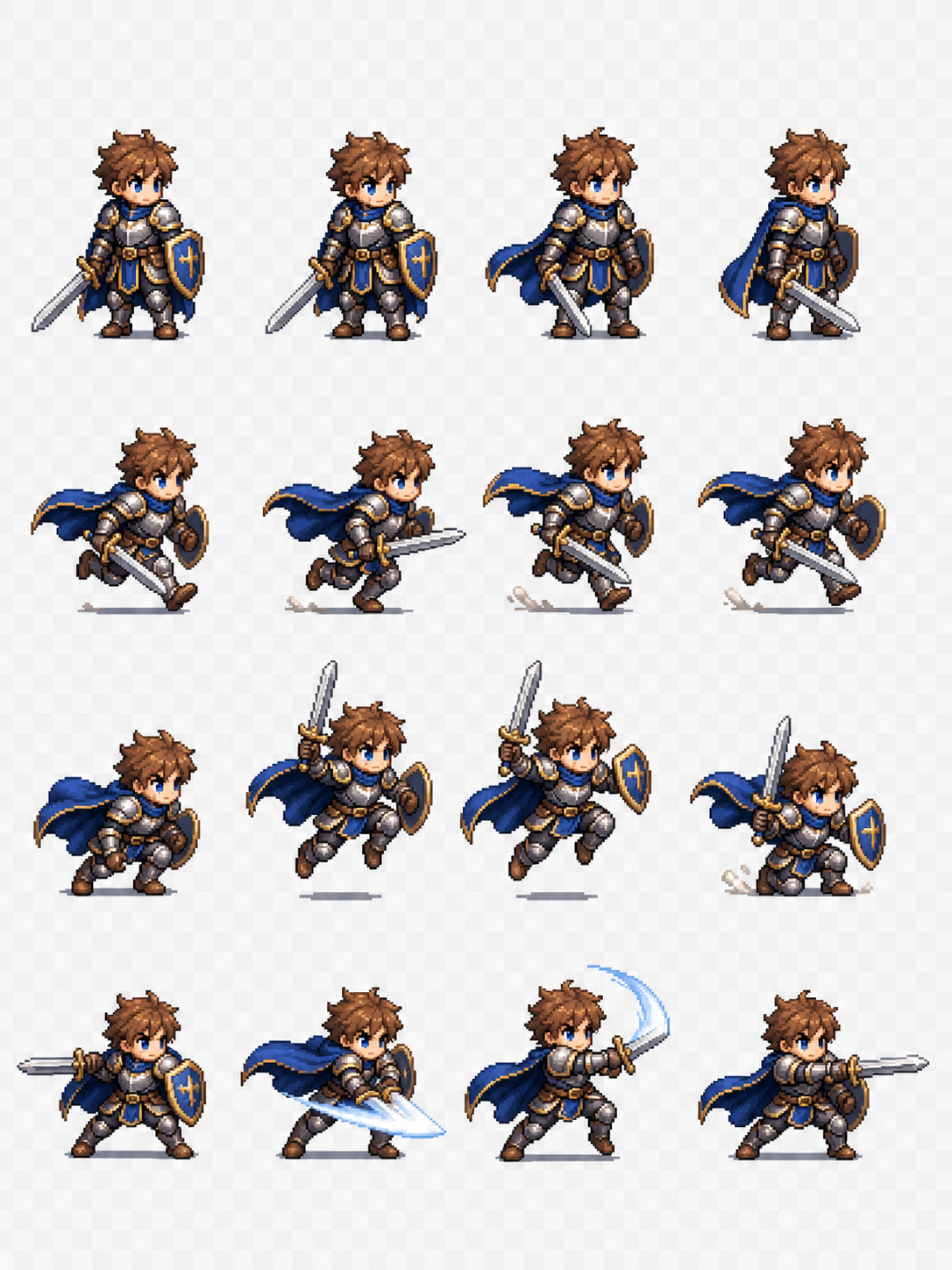
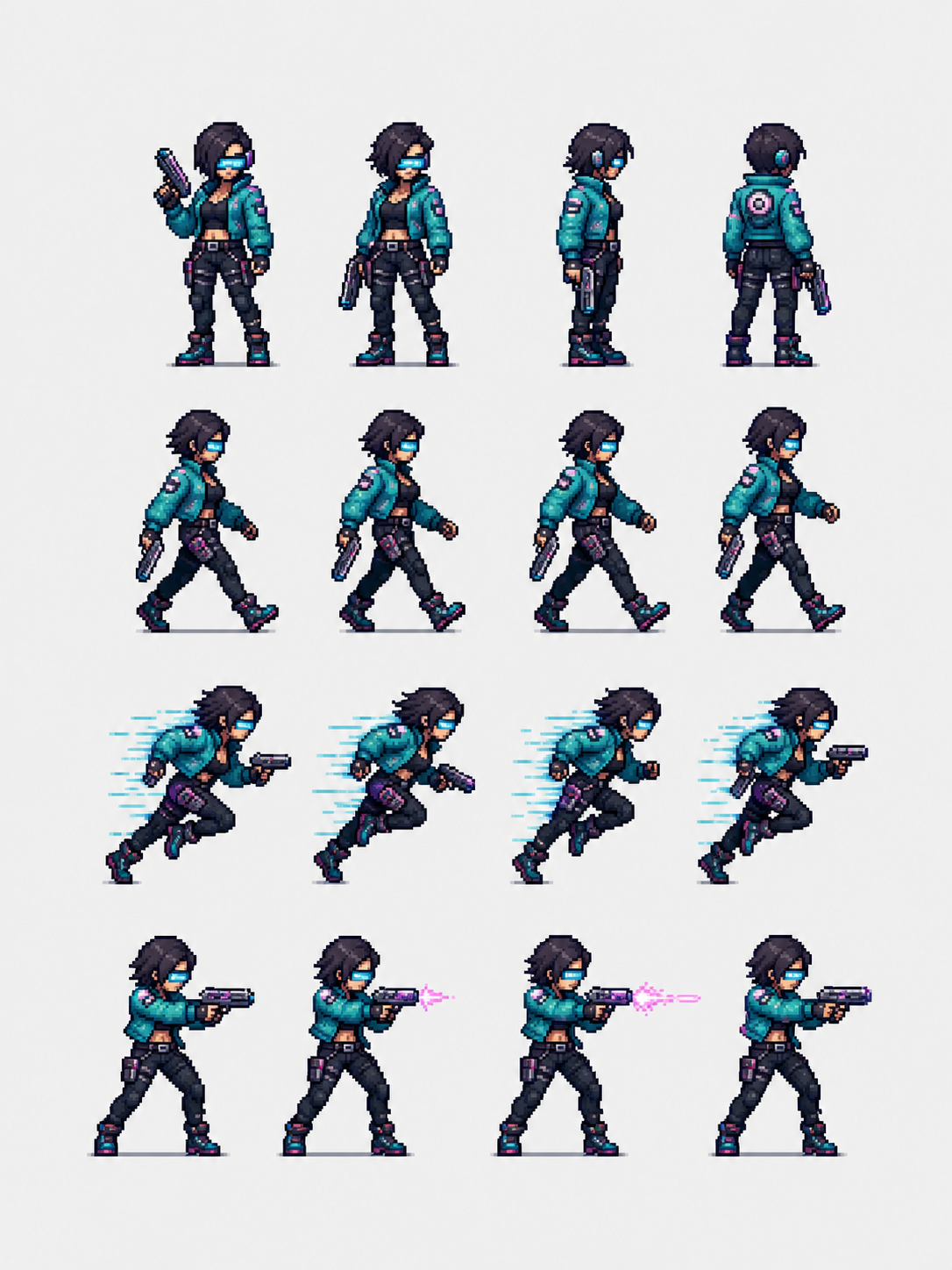
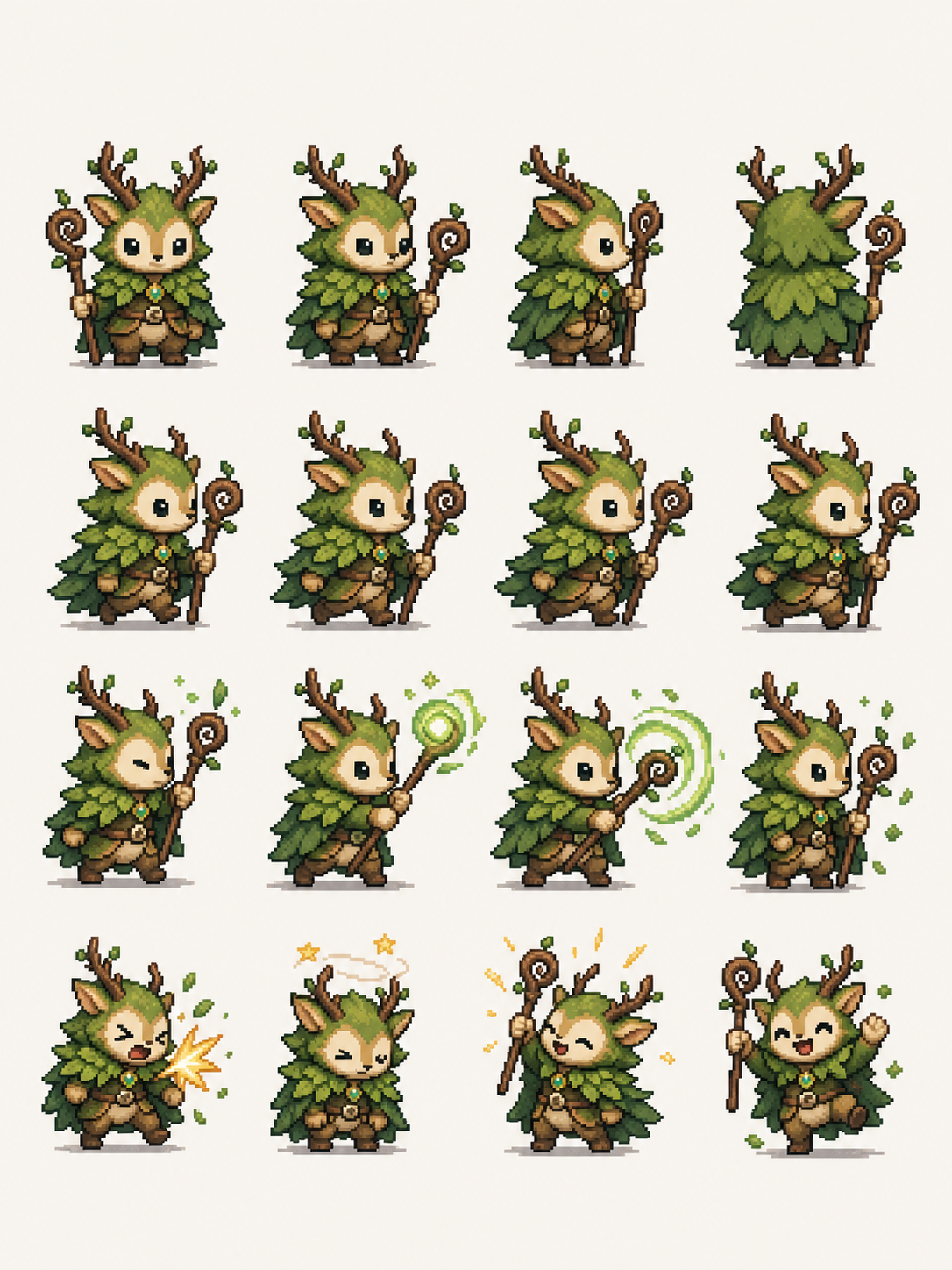
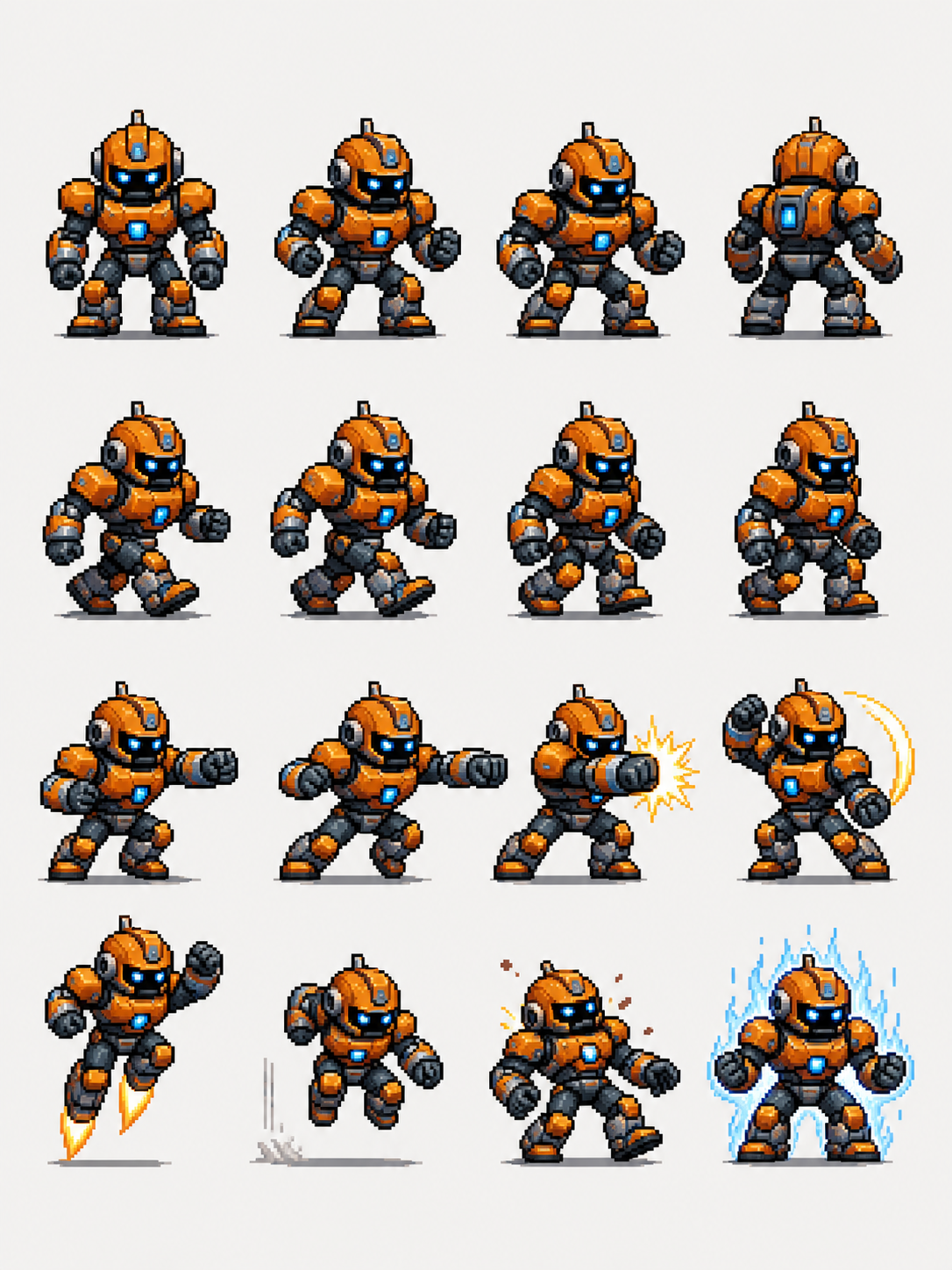
✨ Voorbeeldresultaten
Zie wat je kunt maken met PixelBox
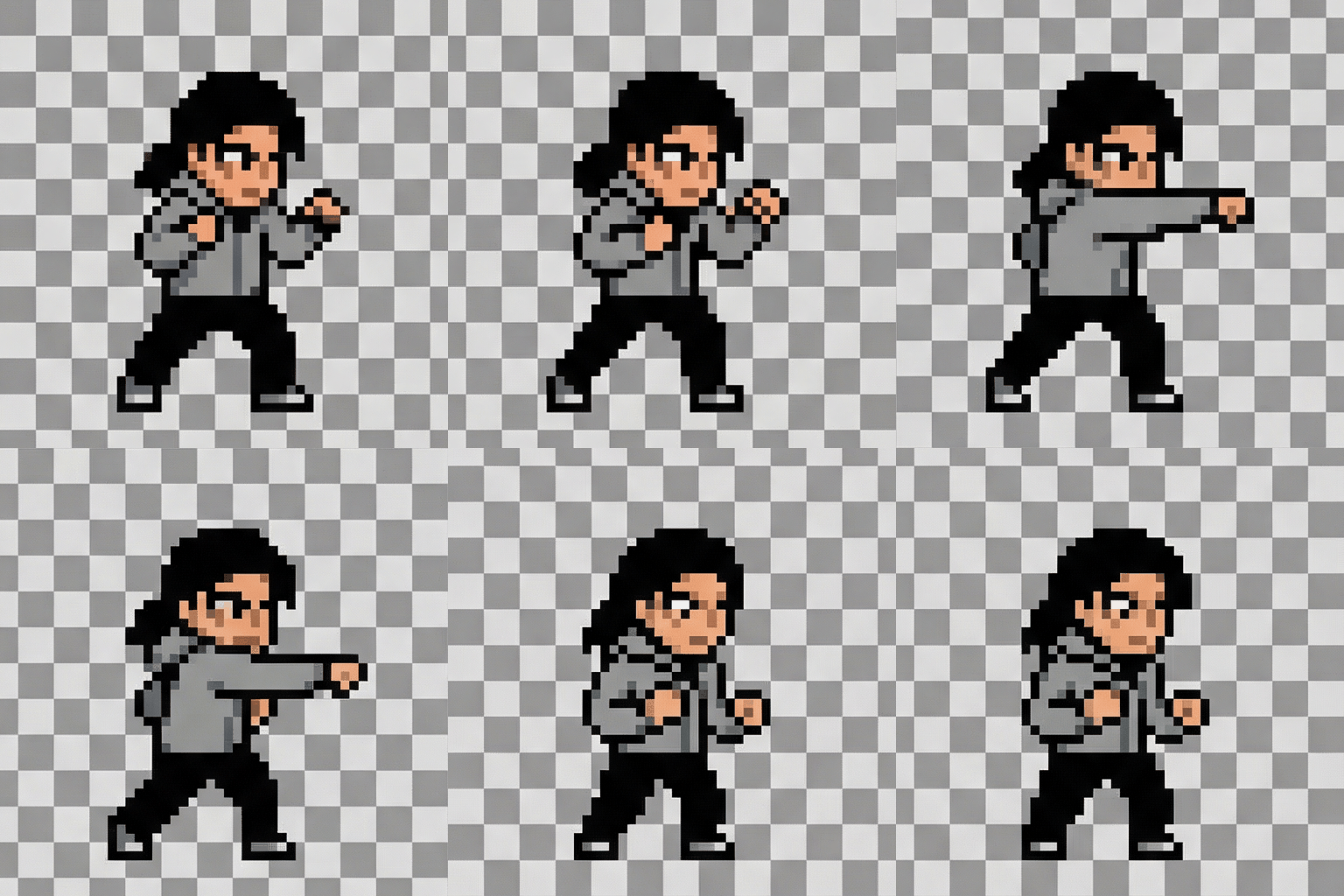
Aanvallen
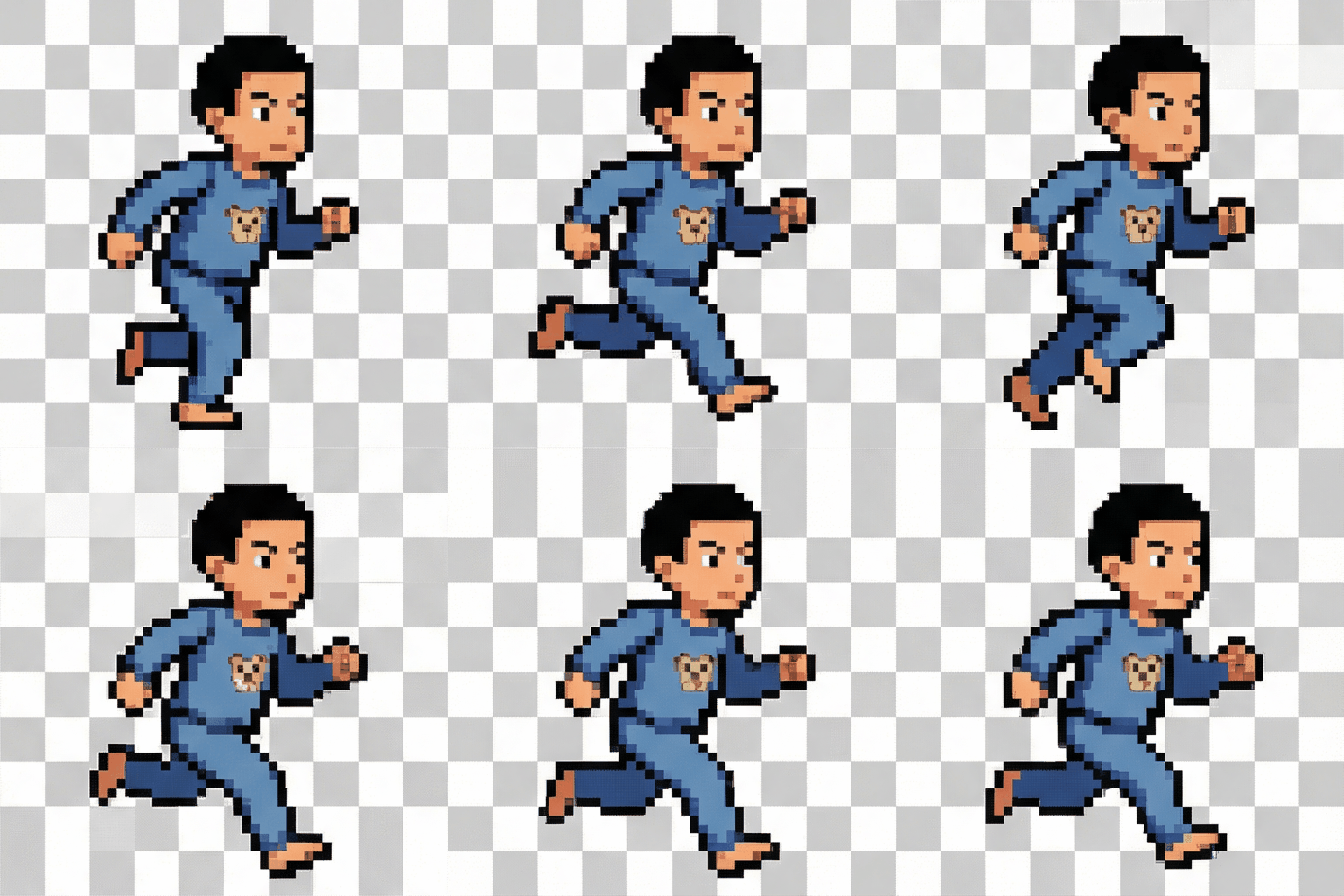
Rennen
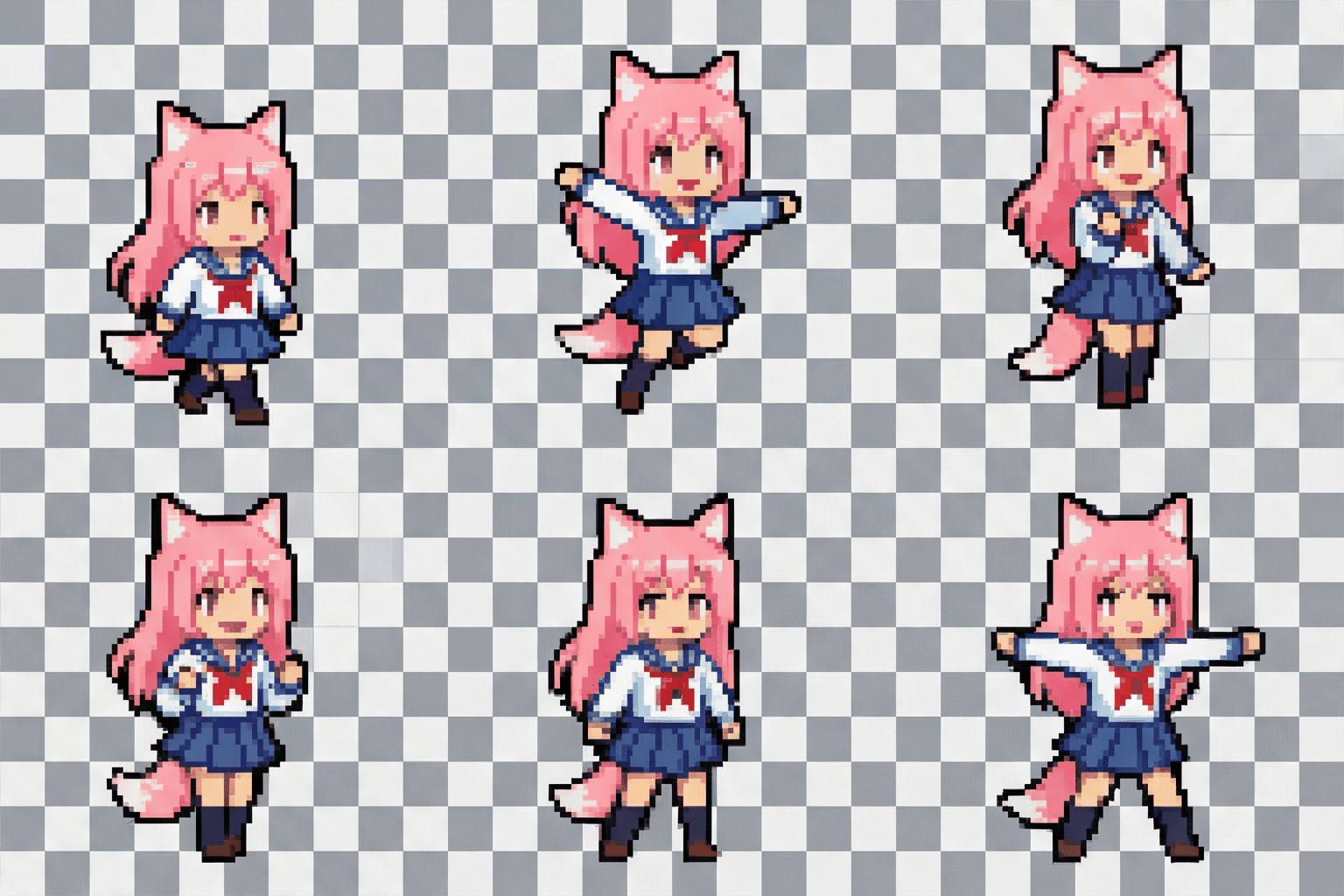
Dansen
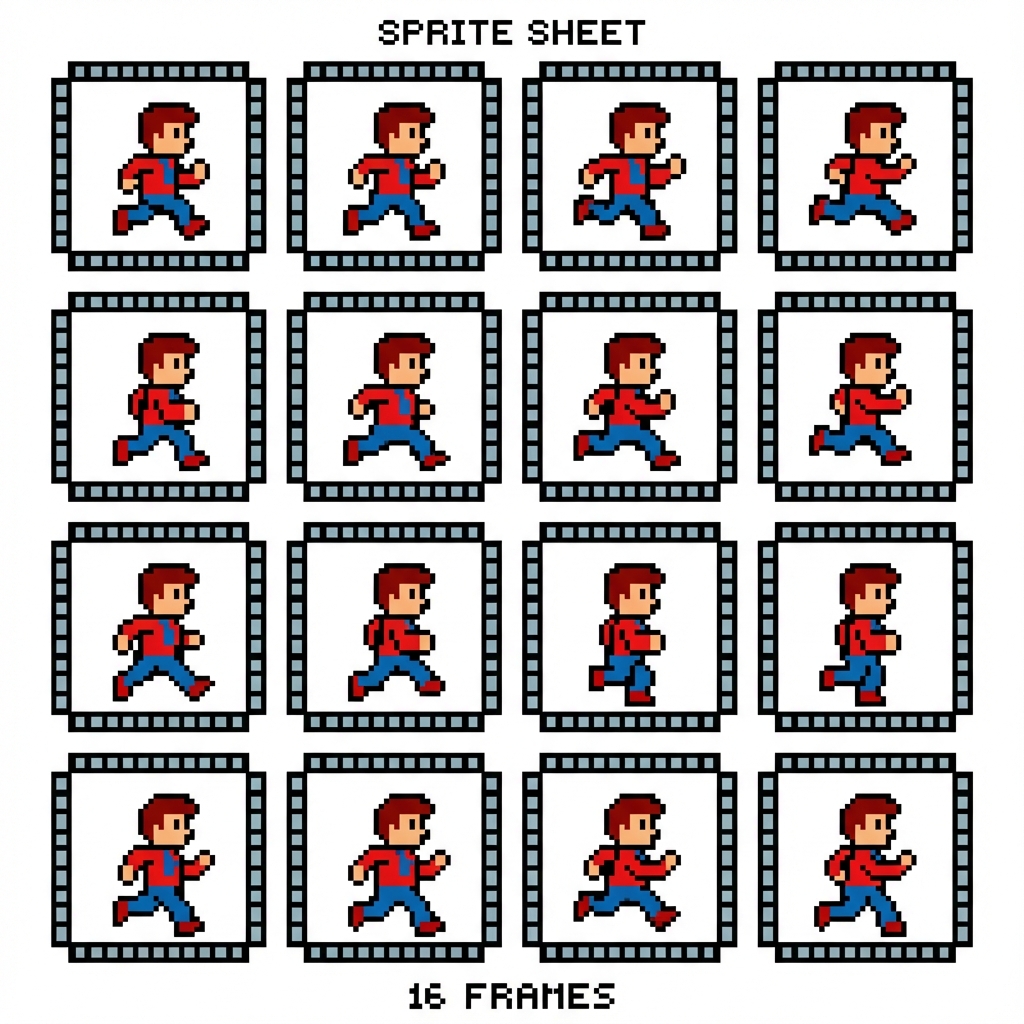
Rennen
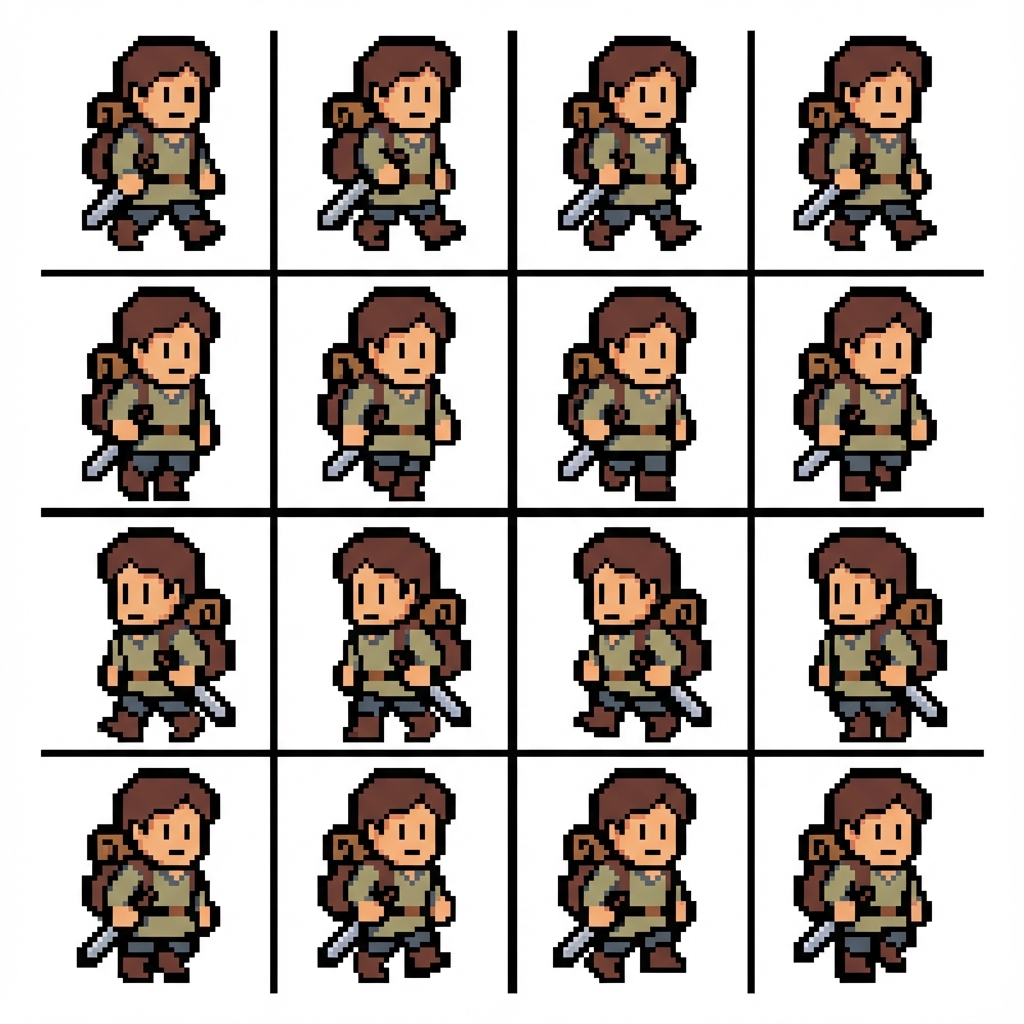
Lopen
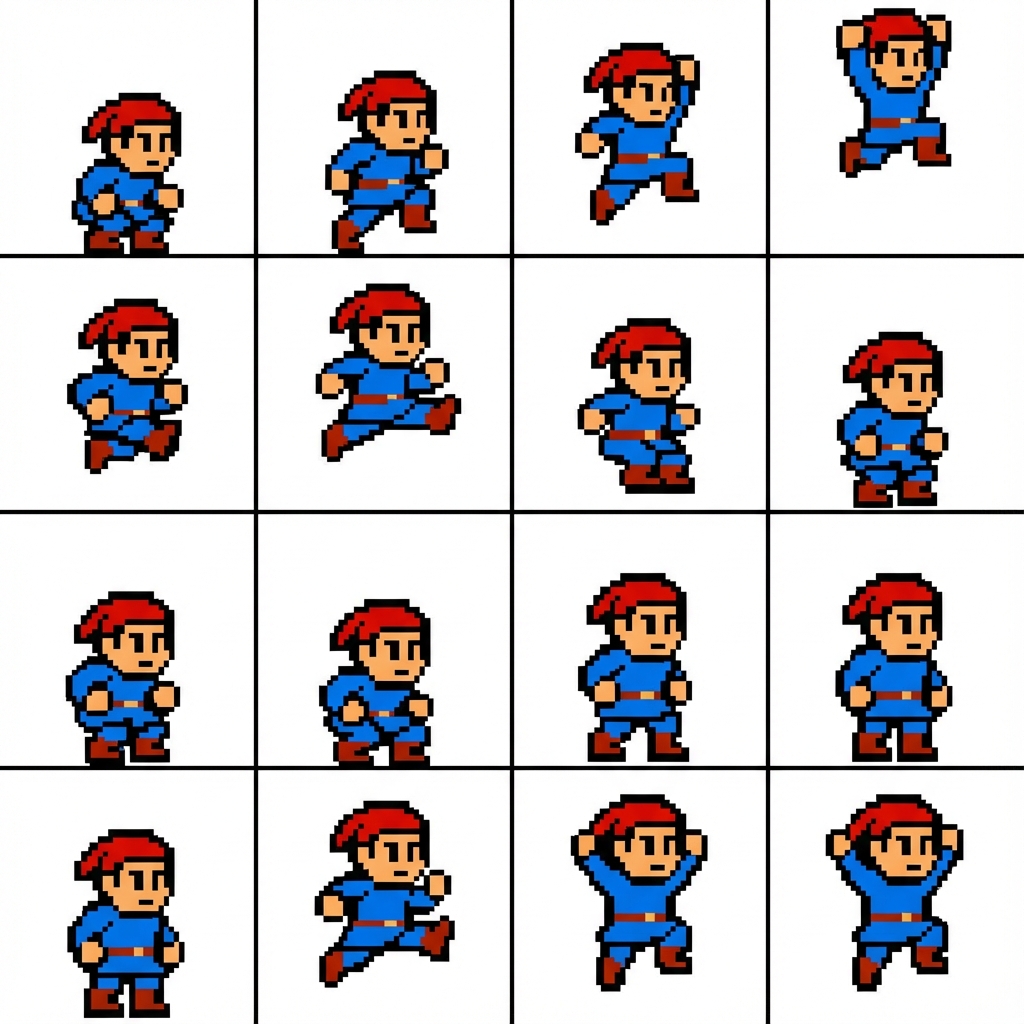
Springen
Handleiding
Pixel Box is best when you use it to convert a character concept into pixel-art sprites and game-ready sheet outputs.
Step 1: Prepare the right input
Prepare a clear character concept with the pose, costume, and silhouette you want preserved.
Step 2: Set the generation direction
Decide the sprite scale, animation intent, and the level of pixel detail before generating.
Step 3: Generate, review, and keep the strongest result
Review silhouette clarity at actual pixel size and keep the sheet that reads best in motion.
Best results
- Strong shape language matters more than tiny costume details.
- Limit the palette early if you want a classic retro look.
- Test the sprite at 1x and 2x scale before shipping it.