AI Manga Filter
Apply artistic filters to your images
1
Încarcă imaginea ta
Apasă sau trage o imagine aici pentru încărcareJPG, PNG, WEBP | Maxim 10MB
2
Alege un filtru de imagine care îți place
Webtoon
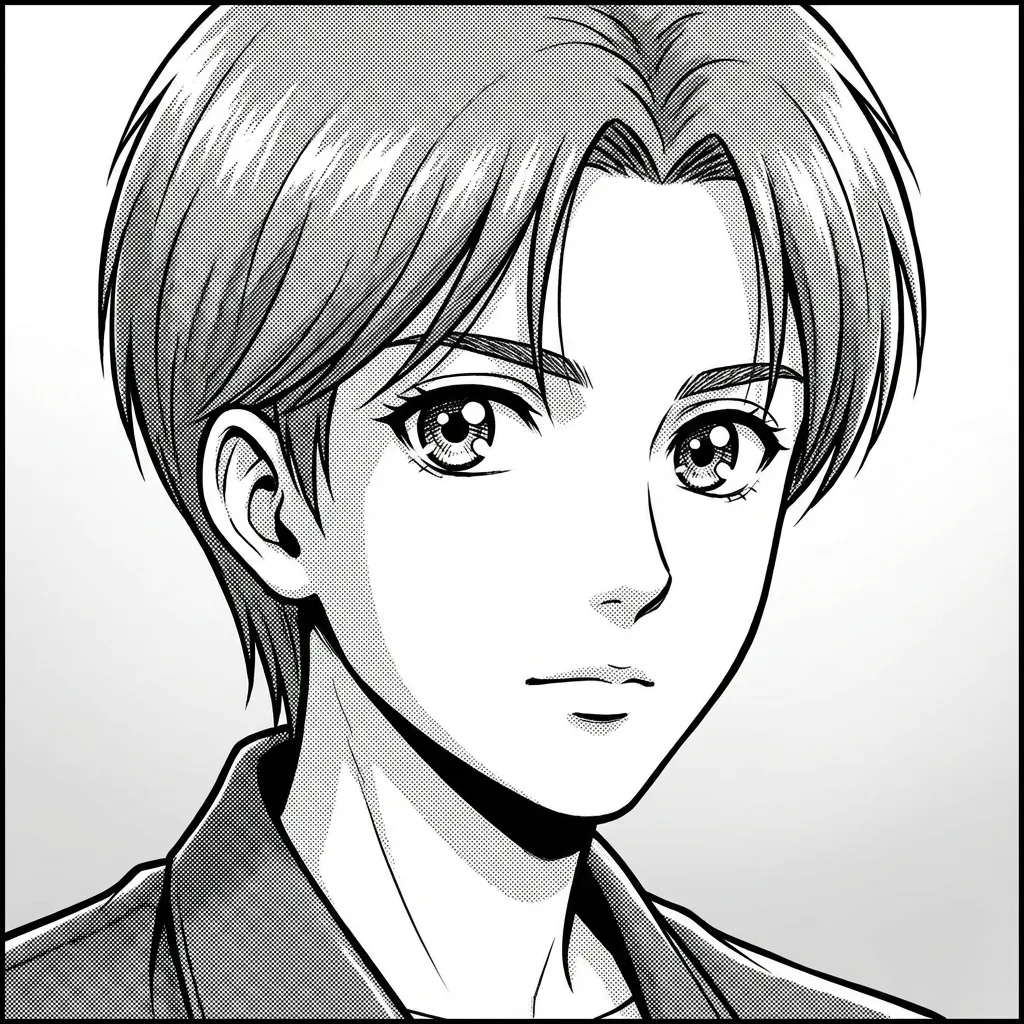
Manga
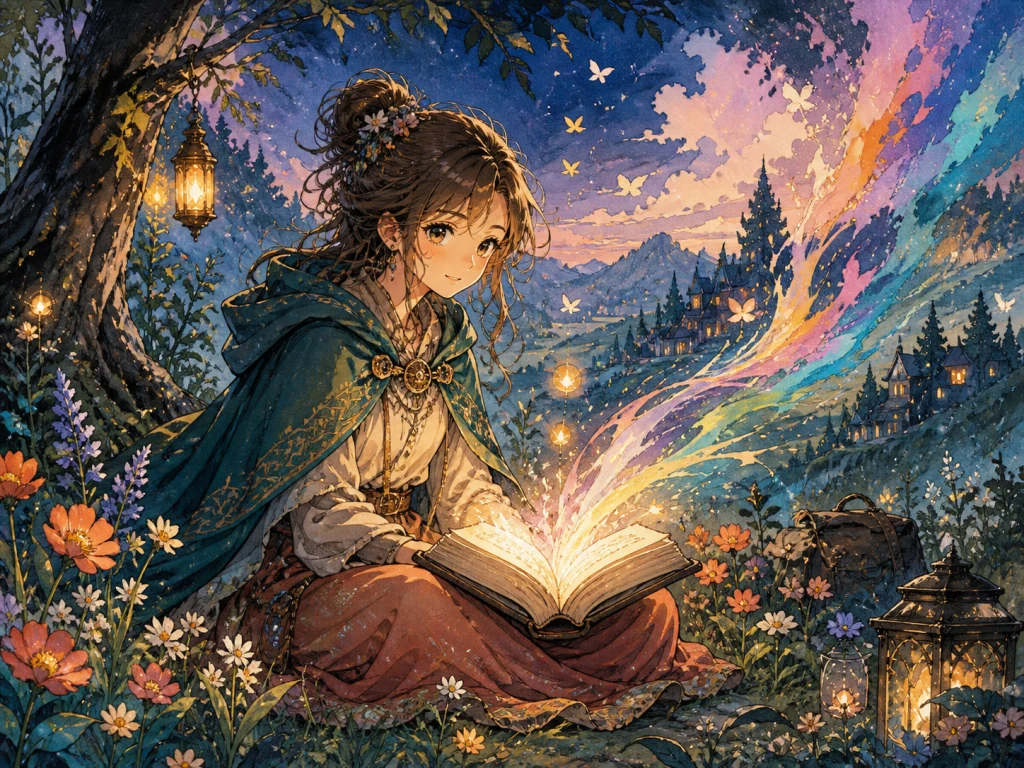
Hand-painted Storybook
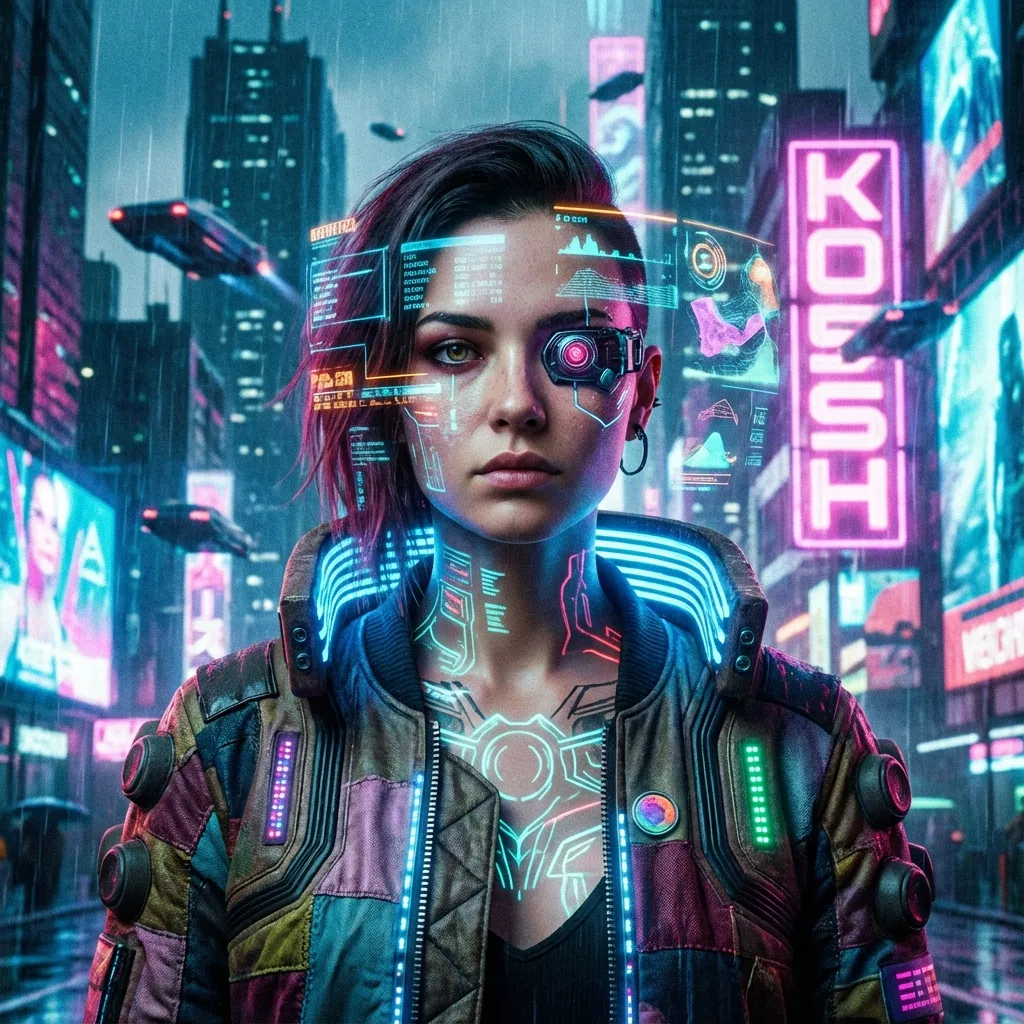
Cyberpunk
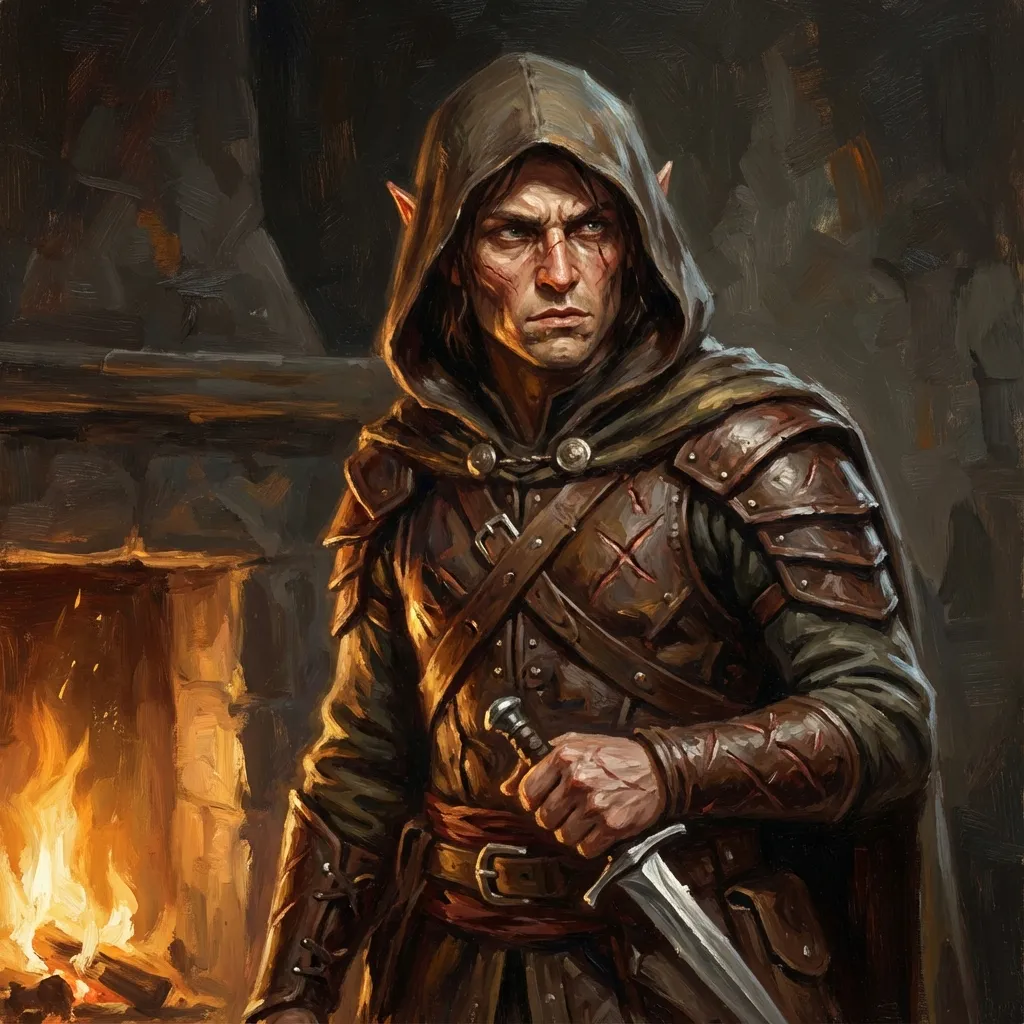
Tabletop Fantasy
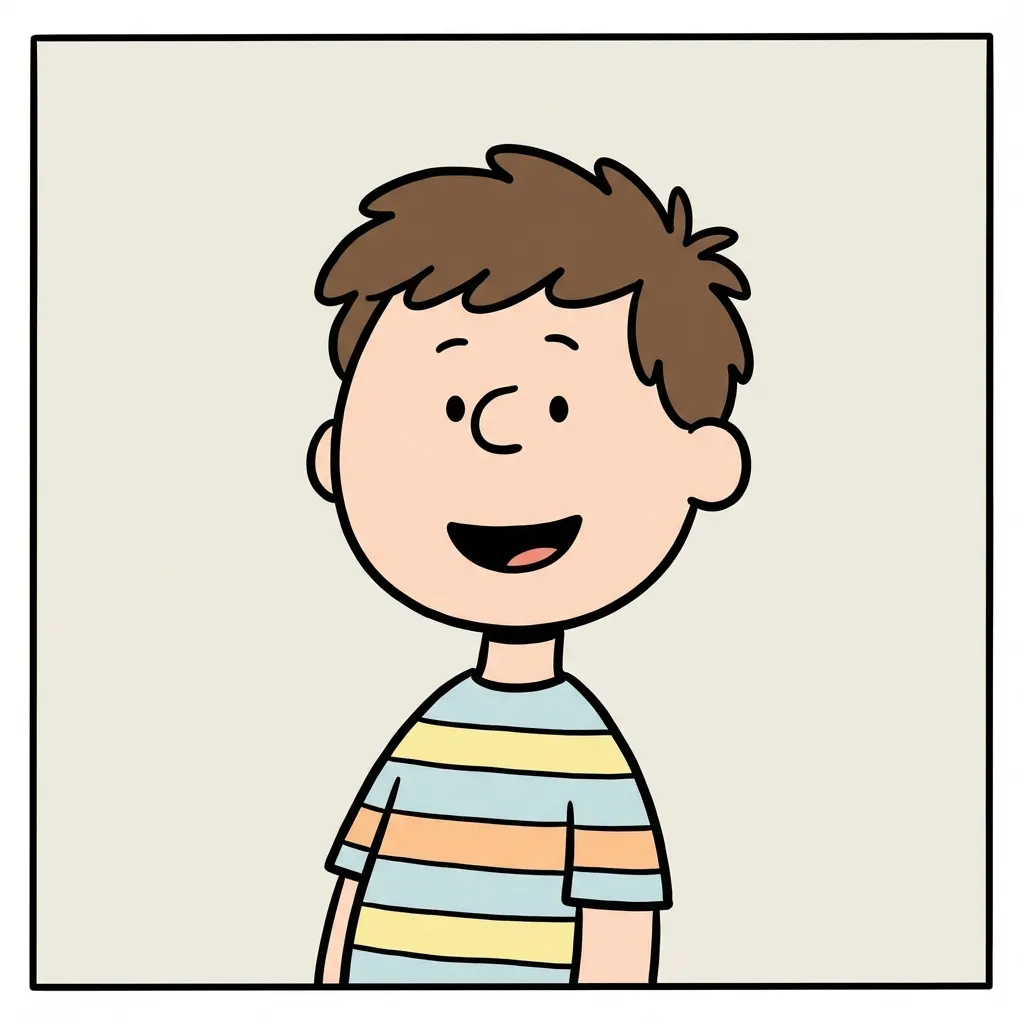
Minimal Comic

Chibi
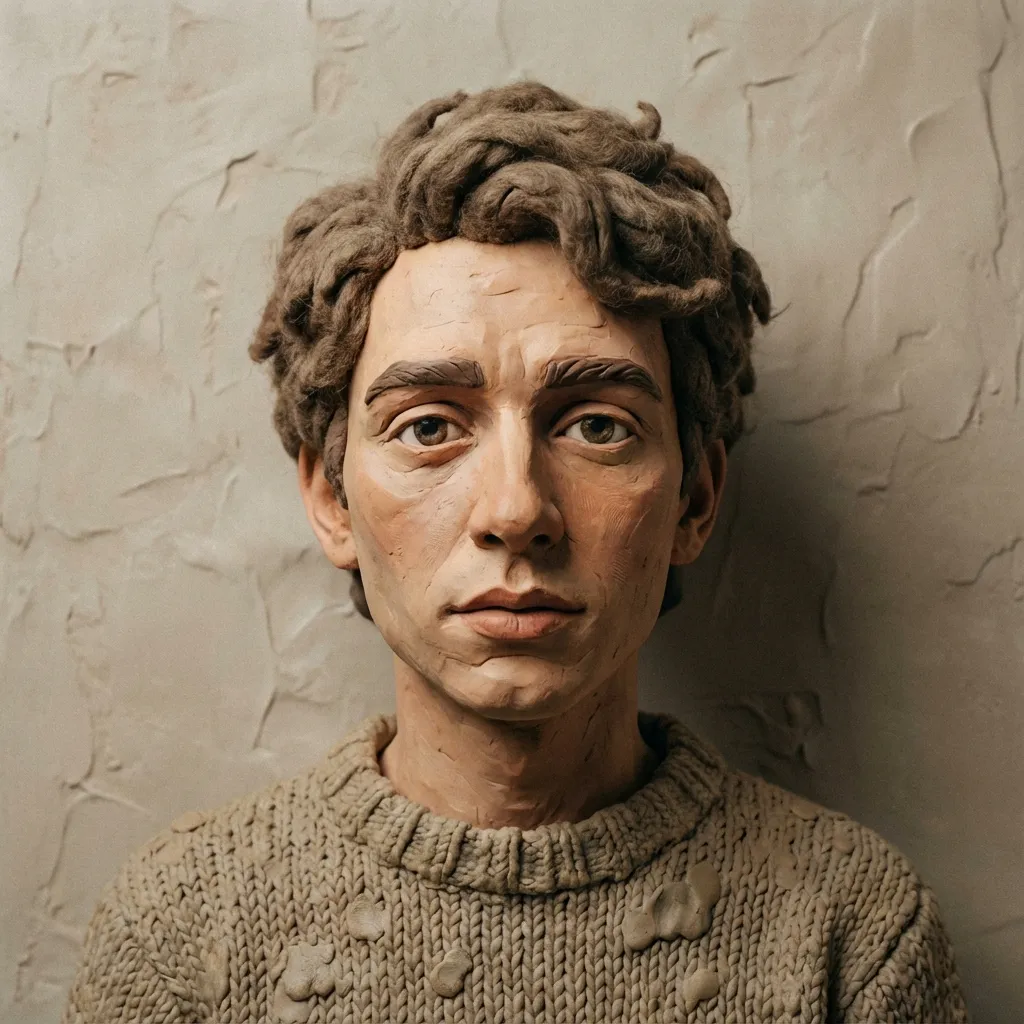
Clay
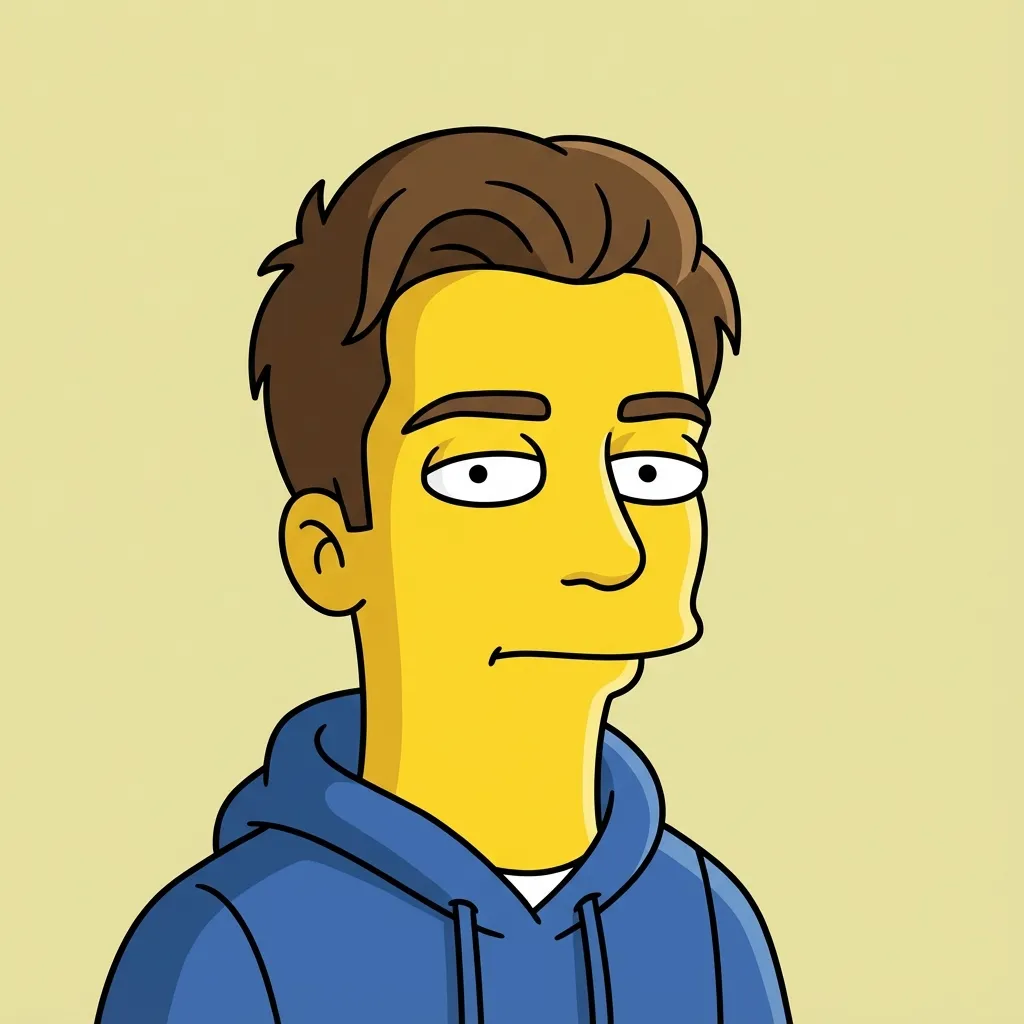
Flat Sitcom Cartoon

Paper Cutout
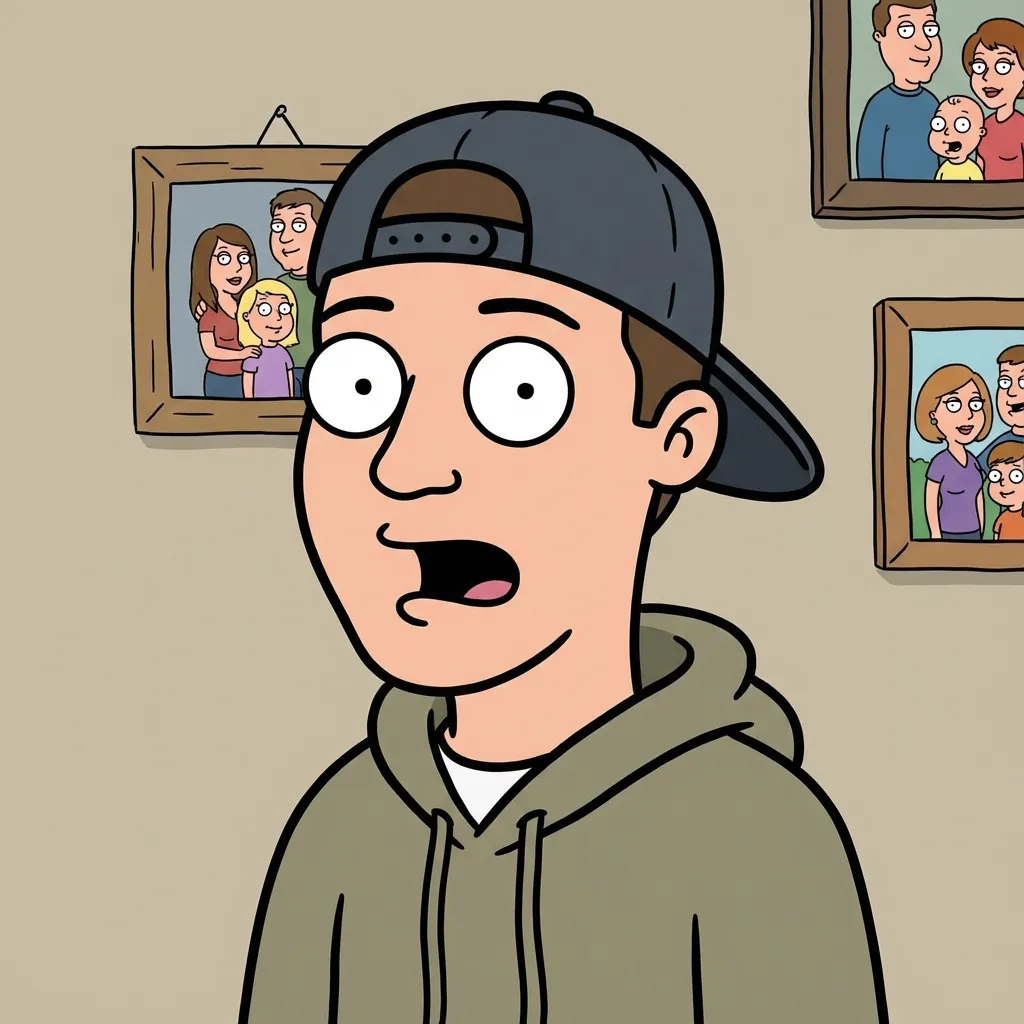
Family Sitcom Cartoon
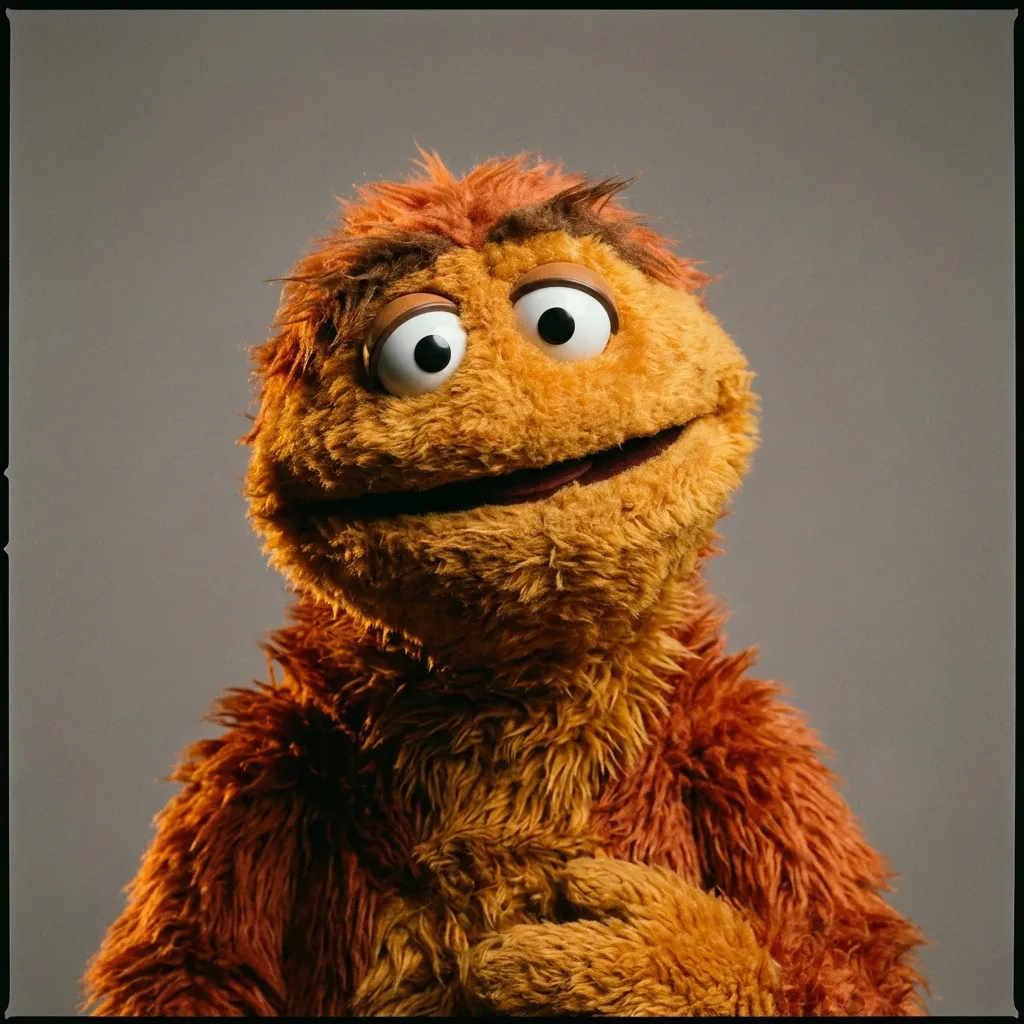
Fabric Puppet
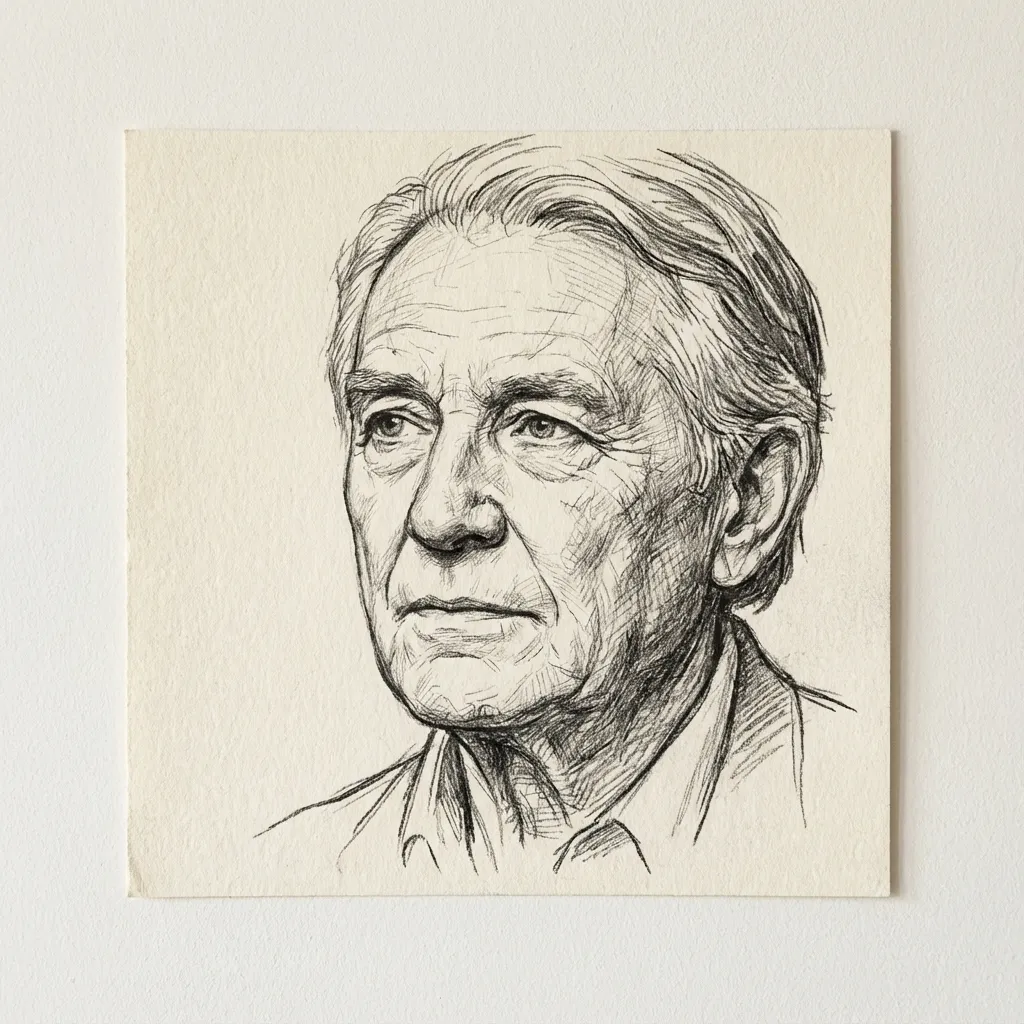
Desen cu linii
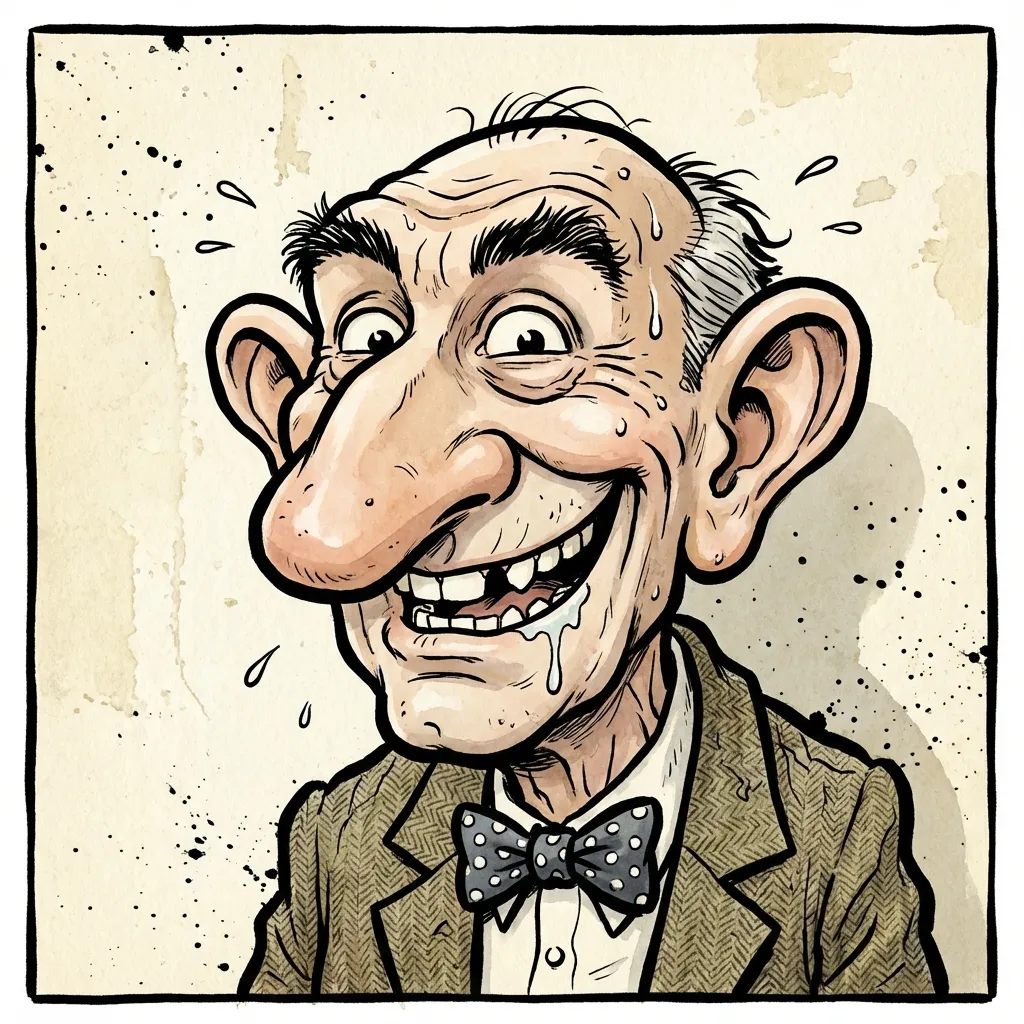
Caricature
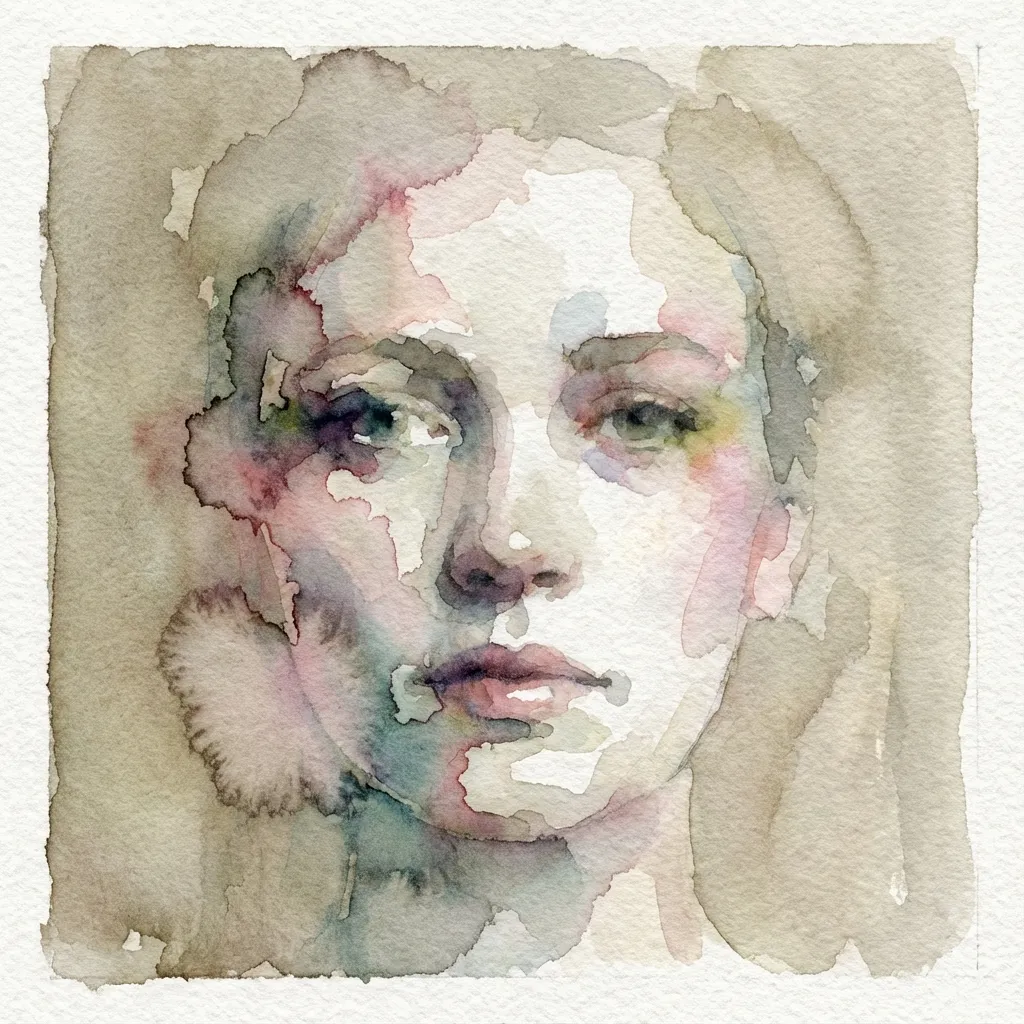
Acuarelă
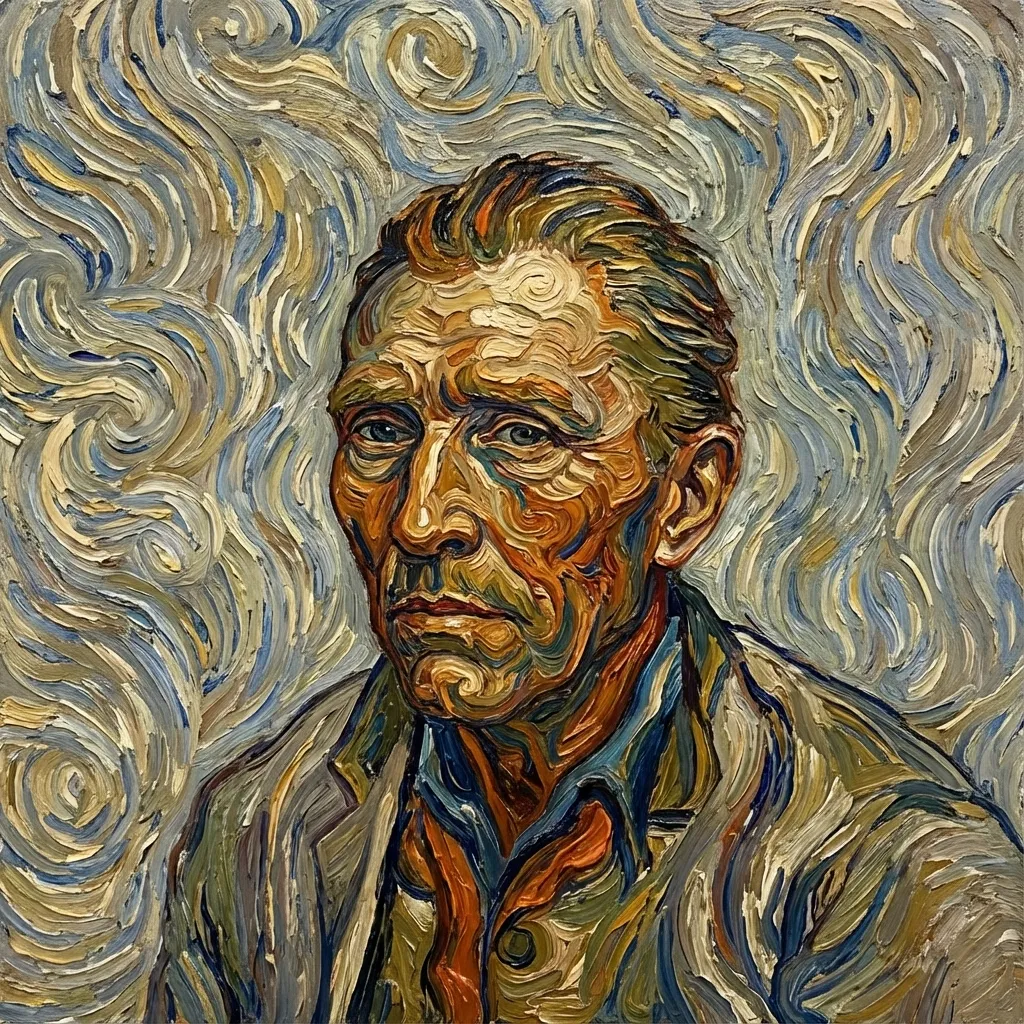
Post-impressionist
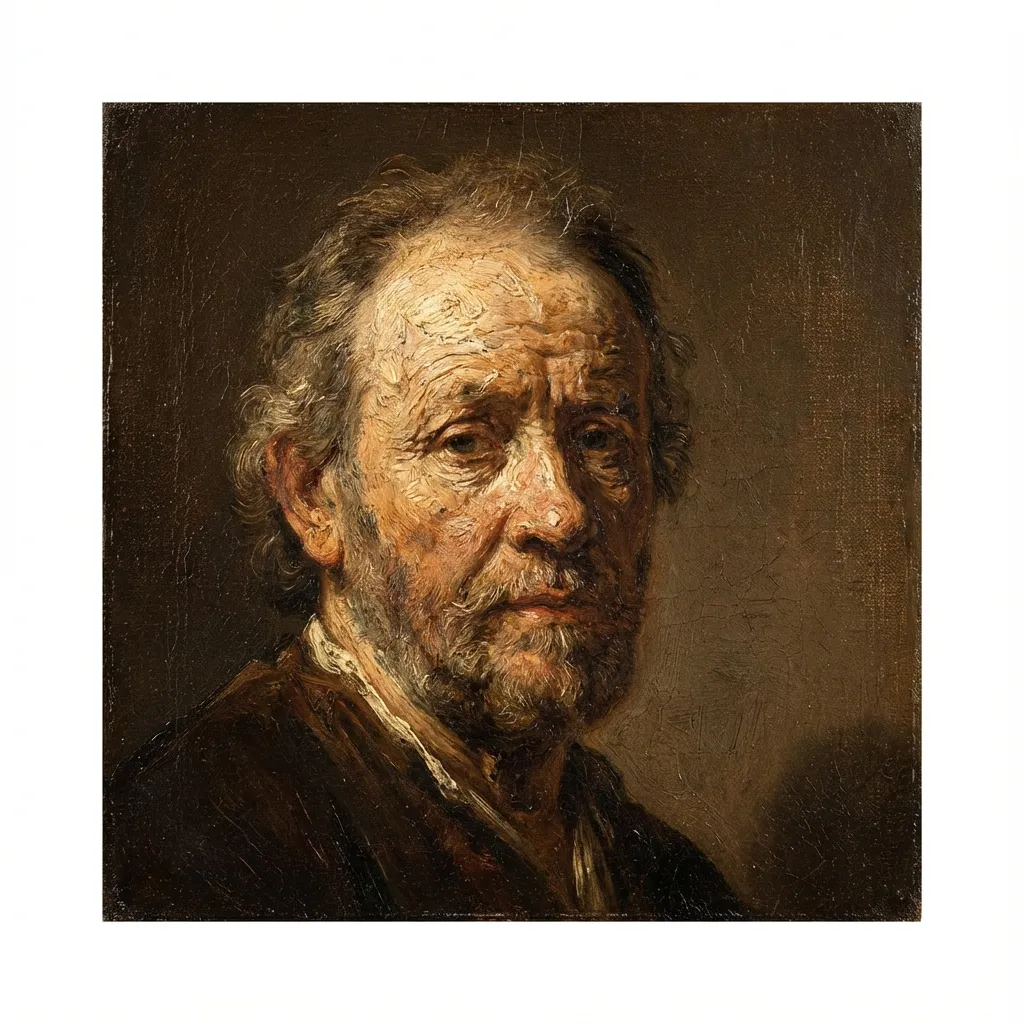
Pictură în ulei
Voxel
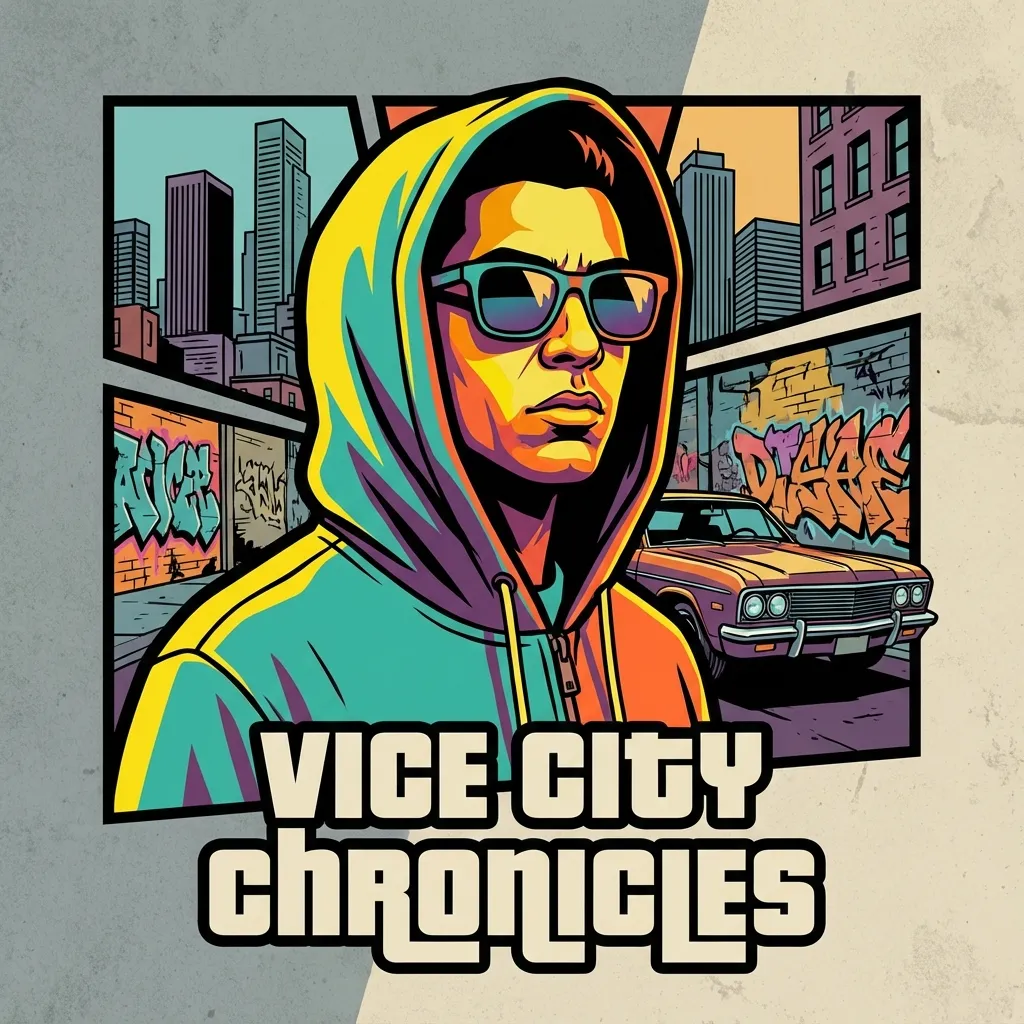
Crime Game Poster
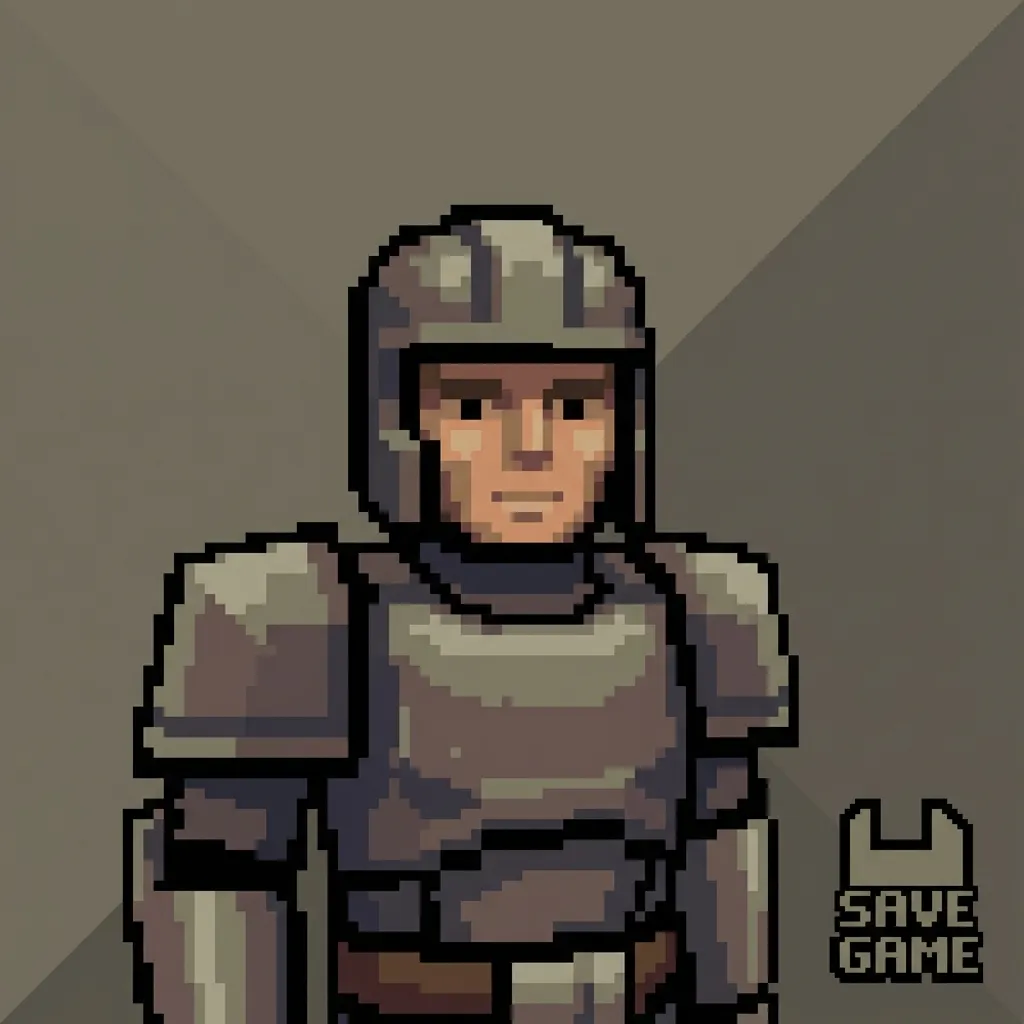
PS2
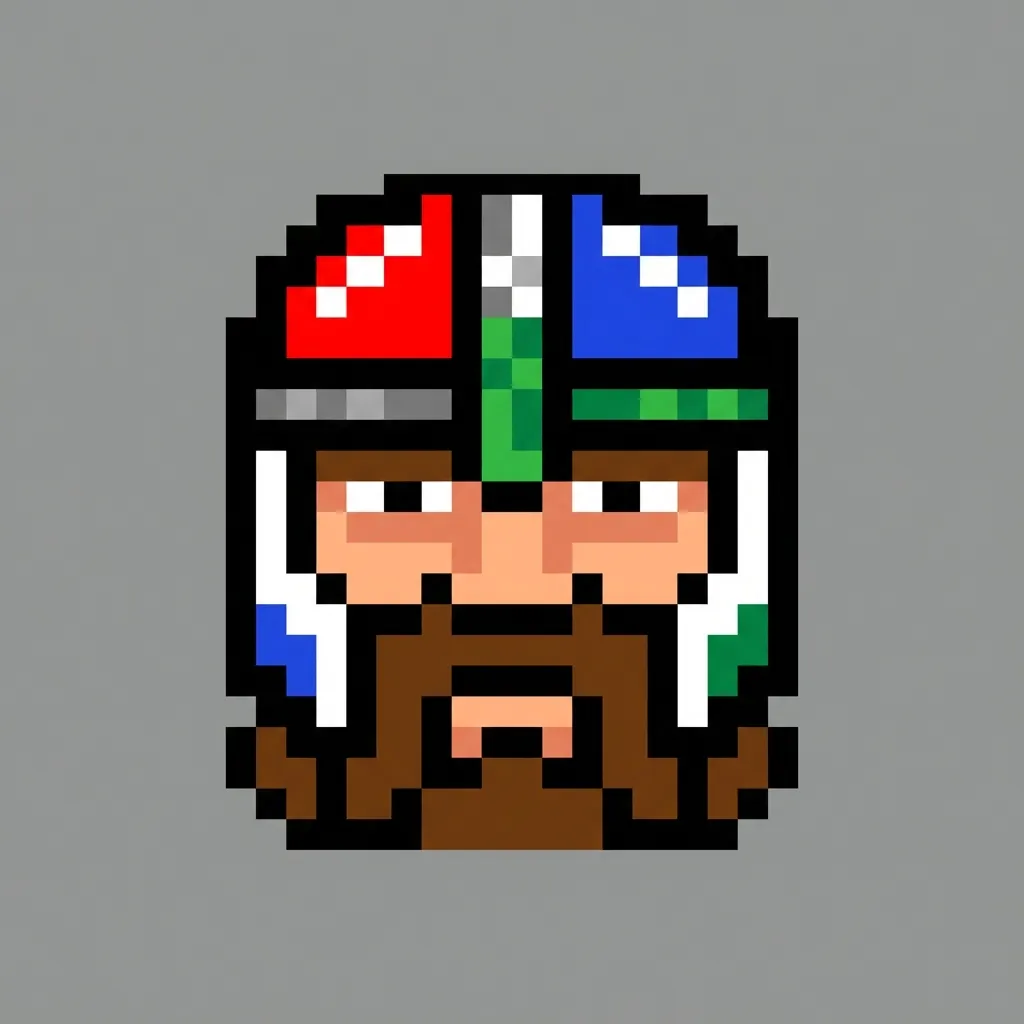
Pixel
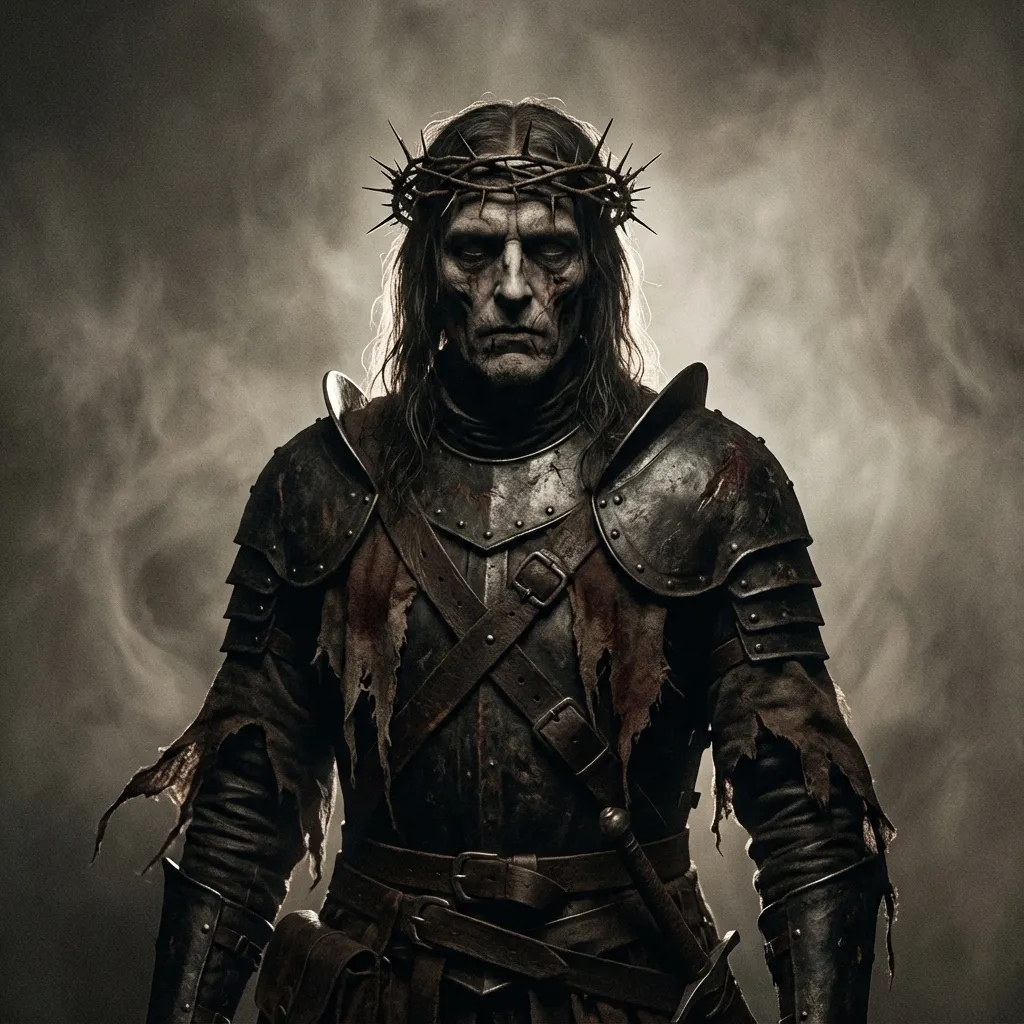
Dark Fantasy
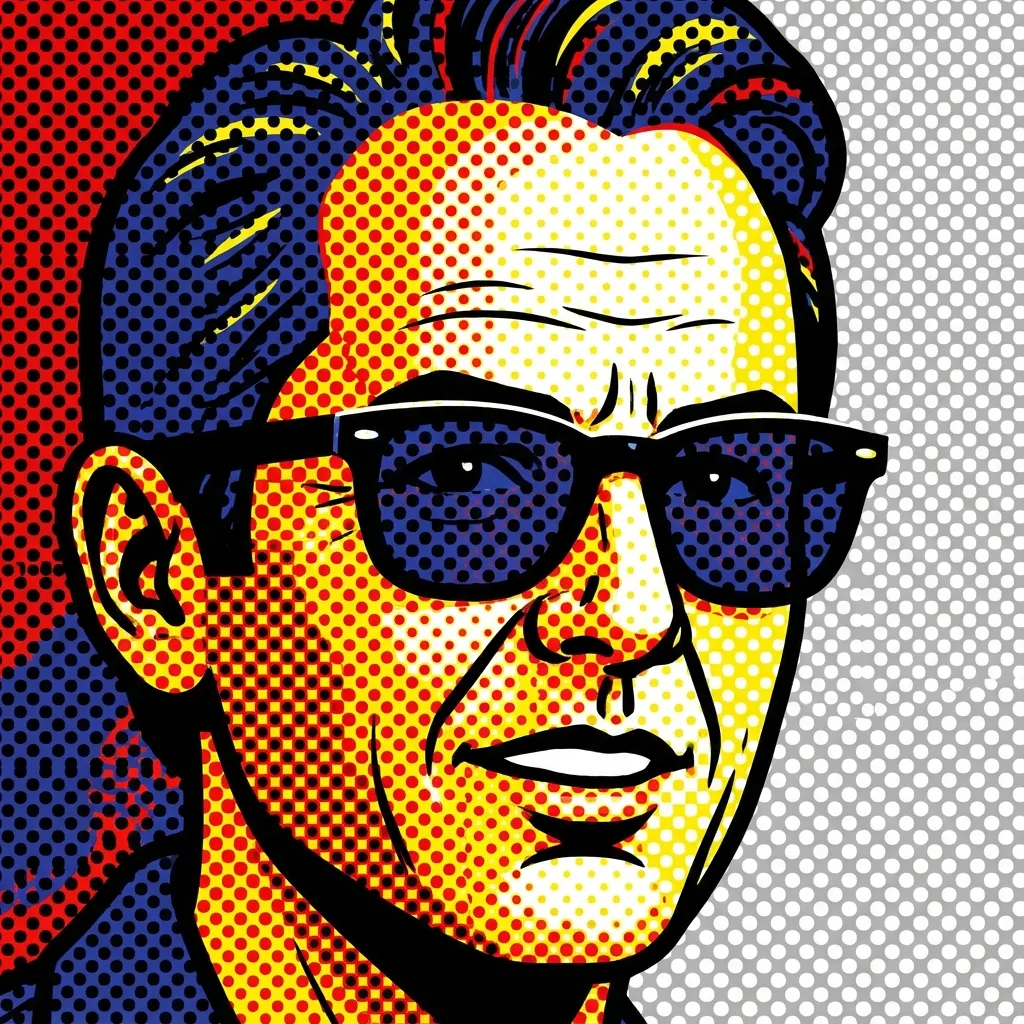
Pop Art
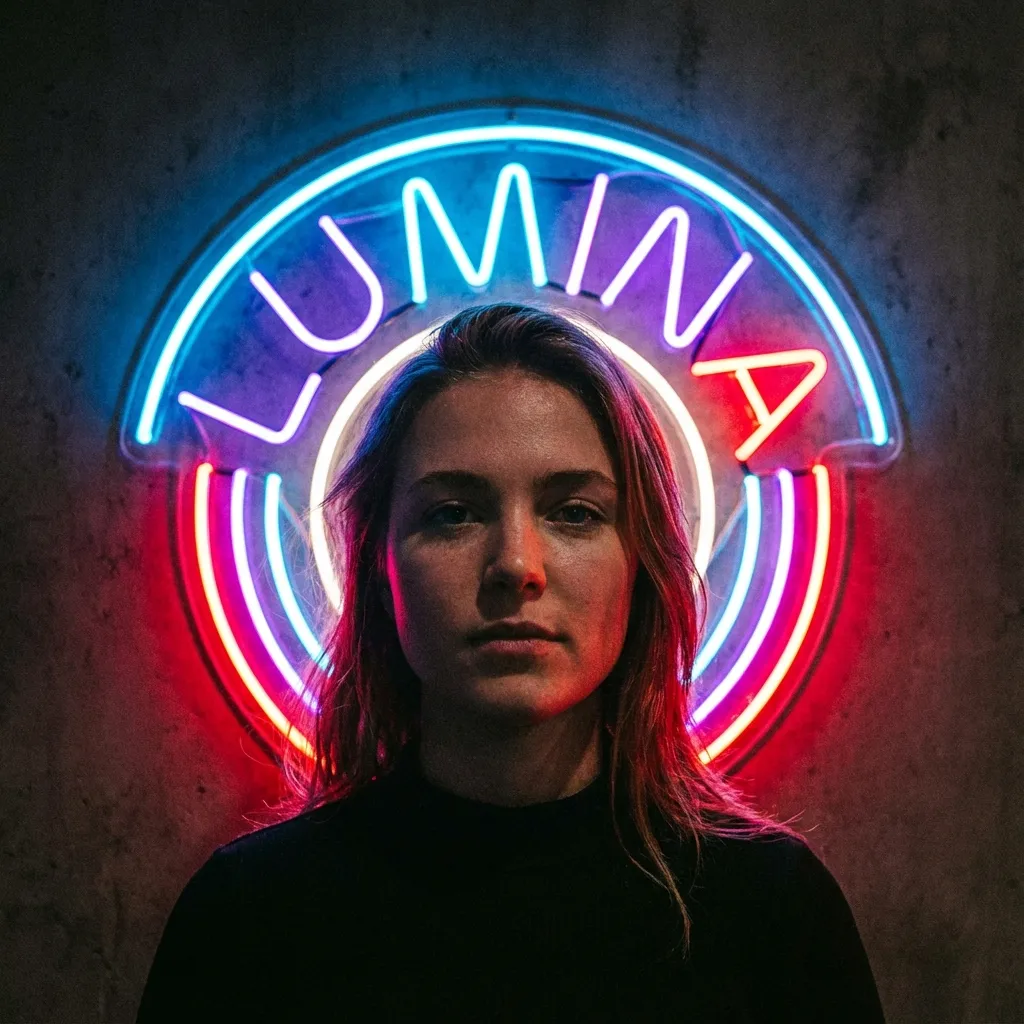
Semn neon
3
Selectează un model
Se vor retrage 300 credite
Încarcă o imagine pentru previzualizare
Your filtered image will appear here
N-ai idei? Încearcă șabloanele noastre presetate pentru a începe
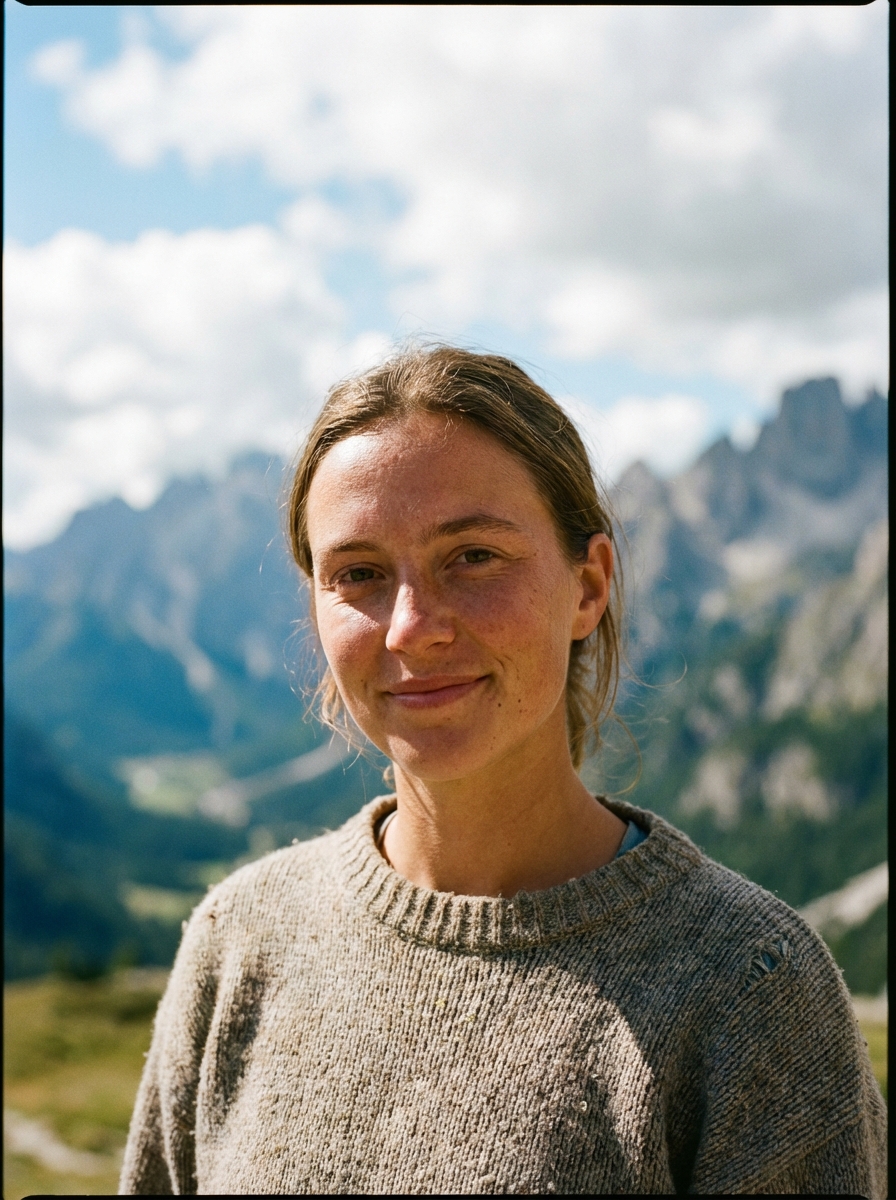
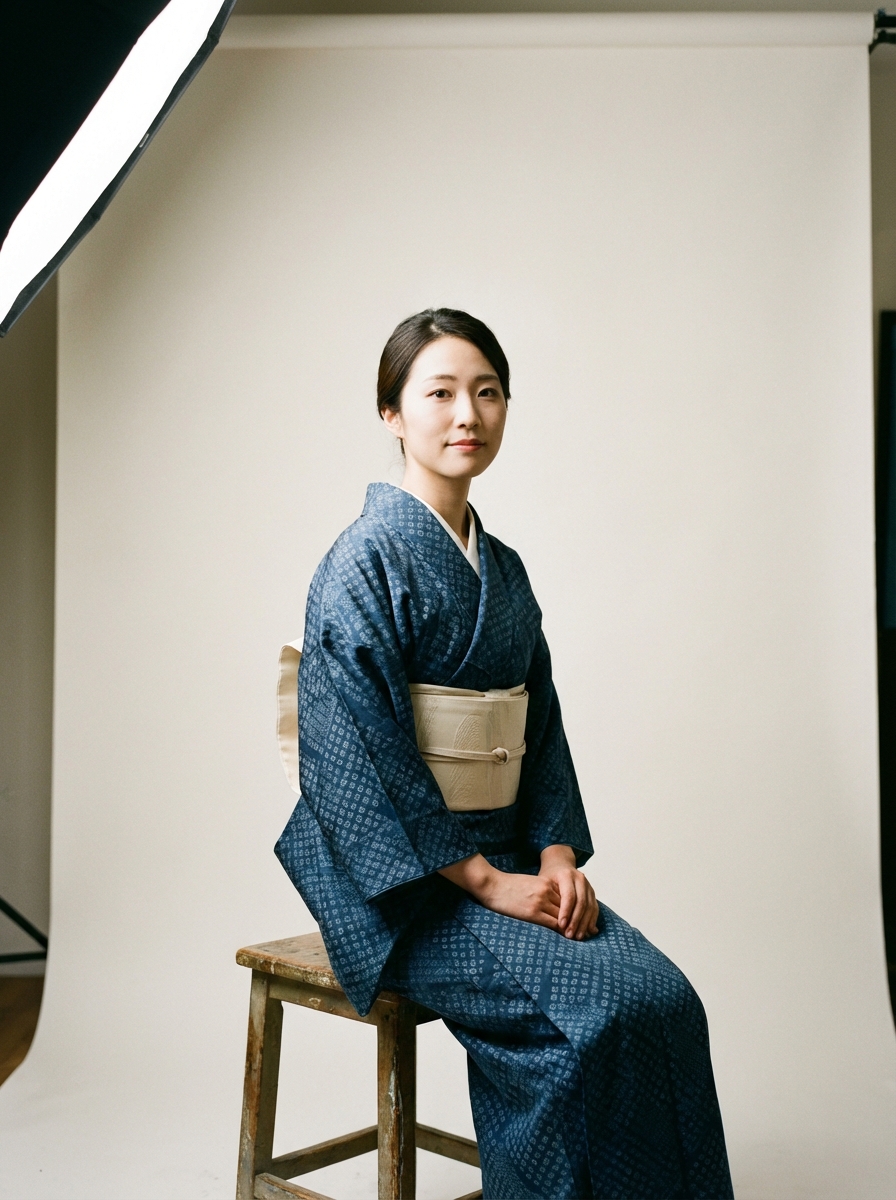
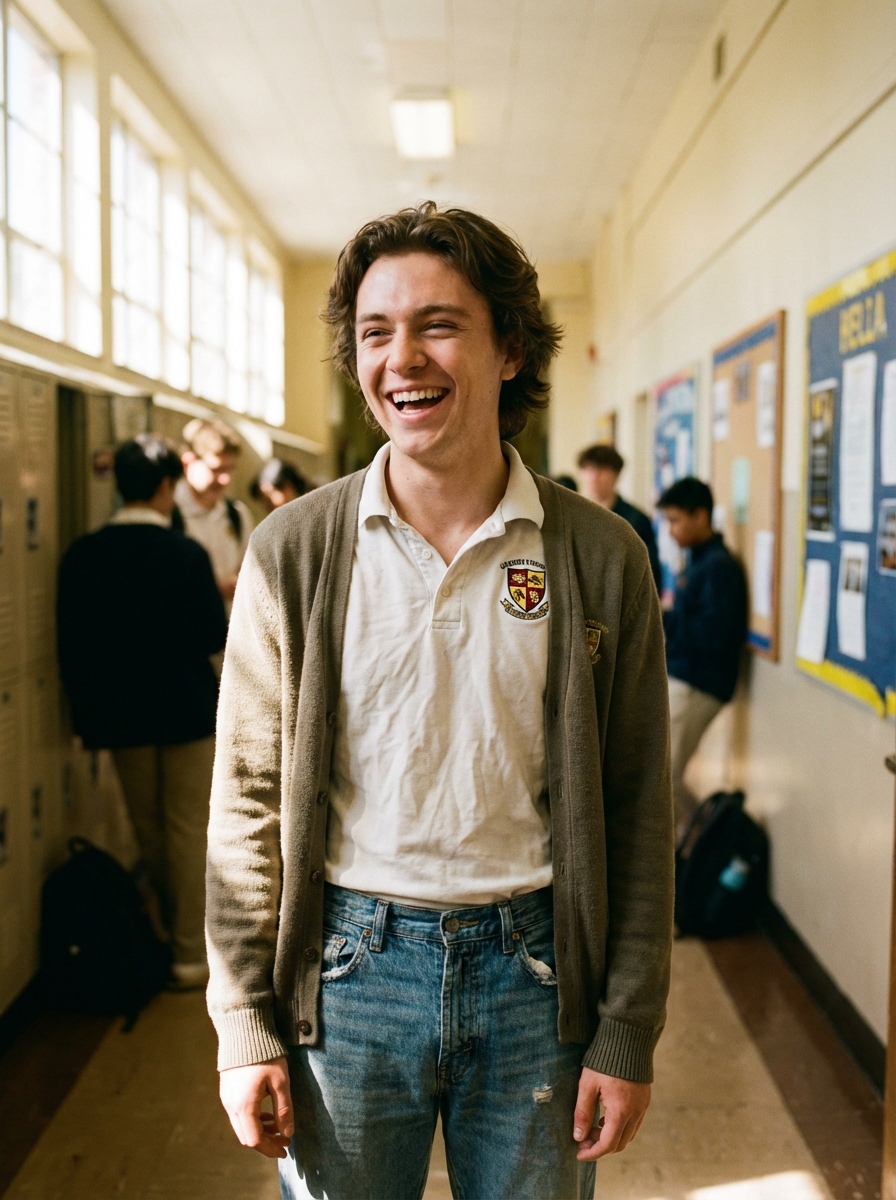
Tutorial
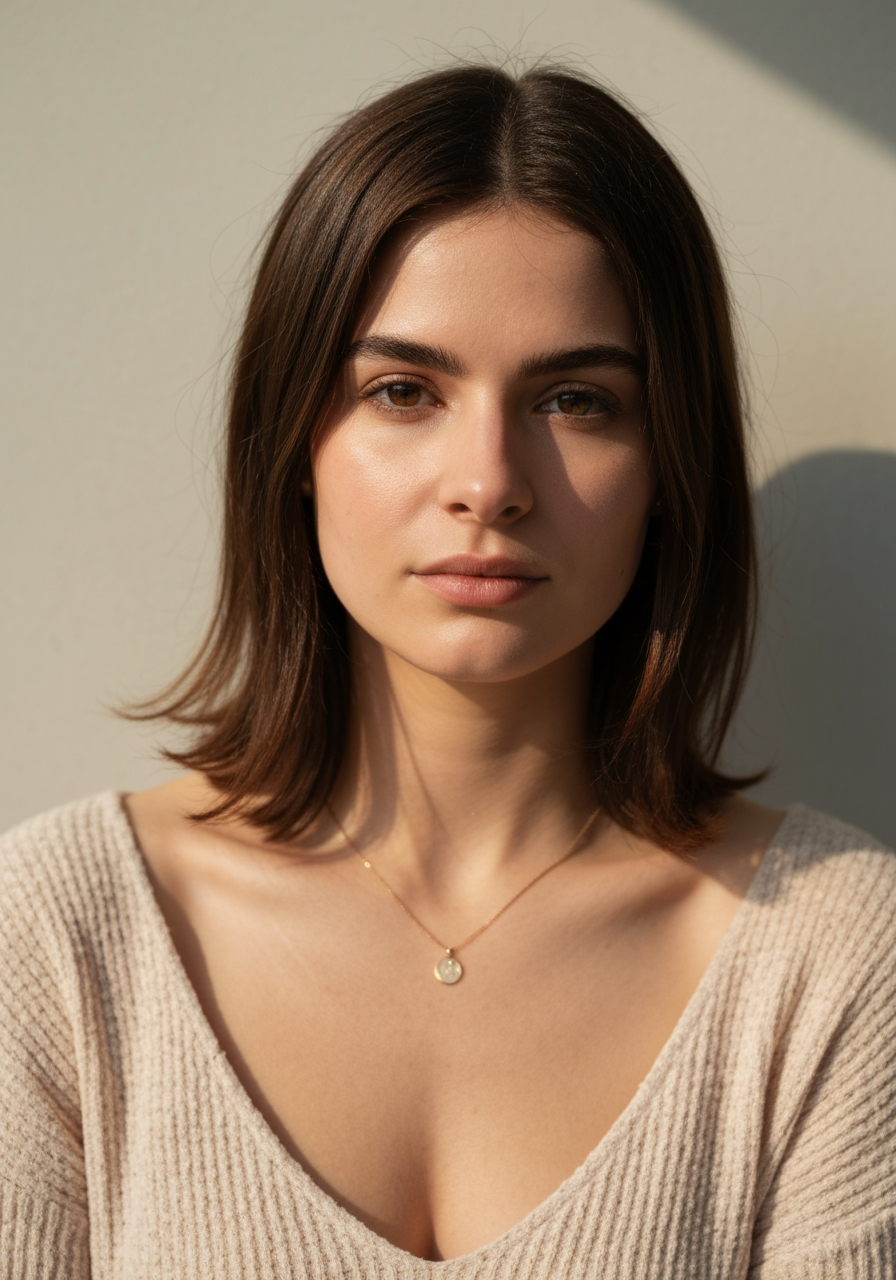
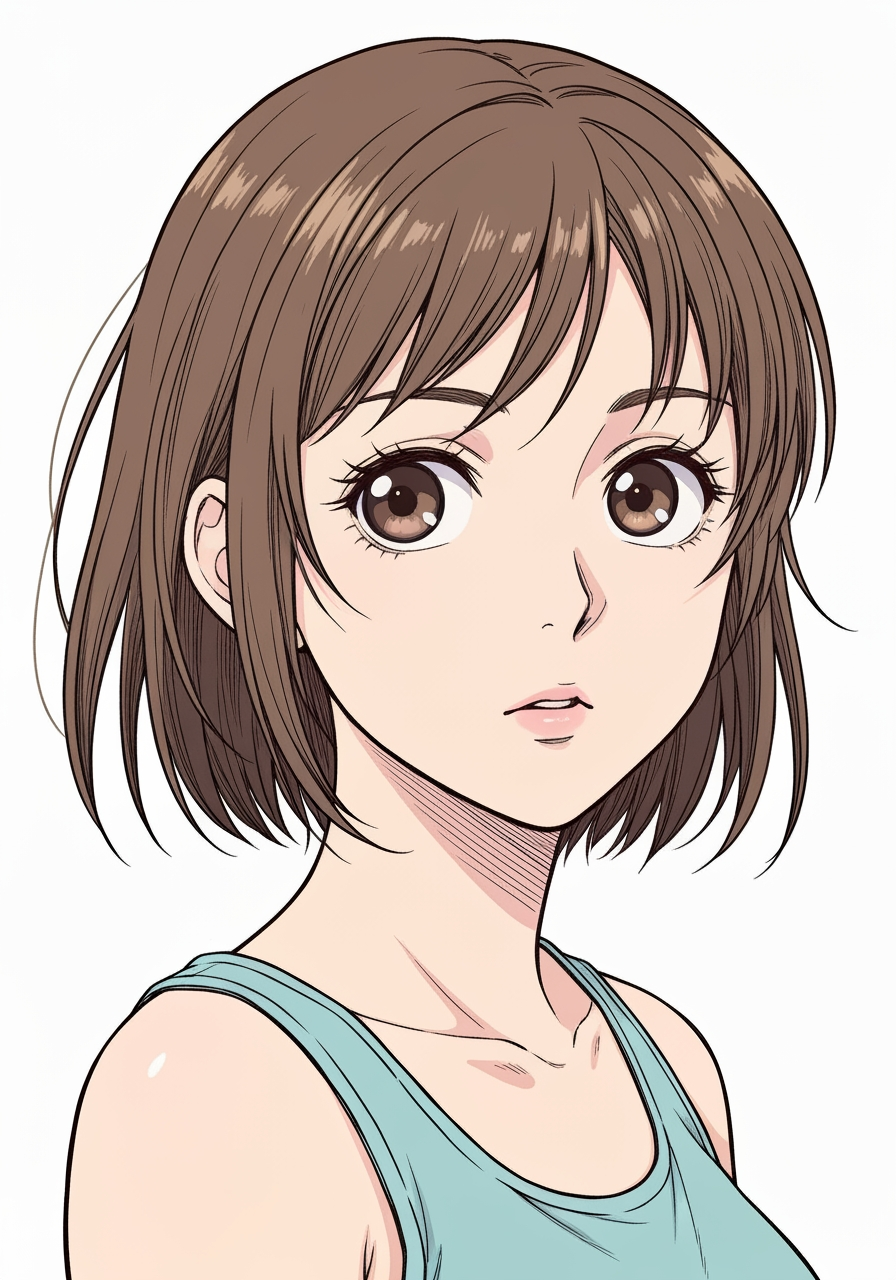
AI Manga Filter is best when you use it to re-render portraits and photos into manga or anime-inspired styles.
Step 1: Prepare the right input
Start with a clean image where the subject, pose, and lighting are easy to interpret.
Step 2: Set the generation direction
Choose the filter style and model that best match the look you want to emulate.
Step 3: Generate, review, and keep the strongest result
Generate several passes, compare face fidelity and line treatment, then keep the most readable variant.
Best results
- The simpler the background, the stronger the face conversion usually feels.
- Pick one target style per iteration.
- Use manual filter mode only when you need tighter style control.