AI Image Extender
Expand your images beyond their borders with AI
Upload your source image
The original image stays protected inside the new canvas
Choose the new canvas
Upload an image to get a recommended frame
Describe the missing scene
Optional — leave blank for a seamless automatic extension
Выберите модель
Choose speed or maximum scene continuity
Загрузите изображение, чтобы увидеть предпросмотр
Your extended image will appear here
Нет идей? Попробуйте наши готовые шаблоны для начала
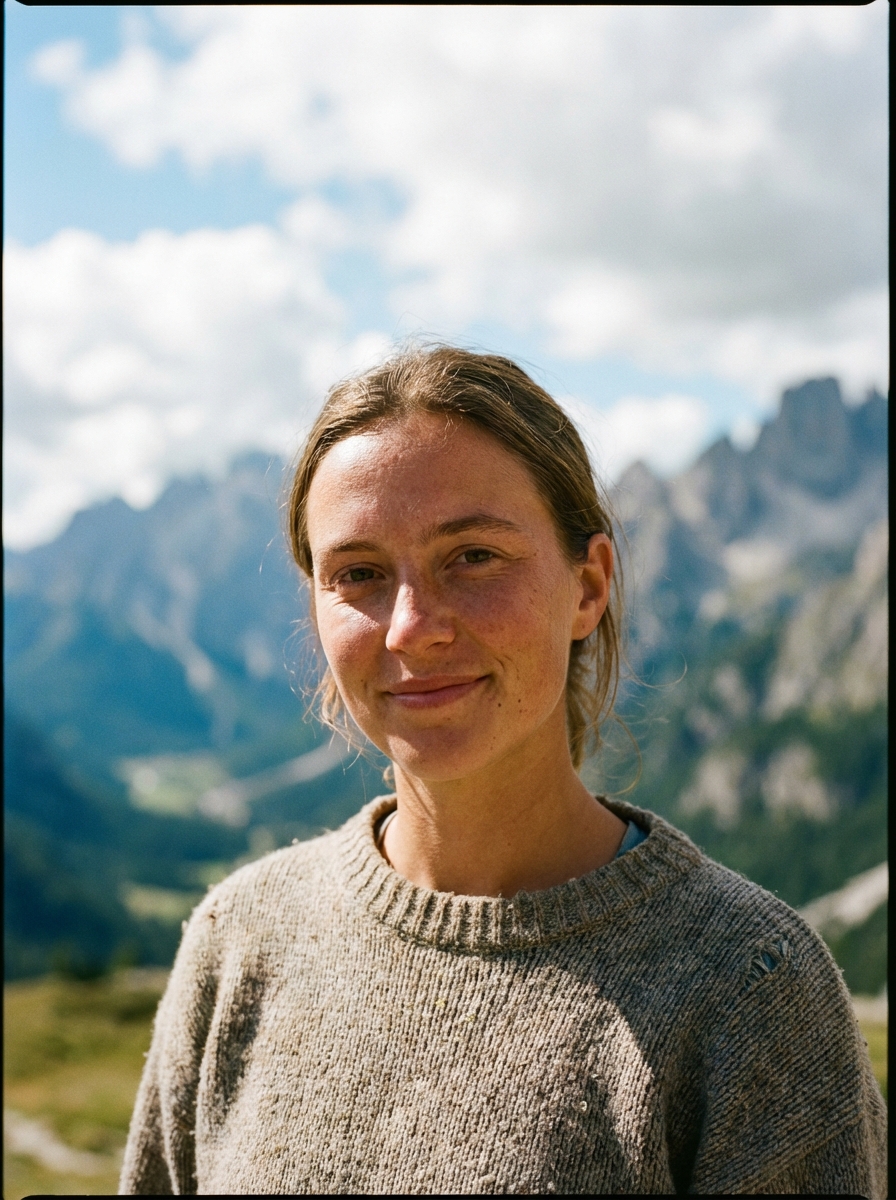
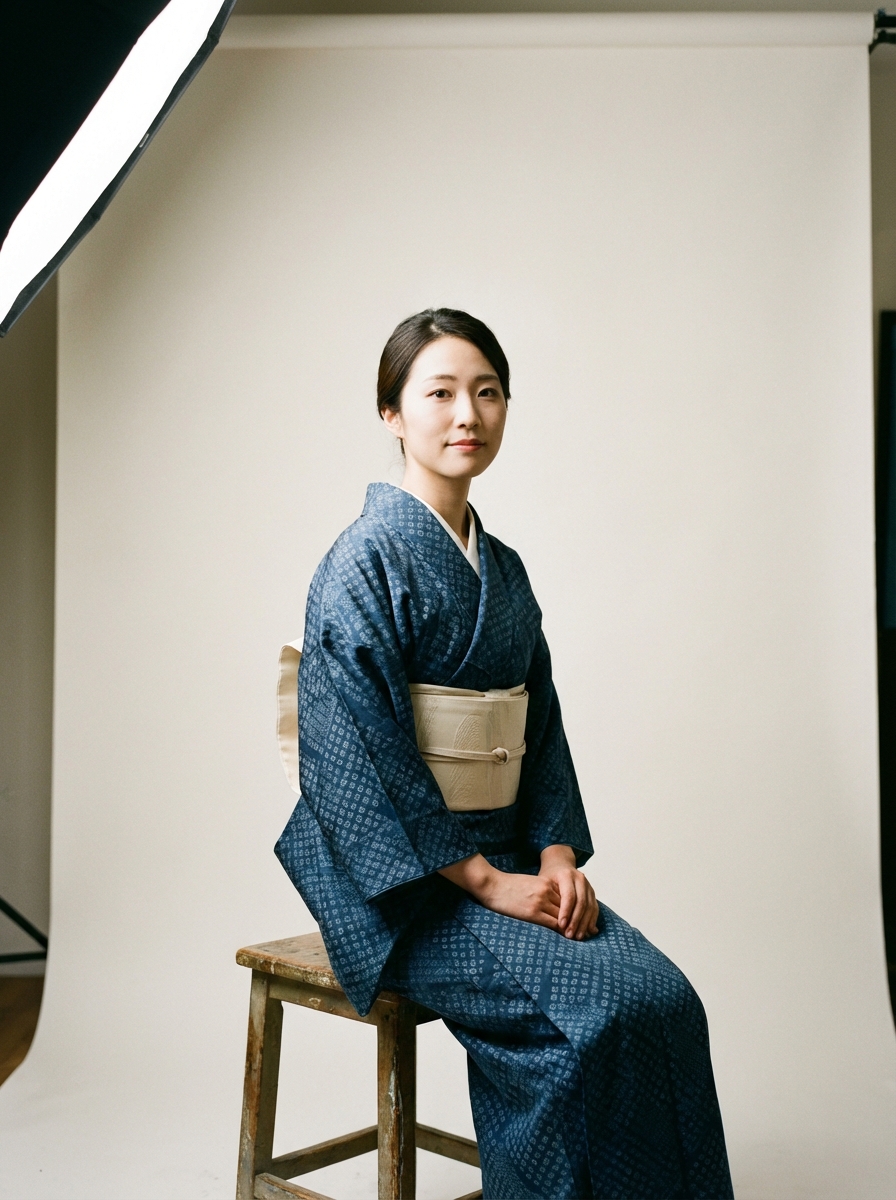
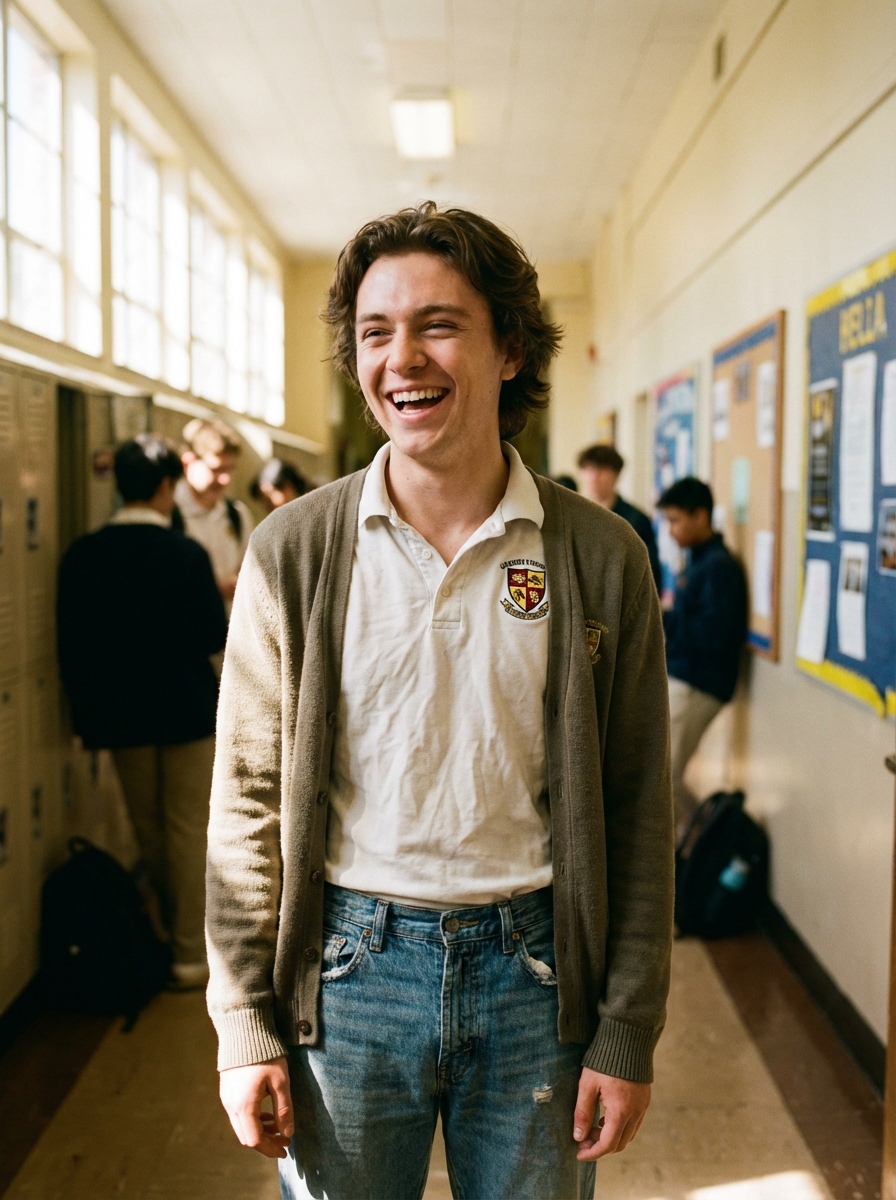
Учебник
AI Image Extender is best when you use it to outpaint beyond the original frame when you need more scene around an existing image.
Step 1: Prepare the right input
Upload the source image and decide which side needs more space before you start expanding.
Step 2: Set the generation direction
Choose the target ratio and guide the new area with a short scene prompt if continuity matters.
Step 3: Generate, review, and keep the strongest result
Generate, inspect the seam between the original and new content, then rerun only if the transition feels artificial.
Best results
- Simple backgrounds extend more naturally than crowded ones.
- Tell the model what should continue just outside frame.
- Check lighting direction before keeping an extended image.


