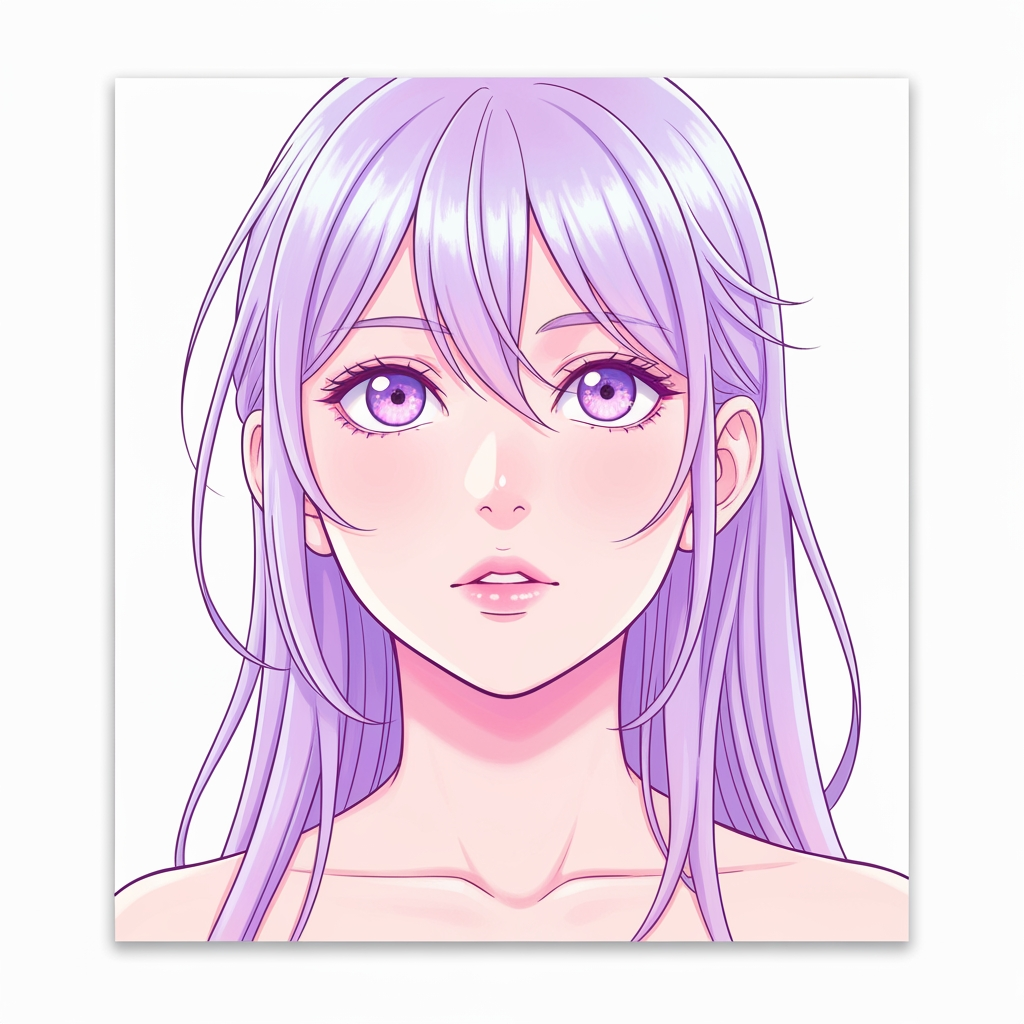
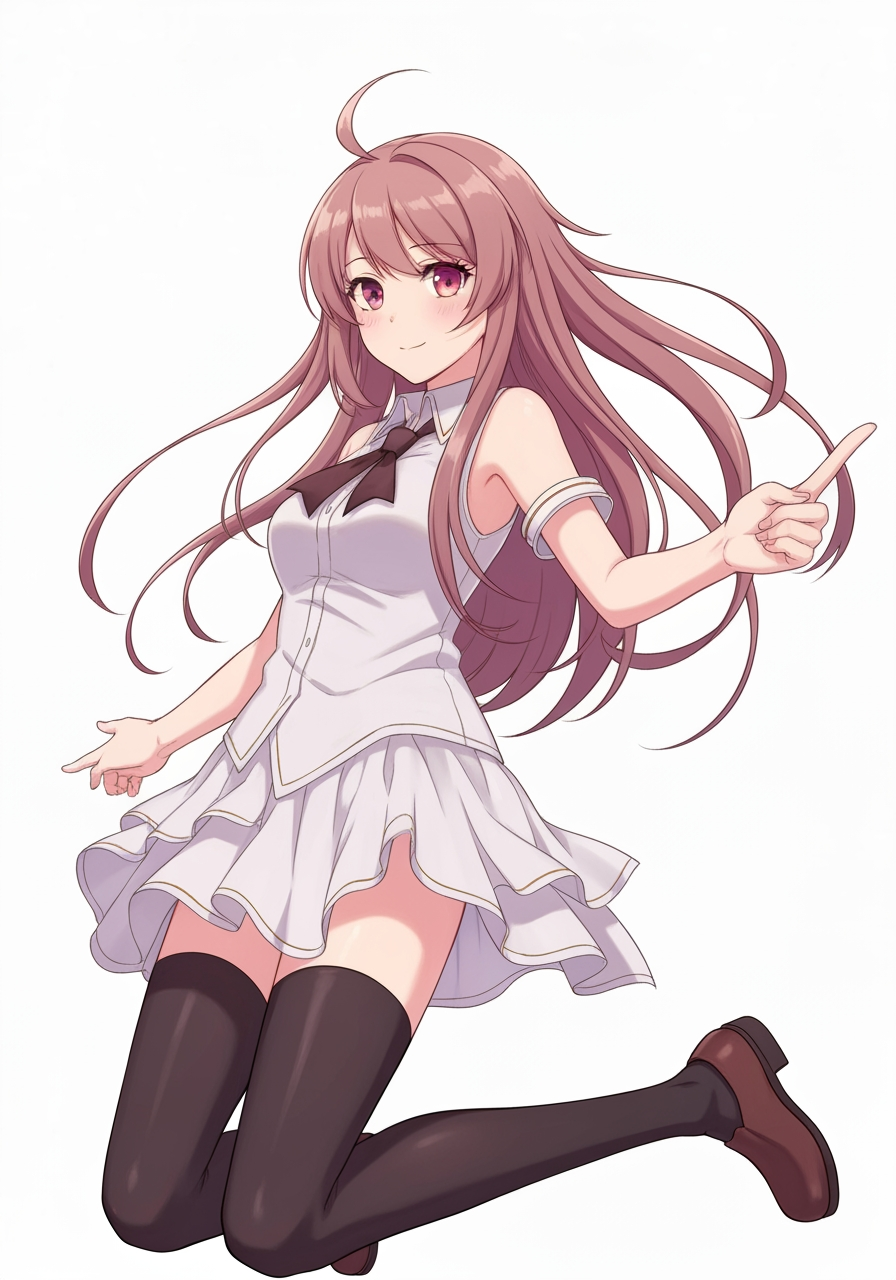
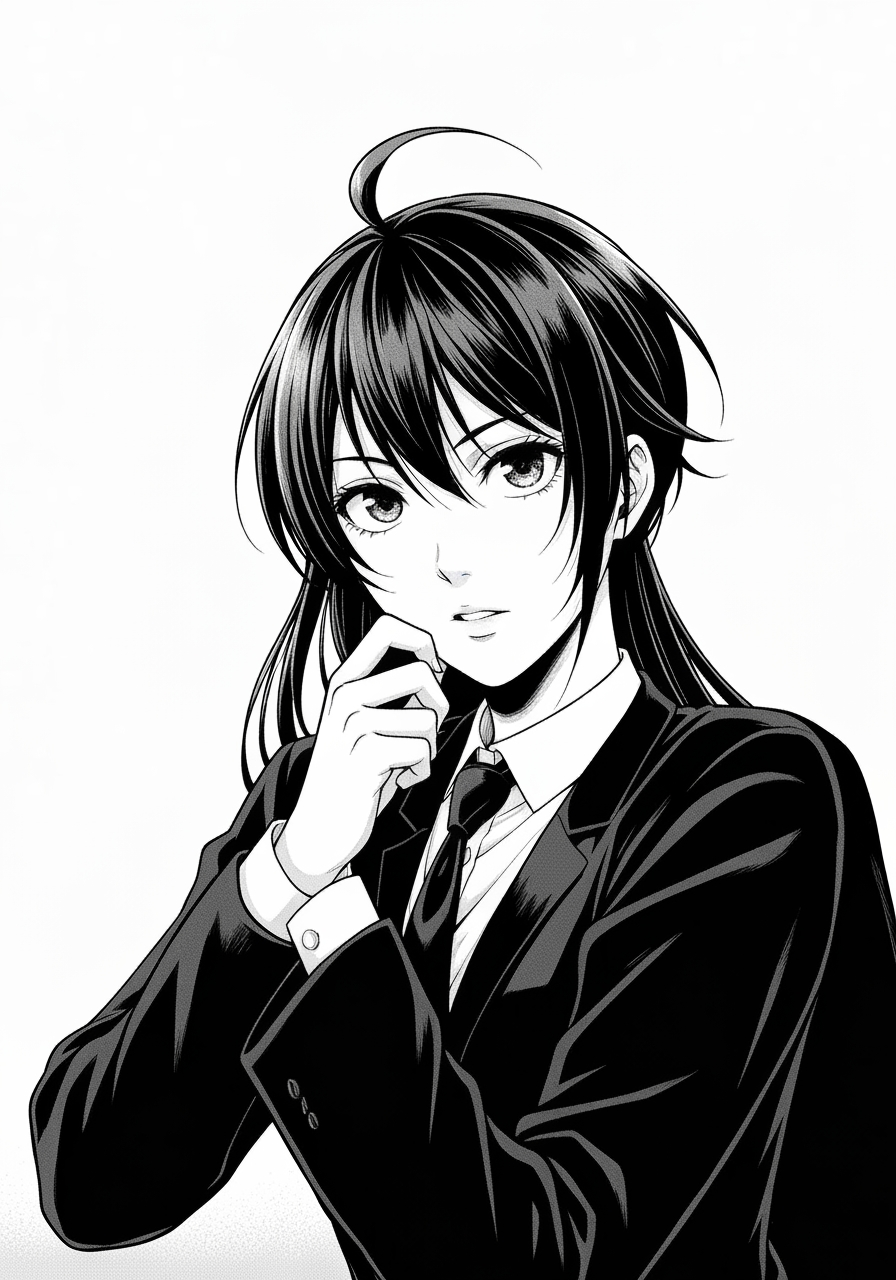
Black and White Image Filter
Transform photos into crisp monochrome or sketch-like outputs.
1
Загрузите ваше изображение
Нажмите для загрузки или перетащите изображение сюдаJPG, PNG, WEBP | Max 10MB
2
Выберите модель
Будет списано 300 кредитов
Нет идей? Попробуйте наши готовые шаблоны для начала
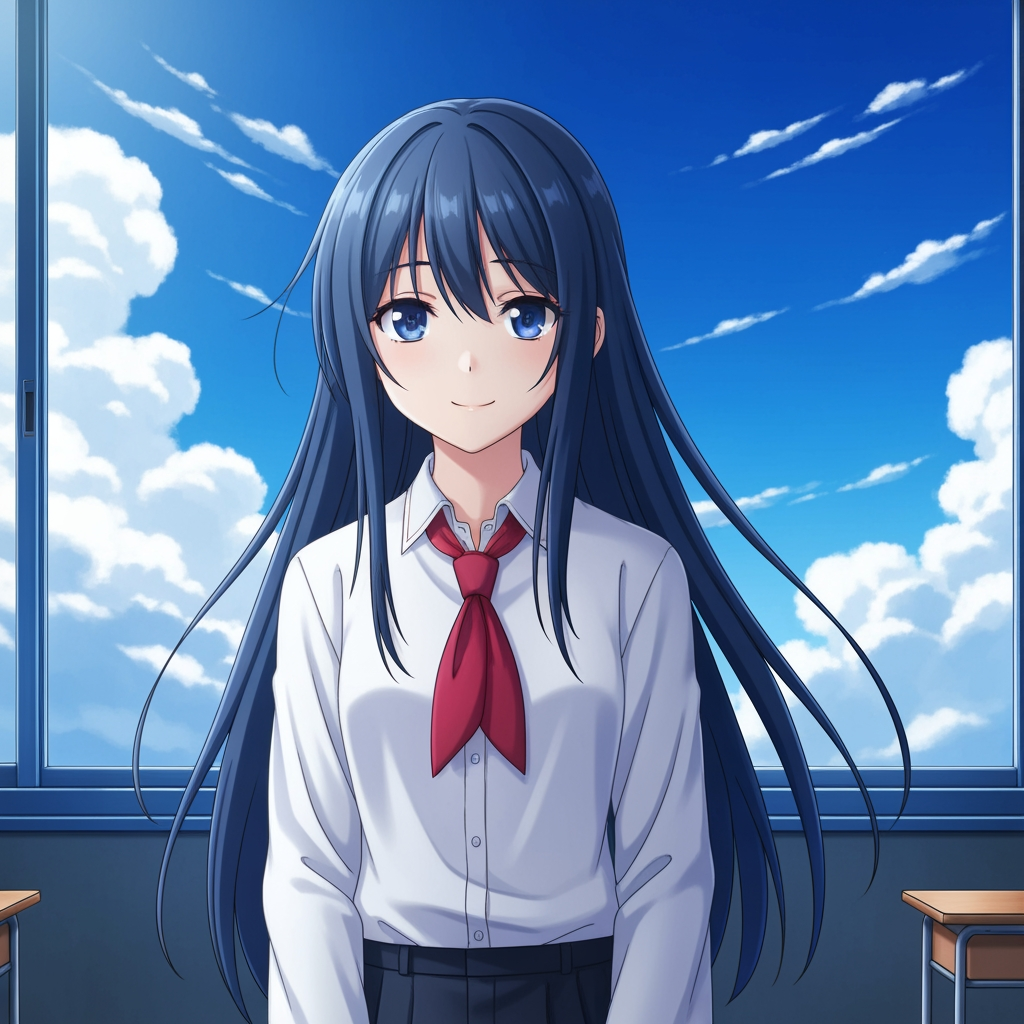
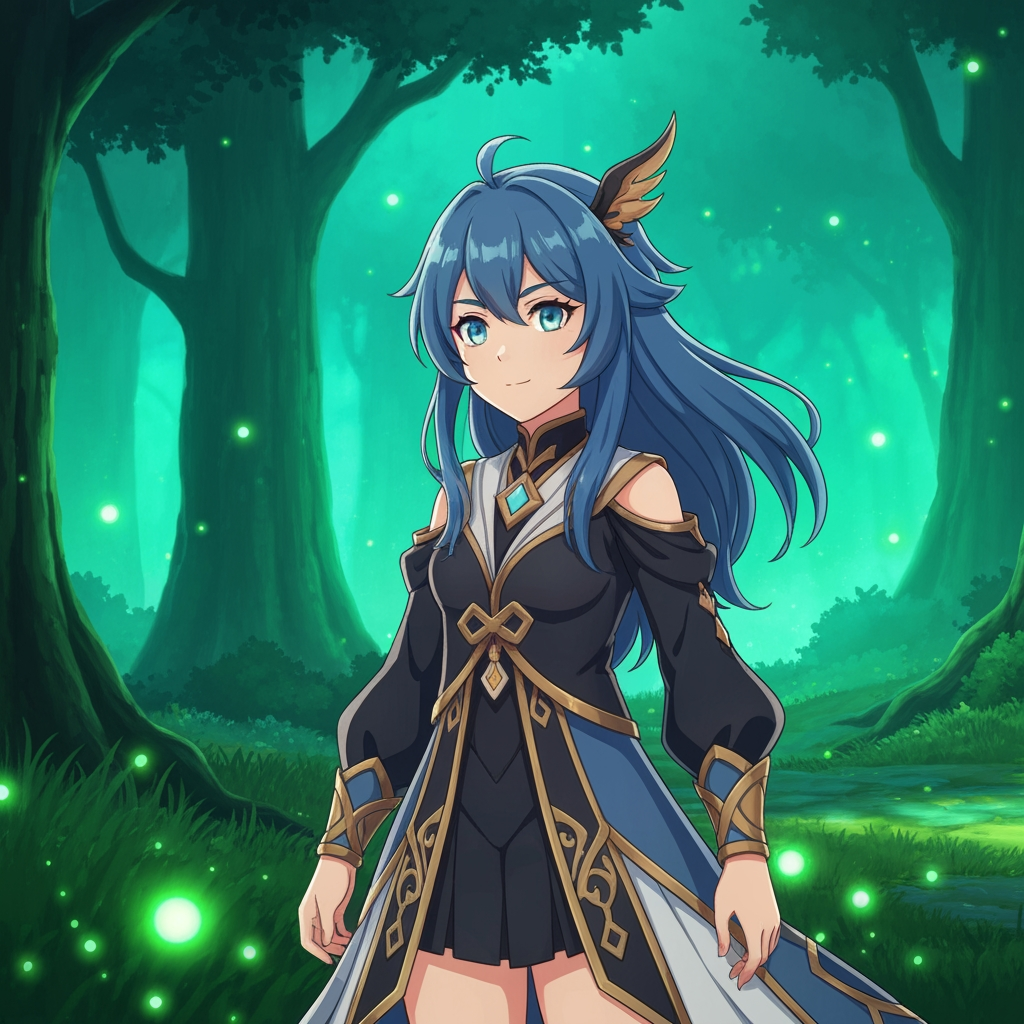
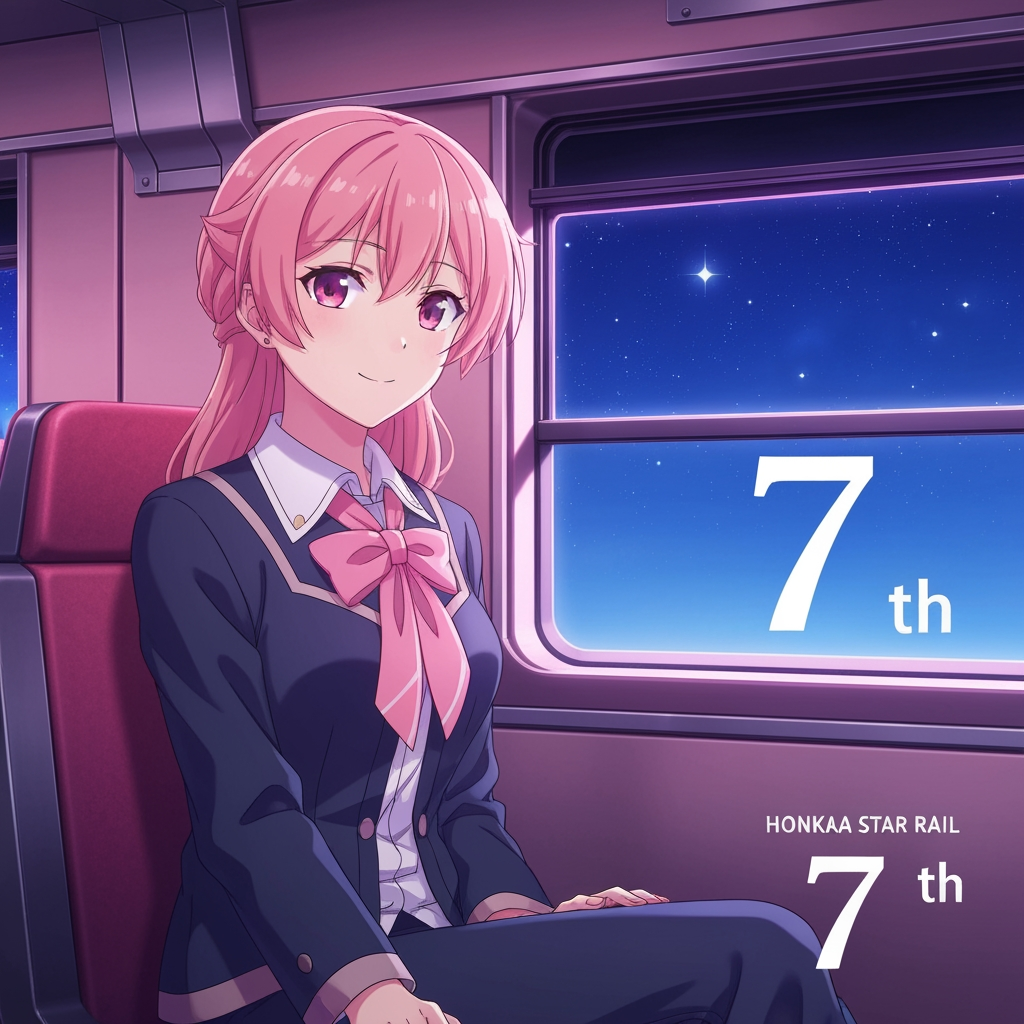
Учебник
Black and White Image Filter is best when you use it to reduce an image into a dramatic black-and-white rendering or stylized monochrome sketch.
Step 1: Prepare the right input
Upload an image with a strong subject and enough lighting contrast to survive monochrome conversion.
Step 2: Set the generation direction
Select the filter model that best matches the amount of detail and drama you want.
Step 3: Generate, review, and keep the strongest result
Review edge detail and tonal separation, then export the version that still reads clearly from a distance.
Best results
- Portraits with side lighting produce stronger black-and-white depth.
- Busy backgrounds flatten quickly in monochrome; crop them first if needed.
- Check hair, eyes, and hands before accepting the result.