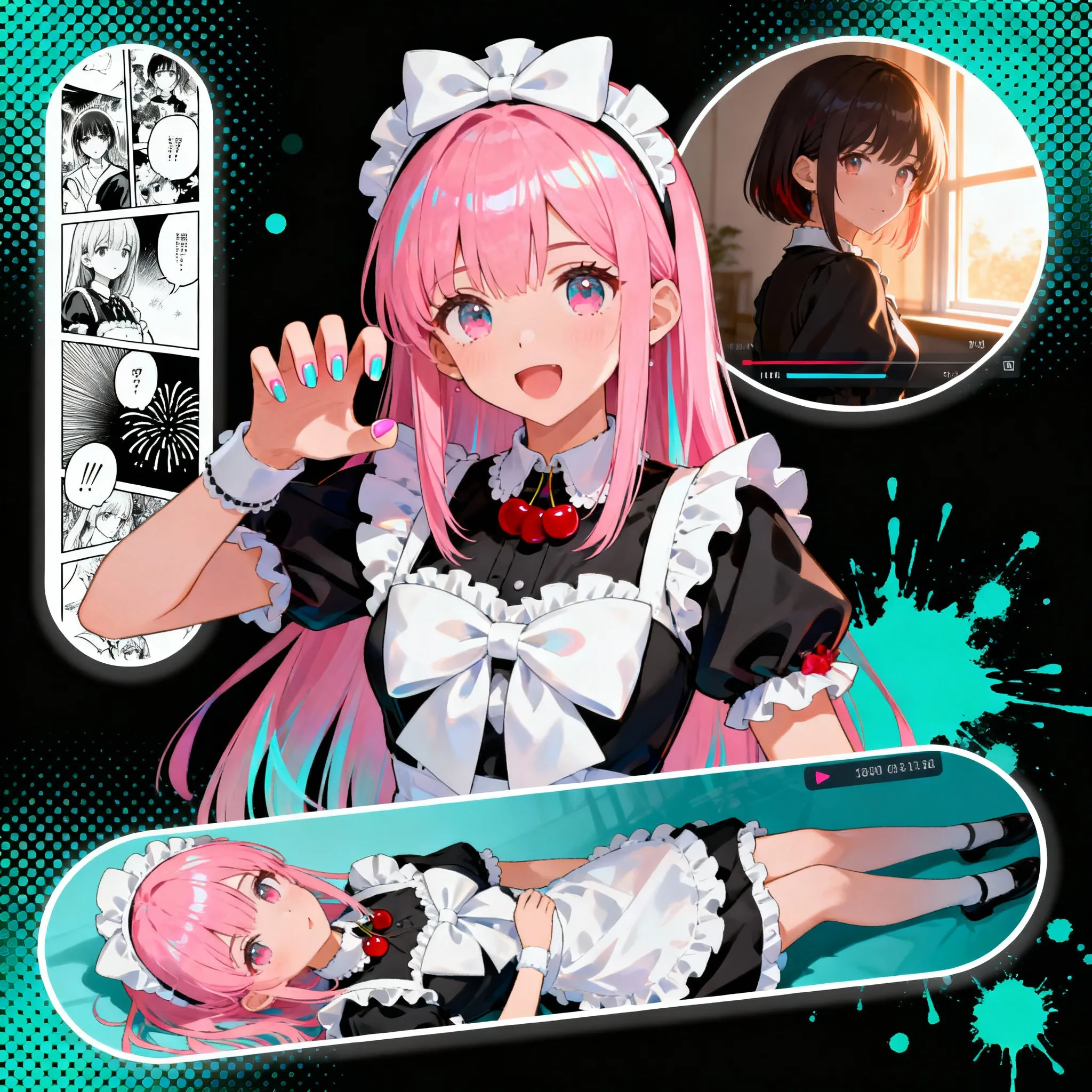
Image to Image
Guide image transformations with prompt-based image editing.
ИИ-поддержка создания иллюстраций
Загрузите изображения и примените творческие эффекты. Используйте левую панель для просмотра предустановок.
Customized
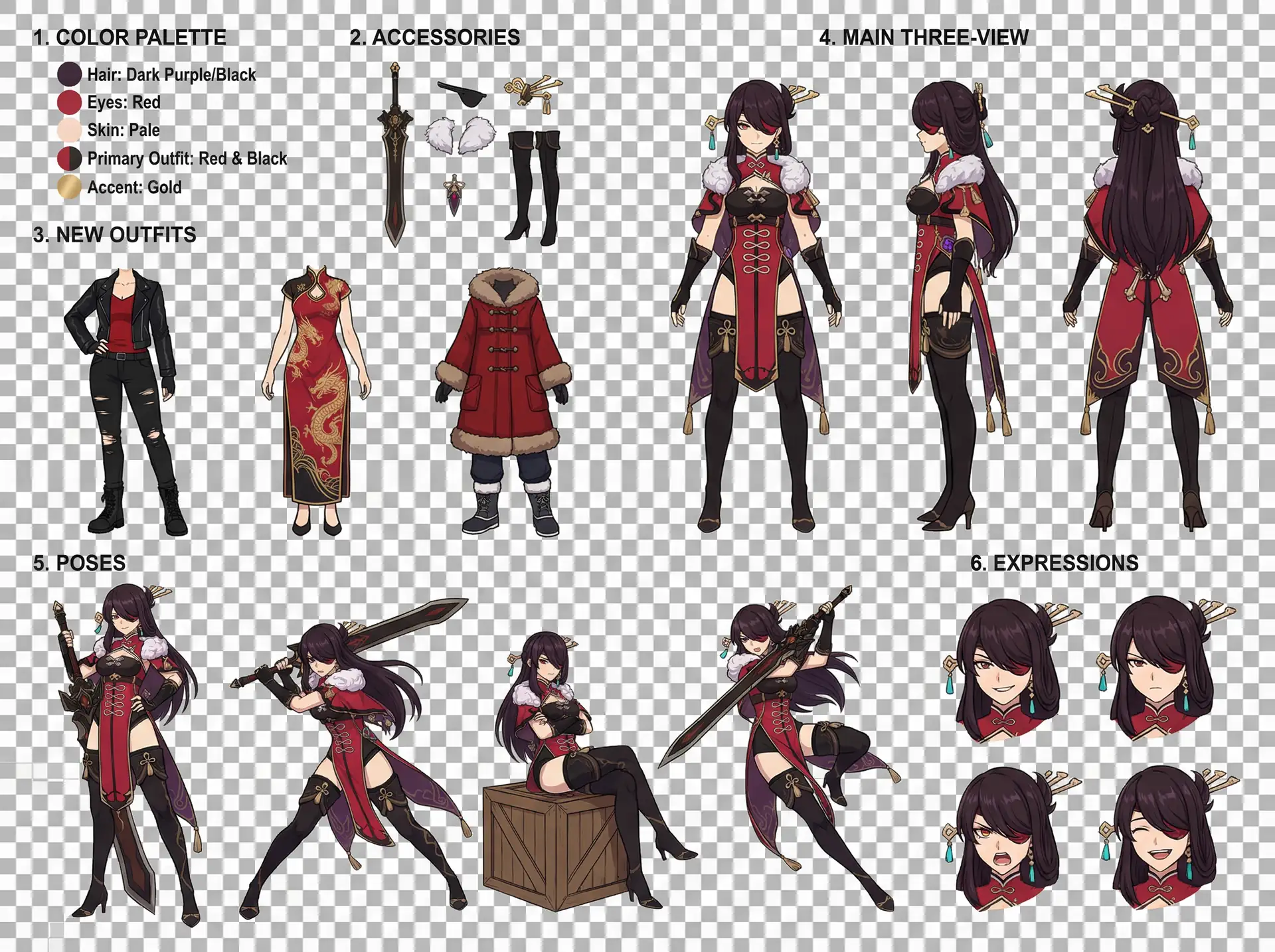
Character Design Reference Sheet
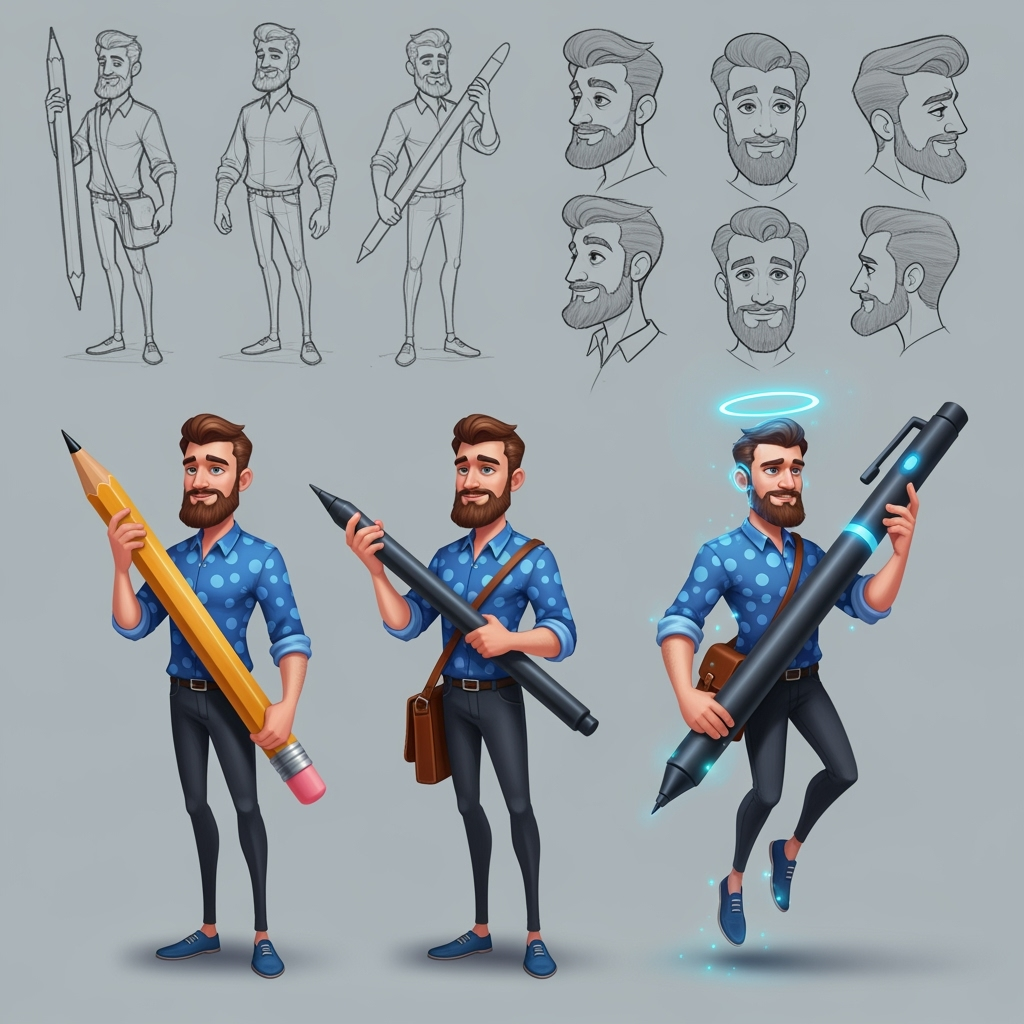
Карточка персонажа
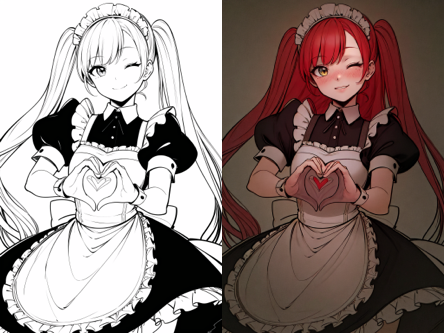
Раскраска линейного искусства
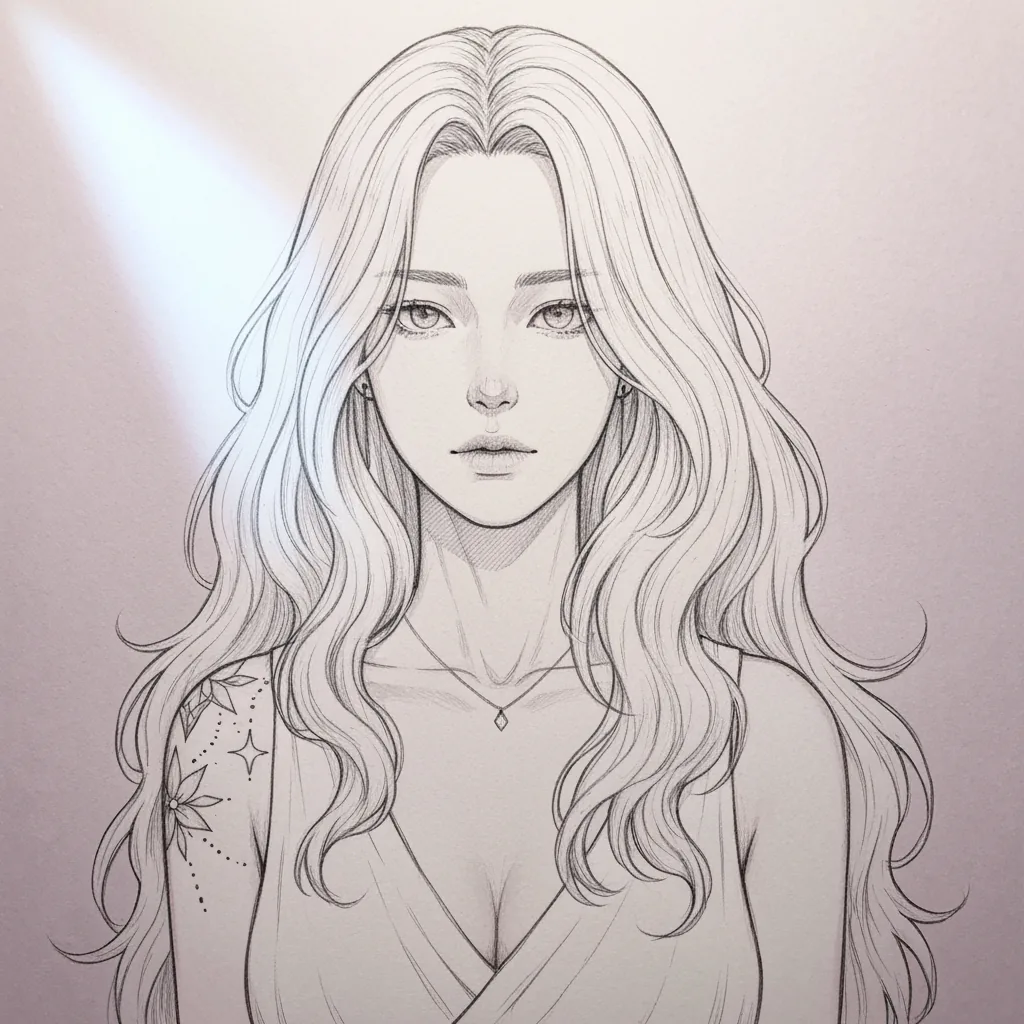
Упрощение скетча
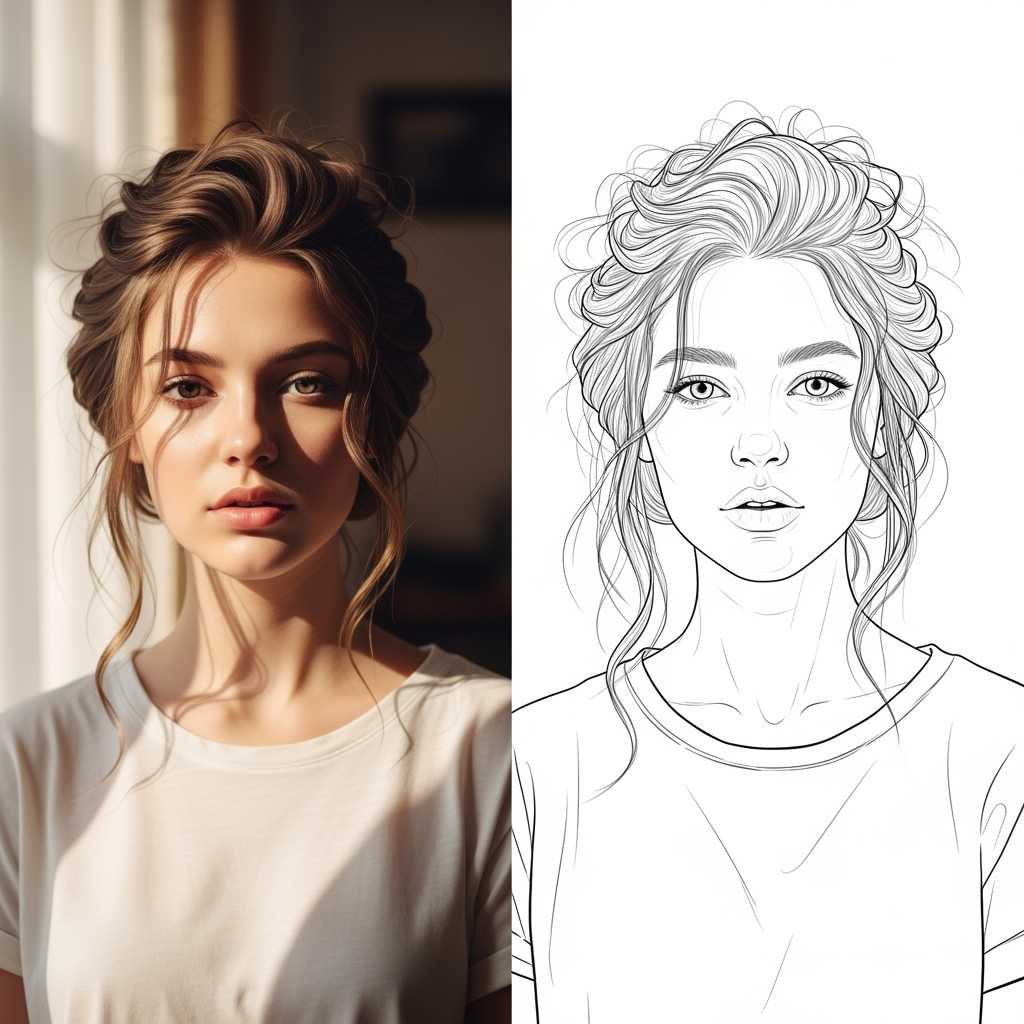
Линейный арт (ИИ)
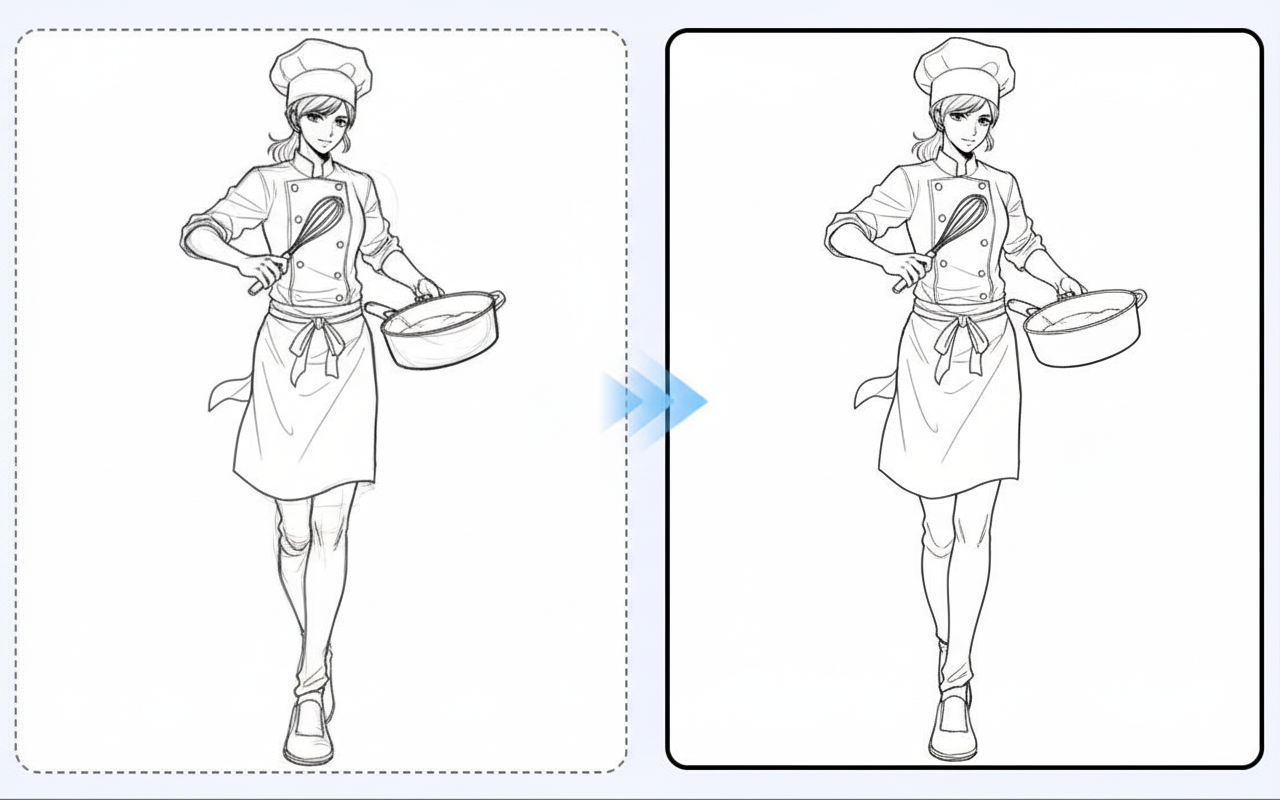
Улучшение линейного арта
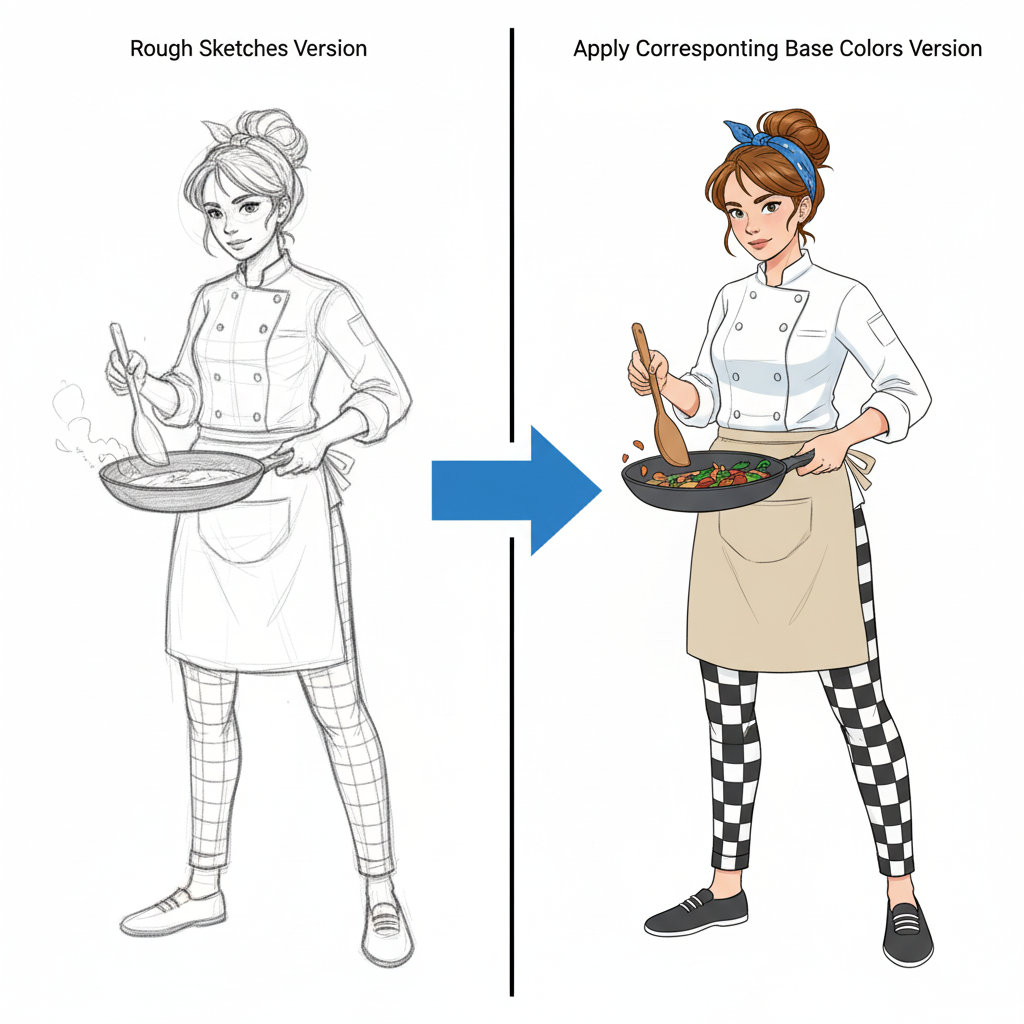
Окраска персонажа
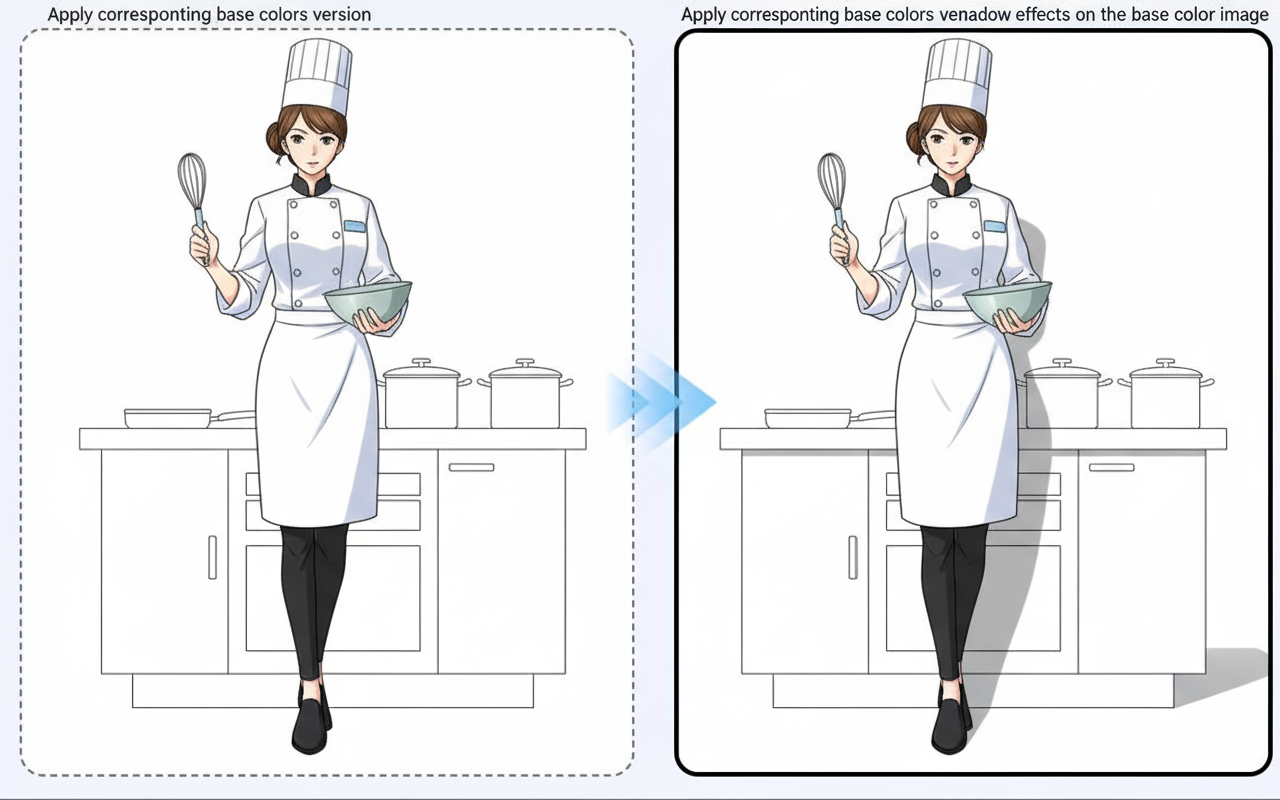
Генерация теней
Учебник
Image to Image is best when you use it to guide an uploaded image toward a new result while preserving the structure you still care about.
Step 1: Prepare the right input
Upload a strong reference image and decide which parts must stay stable in the next generation.
Step 2: Set the generation direction
Write a focused edit prompt and tune the transformation strength before rendering variations.
Step 3: Generate, review, and keep the strongest result
Compare outputs against the source and keep the one that changes the right details without losing composition.
Best results
- Describe the change, not the whole image from scratch.
- Lower transformation strength when likeness matters.
- Keep the output ratio aligned with the original image whenever possible.