Photo to Sketch
Turn photo into coloring page
1
Choose type of coloring page
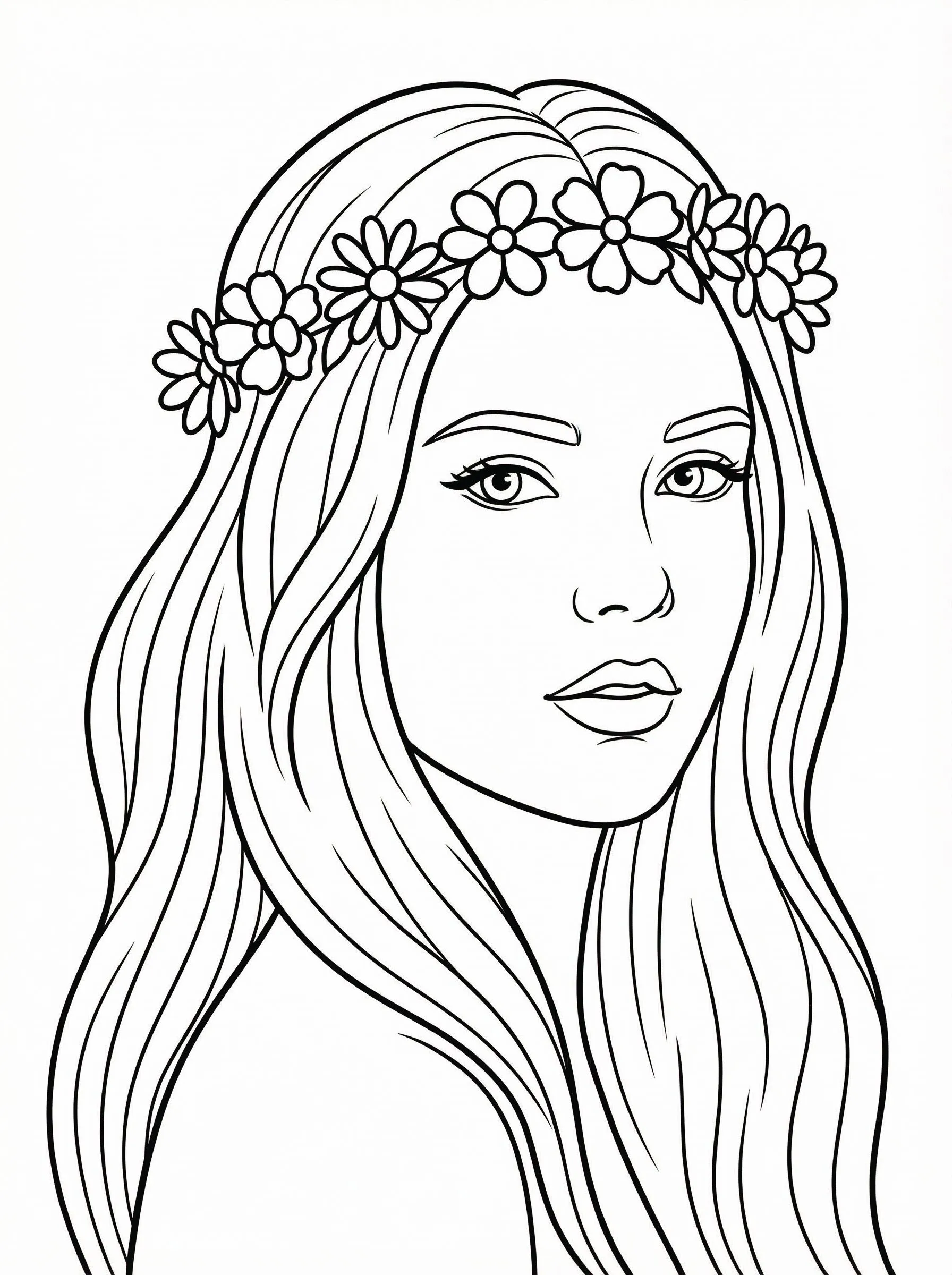
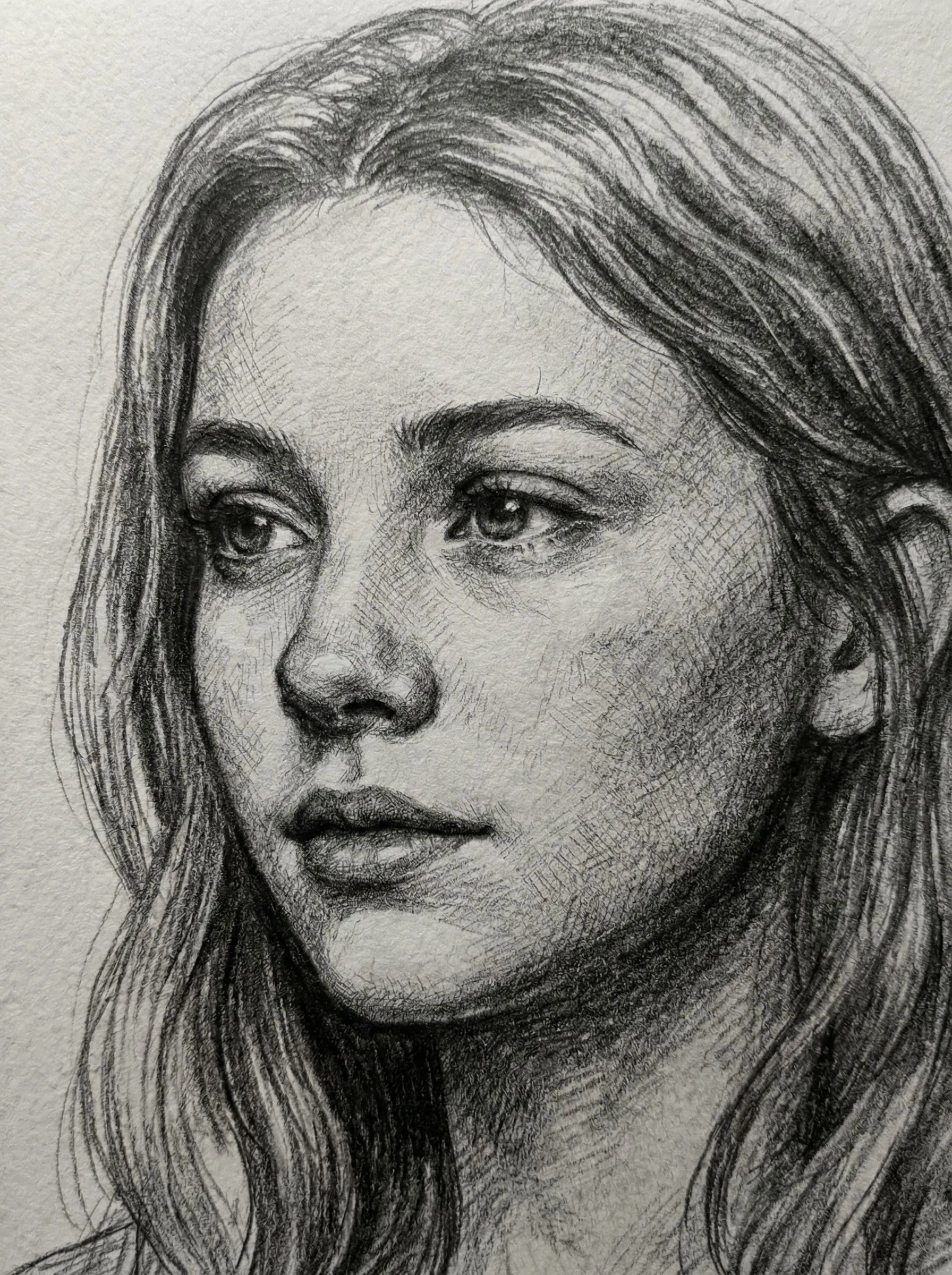
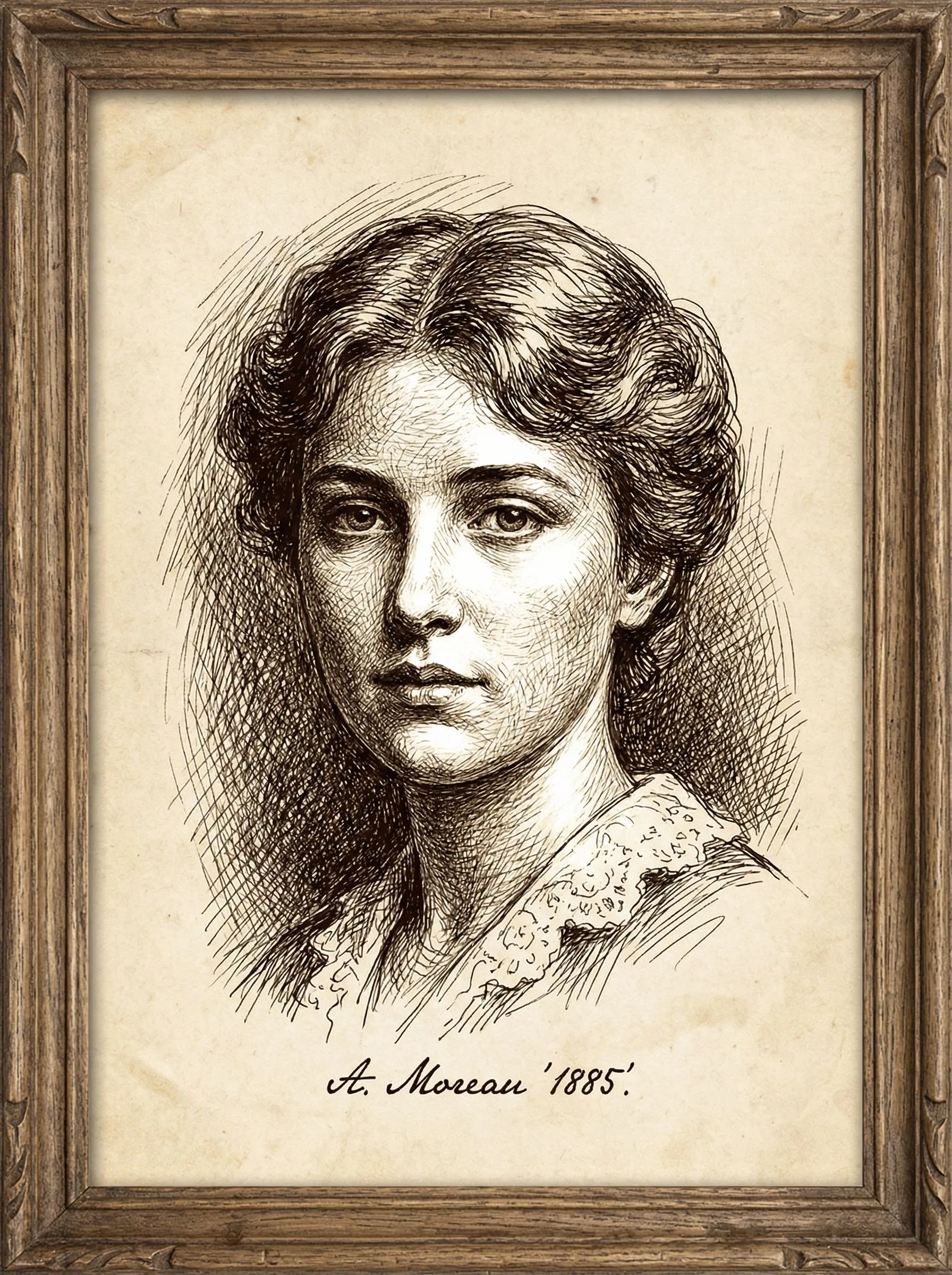
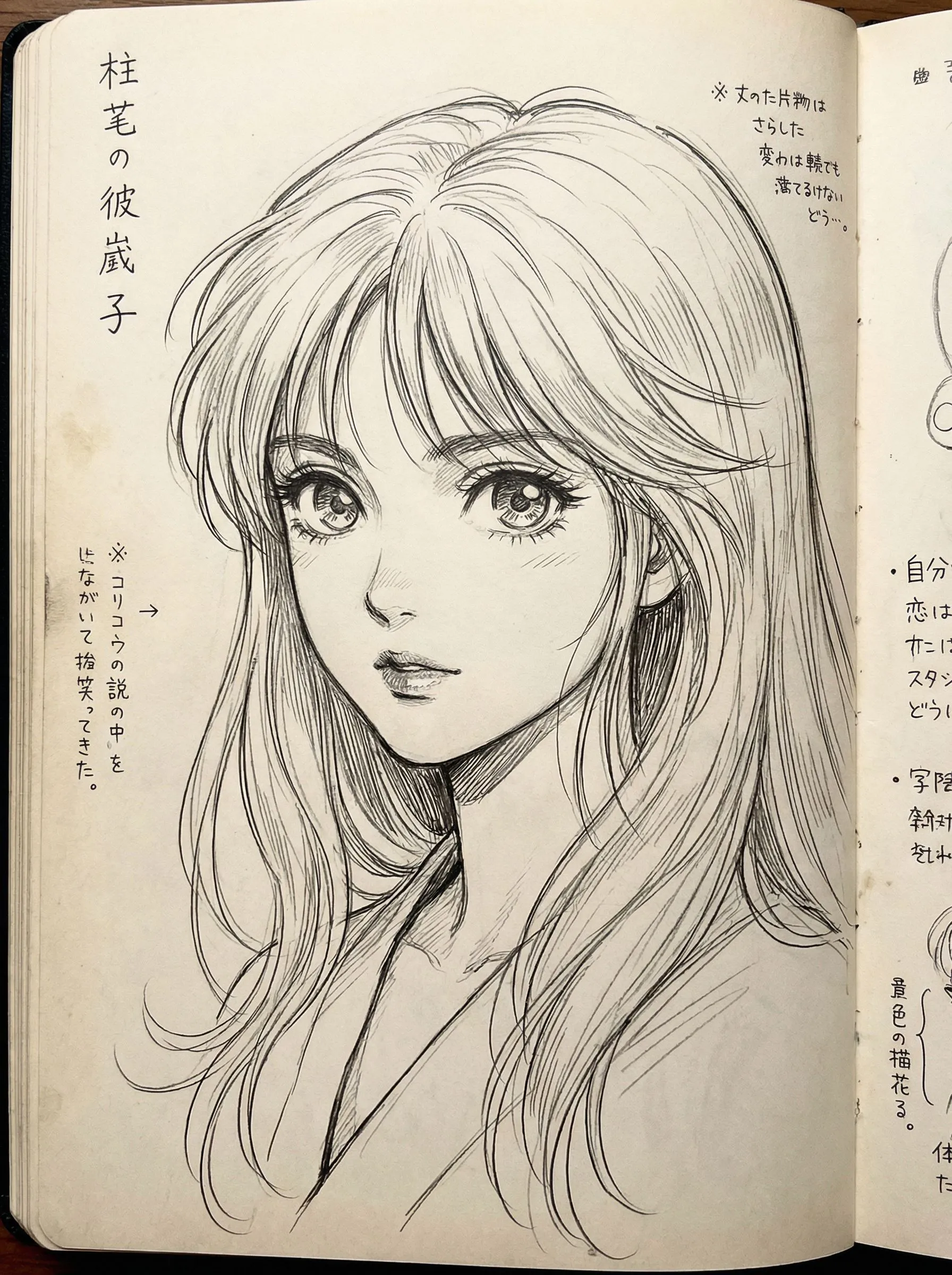
2
Загрузите ваше изображение
Нажмите для загрузки или перетащите изображение сюдаJPG, PNG, WEBP | Max 10MB
3
Выберите модель
Будет списано 300 кредитов
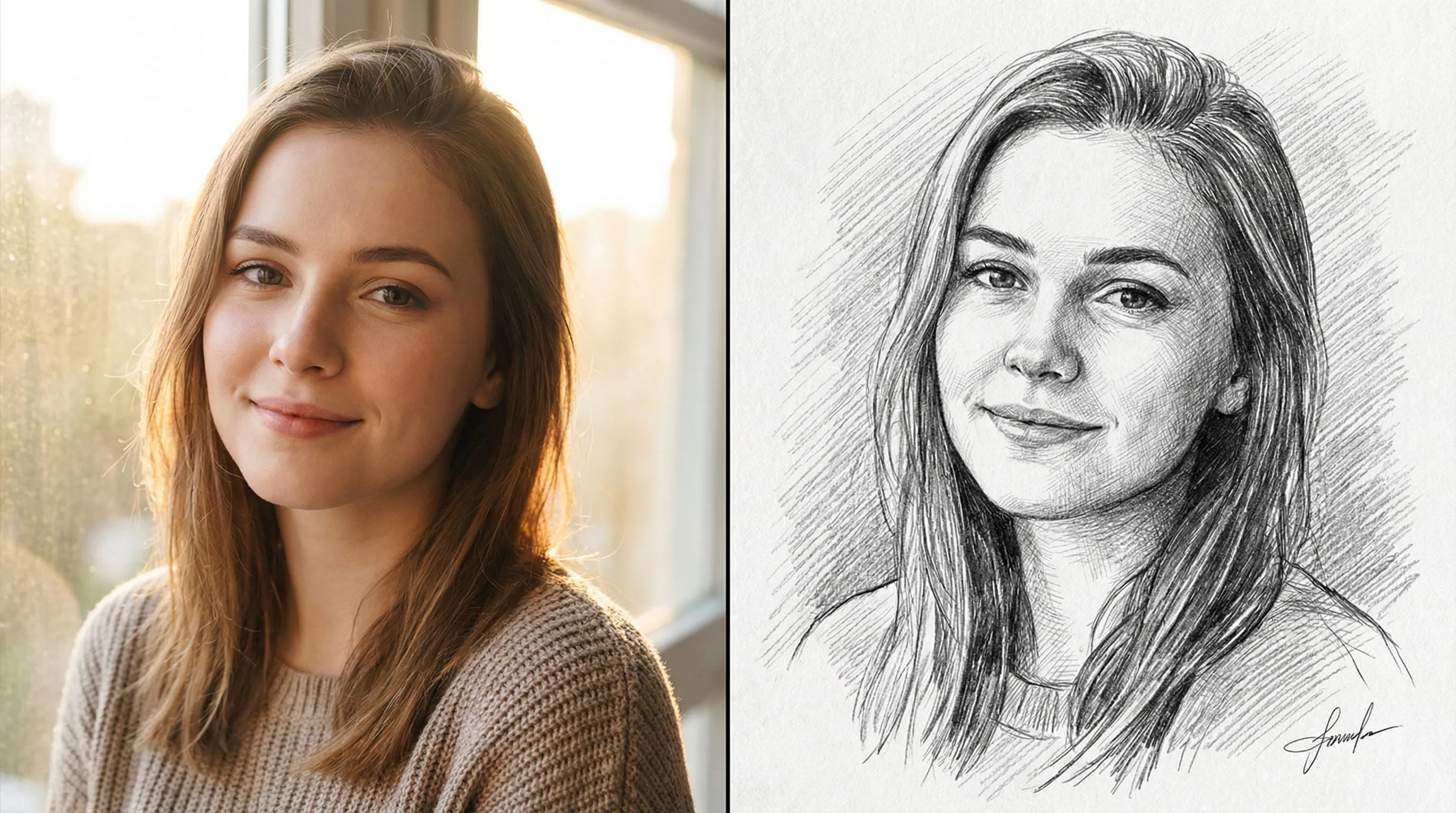
Нет идей? Попробуйте наши готовые шаблоны для начала






Учебник
Photo to Sketch is best when you use it to turn portraits or reference images into clean sketch, line-art, or coloring-page outputs.
Step 1: Prepare the right input
Use a sharp reference photo with clear edges around the main subject.
Step 2: Set the generation direction
Choose the sketch style and model that fit whether you want soft pencil, hard ink, or coloring-page lines.
Step 3: Generate, review, and keep the strongest result
Compare line density and facial clarity, then keep the result that is easiest to edit or print.
Best results
- Remove cluttered backgrounds before generating a coloring page.
- Use softer styles when you still want shading information.
- Check line thickness around eyes and mouth before exporting.