AI Badge Generator
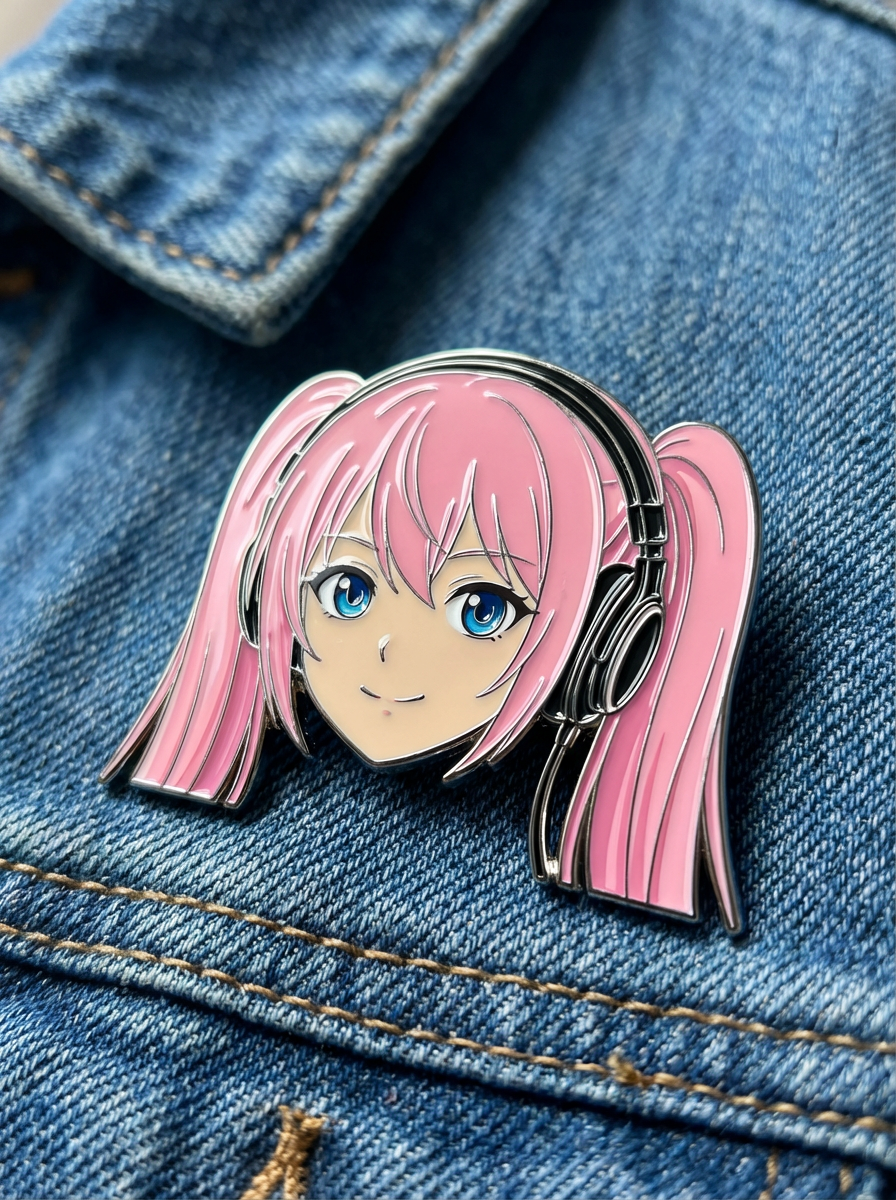
Turn portraits and characters into badge-like merch visuals.
Upload reference images
Reference 1
Preset characters
Click preset characters to fill reference slots in order.
Target: Reference 1
Choose preset
Add extra details
Set output and generate
Aspect ratio
Model
Tutorial
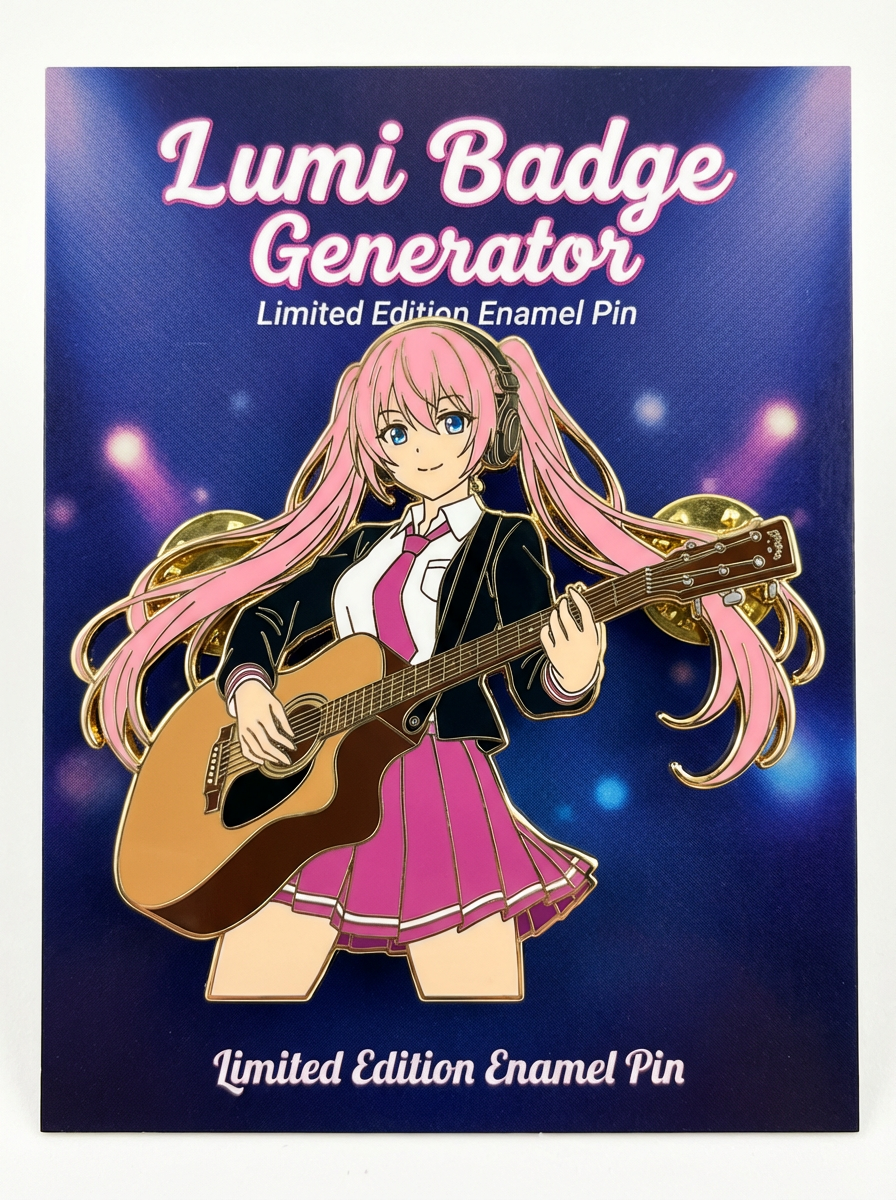
Follow the suggested workflow, then use the example outputs as visual references.
Upload the image
Use a clean portrait, mascot, or character crop that can sit comfortably inside a badge boundary.
Choose the badge style
Set whether the output should feel like a collectible pin, a glossy social icon, or a merch proof.
Generate the cleanest badge read
Keep the version with the clearest face crop, border, and icon readability.
AI Badge Generator results will appear here
Upload your references, set the look, and generate.
Udhëzues
AI Badge Generator is best when you want a compact merch or profile-badge treatment from an existing image.
Step 1: Prepare the right input
Upload one clean portrait or mascot image.
Step 2: Set the generation direction
Describe the badge border, finish, and icon style.
Step 3: Generate, review, and keep the strongest result
Keep the version with the clearest badge readability.