Upgrade for more reliable board extraction and larger review batches.
Sketch Desk
Drop in your boards like pages on a storyboard desk.
Start with a rough worksheet, a scanned hand-drawn page, or a clean PDF export. We will turn it into review-ready shots without losing the analog feel.
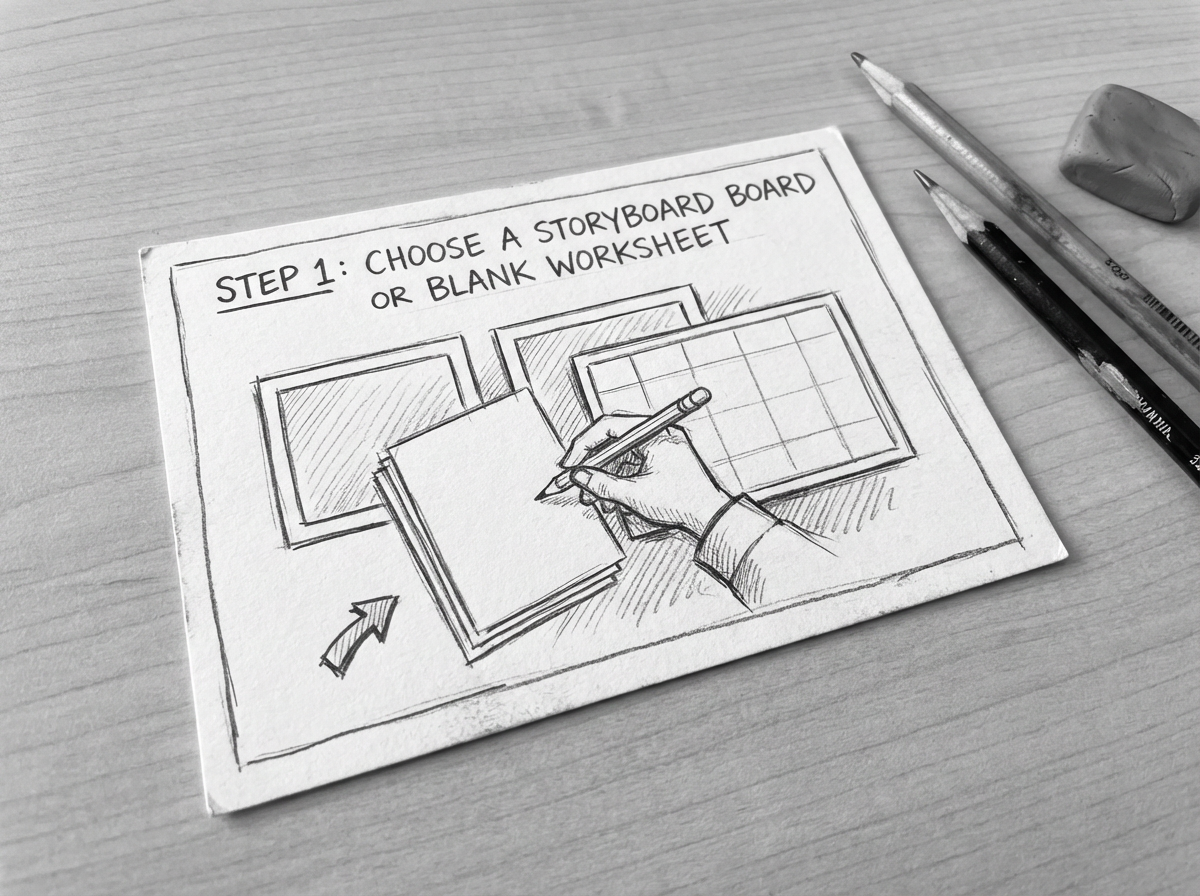
1. Pick or upload a board
Start from a blank storyboard worksheet or a rough hand-drawn previz board.
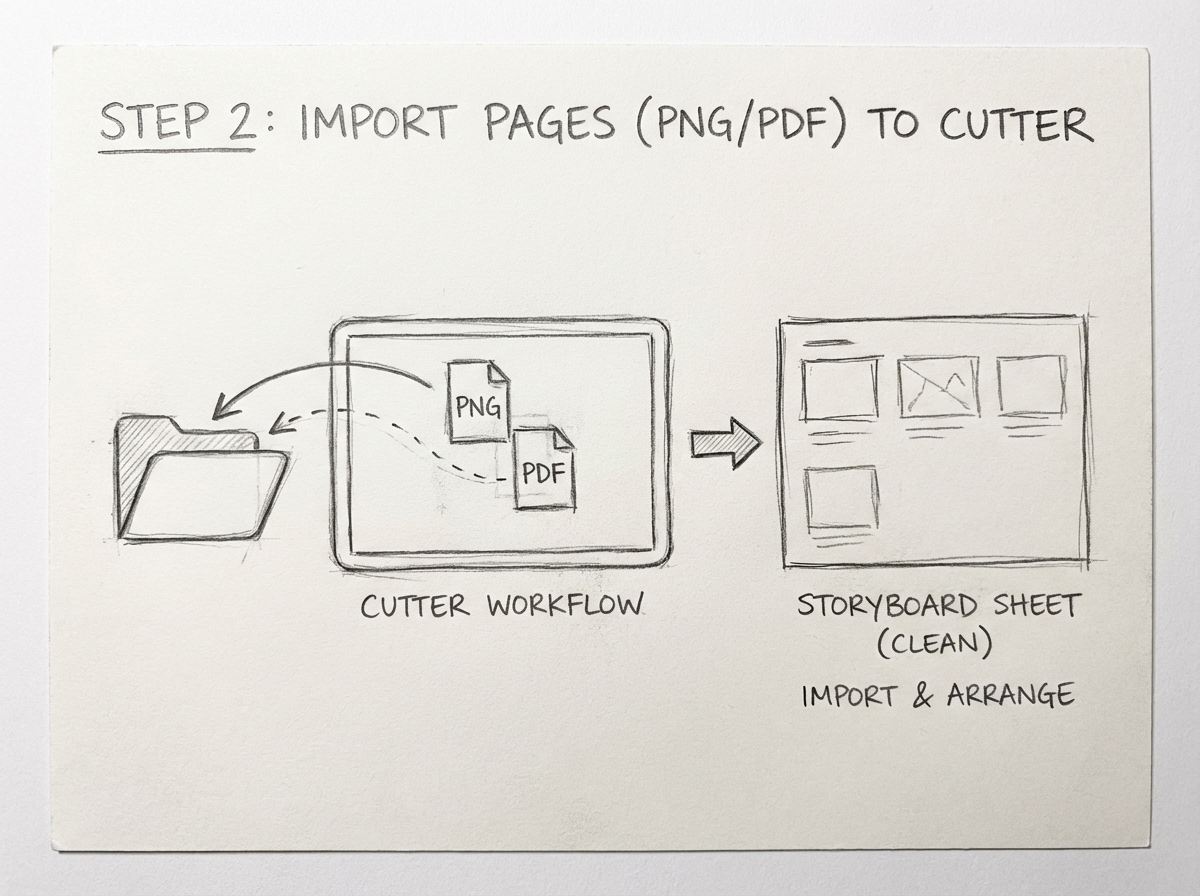
2. Import PNG or PDF
Bring in storyboard boards as PNG or PDF and line them up for shot extraction.
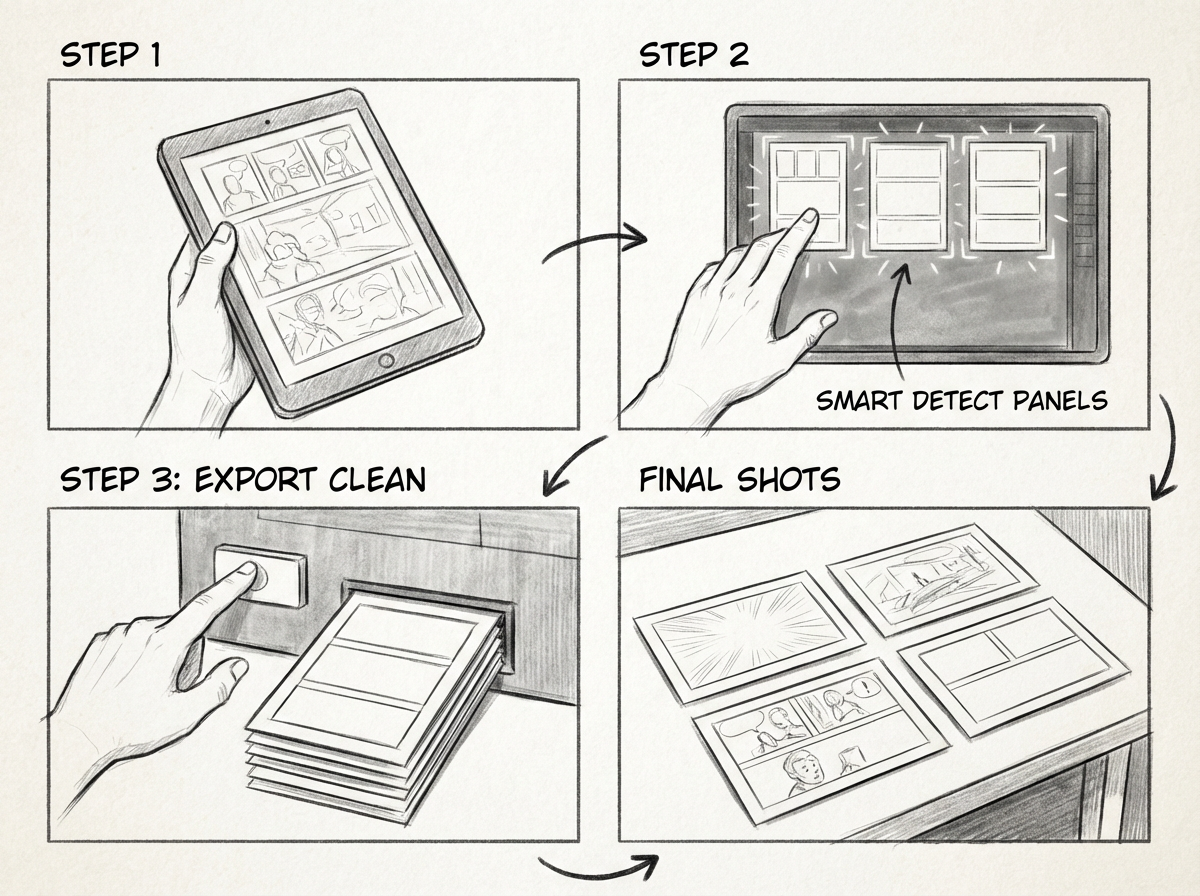
3. Run Smart detect
Extract usable shots, review the sequence, and export a clean ZIP for editorial or client handoff.
Upload, drag, or paste storyboard boards here to begin.Tip: copy a screenshot from Canva, Milanote, Boords, or Google Slides, then press Cmd/Ctrl+V.