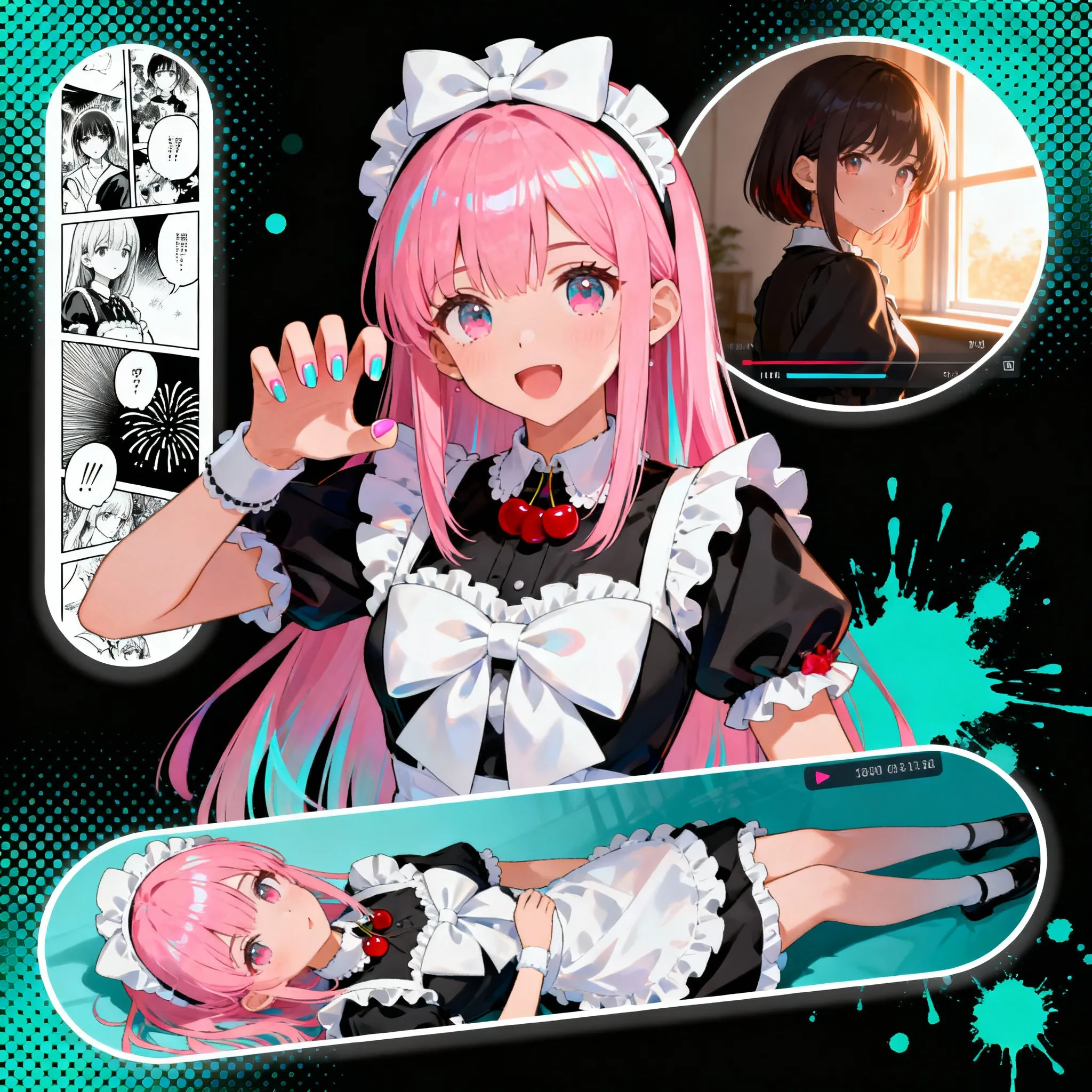
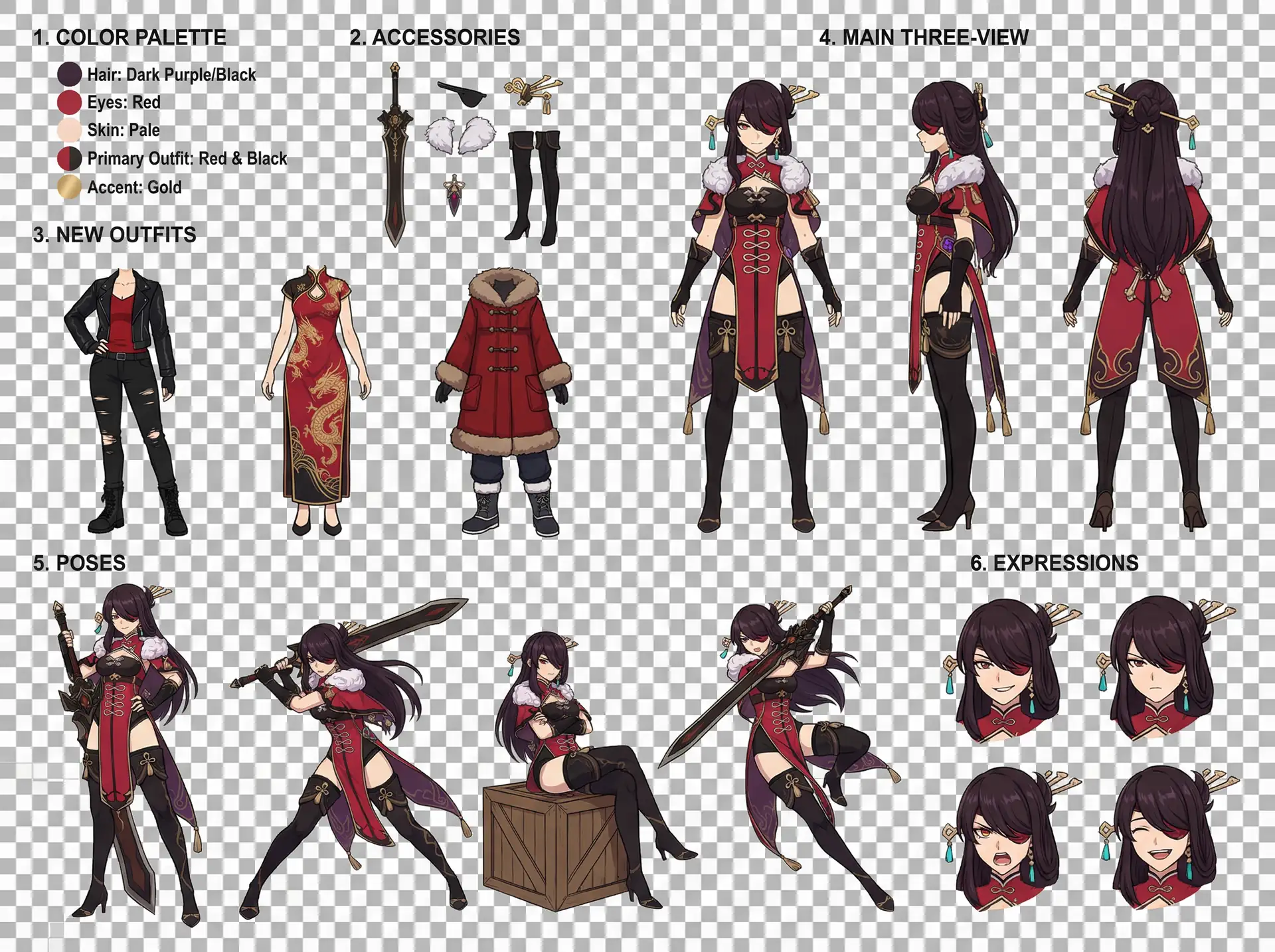
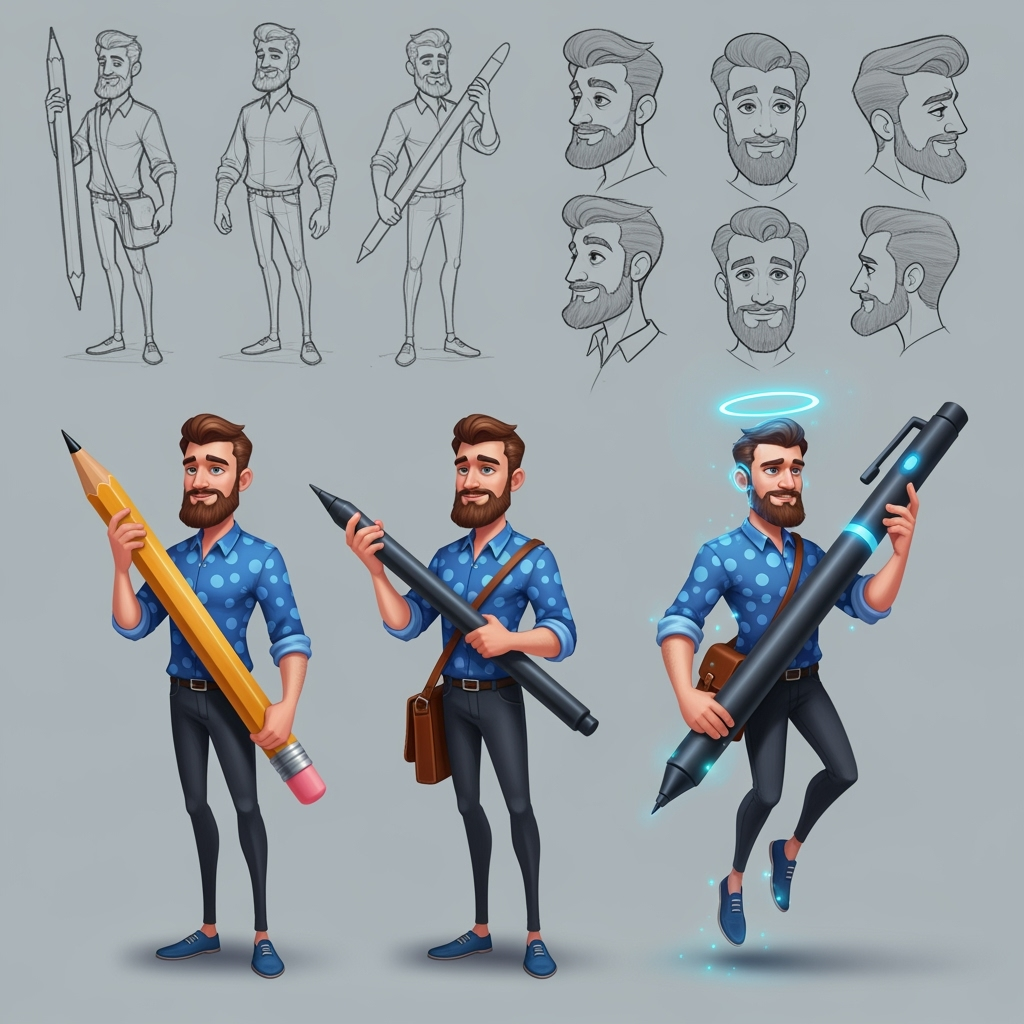
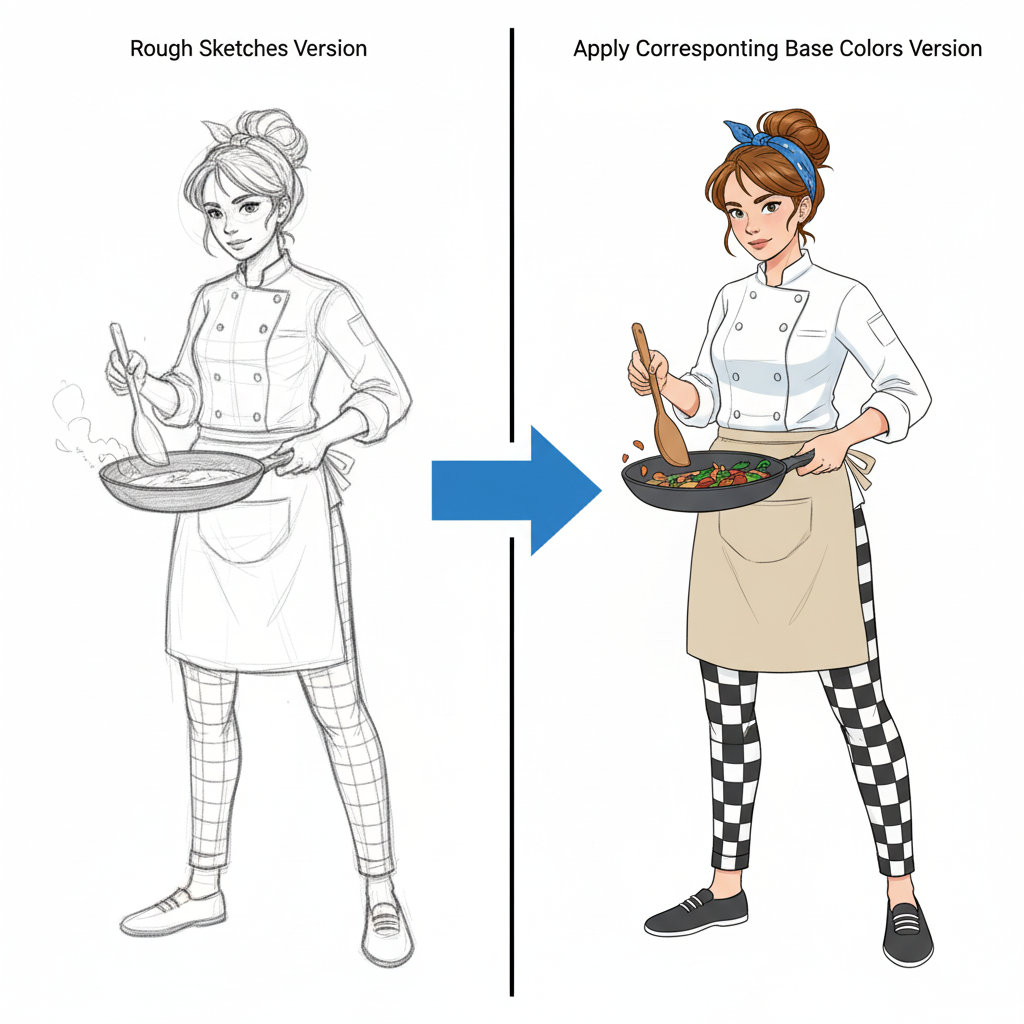
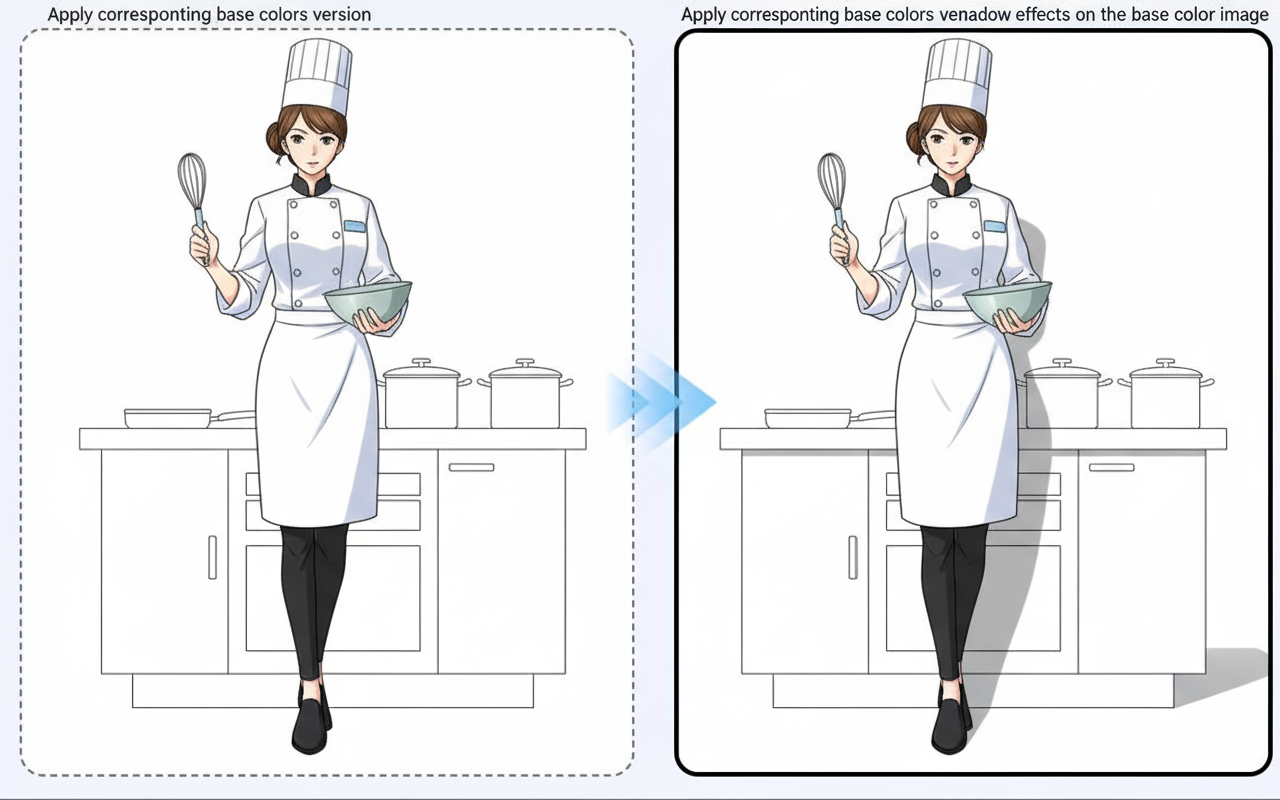
Image to Image
Guide image transformations with prompt-based image editing.
Guide
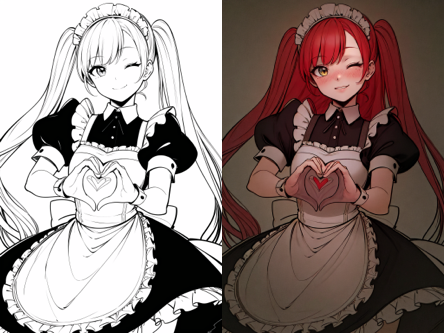
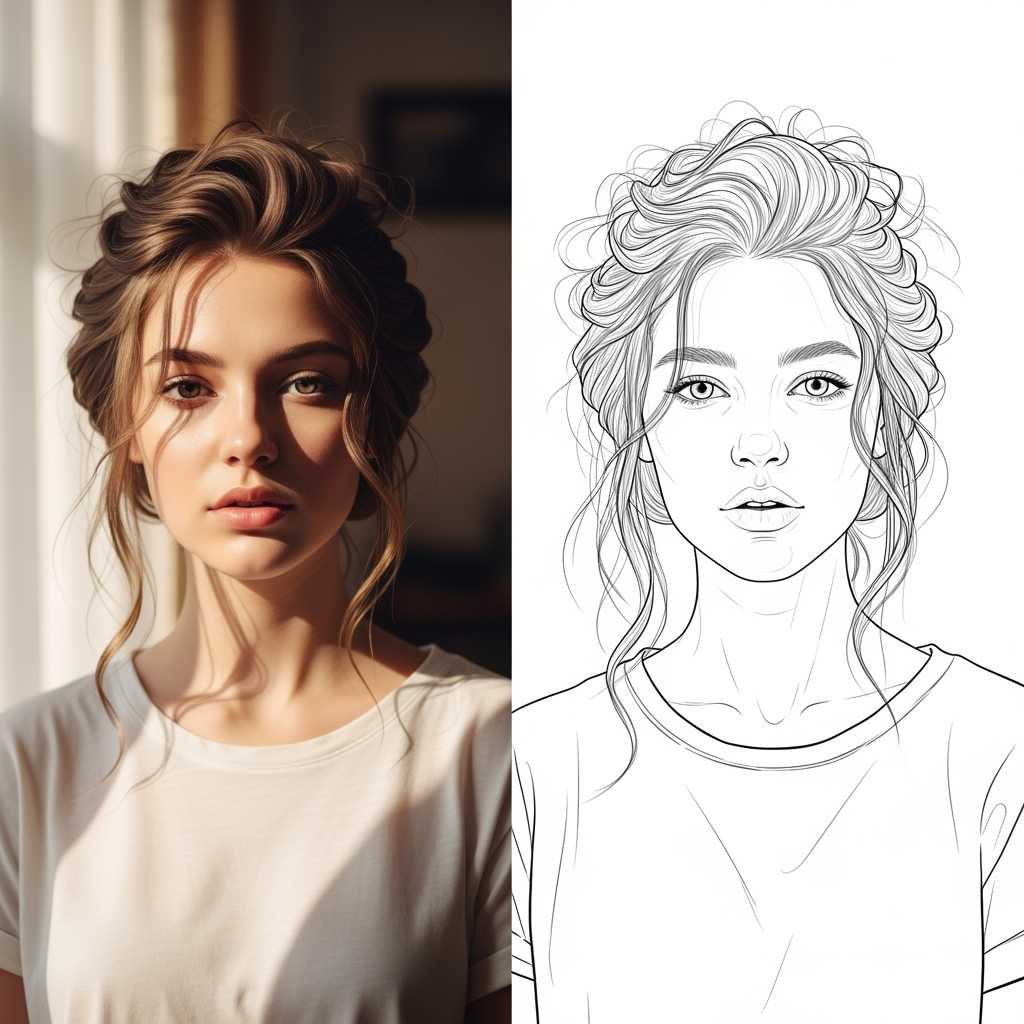
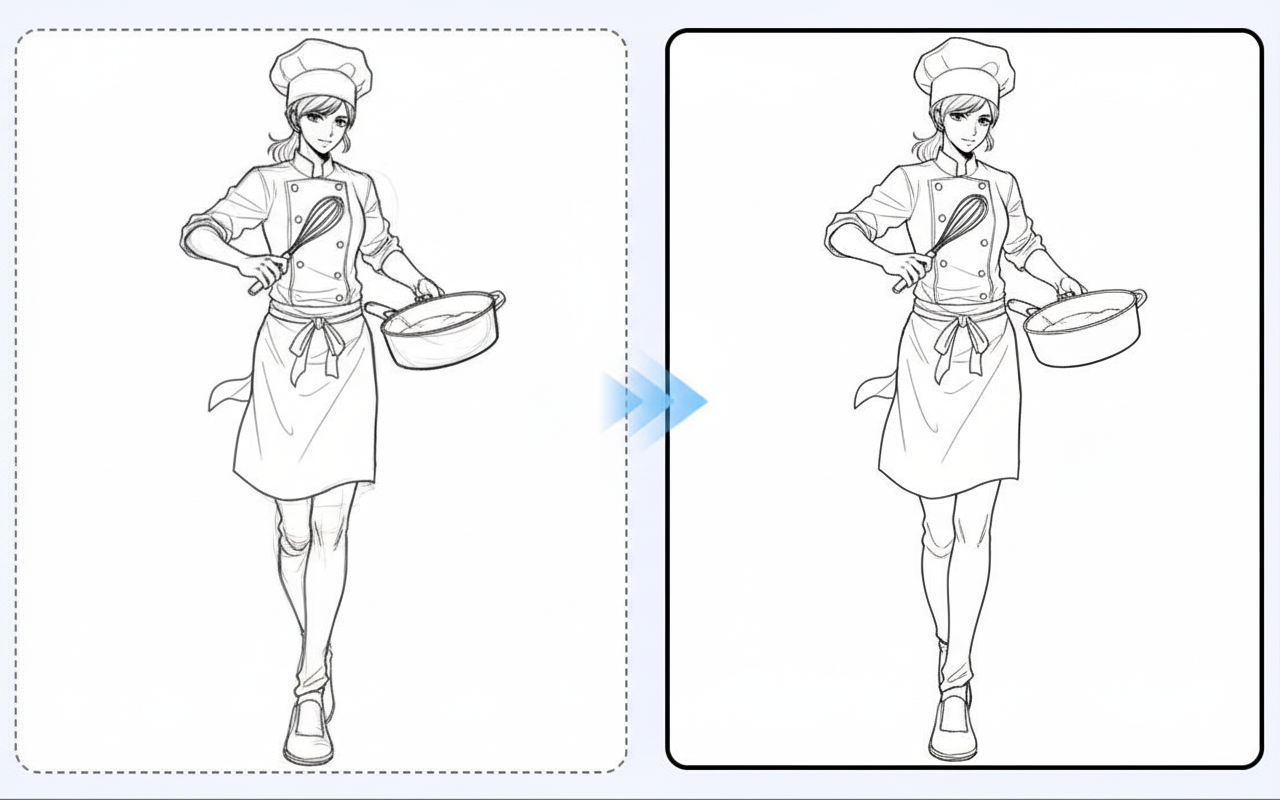
Image to Image is best when you use it to guide an uploaded image toward a new result while preserving the structure you still care about.
Step 1: Prepare the right input
Upload a strong reference image and decide which parts must stay stable in the next generation.
Step 2: Set the generation direction
Write a focused edit prompt and tune the transformation strength before rendering variations.
Step 3: Generate, review, and keep the strongest result
Compare outputs against the source and keep the one that changes the right details without losing composition.
Best results
- Describe the change, not the whole image from scratch.
- Lower transformation strength when likeness matters.
- Keep the output ratio aligned with the original image whenever possible.