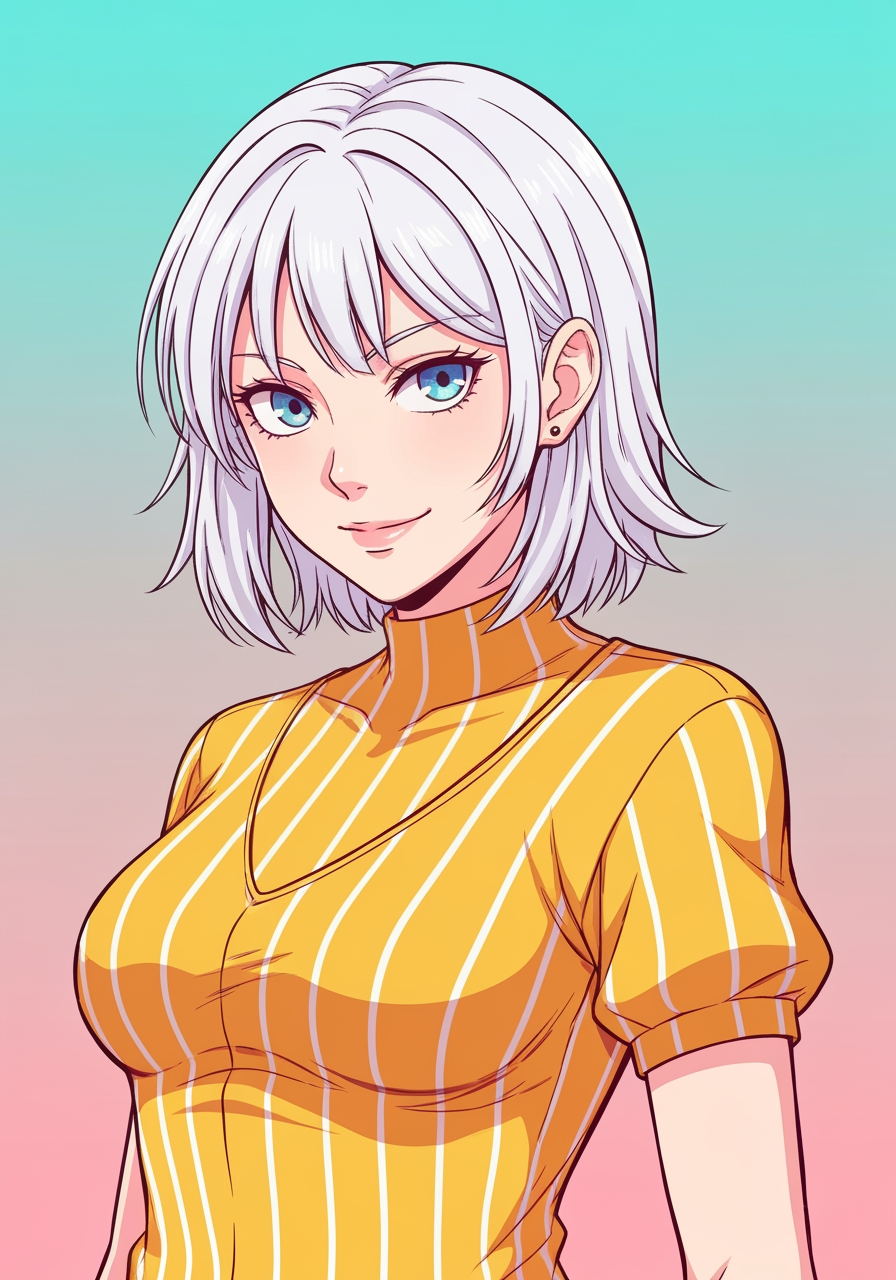
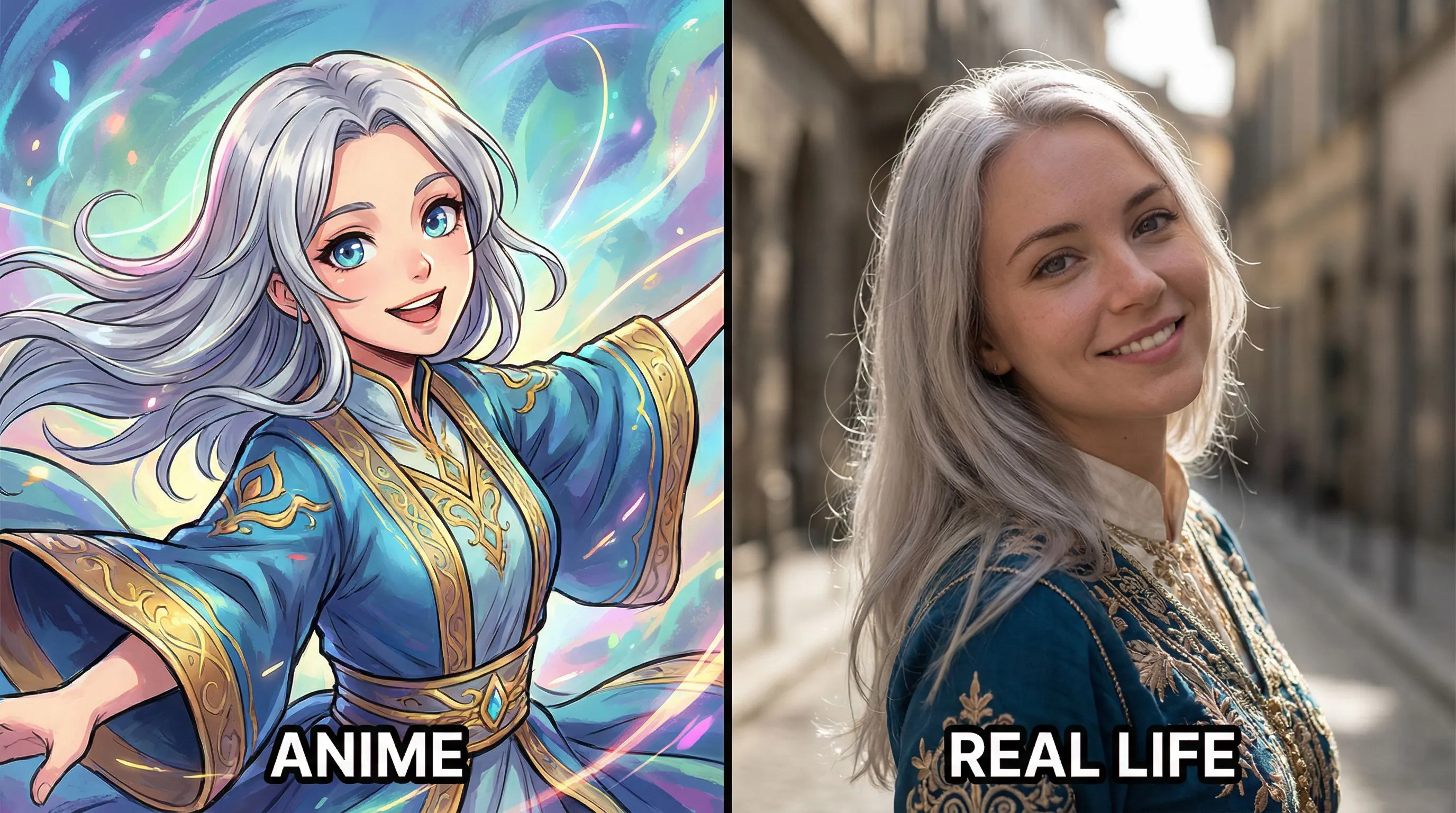
Anime to Real Life
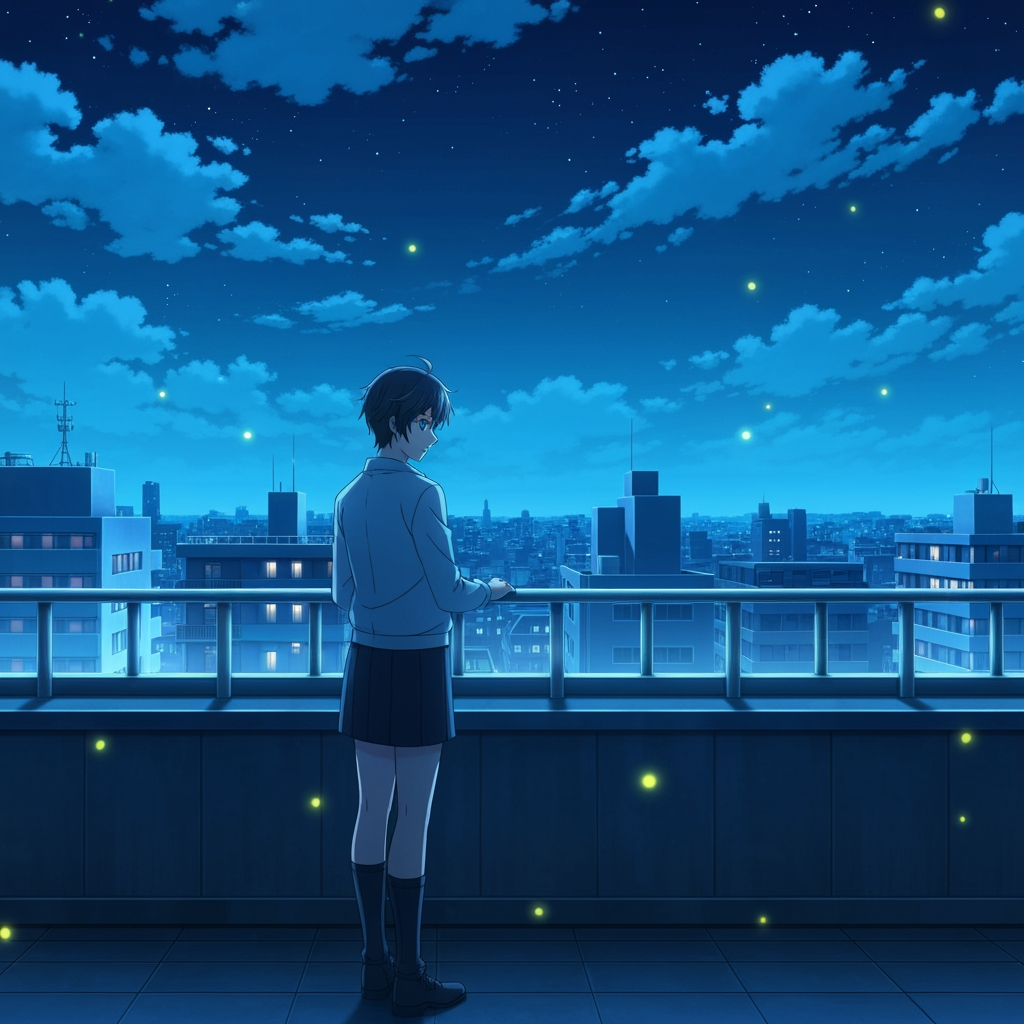
Turn anime image into photorealistic
1
I-upload ang Iyong Imahe
I-click para mag-upload o i-drag ang imahe ditoJPG, PNG, WEBP | Max 10MB
2
Pumili ng Modelo
150 credits will be charged
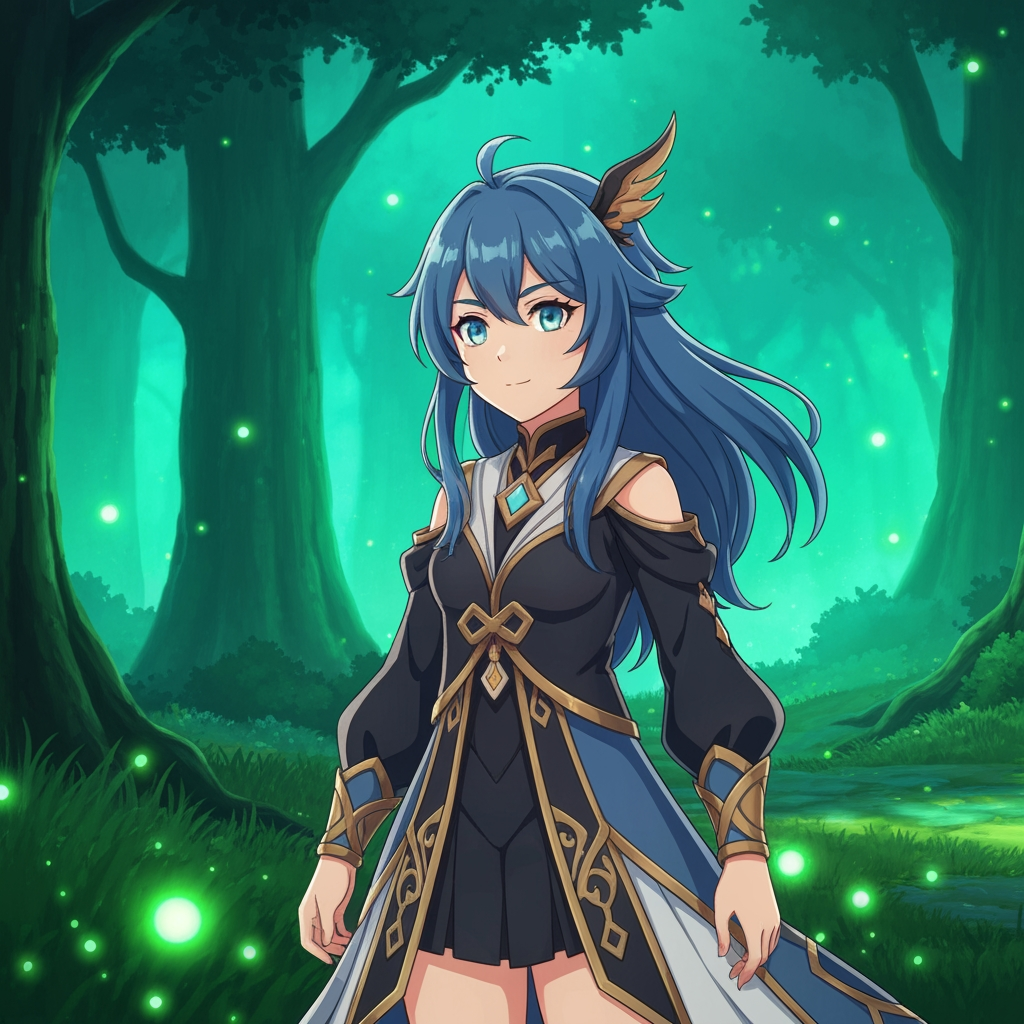
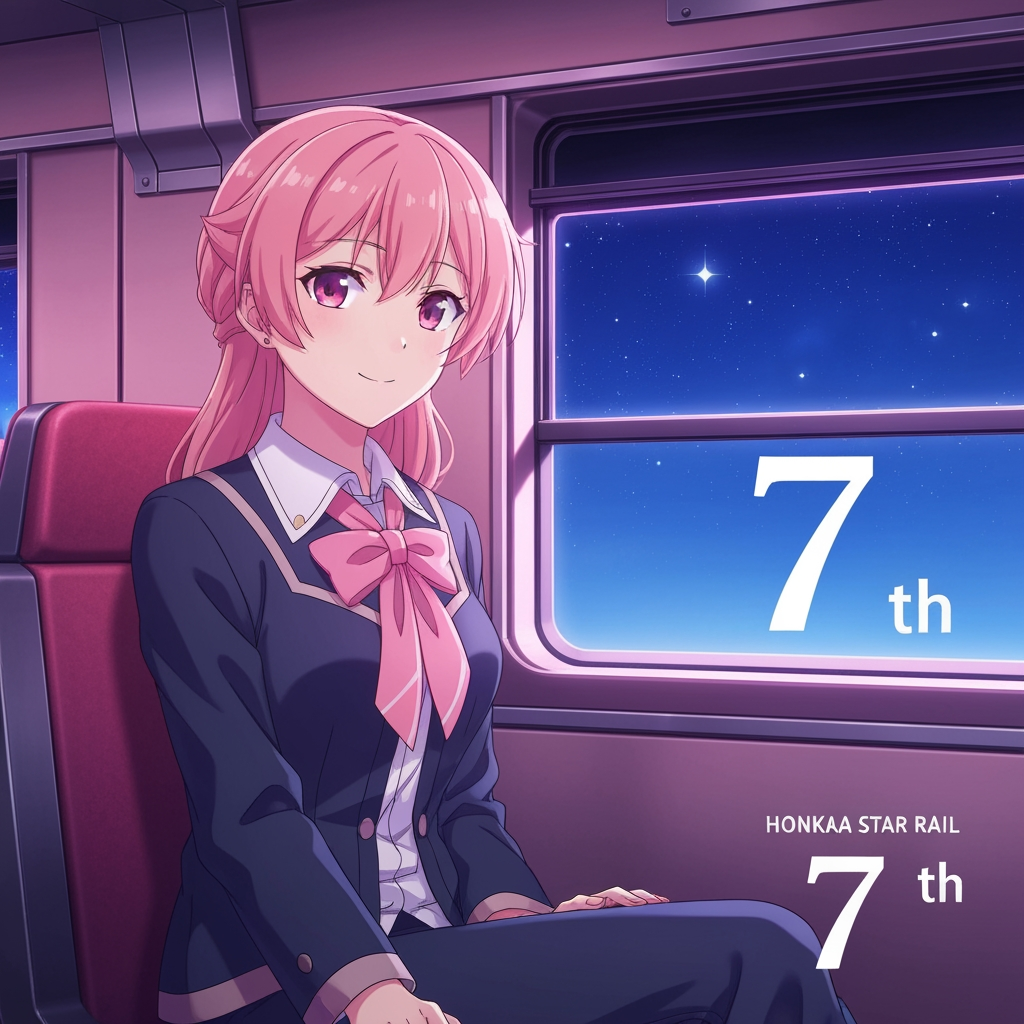
Wala pang ideya? Subukan ang aming Mga Preset Template para Makapagsimula



Tutorial
Anime to Real Life is best when you use it to convert stylized anime art into a more photoreal portrait while keeping character identity.
Step 1: Prepare the right input
Upload a clean anime reference where the face, hair, and costume are easy to read.
Step 2: Set the generation direction
Choose the model and realism direction that best preserve the original silhouette and accessories.
Step 3: Generate, review, and keep the strongest result
Generate a few passes, compare likeness retention, and keep the version that feels realistic without losing the character.
Best results
- Front-facing references usually preserve facial structure better.
- Keep the background simple when identity matters most.
- Mention signature accessories if they should survive the conversion.