Sticker Box
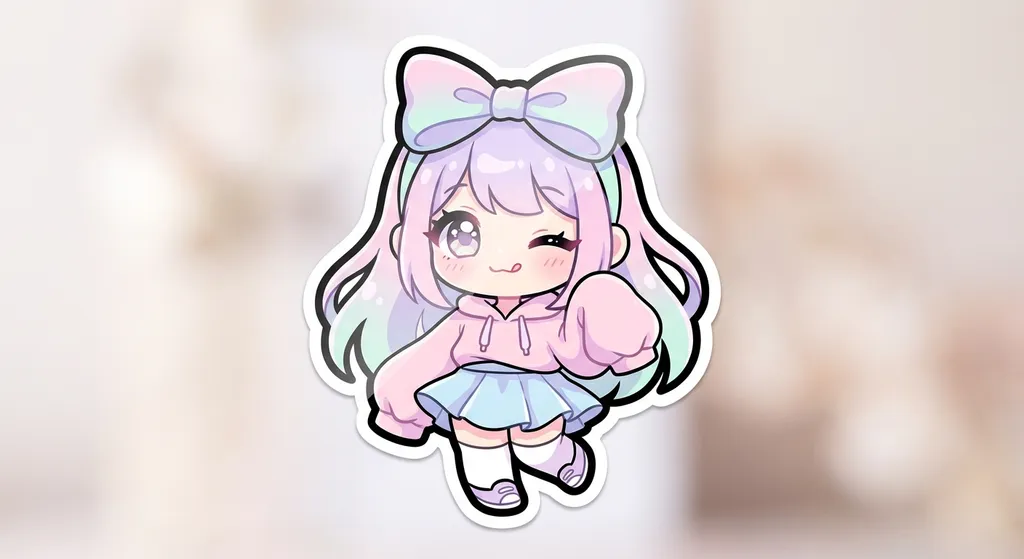
Create your own adorable chibi characters and turn them into cute stickers!
Tutorial
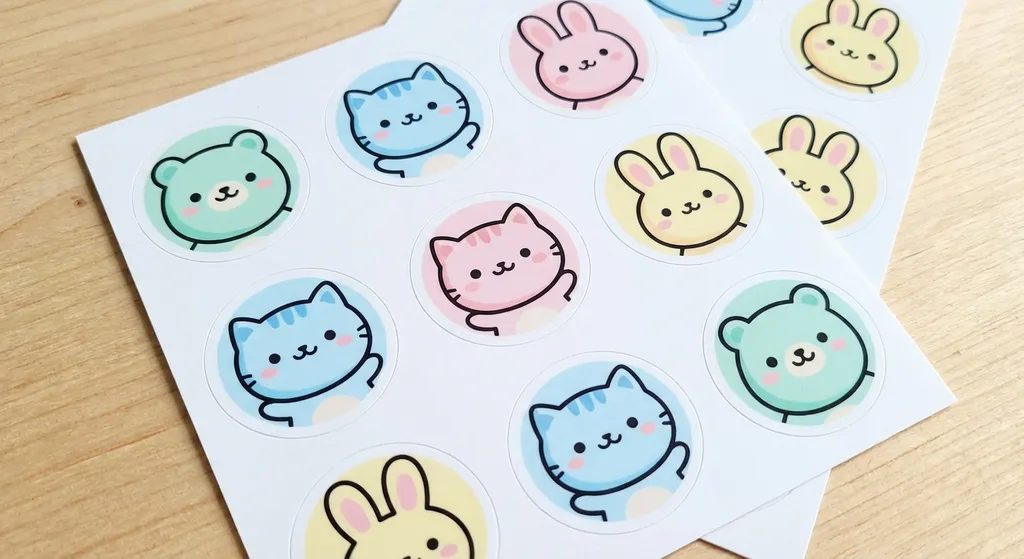
Sticker Box is best when you use it to turn a subject into sticker-style cutouts with clean outlines and export-ready framing.
Step 1: Prepare the right input
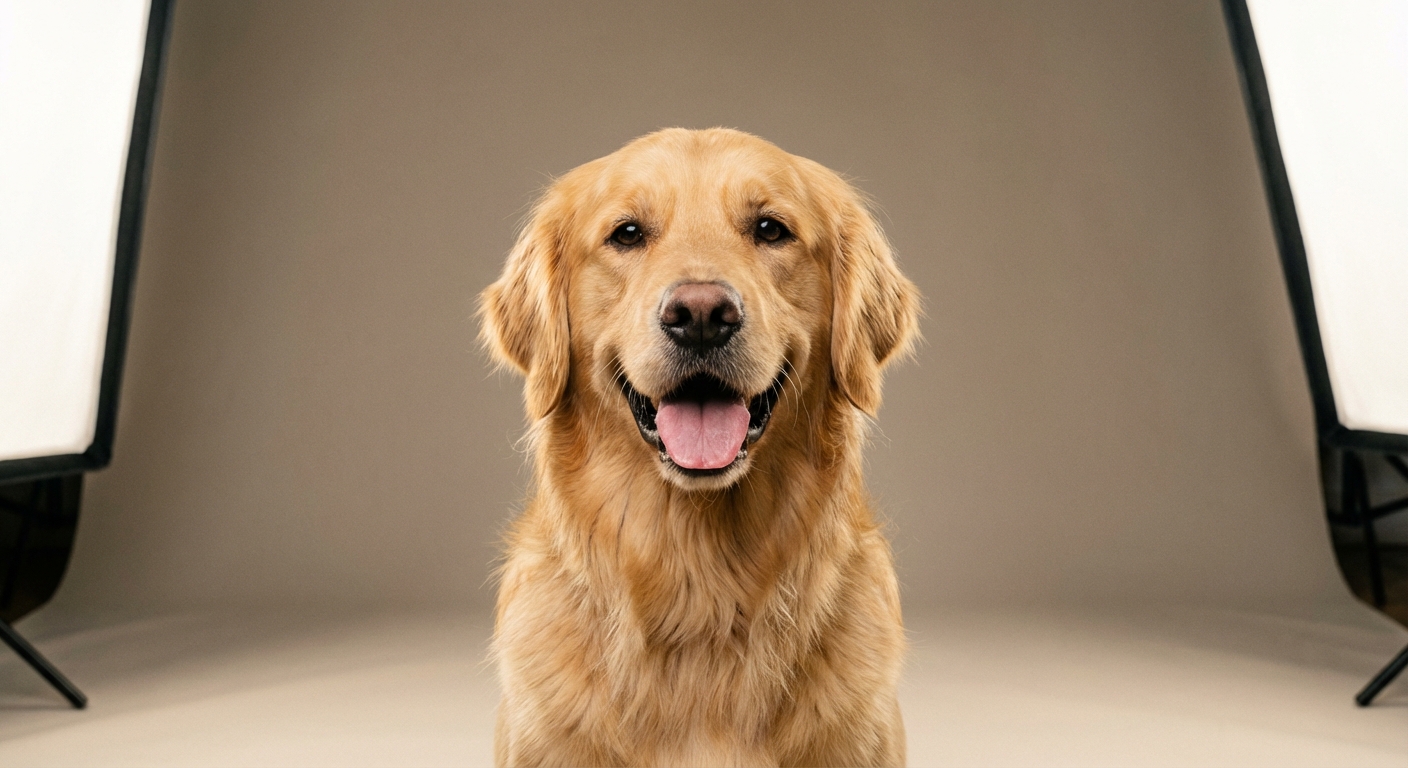
Upload a portrait or pet image with a clear subject and minimal background clutter.
Step 2: Set the generation direction
Choose the sticker style, cutout treatment, and any prompt keywords that should influence the look.
Step 3: Generate, review, and keep the strongest result
Generate several outputs, compare edge cleanup and expression clarity, then export the sheet that reads best at small size.
Best results
- Close-up portraits usually make better sticker silhouettes.
- Use simple prompts if you want a clean merch-style result.
- Check the outer contour before accepting the final version.