AI Galgame UI Generator
Create visual-novel style screens from a character reference.
Upload reference images
Reference 1
Preset characters
Click preset characters to fill reference slots in order.
Target: Reference 1
Choose preset
Add extra details
Set output and generate
Aspect ratio
Model
Tutorial
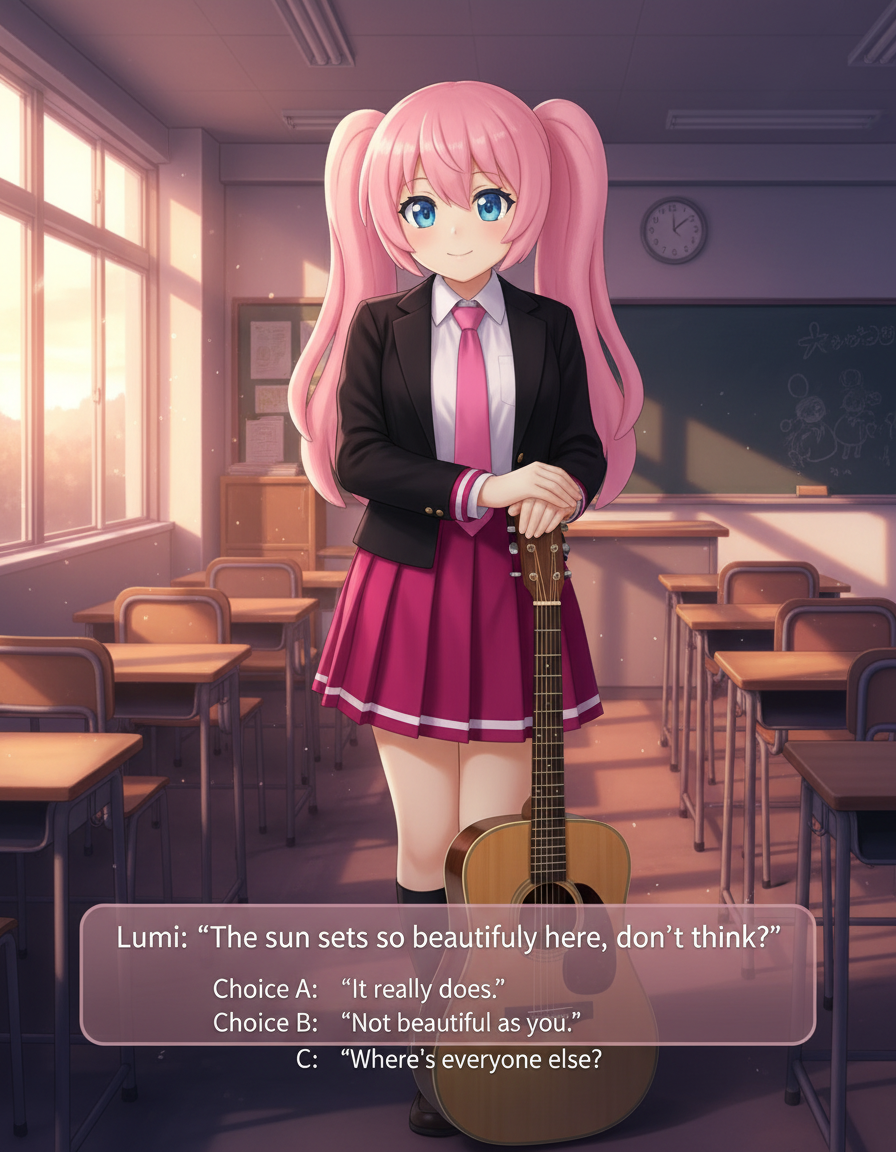
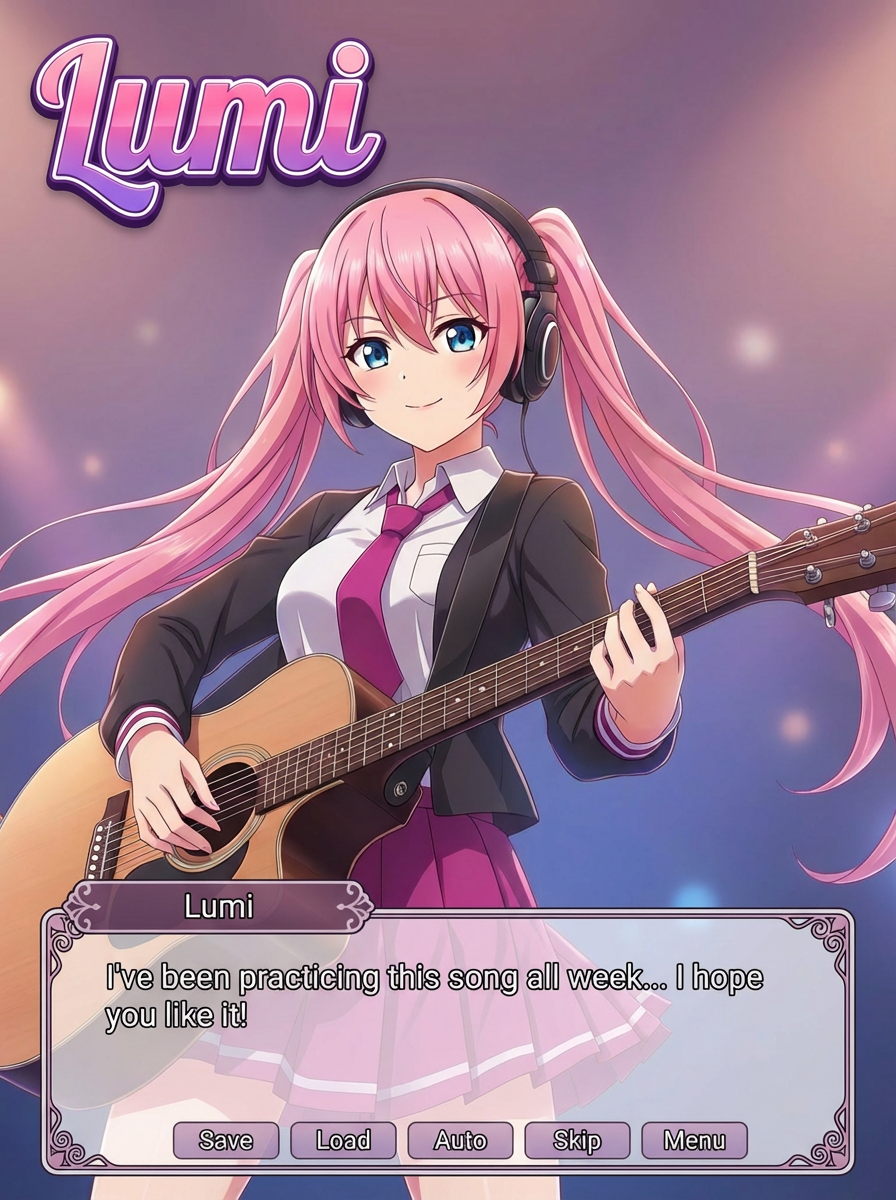
Follow the suggested workflow, then use the example outputs as visual references.
Upload your character art
Use a portrait or half-body reference that can anchor a visual novel screen.
Set the scene tone
Describe whether the moment should feel romantic, dramatic, nostalgic, or route-selection focused.
Generate a screen-worthy composition
Keep the result where the character, background, and UI framing feel like one coherent game screen.
AI Galgame UI Generator results will appear here
Upload your references, set the look, and generate.
Eğitim
AI Galgame UI Generator is best when you want a visual-novel style scene with interface-aware framing.
Step 1: Prepare the right input
Upload a portrait or half-body character image.
Step 2: Set the generation direction
Describe the route mood, background, and UI vibe.
Step 3: Generate, review, and keep the strongest result
Keep the version that feels most like a complete VN screen.