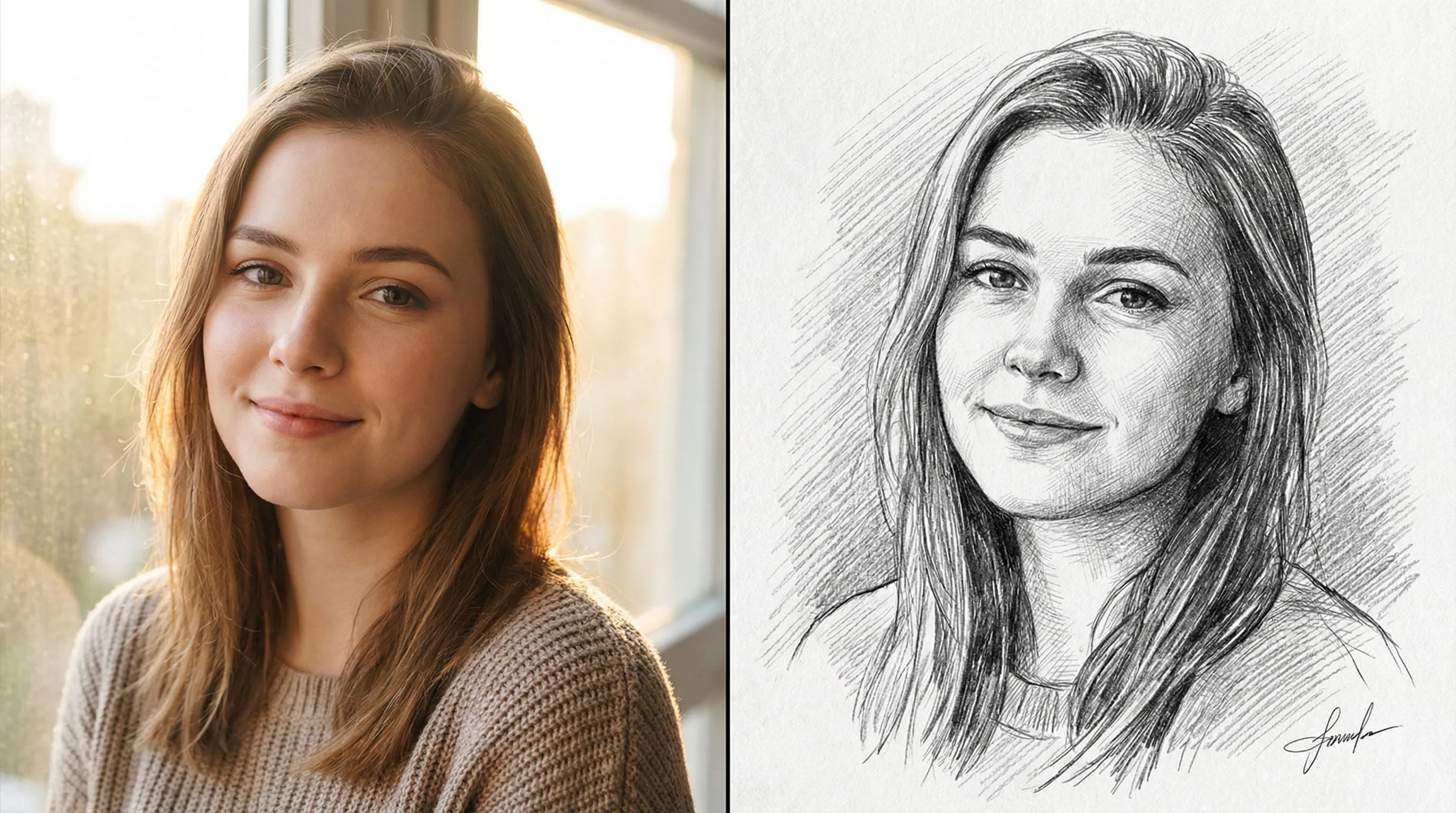
Photo to Sketch
Turn photo into coloring page
1
Choose type of coloring page
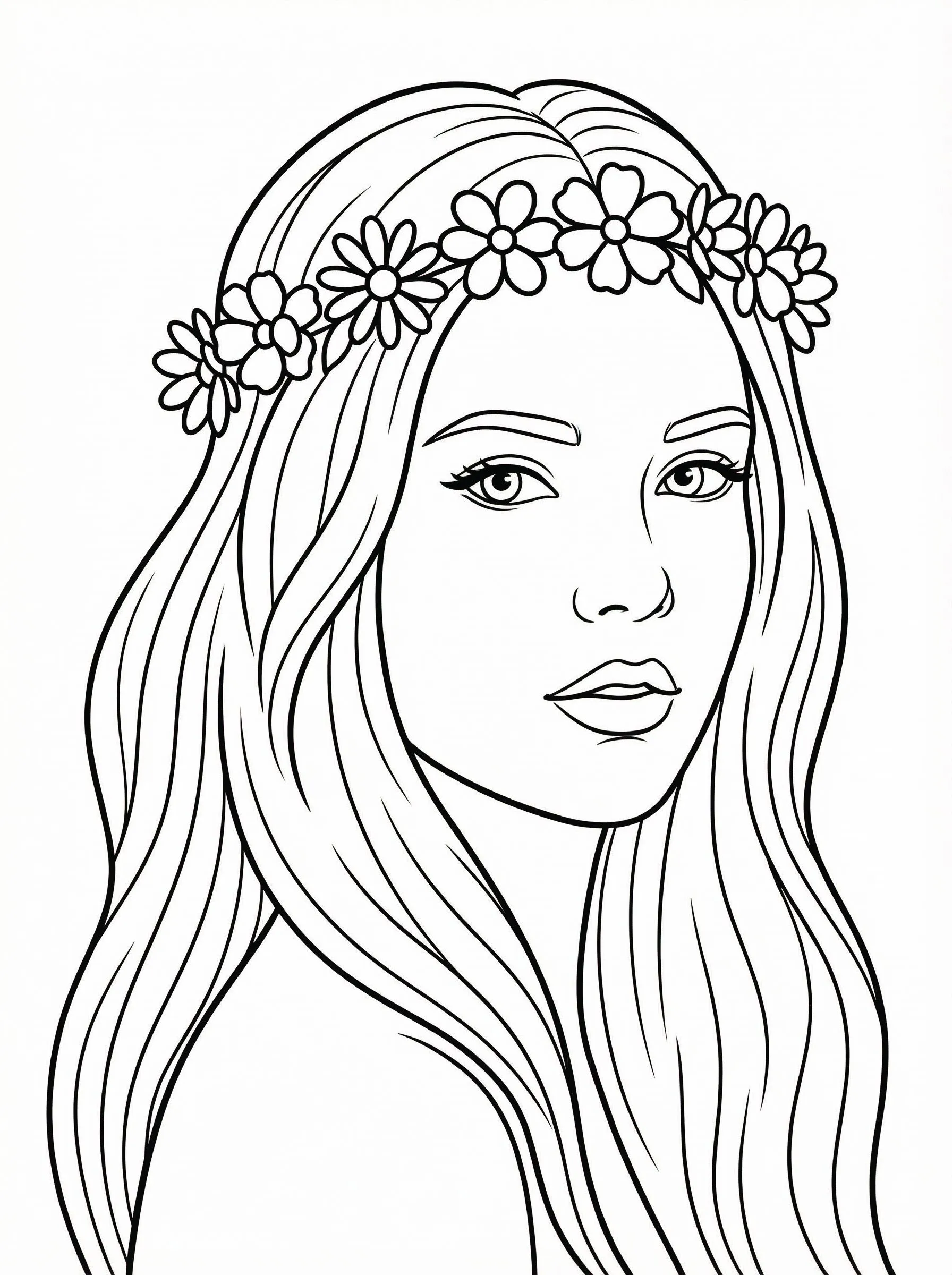
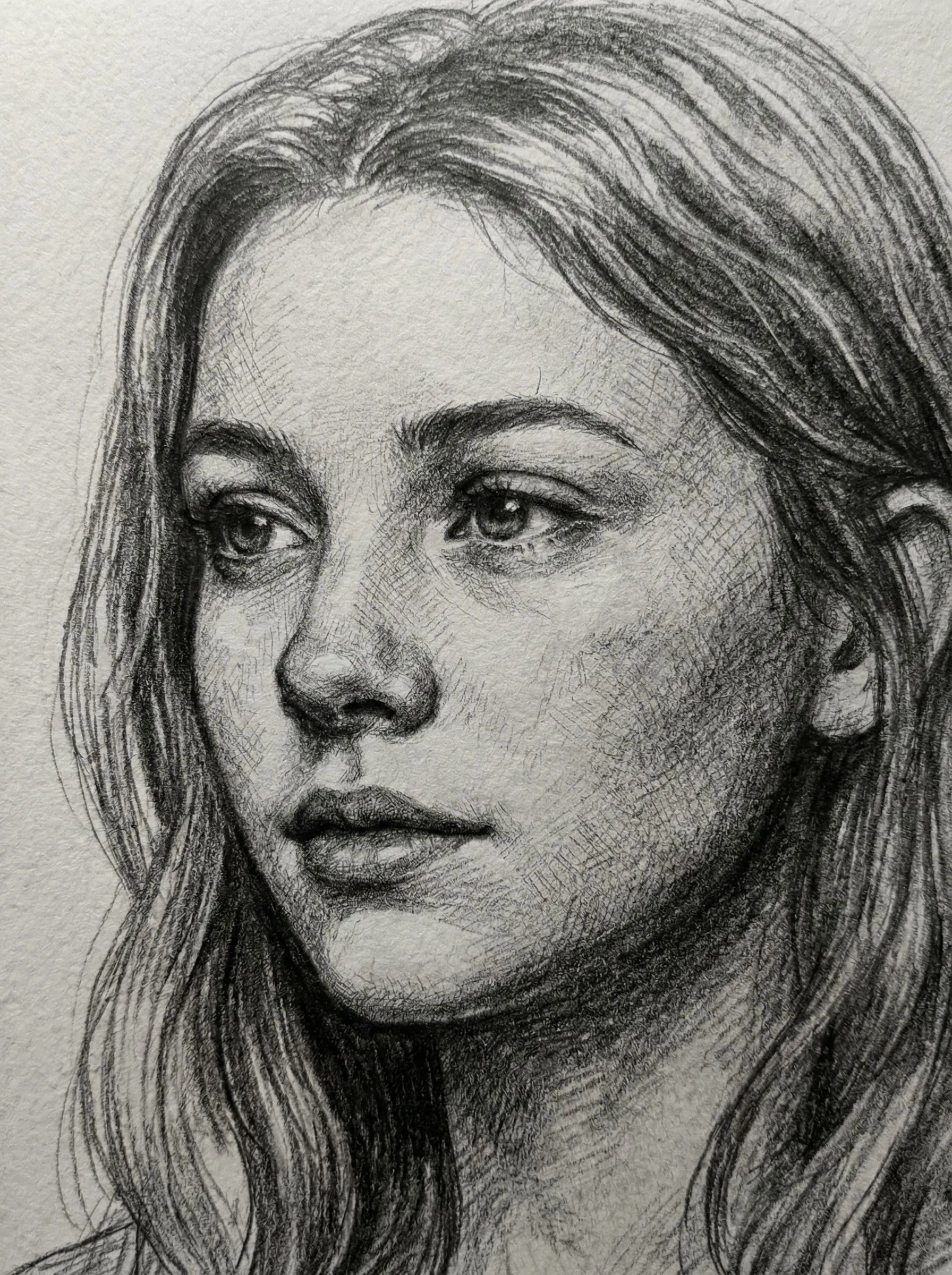
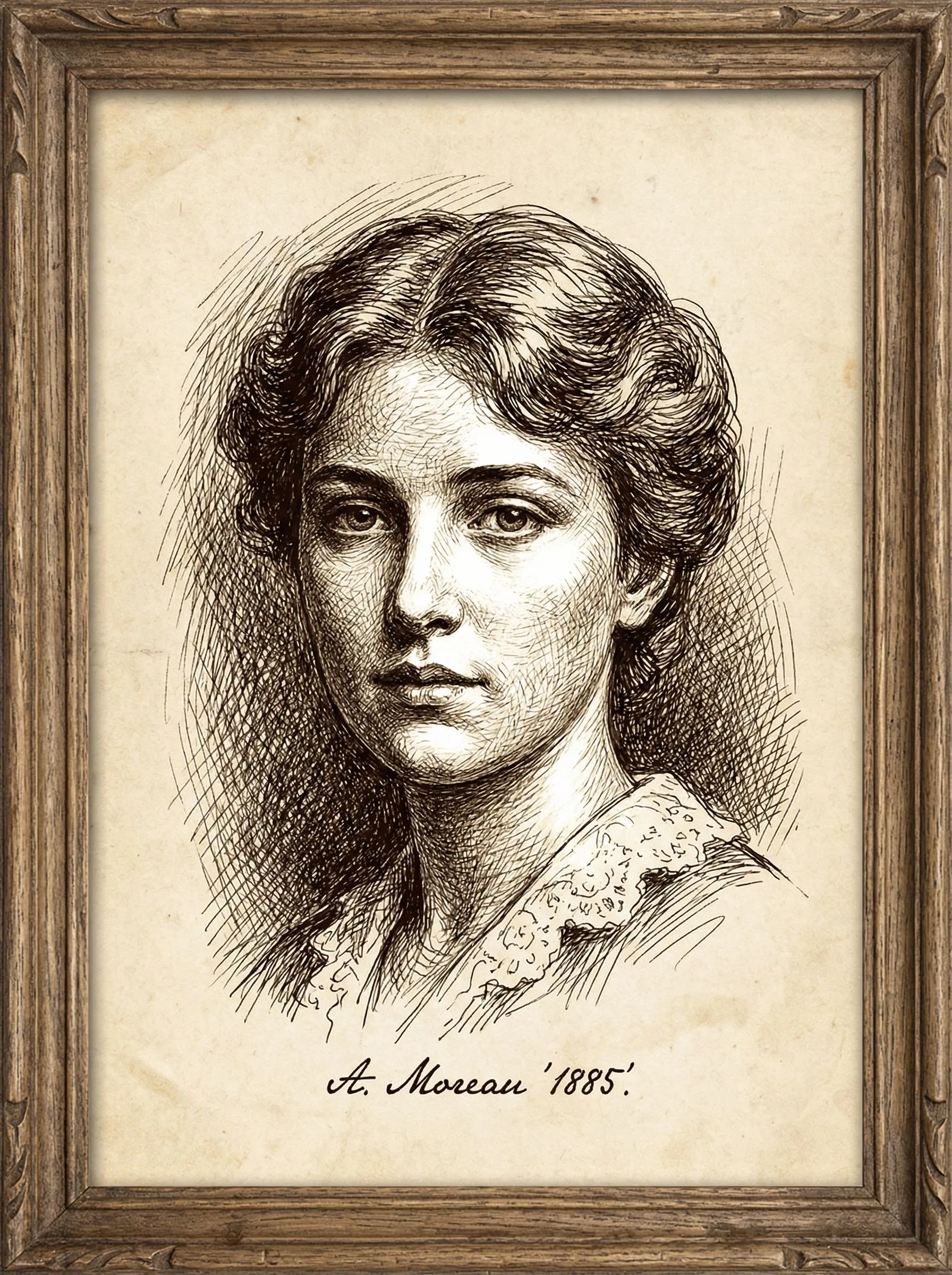
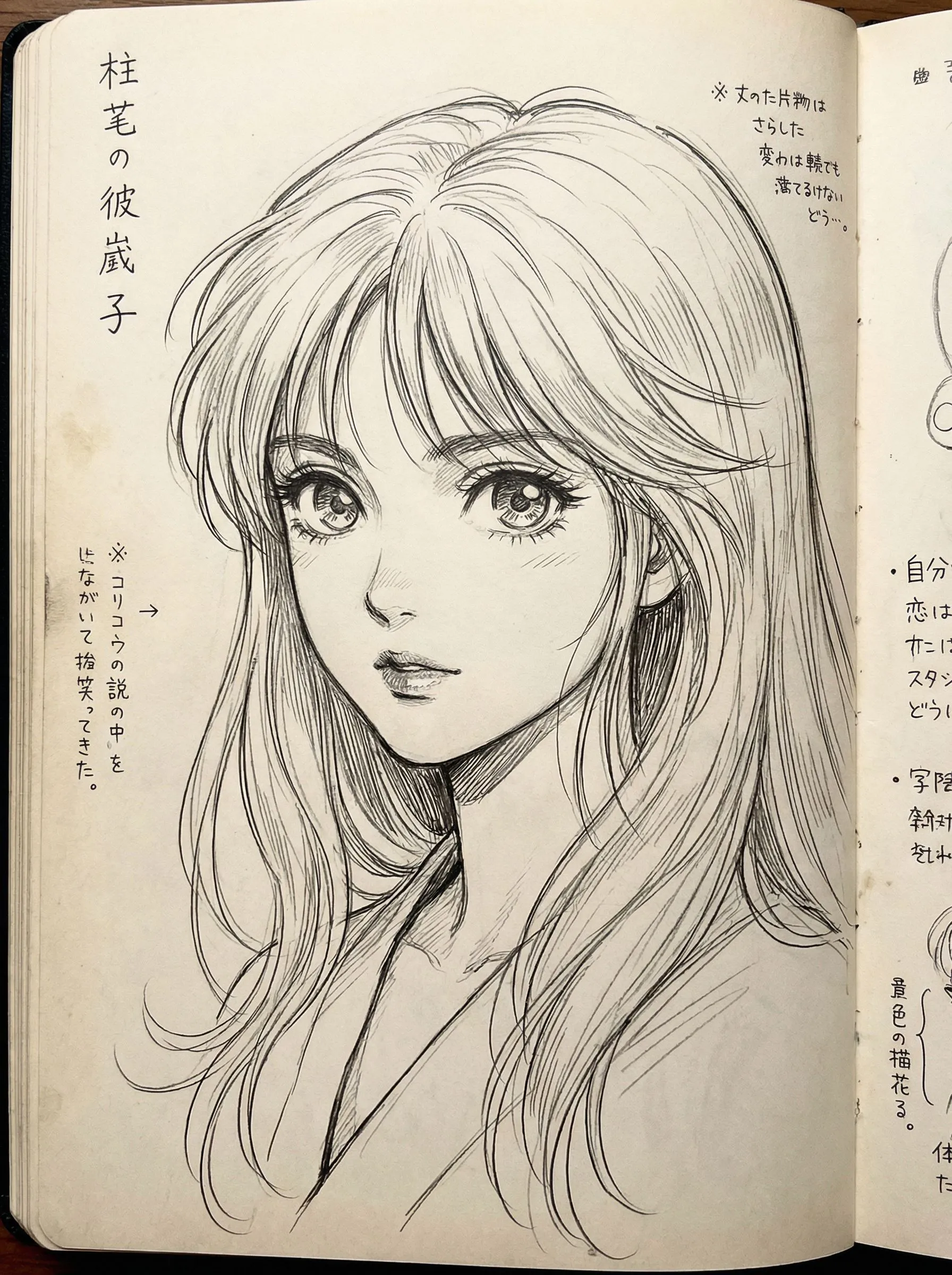
2
Görüntünüzü Yükleyin
Yüklemek için tıklayın veya resmi buraya sürükleyinJPG, PNG, WEBP | Max 10MB
3
Bir Model Seç
300 kredi tahsil edilecektir
Fikrin yok mu? Başlamak için hazır şablonlarımızı dene






Eğitim
Photo to Sketch is best when you use it to turn portraits or reference images into clean sketch, line-art, or coloring-page outputs.
Step 1: Prepare the right input
Use a sharp reference photo with clear edges around the main subject.
Step 2: Set the generation direction
Choose the sketch style and model that fit whether you want soft pencil, hard ink, or coloring-page lines.
Step 3: Generate, review, and keep the strongest result
Compare line density and facial clarity, then keep the result that is easiest to edit or print.
Best results
- Remove cluttered backgrounds before generating a coloring page.
- Use softer styles when you still want shading information.
- Check line thickness around eyes and mouth before exporting.