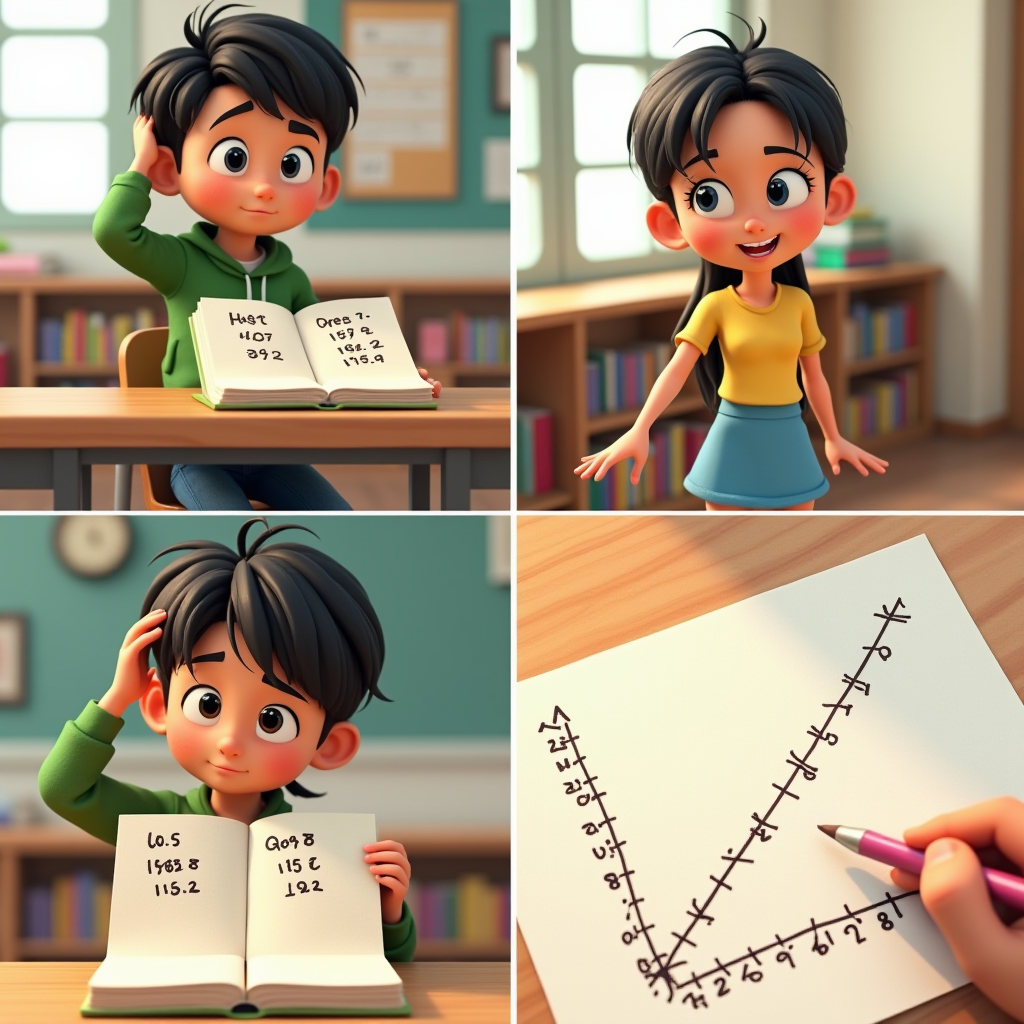
Web Comic Maker
Build comics in a browser editor with structured panel layouts.
پرامپٹ
پہلو تناسب
16:9
1:1
21:9
2:3
3:2
4:5
5:4
9:16
9:21
تخلیقی تحریک چاہیے؟
ان میں سے کوئی ایک آزمائیں:
AI کے ذریعے تیار کردہ تصویر یہاں دکھائی جائے گی۔
ہدایات
Web Comic Maker is best when you use it to build a browser-based comic page with editable panels, images, and speech flow.
Step 1: Prepare the right input
Prepare a scene list or a rough script so each panel has a clear purpose.
Step 2: Set the generation direction
Arrange the panel structure, upload references, and plan where dialogue or captions should sit.
Step 3: Generate, review, and keep the strongest result
Generate or place visuals, then refine spacing, balloon placement, and export format for publishing.
Best results
- Leave enough white space for dialogue before finalizing the panel crop.
- Use larger establishing panels only when they move the story forward.
- Check readability on both desktop and mobile widths.