AI Manga Filter

Apply artistic filters to your images

1

Tasviringizni yuklang

Rasm yuklash yoki bu yerga tortib olib kelish uchun bosingJPG, PNG, WEBP | Max 10MB
2

Yoqqan rasm filtrini tanlang

Webtoon
Webtoon
Manga
Manga
Hand-painted Storybook
Cyberpunk
Cyberpunk
Tabletop Fantasy
Tabletop Fantasy
Minimal Comic
Minimal Comic
Chibi
Chibi
Clay
Clay
Flat Sitcom Cartoon
Flat Sitcom Cartoon
Paper Cutout
Paper Cutout
Family Sitcom Cartoon
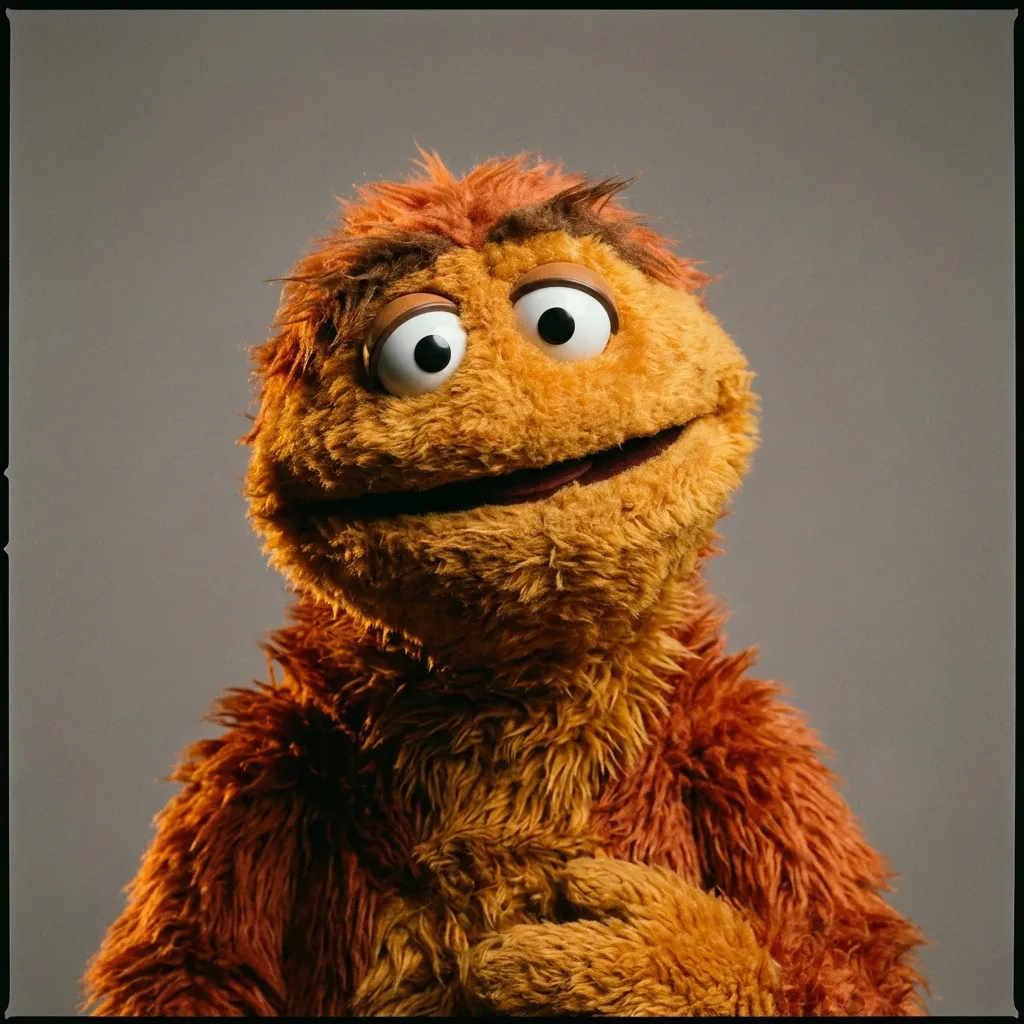
Fabric Puppet
Fabric Puppet
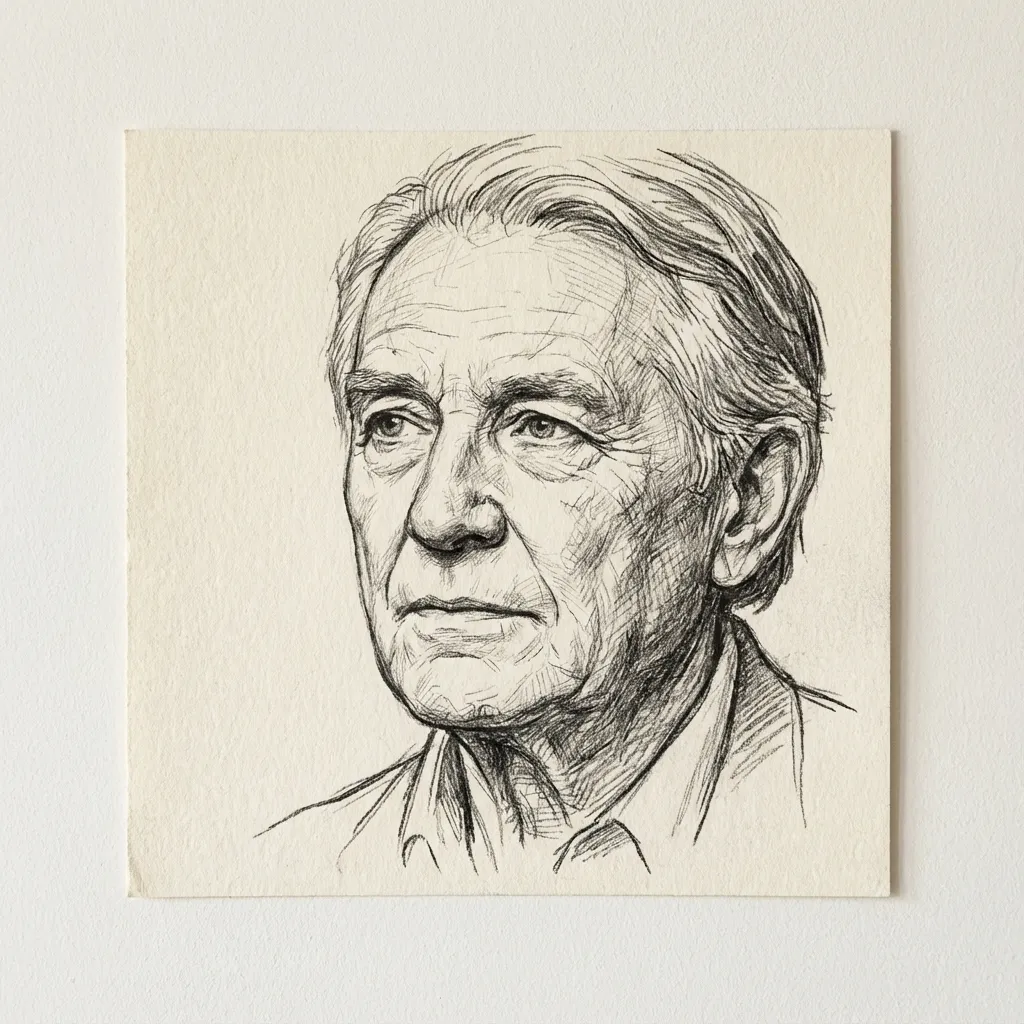
Chiziqli san’at
Chiziqli san’at
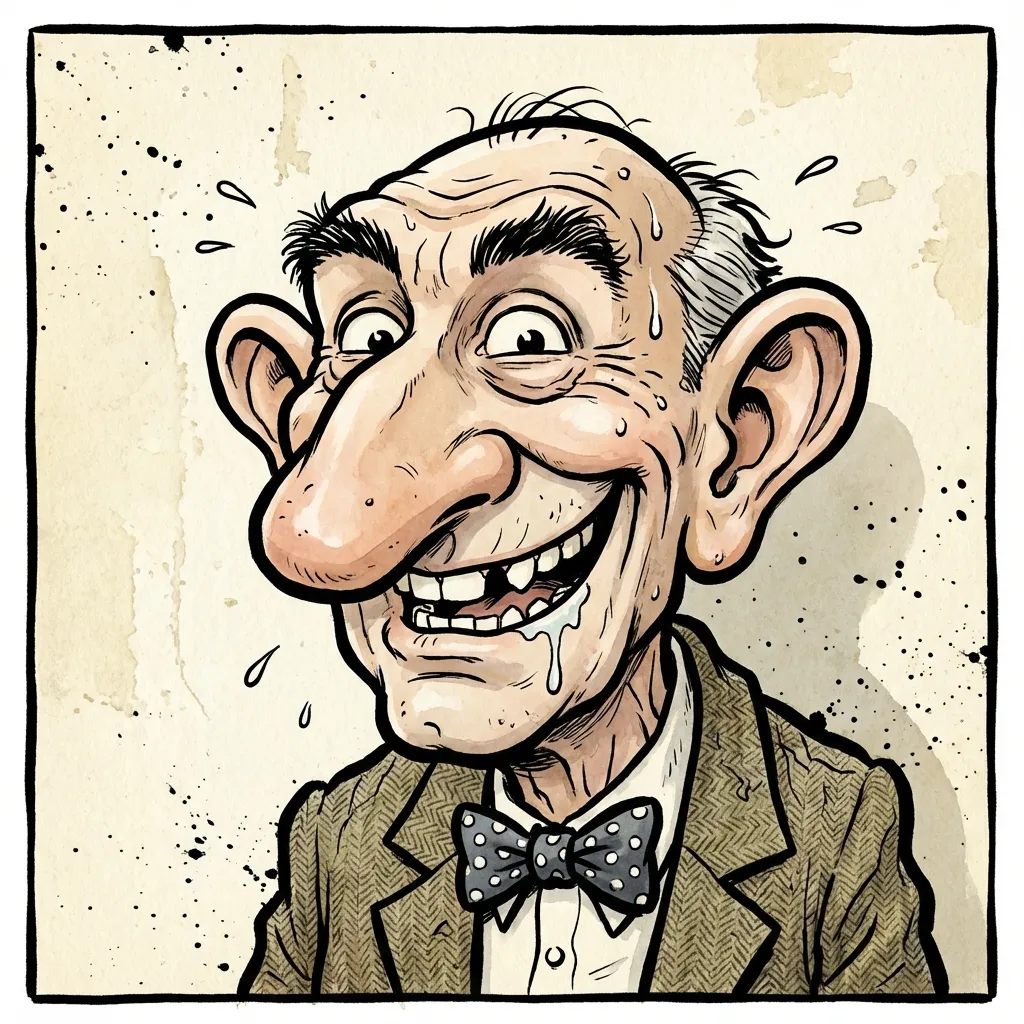
Caricature
Caricature
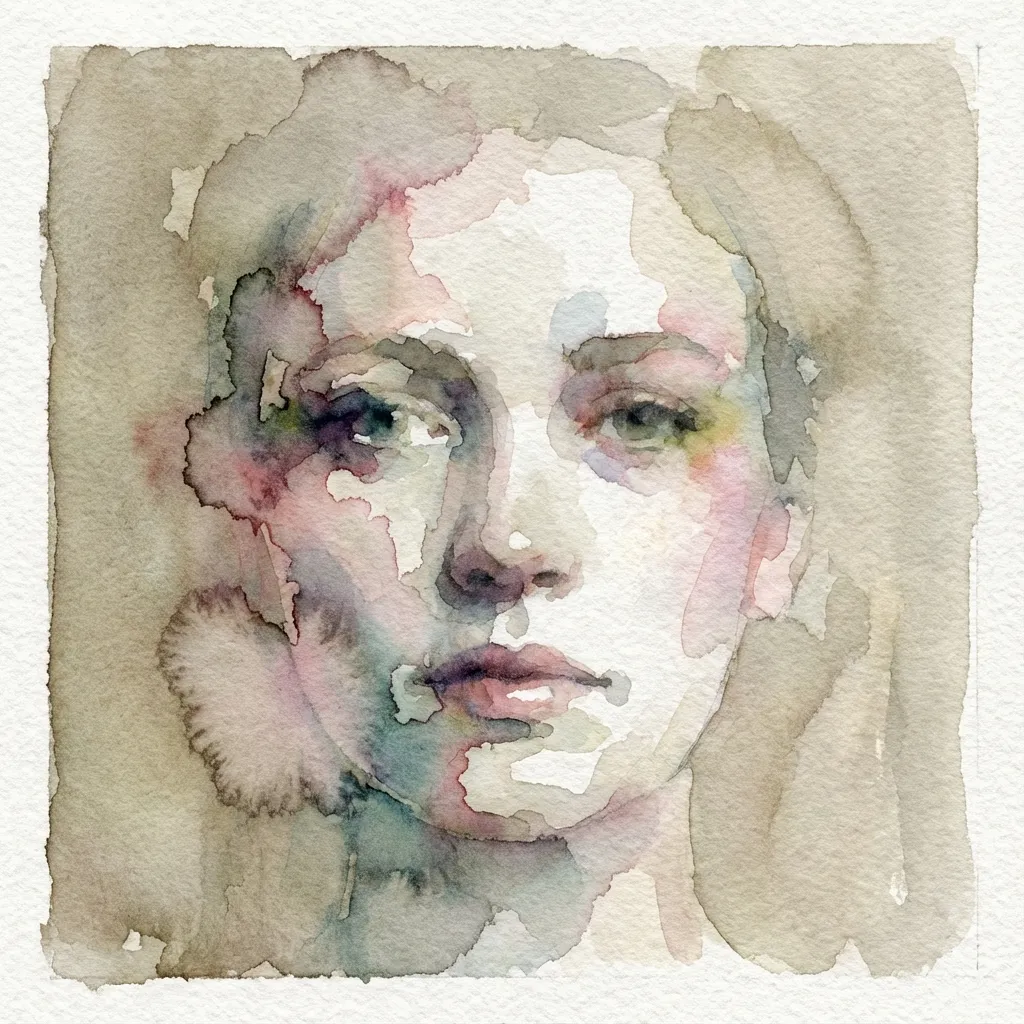
Akvarel
Akvarel
Post-impressionist
Post-impressionist
Moybo'yoqli rasm
Moybo'yoqli rasm
Voxel
Voxel
Crime Game Poster
Crime Game Poster
PS2
PS2
Pixel
Pixel
Dark Fantasy
Dark Fantasy
Pop Art
Pop Art
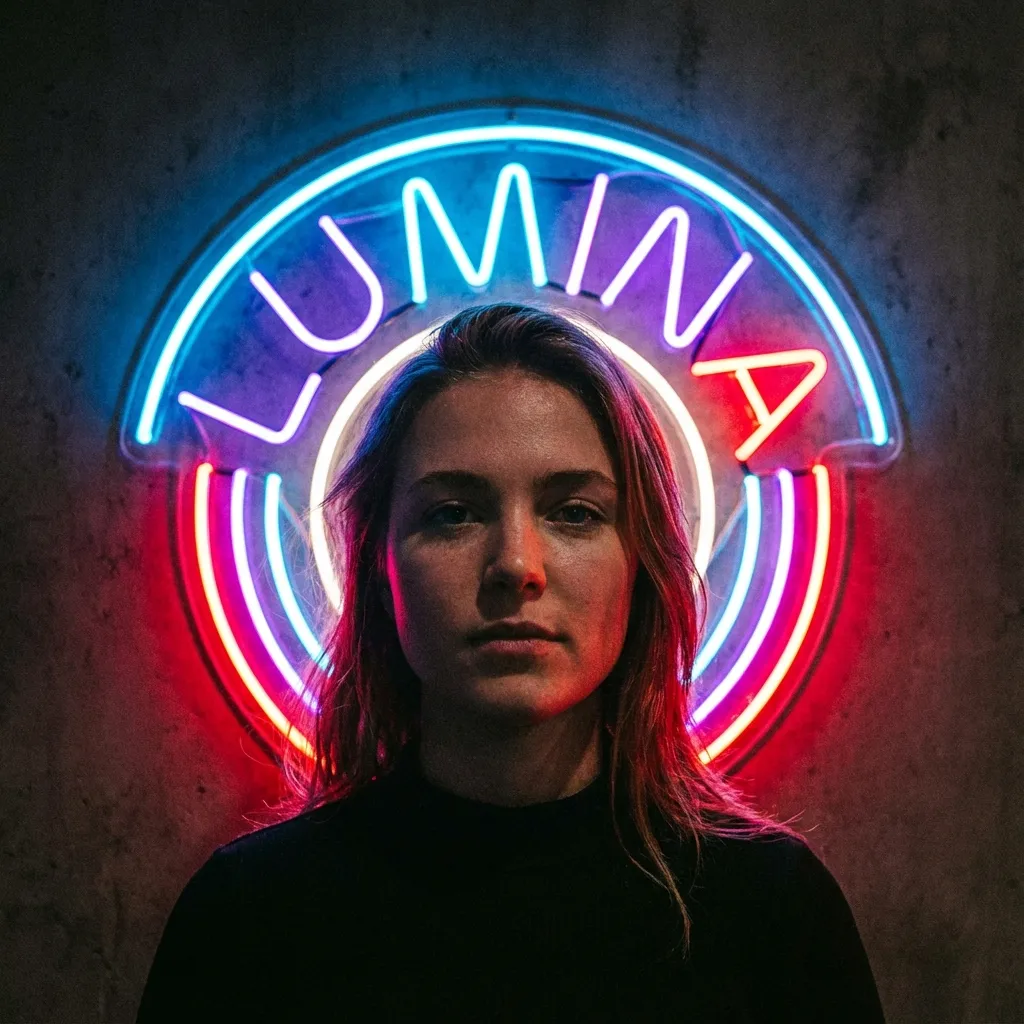
Neon belgisi
Neon belgisi
3

Modelni tanlang

300 credits will be charged

Oldindan ko‘rish uchun rasm yuklang

Your filtered image will appear here

Fikringiz yo‘qmi? Boshlash uchun tayyor shablonlarimizdan foydalaning

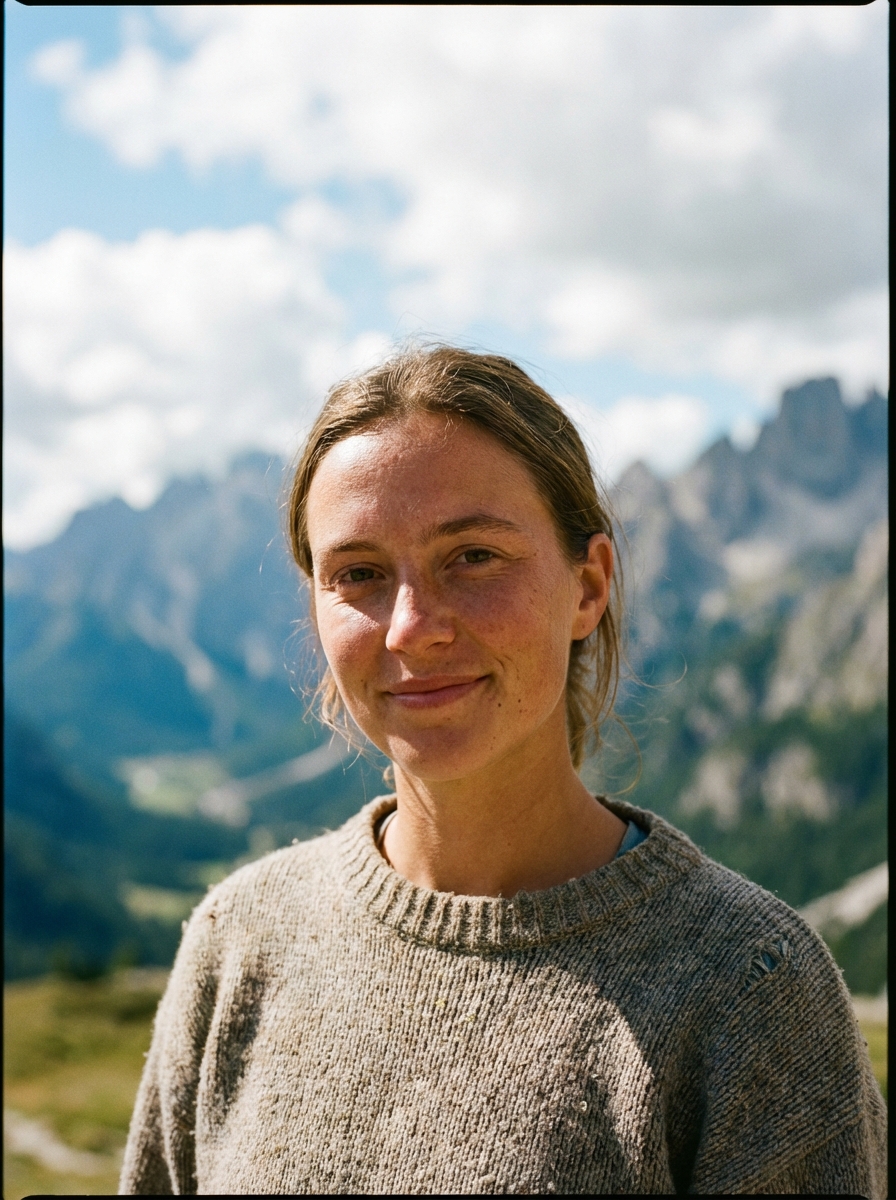
Mountain Portrait
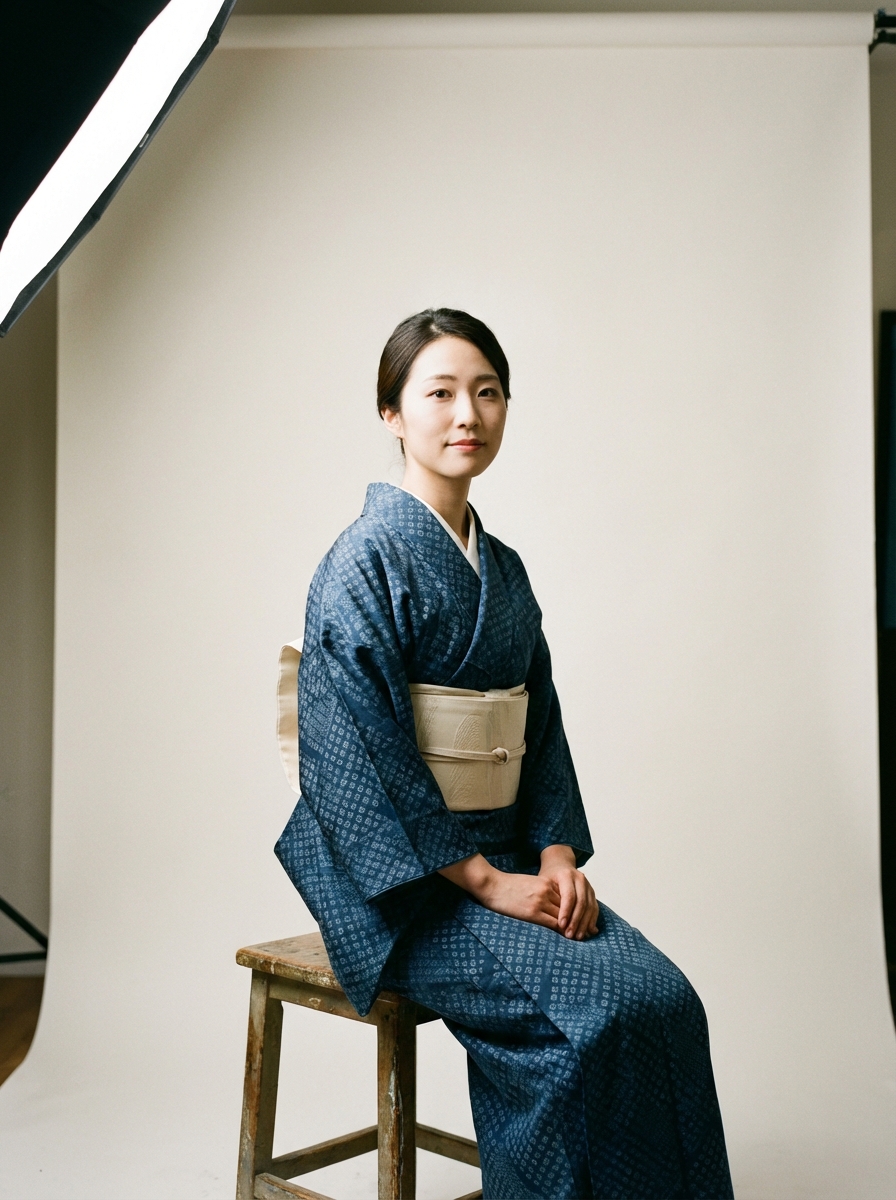
Traditional Kimono
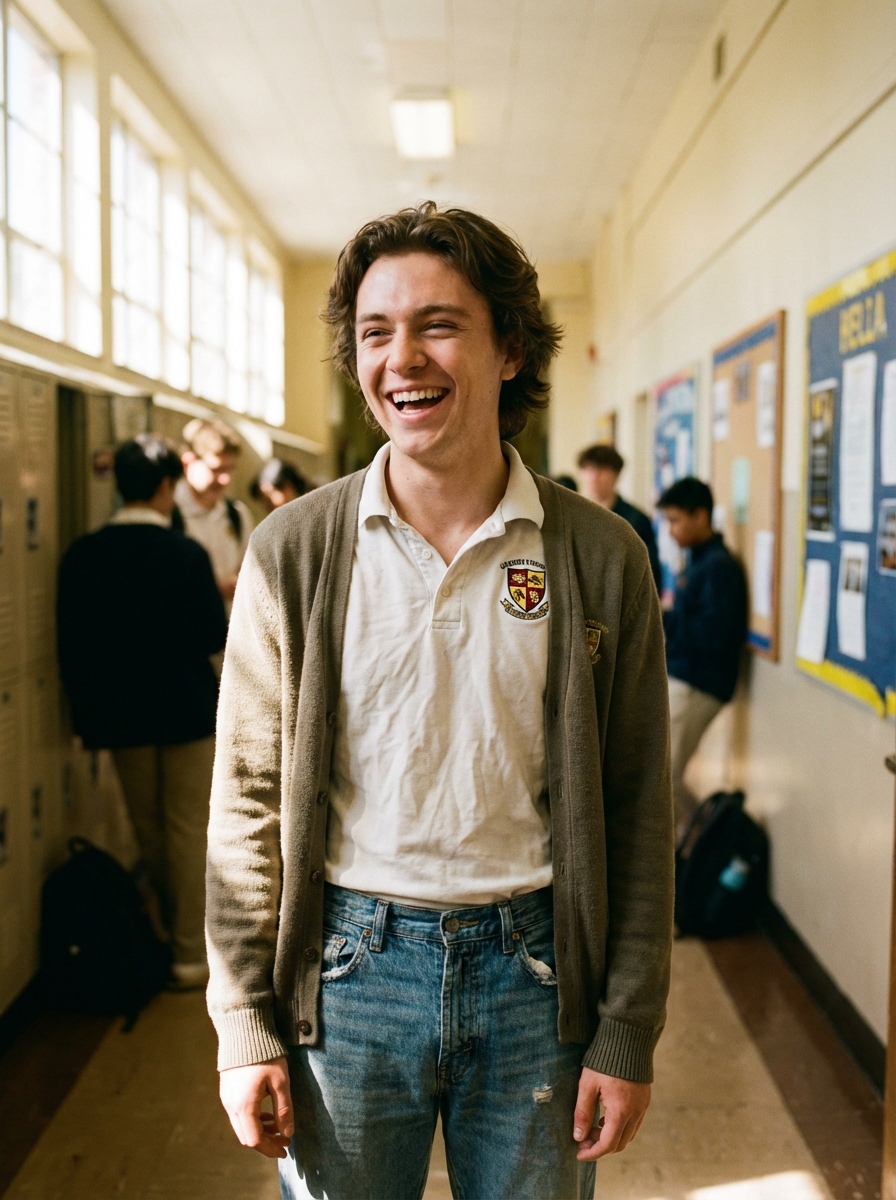
Anime School

Qo‘llanma

AI Manga Filter is best when you use it to re-render portraits and photos into manga or anime-inspired styles.

Step 1: Prepare the right input

Start with a clean image where the subject, pose, and lighting are easy to interpret.

Step 2: Set the generation direction

Choose the filter style and model that best match the look you want to emulate.

Step 3: Generate, review, and keep the strongest result

Generate several passes, compare face fidelity and line treatment, then keep the most readable variant.

Best results

  • The simpler the background, the stronger the face conversion usually feels.
  • Pick one target style per iteration.
  • Use manual filter mode only when you need tighter style control.
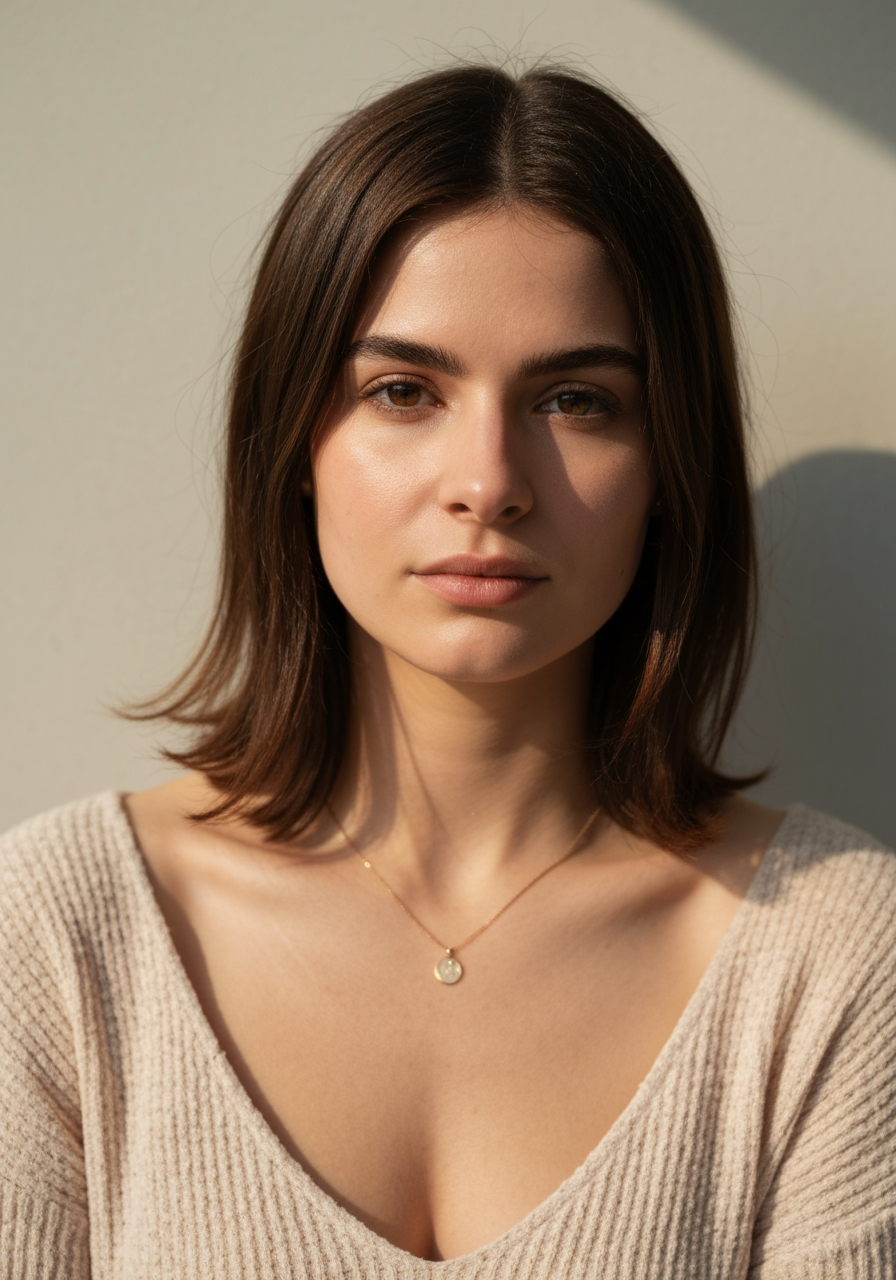
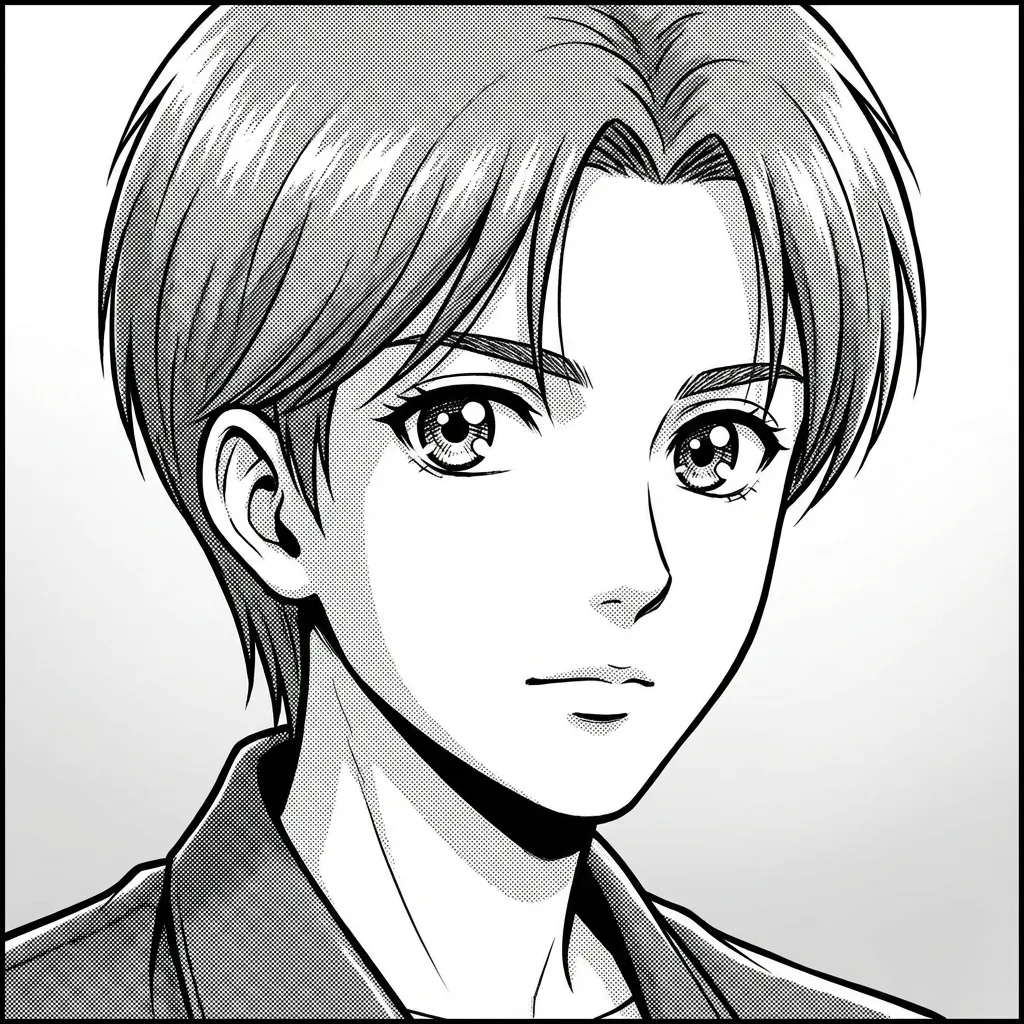
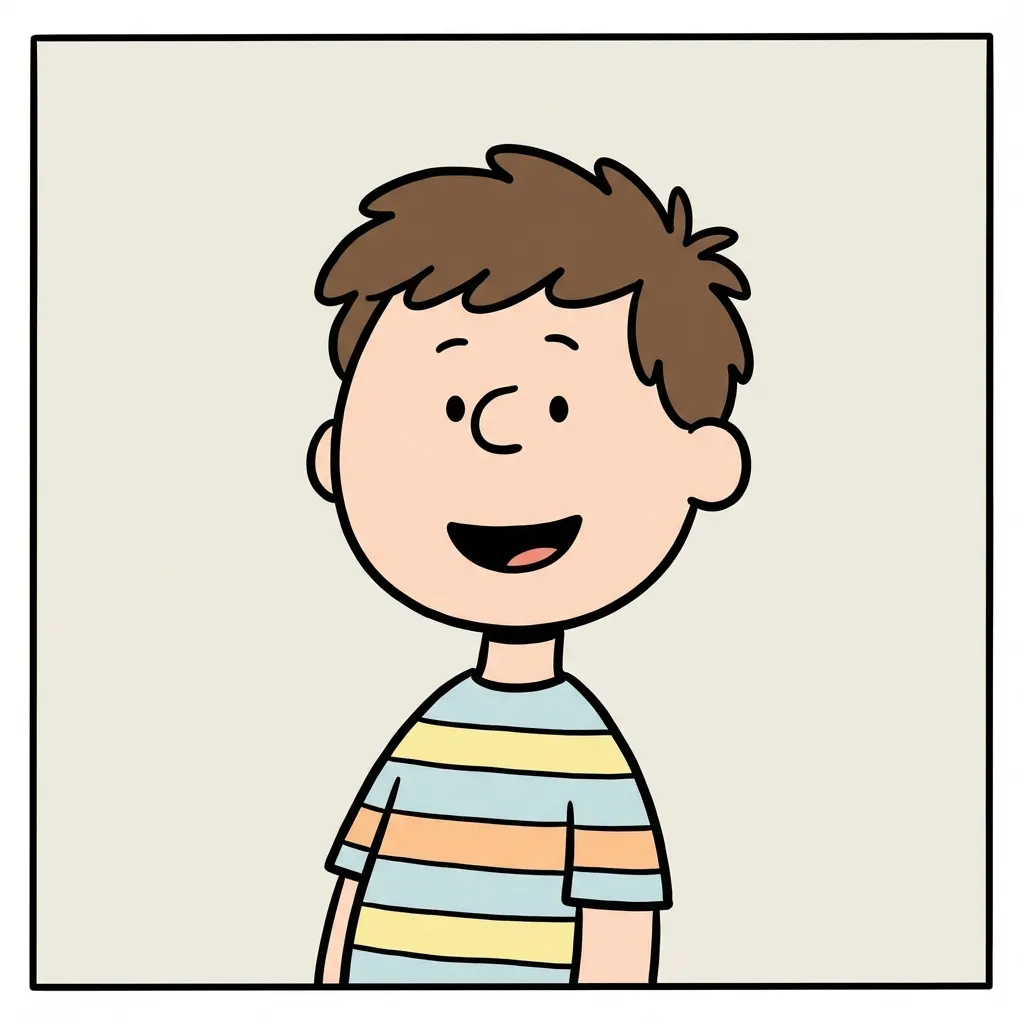
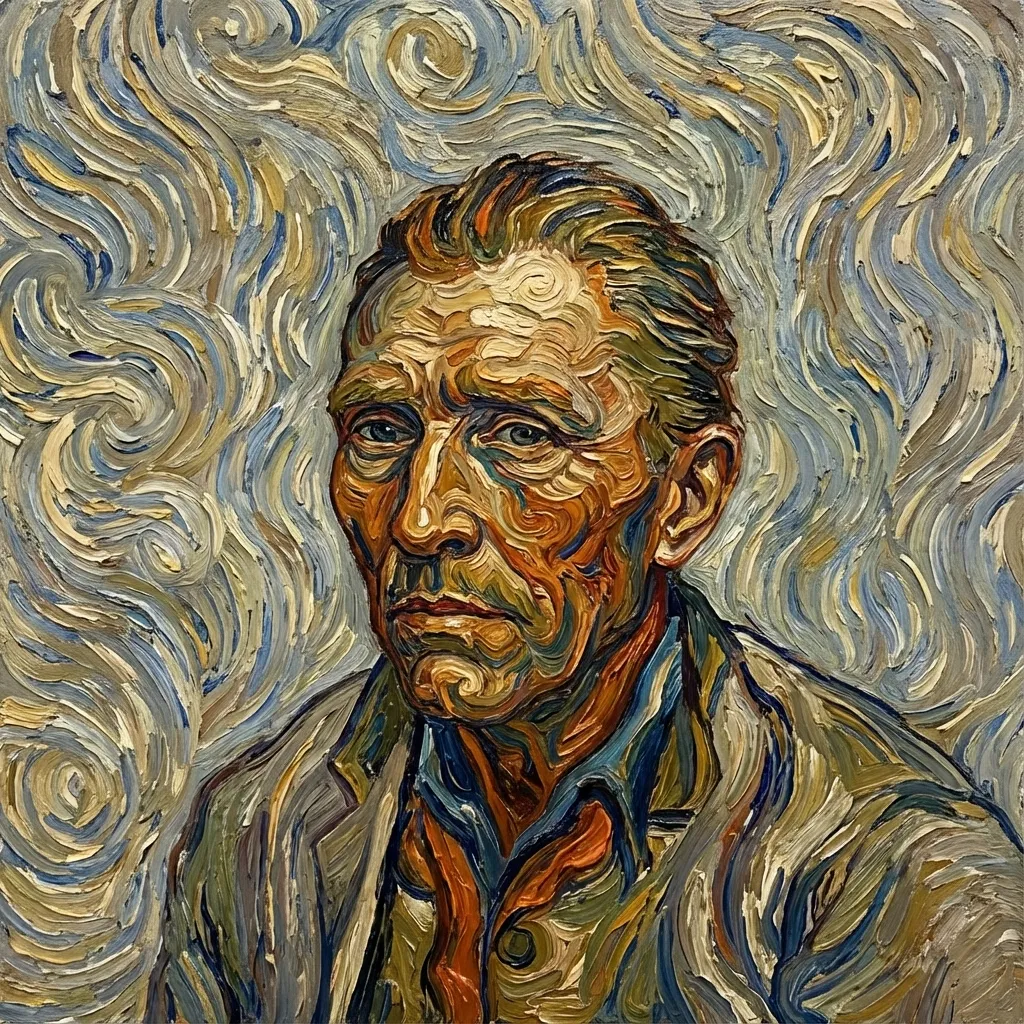
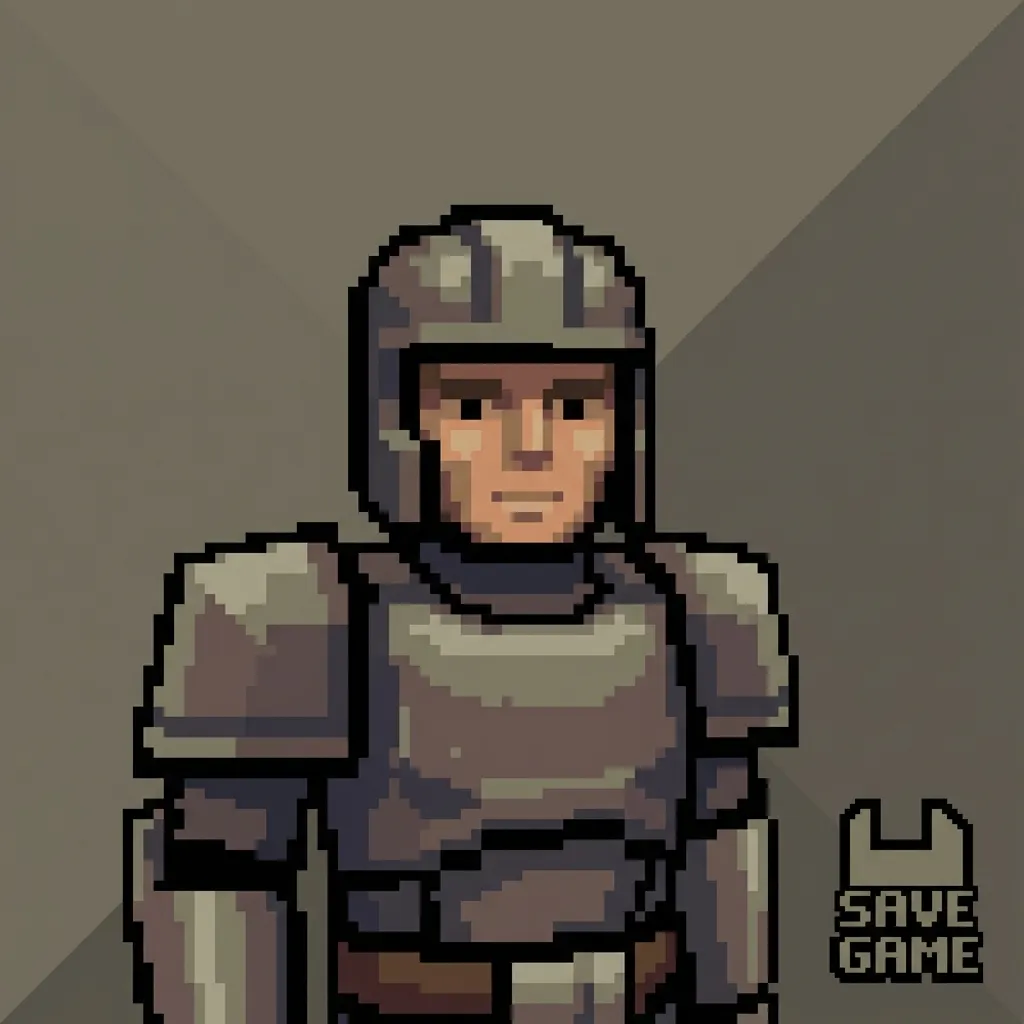
AI Manga Filter demo 1
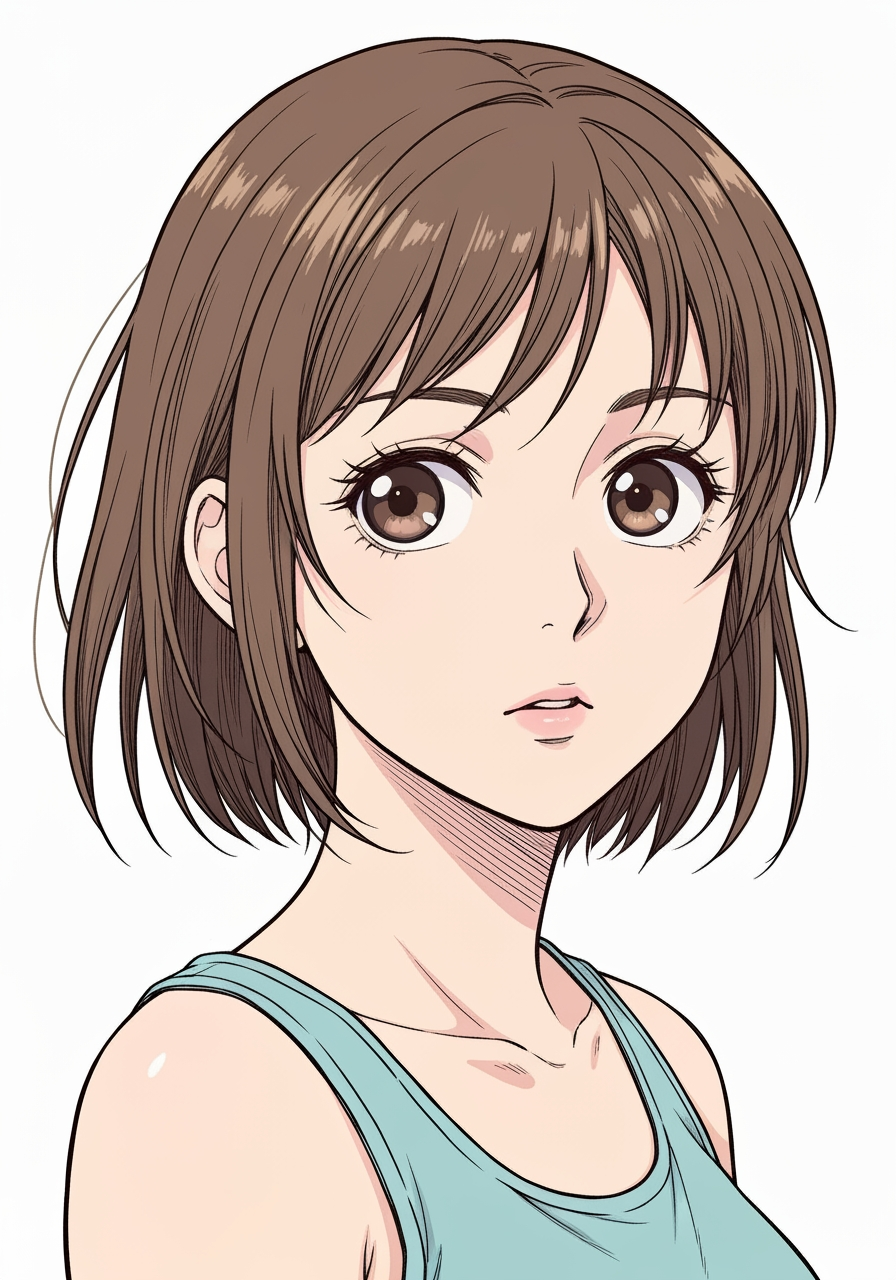
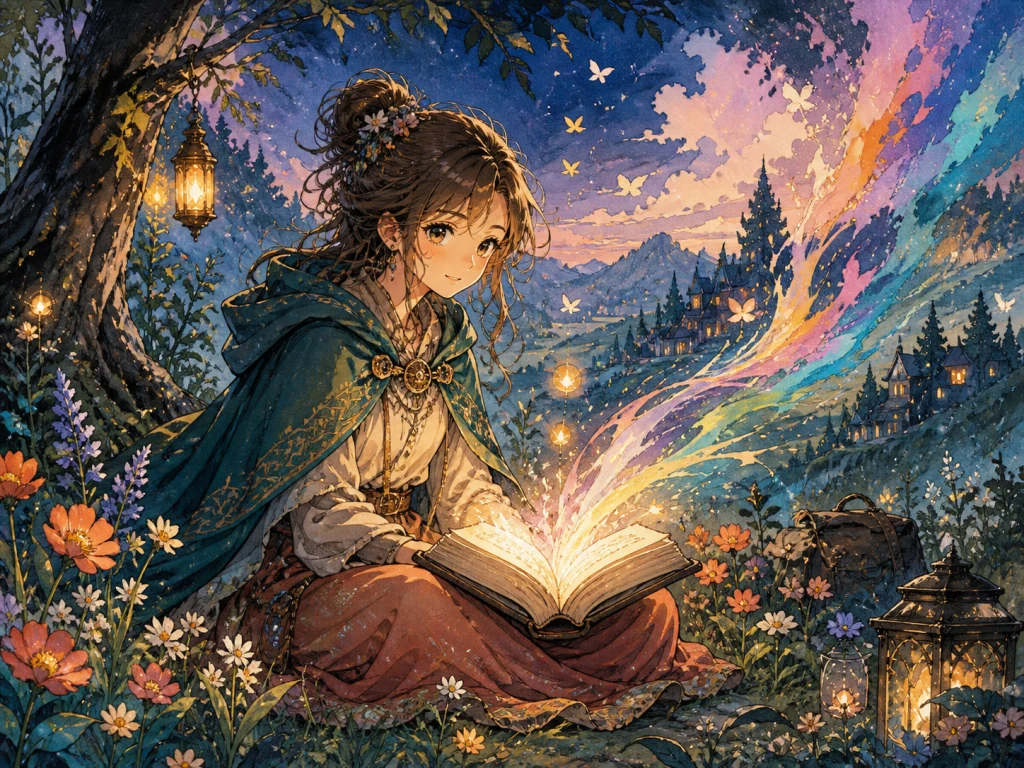
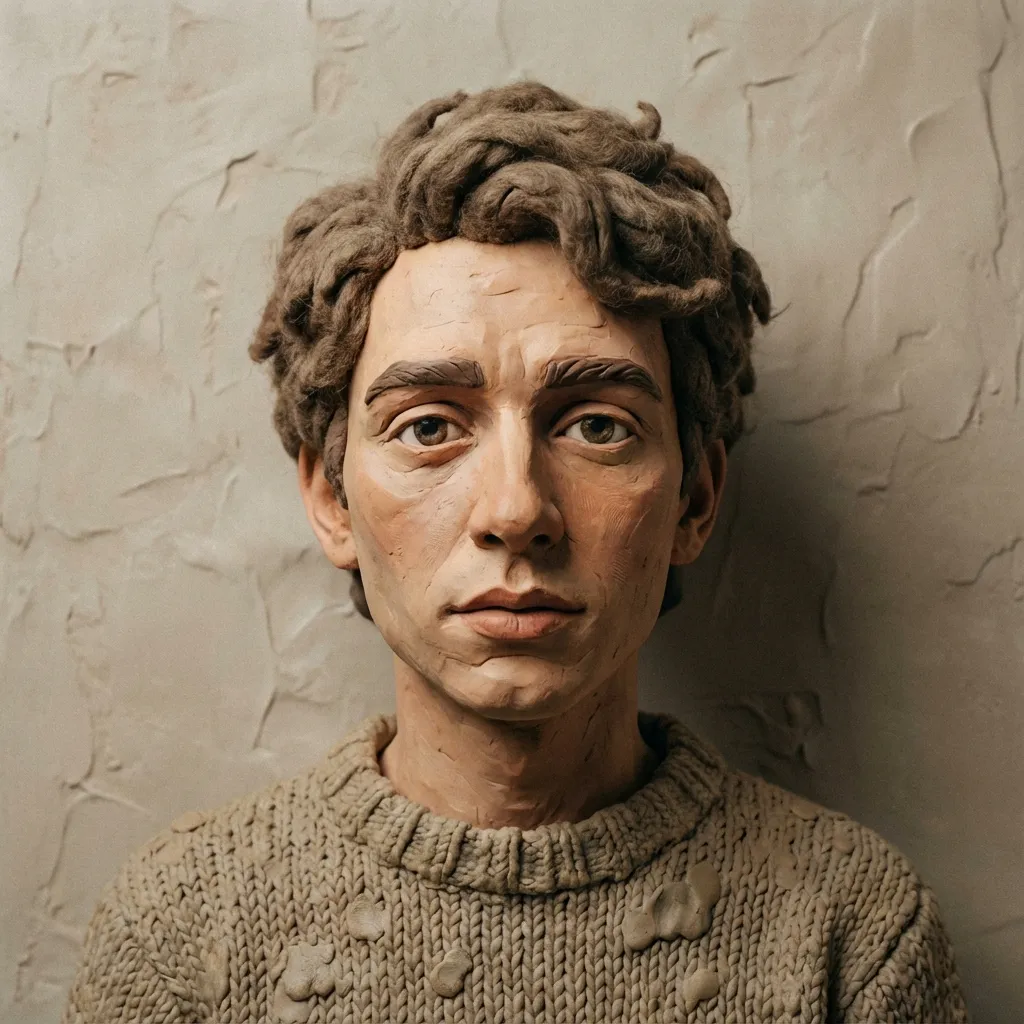
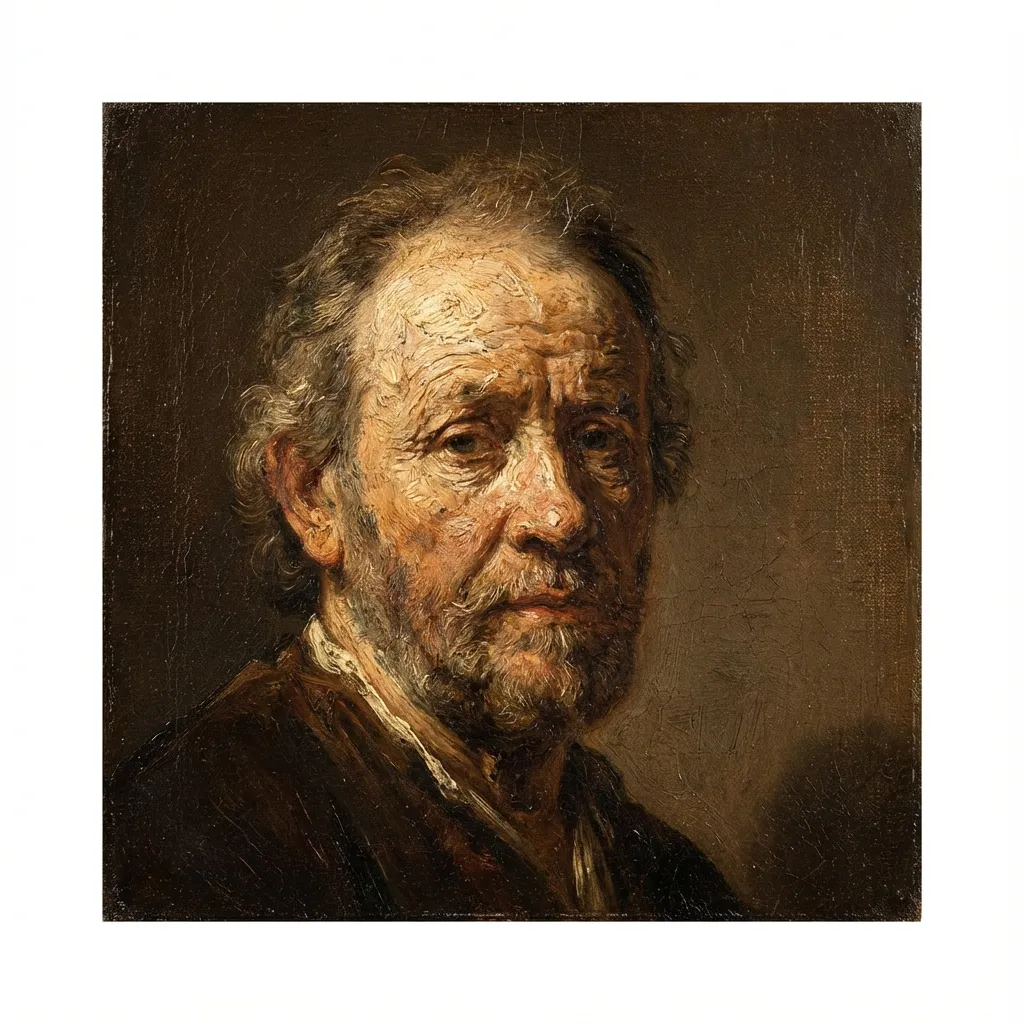
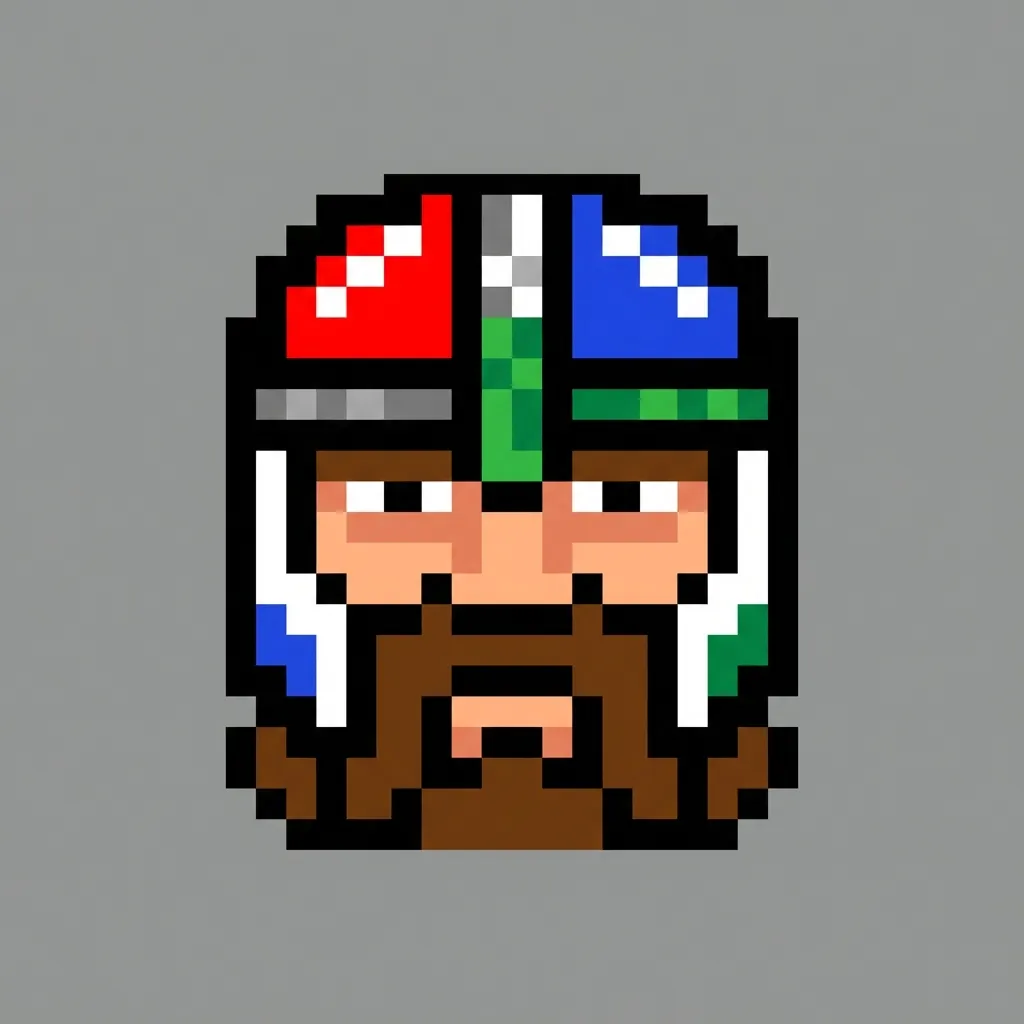
AI Manga Filter demo 2
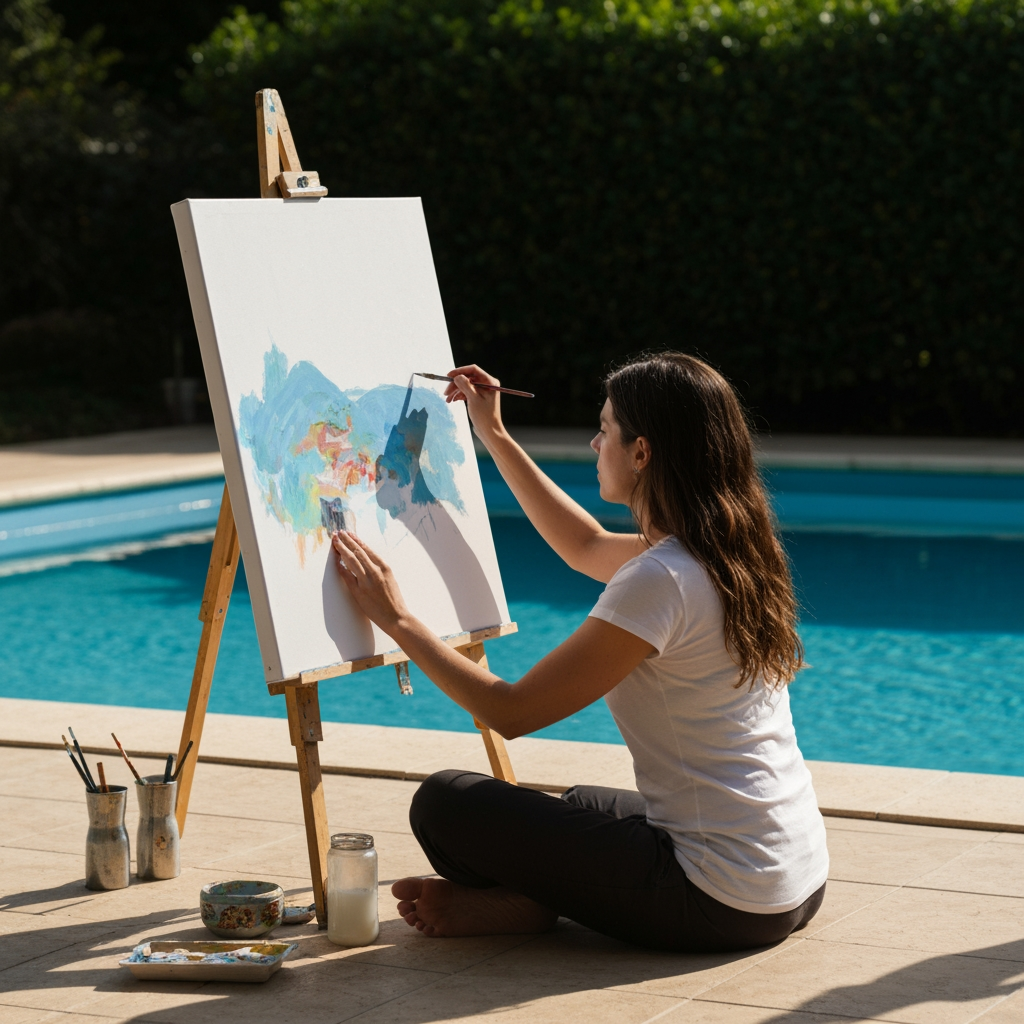
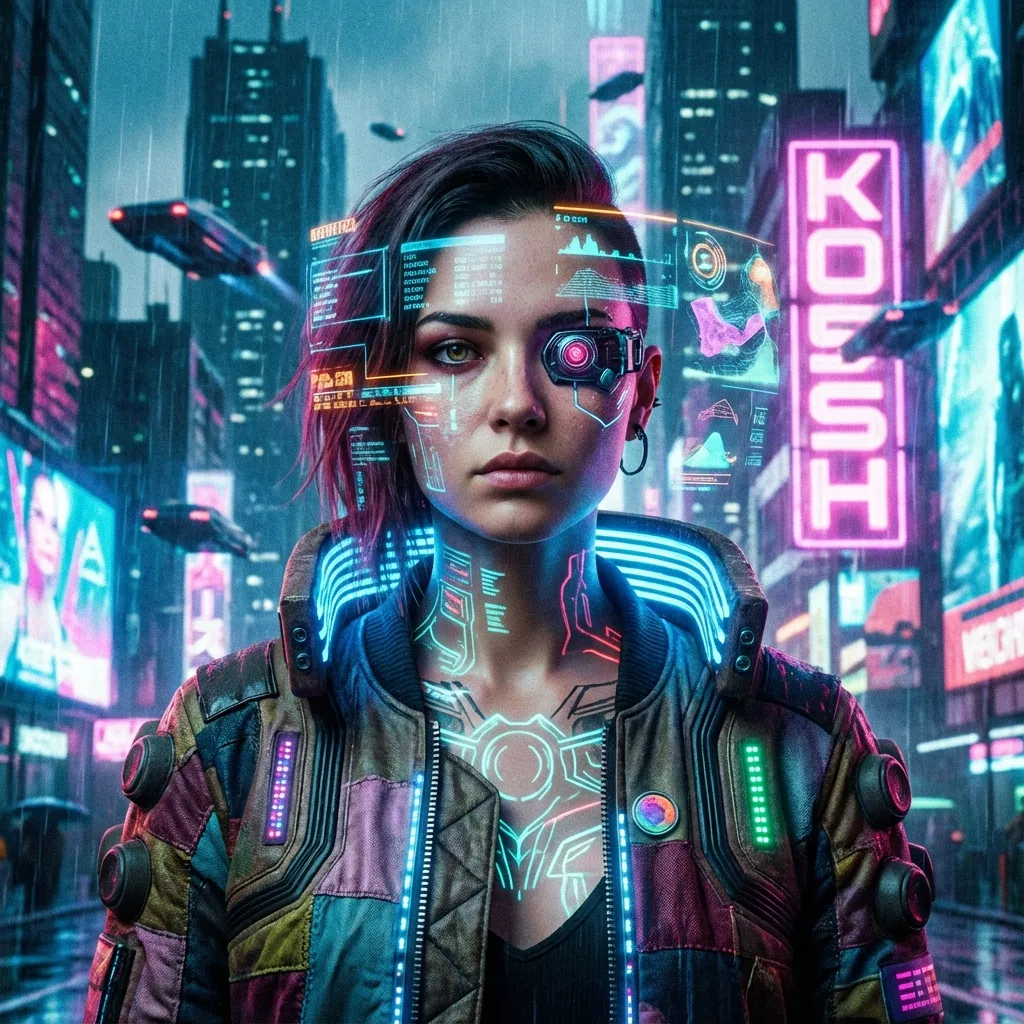
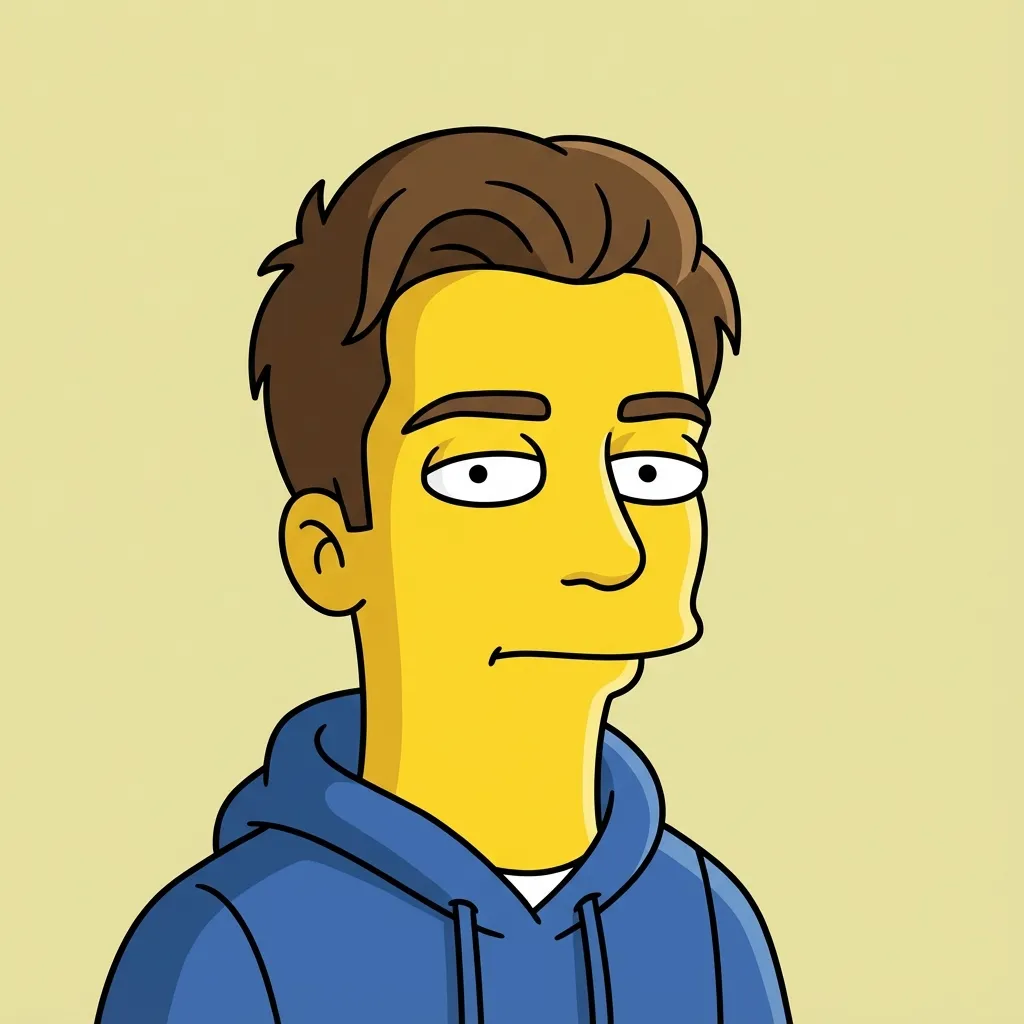
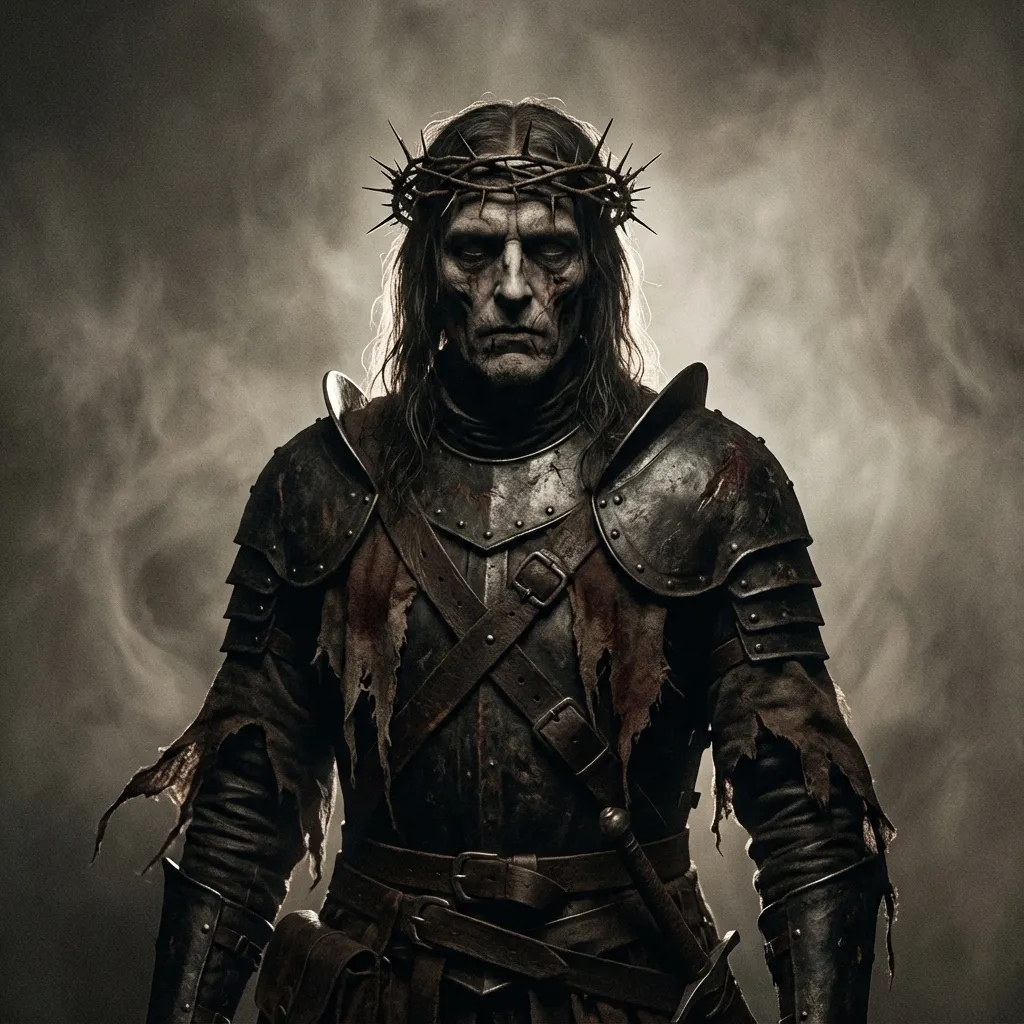
AI Manga Filter demo 3
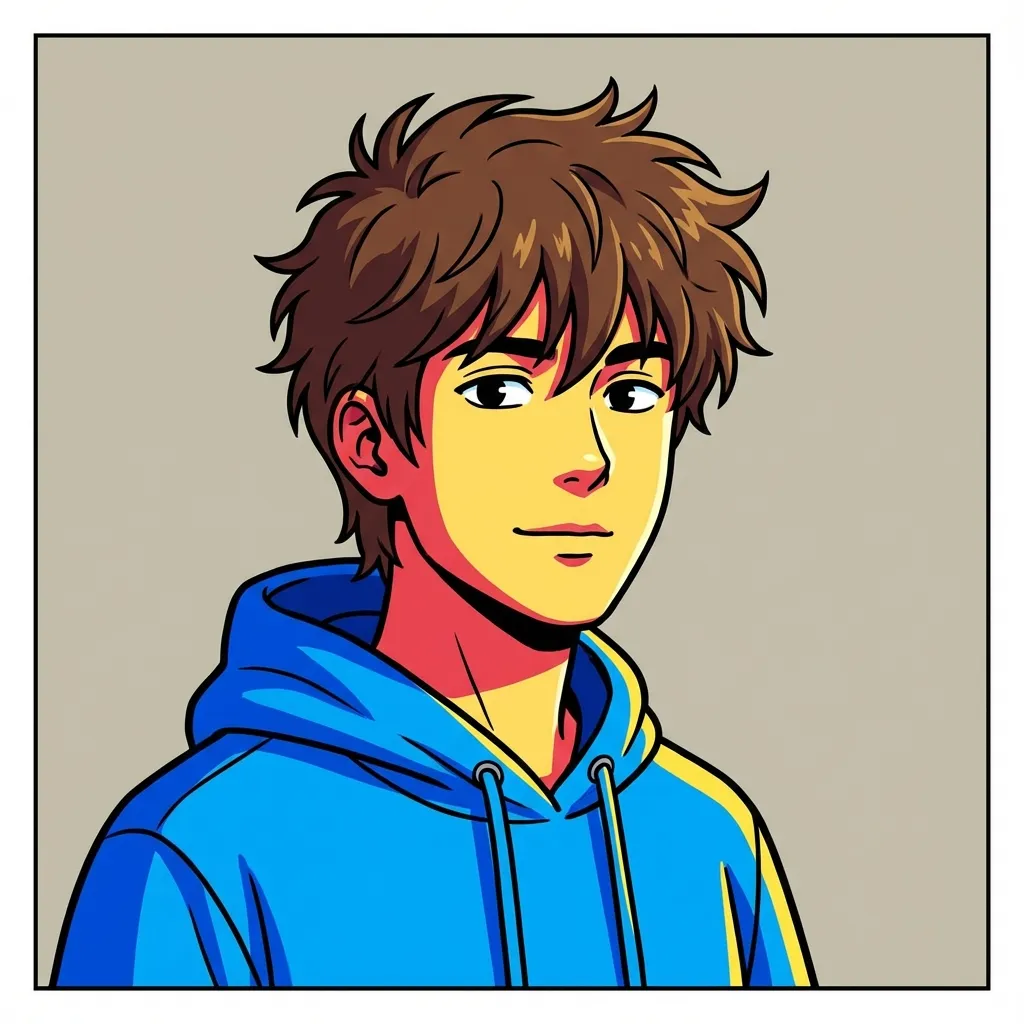
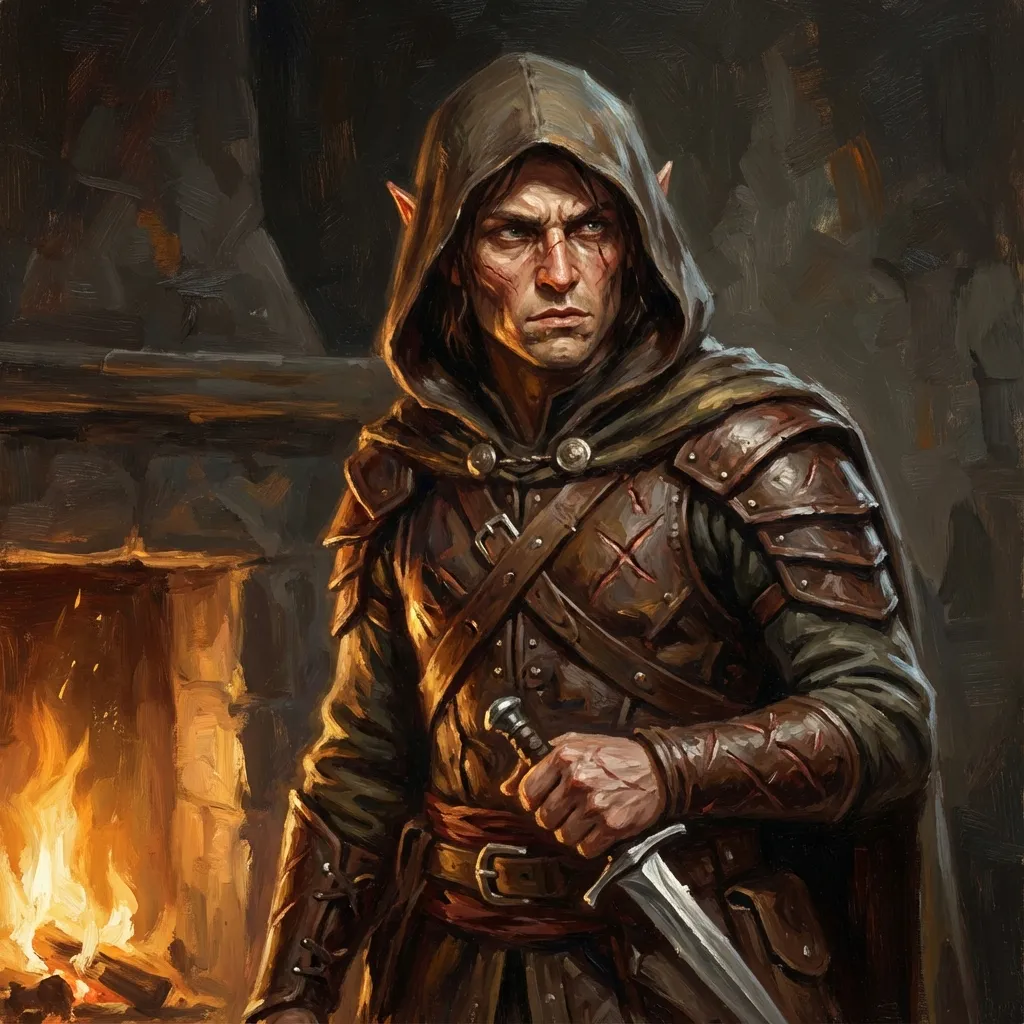
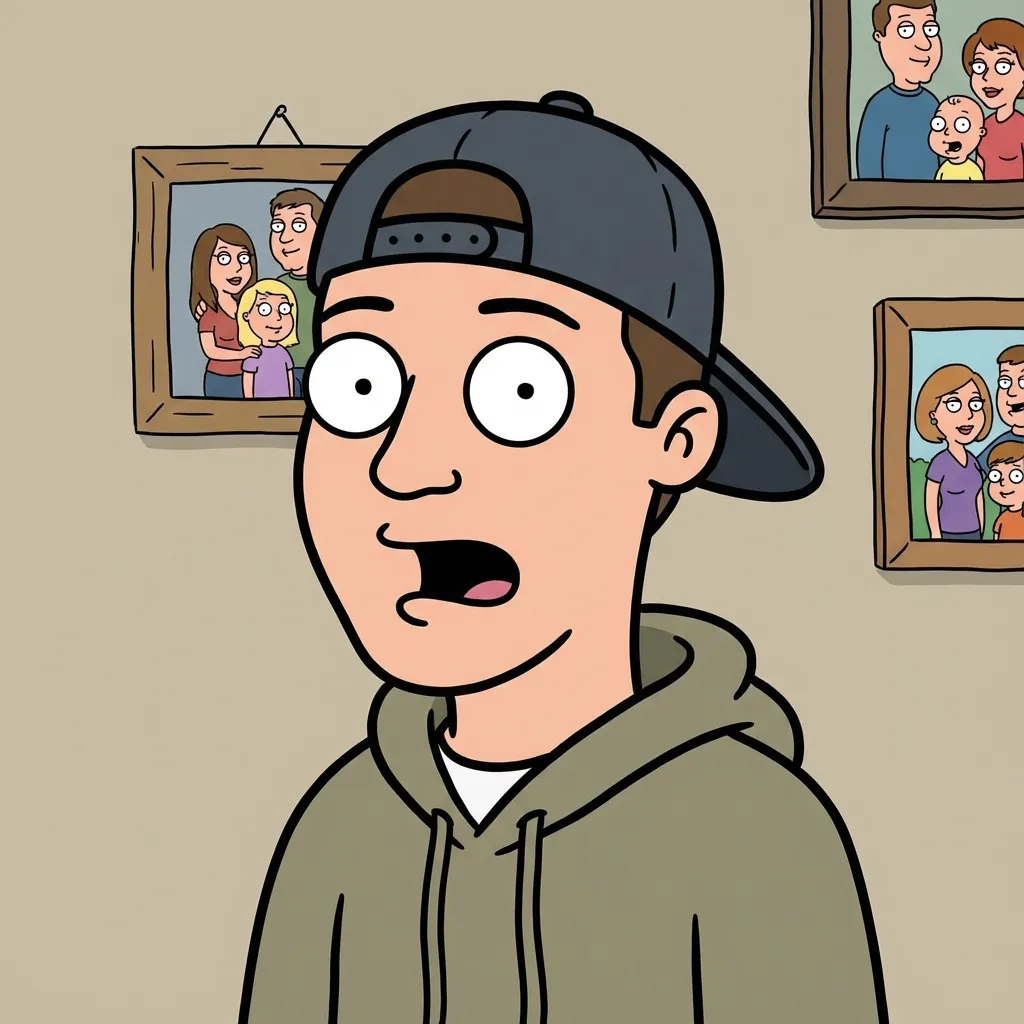
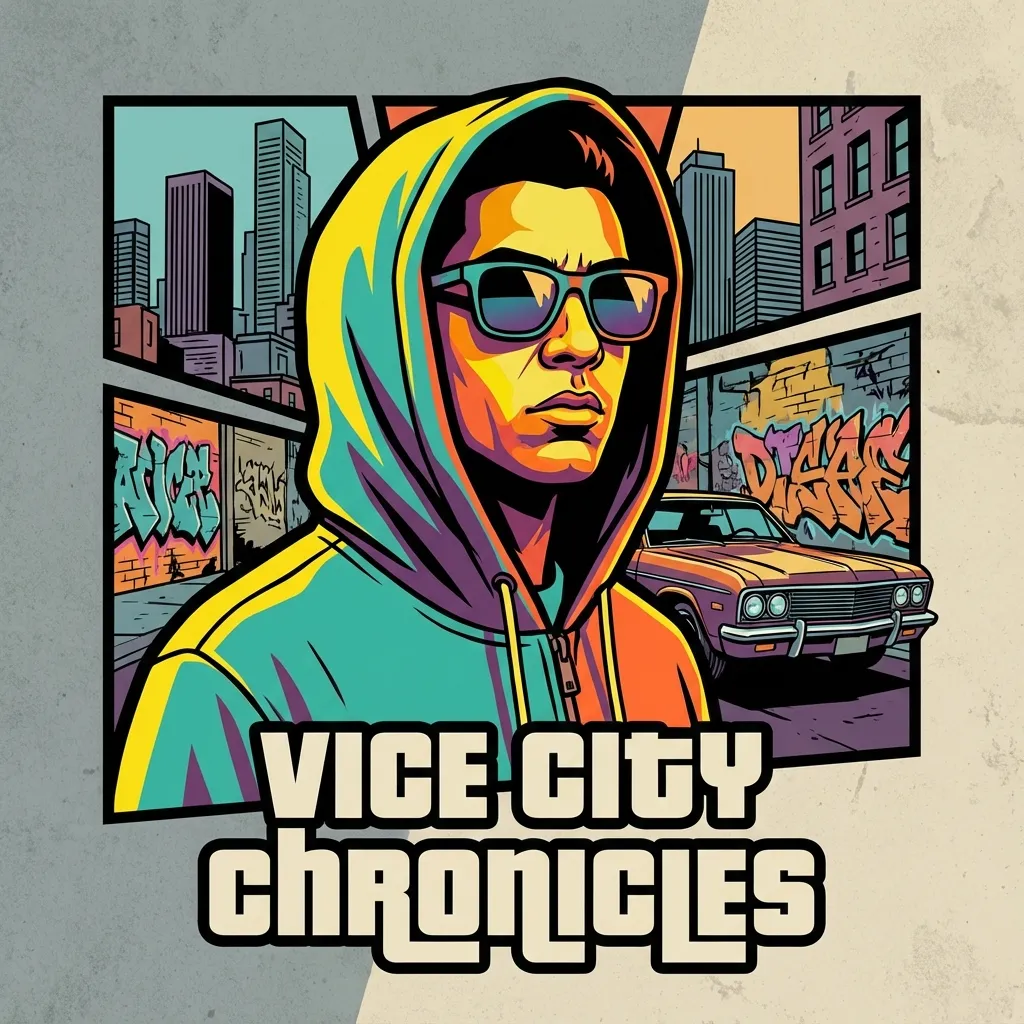
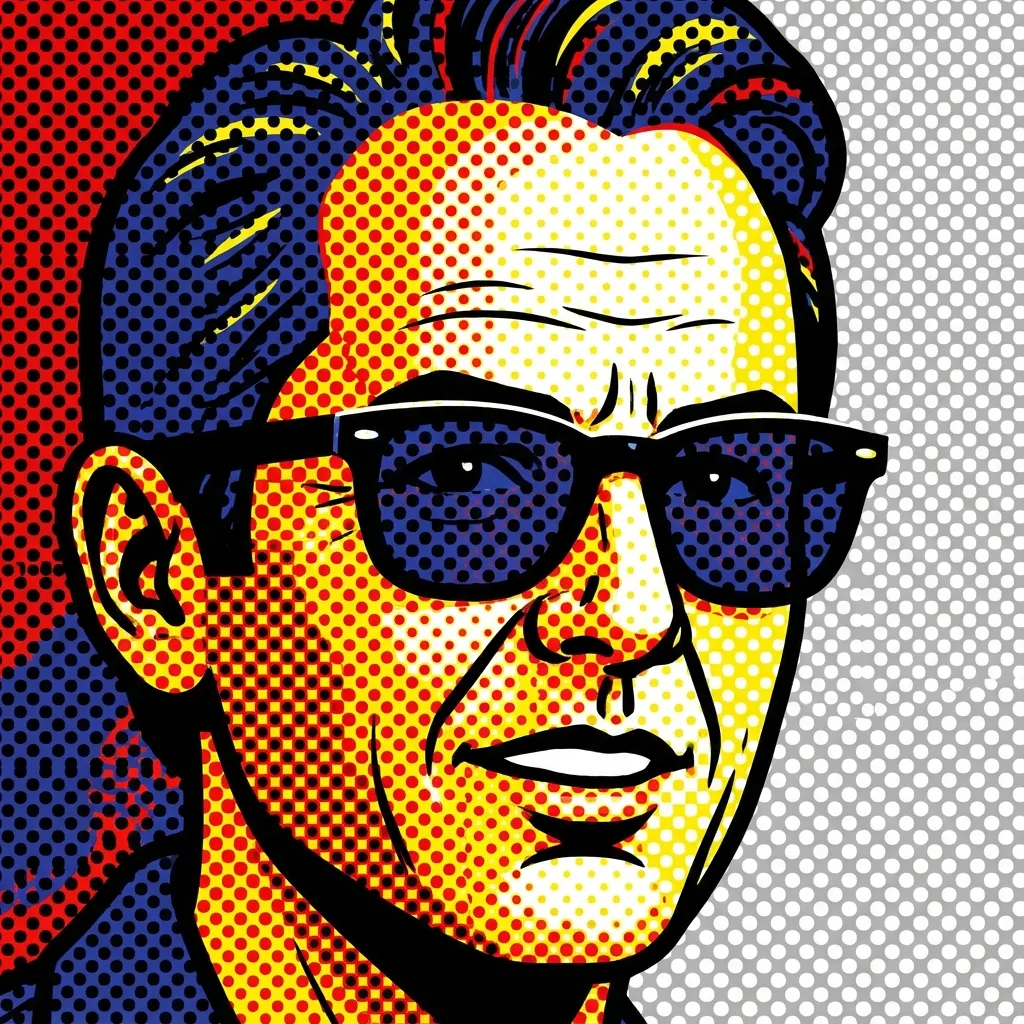
AI Manga Filter demo 4