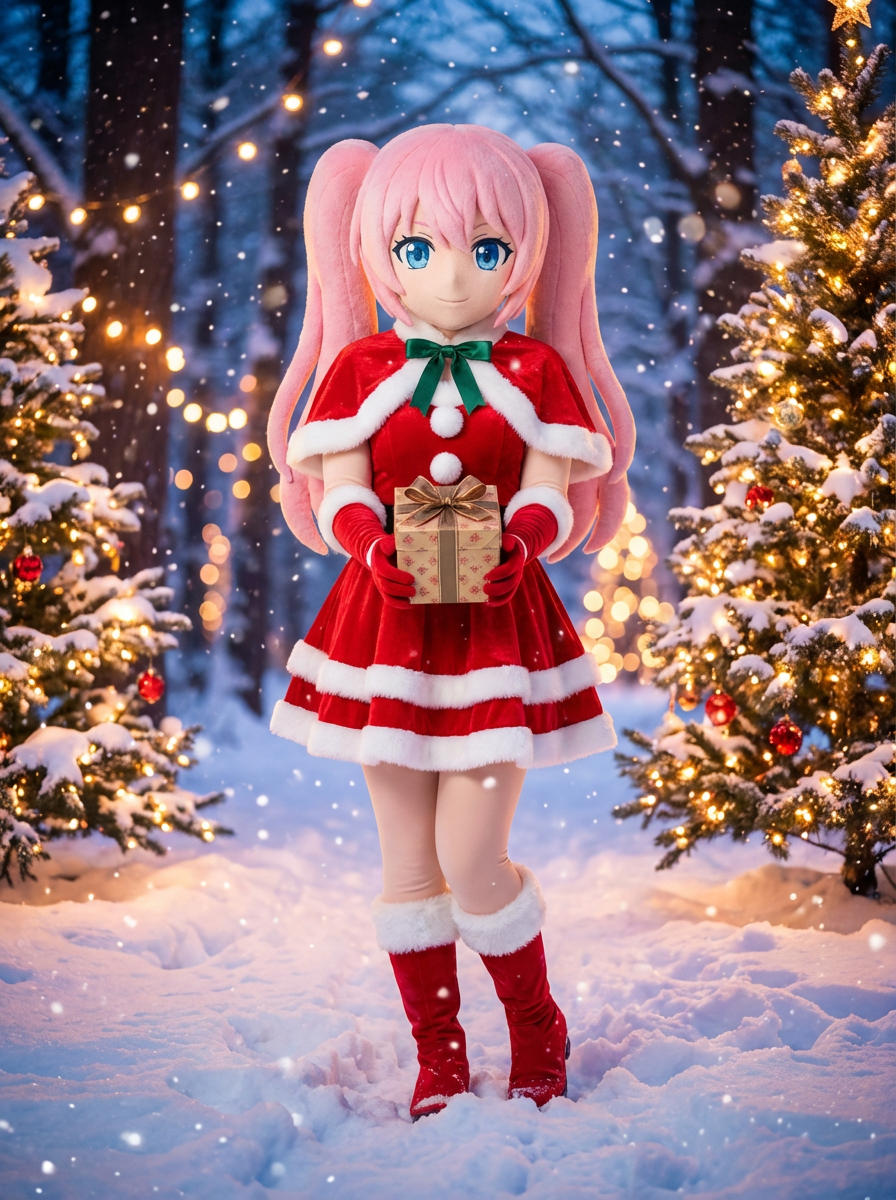
AI Christmas Outfit Generator
Apply festive wardrobe styling to character portraits and OC art.
Upload reference images
Reference 1
Preset characters
Click preset characters to fill reference slots in order.
Target: Reference 1
Choose preset
Add extra details
Set output and generate
Aspect ratio
Model
Tutorial
Follow the suggested workflow, then use the example outputs as visual references.
Upload a readable portrait
Holiday outfit changes work best when the face, torso, and existing costume silhouette are clear.
Choose the festive direction
Use presets to bias the output toward hats, scarves, or a full holiday wardrobe refresh.
Generate seasonal variants
Compare the outputs and keep the version with the cleanest wardrobe read and strongest holiday tone.
AI Christmas Outfit Generator results will appear here
Upload your references, set the look, and generate.
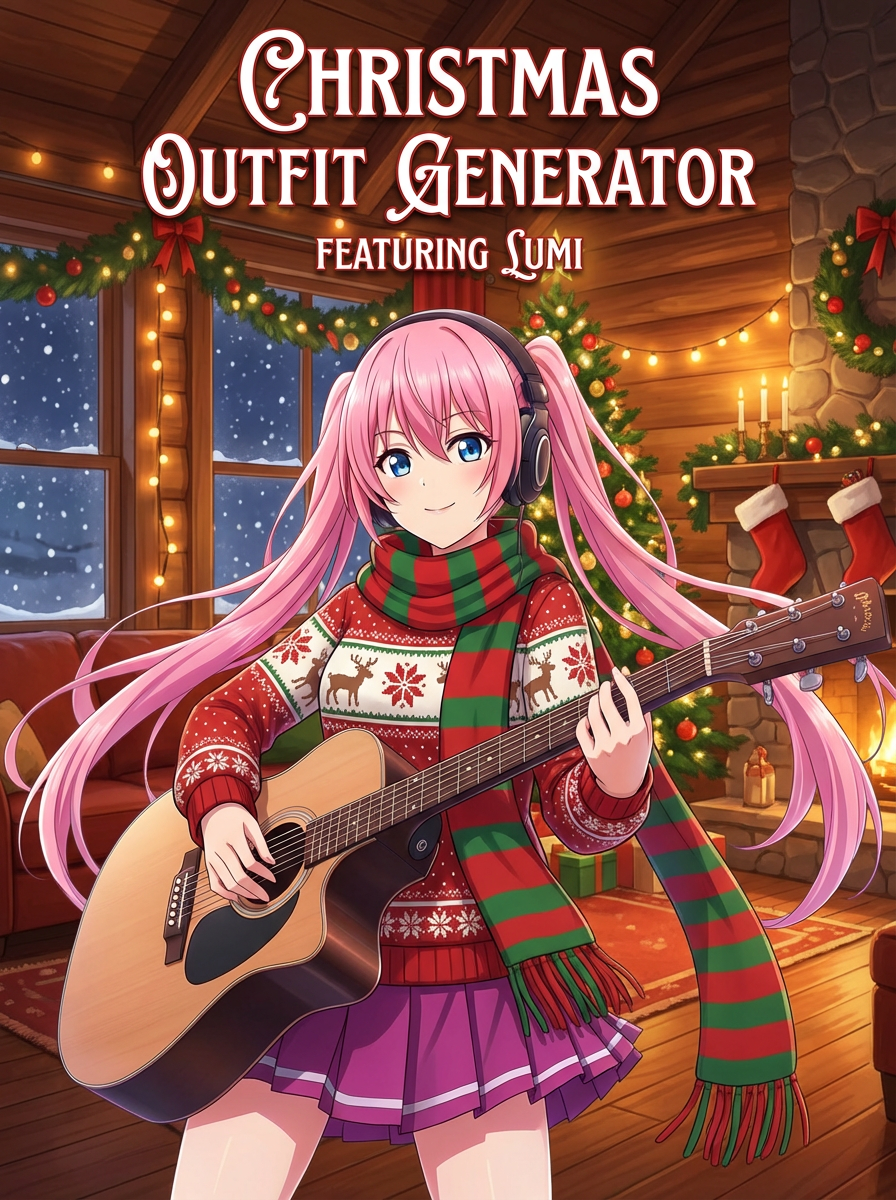
Qo‘llanma
AI Christmas Outfit Generator is best when you want a fast holiday makeover for an existing portrait.
Step 1: Prepare the right input
Upload a clear character image.
Step 2: Set the generation direction
Choose whether you want hats, scarves, or a full festive outfit treatment.
Step 3: Generate, review, and keep the strongest result
Keep the version with the cleanest holiday styling and identity retention.