Comic / Storyboard
Manga IP Storyboard: Leo & Max Layout 66 (Japanese Manga · Full Color)
A style-mixed manga workflow template with panel layout reference and Leo/Max identity anchors.
Premium template. Free access covers the first 3.
Workflow mode
Open editable workflow
Create a project using the real connected graph and edit its nodes in Workflows.
Preview workflow graphAgent mode
Create with AI Comic Agent
Start from the same original scene brief and add your own ideas. Opens the LlamaGen comic agent with an editable prompt; it does not automatically submit a generation request.
0/600
Start in Agent Mode →What's inside this template
This is the structure of the actual editable workflow, not a generic example. It includes 5 nodes and 4 connections.
Input and creative brief
Create a manga storyboard sequence inspired by classic cinema and animation pacing. Use the provided panel layout image to determine composition and panel count. Style direction: Japanese Manga. Color mode: Full Color. The protagonists must be LlamaGen IP characters Leo (alpaca artist) and Max (young bear writer).
Expected output
This template contains image generation node after its inputs. The actual result depends on your edits and the available models.
Workflow steps
1. Text prompt
2. Image generation
Configured model: gemini-3.1-flash-image-preview
Node instructions: Use this manga panel layout as the structural composition reference.
3. Image generation
Configured model: gemini-3.1-flash-image-preview
Node instructions: Use this as Leo's identity anchor. Keep face, style, and accessories consistent.
4. Image generation
Configured model: gemini-3.1-flash-image-preview
Node instructions: Use this as Max's identity anchor. Keep character consistency across all panels.
5. Image generation
Configured model: gemini-3.1-flash-image-preview
Node instructions: Generate the final manga page using ALL incoming references. Reference mapping (strict): image #1 = panel layout, image #2 = Leo avatar,…
Before you create
- Review the input prompt and replace example content with your own creative brief.
- Inspect each node and confirm the configured model is available to your account before running.
- Review generated outputs and any underlying image or story rights before publishing.
Workflow preview
See the graph.
The preview matches the workflow you will open in the app.
Drop files to create nodes
More templates
Related workflow templates
More templates with similar creative goals, categories or tags.
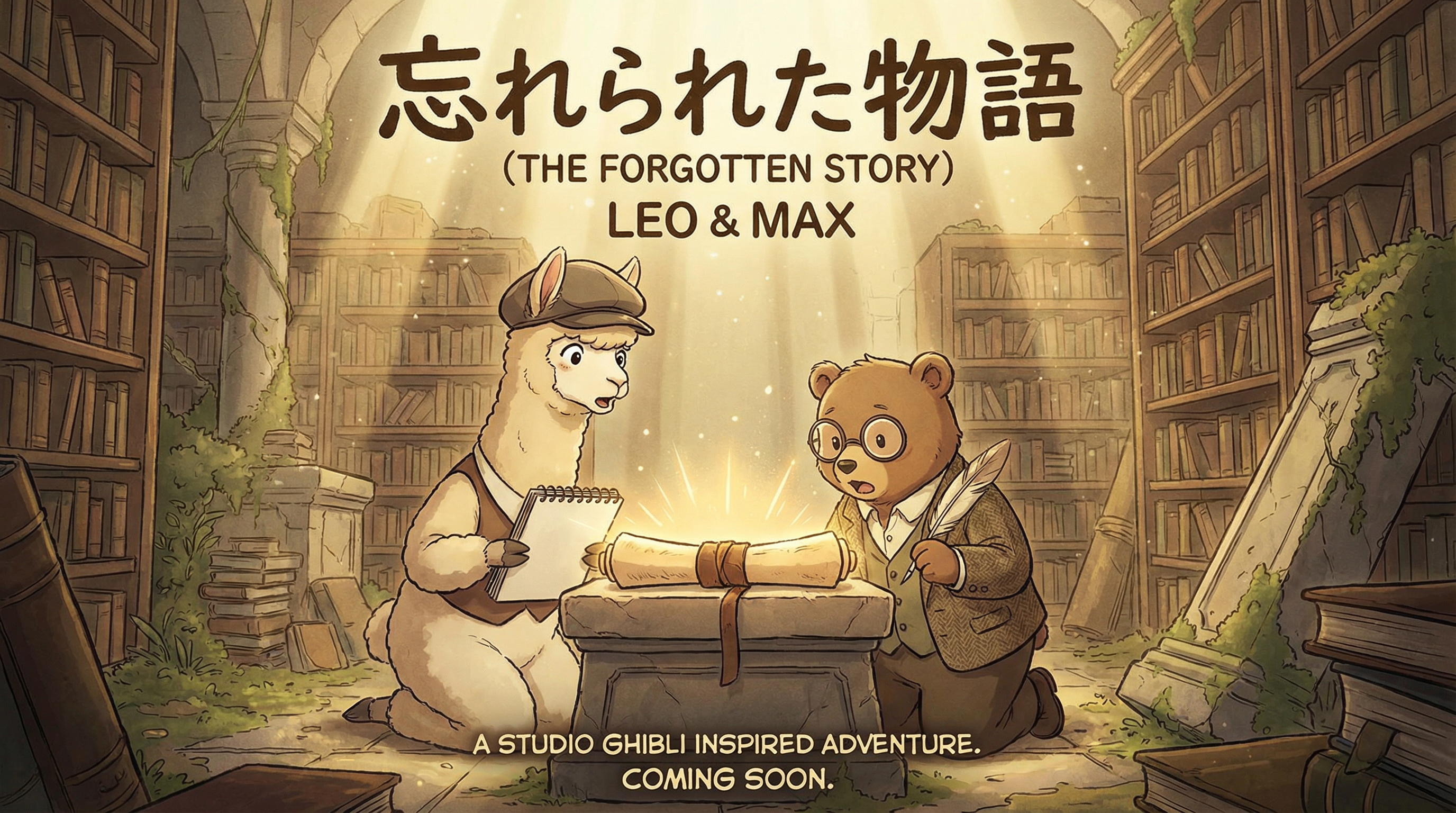
Manga IP Storyboard: Leo & Max Layout 4 (Japanese Manga · Full Color)
Comic / Storyboard
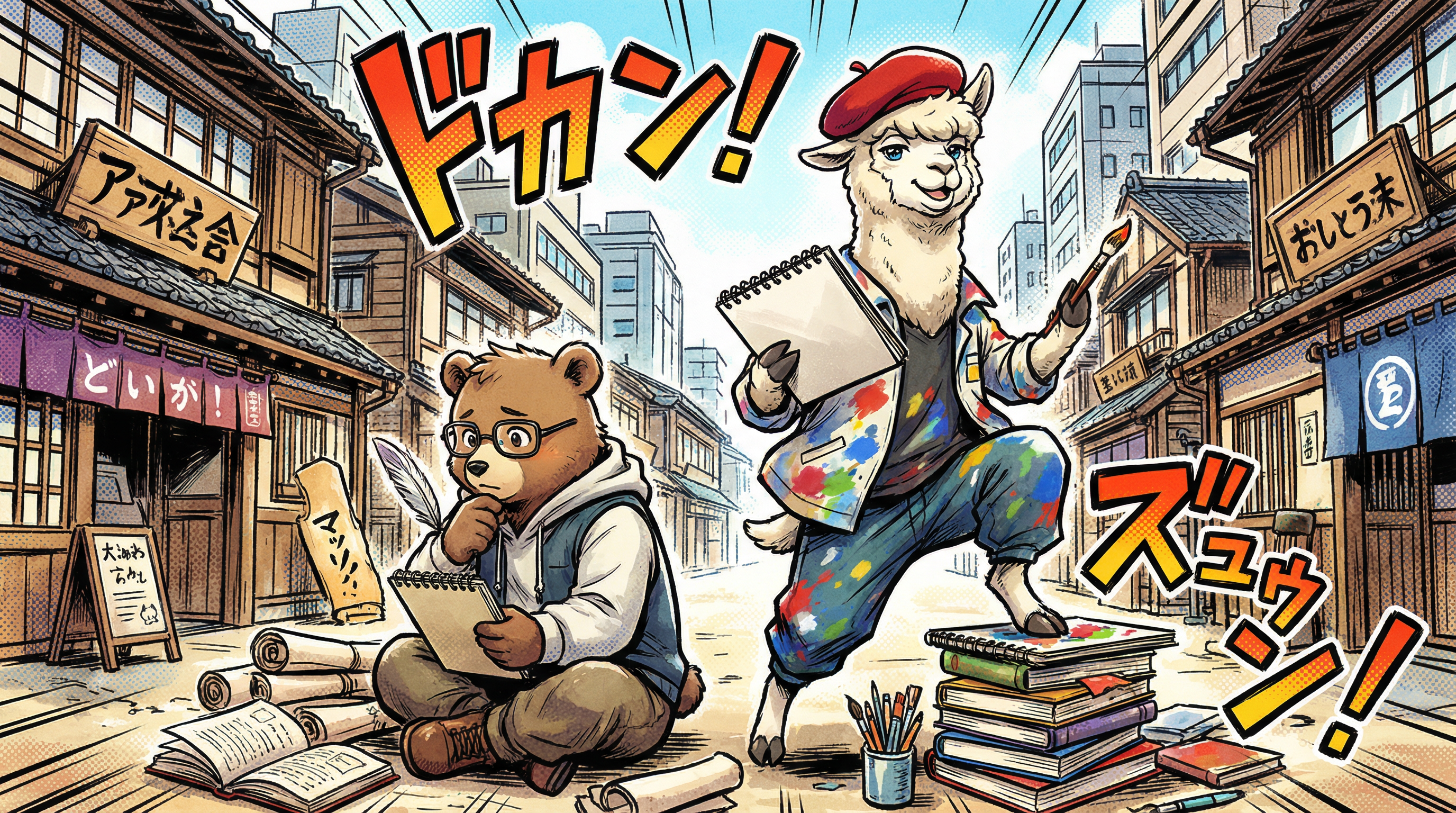
Manga IP Storyboard: Leo & Max Layout 5 (Japanese Manga · Full Color)
Comic / Storyboard
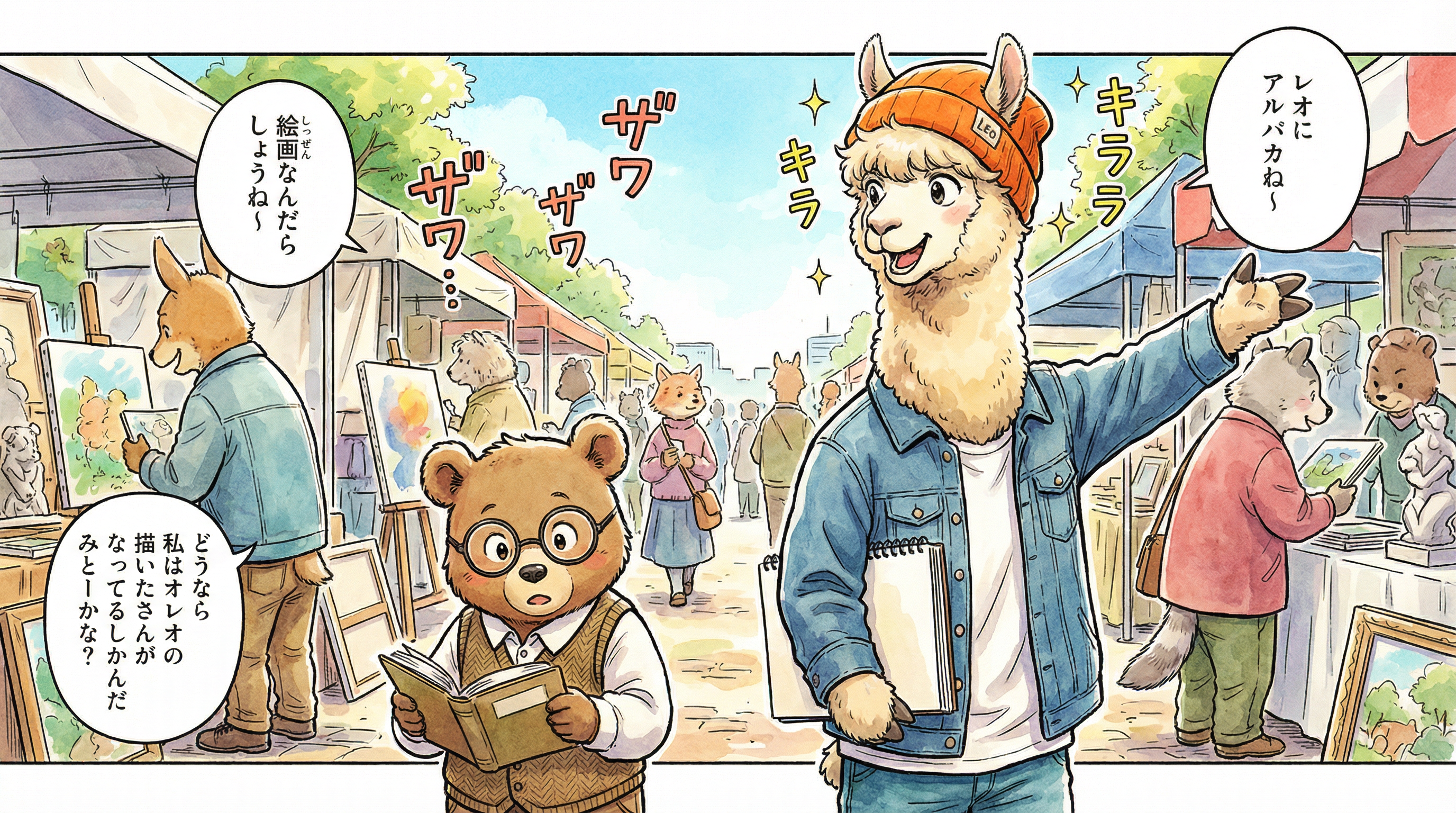
Manga IP Storyboard: Leo & Max Layout 12 (Japanese Manga · Full Color)
Comic / Storyboard

Manga IP Storyboard: Leo & Max Layout 18 (Japanese Manga · Full Color)
Comic / Storyboard
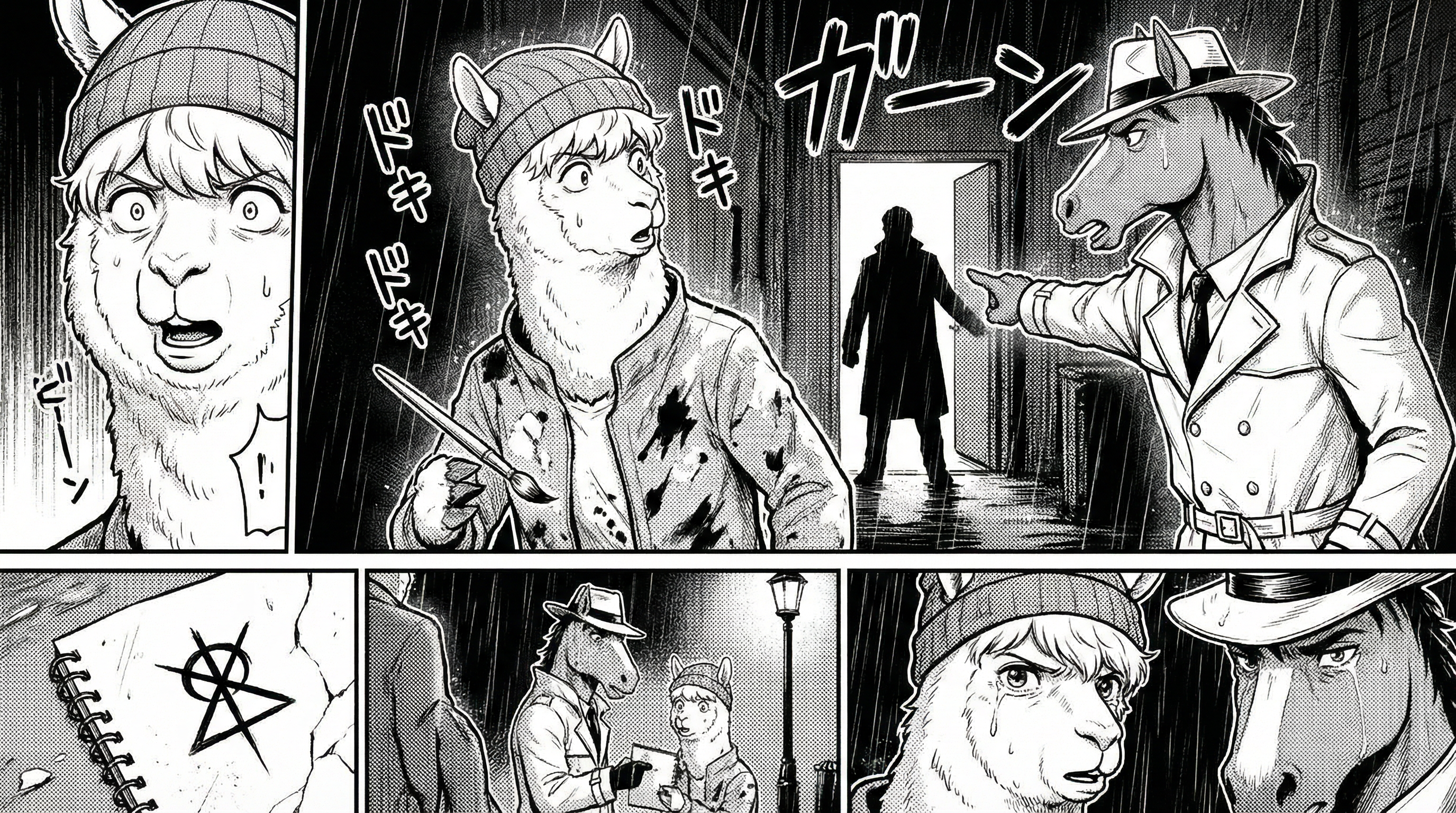
Manga IP Storyboard: Leo & Max Layout 20 (Japanese Manga · Full Color)
Comic / Storyboard
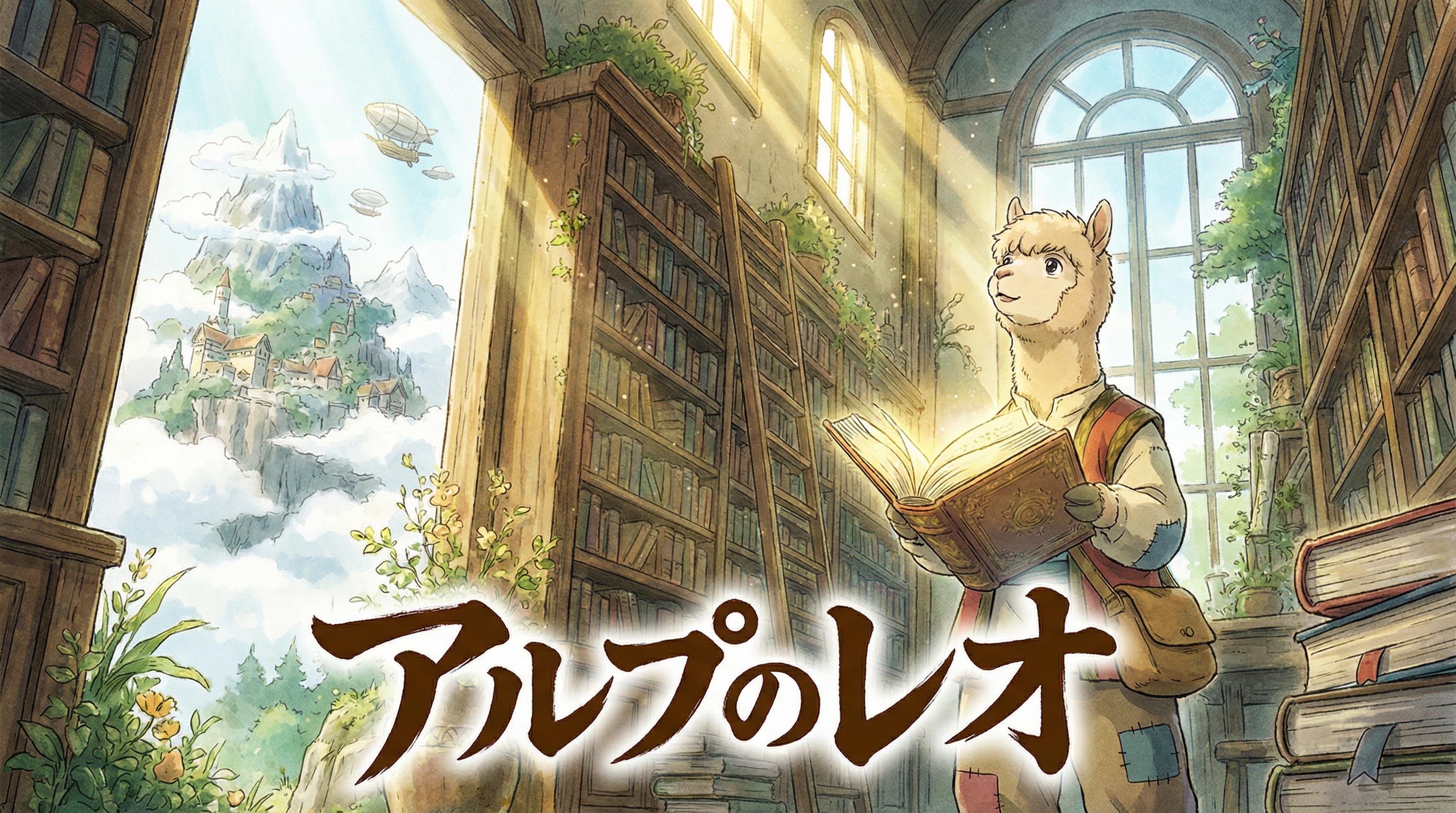
Manga IP Storyboard: Leo & Max Layout 28 (Japanese Manga · Full Color)
Comic / Storyboard
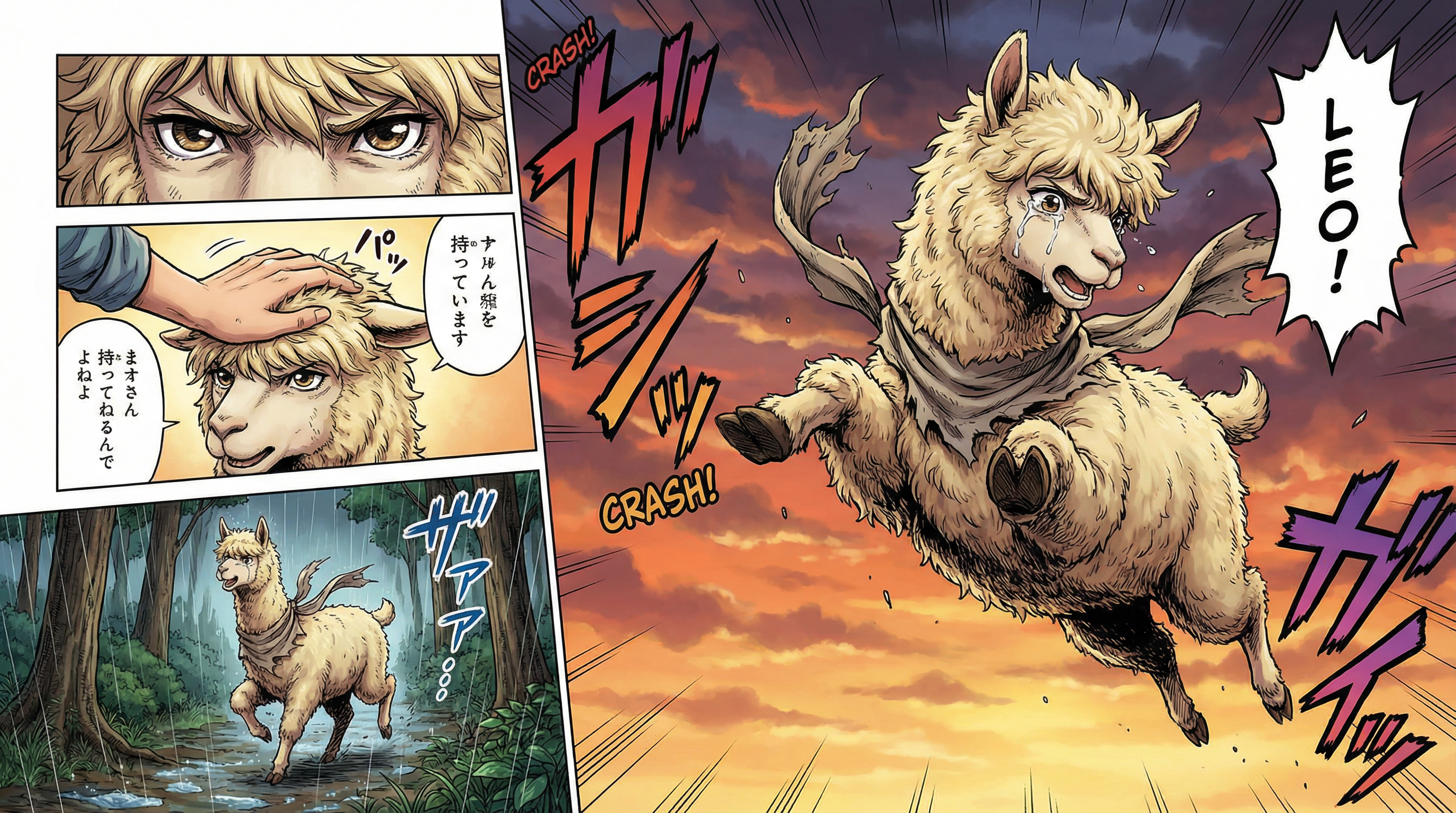
Manga IP Storyboard: Leo & Max Layout 33 (Japanese Manga · Full Color)
Comic / Storyboard
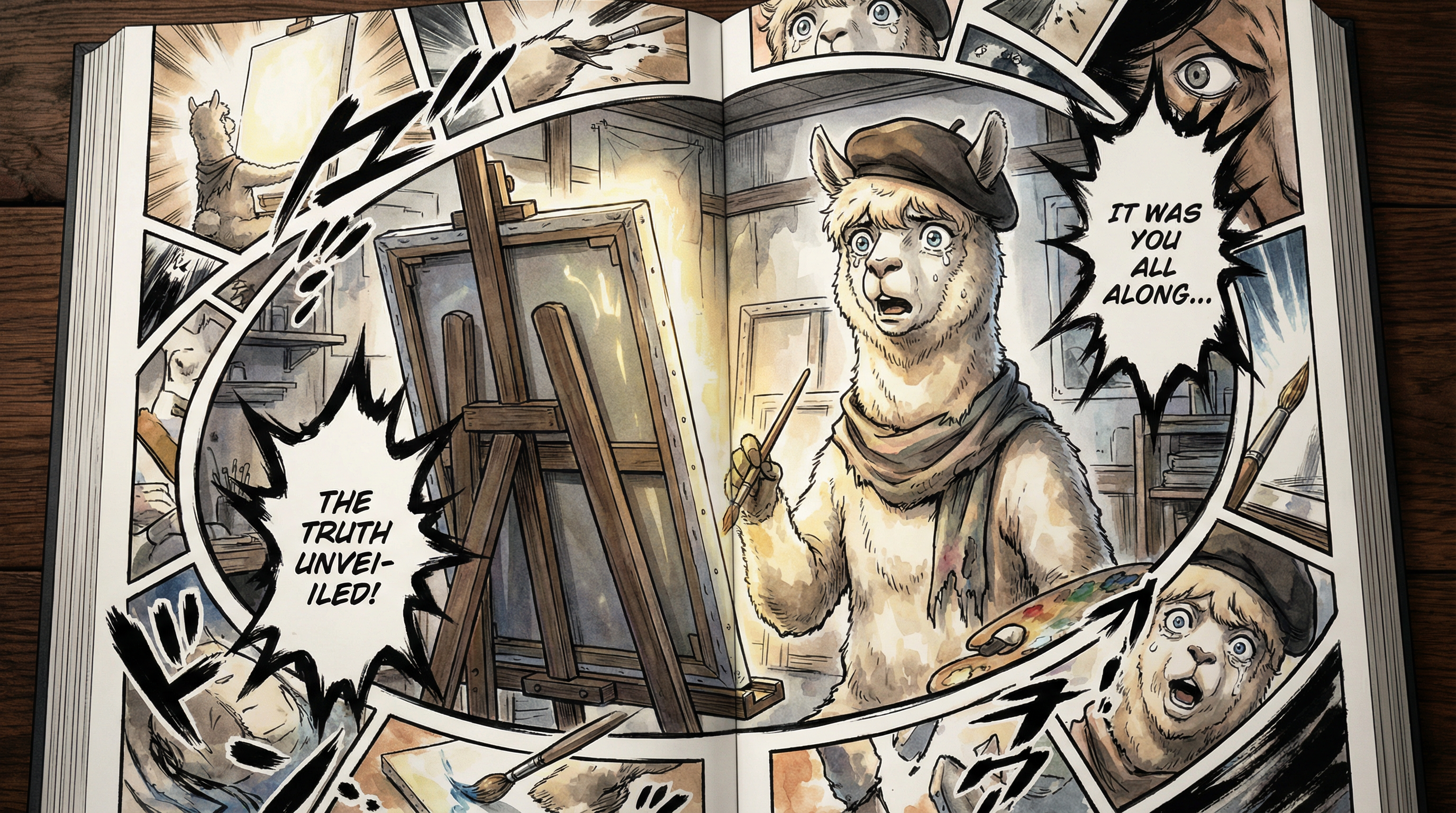
Manga IP Storyboard: Leo & Max Layout 36 (Japanese Manga · Full Color)
Comic / Storyboard
New to AI workflows? Explore how LlamaGen Workflows works.