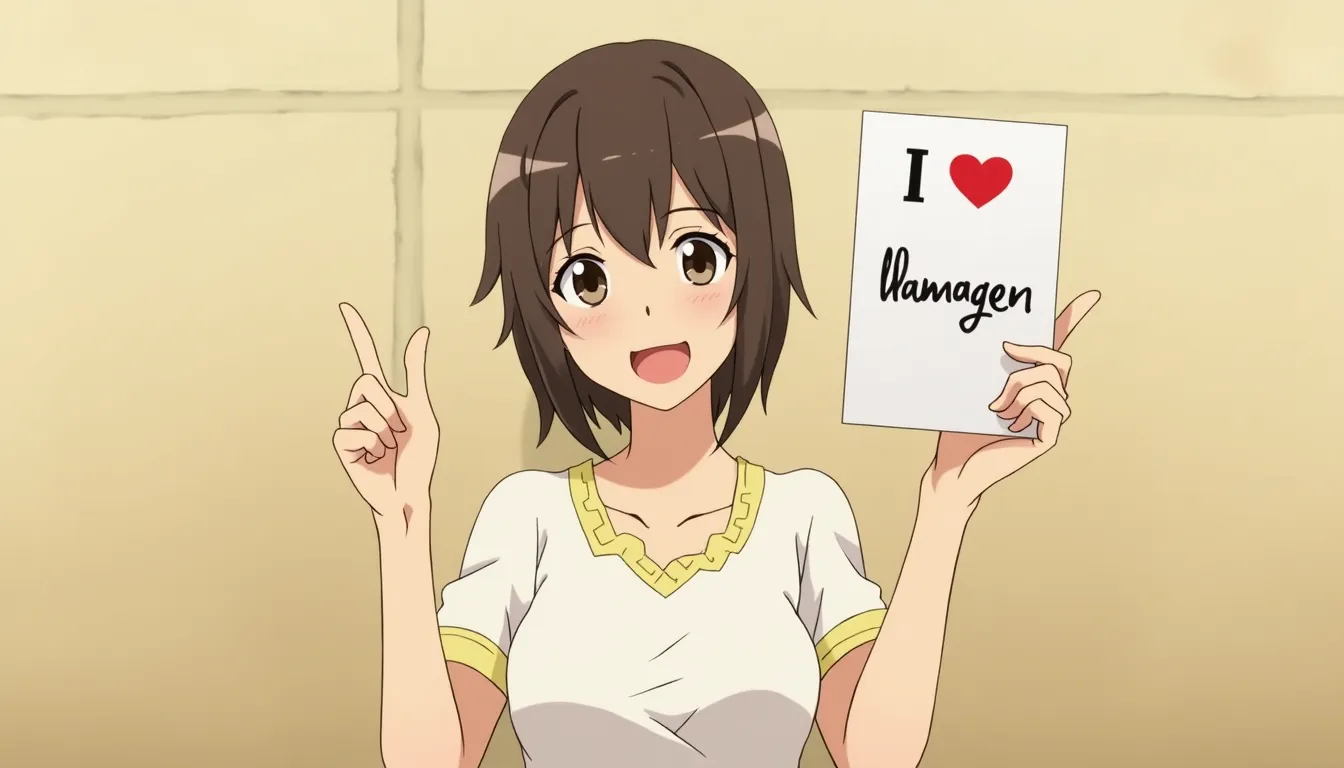
One-Click Comic
Turn a single idea into a finished comic-style visual in one flow.
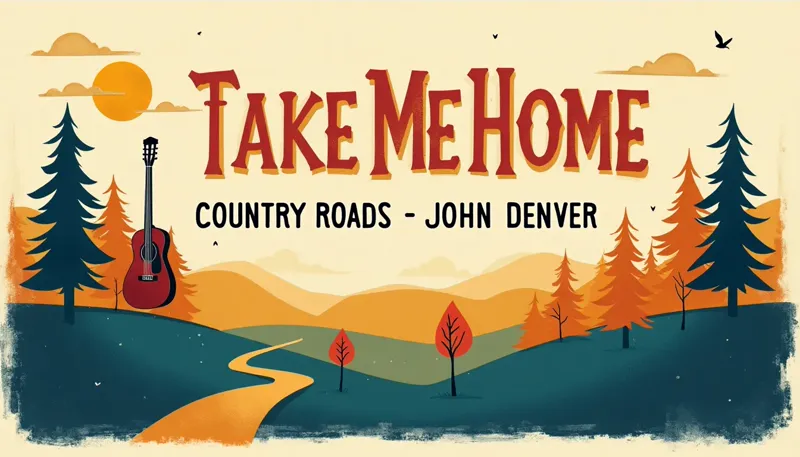
教程
One-Click Comic is best when you use it to convert one concise idea into a polished visual result without building a full workflow.
Step 1: Prepare the right input
Write one strong scene sentence with the subject, the action, and the mood.
Step 2: Set the generation direction
Pick the preset that matches your goal, then choose the ratio that fits the final placement.
Step 3: Generate, review, and keep the strongest result
Generate a few variations, keep the cleanest composition, and tweak the prompt only around the focal point.
Best results
- Mention the camera framing if composition matters.
- Avoid stacking too many style references into one sentence.
- Use concrete nouns and one clear action verb.