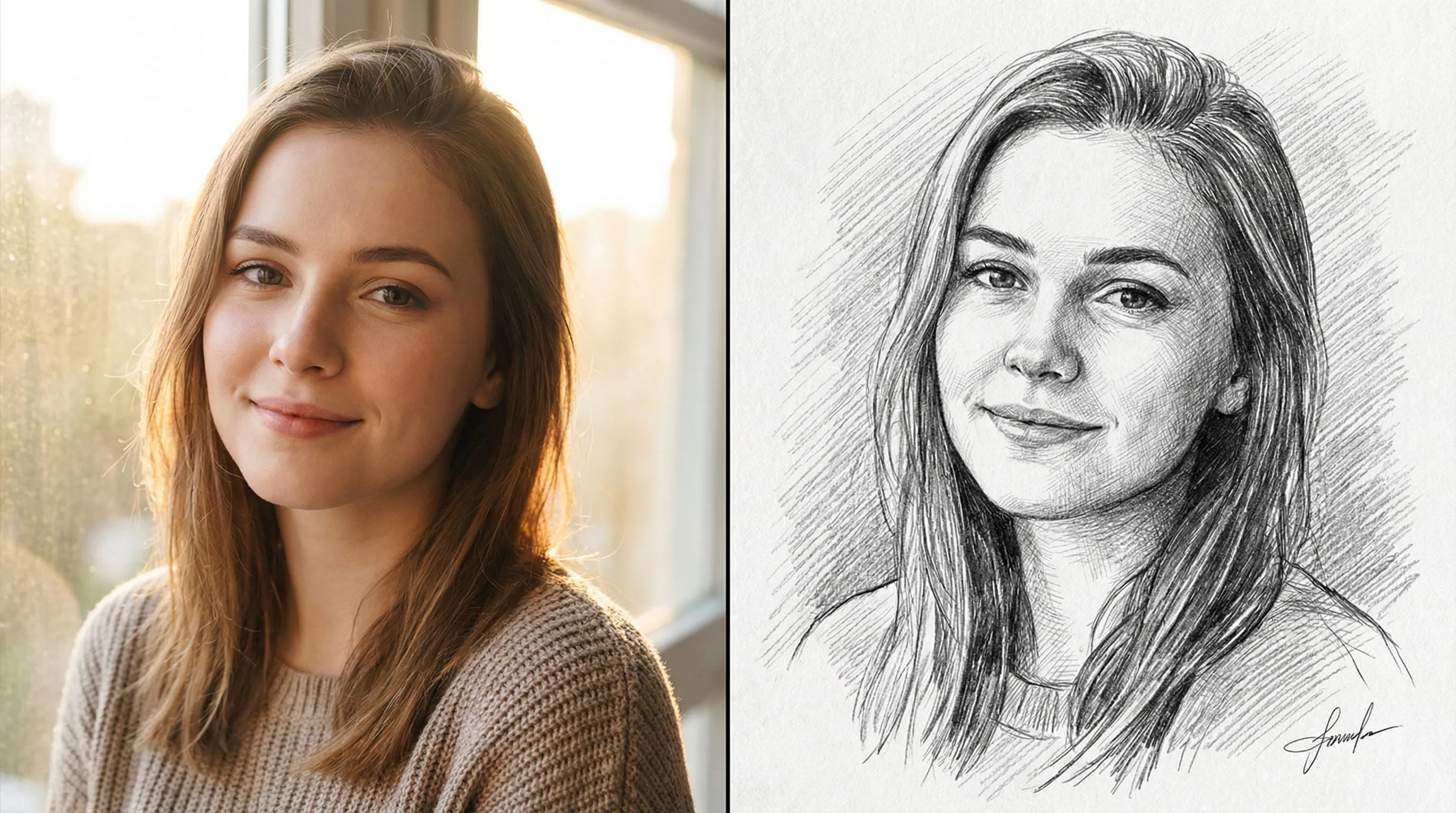
Photo to Sketch
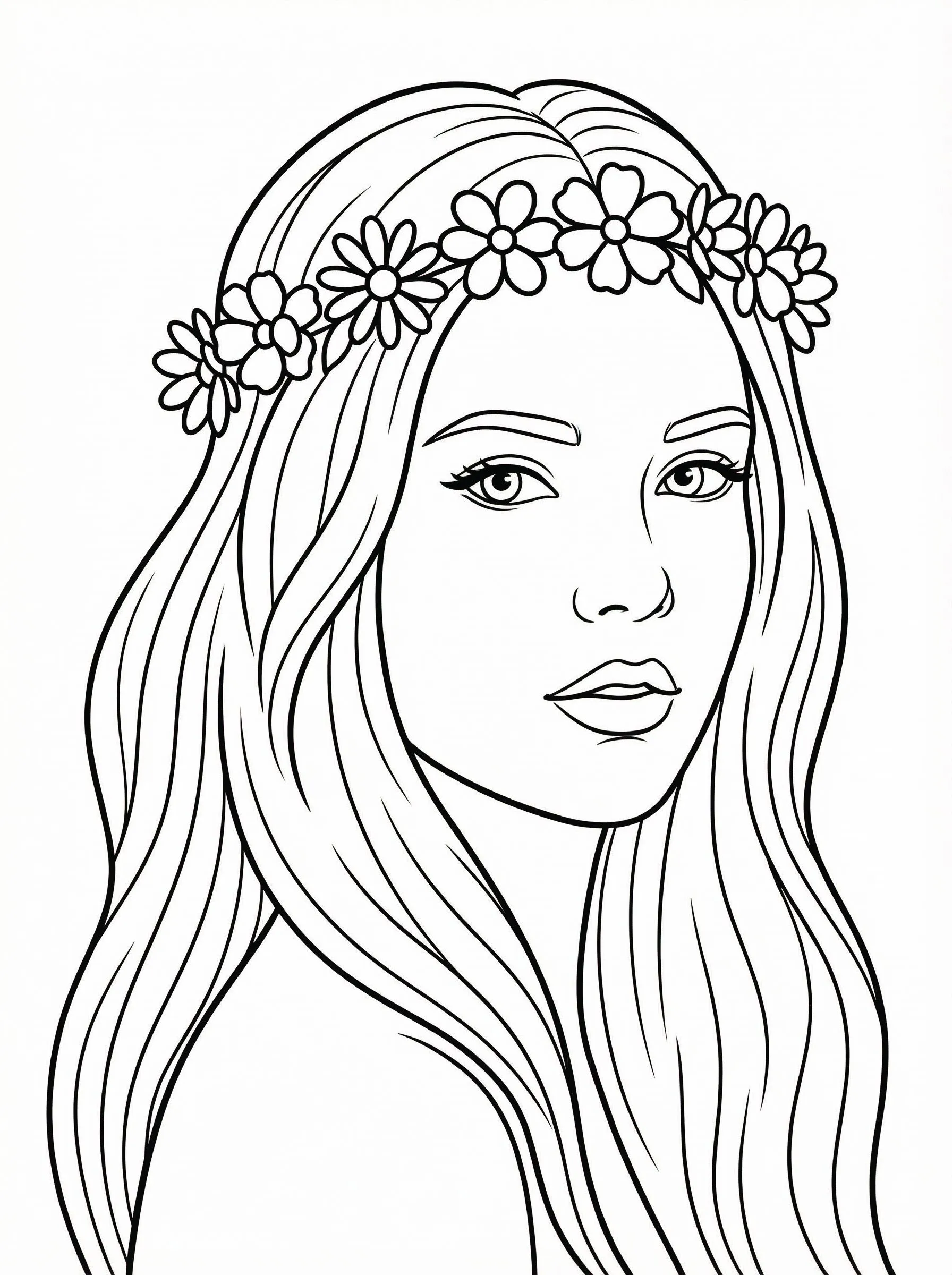
Turn photo into coloring page
教程
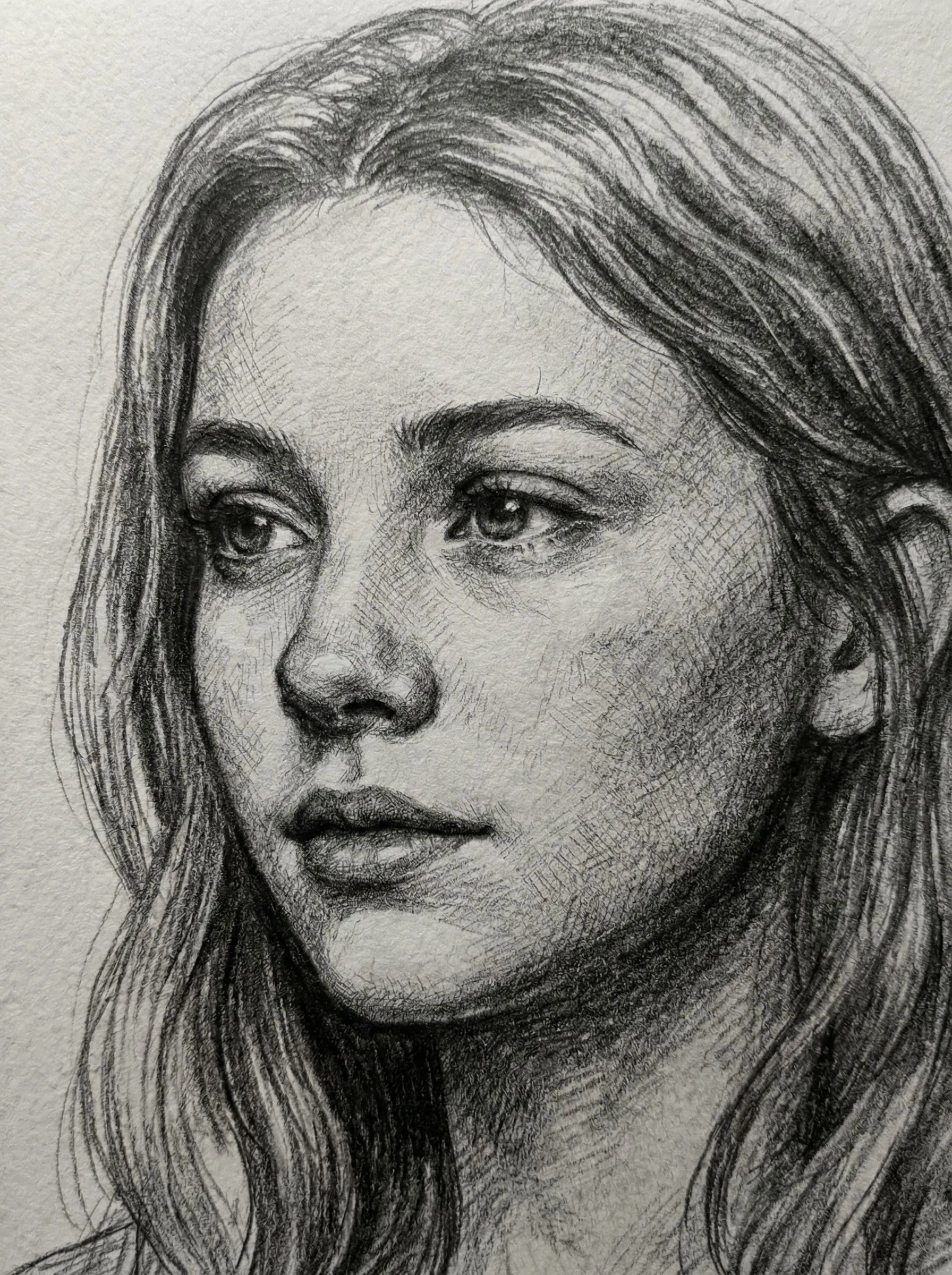
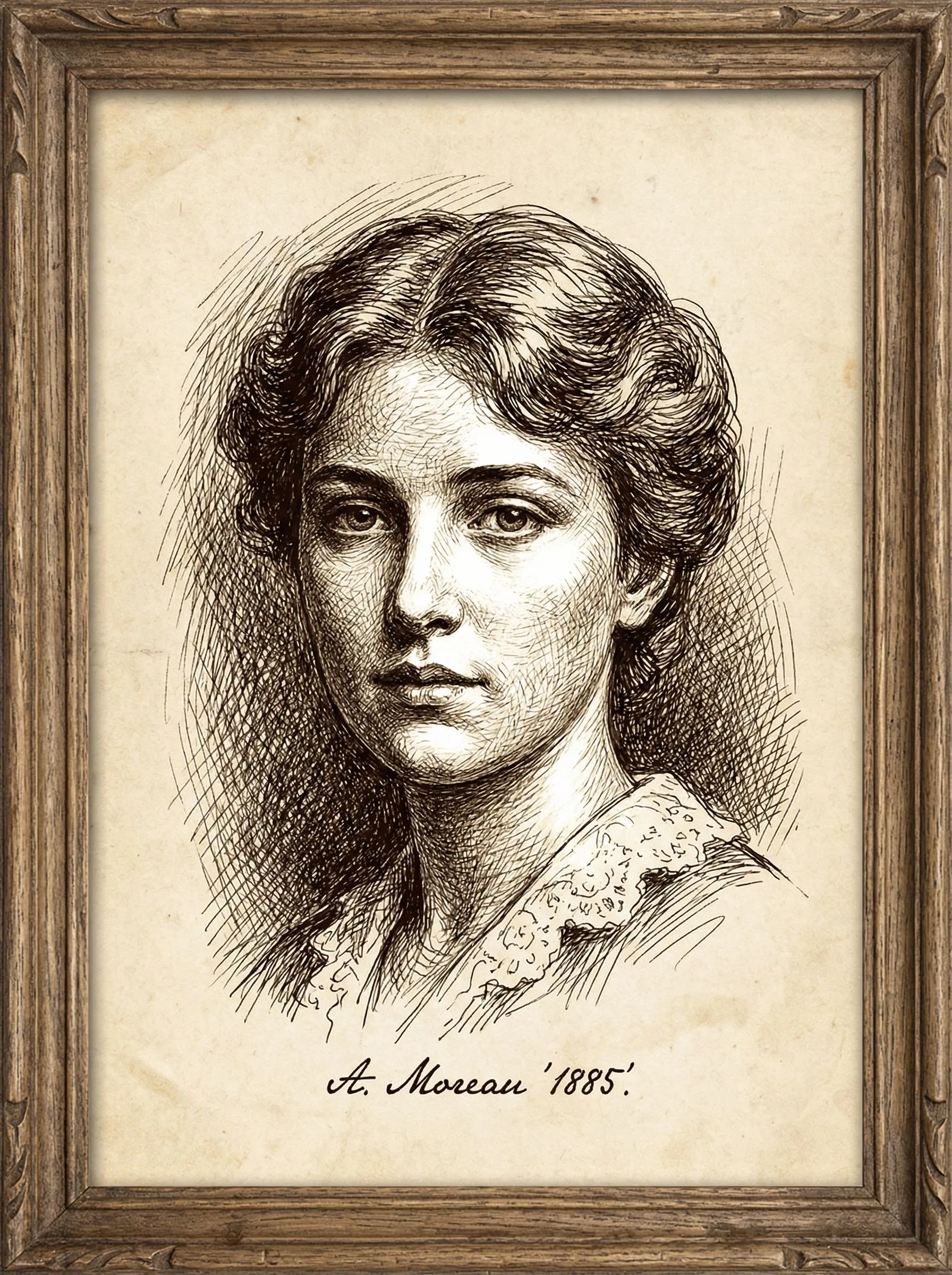
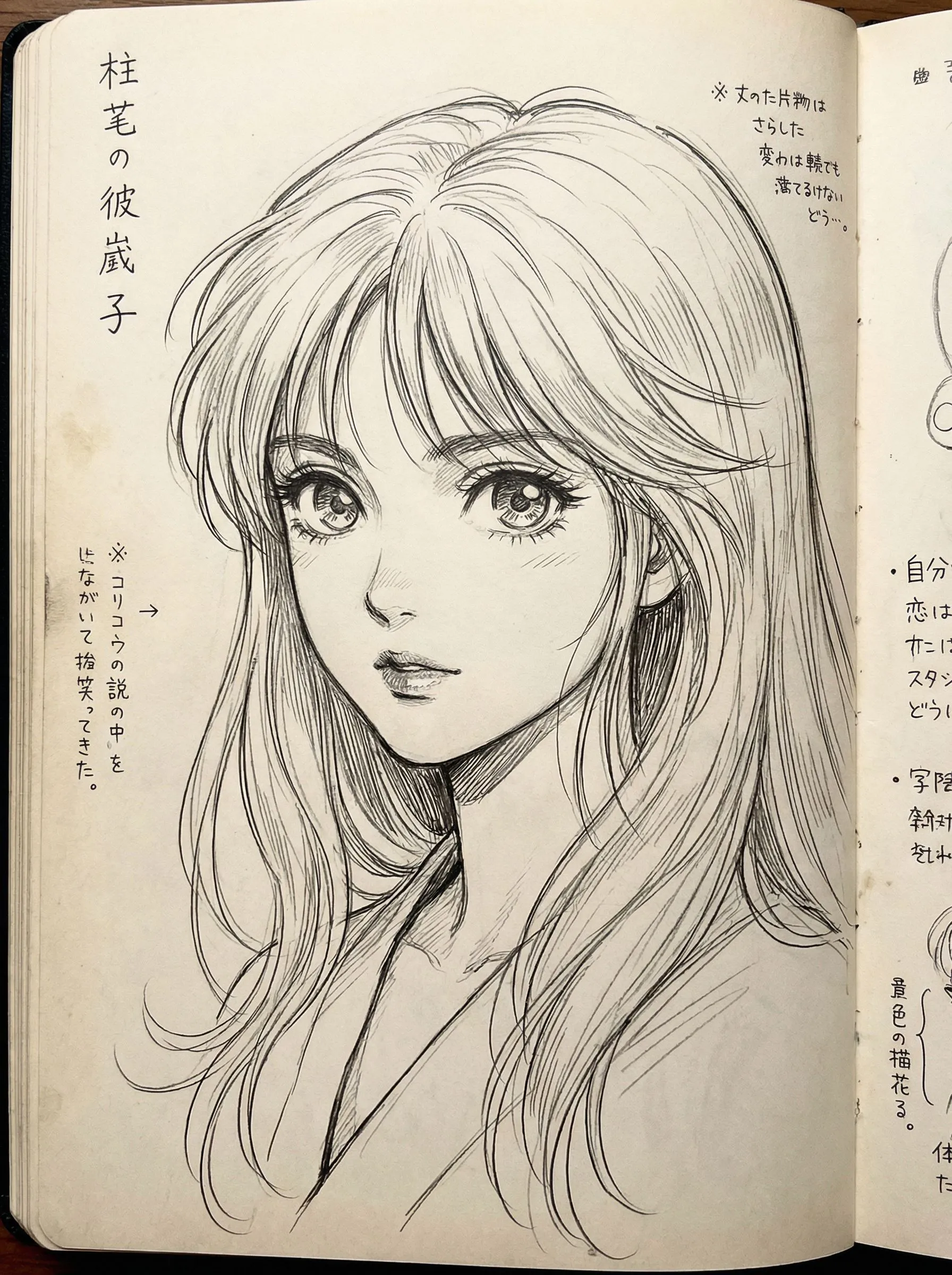
Photo to Sketch is best when you use it to turn portraits or reference images into clean sketch, line-art, or coloring-page outputs.
Step 1: Prepare the right input
Use a sharp reference photo with clear edges around the main subject.
Step 2: Set the generation direction
Choose the sketch style and model that fit whether you want soft pencil, hard ink, or coloring-page lines.
Step 3: Generate, review, and keep the strongest result
Compare line density and facial clarity, then keep the result that is easiest to edit or print.
Best results
- Remove cluttered backgrounds before generating a coloring page.
- Use softer styles when you still want shading information.
- Check line thickness around eyes and mouth before exporting.