Camera Angle Control
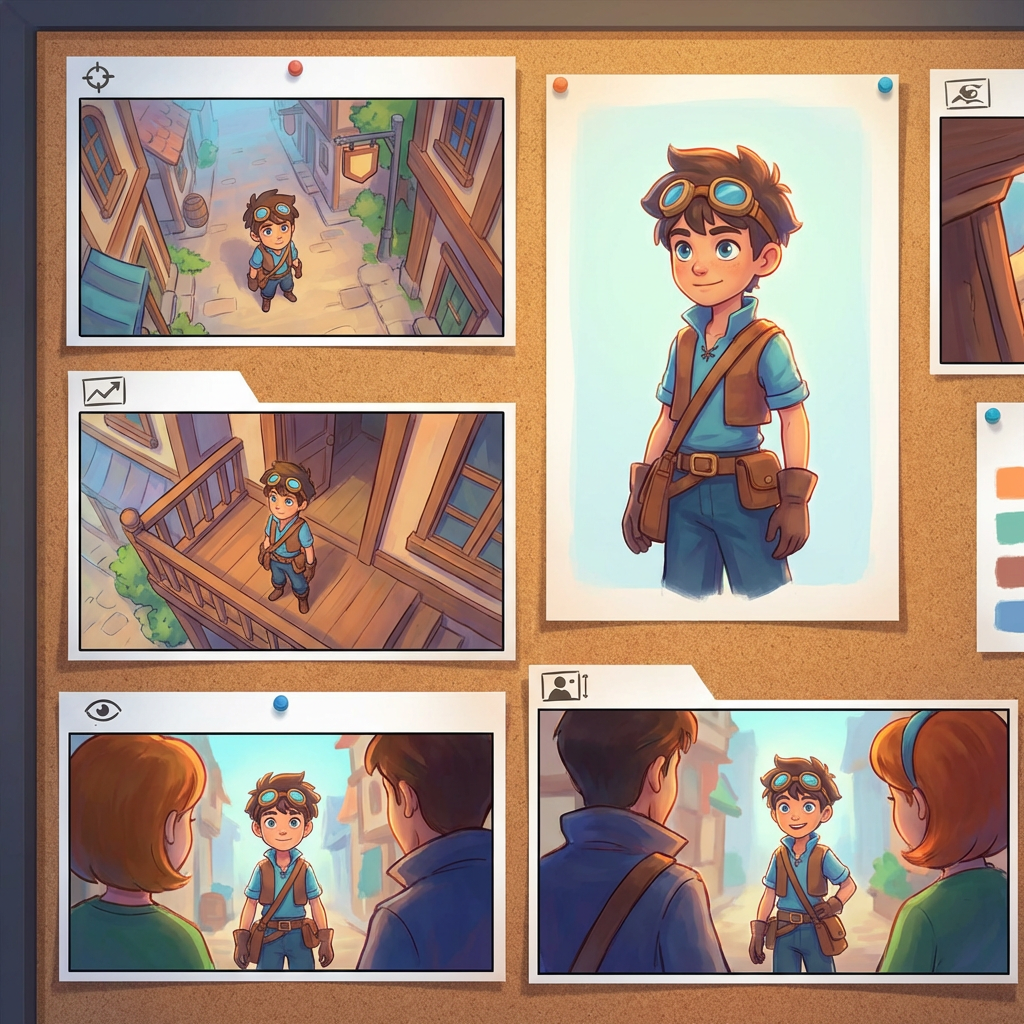
Transform an existing image through natural conversation, generate new camera angles from a single photo, and reframe it without rebuilding the scene.
Multi-Angles
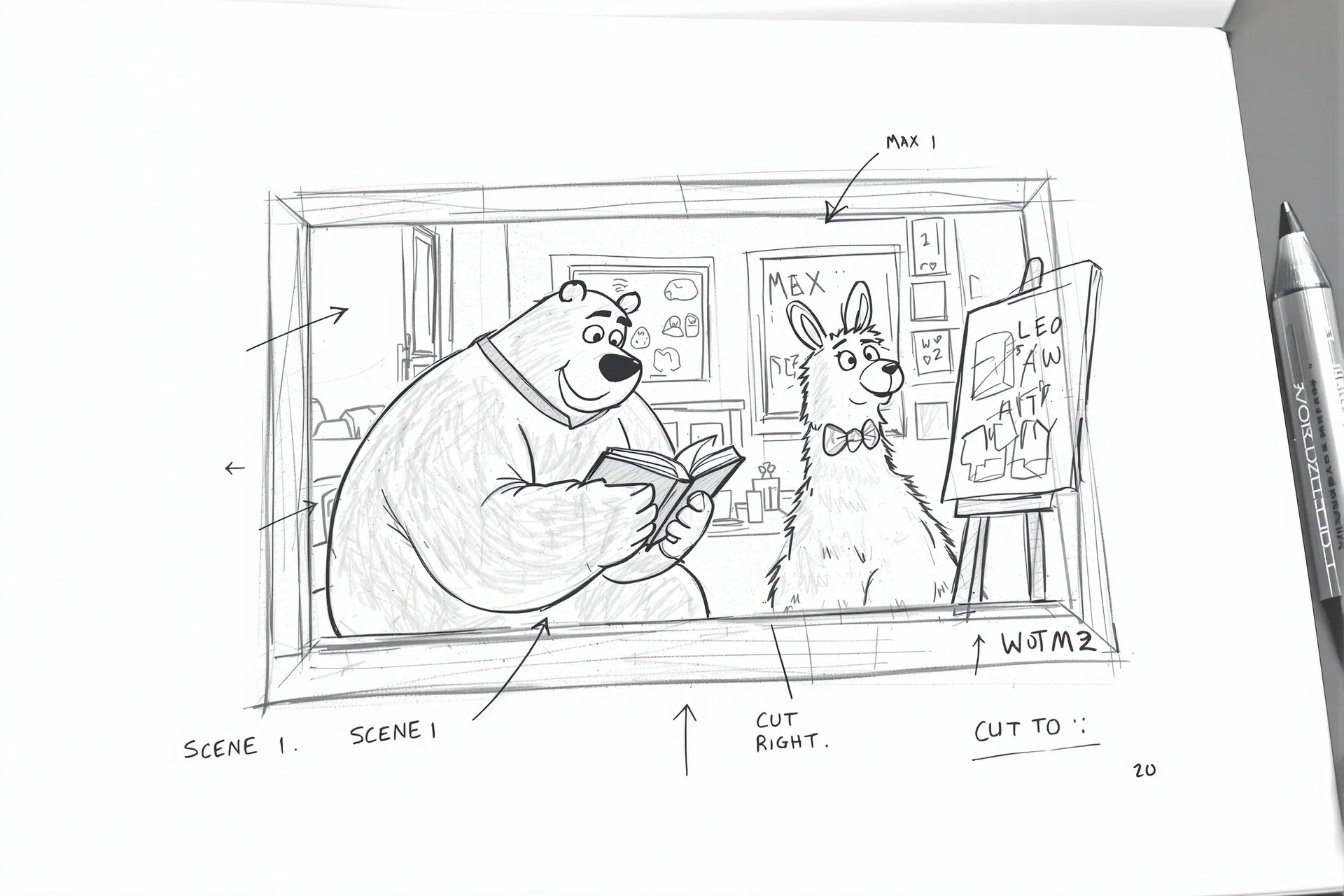
Source Reference
Upload a reference image
Use the Replace and Remove buttons above anytime.
Generated Result
Examples
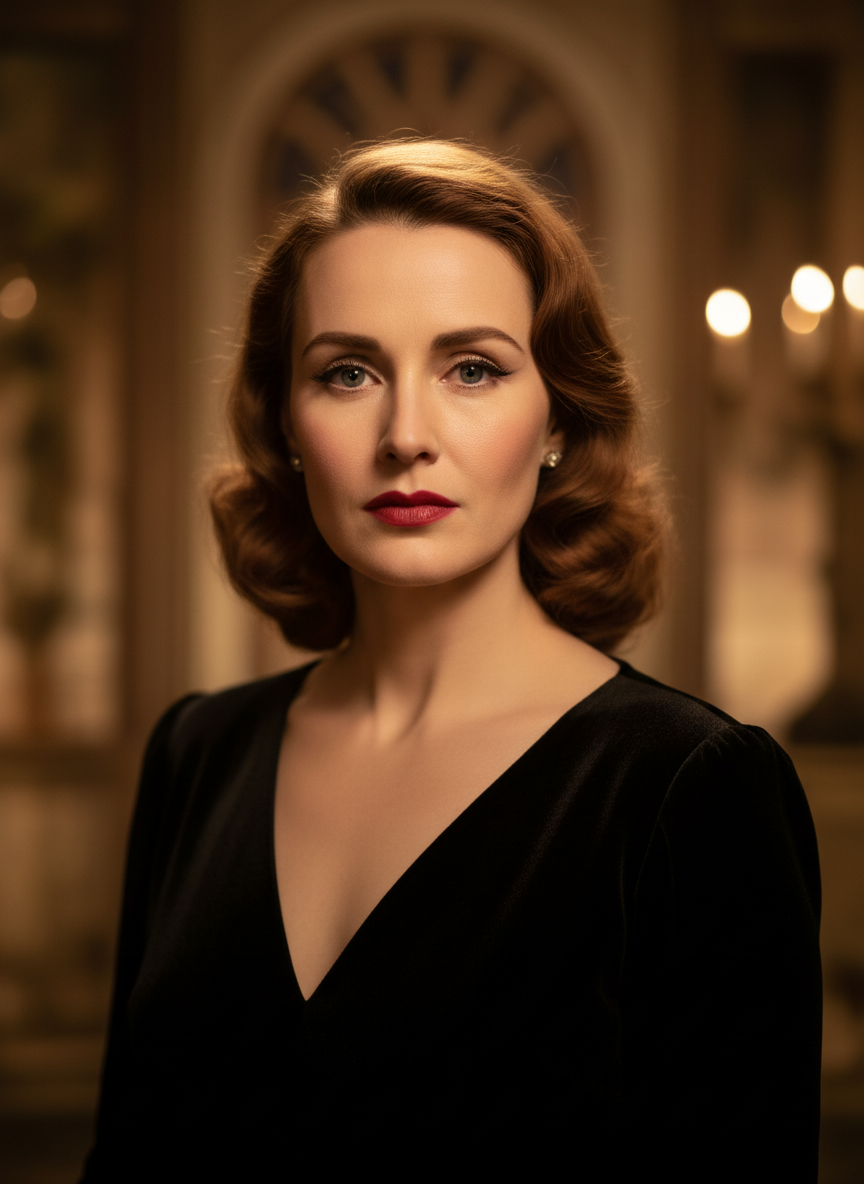
Source
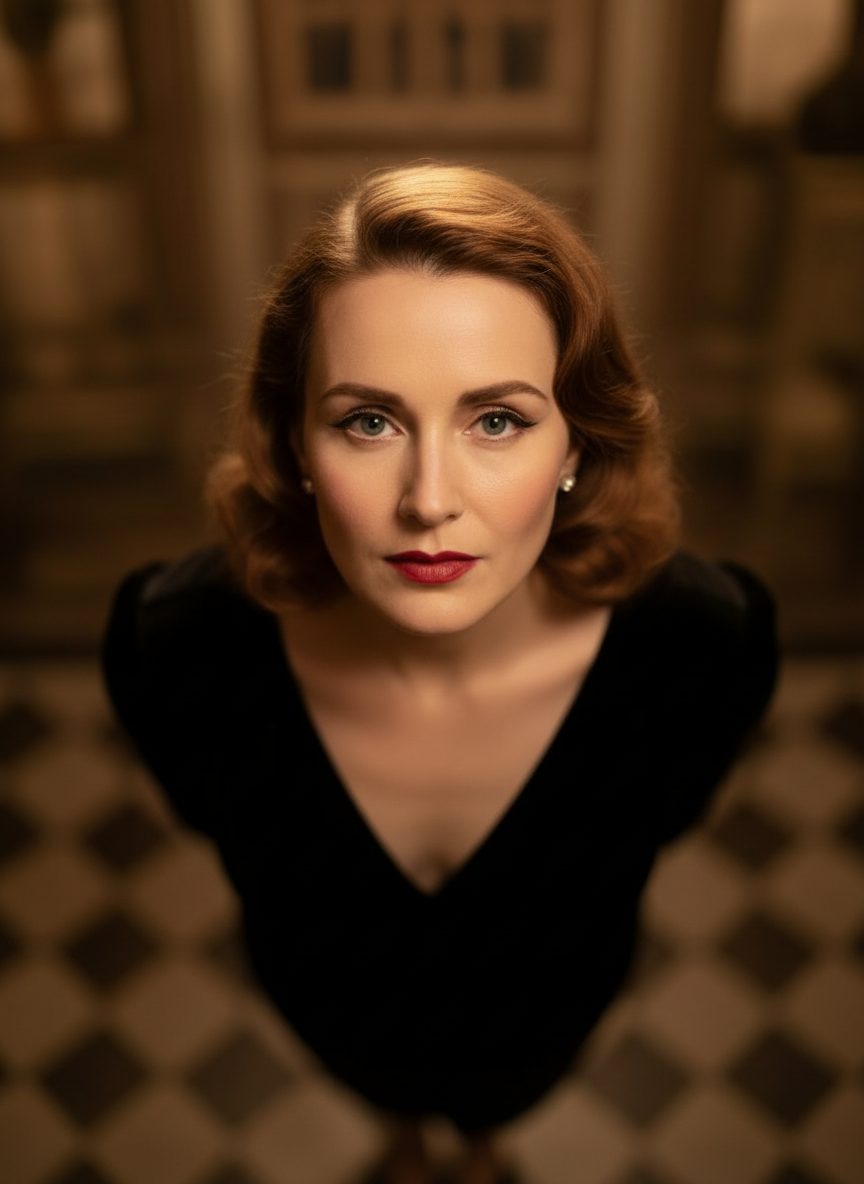
Overhead Angle
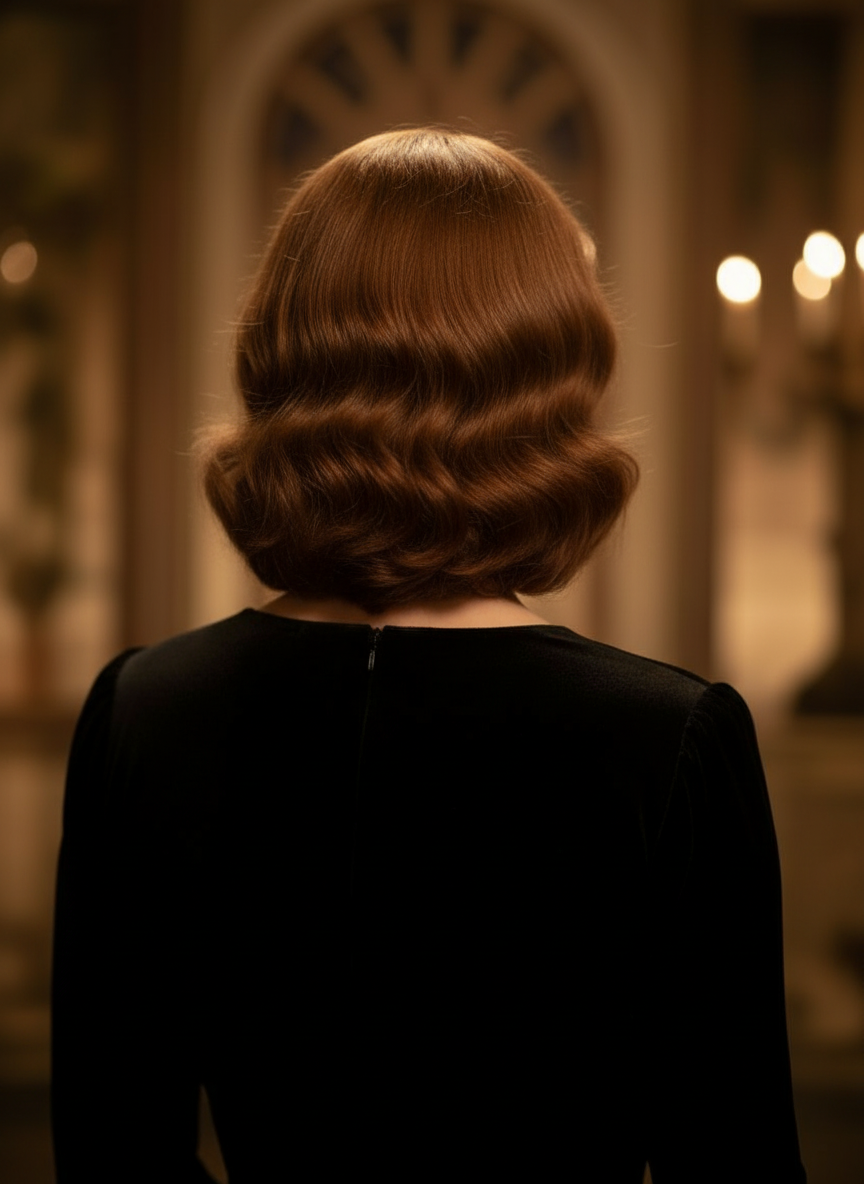
Back Angle
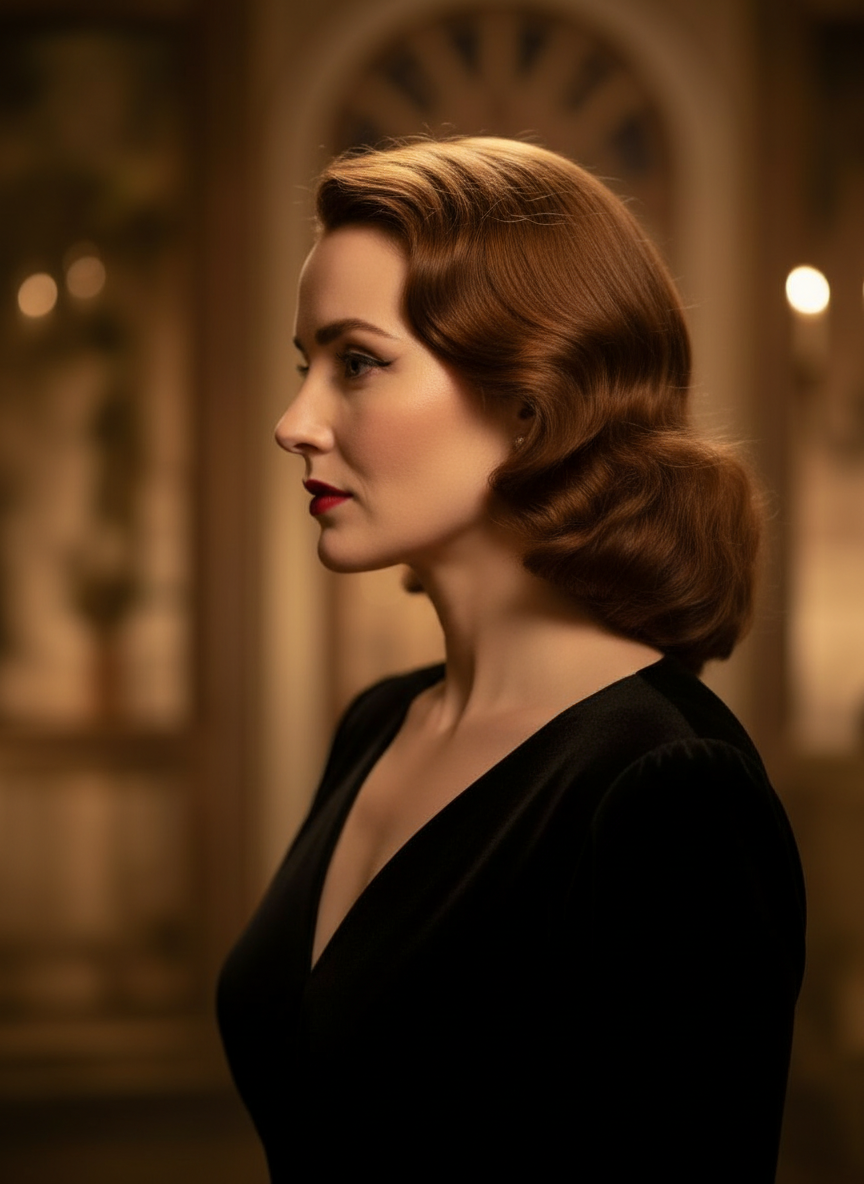
Three-Quarter Side
Tutorial
Camera Angle Control is best when you want to transform images through natural conversation while exploring stronger camera direction from one uploaded photo.
Step 1: Prepare the right input
Start with a clean subject image where the main content and lighting are clearly readable.
Step 2: Set the generation direction
Hold and drag to change camera angle, or adjust horizontal angle, vertical angle, tilt, and zoom distance to test a new viewpoint.
Step 3: Generate, review, and keep the strongest result
Compare the new angle against the original, keep the version that improves focus or composition, then use it for editing or production handoff.
Best results
- Use an image with a clear silhouette and stable lighting.
- Change one camera idea at a time.
- Treat it as a reframing and editing tool, not a full redesign workflow.