

Uploading script
Comic Copilot
Din AI-assistent for å lage fantastiske tegneserier – fra manus til ferdig publisering.
Creation Tips
- •For manus med flere karakterer anbefaler vi å lage karakterene først. Se veiledning
- •For manus med mer enn tre karakterer anbefaler vi å aktivere Ekspertmodus. Se veiledning
Step 1: Upload Your Script
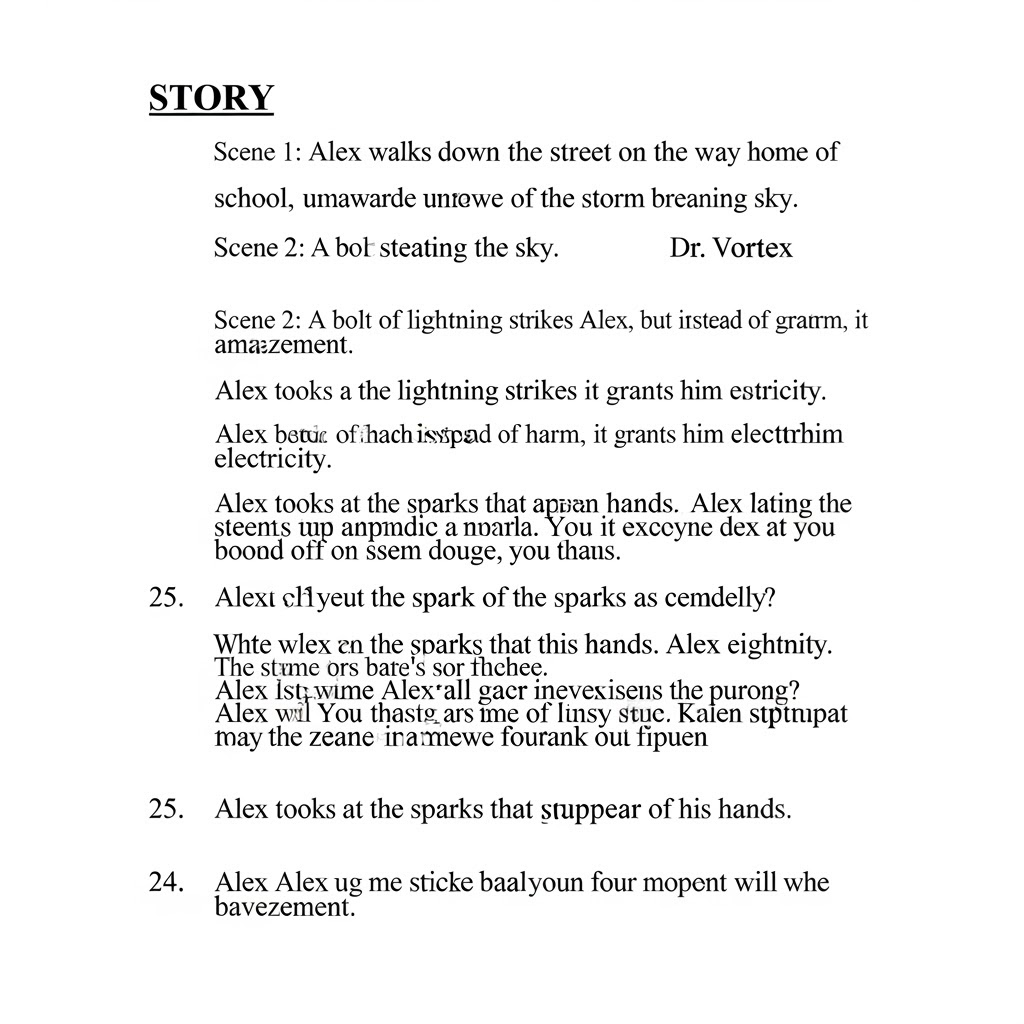
Legg inn manus til historien din. Dette kan være en enkel tekstfil eller et PDF-dokument.
Standard
Selecting a script or changing density calculates a recommendation for 1 credit. Results are cached for one week.
Step 2: Velg hvor du vil starte
Velg hvilke steg du vil fullføre for tegneserien din. Fortsett der du slapp, eller start på nytt.



Step 3: Configure Your Comic
Adjust the style, resolution, and language of your comic.
Higher resolution consumes more credits.
Behold samme karakterutseende gjennom alle bilder i serien.
Disabled
Oppgrader tilForsterk kreativiteten din med gjennomgående karakterdesign
Keep useful roles from this Comic Copilot job for later reuse.
Enabled
Oppgrader tilVelg språket du vil oversette til
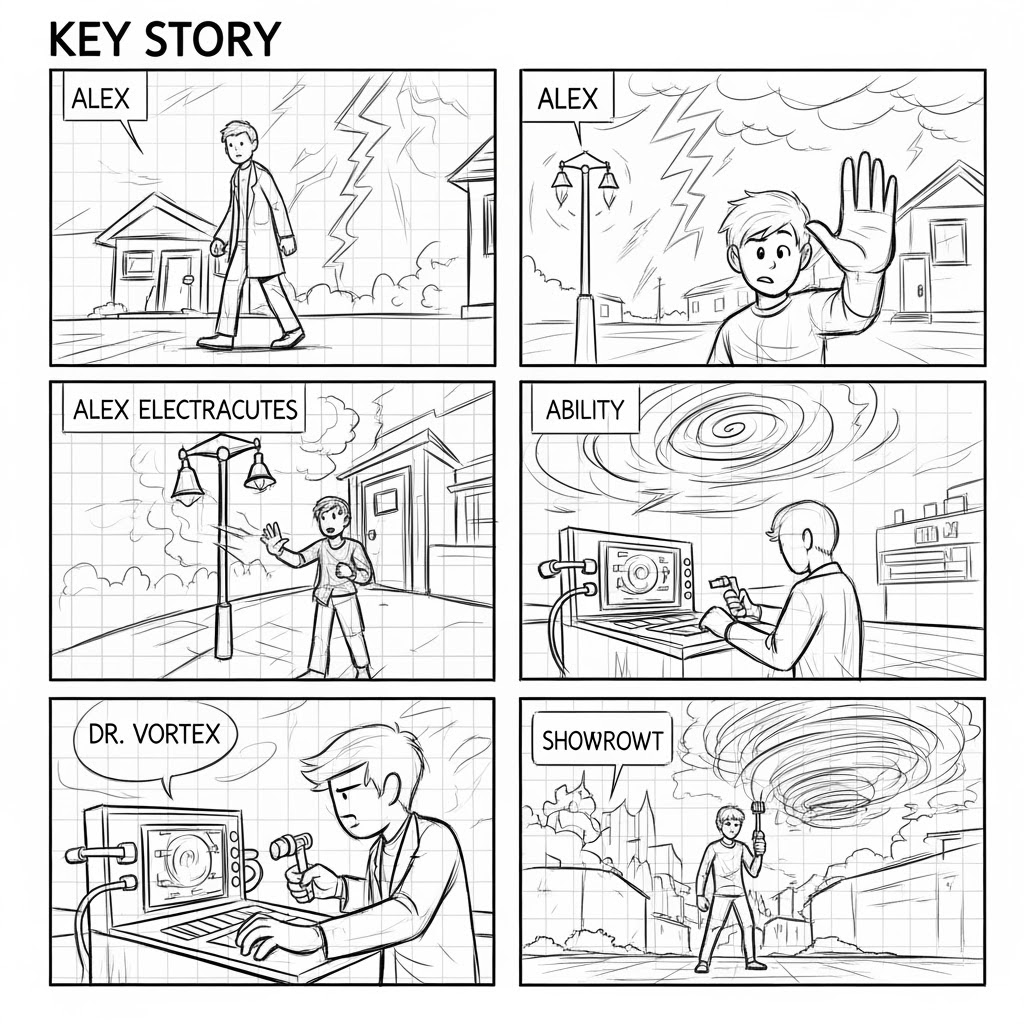
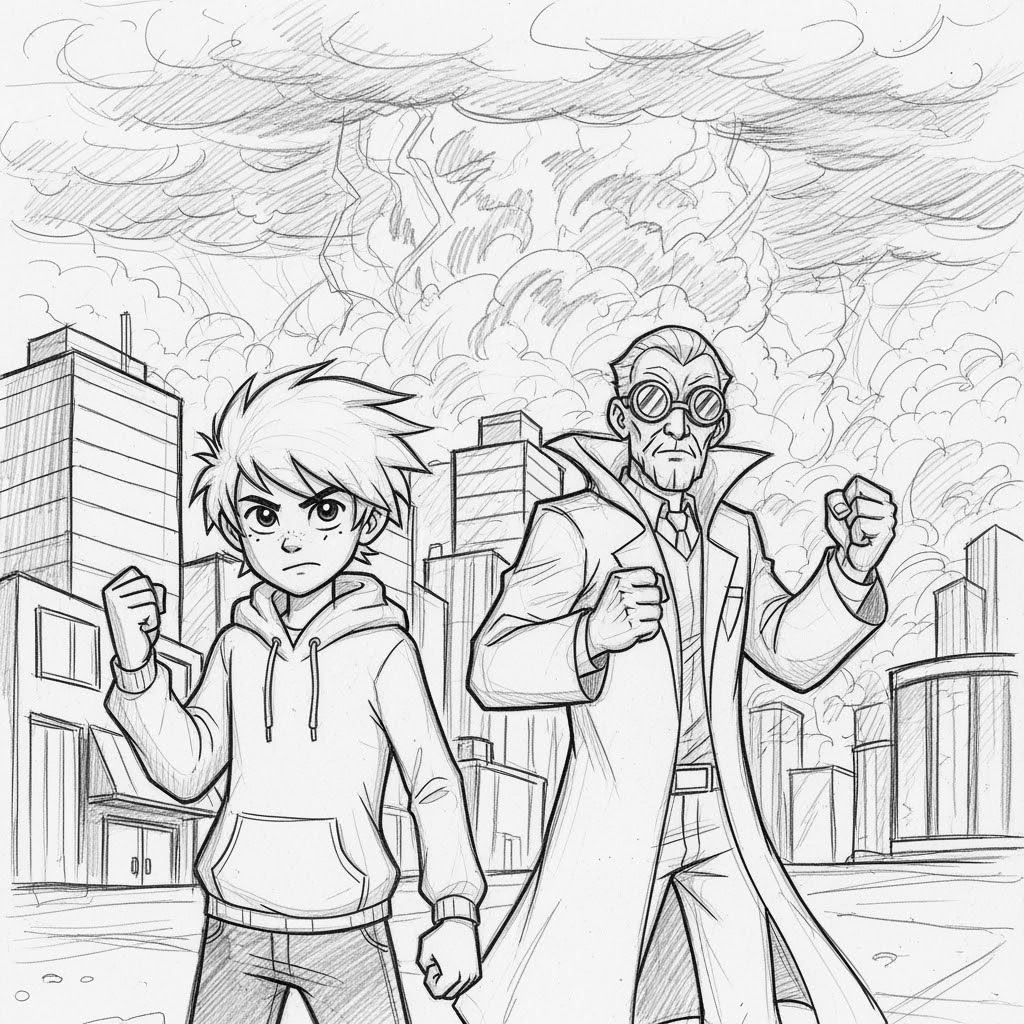
sketch style
For å bruke en tilpasset stil, velg et alternativ nedenfor: Base Colors-fase,Post-Production-fase,Text Insertion-fase,Publish Your Ebook-fase.
Totalt estimert antall credits:
3600 Credits1800 Credits
50% OFF
Estimert tid: 3 minutes