Todos os posts
How to Make a Comic with ChatGPT and LlamaGen

Monica
22 de outubro de 2026
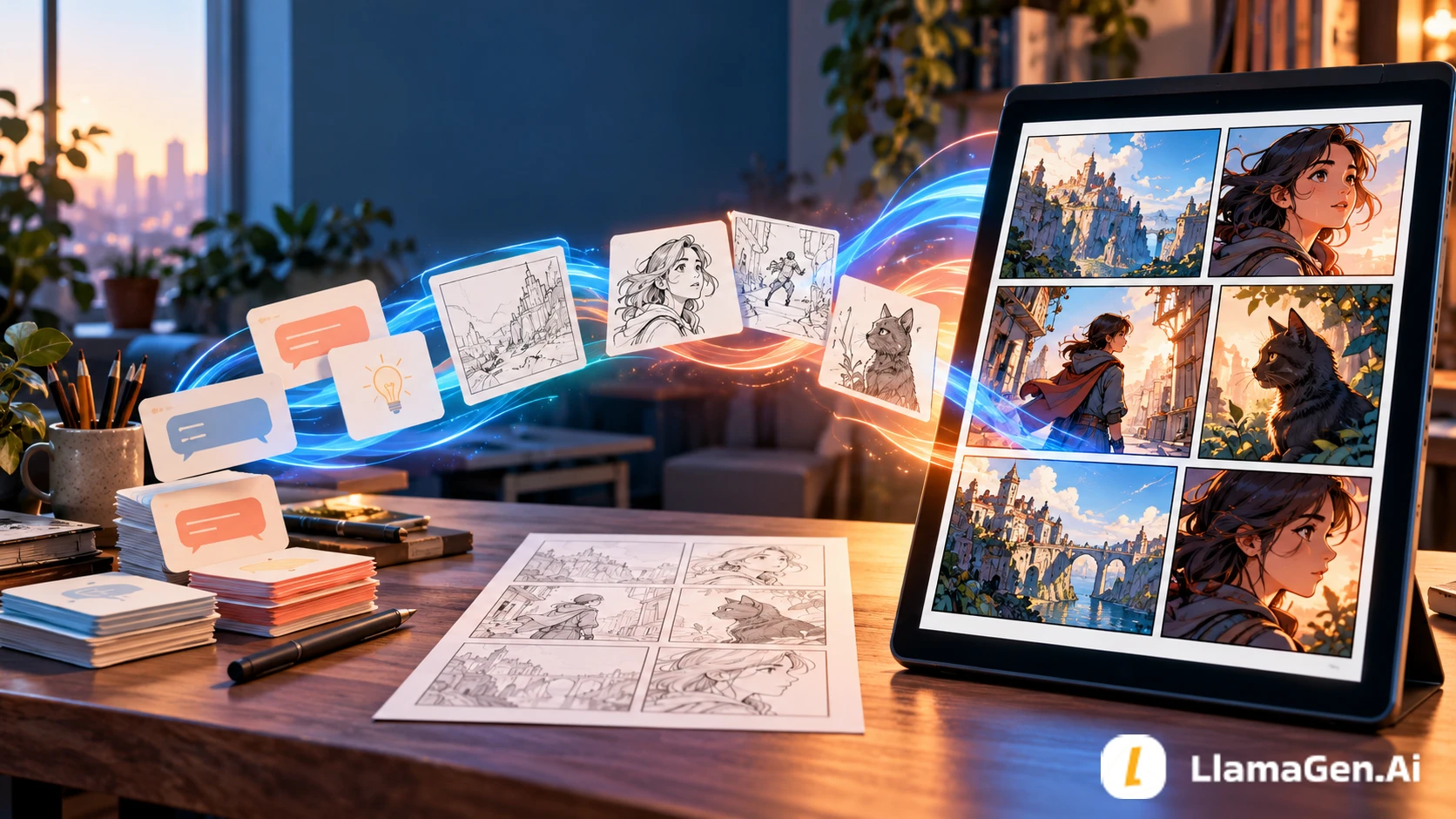
ChatGPT is useful for organizing the story. LlamaGen.AI is the visual production layer.
Use them in this order:
idea or source file
-> ChatGPT story brief
-> character and continuity lock
-> panel-by-panel script
-> human approval
-> LlamaGen.AI generation
-> panel repair, lettering, and export
The mistake is asking ChatGPT to improvise the story while an image generator independently improvises the pictures. The two outputs may look polished but disagree about characters, props, pacing, and even the ending.
Start from the LlamaGen.AI ChatGPT workflow page. If your ChatGPT workspace supports custom MCP apps with write actions, you can connect the hosted Comic MCP. If it does not, use the same approved brief in the LlamaGen.AI editor. The current setup page explicitly describes MCP as live and the marketplace plugin as a preview, so check your workspace before promising a one-click installation.
| Stage | ChatGPT | LlamaGen.AI | Human decision |
|---|---|---|---|
| Source review | Read the idea, script, or uploaded file | Accept the approved production brief | Confirm rights and source accuracy |
| Story structure | Find the hook, turn, and payoff | Preserve those beats during generation | Approve what stays and what is cut |
| Character planning | Produce compact visual continuity notes | Reuse character references across panels | Approve the canonical design |
| Panel script | Write one visible action per panel | Generate the page or editable panels | Approve pacing and reading order |
| Revision | Diagnose the failed panel in words | Redraw or edit the selected visual area | Decide whether the fix is acceptable |
| Delivery | Help with captions and export checklist | Edit bubbles, panels, layout, and export | Final proofread and publication approval |
ChatGPT should not be treated as proof that a generated panel is correct. LlamaGen.AI should not be asked to make unresolved story decisions while it is rendering the page.
This workflow was reviewed on October 22, 2026 against:
ChatGPT Projects can keep related chats, files, and project instructions together, subject to plan and workspace settings. File uploads also vary by account and current limits. This article therefore uses Projects as an optional organization layer, not as a requirement.
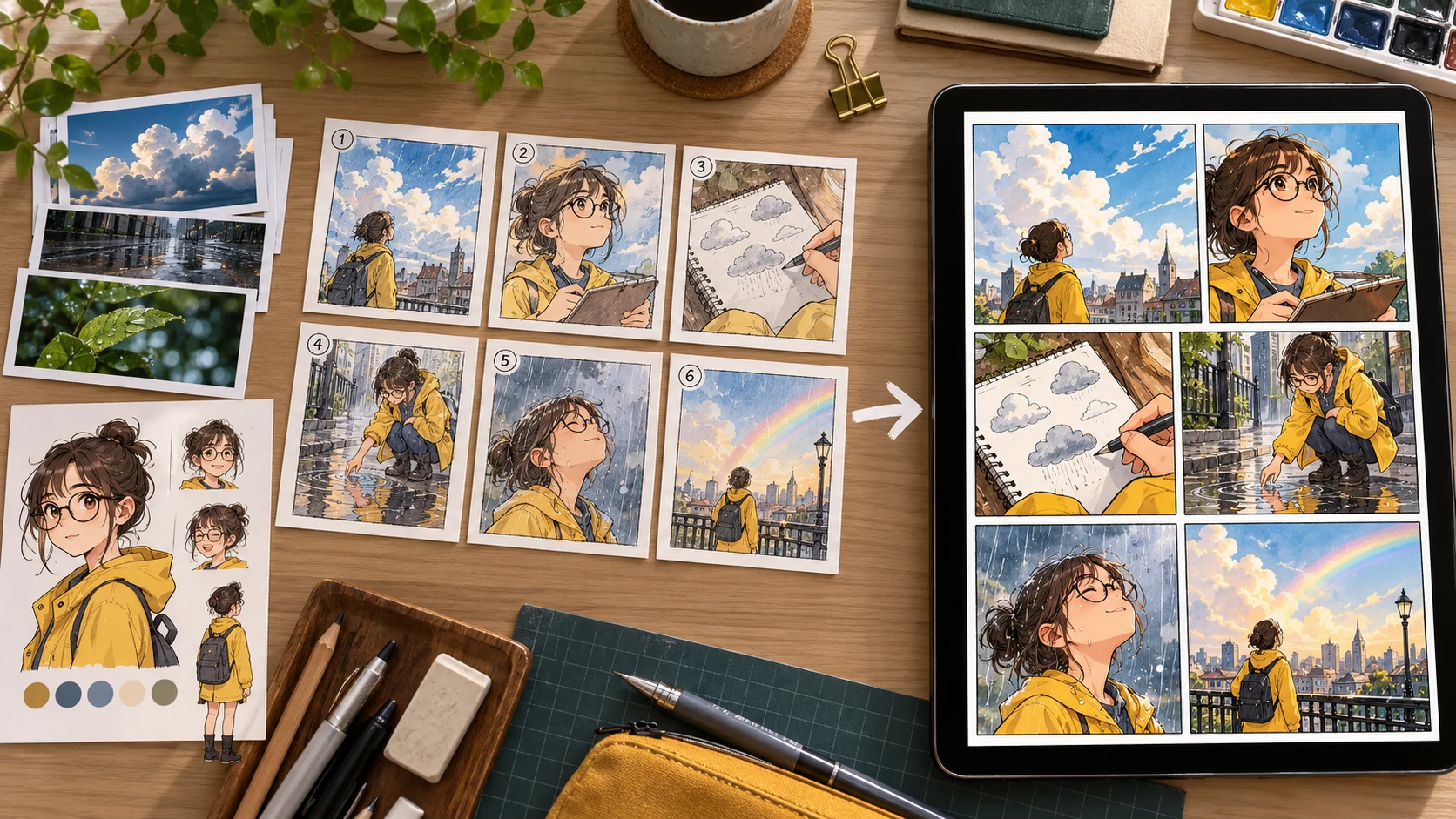
The same original six-panel story is used throughout this guide:
Nia, a shy student with a yellow raincoat and round black glasses,
discovers that her sketchbook draws tomorrow's weather.

She tests it by drawing a clear sky.
The page changes itself to a storm.
The next afternoon, she sees a younger student waiting without an umbrella.
Nia gives away her own umbrella just before the rain begins.
The final panel shows a new drawing: two students walking home under one umbrella.
The story has one main character, one repeated prop, one visual rule, and one payoff. That makes it a useful first test. A crowded cast or a 40-page chapter would hide workflow problems behind scale.
This step is optional, but useful for a recurring comic. Put only approved source material into the project:
weather-sketchbook/
  premise.txt
  character-lock.md
  visual-rules.md
  approved-panel-script.md
  revision-log.md
Add one project instruction:
Act as a comic script editor. Preserve approved names, visual anchors,
props, and story outcomes. Never change the source of truth silently.
Separate story decisions from image-generation directions.
Do not upload material you do not have permission to adapt. Check your account's data controls and workspace policy before adding confidential manuscripts or client files.
Use a prompt that forces ChatGPT to identify facts before expanding scenes:
Read the original story below.

Return a continuity lock with these fields:
- character name and age range
- face, hair, silhouette, and stable outfit
- signature accessory or prop
- recurring location details
- facts that must not change
- facts that may change by scene
- unresolved story question

Then list any missing information as questions.
Do not write the panel script yet.

<story>
[paste the source story]
</story>
For Nia, the approved lock is deliberately short:
| Category | Approved fact |
|---|---|
| Identity | Nia, teenage student, round black glasses |
| Silhouette | Dark bob haircut, yellow hooded raincoat |
| Prop | Blue umbrella and red spiral sketchbook |
| Location | Ordinary school, wet pavement, overcast afternoon |
| Visual rule | Drawings appear as simple ink weather symbols |
| Must not change | Glasses shape, coat color, sketchbook color |
| May change | Expression, camera distance, whether the hood is up |
If ChatGPT changes the coat to orange because it sounds more dramatic, reject the change here. Fixing a table is cheaper than repairing six finished panels.
Now ask for a production-shaped answer:
Using only the approved continuity lock and source story, create a six-panel comic plan.

For each panel return:
- story purpose
- one visible action
- camera distance
- character expression
- background requirement
- continuity anchors
- dialogue or caption, maximum 12 words
- empty area needed for lettering

Rules:
- one main action per panel
- no new named character
- no generated text inside the artwork
- panel 6 must pay off the sketchbook rule
- flag any invented detail after the table
The resulting contract should be easy to audit:
| Panel | Visible action | Camera | Continuity anchor | Text plan |
|---|---|---|---|---|
| 1 | Nia notices a sun drawing appear by itself | Close-up | Red sketchbook, black glasses | One short caption |
| 2 | She draws a clear sky as a test | Over shoulder | Yellow coat sleeve, red book | No bubble |
| 3 | The drawing changes to a storm cloud | Insert shot | Same page and pen | One reaction bubble |
| 4 | A younger student waits without an umbrella | Wide | School gate, wet pavement | No bubble |
| 5 | Nia hands over her blue umbrella | Medium two-shot | Same coat, glasses, umbrella | One line |
The table is the handoff contract. Save it before asking for art.
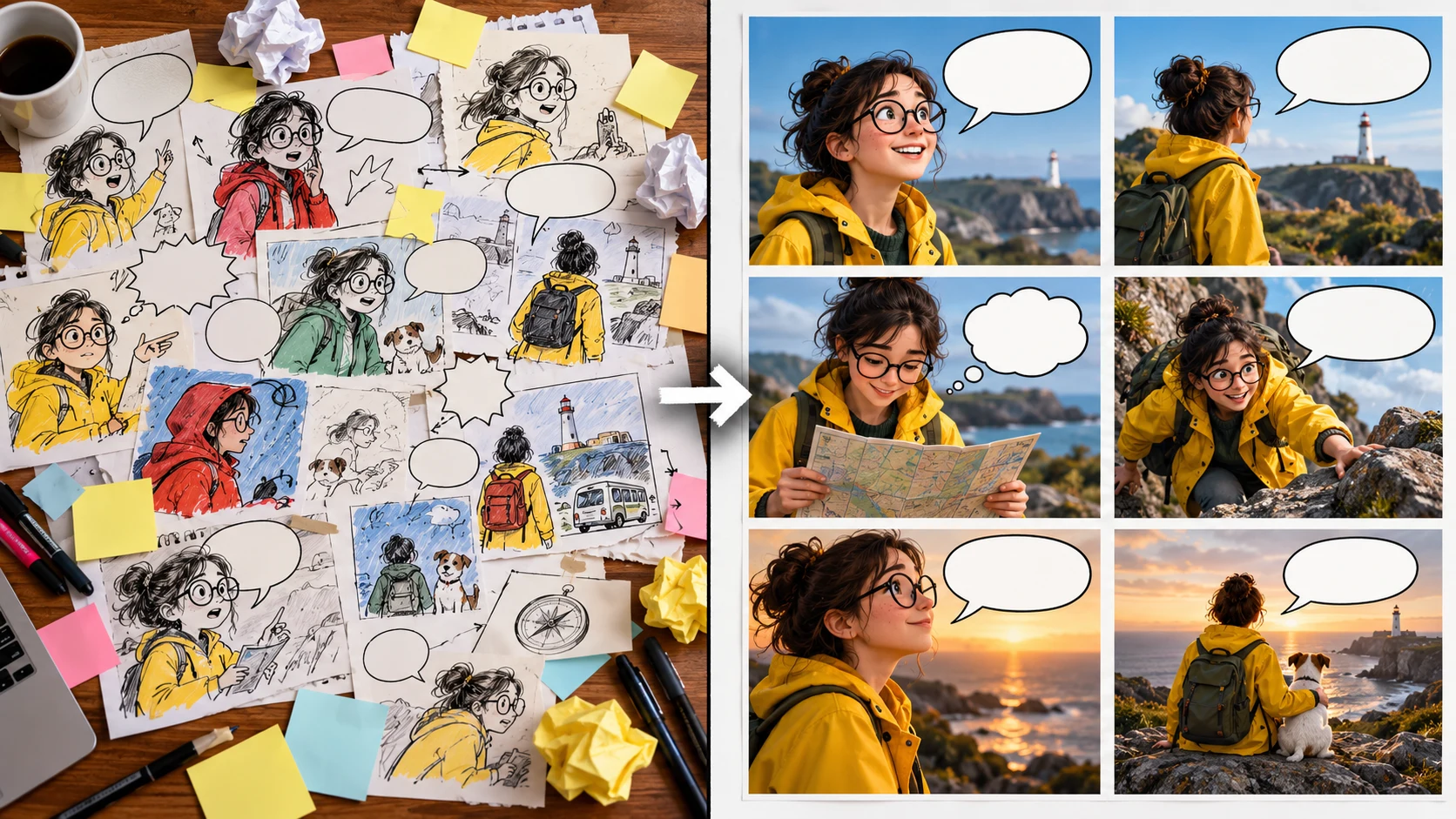
There are two honest paths.
Choose this when you want the shortest path and expect to edit visually.
Choose this when your ChatGPT workspace supports the required MCP connection and write actions.
The current LlamaGen.AI capability uses:
Endpoint: https://llamagen.ai/api/mcp
Transport: Streamable HTTP
Authentication: Bearer LlamaGen API token
The live setup guide requires a usage check before generation. The current primary tools cover documentation search, usage, generation creation, and generation status. Keep the token private and do not paste it into the comic script, screenshots, or public code.
Use this working request after the connection is verified:
Read the approved six-panel contract below.
Check the current LlamaGen Comic MCP documentation and usage first.
Propose the generation request and wait for my approval.
After approval, create the comic and return the generation ID and status.
Do not claim the page is finished until I review it in LlamaGen.AI.

[paste approved contract]
Do not review six panels as six unrelated pictures. Check the transitions:
| Review | Pass condition |
|---|---|
| Identity | Nia keeps the same face, glasses, hair, and yellow coat |
| Prop | The same red sketchbook and blue umbrella remain recognizable |
| Geography | The school gate and walking direction do not flip confusingly |
| Causality | The storm drawing clearly precedes the real rain |
| Reading order | The eye reaches panels in the intended sequence |
| Lettering space | Faces, hands, and the sketchbook are not covered |
| Payoff | Panel 6 resolves the visual rule without explaining it twice |
If one panel fails, write a correction for that panel only:
Repair panel 5 only.
Keep Nia's approved face, round black glasses, dark bob, yellow raincoat,
red sketchbook, and blue umbrella. Show one clear handoff action.
Do not add rain yet. Preserve clean space above the younger student.
Use the workflow in How to Fix One Bad Comic Panel instead of throwing away five accepted panels.
The weak request is:
Make a beautiful manga comic about a girl whose sketchbook predicts weather.
It does not define page count, story turn, visual anchors, prop continuity, lettering space, or what the final panel must reveal. Typical failures include:
The structured workflow does not guarantee perfect art. It makes each failure identifiable and repairable.
Act as a comic adaptation editor for a LlamaGen.AI project.

Source:
[paste or attach the original material]

Target:
- audience: [audience]
- format: [comic, manga, or webtoon]
- page and panel budget: [number]
- reading direction: [direction]

First produce a continuity lock and unresolved questions.
Wait for approval.
Then produce a panel contract with one visible action per panel,
camera distance, continuity anchors, dialogue, and lettering-safe space.
Do not invent new story facts silently.
Finish with a checklist for reviewing the LlamaGen.AI draft.
ChatGPT can help structure the story and may have image tools depending on the account and selected experience. This workflow uses LlamaGen.AI because a finished comic also needs persistent character references, multi-panel production, targeted repair, lettering, layout, and export review.
The current LlamaGen.AI page describes a hosted Comic MCP as available and the public plugin as a preview. Use the live setup guide as the final source of truth.
Start with one scene or chapter. Approve the adaptation and character system before scaling. For a document-first workflow, use Comic Copilot.
Approve a compact character lock, attach a canonical image when available, and reuse the same stable vocabulary. Then review every panel against the reference rather than asking whether it simply looks attractive.
ChatGPT should leave you with an approved production brief, not a longer pile of ideas. LlamaGen.AI should leave you with editable visual assets, not an image you are afraid to revise.
Start with the ChatGPT and LlamaGen.AI workflow, approve the six-panel contract, and finish the page in LlamaGen.AI Comic Studio.
Features, limits, and installation availability were checked on October 22, 2026 and can change. Verify the live product before budgeting a production run.
Ferramentas populares para criadores
Crie comics, storyboards e fotos estilizadas com o LlamaGen.
Transforme uma ideia em tiras de comic polidas em minutos.
Criar BD02Crie arte de manga expressiva e histórias com múltiplos painéis.
Crie manga com IA03Visualize cada cena antes de o processo de produção começar.
Crie storyboards com IA04Transforme qualquer foto numa ilustração em estilo comic.
Crie comics a partir de imagens05Construa tiras partilháveis com personagens consistentes.
Crie tiras de comic com IAUm resumo dos mais recentes lançamentos de funcionalidades do LlamaGen, melhorias do produto, atualizações de design e correções de erros importantes.






| 6 | The sketchbook shows both students beneath it | Close-up payoff | Same red book and blue umbrella | Silent ending |
© 2026 LlamaGen.Ai Todos os direitos reservados
Liderando o futuro da geração de banda desenhada por IA
