

Create a Comic
漫畫副駕駛
Turn scripts, story ideas, images, and videos into complete comics, from first draft to final publication.
Step 1
Your Story
Start with a script, reference images, a video, or just an idea.
Choose your story length
1
1 chapter40 chapters
20 pages × 1 chapters20 pages · 20 面板
Step 2: 選擇您的創作階段
選擇您想要完成的漫畫步驟。從上次中斷的地方繼續或者從頭開始。
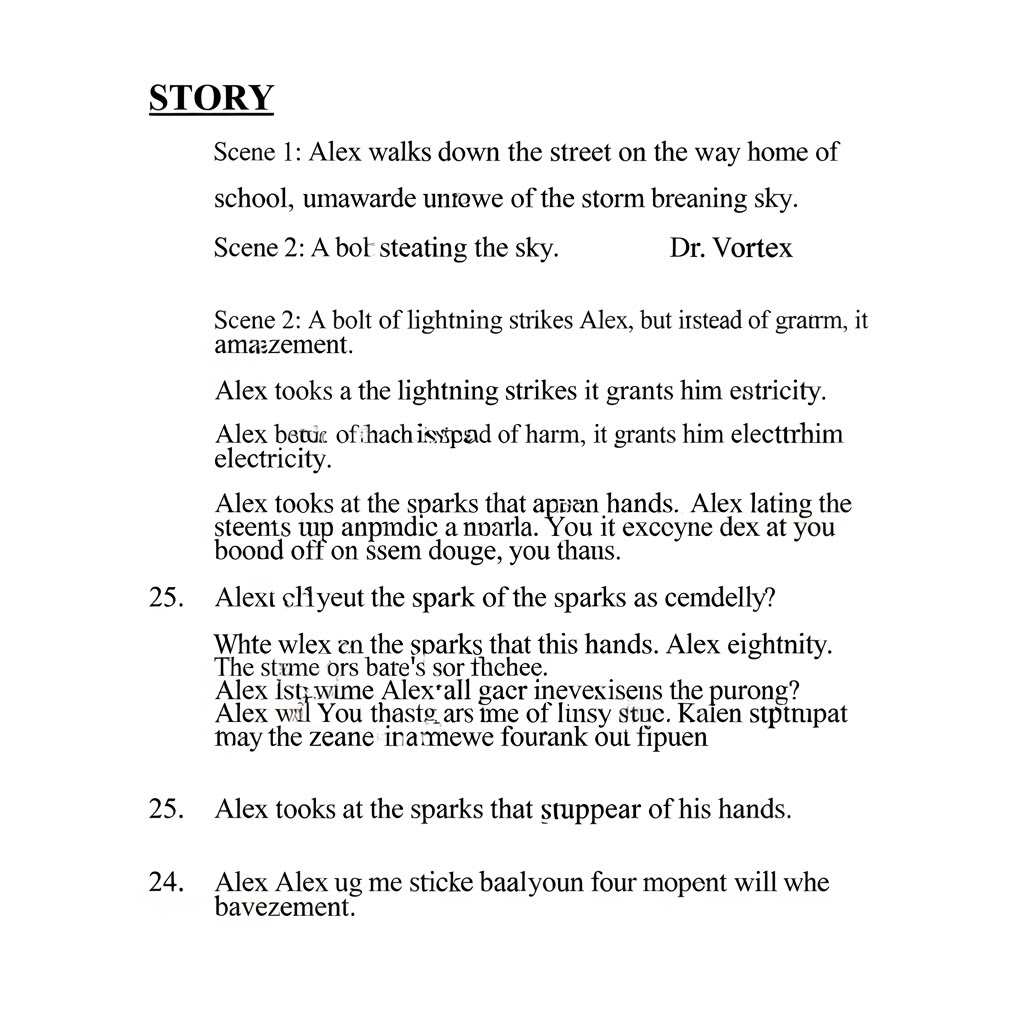
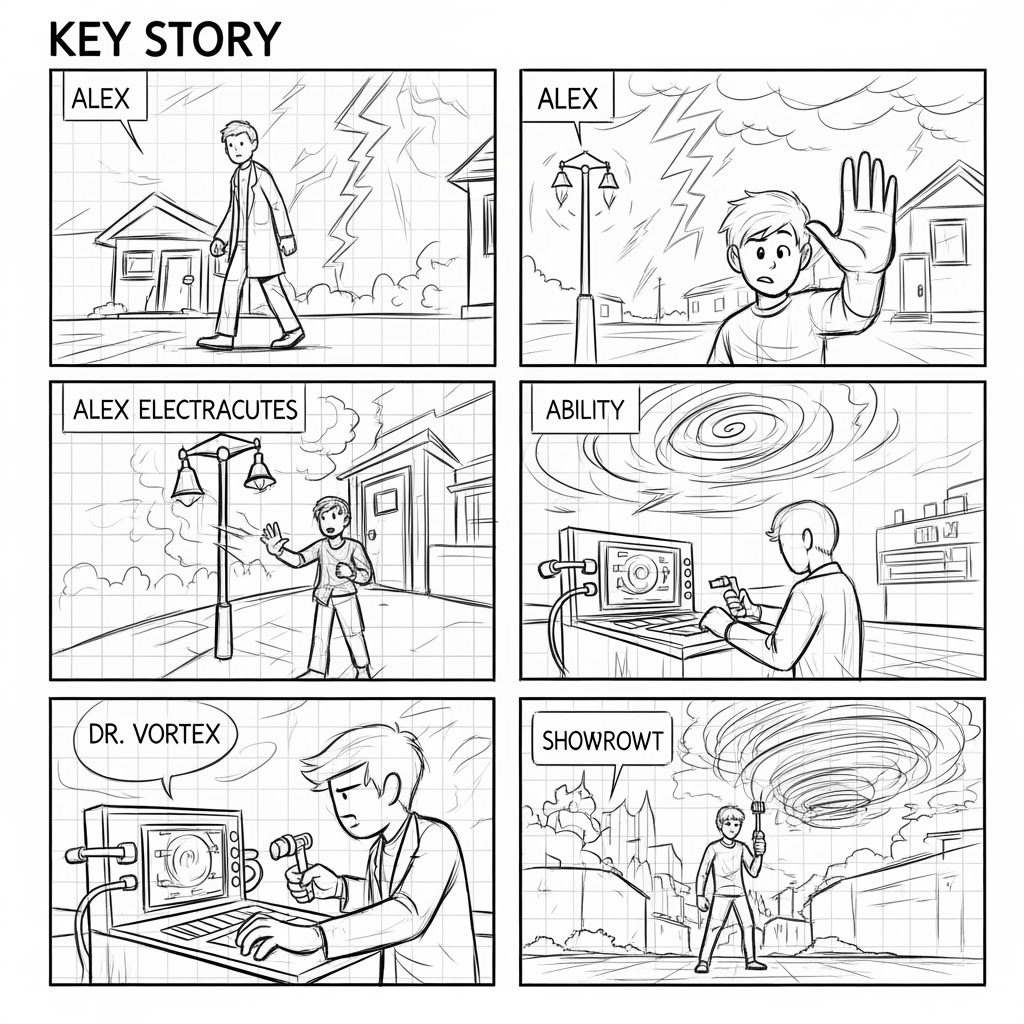
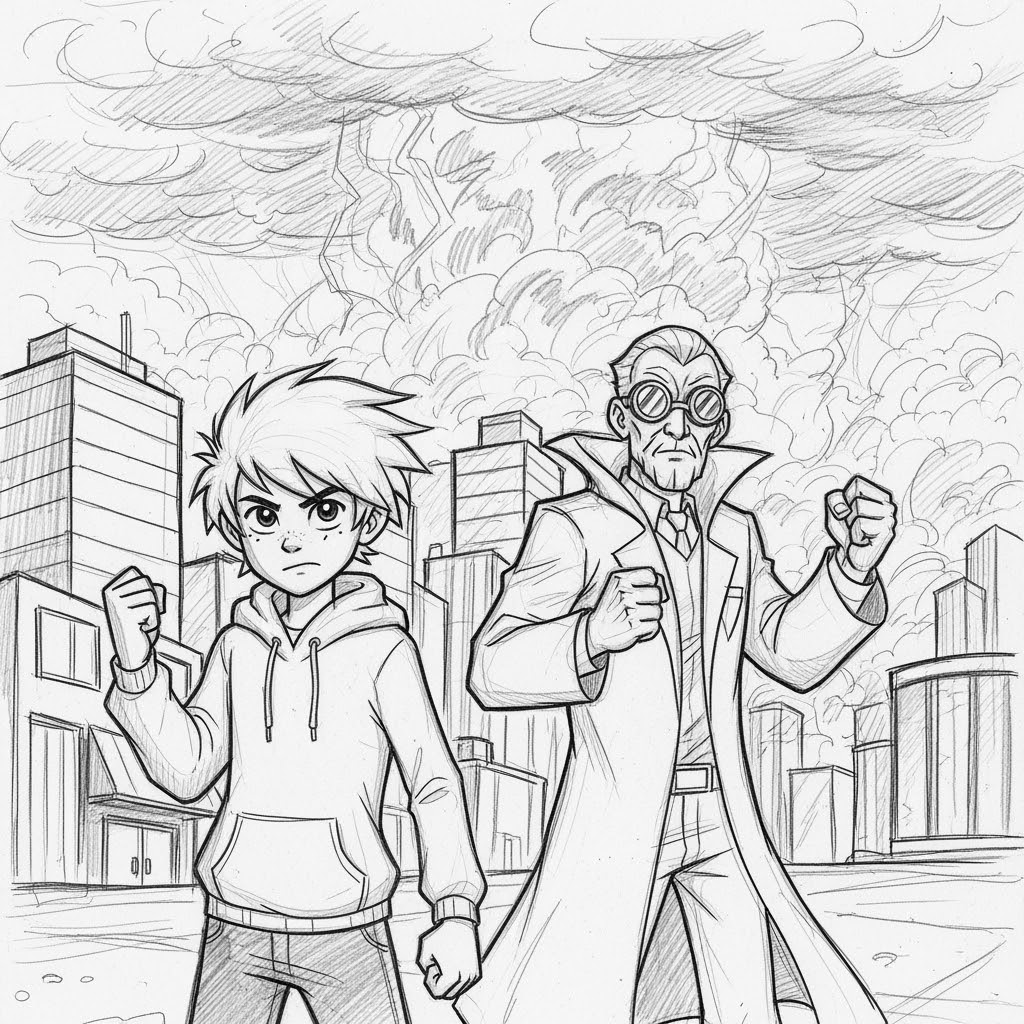
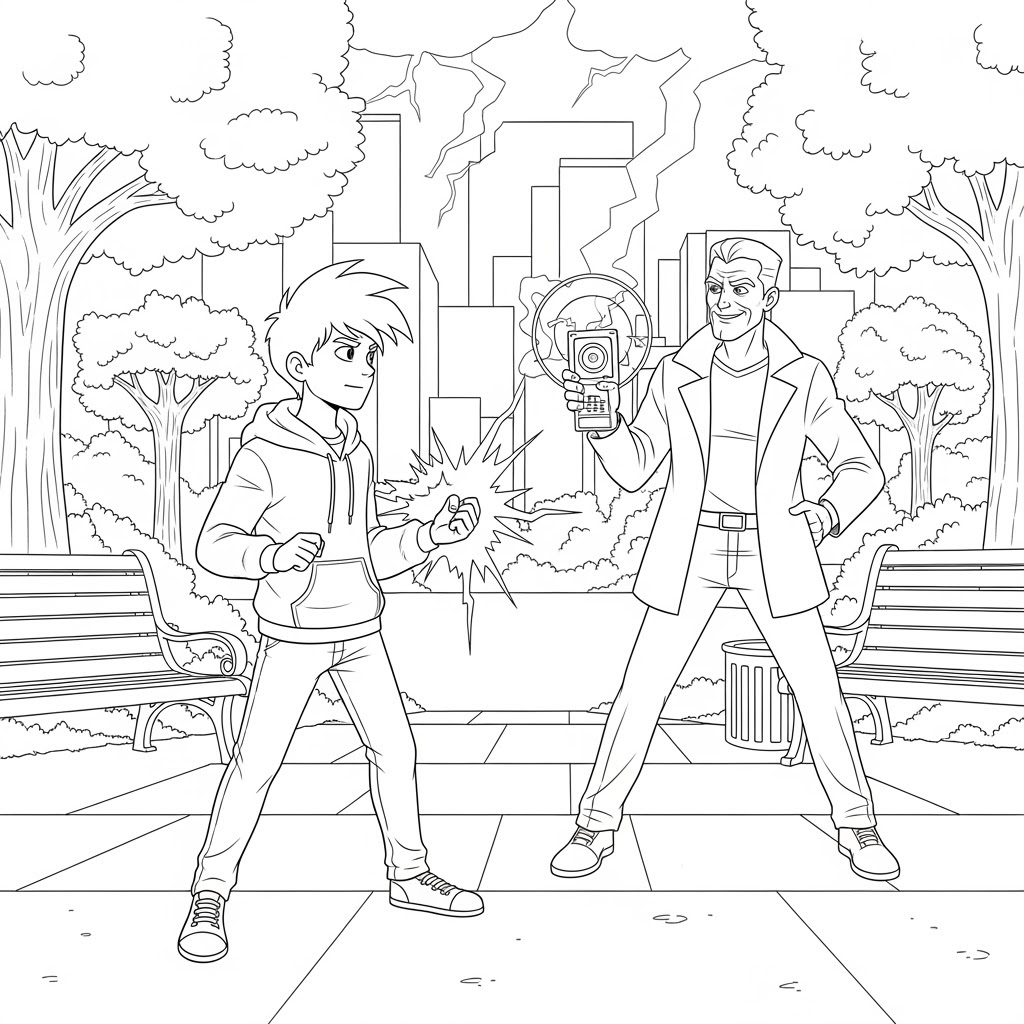
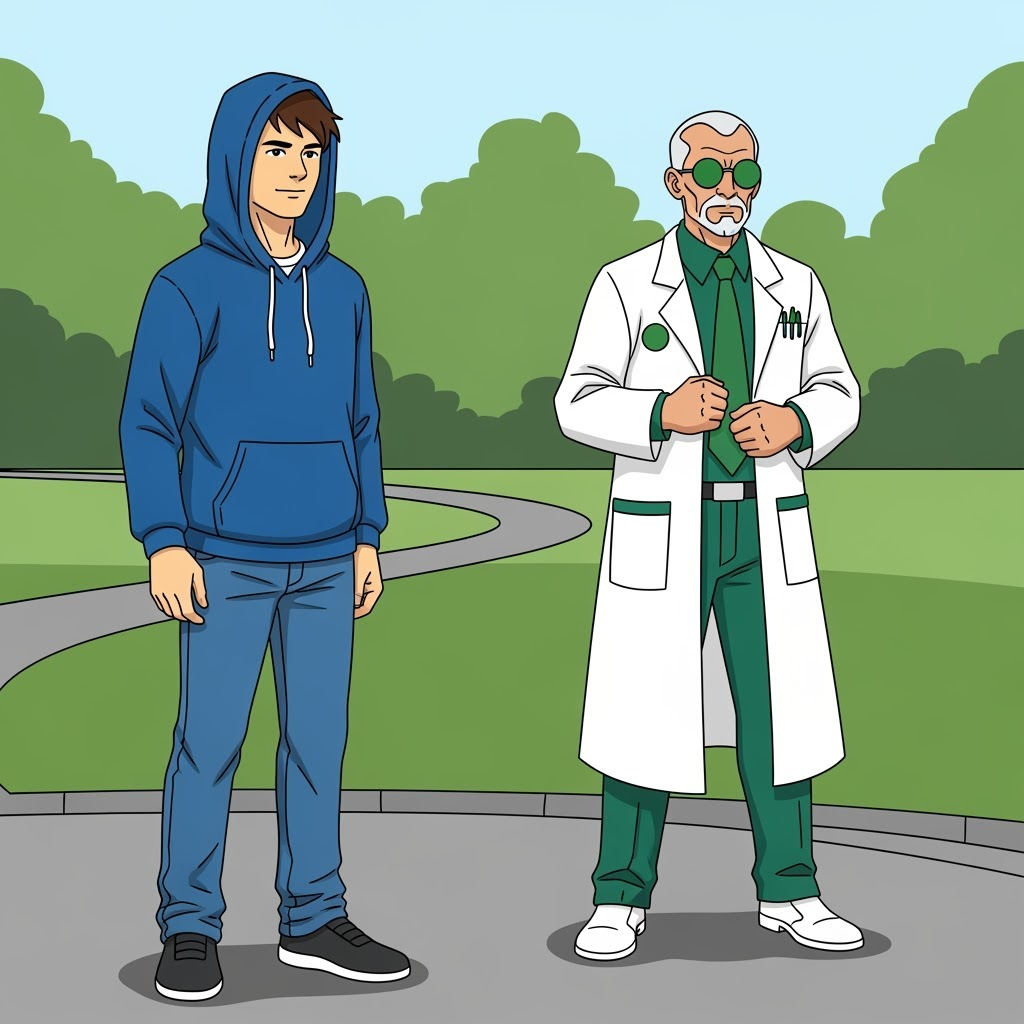
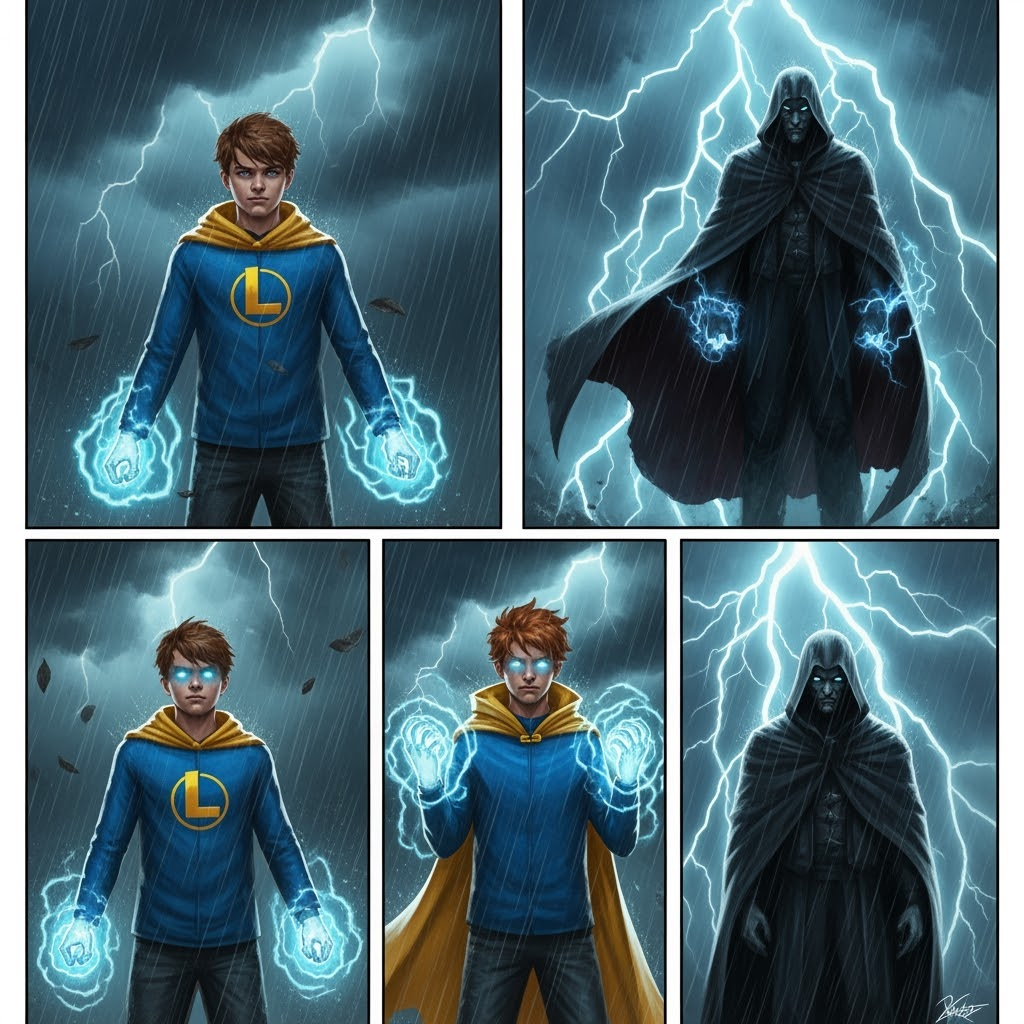
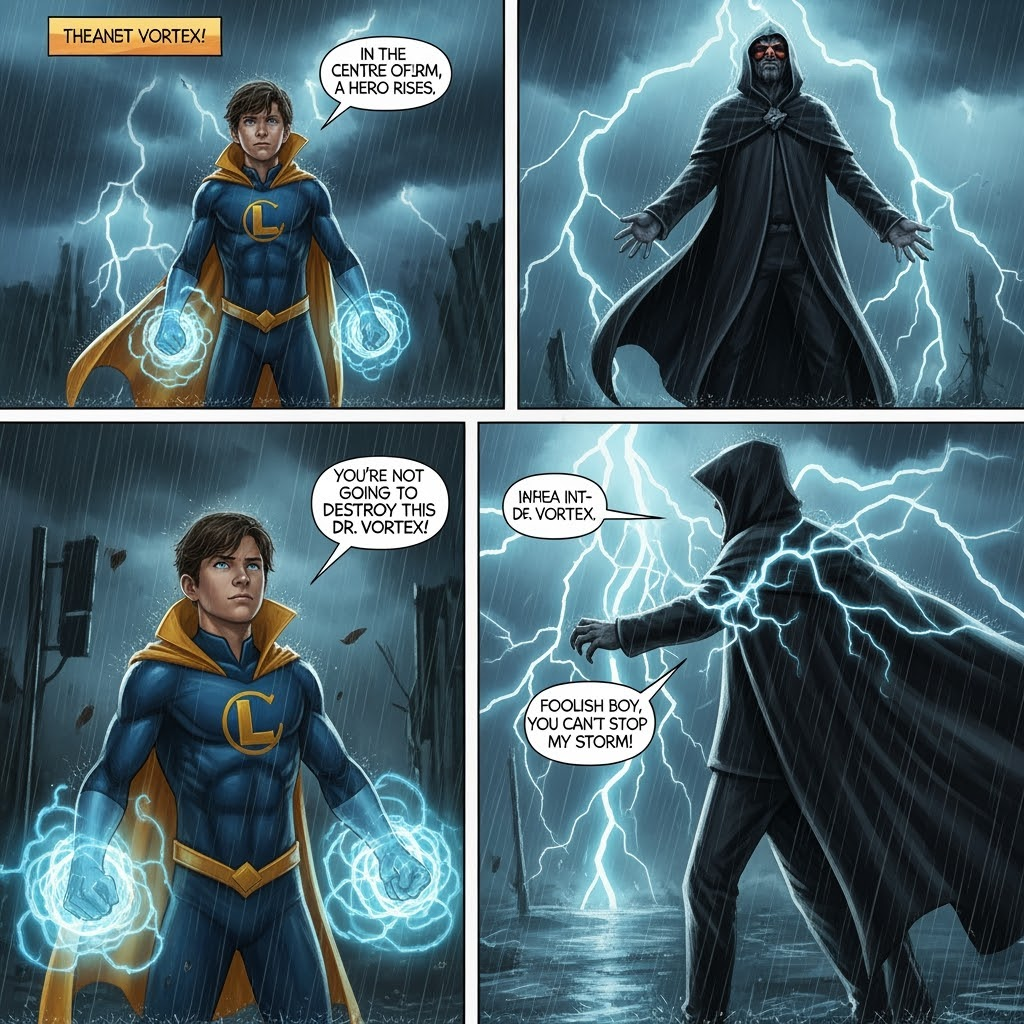
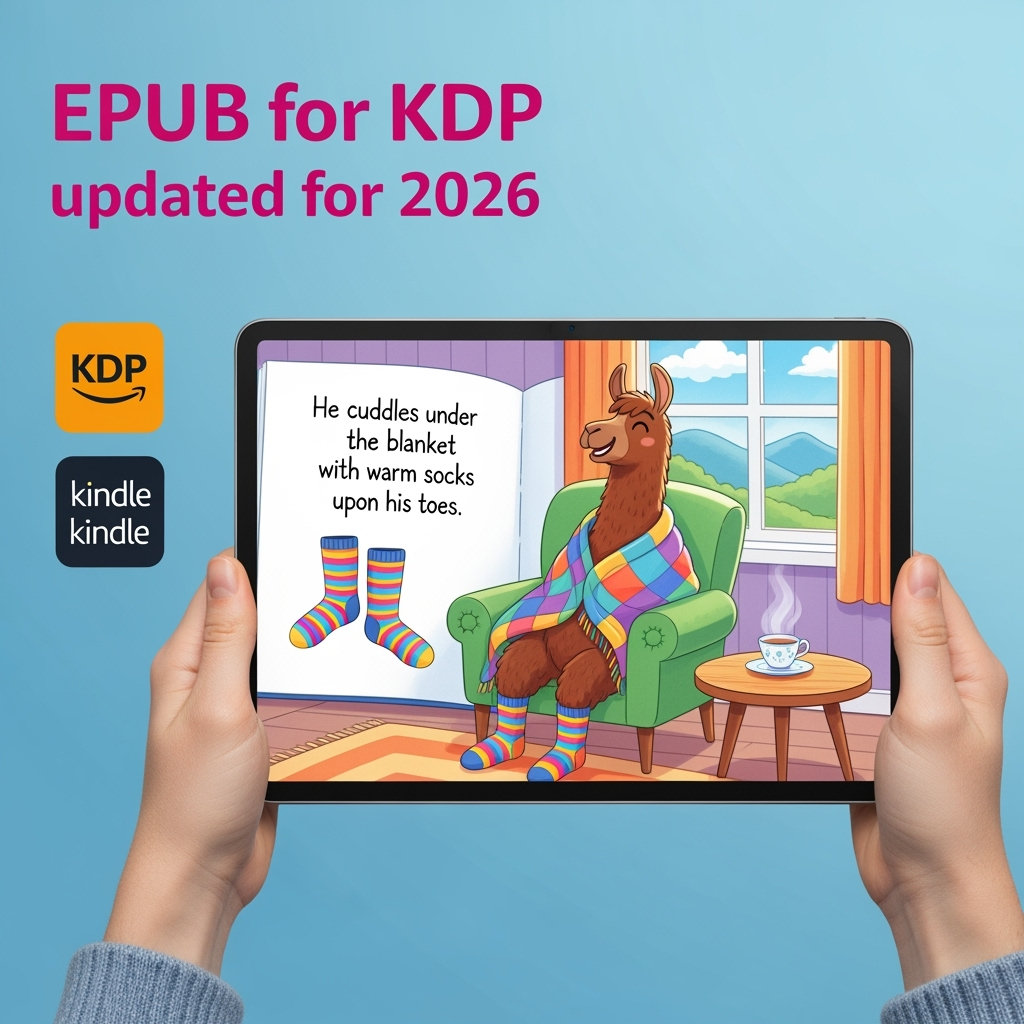
Step 3: Page Size & Style
Adjust the style, resolution, and language of your comic.
Higher resolution consumes more credits.
Choose the image shape for full-page, single-panel comics.
在您的漫畫中的每一張圖片都保持相同的角色外觀。
已停用
升級到通過角色一致性放大您的創意
Keep useful roles from this Comic Copilot job for later reuse.
已啟用
升級到選擇您要翻譯的語言
sketch style
要套用自訂風格,請從以下選項中選擇: Base Colors 階段,Post-Production 階段,Text Insertion 階段,Publish Your Ebook 階段.
Step 4:您的角色
Add character references from your library or Assets. This works whether character consistency is on or off.
總預估積分:
6000 積分3000 積分
50% OFF
預估時間: 5 分鐘