Anime-style motion previews
Test character movement, atmospheric effects, and stylized camera direction from prompts or references.
 AniSora AI Video GeneratorAI generátor videí
AniSora focuses on anime-inspired video previews with expressive characters, stylized camera movement, and image-guided motion for short creator clips.
Explore LlamaGen
Move from a single generated image or video into comics, manga, storyboards, and connected visual stories.
Funkce
AniSora focuses on anime-inspired video previews with expressive characters, stylized camera movement, and image-guided motion for short creator clips.
Test character movement, atmospheric effects, and stylized camera direction from prompts or references.
Use an image when the character design, outfit, or composition needs to remain recognizable.
Preview short clips for reels, story teasers, and animation tests before exporting the best result.
Prozkoumejte příklady
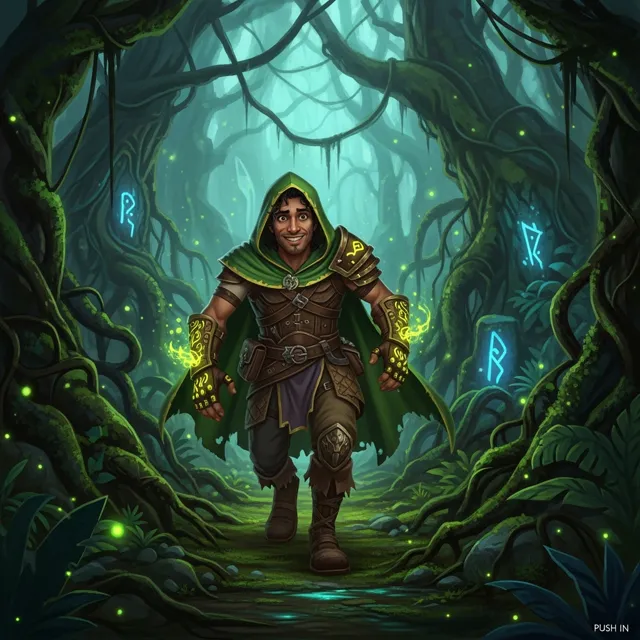
Illustration-to-motion sample for anime-inspired atmosphere and expressive camera movement.
Soft animated environment sample with clean composition and gentle movement.
Stylized motion sample with strong art direction and a readable visual hook.
Jak to funguje
Start with a specific scene idea, add a reference image when useful, and iterate toward the cleanest short video preview.
Choose a focused idea with one subject, one action, and a clear visual goal.
Add a reference image when the subject, product, character, or style needs to remain recognizable.
Generate a preview, adjust the prompt, and export the version that looks ready for its final use.
Describe subject, action, camera, and mood
Use an image when consistency matters
Check pacing before export
Keep the strongest clip for publishing
No credit card required to test an idea
FAQ
AniSora AI Video Generator supports reference-driven workflows when the selected generation option accepts image input. Use a clean image when identity, product shape, character design, or composition matters.
Keep it concrete: subject, action, camera movement, setting, lighting, mood, and final use. Short prompts with clear direction are easier to preview and refine.
Export the clip when the first frame is strong, the subject stays readable, the motion supports the idea, and the result fits a real use case such as a post, pitch, storyboard, or campaign asset.
Trusted Creative Infrastructure
Turn a prompt or reference image into a short AI video preview, then export the best result when it is ready for real use.
Preview first. Export when ready.
Prompt input
Reference option
Export path