Turn Picture Into Comic Online

Upload a photo or image first. Convert it into comic-style artwork, comic book panels, or a quick photo-to-comic filter result before moving into captions, panels, or studio refinements.

300K+Users
10M+Comics Created
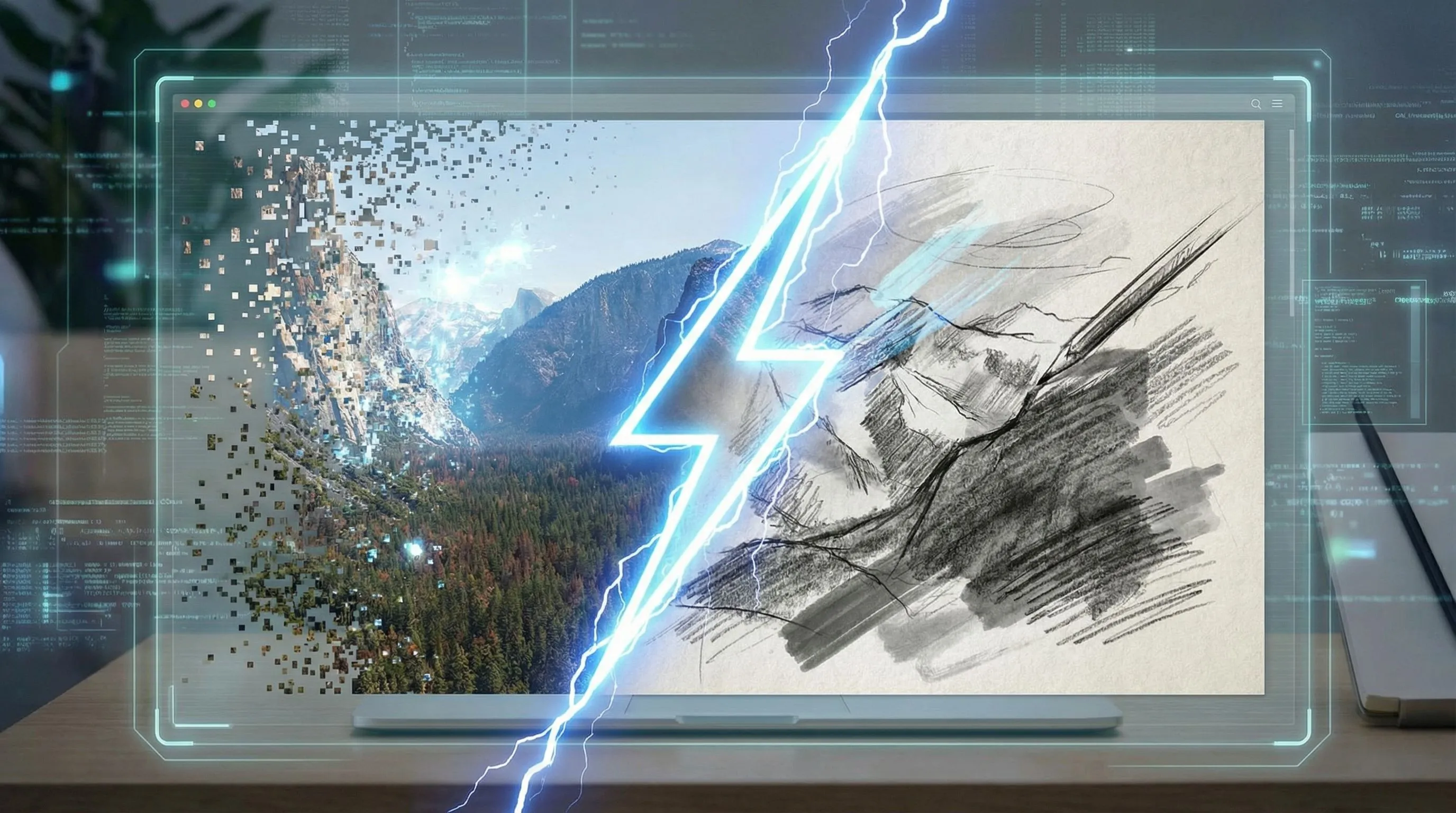
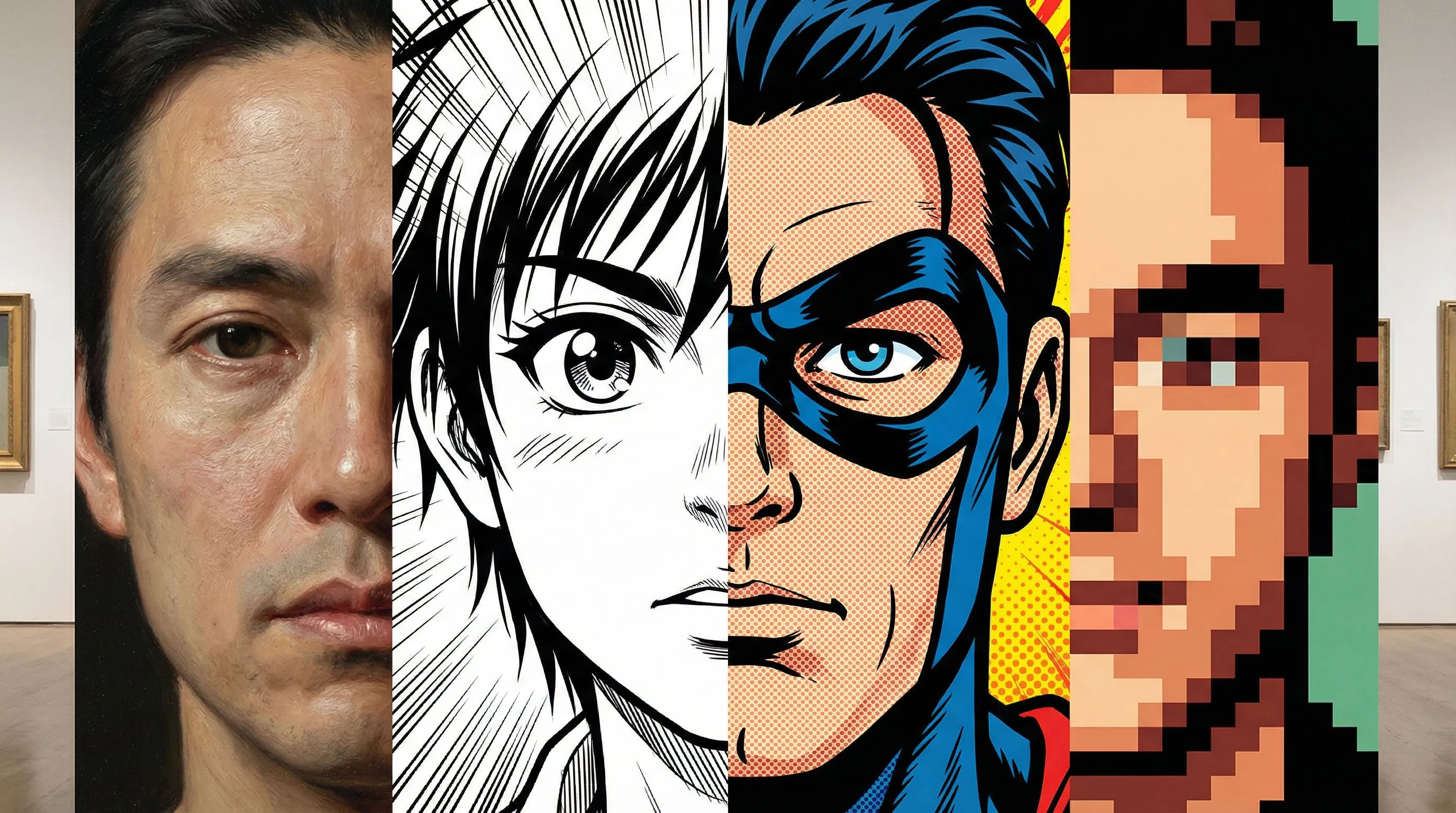
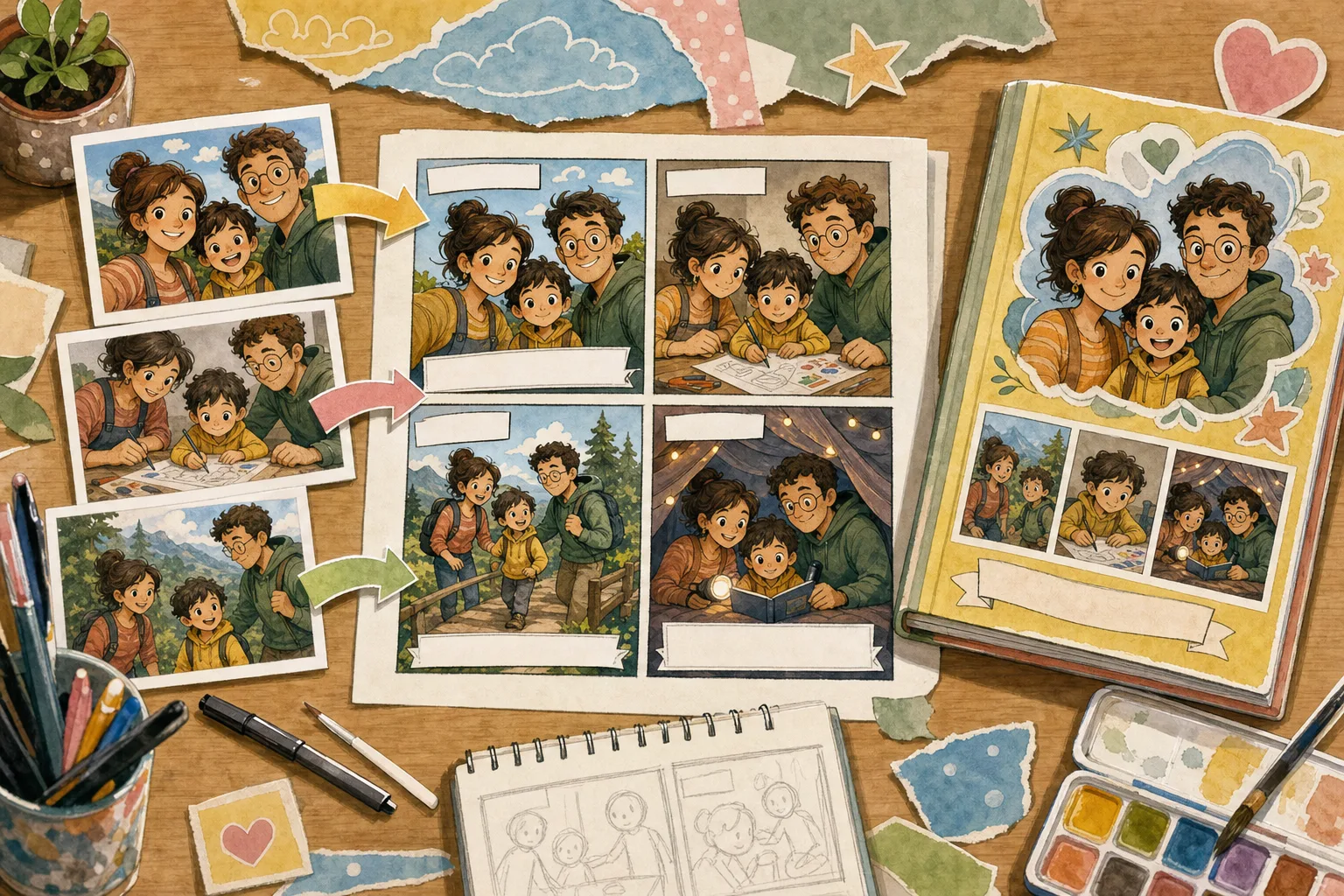
Before and after example of a photo turned into comic art

Photo to comic tool

Upload a photo first, then turn it into comic art

Start with the picture you already have: a portrait, product shot, pet photo, screenshot, or scene. Ask for a comic filter, photo-to-comic style, comic book art, manga panel, or caption-ready image.

How to Turn a Picture Into Comic Art

A short path from image to comic style, comic book art, or an editable comic panel

1. Upload your photo or image

1. Upload your photo or image

Start free with one picture. Use a portrait, pet photo, product shot, scene, or screenshot you want to convert into a comic style.

2. Choose the comic direction

2. Choose the comic direction

Ask for image to comic, photo to comic style, comic book art from photo, a 4-panel comic, or a simple online comic filter result.

3. Generate and refine

3. Generate and refine

Open the comic draft in the studio to refine the look, panels, captions, prompts, and export-ready creative assets.

Image to Comic

Convert a photo into comic style before planning a bigger story

No forced character setup before the user sees value. Upload the picture, choose a comic style, and generate a first photo-to-comic draft that can become a panel, ad, meme, storyboard, or keepsake.

Start With One Photo
Image to Comic

Personalized Character Comic

Move into character consistency after the photo-to-comic result works

When the output needs recurring people, products, or scenes, the full studio workflow can add multiple references and style templates. That keeps the personalized comic workflow available without stealing the first-screen image-to-comic intent.

Campaign comicAnime socialCinematic explainerFunny problem/solution
Unlock More References
Personalized Character Comic

Photo to Comic, Comic Book Art, and Online Comic Filter Workflows

Match the output to the query: a single comic-style image, a comic book panel, or an editable comic sequence.

Photo to Comic Style

Convert portraits, pets, products, and scenes into bold comic-style images with ink lines, halftone shading, and readable composition.

Comic Book Art from Photo

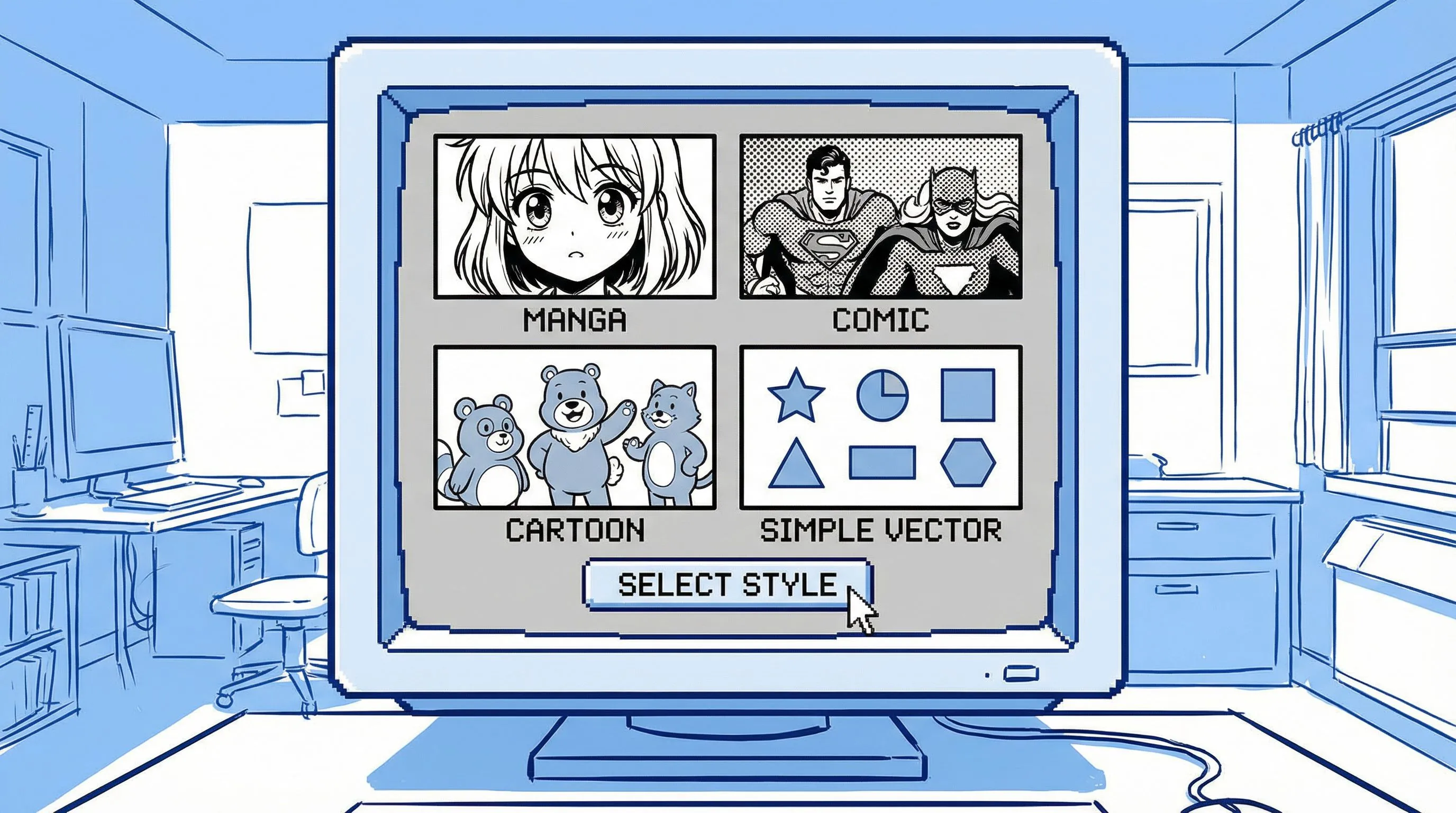
Use one instruction to steer the image toward superhero panels, manga-inspired scenes, retro comic art, or clean cartoon comic looks.

Free Online Comic Filter Start

Start with one image and a simple comic filter direction, then keep editing if the draft needs captions, panels, or stronger continuity.

LlamaGen Image to Comic vs Basic Comic Filter

A filter changes the look. LlamaGen helps turn a picture into a comic asset with a job to do.

Why this matters for output quality

The workflow is designed for production value: consistency, purpose, and editable output.

NeedLlamaGen Image to ComicBasic Photo Filter
Input
Image plus prompt, with optional multi-reference support and style templates for projects that need continuity.
One image and a generic style preset.
Purpose
Can create ads, explainers, social stories, storyboards, and training visuals.
Usually produces a single stylized picture.
Consistency
Multiple references help preserve products, people, scenes, and visual direction.
Hard to keep identity or product details consistent across outputs.
Output
Editable comic project with panels, captions, prompts, and refinements.
A flat image with limited iteration paths.

Generated with Gemini 3.1 Flash

Photo to Comic Examples

Start with one picture for a quick comic-style result, then add references when the idea needs a longer personalized comic

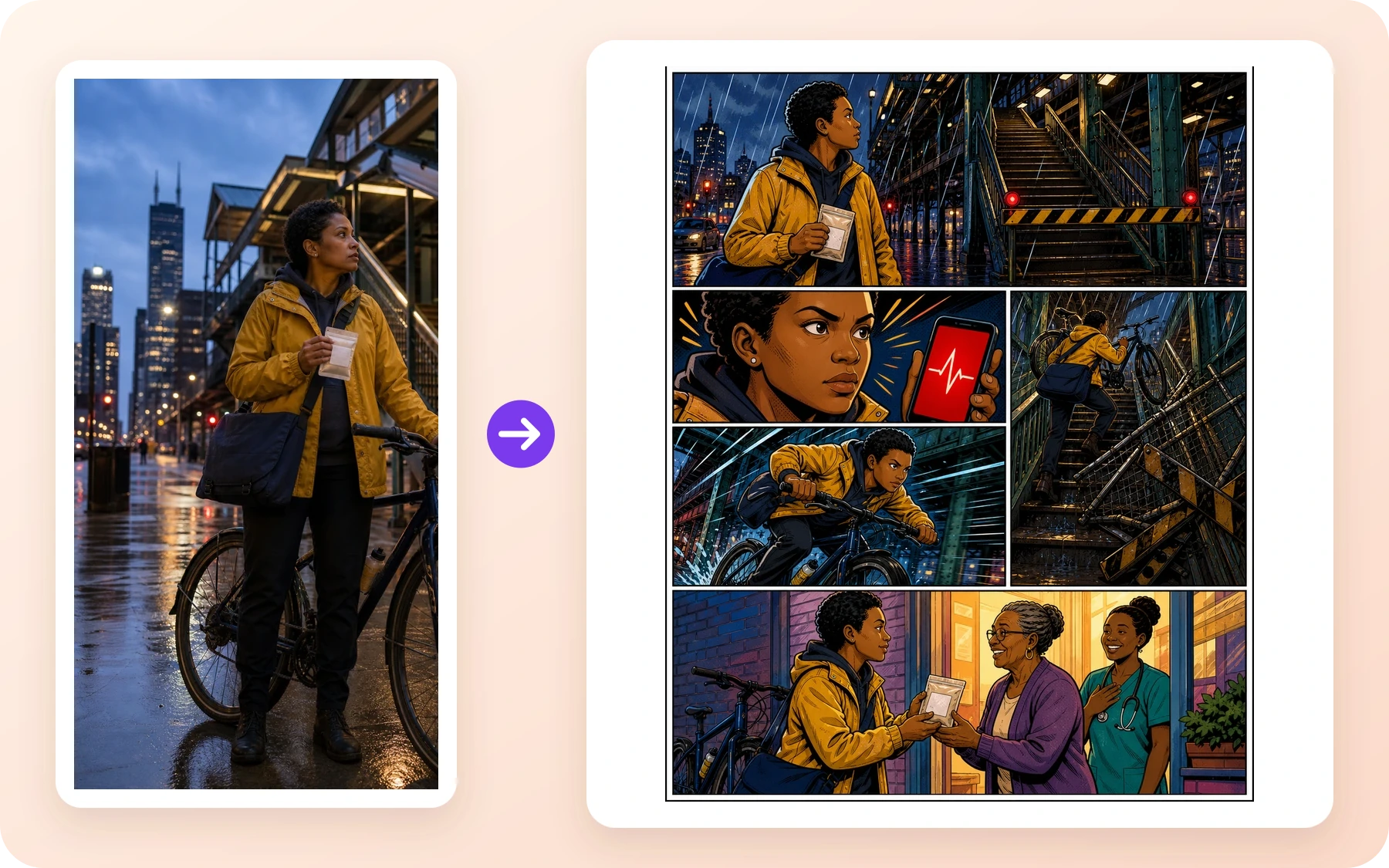
Action comic style product launch scene

Four-panel case

Action comic style product launch scene

Campaign comic: high-energy launch visual with a clear hero moment.

Campaign comic: high-energy launch visual with a clear hero moment.

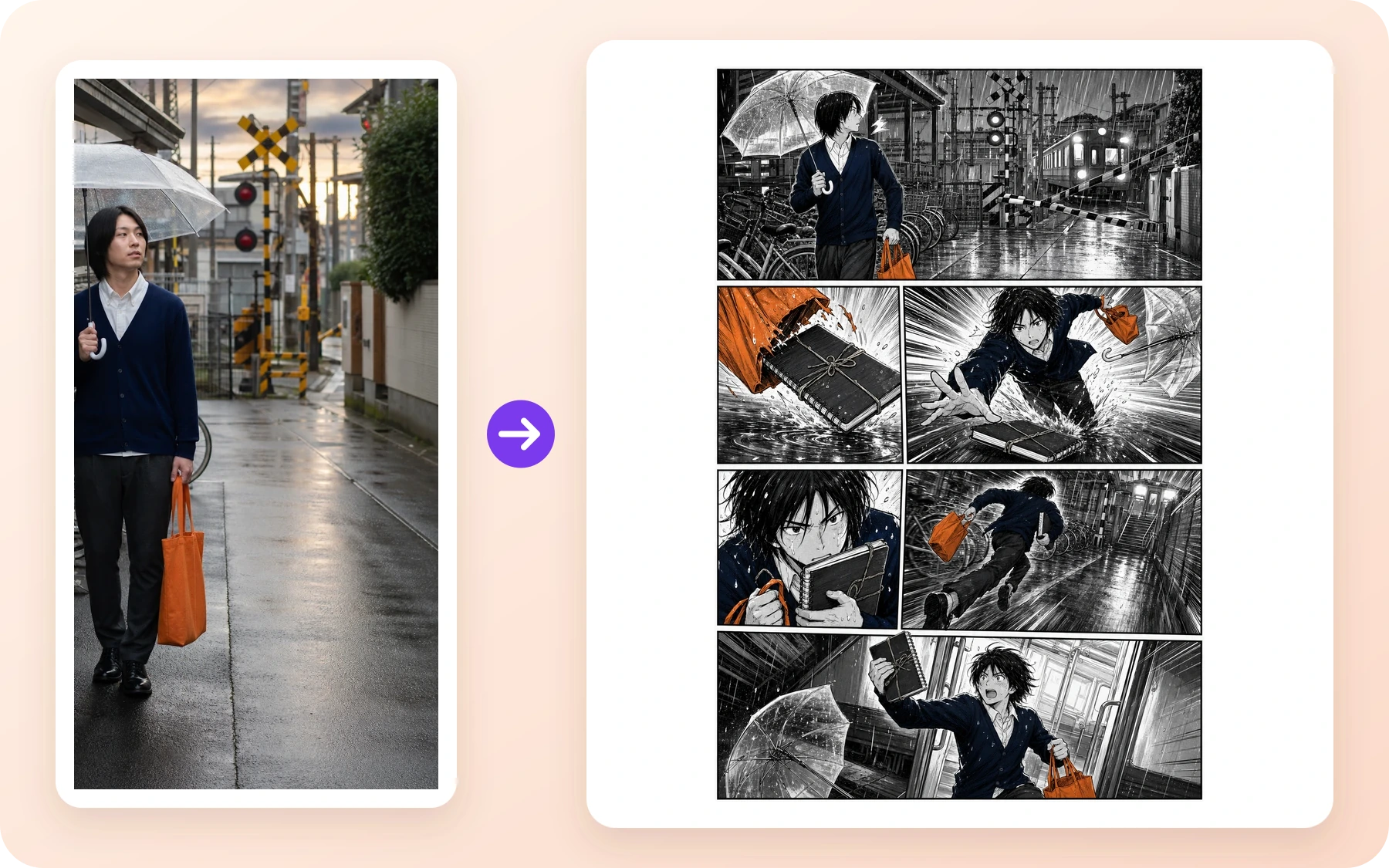
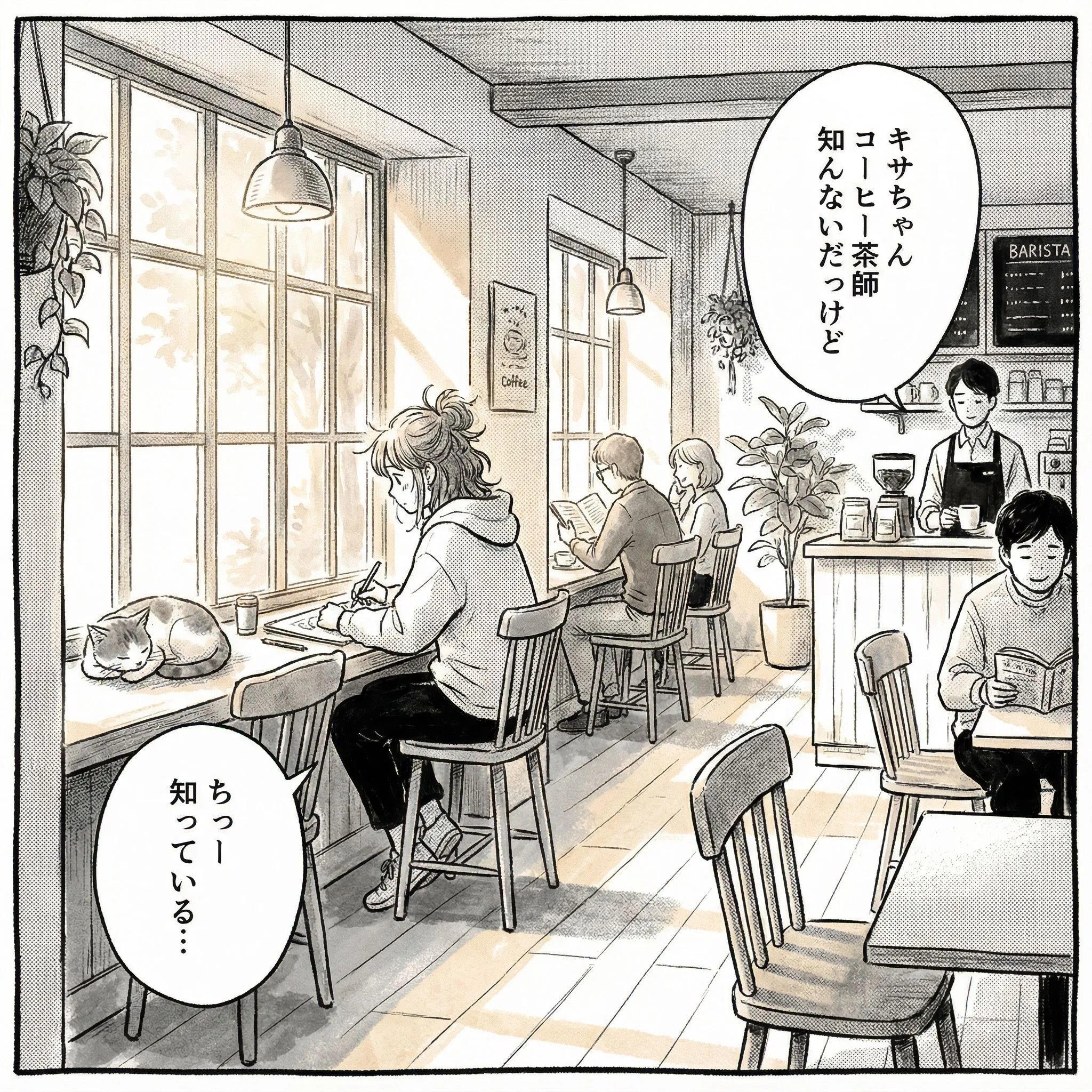
Slice of life manga comic panel

Four-panel case

Slice of life manga comic panel

Social story: relatable everyday scene with expressive character reaction.

Social story: relatable everyday scene with expressive character reaction.

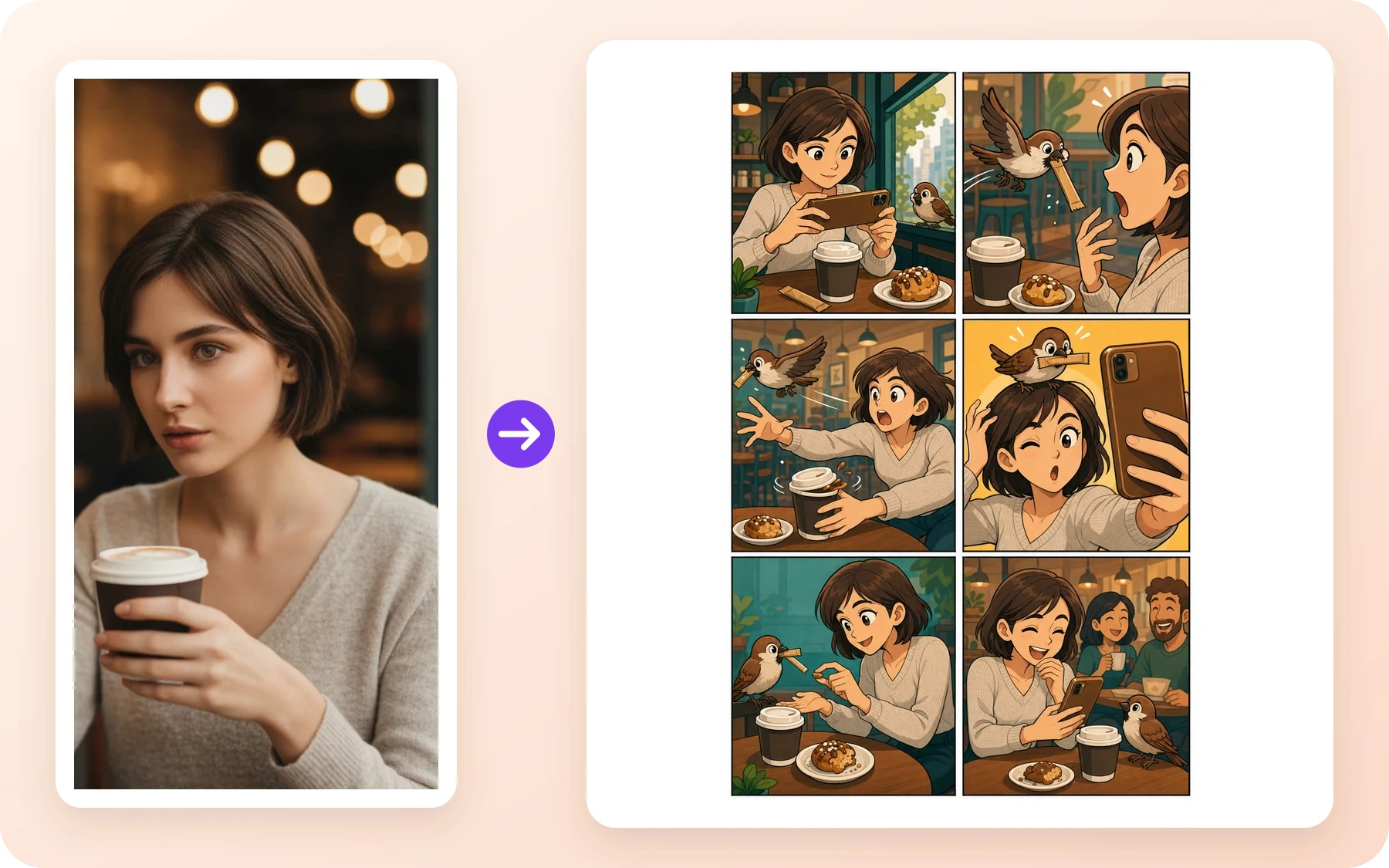
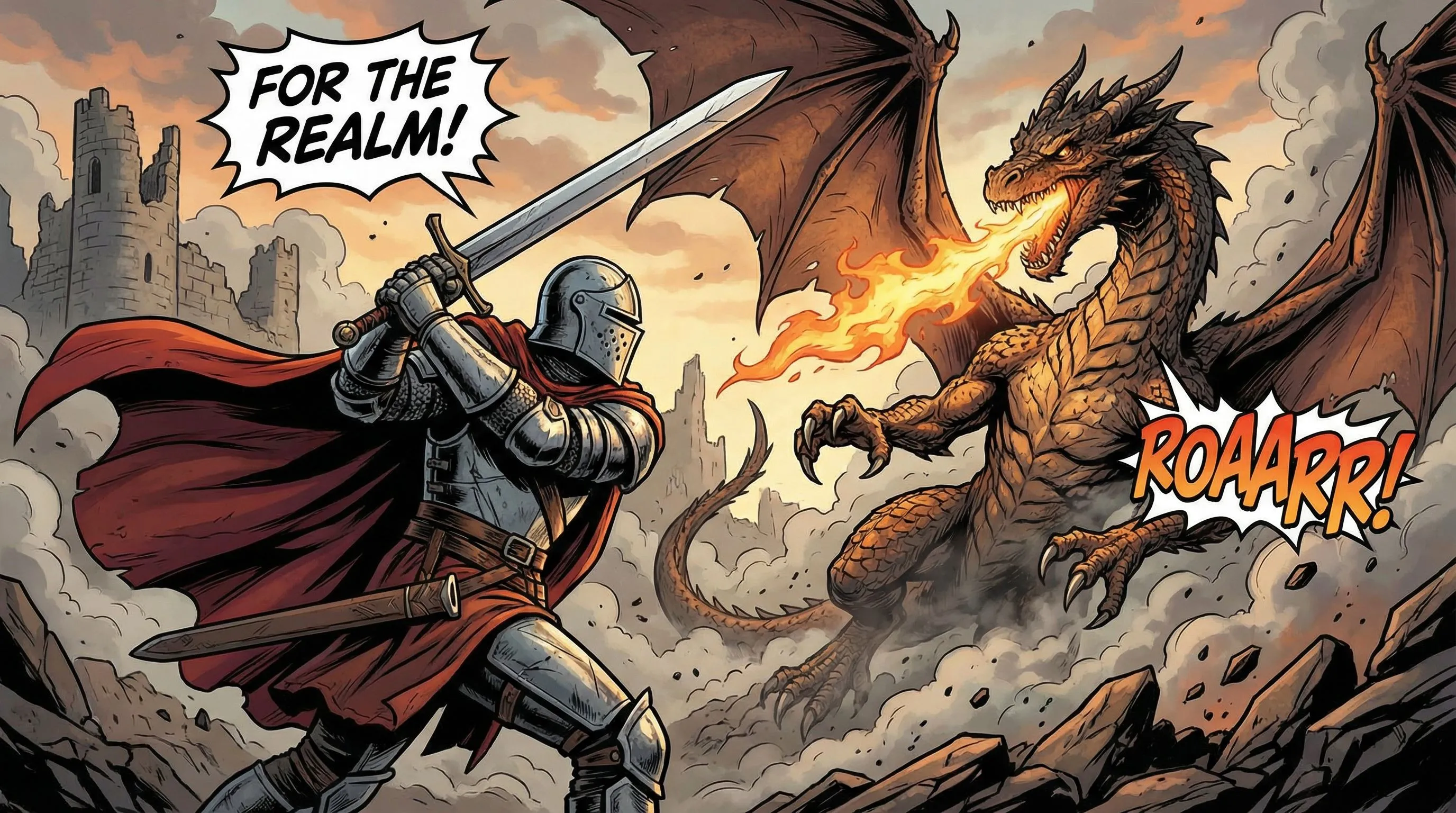
Fantasy comic panel

Four-panel case

Fantasy comic panel

Storyboard draft: conflict, action, and readable panel composition.

Storyboard draft: conflict, action, and readable panel composition.

Community Love

Trusted by comic creators and enthusiasts worldwide

I use this to quickly prototype panel layouts. It captures the American comic style perfectly.

Stan M.

Comic Artist

The manga filter is amazing. I can turn my cosplay photos into actual manga pages.

Emily R.

Manga Fan

Great for getting inspiration when I am stuck. The noir style is particularly impressive.

Chris P.

Illustrator

Frequently Asked Questions

Can I turn a picture into a comic online?+

Yes. Upload a photo or image, describe the comic style you want, and use LlamaGen as a photo to comic AI generator for comic-style images, panels, and editable comic drafts.

What file formats are supported?+

The upload workflow supports common image formats such as JPG, PNG, GIF, WebP, HEIC, and HEIF. For story notes, start with the prompt box and keep the uploaded image focused on the visual you want to transform.

Can I use the images commercially?+

Commercial use depends on your LlamaGen plan terms and the rights you have to the source image. Use the first result to test whether the comic direction works before creating production assets.

How is this different from a basic photo-to-comic filter?+

A basic filter usually restyles one image. LlamaGen can start with that same image-to-comic intent, then continue into panels, captions, prompts, references, and studio refinements.

Can I make a personalized comic with recurring characters?+

Yes. After the first photo-to-comic draft, use additional references and studio refinements when the project needs recurring people, products, scenes, or longer personalized comic sequences.

How does LlamaGen.Ai ensure consistency in AI-generated comics?+

LlamaGen uses your character references, names, notes, style choices, and prompt context to make recurring characters easier to recognize across the comic.

Ready to Turn a Picture Into Comic Art?

Start with one photo, choose a comic style, and keep refining the result into a panel, comic book image, or personalized comic sequence.

Turn My Picture Into Comic

Create Your First Comic Today

Generate your first comic in under a minute. No credit card required.