One multimodal creative context
Combine text direction with multiple image, video, and audio references to control characters, composition, movement, pacing, and sound in one workflow.
 MiniMax H3 AI Video GeneratorGénérateur de vidéo IA
MiniMax H3 is an open-weights multimodal video model for creating and editing cinematic clips from text, images, video, and audio references, with output up to 2K and native stereo sound.
Describe the motion, subject, camera, and mood. Add a reference when you want tighter visual control.
Move from a single generated image or video into comics, manga, storyboards, and connected visual stories.
Fonctionnalités
MiniMax H3 brings generation, reference control, targeted editing, and synchronized sound into one multimodal video workflow.
Combine text direction with multiple image, video, and audio references to control characters, composition, movement, pacing, and sound in one workflow.
Create a scene from a prompt, animate a starting image, or carry the identity and visual language of reference material into a new clip.
Generate 5–15 second clips at 24 fps with output up to 2K and synchronized stereo audio generated as part of the scene.
Change localized visual details, composite new elements, restyle footage, or guide motion while keeping the rest of the shot coherent.
Explorer des exemples
Official fal MiniMax H3 text-to-video example featuring a kitten moving through a bright garden.
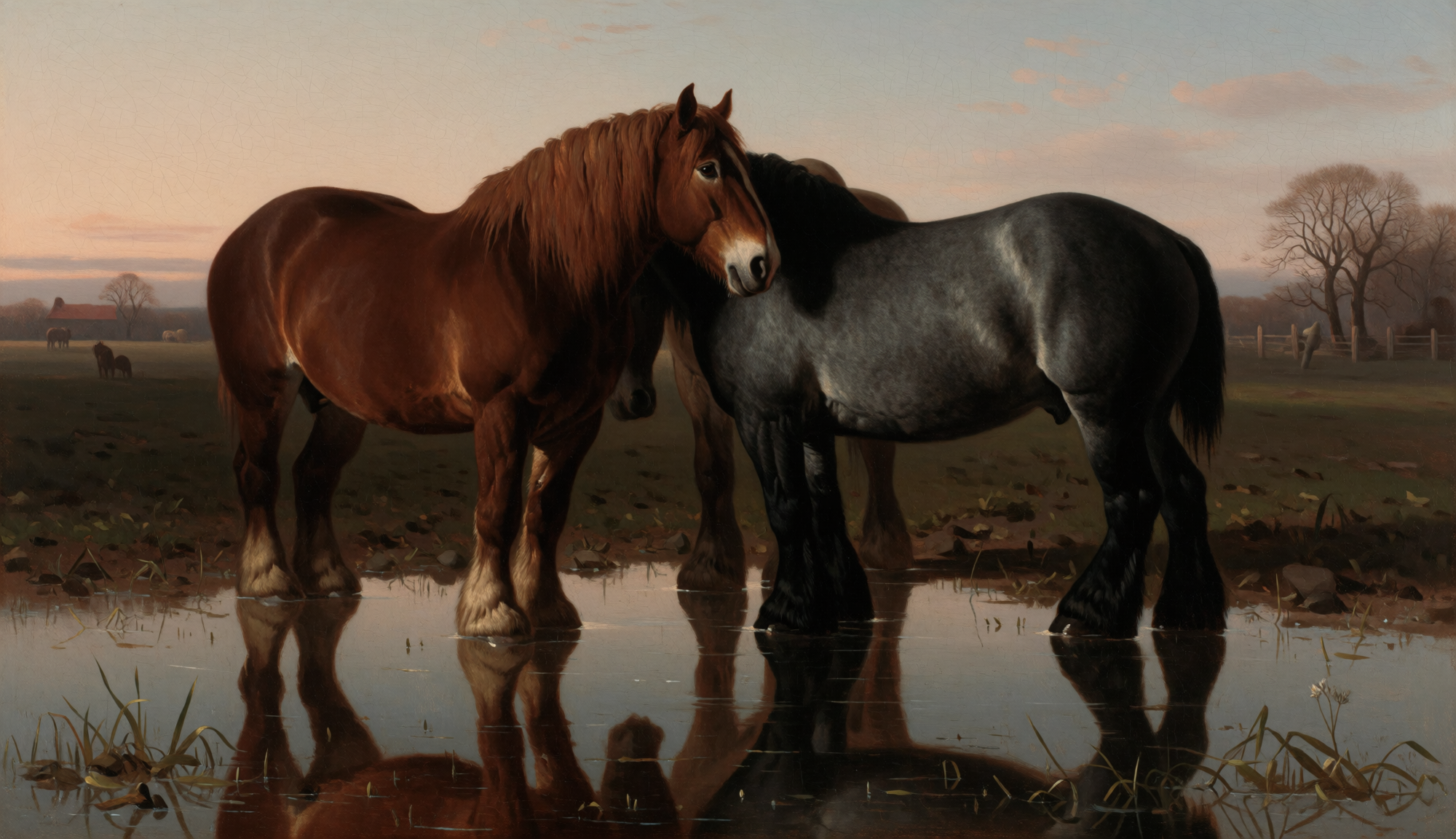
Reference image used by the official fal MiniMax H3 image-to-video example.
Official fal MiniMax H3 image-to-video example with draft horses moving through a flooded pasture.
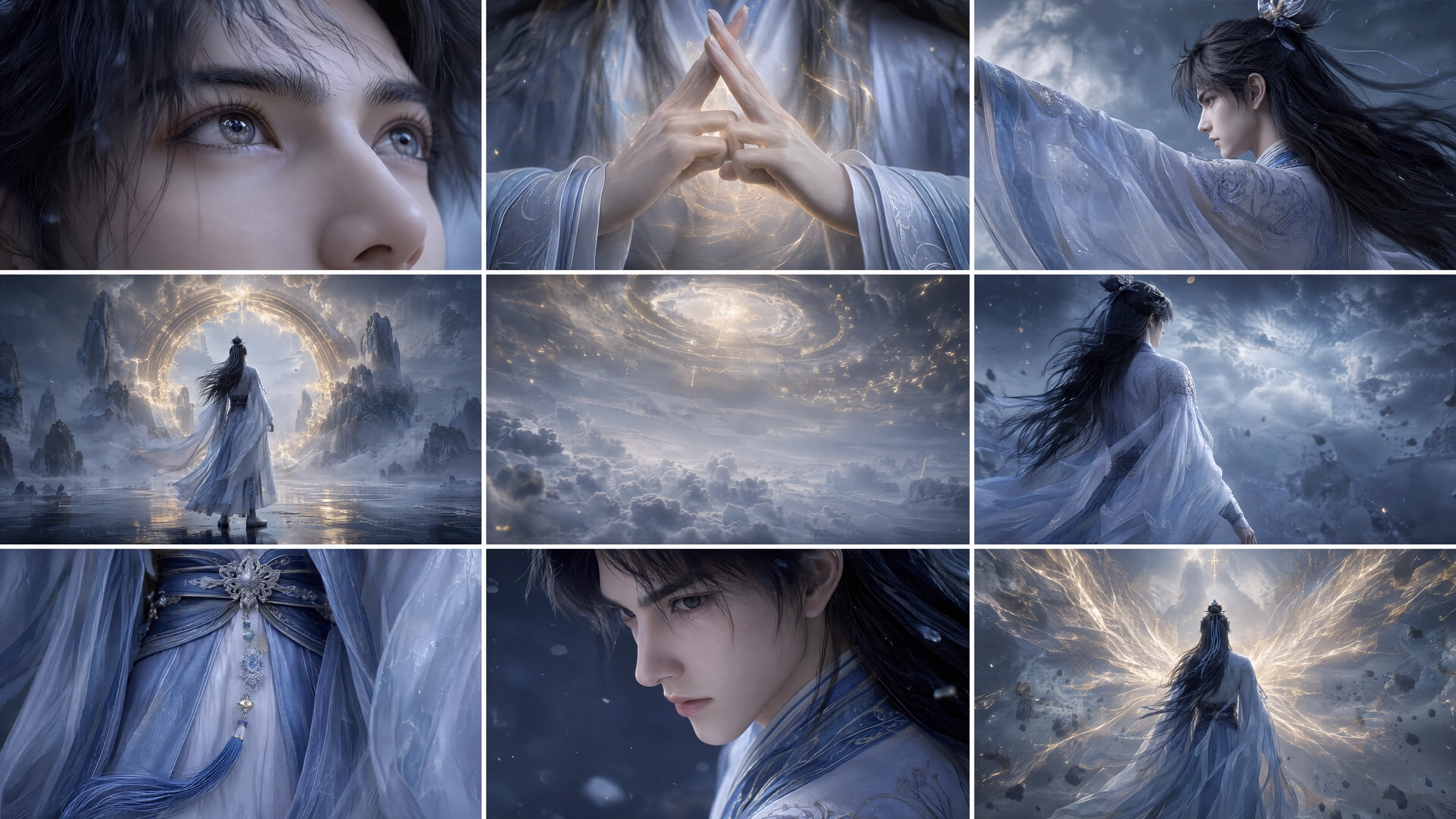
Character reference used by the official fal MiniMax H3 reference-to-video example.
Official fal MiniMax H3 reference-to-video example showing a fantasy wuxia character sequence.
Comment ça marche
Describe the complete shot, add a visual reference when consistency matters, and refine motion and sound together.
Describe the subject, action, setting, camera movement, lighting, and sound you want in the final clip.
Add a reference image when the character, product, composition, or style needs tighter visual consistency.
Generate a preview, review motion and audio together, then refine the prompt and export the strongest result.
Define subject, action, camera, mood, and sound
Guide identity, composition, style, and motion
Check video movement and stereo audio as one result
Adjust the prompt around the details that need control
No credit card required to test an idea
FAQ
MiniMax H3 accepts text and can use image, video, and audio references in a shared multimodal context. The available fal endpoints cover text-to-video, image-to-video, and reference-to-video workflows.
MiniMax H3 supports 5–15 second clips at 24 frames per second.
MiniMax H3 supports output up to 2K and common landscape, portrait, square, and cinematic aspect ratios.
Yes. MiniMax H3 can generate synchronized native stereo audio, including dialogue, ambience, effects, and music direction.
Yes. Its multimodal workflow can use video and other references for localized changes, restyling, compositing, and motion guidance.
Trusted Creative Infrastructure
Turn a prompt or reference image into a cinematic video preview, then refine the strongest version for publishing.
Preview first. Export when ready.
Maximum output
Maximum duration
Native audio