
We independently review every app we recommend.
If you just need a clean post, banner, or promo tile, there are plenty of free design tools that can get you there. But if your social visuals need to become a repeatable character series, a comic-style campaign, or a story-led launch system, the question changes. You are no longer choosing only for templates. You are choosing for what happens after the first export.
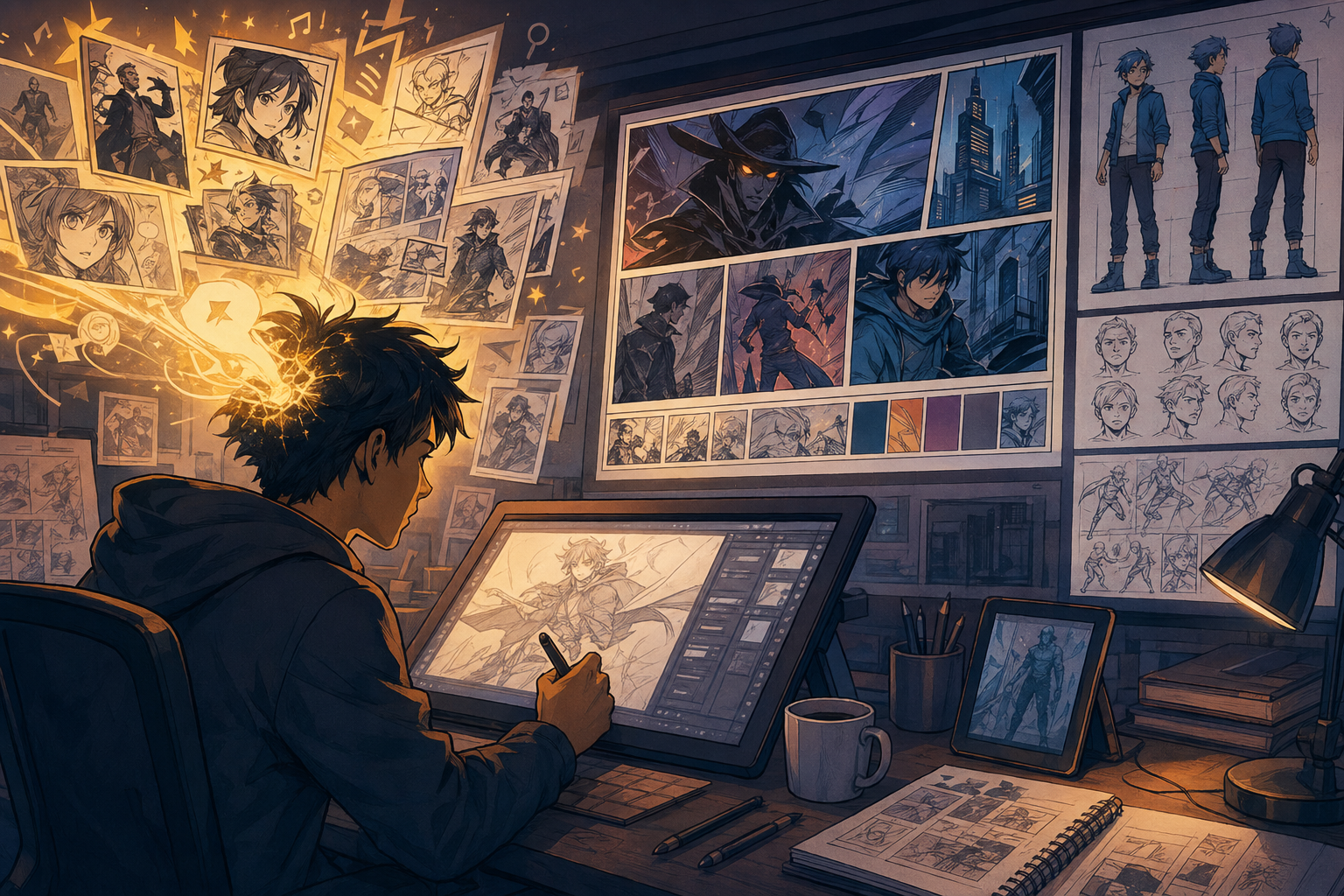
That is where LlamaGen fits into this category. Tools like Canva, Adobe Express, Snappa, VistaCreate, and Desygner are useful for single posts and fast brand assets. LlamaGen becomes the layer that turns those assets into a visual system with consistent characters, reusable scenes, and story-first campaign outputs.
If your job ends at one polished post, a classic design tool is enough. If that post is the first frame of a larger campaign world, LlamaGen is the more relevant workflow.
Start creating in LlamaGen
- Create a new comic
- Create a new animation
- Start a manga project
- Generate AI images
- Build AI characters
- Plan a storyboard
The best free graphic design software at a glance
- Canva for flexible template-based design
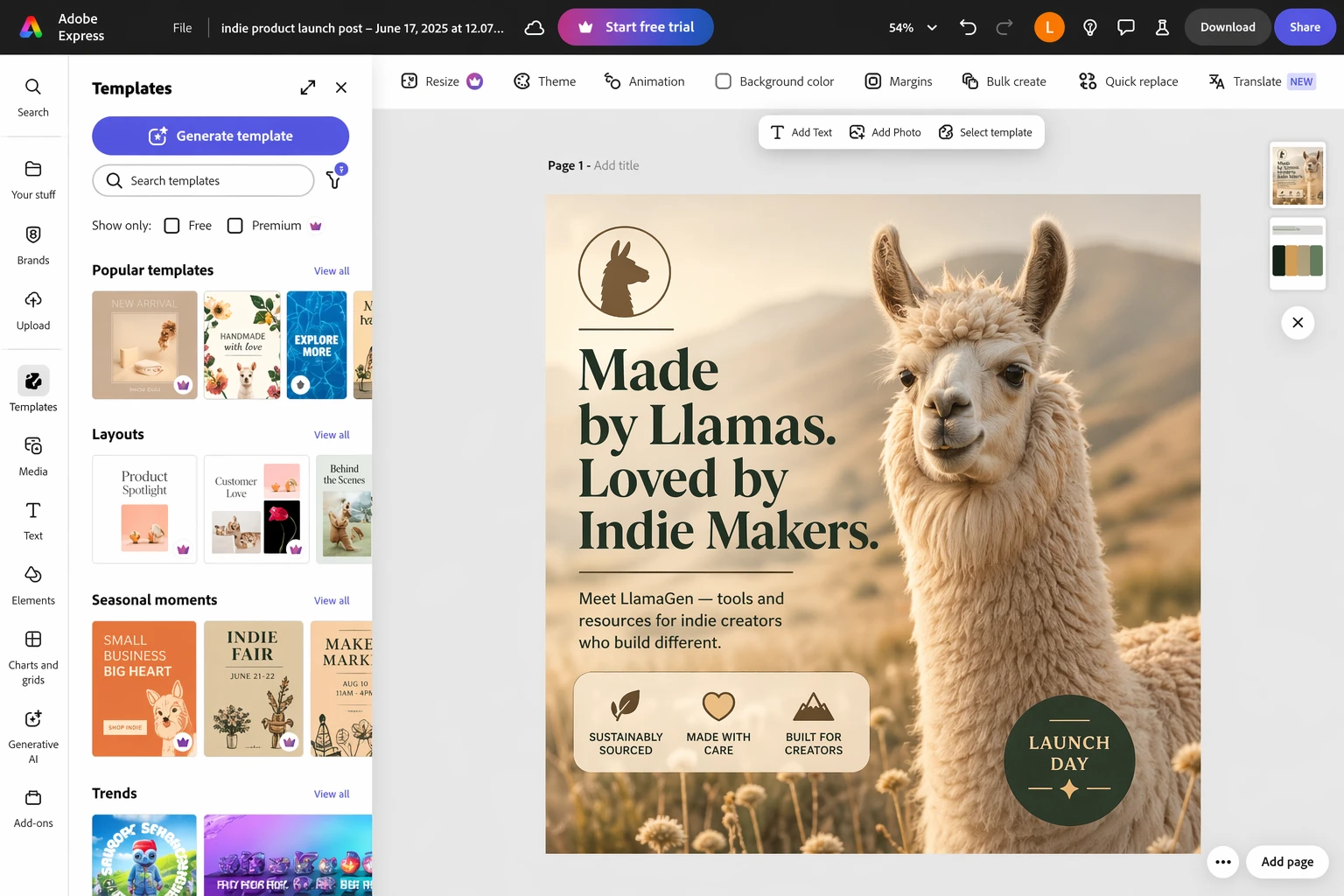
- Adobe Express for growing a side hustle or creator brand
- Snappa for occasional social graphics
- VistaCreate for social plus print designs
- Desygner for quick branded image production
How to choose the right tool
The source article gets the core decision logic right: a useful free design app needs enough templates, enough editing control, and enough export flexibility that it actually helps you ship.
For LlamaGen readers, there are a few extra questions worth asking:
- Do you need one post or a whole campaign system?
- Are you protecting a brand kit, a recurring cast of characters, or both?
- Will your assets stay as flat graphics, or become comics, storyboards, and narrative sequences?
- Do you need speed for one-off social posts, or consistency across repeated episodes?
Where LlamaGen changes the workflow
Most design apps in this category are great at layout, resizing, and lightweight image editing. They are less helpful when the campaign needs continuity.
LlamaGen is strongest when you want to:
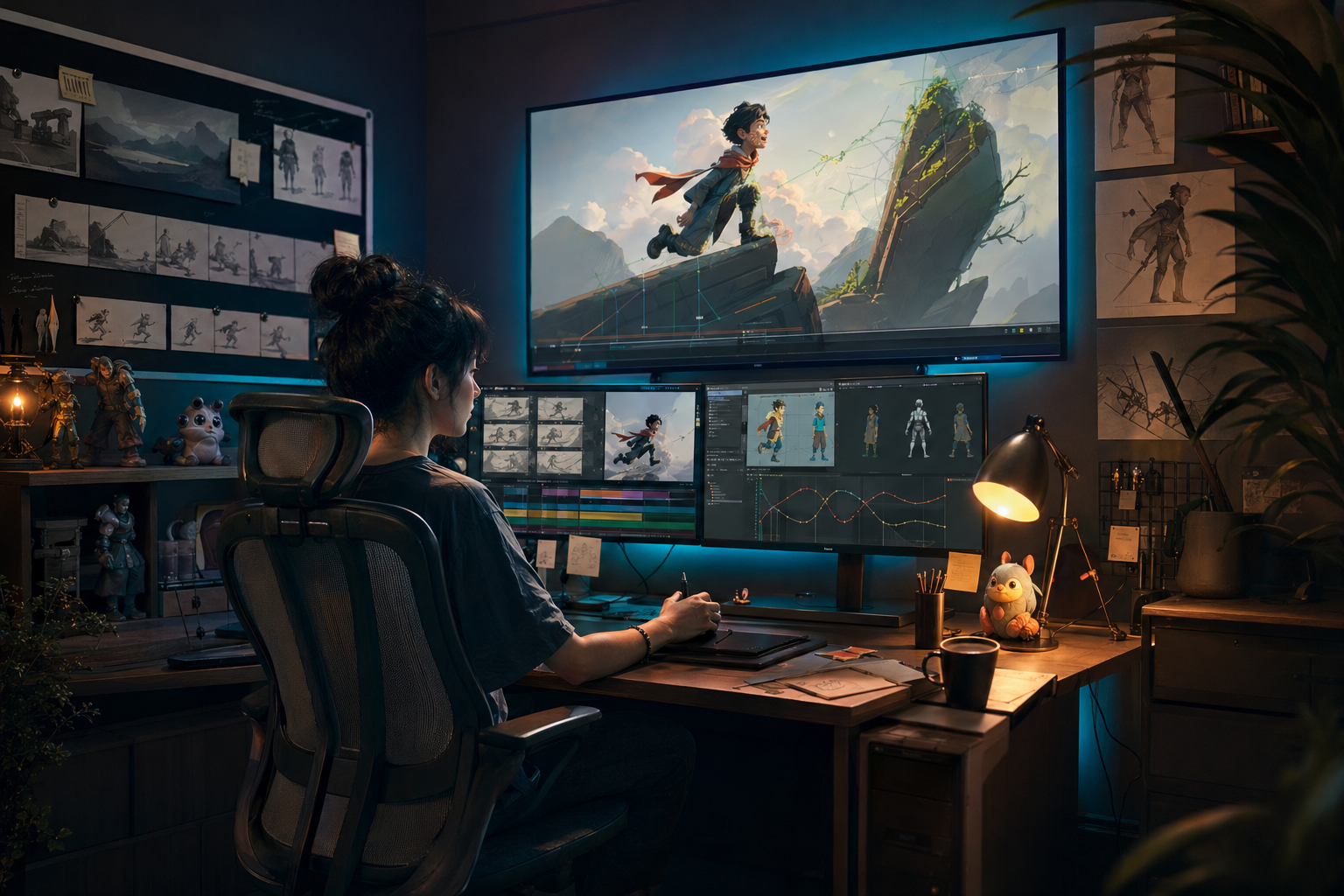
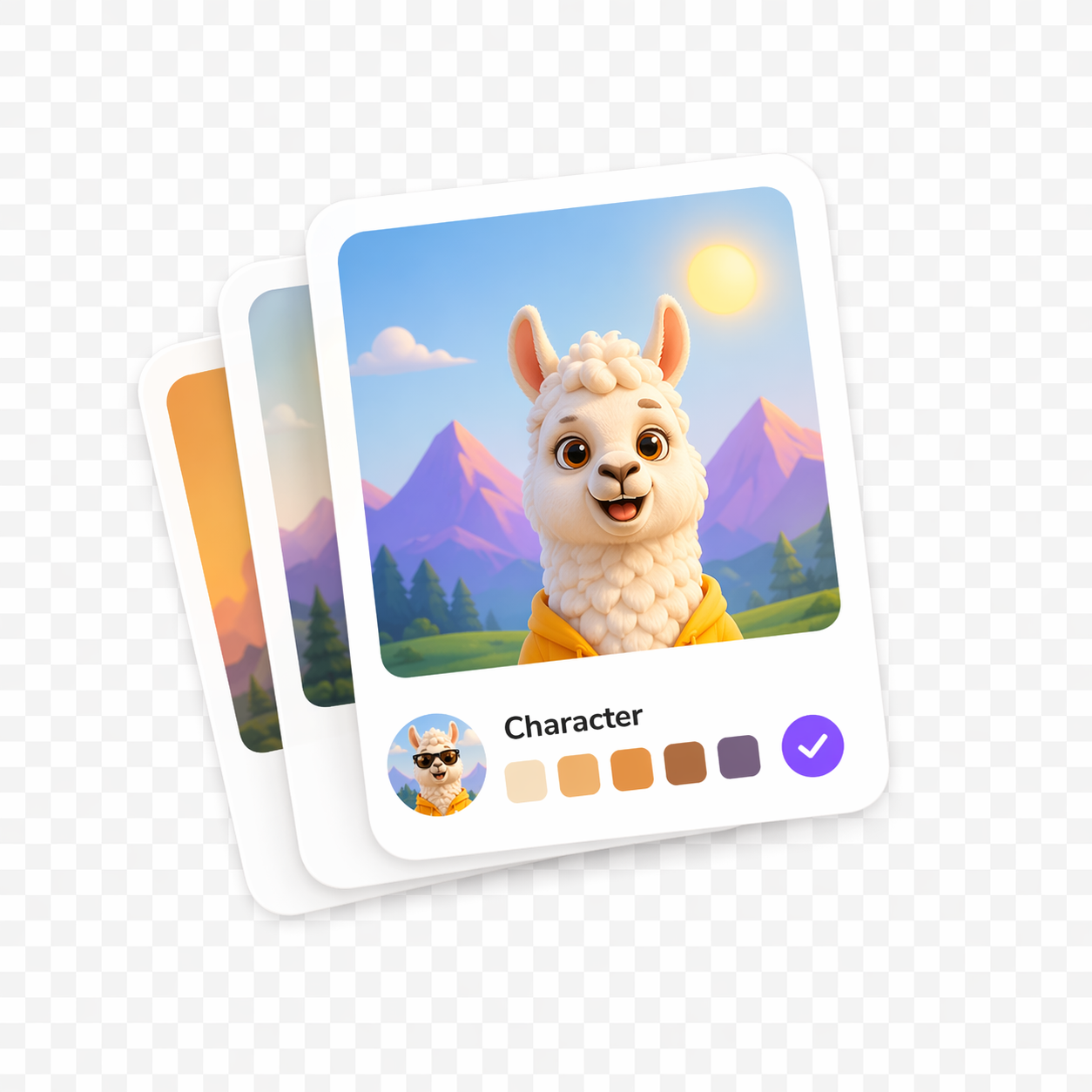
- keep the same character design stable across multiple posts
- turn a campaign brief into a sequence instead of isolated graphics
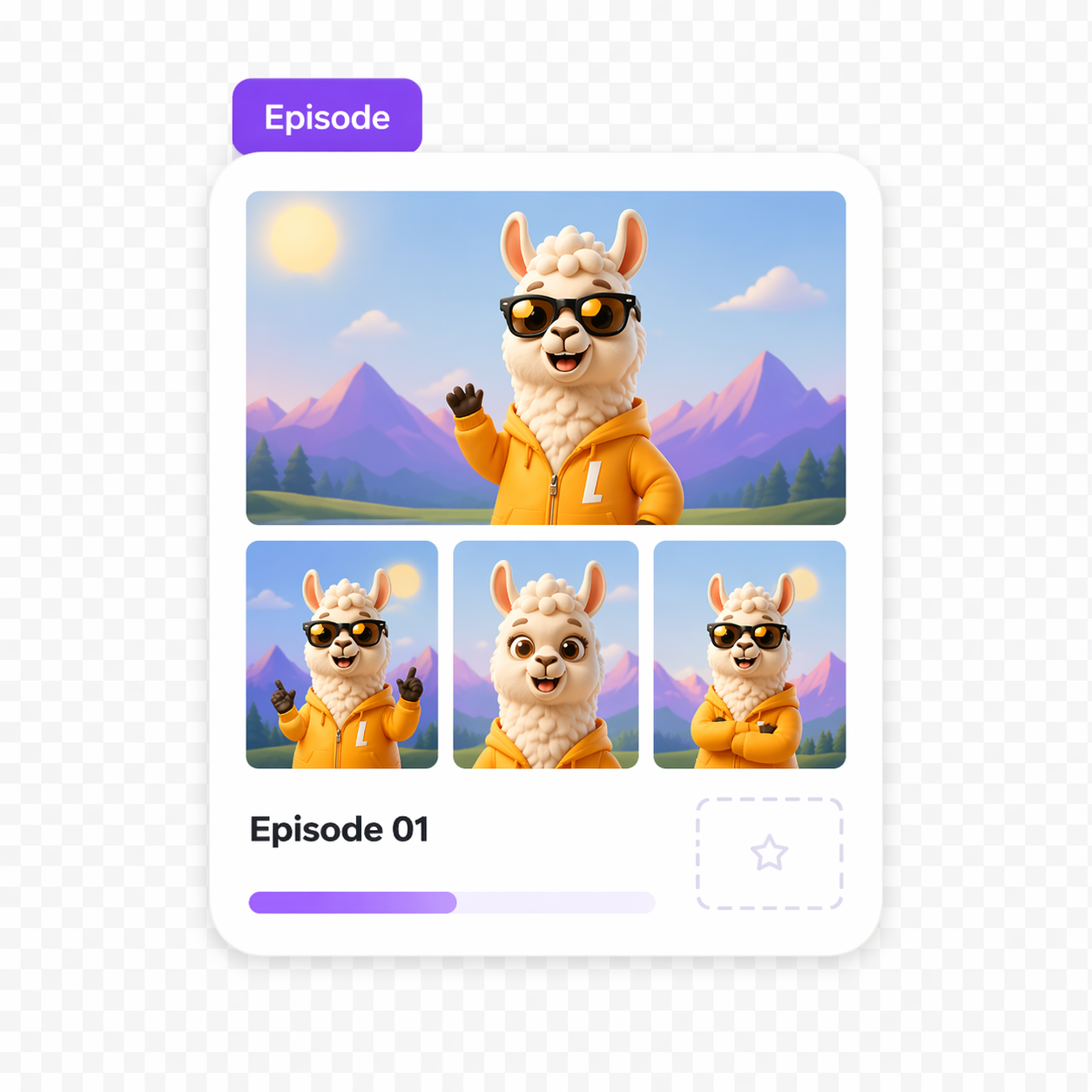
- move from marketing assets into comic panels, teaser scenes, and episode-style visuals
- build recurring creative formats that are more narrative than template-driven
That makes LlamaGen less of a direct replacement for every design tool on this list, and more of a better end point for creators who need a story-first output.
Canva
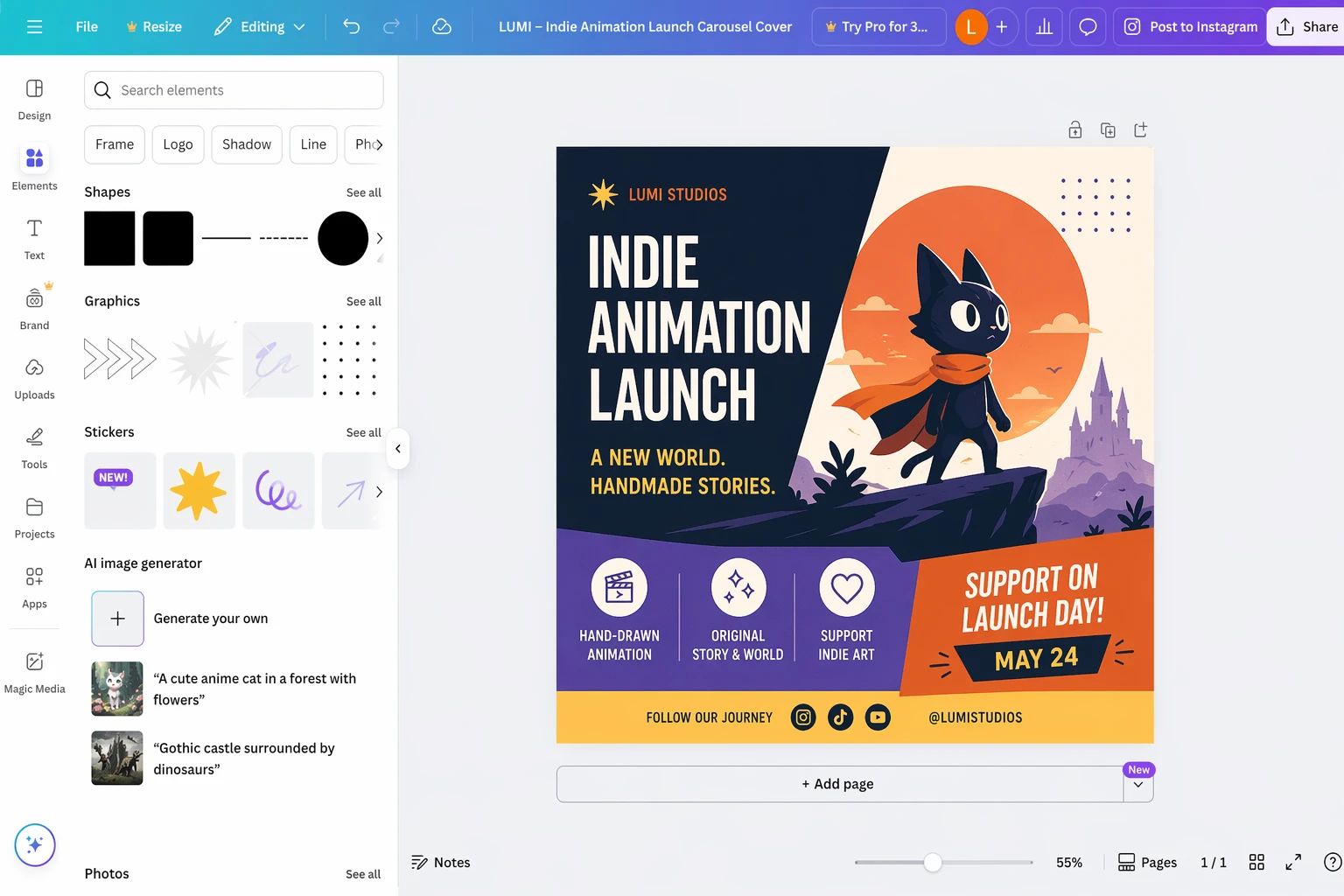
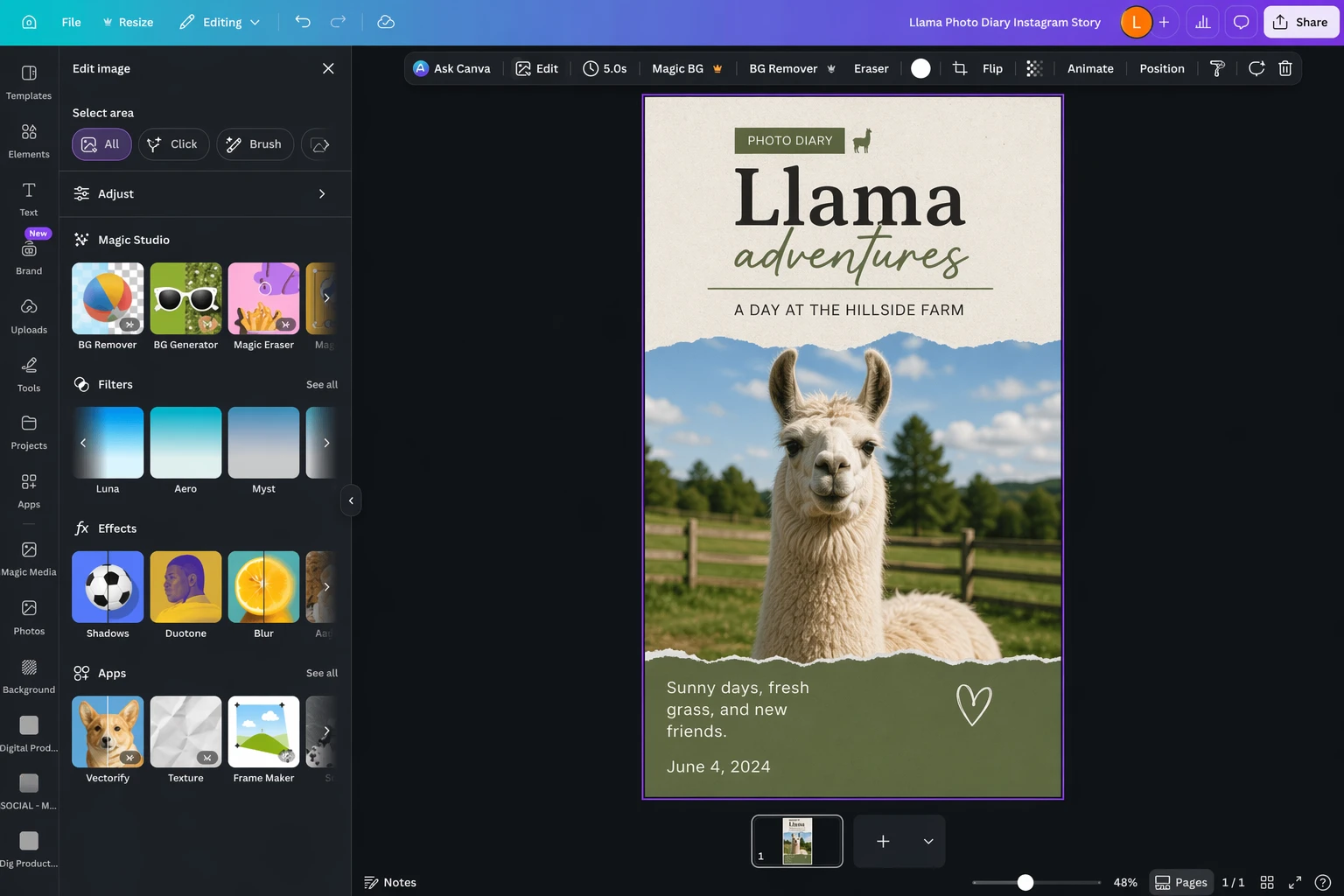
Canva is still the easiest all-round recommendation for most people. It has the widest template culture, a broad free plan, and enough AI-assisted features that beginners can make something useful quickly. If your work is mostly social posts, announcements, decks, or simple promos, Canva remains a very strong default.
Where it starts to feel limited is when your creative system depends on continuity. Canva can help you design the post. It is less opinionated about keeping a cast, scene logic, or serialized visual structure coherent over time.
Adobe Express
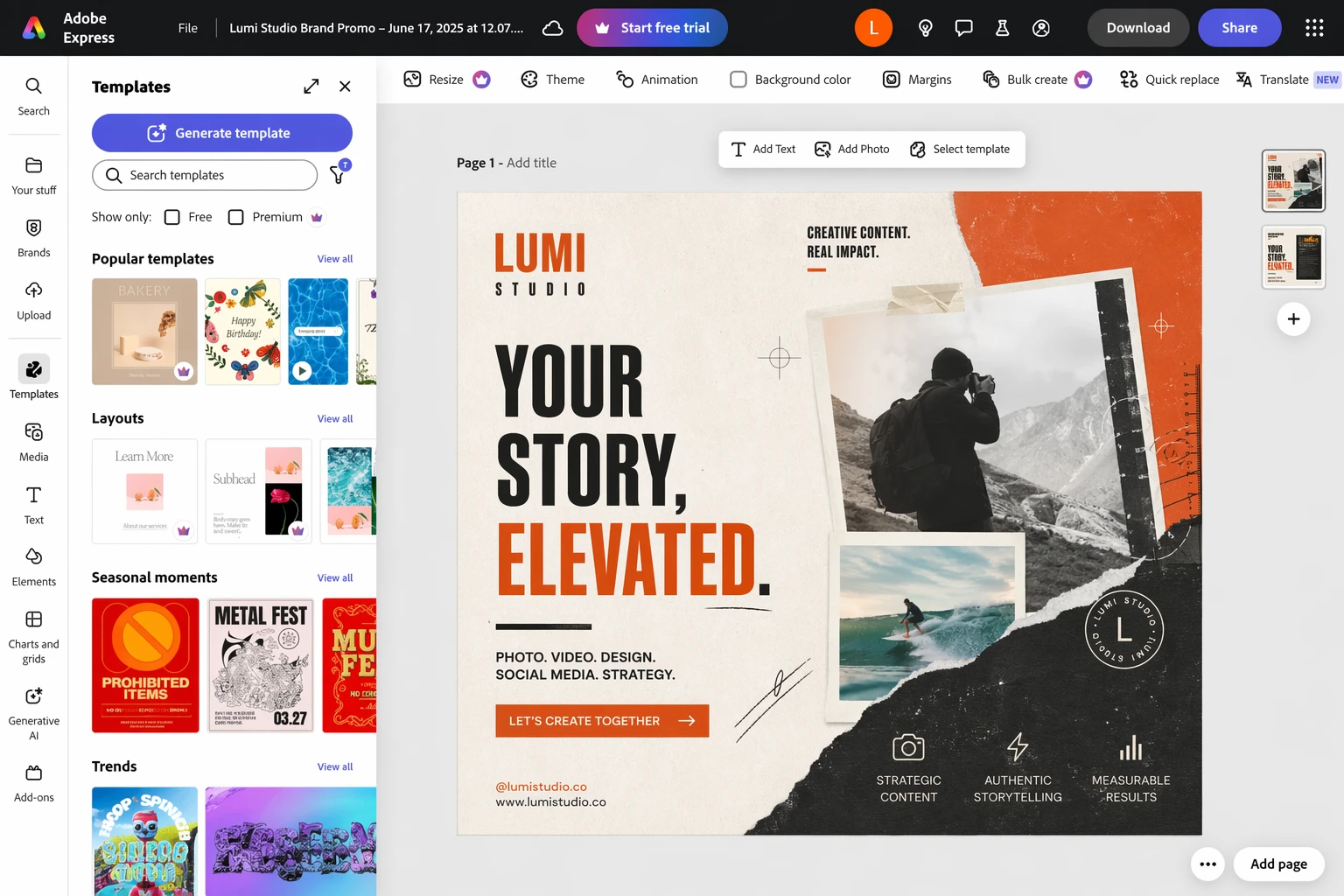
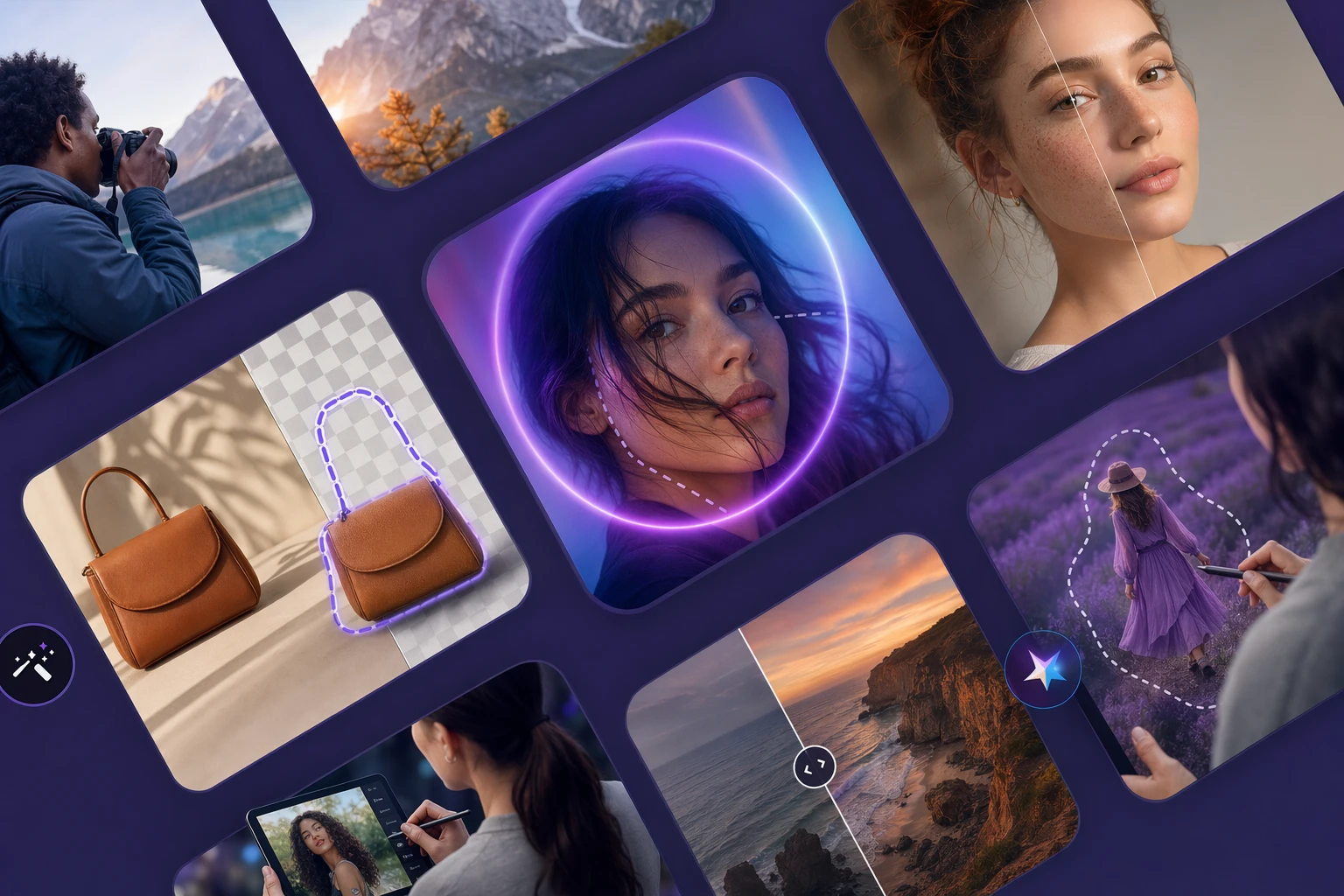
Adobe Express is a strong choice when the social post is part of a broader creator or brand workflow. It is especially useful if you already live inside Adobe tools and want a lighter, faster layer for templates and quick marketing assets.
Compared with Canva, it can feel more connected to a professional design stack. Compared with LlamaGen, it still lives much more in the world of single assets than narrative production.
Snappa
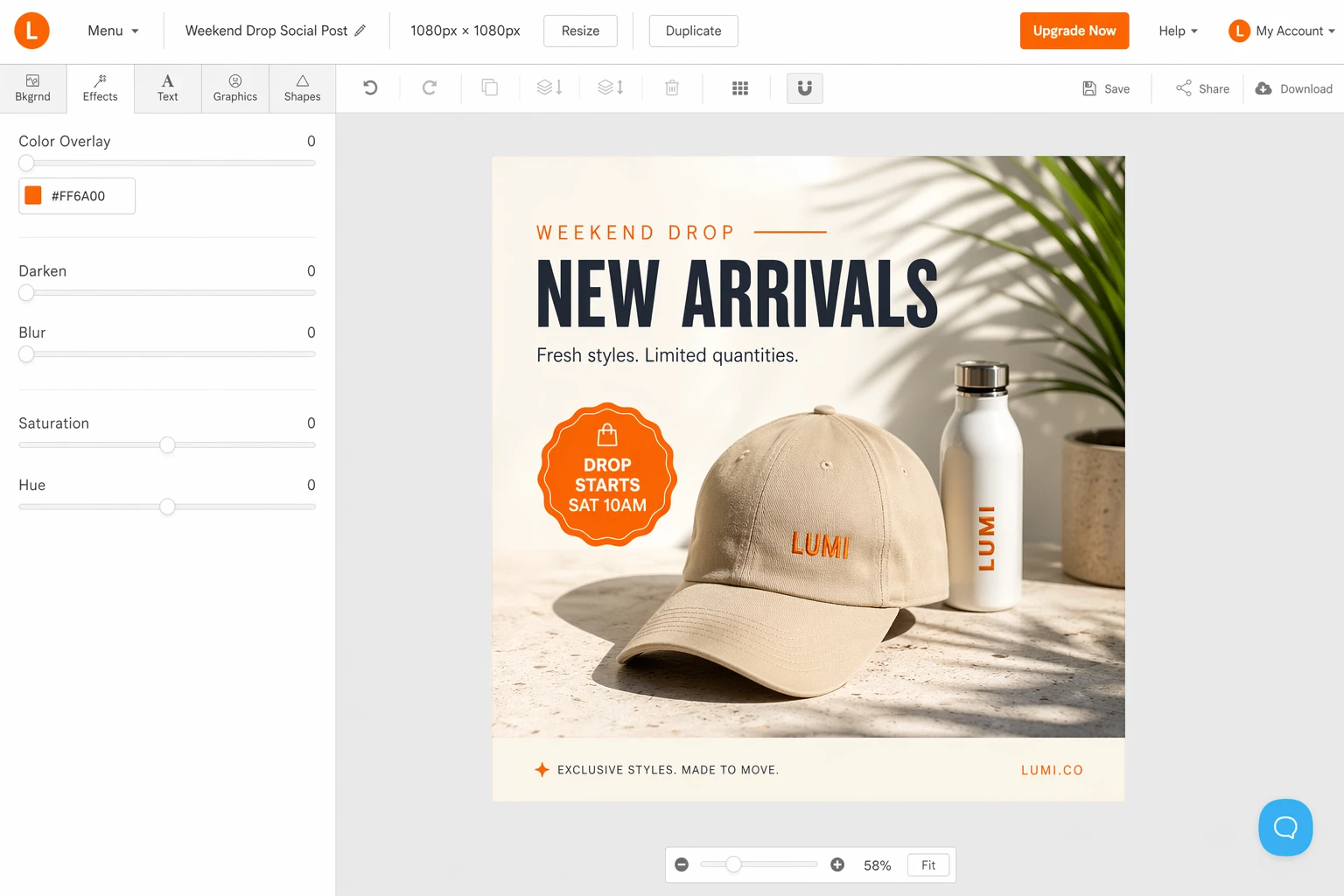
Snappa is appealing because it keeps the free experience simple. If you only make occasional graphics, it is one of the easiest ways to avoid constant upsell friction. That tradeoff is worth it for light usage.
Its ceiling is lower than Canva or Adobe Express, which is exactly why it works best for occasional creators instead of teams building a larger visual system.
VistaCreate
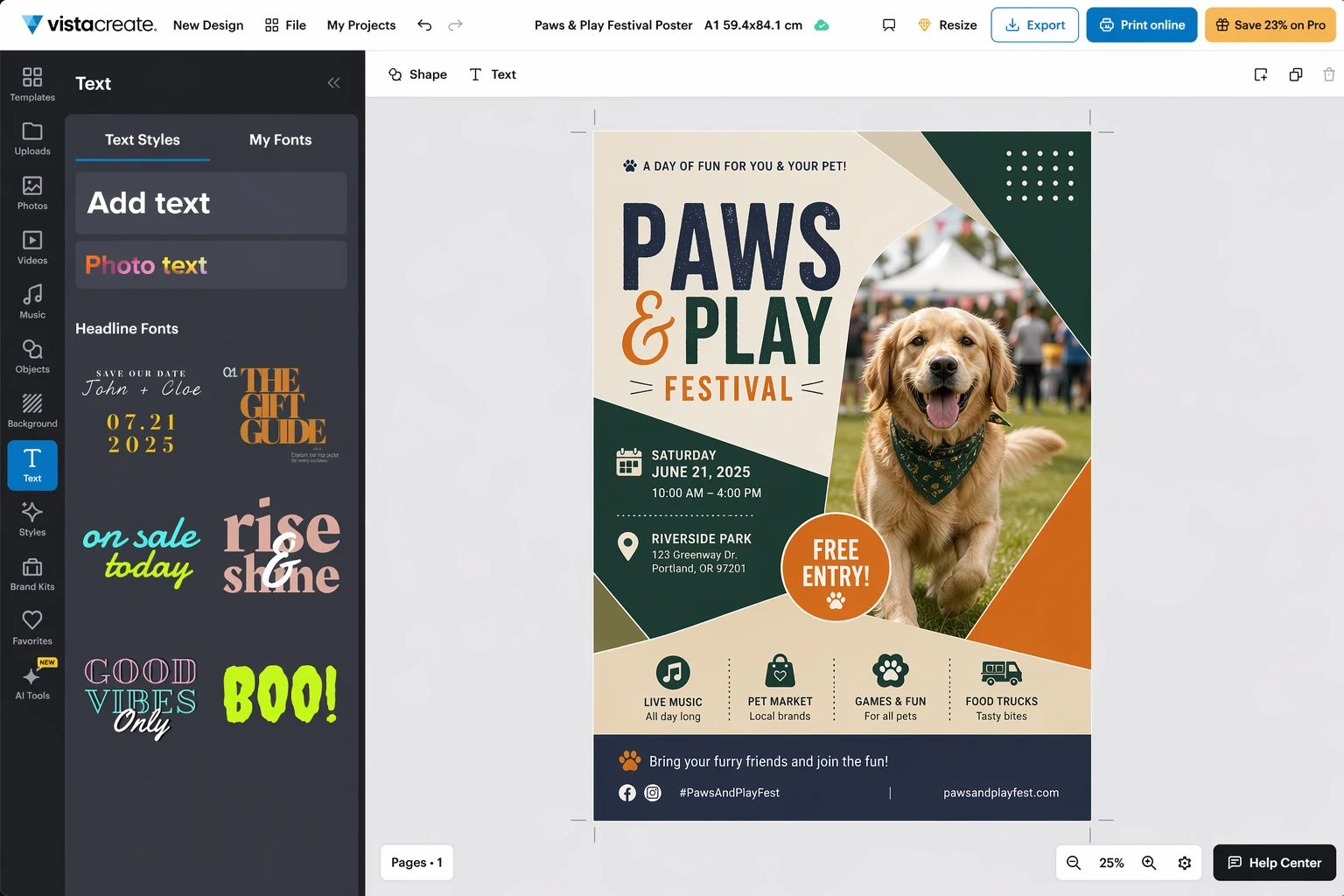
VistaCreate becomes more interesting if your work crosses between social content and printed materials. That print angle is what makes it stand out from the other free tools in this group.
If your workflow includes posters, flyers, menus, or event collateral alongside social graphics, VistaCreate can be the more practical choice. It still works best as a design tool first, not a continuity engine.
Desygner
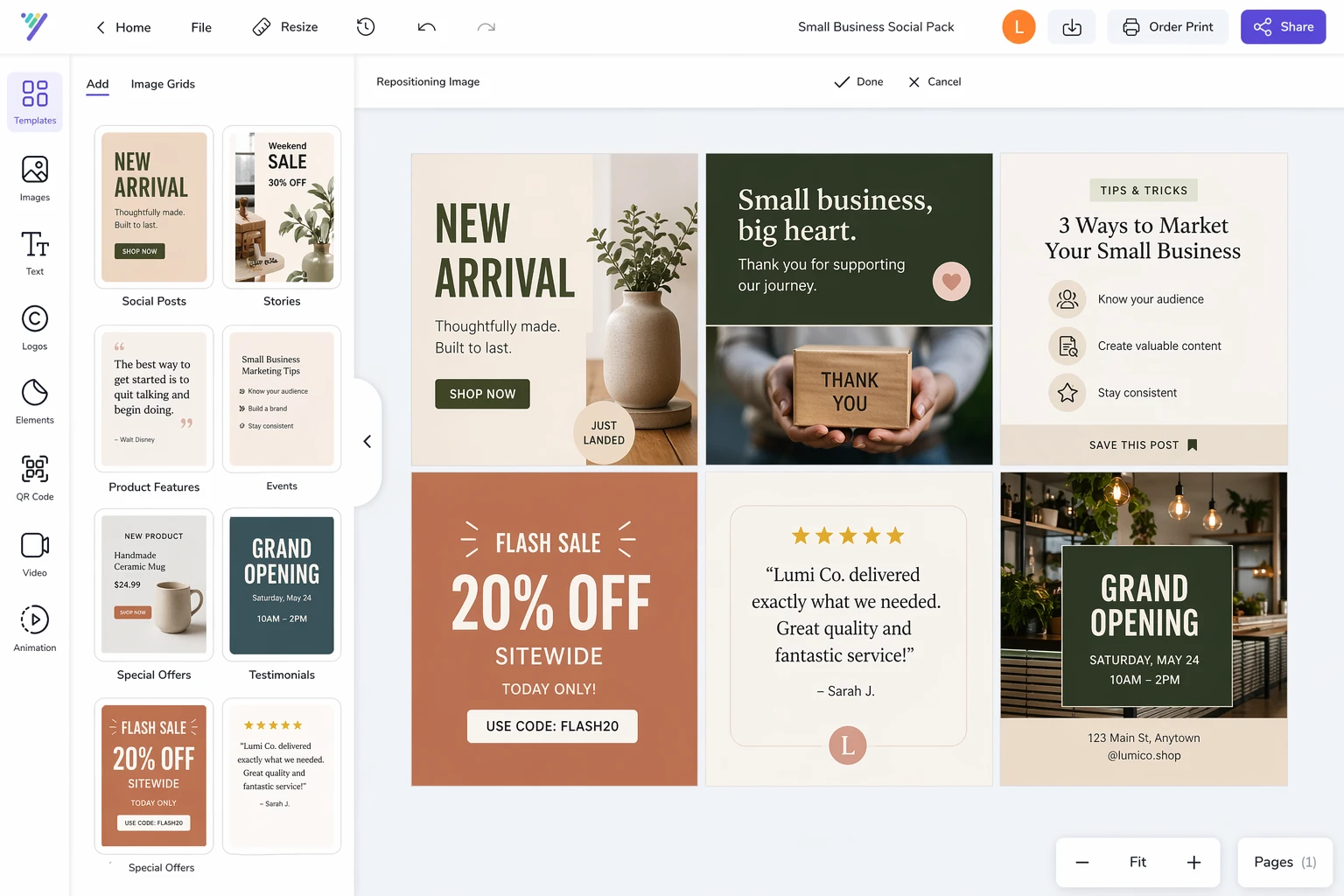
Desygner is useful when you want something fast, team-friendly, and template-oriented without paying enterprise prices. It is easier to recommend for small businesses that need steady branded output but do not need a deep professional design stack.
That makes it a practical production tool, even if it is not the most exciting one creatively.
Where the classic design tools still win
It is worth being direct about this:
- If you mostly need standard social posts, Canva is still the most convenient answer.
- If you already use Adobe heavily, Adobe Express can slot into your workflow more naturally.
- If you only publish occasionally, Snappa may be all you need.
LlamaGen wins when the output needs narrative cohesion, recurring visual identity, and a stronger sense of worldbuilding than template tools usually provide.
Which tool should you use?
If you want the broadest mainstream option, start with Canva.
If you want a more Adobe-shaped workflow, try Adobe Express.
If you just need occasional graphics for free, Snappa is still worth a look.
If print matters, VistaCreate has a clearer advantage.
If you need a small-team template engine, Desygner is practical.
If your campaign needs to look like a series instead of a stack of disconnected posts, use one of those tools for layout, then move the assets into LlamaGen to create comics, storyboard sequences, character-led promos, and repeatable visual narratives.
This article was rewritten for LlamaGen readers with a stronger story-first workflow lens.