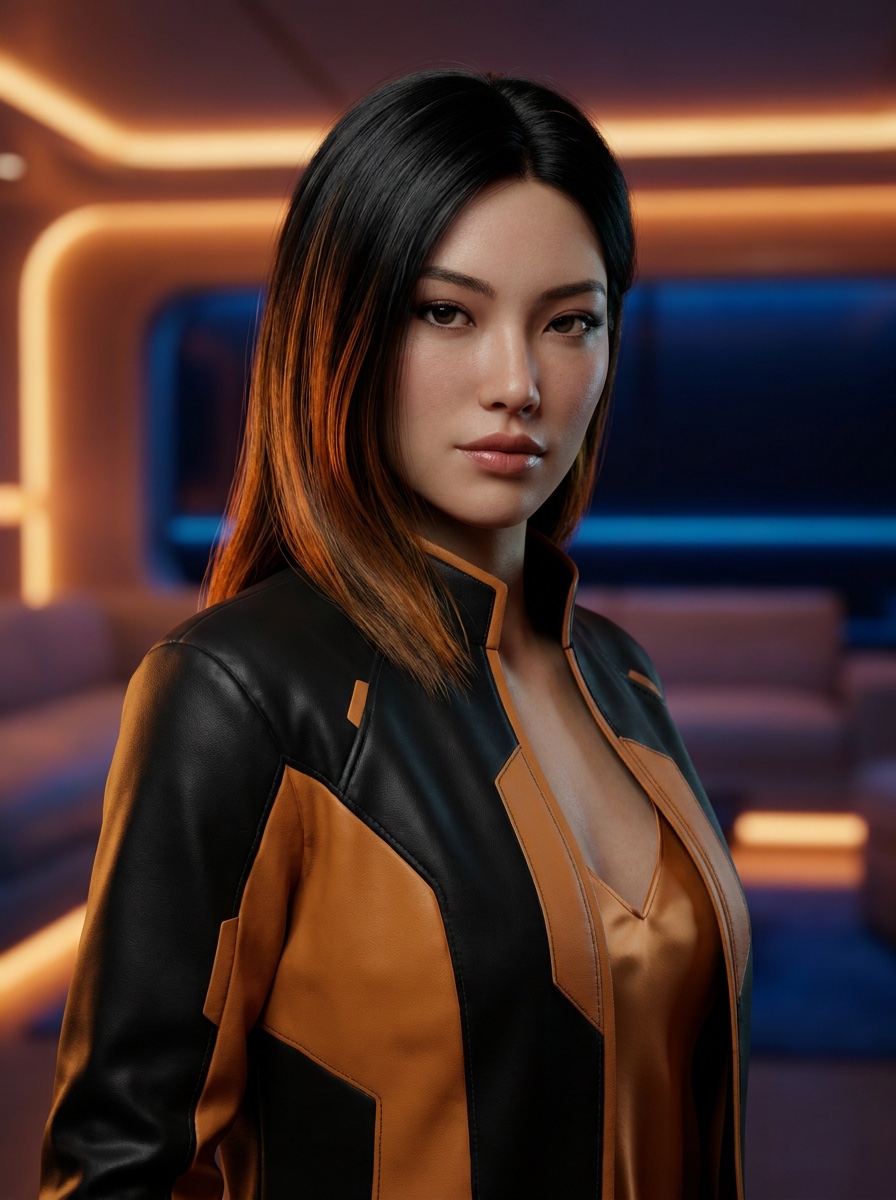
Sora 2 video example
Sora 2
Turn a prompt or reference image into an OpenAI Sora 2 video, review the motion, then export the clip when the story beat works.
Describe the motion, subject, camera, and mood. Add a reference when you want tighter visual control.
Sora video examples
Compare real Sora 2 clips for motion, framing, pacing, sound, and subject consistency before creating your own.
Use it as a reference for prompts that specify the opening hook, camera move, atmosphere, and final subject.
Use it to judge whether the prompt gives Sora enough direction without turning into a keyword list.
Use it as a quality bar when the reference image must remain recognizable while the scene gains motion.
A Sora Video Generator can make a striking first pass, but a usable clip still needs a clear subject, coherent motion, deliberate framing, and a final rights and safety review.
Decision guide
Creators who want short cinematic videos from a detailed text prompt or a reference image using OpenAI Sora 2.
Long-form editing, guaranteed factual footage, exact reproduction of a protected person or work, or publication without human review.
A text prompt and optional reference image, plus action, camera, timing, lighting, sound, ratio, and duration goals.
A generated Sora 2 video clip that can be inspected, refined, and exported from the LlamaGen workflow.
Availability and generation limits depend on plan and compute; always review artifacts, safety, likeness, rights, and factual claims.
Useful facts before you generate
This LlamaGen Sora Video Generator is configured to generate video with OpenAI Sora 2.
Sora 2 supports prompts and optional image references for video generation.
Useful Sora prompts specify subject, action, setting, camera movement, lighting, pacing, and sound.
Sora 2 can generate synchronized dialogue and sound effects, but every result still requires human review.
Generated Sora videos should be checked for artifacts, likeness, rights, safety, and factual accuracy before publishing.
Sora 2 Video Studio
Describe the scene, add an optional image, generate with OpenAI Sora 2, and refine the result in the same workflow.
Write the subject, action, setting, camera move, mood, and sound you want. Add a reference image when identity or composition should guide the Sora 2 generation.
Choose the aspect ratio and duration, generate the Sora video, then inspect subject consistency, physics, dialogue, sound, and frame composition.
Refine one or two specific details at a time, keep the strongest Sora 2 result, and review rights, likeness, safety, and factual claims before publishing.
Built for real Sora projects
01
The embedded creator is preconfigured for the OpenAI Sora 2 video model, so the Sora Video Generator label and the model used on submit stay aligned.
Sora 2 prompt starters
The embedded creator is preconfigured for the OpenAI Sora 2 video model, so the Sora Video Generator label and the model used on submit stay aligned.
Start from a detailed Sora prompt or attach a visual reference when the subject, product, character, or composition needs tighter guidance.
Spell out the action, camera path, timing, environment, dialogue, and sound effects so Sora 2 has concrete direction for the final clip.
Check for visual artifacts, likeness concerns, misleading content, brand safety, usage rights, and factual accuracy before exporting or sharing any AI video.
More Sora 2 generation capacity
Use Pro when a Sora 2 scene needs more generations, longer durations, additional model access, or faster iteration before the final export.
Paid plan benefits
Sora FAQ
LlamaGen's Sora Video Generator is an online text-to-video and image-to-video workflow preconfigured for OpenAI Sora 2, with prompt input, reference upload, duration and ratio controls, generation, review, and export.
Sora is OpenAI's family of generative video models. This is LlamaGen's independent Sora 2 workflow, not the discontinued official Sora app.
Write a clear video prompt, optionally add an image, choose settings, generate, inspect the result, and refine specific details before export.
No. This page covers OpenAI Sora video generation, not the Kingdom Hearts character or other unrelated uses of the word Sora.
Sora 2 is an OpenAI video and audio generation model designed for stronger prompt control, more realistic motion and physics, broader visual styles, and synchronized dialogue and sound effects.
Enter a scene prompt, optionally add a reference image, choose the available duration and aspect ratio, generate the clip, then inspect and refine the result before export.
Yes. Add a reference image to guide composition or visual identity, then describe the intended action, camera motion, timing, and sound in the prompt.
Move from a single generated image or video into comics, manga, storyboards, and connected visual stories.
AI video generator series
Try image animation, reels, Gemini, Kling, Seedance, and text-to-video workflows from the same creator studio.
 01
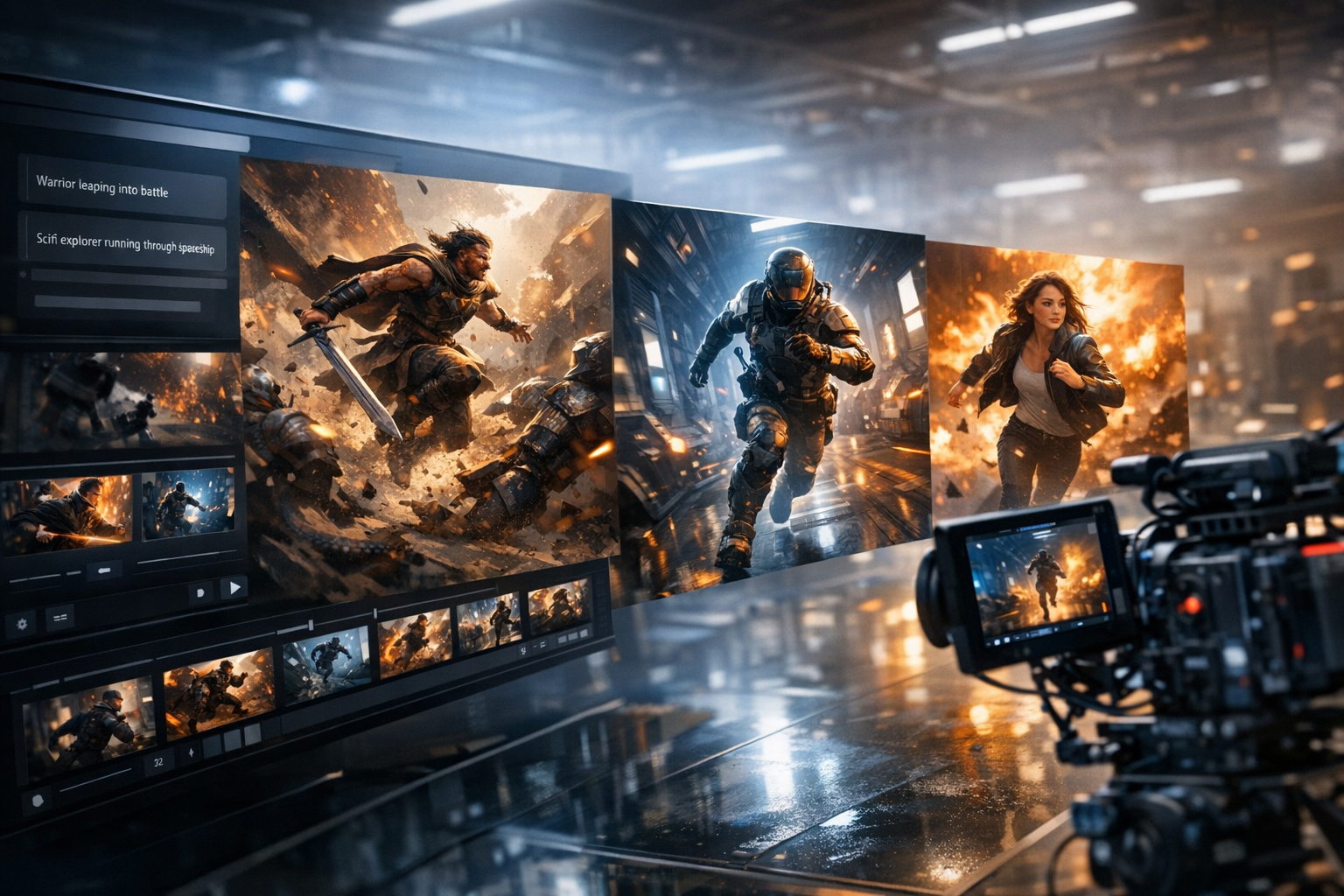
01Create game trailers, cutscenes, gameplay teasers, character reveals, and quest videos from a simple prompt. Turn game ideas into cinematic video scenes with characters, settings, mood, motion, and story beats.
 02
02Create stunning marketing videos in minutes with our AI Marketing Video Generator. Turn your product descriptions, ad copy, or social media posts into engaging videos that convert. Perfect for marketers, businesses, and content creators.
 03
03Empower educators and students with AI-powered video creation. Turn lesson plans, stories, and concepts into engaging educational videos in minutes. Perfect for the classroom and beyond.
 04
04Create engaging YouTube videos in minutes with our AI YouTube Video Generator. Turn your ideas, scripts, or blog posts into professional-looking videos that grow your channel. Perfect for YouTubers, content creators, and businesses.
 05
05Create TikTok and Instagram Reels with AI for free. Turn text, ideas, or product shots into short videos with captions, voice, music, and ready-to-post vertical formatting.
 06
06Create short AI ads from product details, offers, or raw ideas. Turn prompts and product shots into video ad drafts with hooks, captions, and social-ready pacing.
 07
07Unleash your creativity with our free Ani-Sora video generator. Turn your text prompts into stunning animated videos with the power of advanced AI technology.
 08
08Generate high-quality, royalty-free b-roll footage for your videos in seconds. Describe the type of footage you need, and our AI will create custom b-roll clips for free.
 09
09Use Gemini AI Video Generator to turn text or an image into video. Preview the clip, refine the scene, and export HD without a watermark.
 10
10Bring your static images to life with our free Image Animation Generator. Turn any picture into a dynamic, moving piece of art with the power of advanced AI technology.
 11
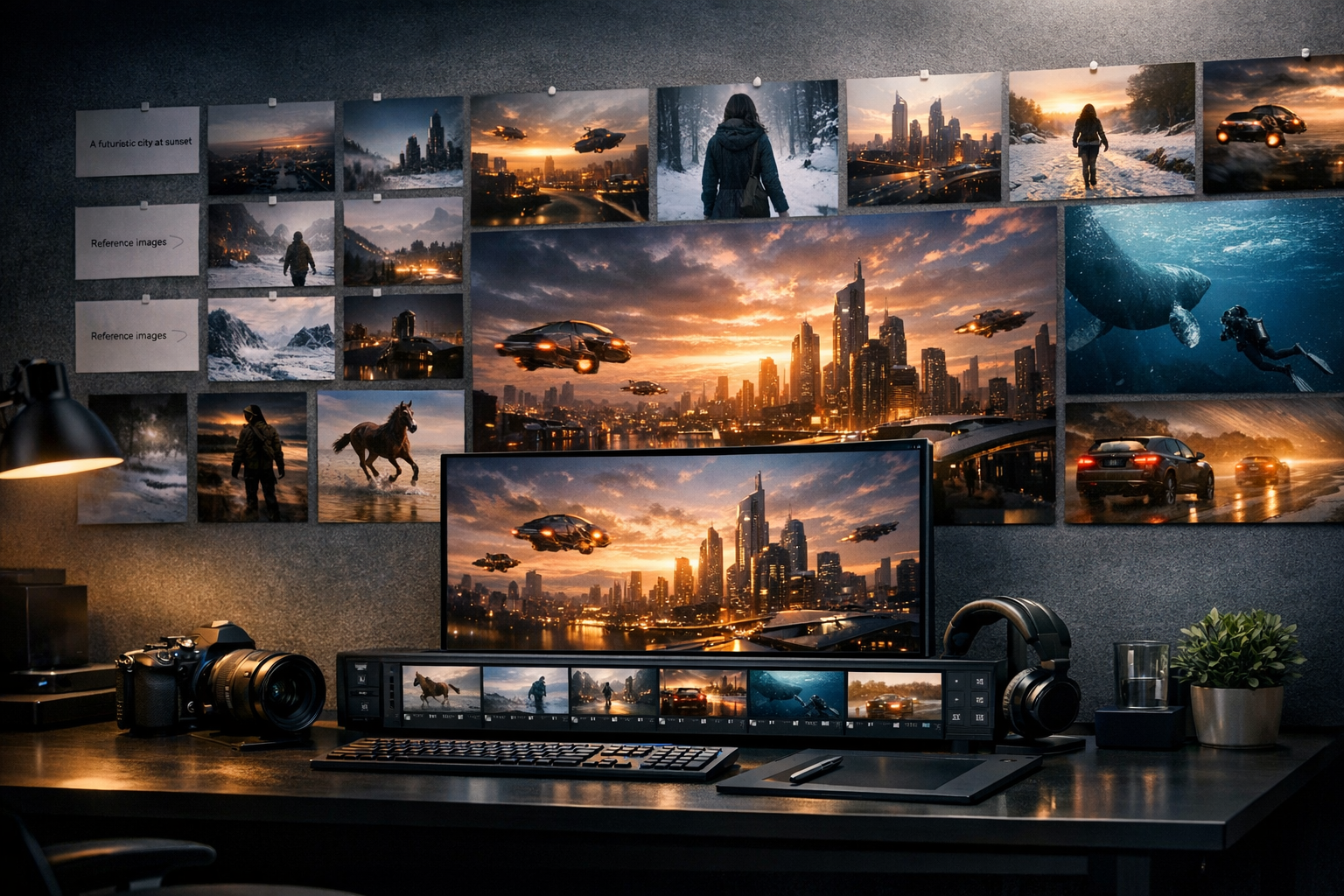
11Create Sora-style AI videos from text prompts. Describe a scene, camera move, character action, or story idea, then turn it into cinematic video content for social, ads, and creative projects.
 12
12Create Kling-style AI videos from prompts. Build expressive character motion, product clips, cinematic shots, and social videos with a simple text-to-video workflow.