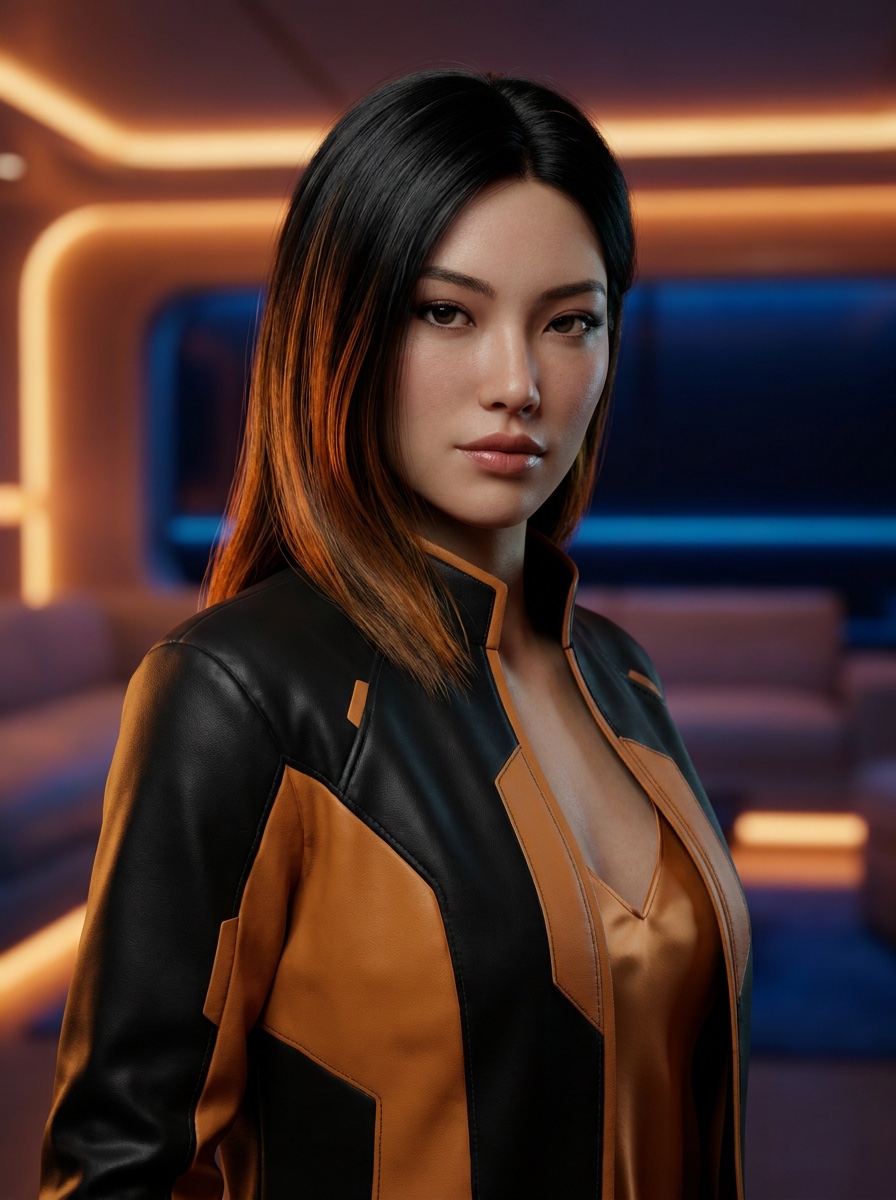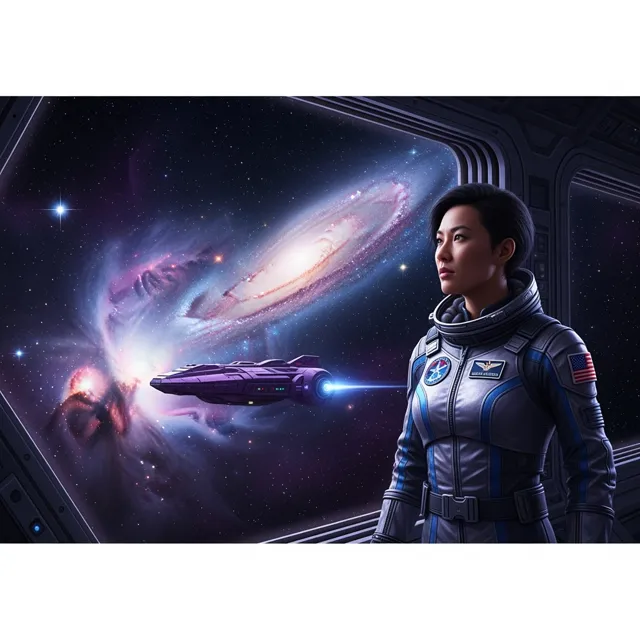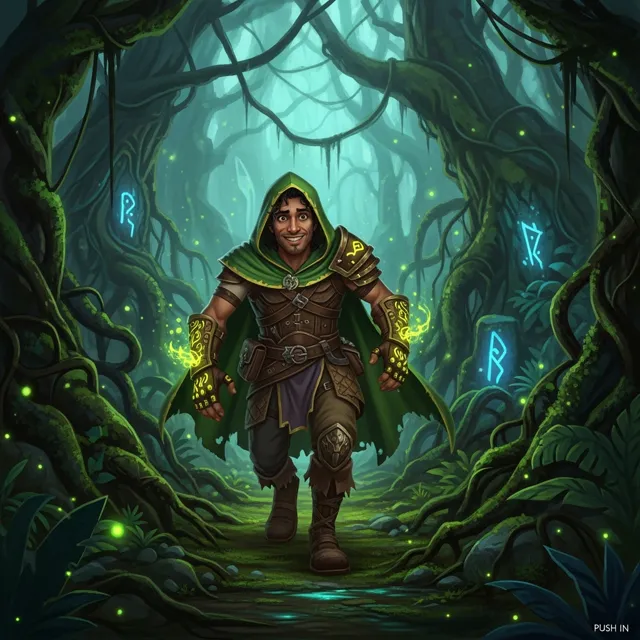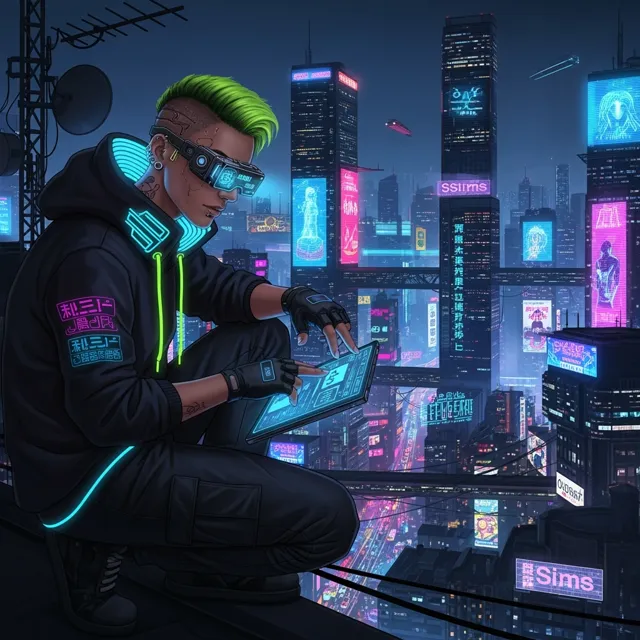
AI Influencer Generated
text to video · 5s · HD
Describe a scene, product idea, or story beat and turn it into a short AI video preview that can be refined before export.
Describe the motion, subject, camera, and mood. Add a reference when you want tighter visual control.
Creator video examples
Use these clips as a quality bar for short story beats, social hooks, product moments, and client-ready previews.
Use this to judge whether the prompt produced a clip worth refining or exporting.
Use this to judge whether the prompt produced a clip worth refining or exporting.
Use this to judge whether the prompt produced a clip worth refining or exporting.
Use this to judge whether the prompt produced a clip worth refining or exporting.
A Text to Video Generator can prove the idea fast. But a real video example still needs clean motion, readable framing, HD export, and no watermark before it becomes an ad, product reveal, or social post.
How LlamaGen Helps
Describe the subject, action, camera, and mood, then refine the preview until the scene feels publishable.
Describe the text to video moment you want: subject, action, camera motion, mood, and final use case.
Preview the motion direction and refine the prompt until the opening frame, pacing, and subject remain clear.
Export the version that is ready for a social post, pitch, product page, or client handoff.
Who benefits from LlamaGen
01
Text to Video Generator lets you test the motion and story beat before committing to a finished download.
Text to Video Generator prompt starters
Text to Video Generator lets you test the motion and story beat before committing to a finished download.
Shape hooks, transitions, product reveals, avatar moments, and character scenes for real publishing contexts.
Move from prompt to preview to HD export without making the page feel like a generic demo gallery.
For clips that are ready to leave preview
Keep exploring in preview mode. Upgrade when you need HD, watermark-free output, more attempts, and faster iteration for production work.
Paid plan benefits
FAQ
Yes. Text to Video Generator works best when the starting prompt or reference is specific about the subject, action, camera movement, and intended use.
Write the subject, action, camera move, setting, lighting, and mood in one compact prompt instead of listing disconnected keywords.
Export when the clip has a strong first frame, readable action, and a clear use case for a post, pitch, or campaign.
Move from a single generated image or video into comics, manga, storyboards, and connected visual stories.
AI video generator series
Try nearby AI video workflows for ads, reels, trailers, image animation, text to video, and model-specific generation.
 01
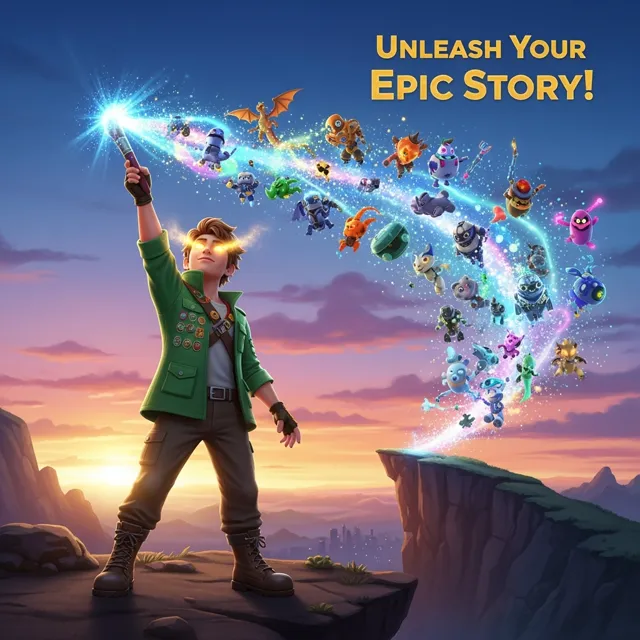
01Create game trailers, cutscenes, gameplay teasers, character reveals, and quest videos from a simple prompt. Turn game ideas into cinematic video scenes with characters, settings, mood, motion, and story beats.
 02
02Create stunning marketing videos in minutes with our AI Marketing Video Generator. Turn your product descriptions, ad copy, or social media posts into engaging videos that convert. Perfect for marketers, businesses, and content creators.
 03
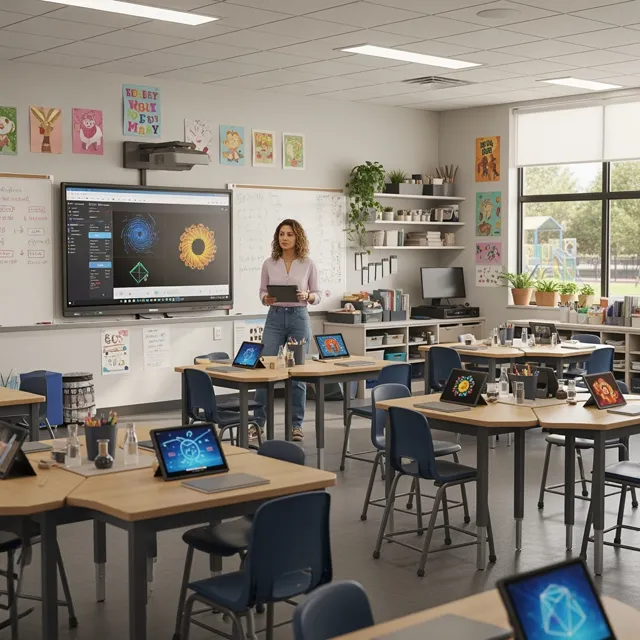
03Empower educators and students with AI-powered video creation. Turn lesson plans, stories, and concepts into engaging educational videos in minutes. Perfect for the classroom and beyond.
 04
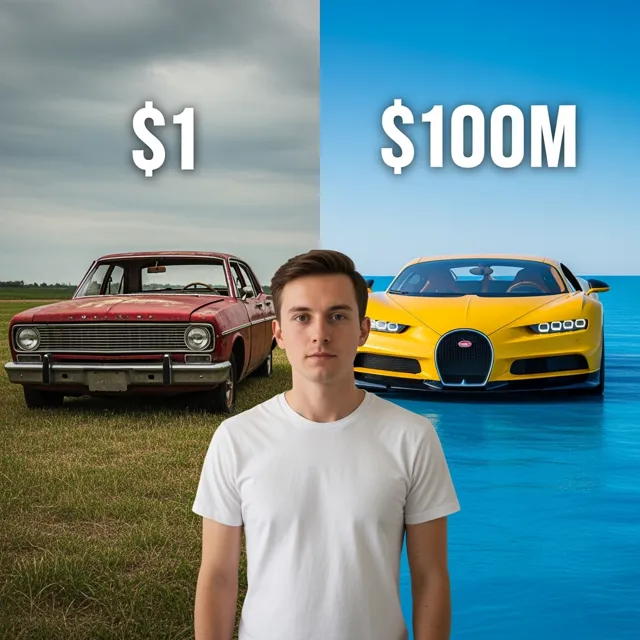
04Create engaging YouTube videos in minutes with our AI YouTube Video Generator. Turn your ideas, scripts, or blog posts into professional-looking videos that grow your channel. Perfect for YouTubers, content creators, and businesses.
 05
05Create TikTok and Instagram Reels with AI for free. Turn text, ideas, or product shots into short videos with captions, voice, music, and ready-to-post vertical formatting.
 06
06Create short AI ads from product details, offers, or raw ideas. Turn prompts and product shots into video ad drafts with hooks, captions, and social-ready pacing.
 07
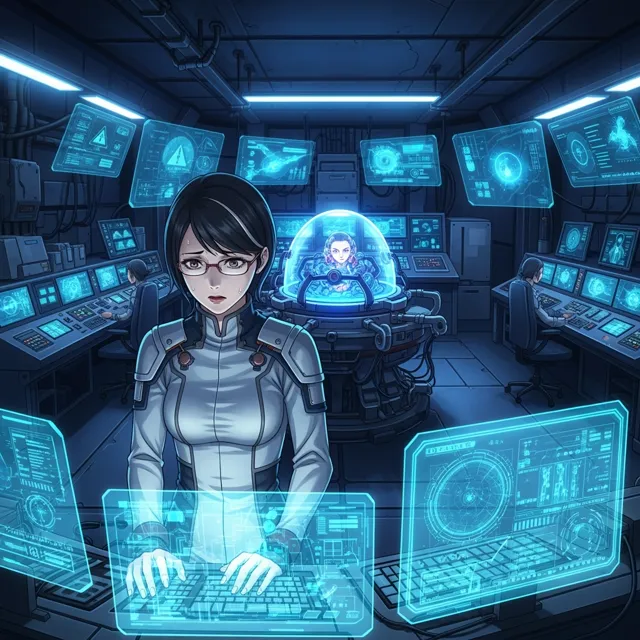
07Unleash your creativity with our free Ani-Sora video generator. Turn your text prompts into stunning animated videos with the power of advanced AI technology.
 08
08Generate high-quality, royalty-free b-roll footage for your videos in seconds. Describe the type of footage you need, and our AI will create custom b-roll clips for free.
 09
09Use Gemini AI Video Generator to turn text or an image into video. Preview the clip, refine the scene, and export HD without a watermark.
 10
10Bring your static images to life with our free Image Animation Generator. Turn any picture into a dynamic, moving piece of art with the power of advanced AI technology.
 11
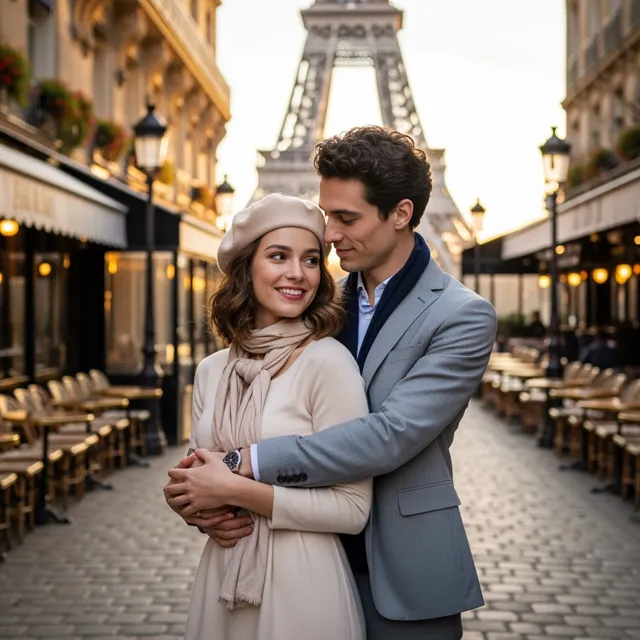
11Use LlamaGen's Sora Video Generator to create OpenAI Sora 2 videos from text prompts or a reference image, preview cinematic motion, and export finished clips for ads, stories, and social posts.
 12
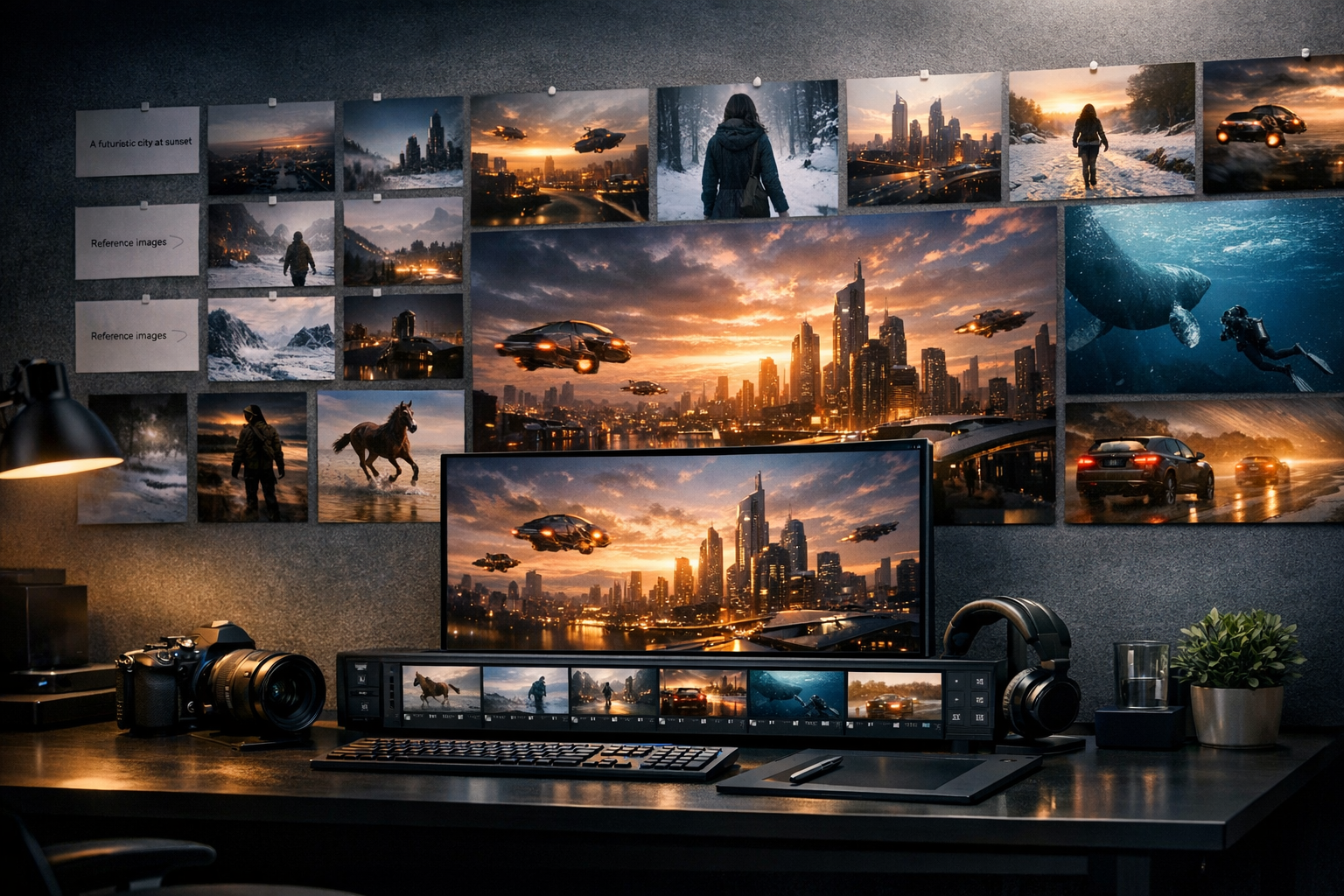
12Create Sora-style AI videos from text prompts. Describe a scene, camera move, character action, or story idea, then turn it into cinematic video content for social, ads, and creative projects.